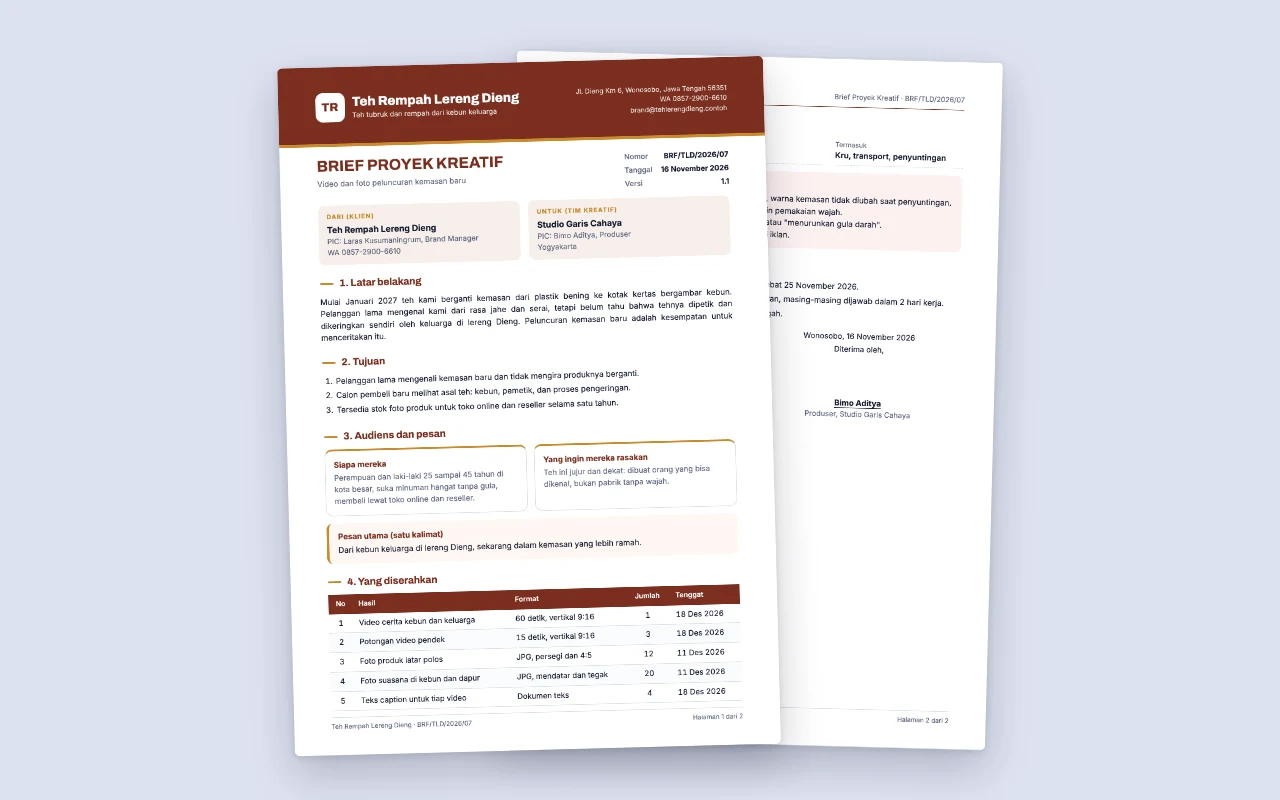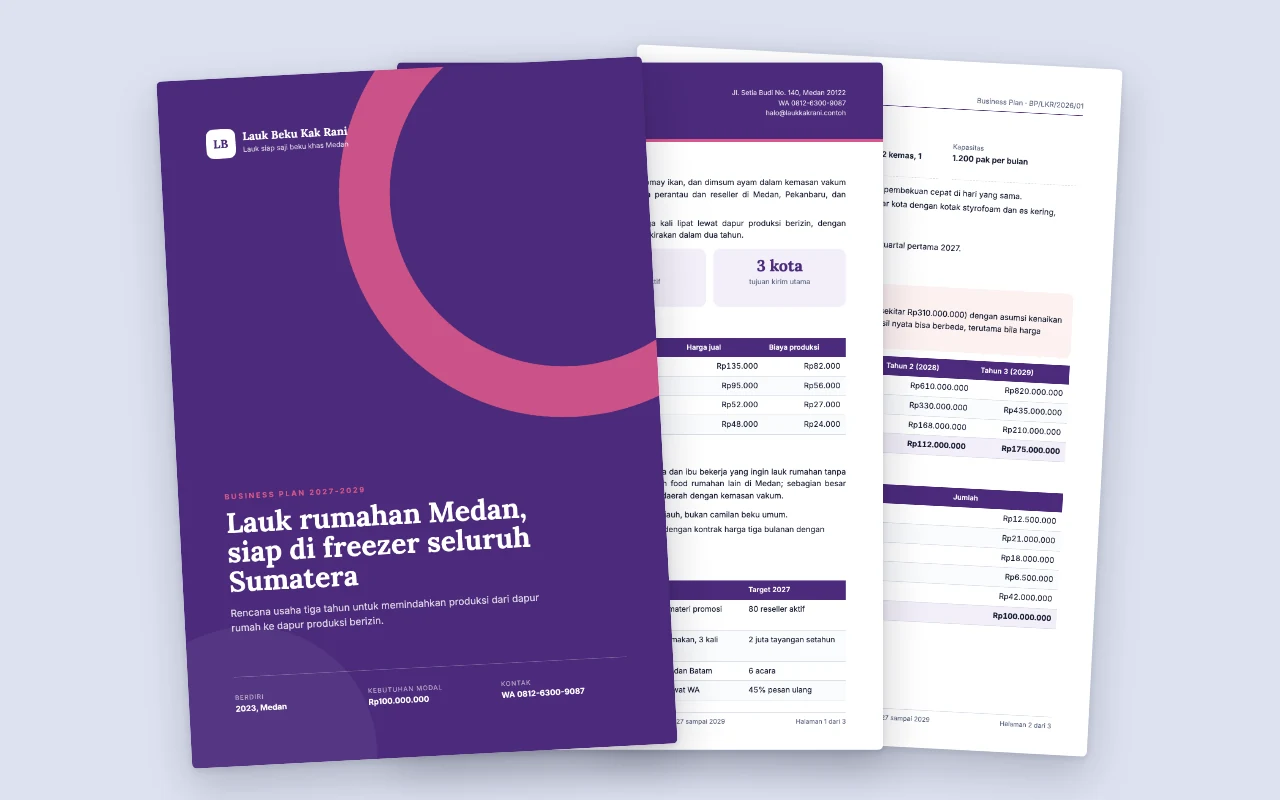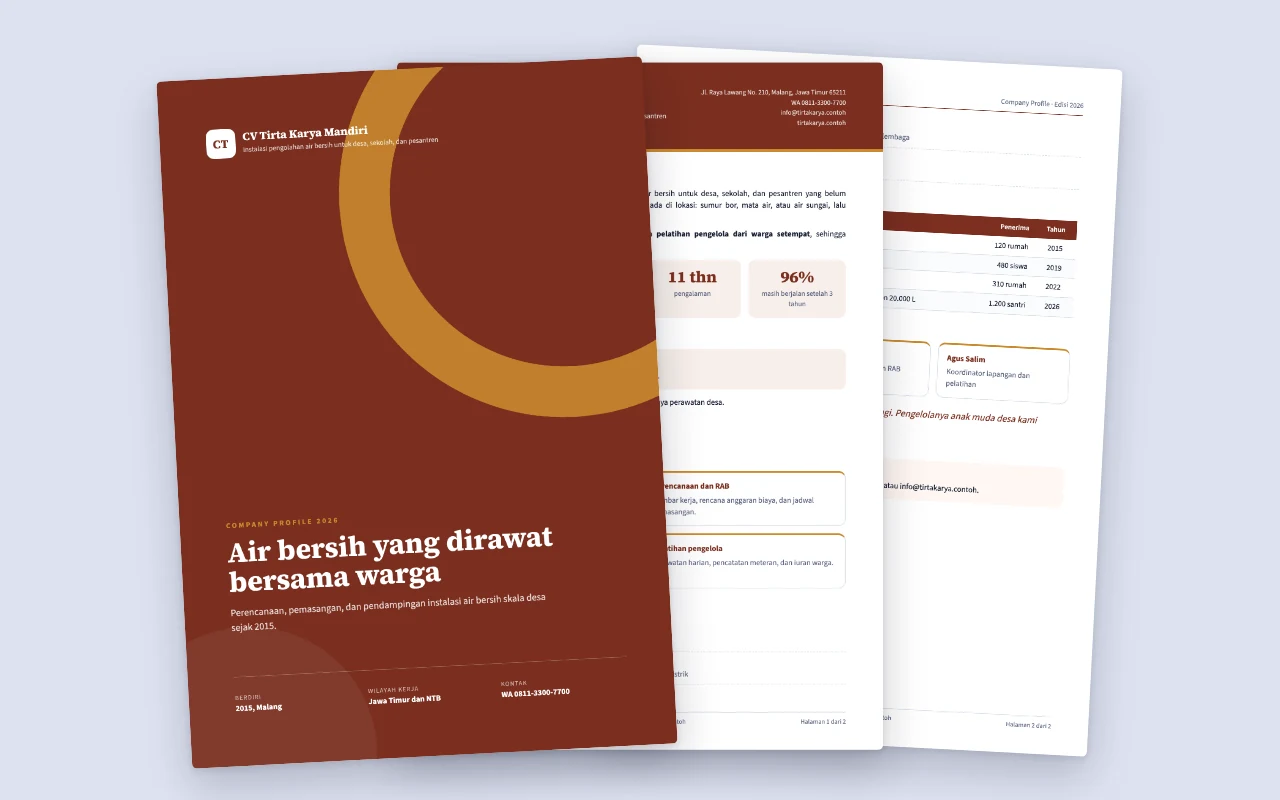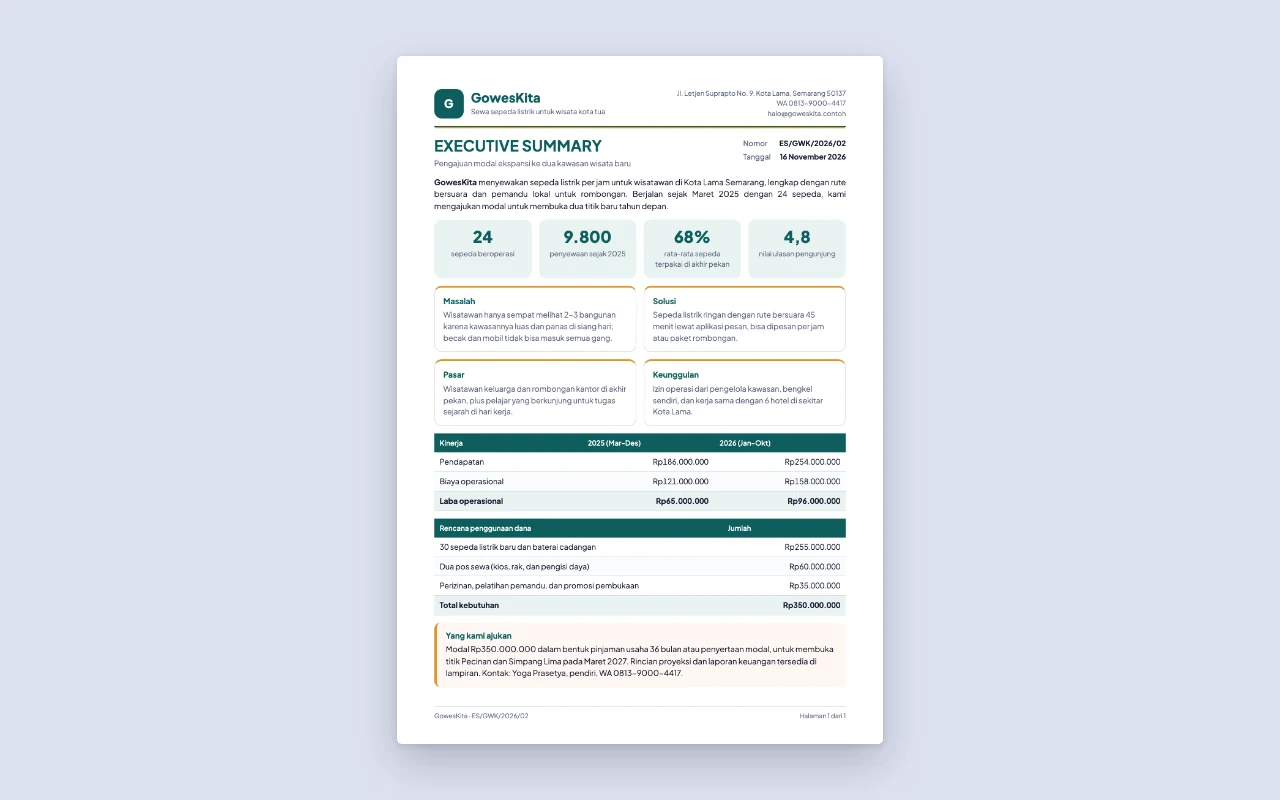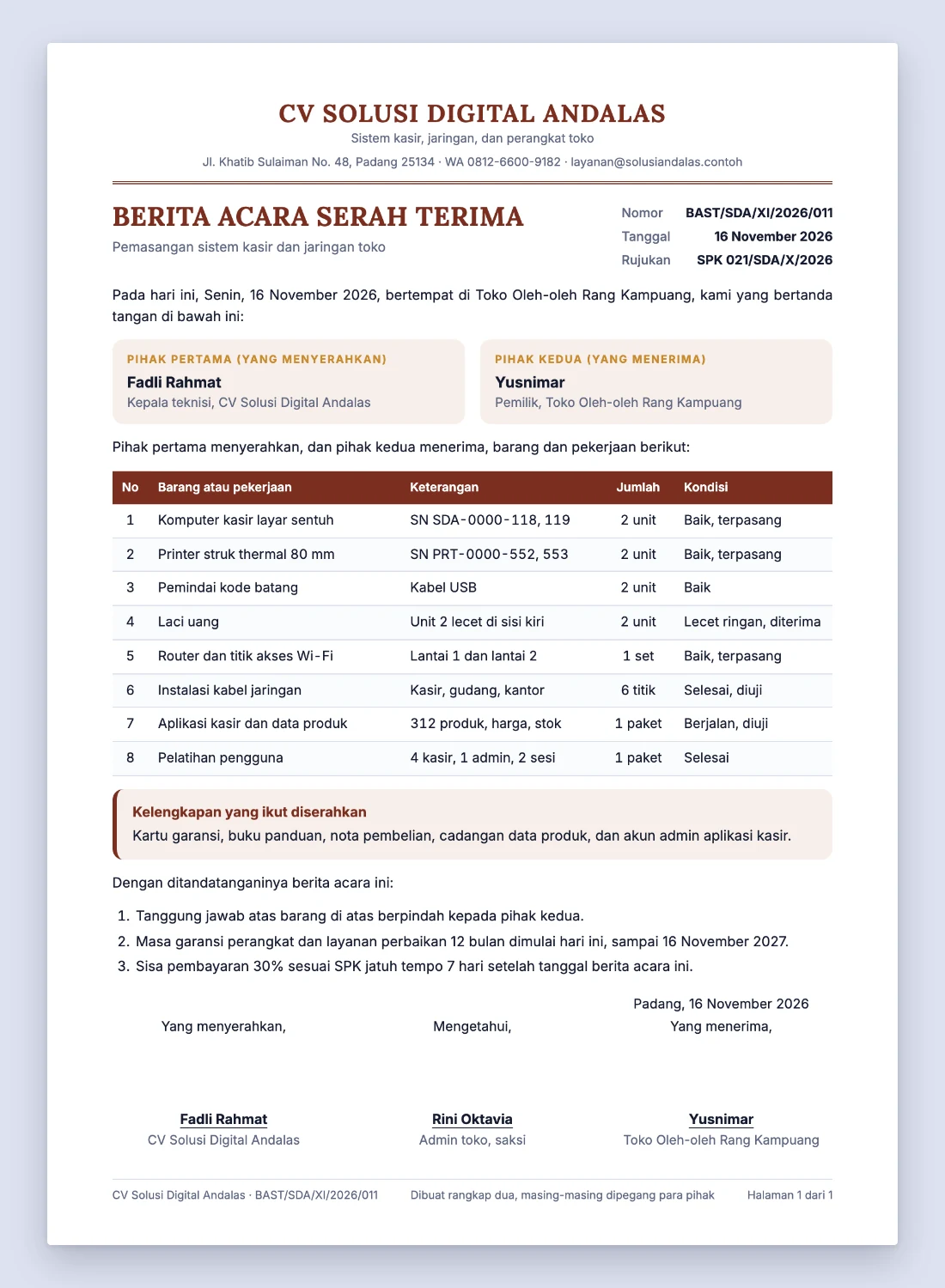
A cashier system handover report: the parties, items and work with quantity and condition, accessories, three signatures
SKILL.md contents
Premium subscribers can read, copy, and install this skill.
Unlock with Premium Sign inHandover Report (BAST)
Description
A print-ready A4 handover report (BAST): letterhead, number and contract or work order reference, day and place, who hands over and who receives, a table of items or work with details, quantity and condition, accessories handed over, what the handover means (responsibility, warranty, final payment), and signatures from both parties plus a witness. The PDF holds real, copyable text.
Verified by SkillFlow
We checked every file in this skill automatically: no command that downloads and runs a program, no hidden code, no instruction telling your AI to ignore you.
- Loads from outside
- SkillFlow: directory.skillflow.ai.id
See the 5 files inside
skill.json6 KBSKILL.md6 KBprompt.md6 KBprompt.en.md6 KBfiles/dokumen.html63 KB
Checked 16 Nov 2026
Part of SkillFlow Pro
Pro opens every skill in every category: copy, ZIP, Send to AI, install, save, and request new skills.
Get Pro Already subscribed? Sign inWhat you get
- An A4 handover report with letterhead, number, date and contract reference
- Who hands over and who receives, with the day and place of handover
- A table of items or work with details, quantity and condition for each line
- Accessories, what the handover means, and signatures from both parties plus a witness, a PDF from the Print / Save as PDF button
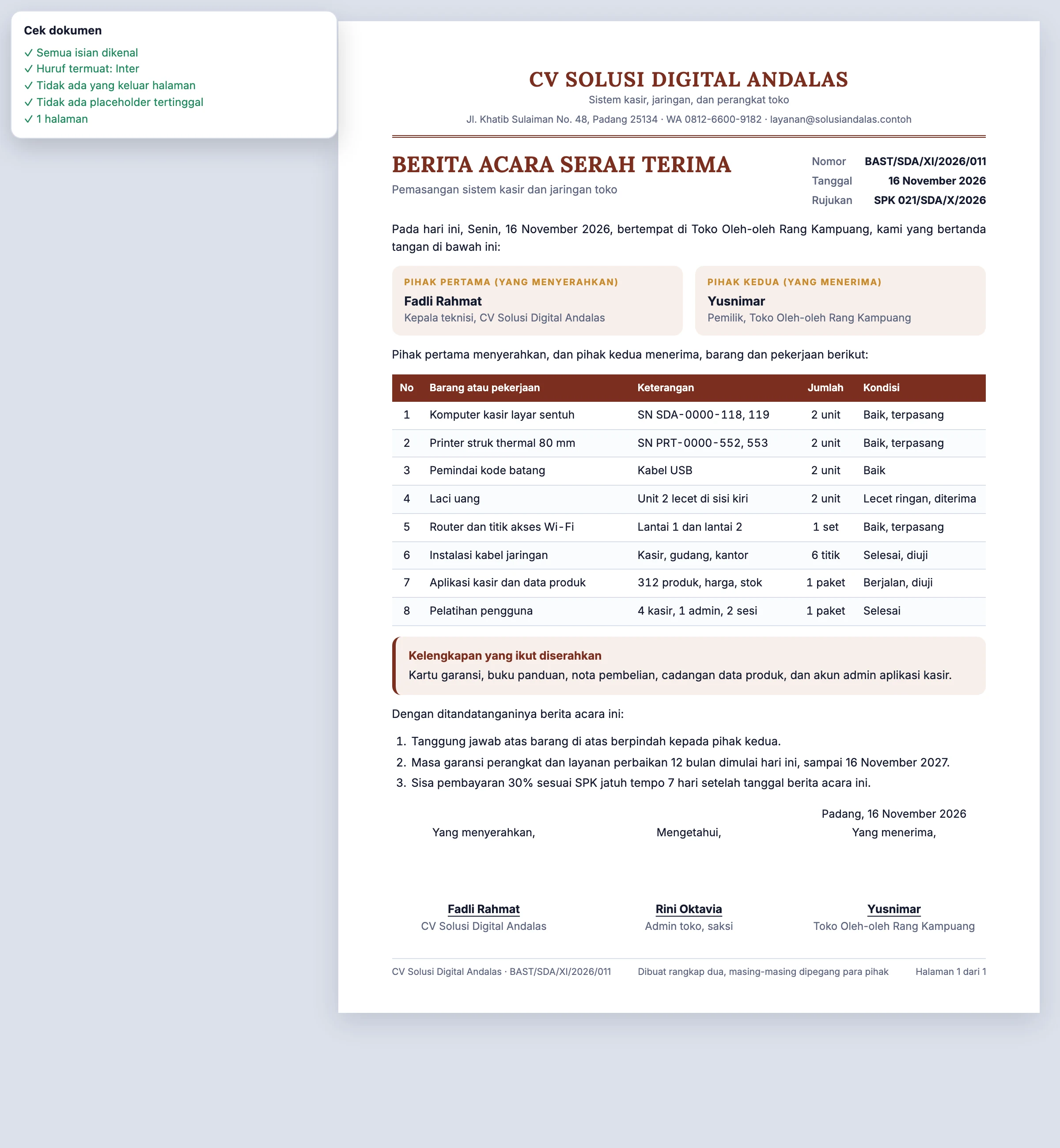
- Check sheet: fields, fonts, content off the page, placeholders
Good fit
- Installation, renovation, interior and IT services that close projects with a handover
- Businesses handing assets or inventory to staff or branches
- Projects whose final payment waits for the work to be handed over
Not for
- It does not inspect the goods or work; conditions come from the on-site check
- It does not show prices; use an invoice for billing
About this skill
/dokumen-berita-acara-serah-terima Make a handover report for a cashier system install: 2 POS computers, 2 receipt printers, 2 cash drawers (one lightly scratched), 6 network points, training, 12-month warranty, 30% balance within 7 days
Show more
A print-ready A4 handover report (BAST): letterhead, number and contract or work order reference, day and place, who hands over and who receives, a table of items or work with details, quantity and condition, accessories handed over, what the handover means (responsibility, warranty, final payment), and signatures from both parties plus a witness. The PDF holds real, copyable text.
User reviews
FAQ
If something is damaged, is it still listed?
Yes. The condition column is written honestly for each line, for example "Light scratch, accepted", so both sides agree on the condition at handover and there is no dispute later.
Can I use it to hand assets to an employee?
Yes. Make the first party the admin department and the second party the employee, then list the assets with their serial numbers.
Is the PDF sharp when printed?
Yes. The Print / Save as PDF button uses the browser's print dialog, so the text stays text (sharp and copyable), not a picture.
Which AI can I use it with?
Copy the prompt into a chat AI (ChatGPT, Claude, Gemini, DeepSeek); or download the ZIP and install it in an AI agent (Claude Code, Codex, Antigravity, Hermes Agent, Cursor, GitHub Copilot, Gemini CLI, OpenCode, Kimi Code, Trae), which then builds the files for you.
What is in the ZIP?
One folder named dokumen-berita-acara-serah-terima with SKILL.md (the instructions an AI agent reads) and the prompt, 5 files in all. Extract it into your agent's skills folder, or install it with npx skillflow-ai add dokumen-berita-acara-serah-terima. Pro only.
Is there a per-use fee or credits?
Not from SkillFlow. The skill runs on the AI you already use, so any cost follows that plan.
Which plan includes it?
SkillFlow Pro. It opens every skill in every category.
Can I use my own colours and brand?
Yes. Pick a colour theme on this page, or fill in your brand profile once; both go into the prompt you copy and into the ZIP.
Can I share what I made?
Pro members can upload the result and get a page at share.skillflow.ai.id to send to anyone. The page carries a small "Made with SkillFlow AI" mark.
Is there a download limit?
Yes, per day: 50 skills on Pro, 10 on other plans. Downloading a skill again on the same day does not count.