

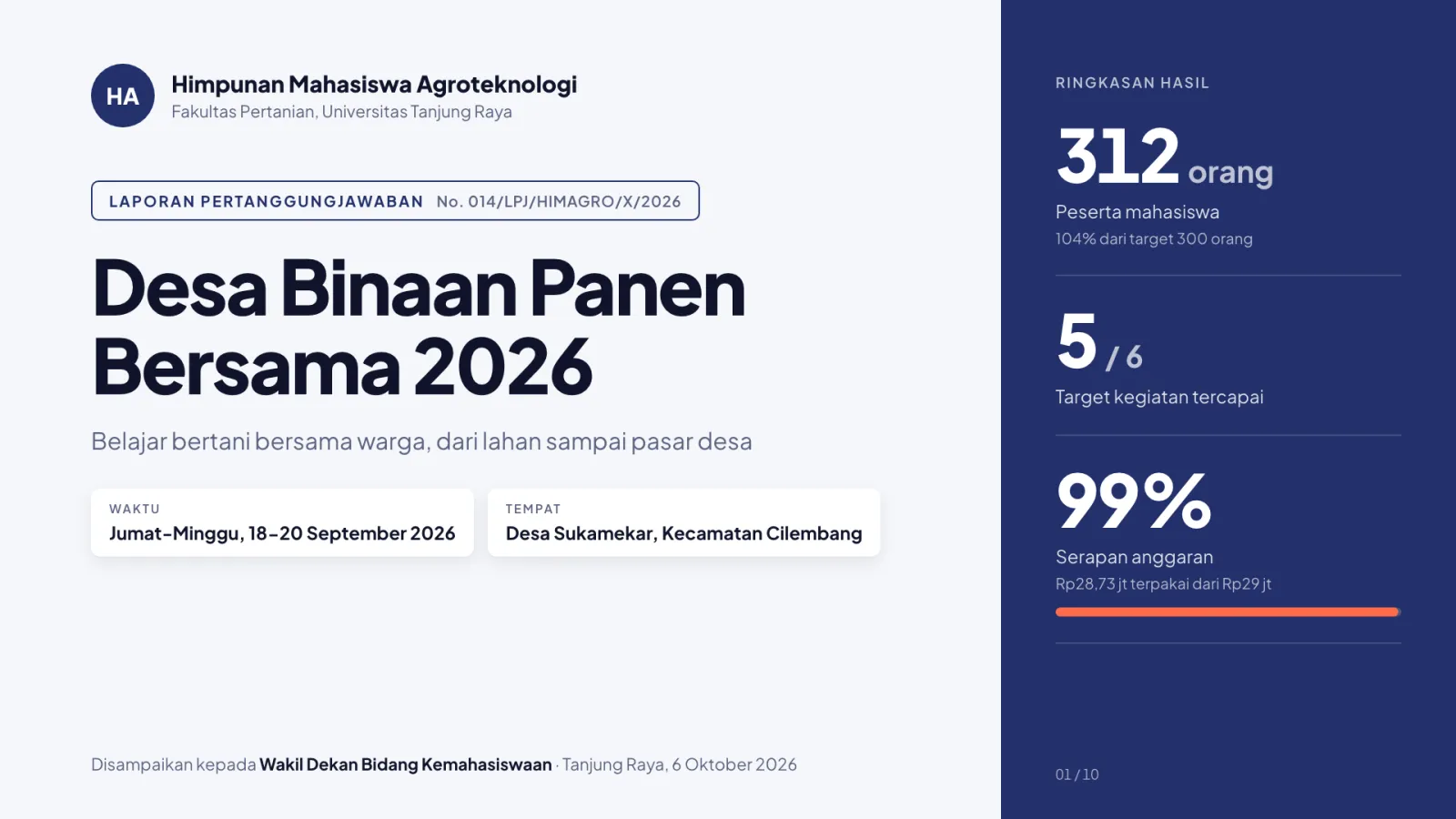
Cover: report number, event name, and a results summary
SKILL.md contents
Premium subscribers can read, copy, and install this skill.
Unlock with Premium Sign inActivity Accountability Report
Description
A 10-slide accountability report deck for student bodies, campus clubs, youth groups, or communities after an event is over: overview, results vs targets, which sessions ran, changed, or were cancelled, photo documentation, budget realization, an itemized expense table with receipt numbers, funding sources, evaluation, and a signature approval page. Achievement percentages, totals, remaining funds, budget absorption, per-item variance, and several titles are computed from one data object. One HTML file that saves straight to PDF.
Verified by SkillFlow
We checked every file in this skill automatically: no command that downloads and runs a program, no hidden code, no instruction telling your AI to ignore you.
- Loads from outside
- Fonts: Google Fonts
See the 5 files inside
skill.json13 KBSKILL.md10 KBprompt.md9 KBprompt.en.md10 KBfiles/deck.html46 KB
Checked 14 Nov 2026
Included in Basic and Pro
Basic copies the prompt. Pro also downloads the ZIP, sends to AI, installs into agents, and opens every category.
Get Pro Get Basic Already subscribed? Sign inWhat you get
- One-file 16:9 HTML deck, 10 slides in accountability report order, left/right arrow navigation
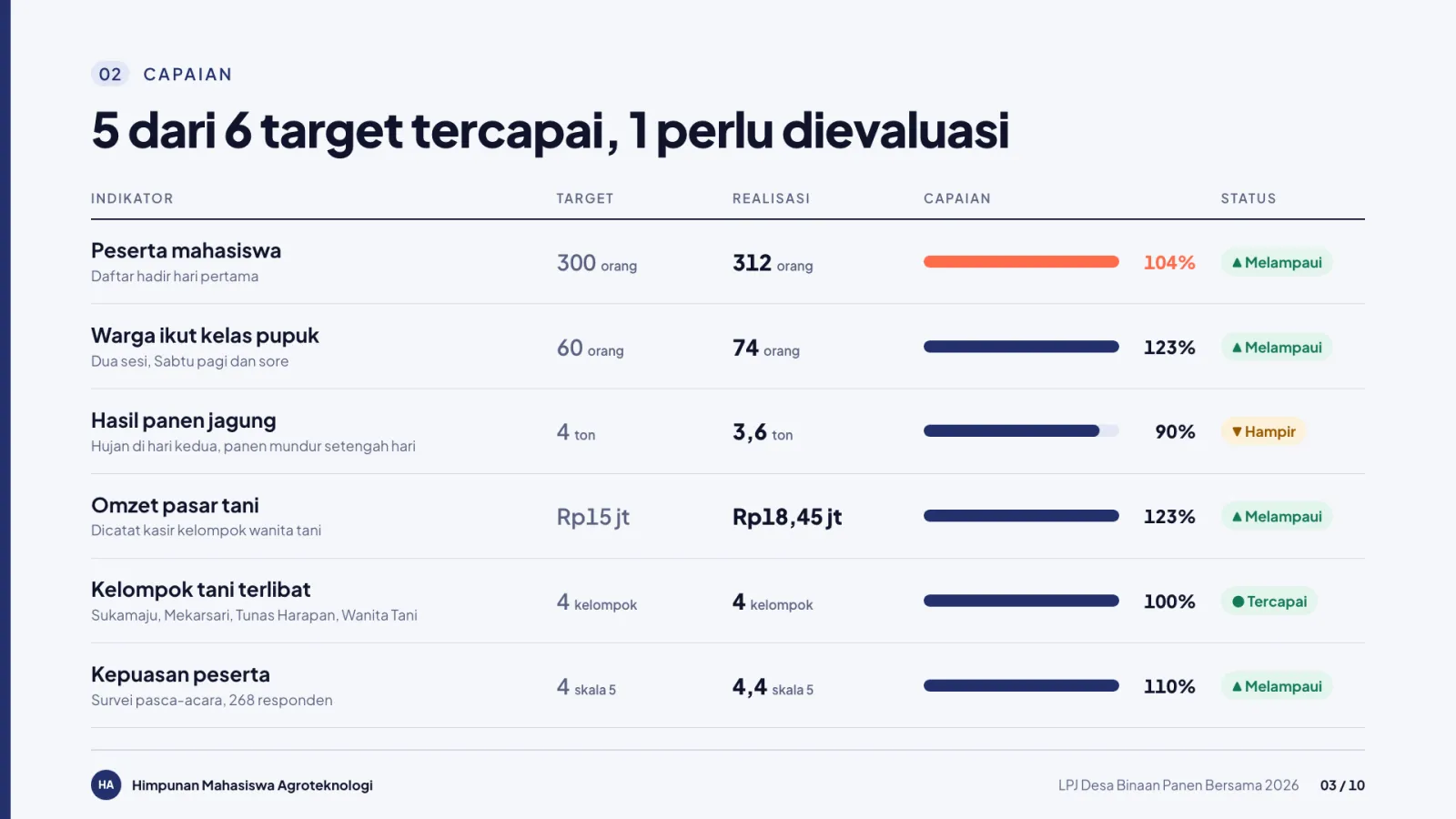
- Results table: target, actual, percent bar, and an Exceeded/Met/Close/Missed status
- Program schedule by day with Ran, Changed, or Cancelled status and the reason
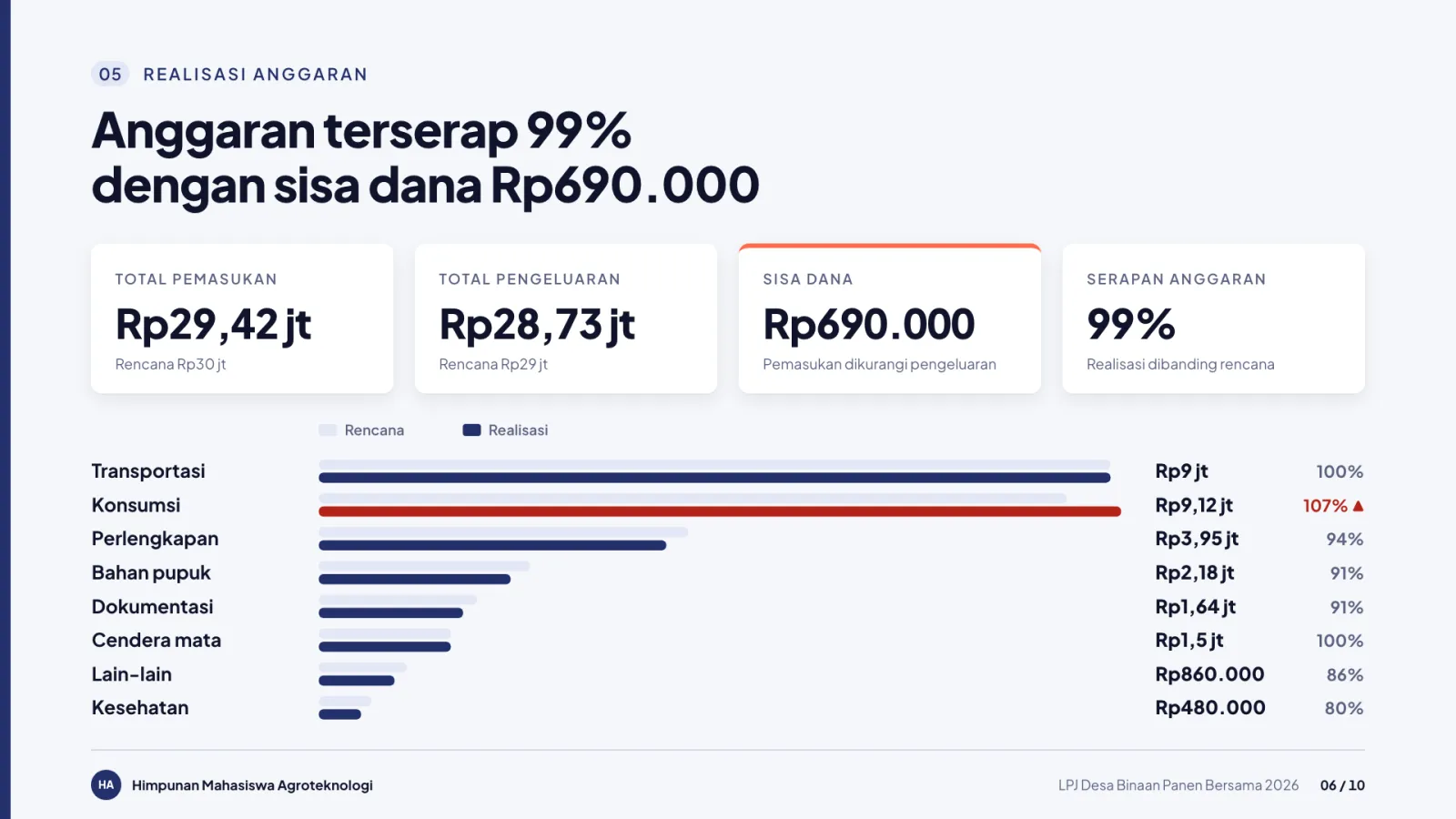
- Budget realization: 4 number cards plus a planned vs actual chart per item, overspent items marked red
- Itemized expense table with variance and receipt numbers, funding sources, and a remaining funds panel
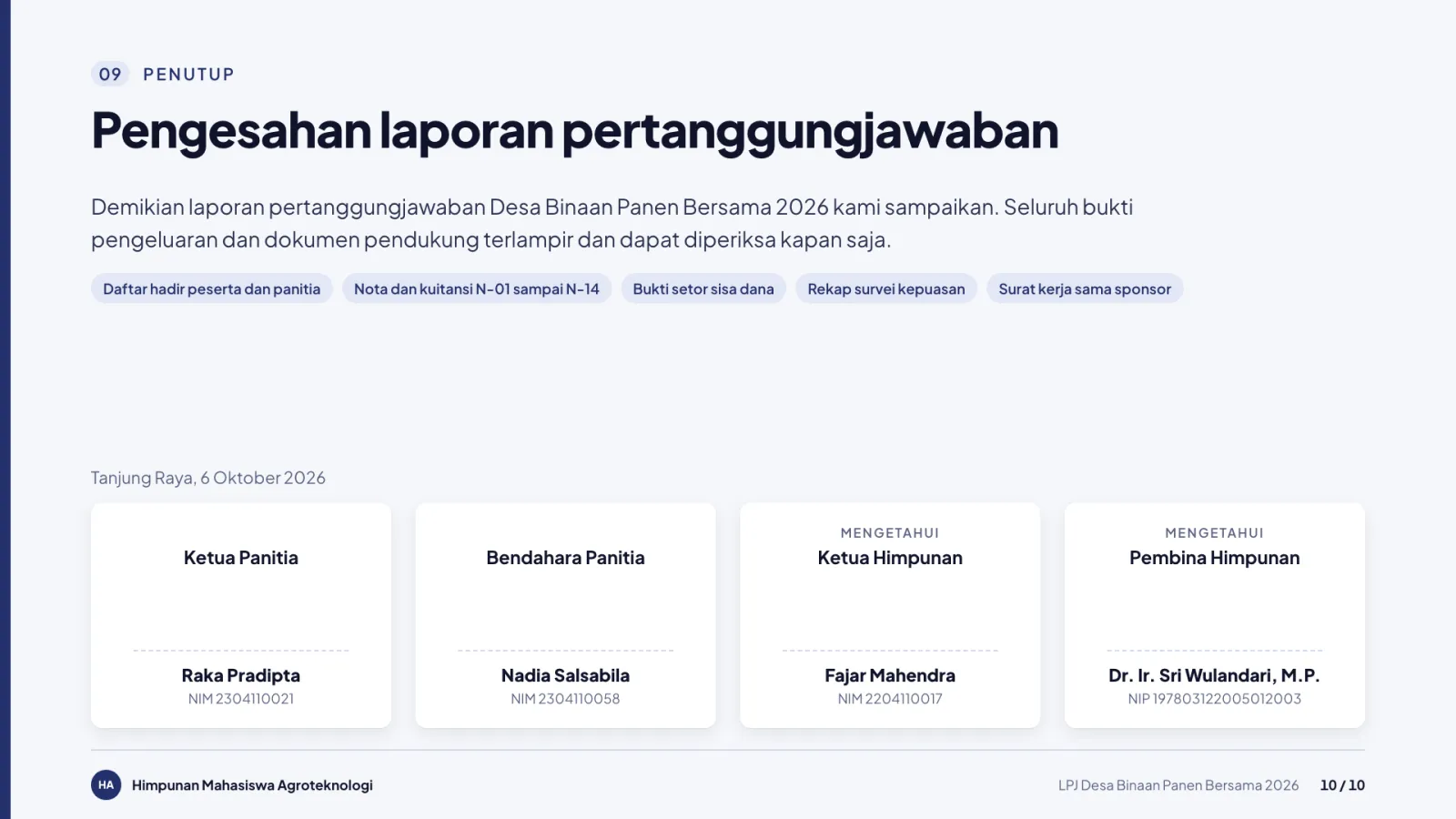
- 3-column evaluation, approval page with 2 to 4 signatures, 3 palettes, PDF via Print in Chrome
Good fit
- Student associations, councils, clubs, youth groups, and communities required to report after an event
- Treasurers wanting budget realisation and remaining funds to be clear
- Committees needing to explain changed or cancelled sessions and why
Not for
- Not a pre-event proposal
- It does not verify receipts; reference numbers come from your real receipts
- It follows a common report structure; adjust it if your campus or institution has a required format
About this skill
/lpj-kegiatan-organisasi Make an accountability report for the 2026 Campus Arts Festival by the Faculty of Cultural Sciences student council: targets vs results, event schedule, a Rp45,000,000 budget realisation, and a sign-off page
Show more
A 10-slide accountability report deck for student bodies, campus clubs, youth groups, or communities after an event is over: overview, results vs targets, which sessions ran, changed, or were cancelled, photo documentation, budget realization, an itemized expense table with receipt numbers, funding sources, evaluation, and a signature approval page. Achievement percentages, totals, remaining funds, budget absorption, per-item variance, and several titles are computed from one data object. One HTML file that saves straight to PDF.
User reviews
FAQ
What is calculated automatically?
Achievement percentages, totals, remaining funds, budget absorption, per-item variance, and some slide titles. Items over plan are marked red.
Can it be printed in black and white?
Yes. Every status has text and an arrow, so it reads without colour.
Which AI can I use it with?
Copy the prompt into a chat AI (ChatGPT, Claude, Gemini, DeepSeek); or download the ZIP and install it in an AI agent (Claude Code, Codex, Antigravity, Hermes Agent, Cursor, GitHub Copilot, Gemini CLI, OpenCode, Kimi Code, Trae), which then builds the files for you.
What is in the ZIP?
One folder named lpj-kegiatan-organisasi with SKILL.md (the instructions an AI agent reads) and the prompt, 5 files in all. Extract it into your agent's skills folder, or install it with npx skillflow-ai add lpj-kegiatan-organisasi. Pro only.
Is there a per-use fee or credits?
Not from SkillFlow. The skill runs on the AI you already use, so any cost follows that plan.
Which plan includes it?
Basic and Pro. Basic copies the prompt; Pro also downloads the ZIP, sends to AI, installs into agents and shares results by link.
Can I use my own colours and brand?
Yes. Pick a colour theme on this page, or fill in your brand profile once; both go into the prompt you copy and into the ZIP.
Can I share what I made?
Pro members can upload the result and get a page at share.skillflow.ai.id to send to anyone. The page carries a small "Made with SkillFlow AI" mark.
Is there a download limit?
Yes, per day: 50 skills on Pro, 10 on other plans. Downloading a skill again on the same day does not count.



