


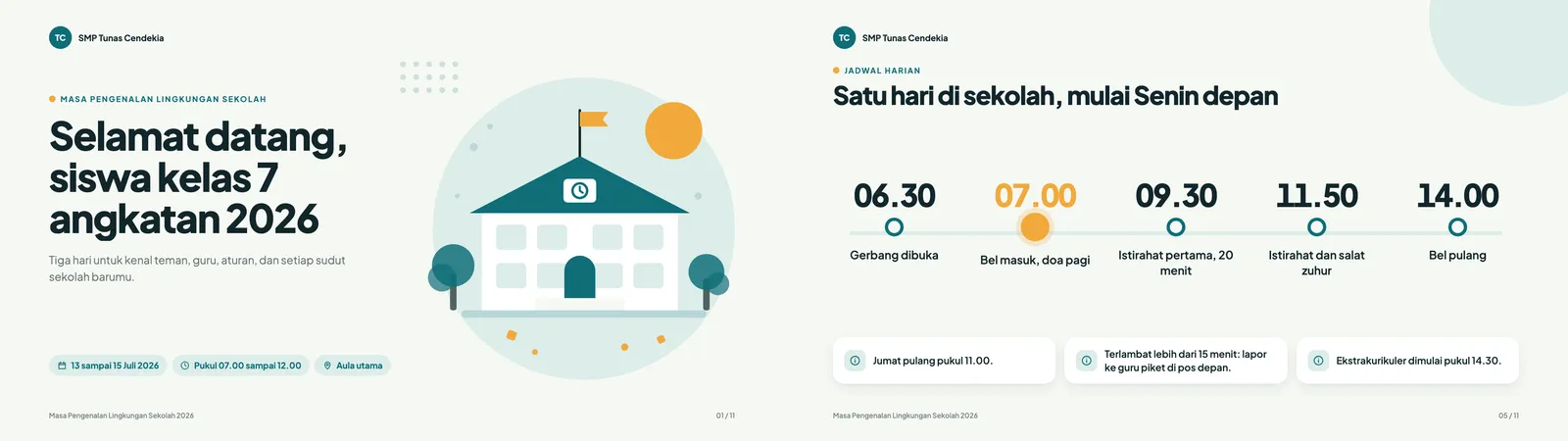
Cover: a school building illustration, the welcome title, and the date, time, and place
SKILL.md contents
Premium subscribers can read, copy, and install this skill.
Unlock with Premium Sign inStudent Orientation
Description
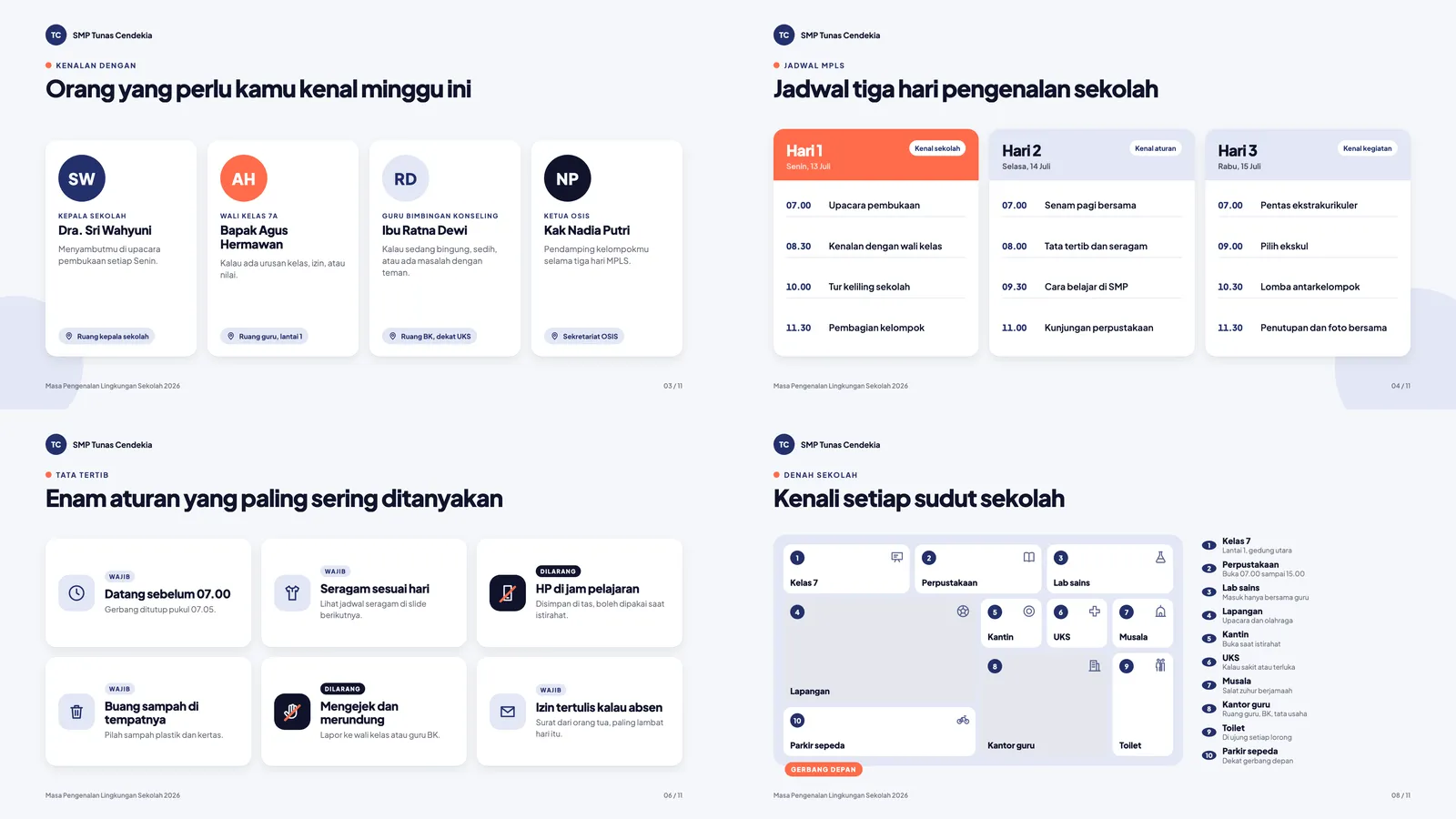
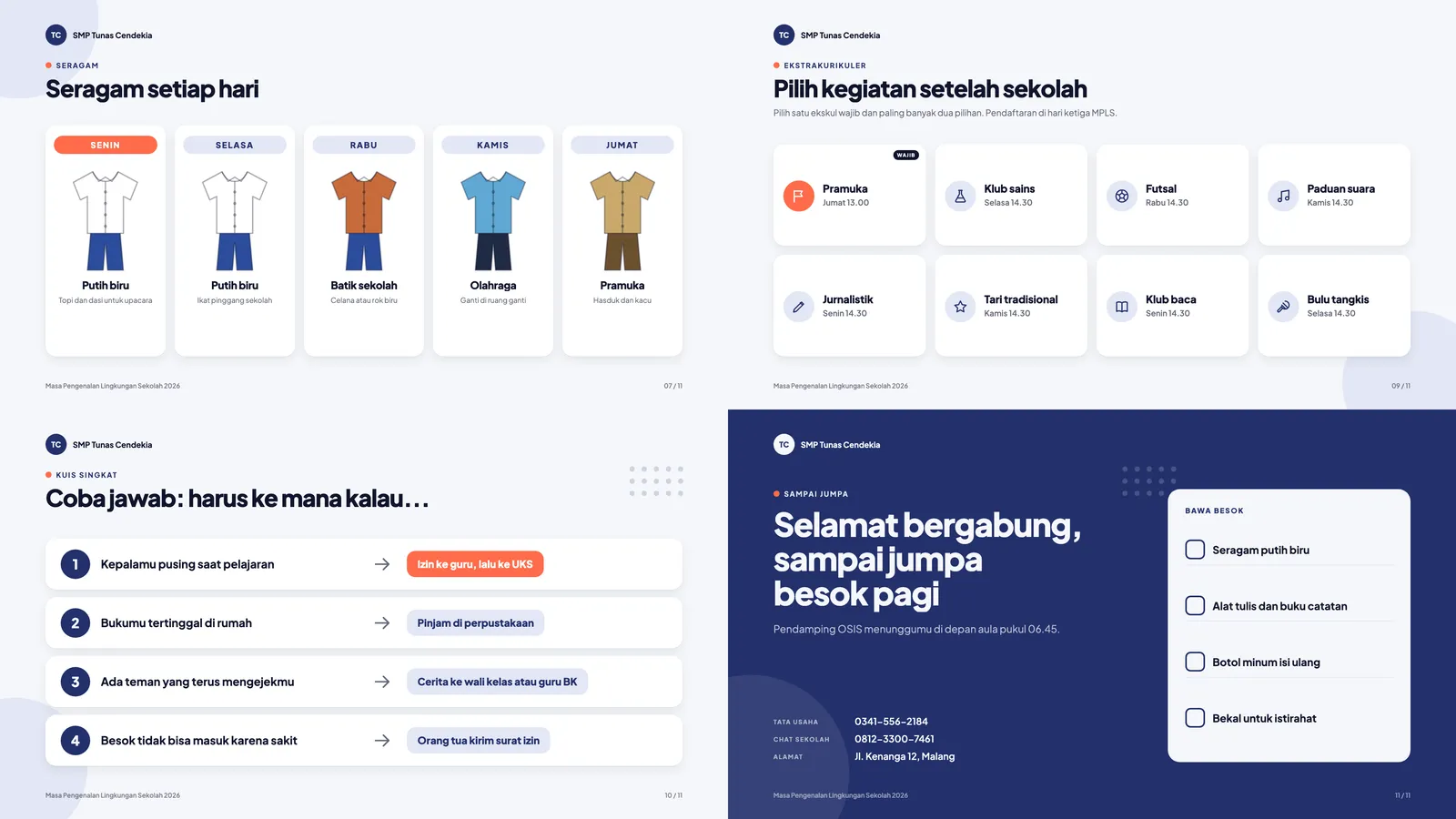
A cheerful but tidy 16:9 deck for a school orientation week: a cover with a school building illustration, the school in numbers and a motto, the people to know with when and where to see them, the orientation schedule by day, a school-day timeline, must and must-not rules with icons, a drawn uniform for each day, a numbered school map, clubs, a quiz on where to go when something happens, and a closing slide with what to bring tomorrow. All images are built-in icons and illustrations, no photos.
Verified by SkillFlow
We checked every file in this skill automatically: no command that downloads and runs a program, no hidden code, no instruction telling your AI to ignore you.
- Loads from outside
- Fonts: Google Fonts
See the 5 files inside
skill.json10 KBSKILL.md7 KBprompt.md5 KBprompt.en.md5 KBfiles/deck.html45 KB
Checked 14 Nov 2026
Included in Basic and Pro
Basic copies the prompt. Pro also downloads the ZIP, sends to AI, installs into agents, and opens every category.
Get Pro Get Basic Already subscribed? Sign inWhat you get
- One-file 16:9 HTML deck, 11 slides, arrow-key navigation, driven by one DECK object
- A school building illustration, a drawn uniform for each day, and 26 built-in school icons
- The orientation schedule by day and a school-day timeline with the bell time highlighted
- Rules marked must or must not, and a numbered map with a note for every room
- A where-to-go quiz, and a closing slide with what to bring tomorrow
- 3 palettes (indigo, cheerful, school green), one slide per page PDF via Print in Chrome
Good fit
- Student councils, homeroom teachers, and school orientation committees
- Schools wanting to answer new students' questions in one deck
- Boarding and private schools welcoming a new intake every year
Not for
- It uses no photos; all visuals are built-in icons and illustrations
- The campus map is schematic and numbered, not to scale
- Rules and schedules must come from your own school
About this skill
/orientasi-siswa-baru Make a new student orientation deck for Harapan Bangsa High School: a 3-day schedule, bell times, school rules, uniforms per day, a campus map, and extracurriculars
Show more
A cheerful but tidy 16:9 deck for a school orientation week: a cover with a school building illustration, the school in numbers and a motto, the people to know with when and where to see them, the orientation schedule by day, a school-day timeline, must and must-not rules with icons, a drawn uniform for each day, a numbered school map, clubs, a quiz on where to go when something happens, and a closing slide with what to bring tomorrow. All images are built-in icons and illustrations, no photos.
User reviews
FAQ
What is the where-do-I-go quiz?
A slide posing situations such as feeling ill in class or losing something, then showing who or which room students should go to.
Do teacher and staff avatars use photos?
Initials by default, so the deck stays tidy without photos. You can add photos if you have them.
Which AI can I use it with?
Copy the prompt into a chat AI (ChatGPT, Claude, Gemini, DeepSeek); or download the ZIP and install it in an AI agent (Claude Code, Codex, Antigravity, Hermes Agent, Cursor, GitHub Copilot, Gemini CLI, OpenCode, Kimi Code, Trae), which then builds the files for you.
What is in the ZIP?
One folder named orientasi-siswa-baru with SKILL.md (the instructions an AI agent reads) and the prompt, 5 files in all. Extract it into your agent's skills folder, or install it with npx skillflow-ai add orientasi-siswa-baru. Pro only.
Is there a per-use fee or credits?
Not from SkillFlow. The skill runs on the AI you already use, so any cost follows that plan.
Which plan includes it?
Basic and Pro. Basic copies the prompt; Pro also downloads the ZIP, sends to AI, installs into agents and shares results by link.
Can I use my own colours and brand?
Yes. Pick a colour theme on this page, or fill in your brand profile once; both go into the prompt you copy and into the ZIP.
Can I share what I made?
Pro members can upload the result and get a page at share.skillflow.ai.id to send to anyone. The page carries a small "Made with SkillFlow AI" mark.
Is there a download limit?
Yes, per day: 50 skills on Pro, 10 on other plans. Downloading a skill again on the same day does not count.



