

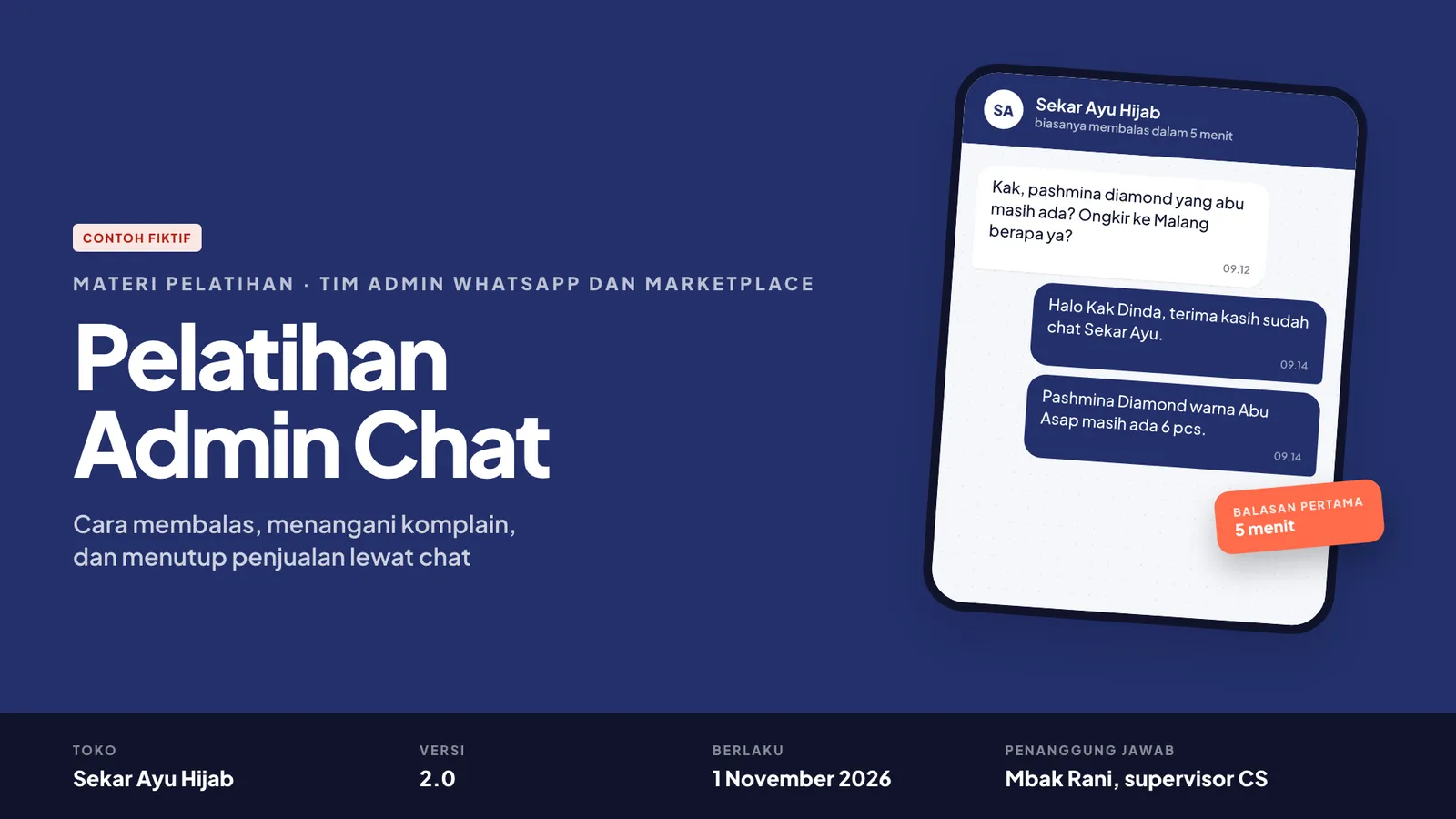
Cover with a chat screen and the first-reply standard
SKILL.md contents
Premium subscribers can read, copy, and install this skill.
Unlock with Premium Sign inChat Admin Training
Description
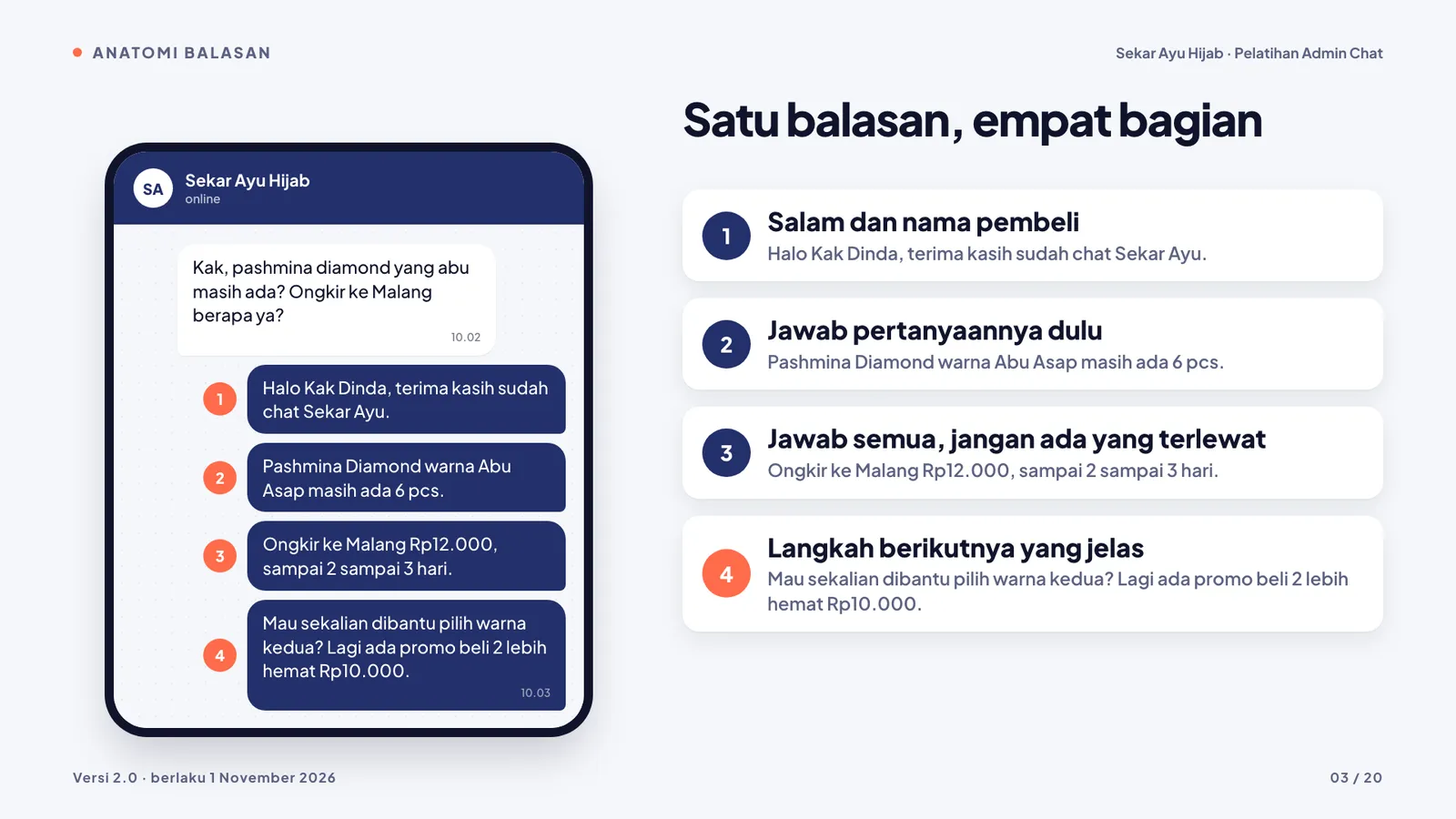
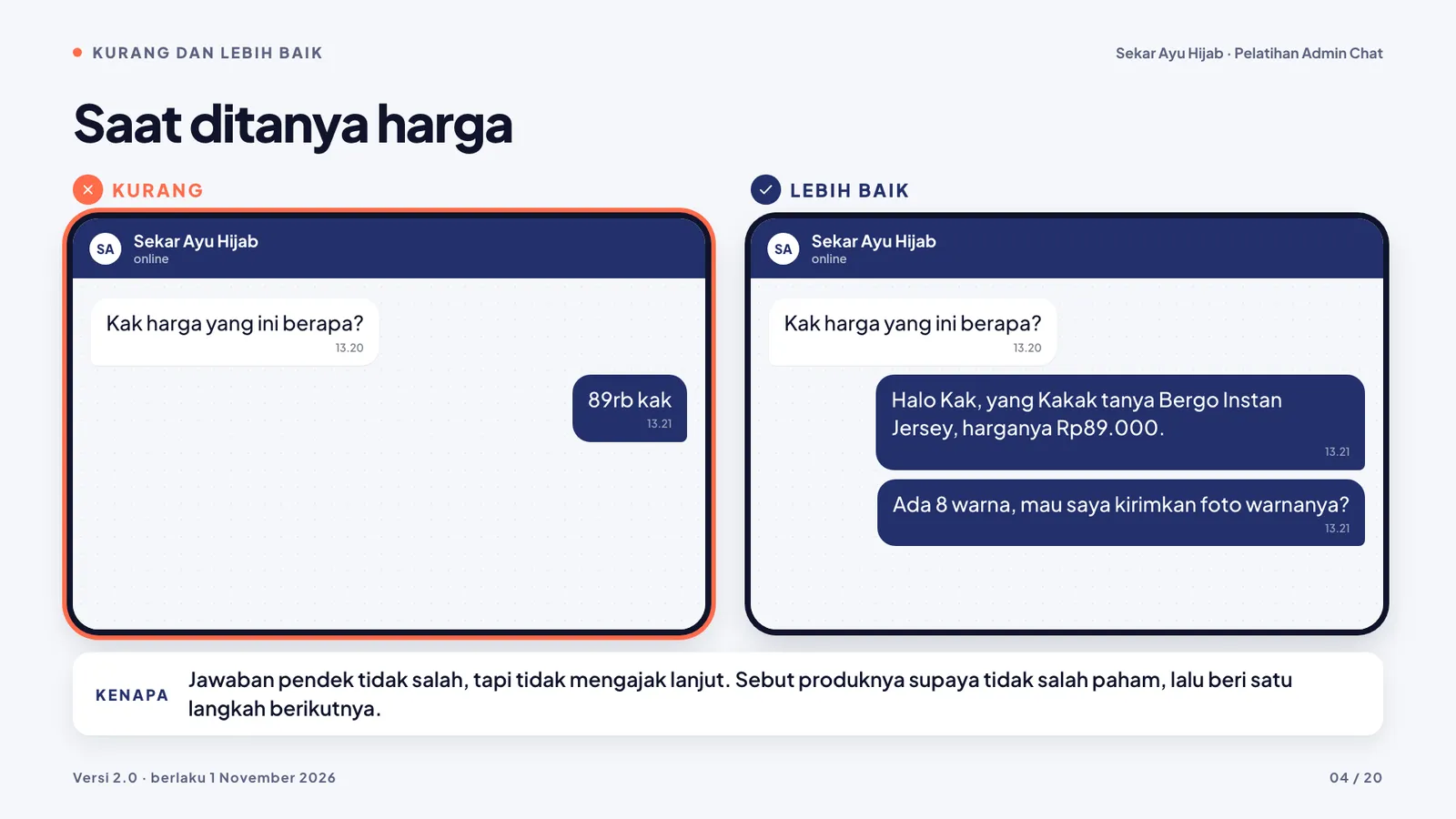
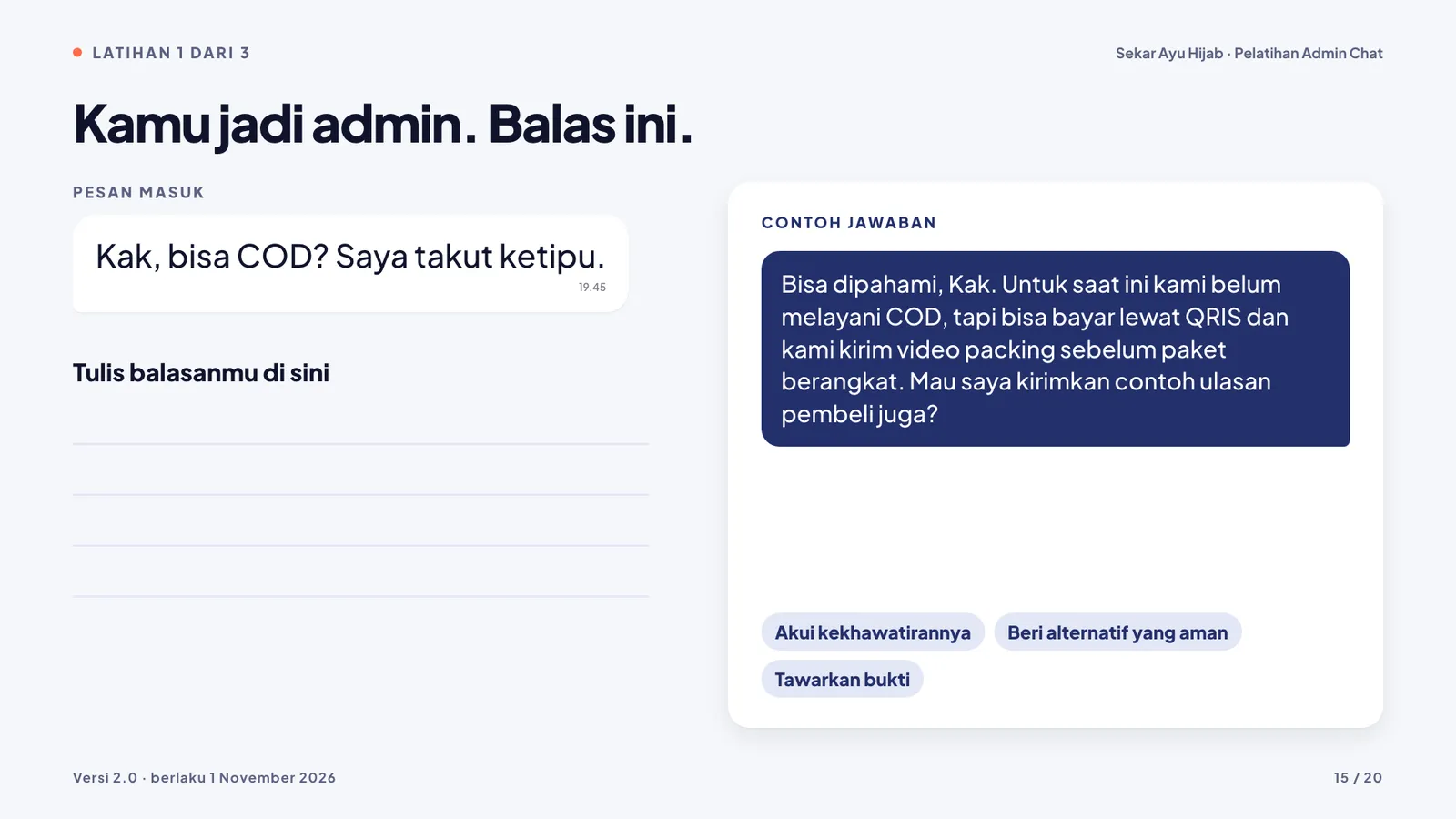
A training deck for online shop chat agents (16:9, about 20 slides): service standards and tone, the anatomy of a good reply on a chat screen, weaker and better replies on two phones, words to avoid and what to say instead, reply templates per situation with shortcuts, a four-step complaint flow with an example conversation, when to escalate, the closing flow up to the order format, a follow-up schedule, role-play exercises with answers revealed in training, a shift checklist, and a cheat sheet. Exports to PDF.
Verified by SkillFlow
We checked every file in this skill automatically: no command that downloads and runs a program, no hidden code, no instruction telling your AI to ignore you.
- Loads from outside
- Fonts: Google Fonts
See the 5 files inside
skill.json10 KBSKILL.md8 KBprompt.md5 KBprompt.en.md5 KBfiles/deck.html49 KB
Checked 14 Nov 2026
Included in Basic and Pro
Basic copies the prompt. Pro also downloads the ZIP, sends to AI, installs into agents, and opens every category.
Get Pro Get Basic Already subscribed? Sign inWhat you get
- Training material tidied from the shop's real chats: standards, examples, templates, and exercises
- A 16:9 HTML deck of about 20 slides with chat screens (buyer and agent bubbles) in every example
- Reply templates grouped by situation, with shortcuts and {parts} that must be replaced
- A four-step complaint flow, escalation rules, a seven-stage closing flow, and a follow-up schedule
- Role-play exercises with model answers revealed with the J key, trainer notes with the N key
- A shift checklist and a cheat sheet to stick up, 3 colour themes, PDF export, and a deckReport() check
Good fit
- Online shop owners hiring or training new chat admins
- Supervisors wanting a consistent service standard across shifts
- Businesses wanting admins to learn from conversation examples, not rule paragraphs
Not for
- It does not reply to chats or install templates in your chat app
- Material is built from your shop's chats and policies; rules you don't have are not invented
- Buyer details in example chats should be anonymised before use
About this skill
/pelatihan-admin-chat Make a chat admin training deck for Glow Sari Skincare from our real chat examples: a 5-minute reply standard, templates per situation, a complaint flow, and role-play practice
Show more
A training deck for online shop chat agents (16:9, about 20 slides): service standards and tone, the anatomy of a good reply on a chat screen, weaker and better replies on two phones, words to avoid and what to say instead, reply templates per situation with shortcuts, a four-step complaint flow with an example conversation, when to escalate, the closing flow up to the order format, a follow-up schedule, role-play exercises with answers revealed in training, a shift checklist, and a cheat sheet. Exports to PDF.
User reviews
FAQ
How does the role-play work?
Practice slides show a buyer situation. Admins answer first, then the trainer presses J to reveal a sample answer. N opens trainer notes.
What does {part} mean in reply templates?
A part the admin must replace before sending, such as {name} or {order number}, so replies never go out with blanks.
Which AI can I use it with?
Copy the prompt into a chat AI (ChatGPT, Claude, Gemini, DeepSeek); or download the ZIP and install it in an AI agent (Claude Code, Codex, Antigravity, Hermes Agent, Cursor, GitHub Copilot, Gemini CLI, OpenCode, Kimi Code, Trae), which then builds the files for you.
What is in the ZIP?
One folder named pelatihan-admin-chat with SKILL.md (the instructions an AI agent reads) and the prompt, 5 files in all. Extract it into your agent's skills folder, or install it with npx skillflow-ai add pelatihan-admin-chat. Pro only.
Is there a per-use fee or credits?
Not from SkillFlow. The skill runs on the AI you already use, so any cost follows that plan.
Which plan includes it?
Basic and Pro. Basic copies the prompt; Pro also downloads the ZIP, sends to AI, installs into agents and shares results by link.
Can I use my own colours and brand?
Yes. Pick a colour theme on this page, or fill in your brand profile once; both go into the prompt you copy and into the ZIP.
Can I share what I made?
Pro members can upload the result and get a page at share.skillflow.ai.id to send to anyone. The page carries a small "Made with SkillFlow AI" mark.
Is there a download limit?
Yes, per day: 50 skills on Pro, 10 on other plans. Downloading a skill again on the same day does not count.



