

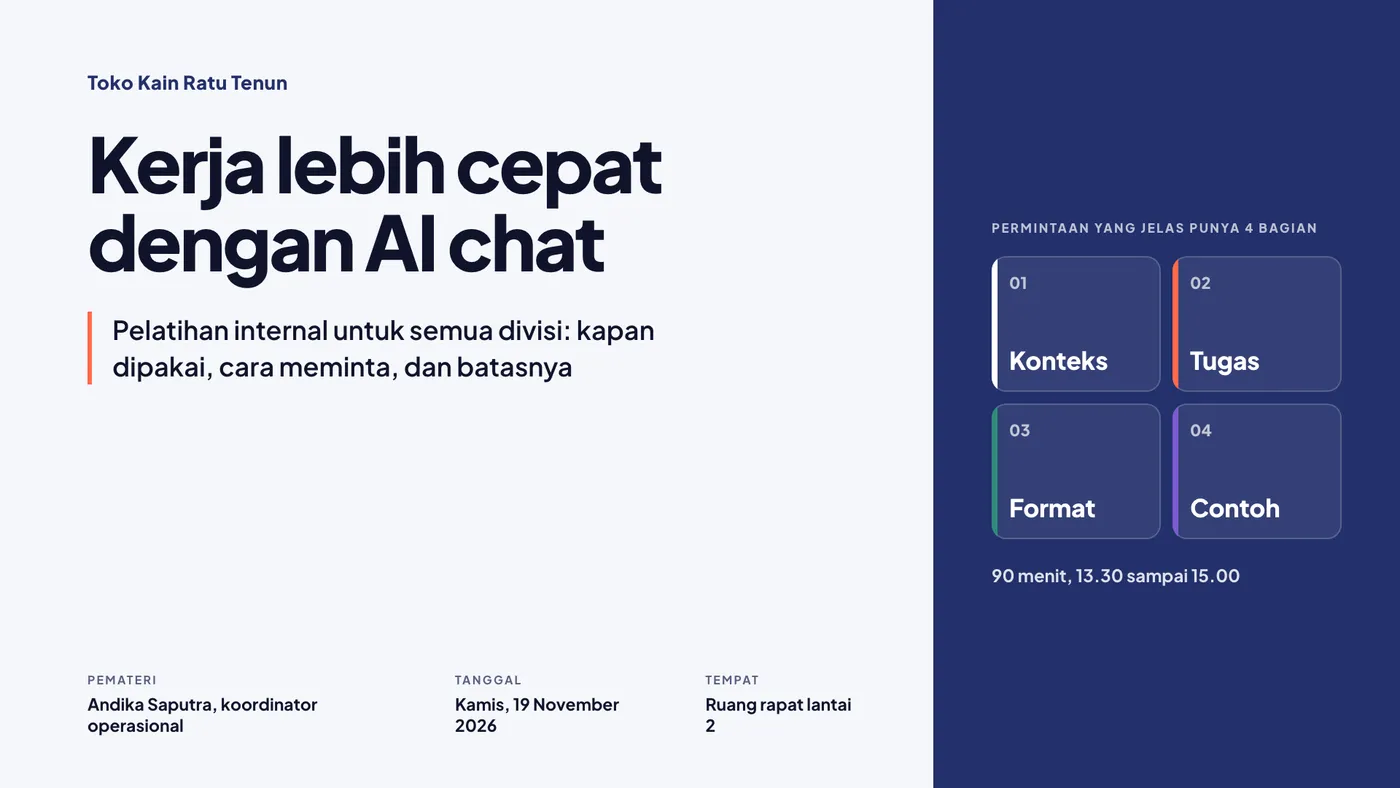
Cover: the four parts of a clear request and the training duration
SKILL.md contents
Premium subscribers can read, copy, and install this skill.
Unlock with Premium Sign inAI Training Deck for Teams
Description
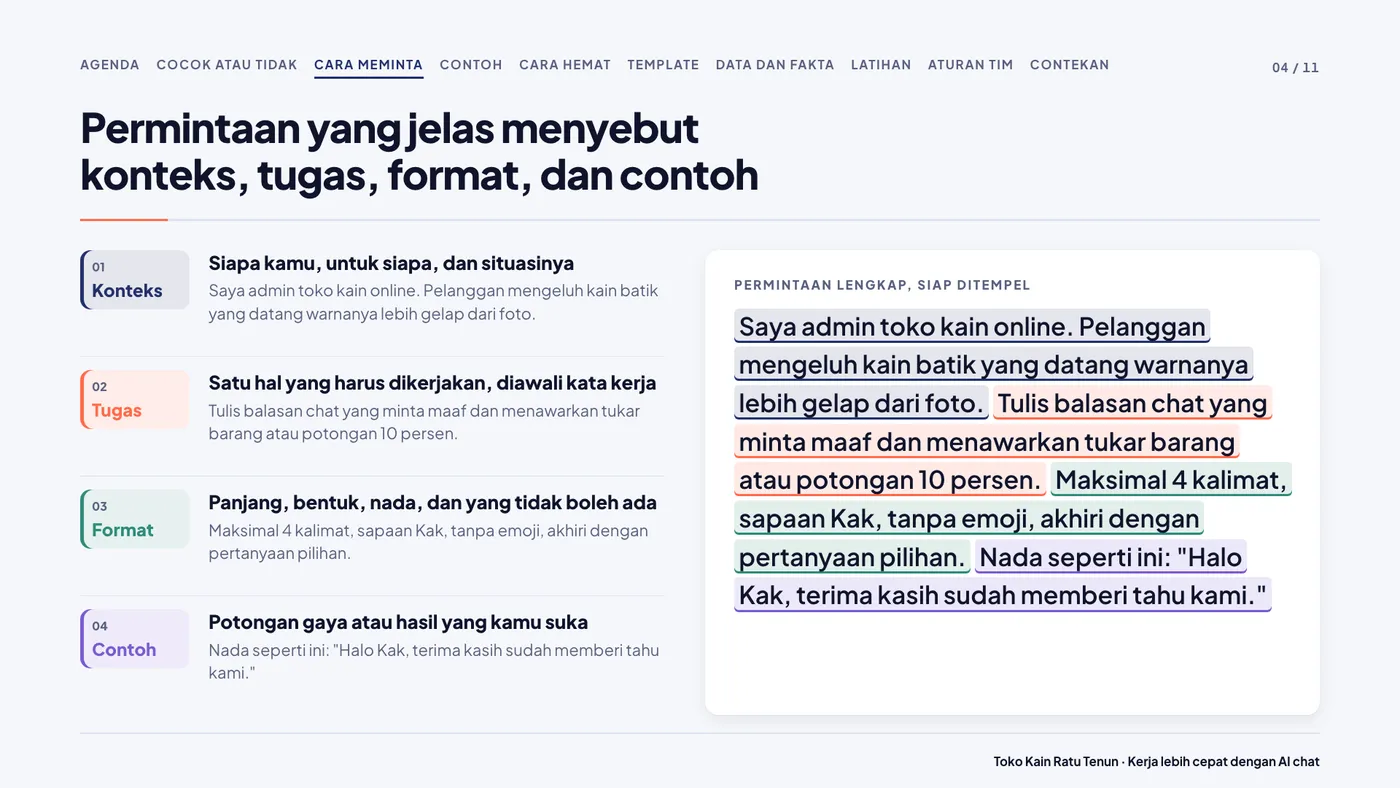
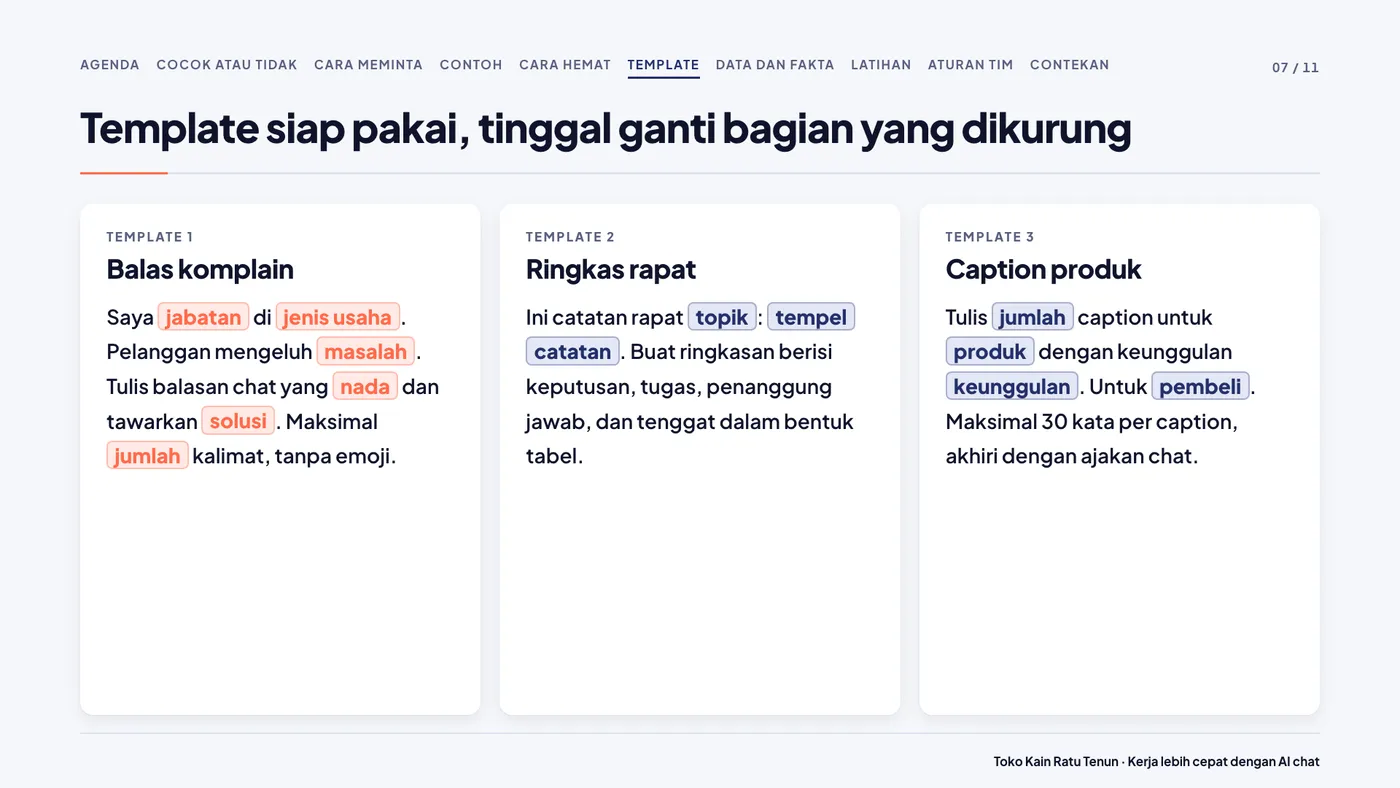
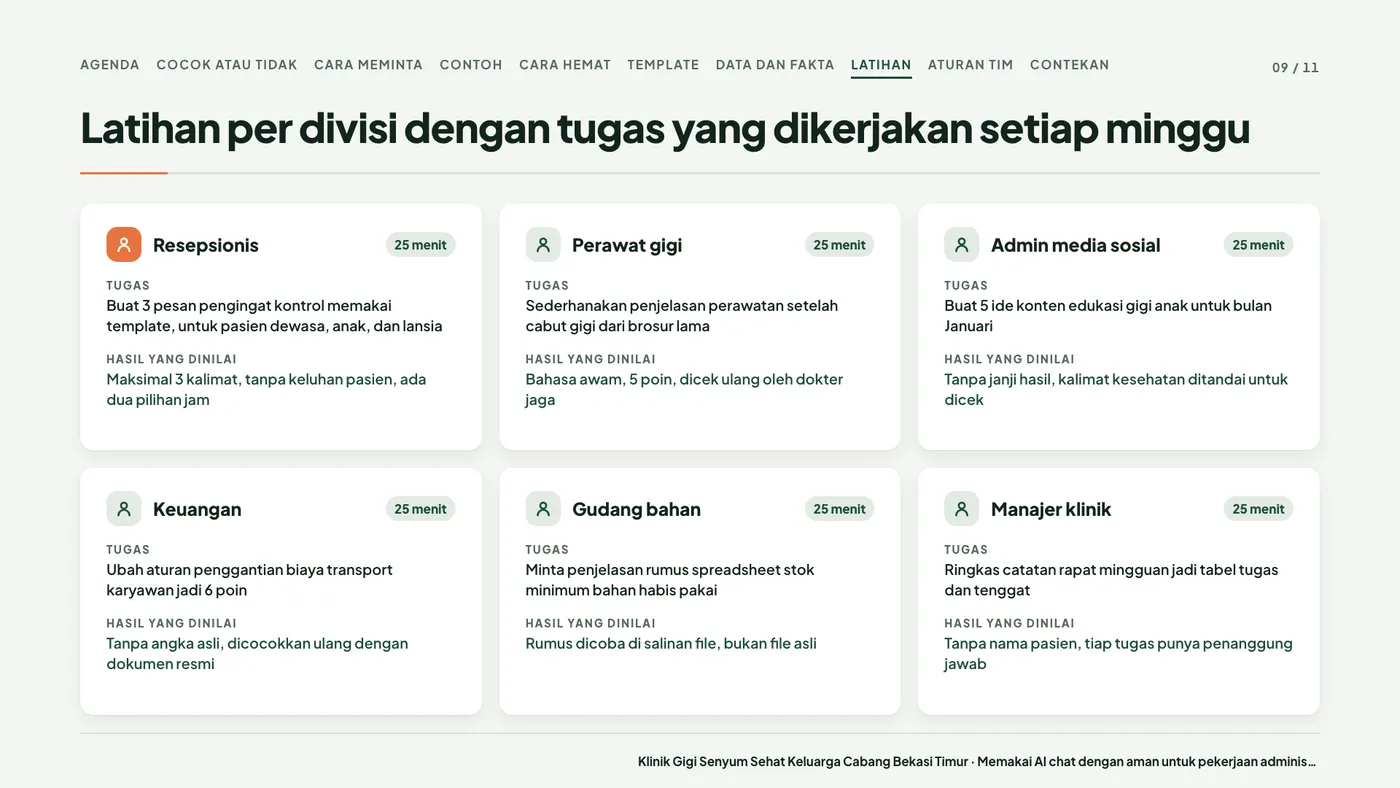
A 16:9 internal training deck on using AI chat at work or in a small business: an agenda with calculated times, what to hand to AI and what not, a clear-request recipe (context, task, format, example) joined into one colour-coded example, a short vs complete request comparison, time savers, fill-in templates, sensitive data and fact checks, practice per team, team rules, and a cheat sheet. Names no AI service. Exports PDF, PPTX, images.
Verified by SkillFlow
We checked every file in this skill automatically: no command that downloads and runs a program, no hidden code, no instruction telling your AI to ignore you.
- Loads from outside
- Fonts: Google Fonts SkillFlow: directory.skillflow.ai.id
See the 6 files inside
skill.json8 KBSKILL.md6 KBprompt.md6 KBprompt.en.md6 KBfiles/contoh/klinik-gigi-6-divisi-palet-hutan.html42 KBfiles/deck.html40 KB
Checked 14 Nov 2026
Included in Basic and Pro
Basic copies the prompt. Pro also downloads the ZIP, sends to AI, installs into agents, and opens every category.
Get Pro Get Basic Already subscribed? Sign inWhat you get
- An agenda with each part's start time and calculated total minutes
- What to hand to AI and what to keep, matched to the work in your business
- A four-part request recipe joined into one complete example, each part in its own colour
- A short vs complete request comparison, time savers, and templates with fill-in boxes
- Data never to paste, placeholder examples, a fact-check list, practice per team, team rules
- A 1920x1080 HTML deck with a one-page cheat sheet, exporting PDF, PPTX, images, 3 palettes
Good fit
- Small business owners who want every employee to use AI chat the same way
- HR or coordinators preparing a briefing on AI usage rules
- Trainers running AI workshops for non-technical offices
Not for
- Not a technical AI course on models, programming, or automation
- It does not compare or recommend any specific AI service
- Not a complete legal data protection policy
About this skill
/pelatihan-ai-untuk-tim Make a 90-minute training deck on using AI chat for our fabric shop team: chat admins, warehouse, marketing, and finance, with rules on customer data
Show more
A 16:9 internal training deck on using AI chat at work or in a small business: an agenda with calculated times, what to hand to AI and what not, a clear-request recipe (context, task, format, example) joined into one colour-coded example, a short vs complete request comparison, time savers, fill-in templates, sensitive data and fact checks, practice per team, team rules, and a cheat sheet. Names no AI service. Exports PDF, PPTX, images.
User reviews
FAQ
Why not name a specific AI app?
So the material holds whatever app the office uses and does not date quickly. How to ask, safety limits, and team rules are the same for every AI chat.
What is on the cheat sheet?
The four recipe parts, time savers, data never to paste, the starting-tomorrow sentence, and who to ask. One page, to print or keep on a phone.
Which AI can I use it with?
Copy the prompt into a chat AI (ChatGPT, Claude, Gemini, DeepSeek); or download the ZIP and install it in an AI agent (Claude Code, Codex, Antigravity, Hermes Agent, Cursor, GitHub Copilot, Gemini CLI, OpenCode, Kimi Code, Trae), which then builds the files for you.
What is in the ZIP?
One folder named pelatihan-ai-untuk-tim with SKILL.md (the instructions an AI agent reads) and the prompt, 6 files in all. Extract it into your agent's skills folder, or install it with npx skillflow-ai add pelatihan-ai-untuk-tim. Pro only.
Is there a per-use fee or credits?
Not from SkillFlow. The skill runs on the AI you already use, so any cost follows that plan.
Which plan includes it?
Basic and Pro. Basic copies the prompt; Pro also downloads the ZIP, sends to AI, installs into agents and shares results by link.
Can I use my own colours and brand?
Yes. Pick a colour theme on this page, or fill in your brand profile once; both go into the prompt you copy and into the ZIP.
Can I share what I made?
Pro members can upload the result and get a page at share.skillflow.ai.id to send to anyone. The page carries a small "Made with SkillFlow AI" mark.
Is there a download limit?
Yes, per day: 50 skills on Pro, 10 on other plans. Downloading a skill again on the same day does not count.



