

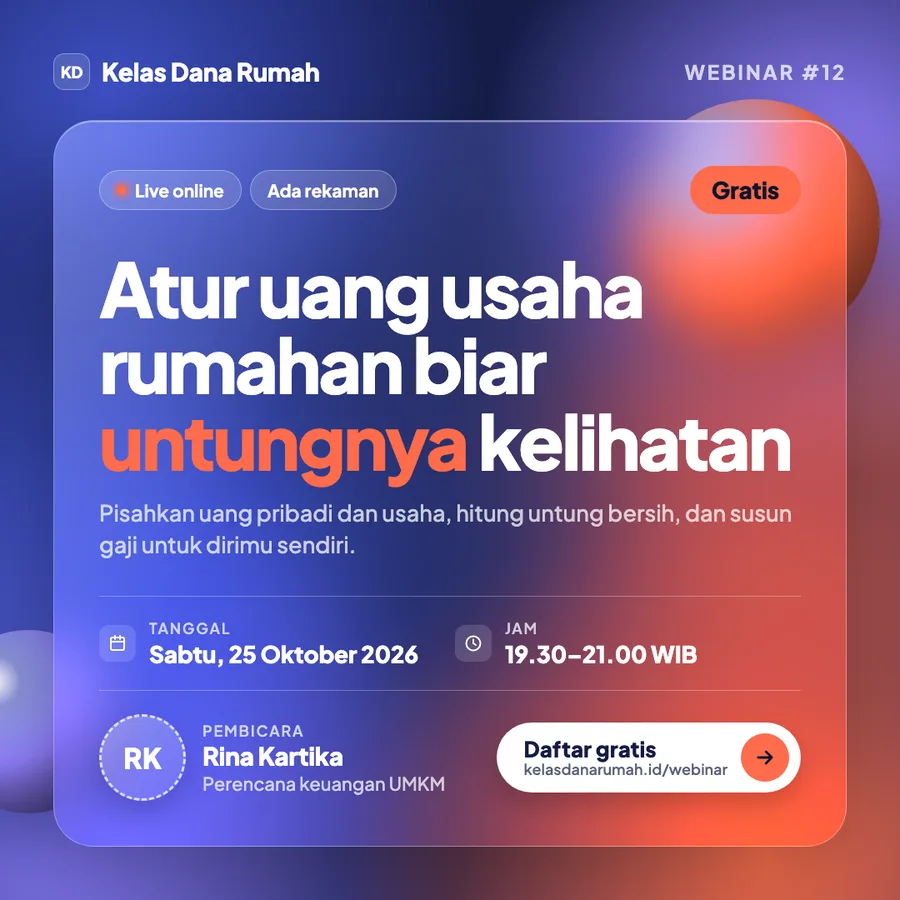
Feed 1080x1080, indigo palette, glass card and gradient orbs
SKILL.md contents
Premium subscribers can read, copy, and install this skill.
Unlock with Premium Sign inGlass Webinar Banner
Description
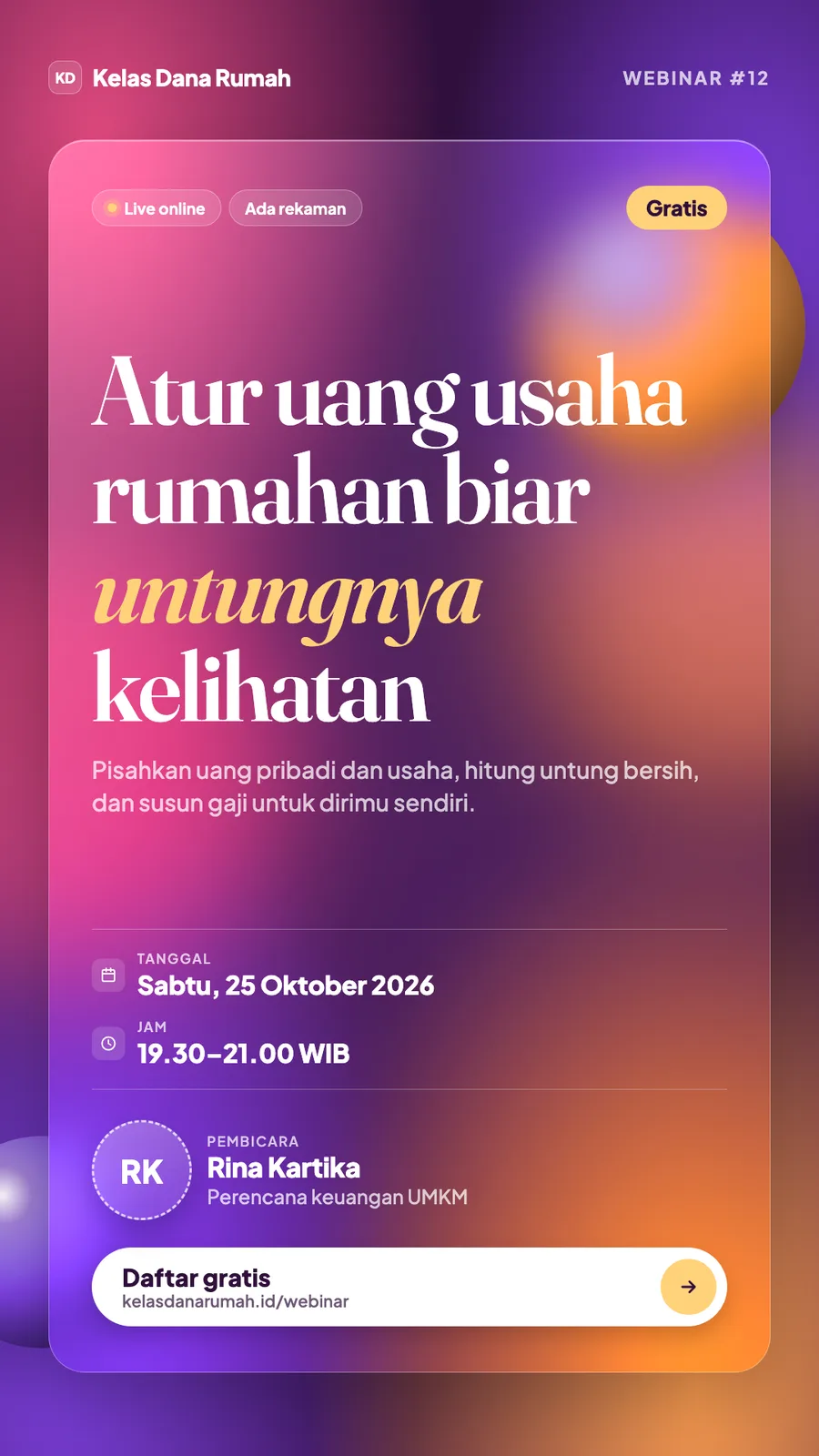
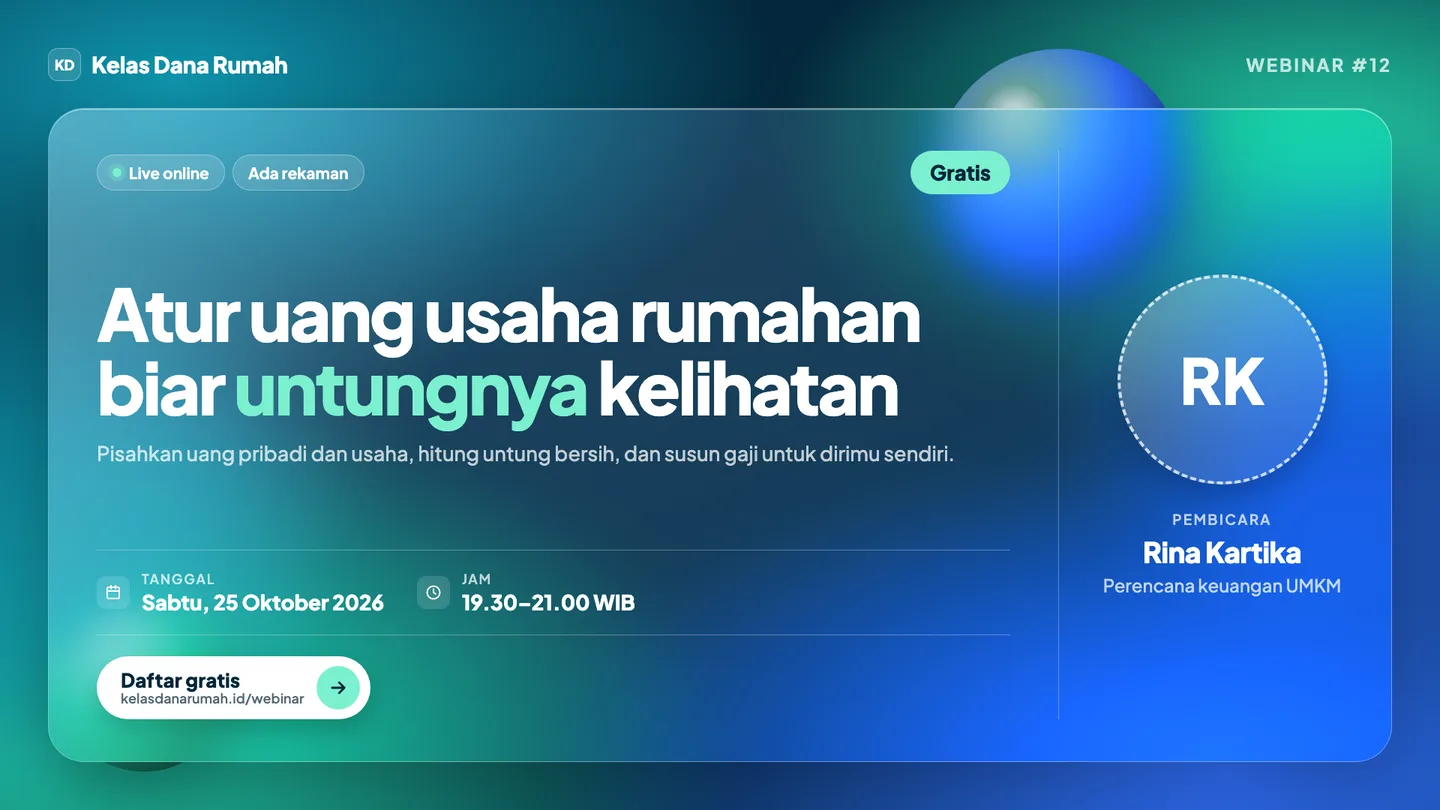
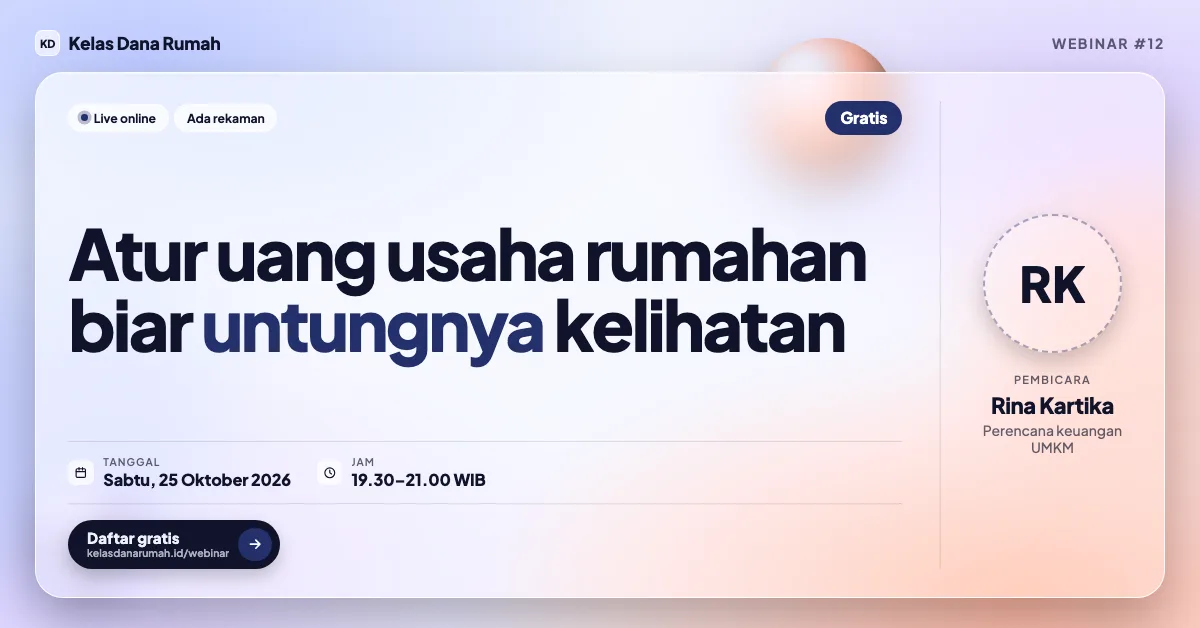
An announcement banner for a webinar or live class in a glowing gradient style: a mesh gradient background with 3D glass orbs, then a frosted glass card holding the title, date and time, the speaker with a round photo, a Free or price badge, and a sign-up link CTA. One set of content produces four sizes at once (feed, story, wide banner, and link image), exported to PNG from an HTML template. Includes AI image prompts for a text-free background.
Verified by SkillFlow
We checked every file in this skill automatically: no command that downloads and runs a program, no hidden code, no instruction telling your AI to ignore you.
- Loads from outside
- Fonts: Google Fonts
See the 5 files inside
skill.json7 KBSKILL.md8 KBprompt.md5 KBprompt.en.md5 KBfiles/banner.html22 KB
Checked 14 Nov 2026
Included in Basic and Pro
Basic copies the prompt. Pro also downloads the ZIP, sends to AI, installs into agents, and opens every category.
Get Pro Get Basic Already subscribed? Sign inWhat you get
- A ready banner in 4 sizes from one set of content: 1080x1080, 1080x1920, 1920x1080, 1200x628
- A frosted glass card with title, date, time, speaker, price, and sign-up CTA
- 4 mesh gradient palettes (indigo, dusk, ocean, light dawn) + 2 type styles
- PNG files from an HTML template you can edit again
- AI image prompts for a text-free gradient background, per aspect ratio
- 3 short webinar title options with a clear benefit
Good fit
- Hosts of webinars, live classes, and online workshops
- Communities or creators running series sessions that need a consistent look each episode
- Organisers needing feed, story, wide, and link images from one set of content
Not for
- Not for in-person events that need a map or venue layout
- It does not build a sign-up page or send meeting links
- Times default to WIB; mention another time zone if you need one
About this skill
/banner-webinar-kaca Make a banner for the free webinar "Sell More Through Status" by Komunitas Dagang Nusantara, Saturday 15 November at 7 pm WIB, speaker Bu Wulan, with a short sign-up link
Show more
An announcement banner for a webinar or live class in a glowing gradient style: a mesh gradient background with 3D glass orbs, then a frosted glass card holding the title, date and time, the speaker with a round photo, a Free or price badge, and a sign-up link CTA. One set of content produces four sizes at once (feed, story, wide banner, and link image), exported to PNG from an HTML template. Includes AI image prompts for a text-free background.
User reviews
FAQ
How do I render other sizes from the same content?
Add ?size= to the template file's address to render feed, story, wide banner, or link image without copying the file.
Is a speaker photo required?
Not required, but a round speaker photo makes the banner more credible. Use a photo the speaker owns and has approved.
Which AI can I use it with?
Copy the prompt into a chat AI (ChatGPT, Claude, Gemini, DeepSeek); or download the ZIP and install it in an AI agent (Claude Code, Codex, Antigravity, Hermes Agent, Cursor, GitHub Copilot, Gemini CLI, OpenCode, Kimi Code, Trae), which then builds the files for you.
What is in the ZIP?
One folder named banner-webinar-kaca with SKILL.md (the instructions an AI agent reads) and the prompt, 5 files in all. Extract it into your agent's skills folder, or install it with npx skillflow-ai add banner-webinar-kaca. Pro only.
Is there a per-use fee or credits?
Not from SkillFlow. The skill runs on the AI you already use (and, for image prompts, the image AI you pick), so any cost follows that plan.
Which plan includes it?
Basic and Pro. Basic copies the prompt; Pro also downloads the ZIP, sends to AI, installs into agents and shares results by link.
Can I use my own colours and brand?
Yes. Pick a colour theme on this page, or fill in your brand profile once; both go into the prompt you copy and into the ZIP.
Can I share what I made?
Pro members can upload the result and get a page at share.skillflow.ai.id to send to anyone. The page carries a small "Made with SkillFlow AI" mark.
Is there a download limit?
Yes, per day: 50 skills on Pro, 10 on other plans. Downloading a skill again on the same day does not count.



