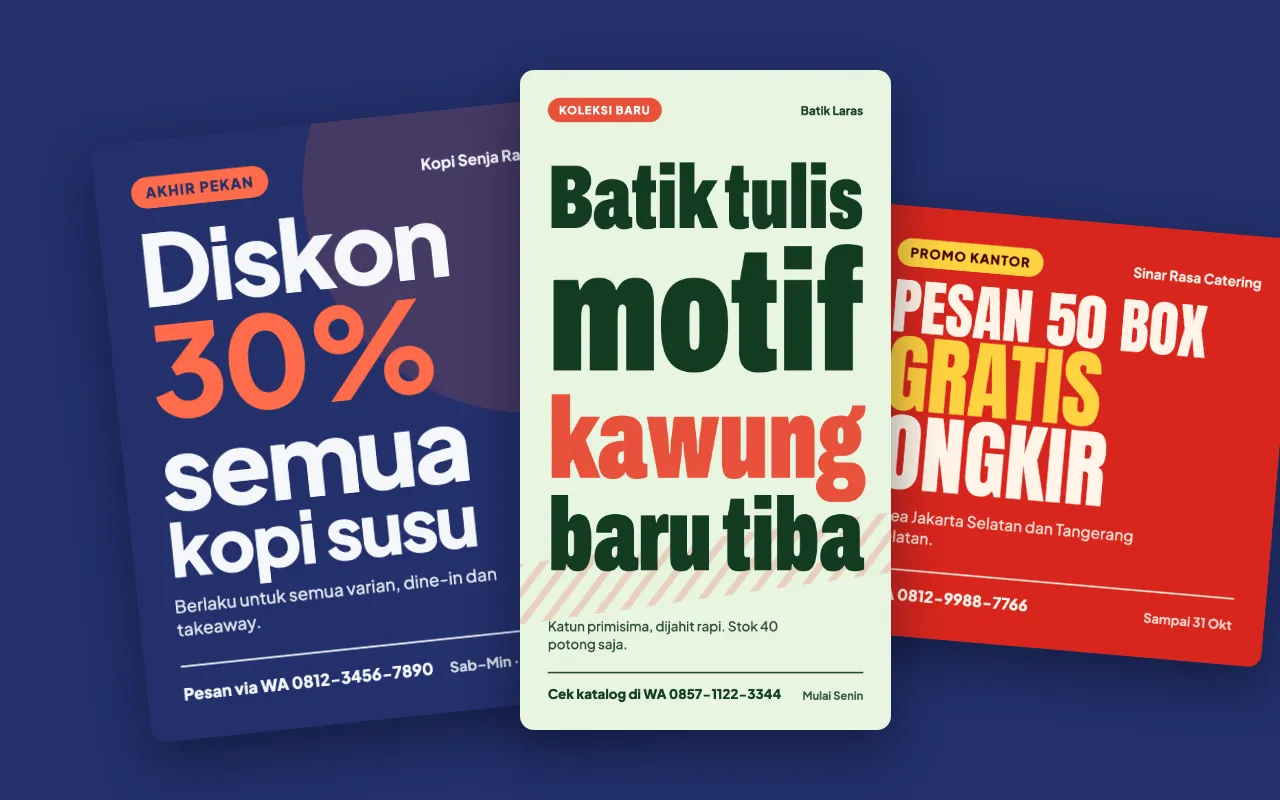
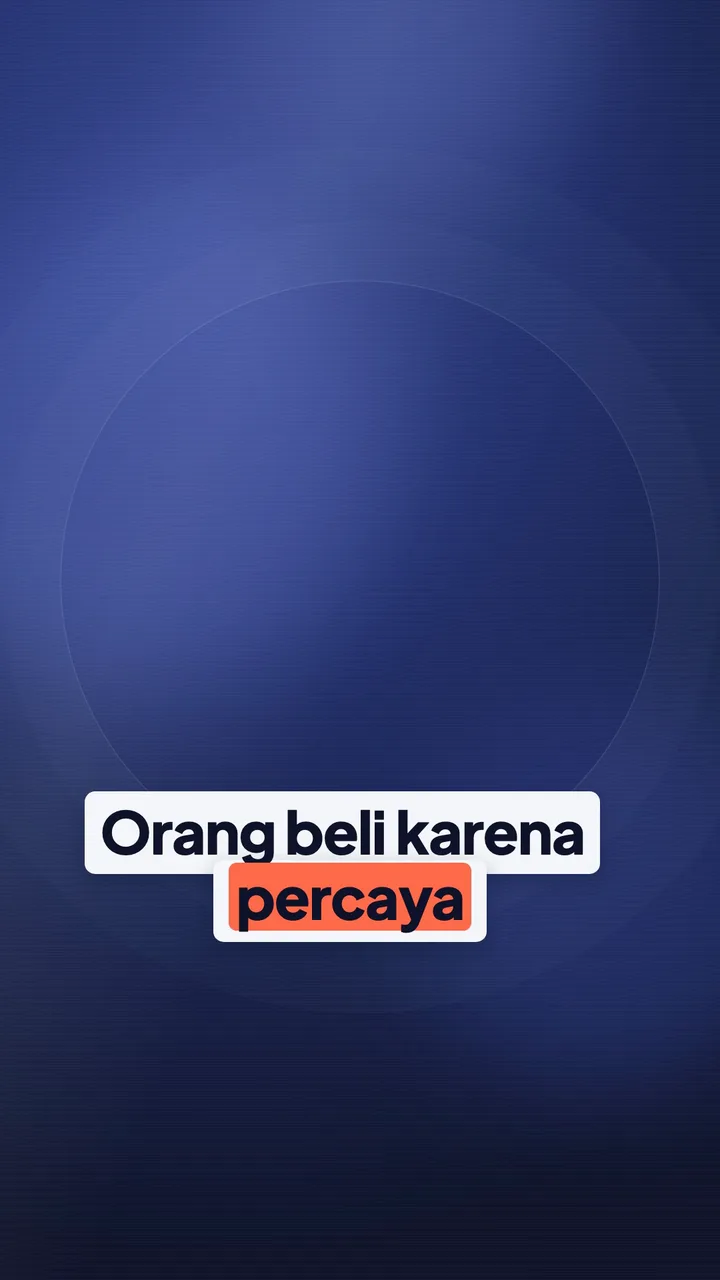
Rendered sample video
SKILL.md contents
Premium subscribers can read, copy, and install this skill.
Unlock with Premium Sign inCreator Reels Hook
Description
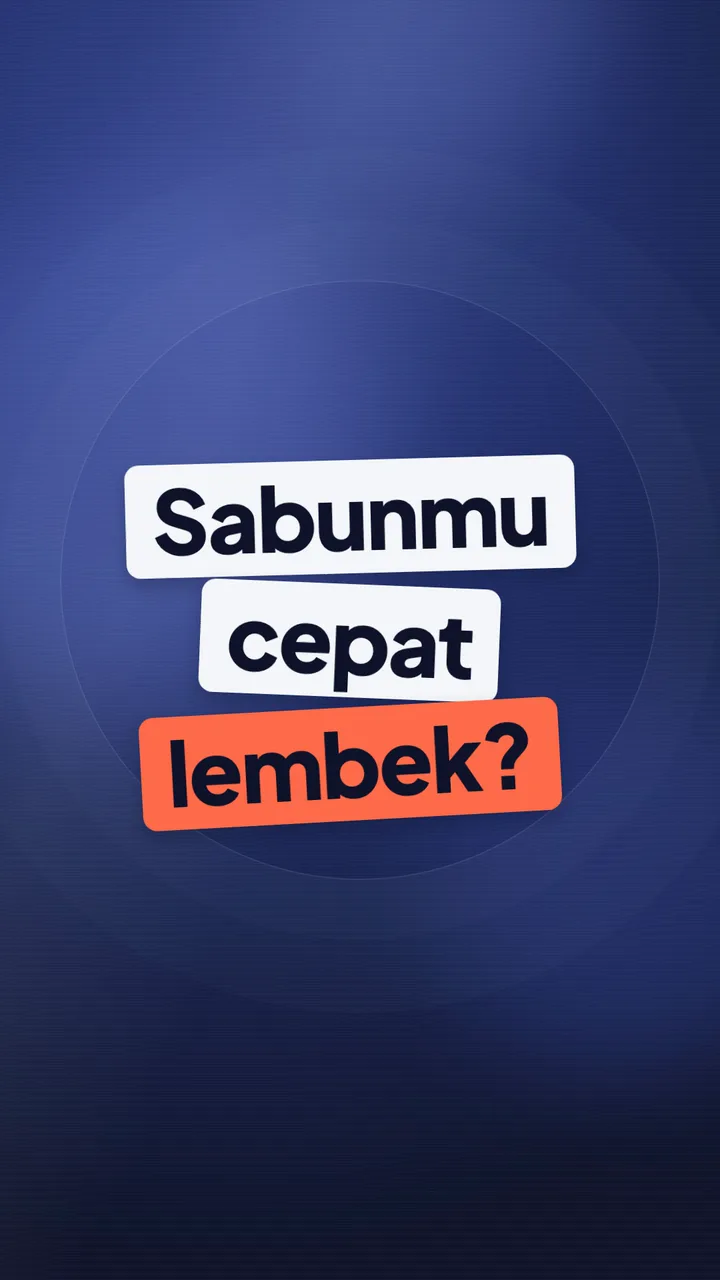
Write a 3-second hook that stops the scroll, then lay its kinetic captions over your talking-head video: phrases appear word by word in sync with your speech, with one key word in an accent colour. 9:16 for Reels, TikTok, and Shorts, with text placed clear of the app's buttons. You get an upload-ready MP4, plus an .srt file for your video editor.
Verified by SkillFlow
We checked every file in this skill automatically: no command that downloads and runs a program, no hidden code, no instruction telling your AI to ignore you.
- Loads from outside
- Fonts: Google Fonts
See the 5 files inside
skill.json7 KBSKILL.md9 KBprompt.md5 KBprompt.en.md5 KBfiles/overlay.html17 KB
Checked 14 Nov 2026
Part of SkillFlow Pro
Pro opens every skill in every category: copy, ZIP, Send to AI, install, save, and request new skills.
Get Pro Already subscribed? Sign inWhat you get
- 3 three-second hook options from 5 opening formulas
- Script split into 2-5 word phrases with start and end times
- 9:16 1080x1920 MP4: kinetic text over your video (original audio kept)
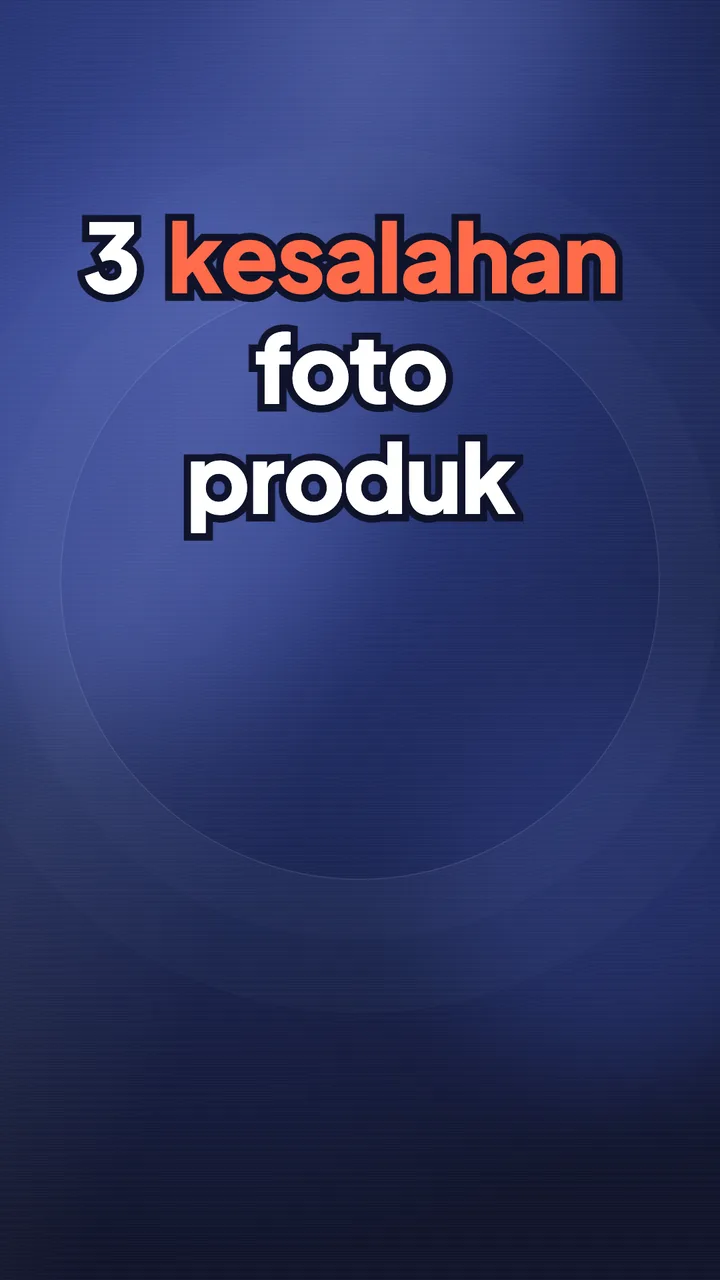
- 3 text styles (block, outline, stacked) and 3 safe positions
- An .srt file from the same phrase list
- An HTML template you can edit again for the next video
Good fit
- Creators recording talking to camera clips for Reels, TikTok, or Shorts
- Sellers who need a 3 second opening line for tips or sales content
- Teachers who want styled captions that follow their speech
- Admins who need an .srt subtitle file to finish in a video editor
Not for
- Text cannot appear behind the speaker's body or head; it always sits on top of the video
- It does not transcribe automatically; phrase timing comes from a transcript, silence detection, or an estimate
- It does not cut, zoom, or add music to your video; it is a text layer only
- Designed for vertical 9:16 video
About this skill
/hook-reels-kreator Write 3 hook options and add kinetic captions to my talking video rekaman.mp4 about 3 product photo mistakes, block style at the bottom, plus the .srt file
Show more
Write a 3-second hook that stops the scroll, then lay its kinetic captions over your talking-head video: phrases appear word by word in sync with your speech, with one key word in an accent colour. 9:16 for Reels, TikTok, and Shorts, with text placed clear of the app's buttons. You get an upload-ready MP4, plus an .srt file for your video editor.
User reviews
FAQ
Where does phrase timing come from without a transcript?
Pauses in speech are detected from the video and phrases are matched to the gaps between them. As a last resort, about 2.8 words per second is assumed, then you play the preview and correct the timing.
How many words can be highlighted?
At most one part per phrase, marked with asterisks. Not every phrase needs one; highlight a number, a key verb, or a word that flips the meaning so it really stands out.
Can I get just the text layer to edit myself?
Yes. Choose the green background so the text layer can be chroma keyed in your video editor. An .srt file built from the same phrase list is handed over too.
Which AI can I use it with?
Copy the prompt into a chat AI (ChatGPT, Claude, Gemini, DeepSeek): you get an HTML file; open it in Chrome and press Download MP4 (silent video, a minute or two to render); or download the ZIP and install it in an AI agent (Claude Code, Codex, Antigravity, Hermes Agent, Cursor, GitHub Copilot, Gemini CLI, OpenCode, Kimi Code, Trae), which then builds the files for you.
What is in the ZIP?
One folder named hook-reels-kreator with SKILL.md (the instructions an AI agent reads) and the prompt, 5 files in all. Extract it into your agent's skills folder, or install it with npx skillflow-ai add hook-reels-kreator. Pro only.
Is there a per-use fee or credits?
Not from SkillFlow. The skill runs on the AI you already use, so any cost follows that plan.
Which plan includes it?
SkillFlow Pro. It opens every skill in every category.
Can I use my own colours and brand?
Yes. Pick a colour theme on this page, or fill in your brand profile once; both go into the prompt you copy and into the ZIP.
Can I share what I made?
Pro members can upload the result and get a page at share.skillflow.ai.id to send to anyone. The page carries a small "Made with SkillFlow AI" mark.
Is there a download limit?
Yes, per day: 50 skills on Pro, 10 on other plans. Downloading a skill again on the same day does not count.