

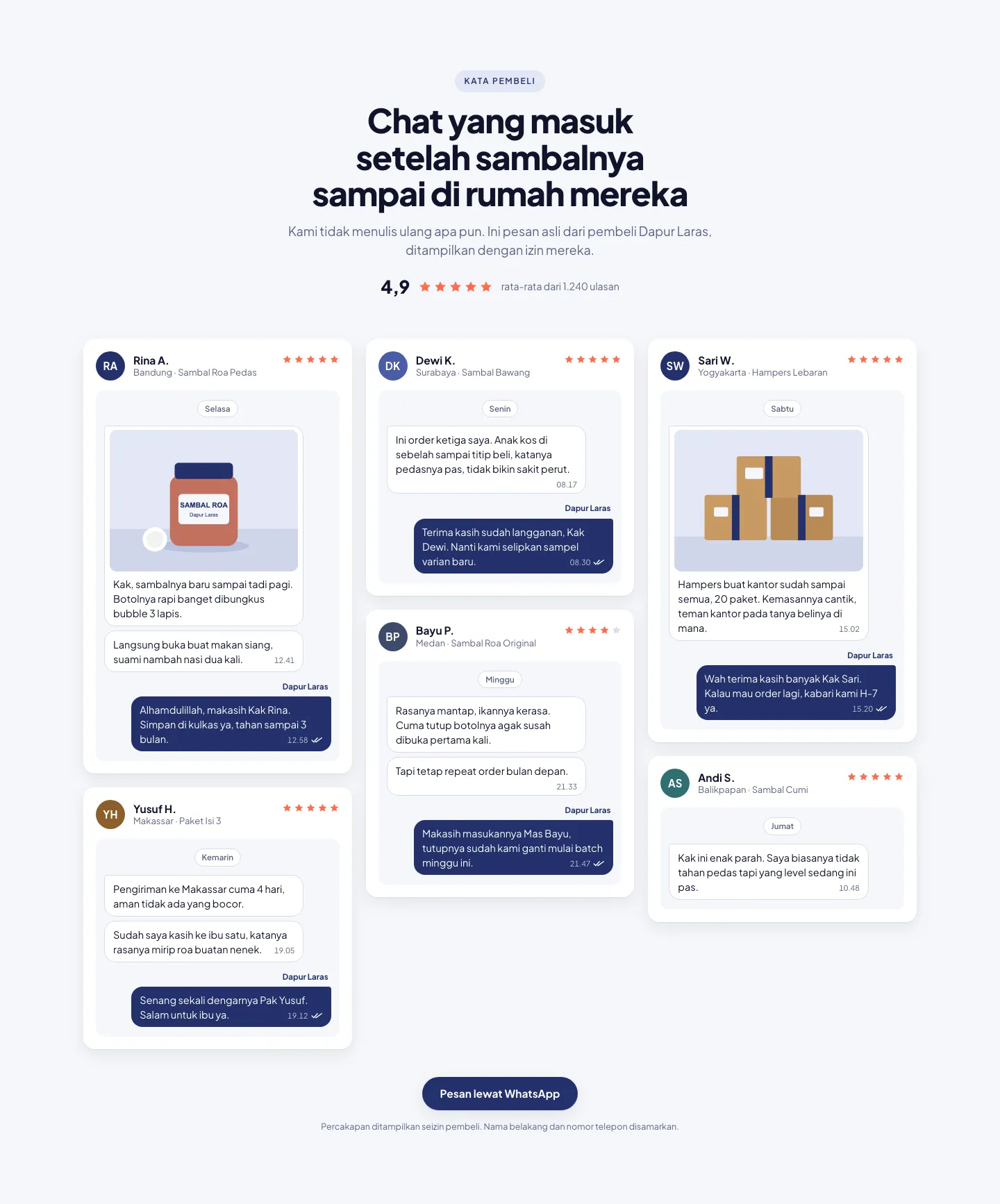
Wall layout: stacked columns, buyer photos inside the bubbles
SKILL.md contents
Premium subscribers can read, copy, and install this skill.
Unlock with Premium Sign inChat-Style Testimonials (Section)
Description
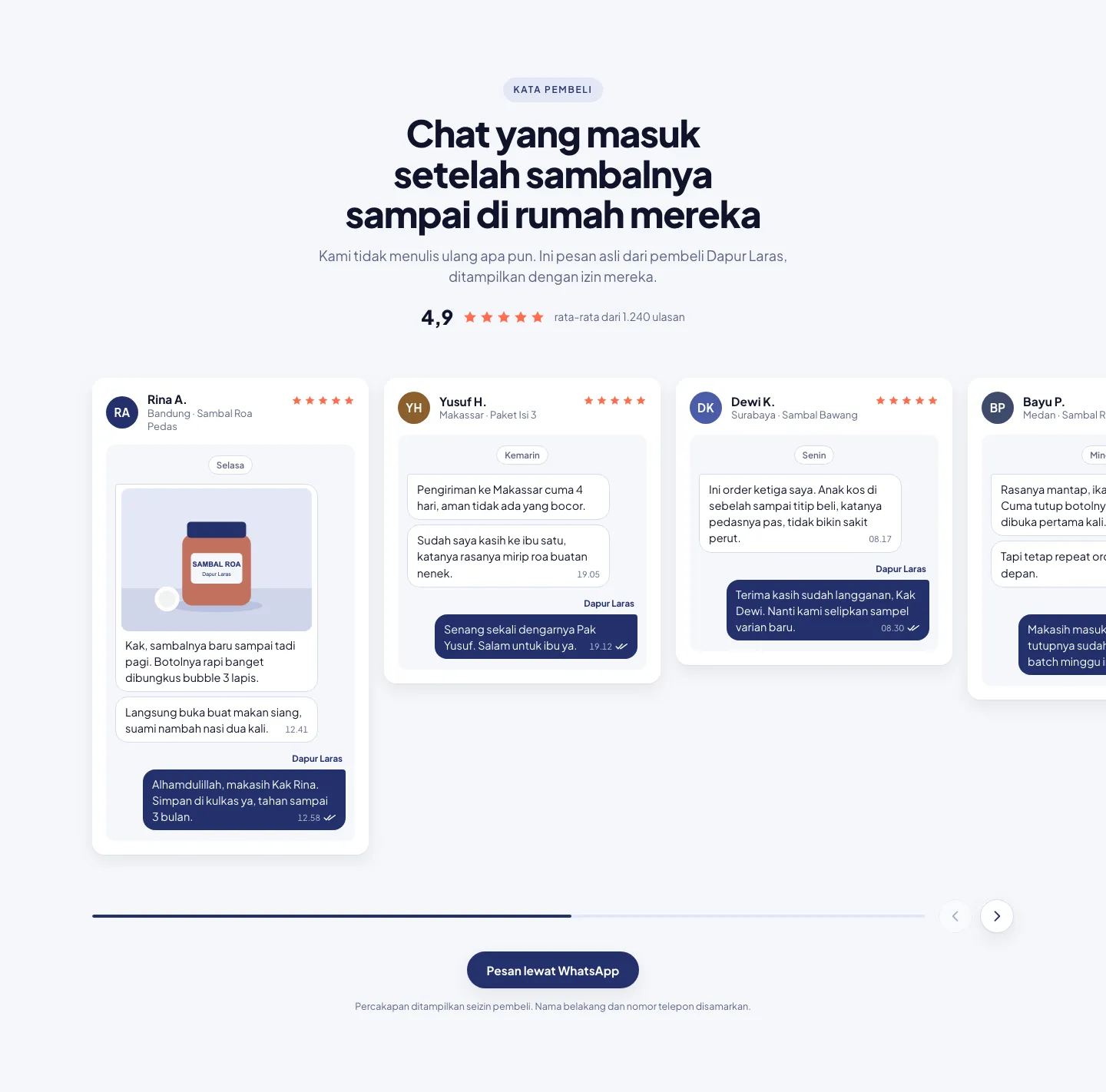
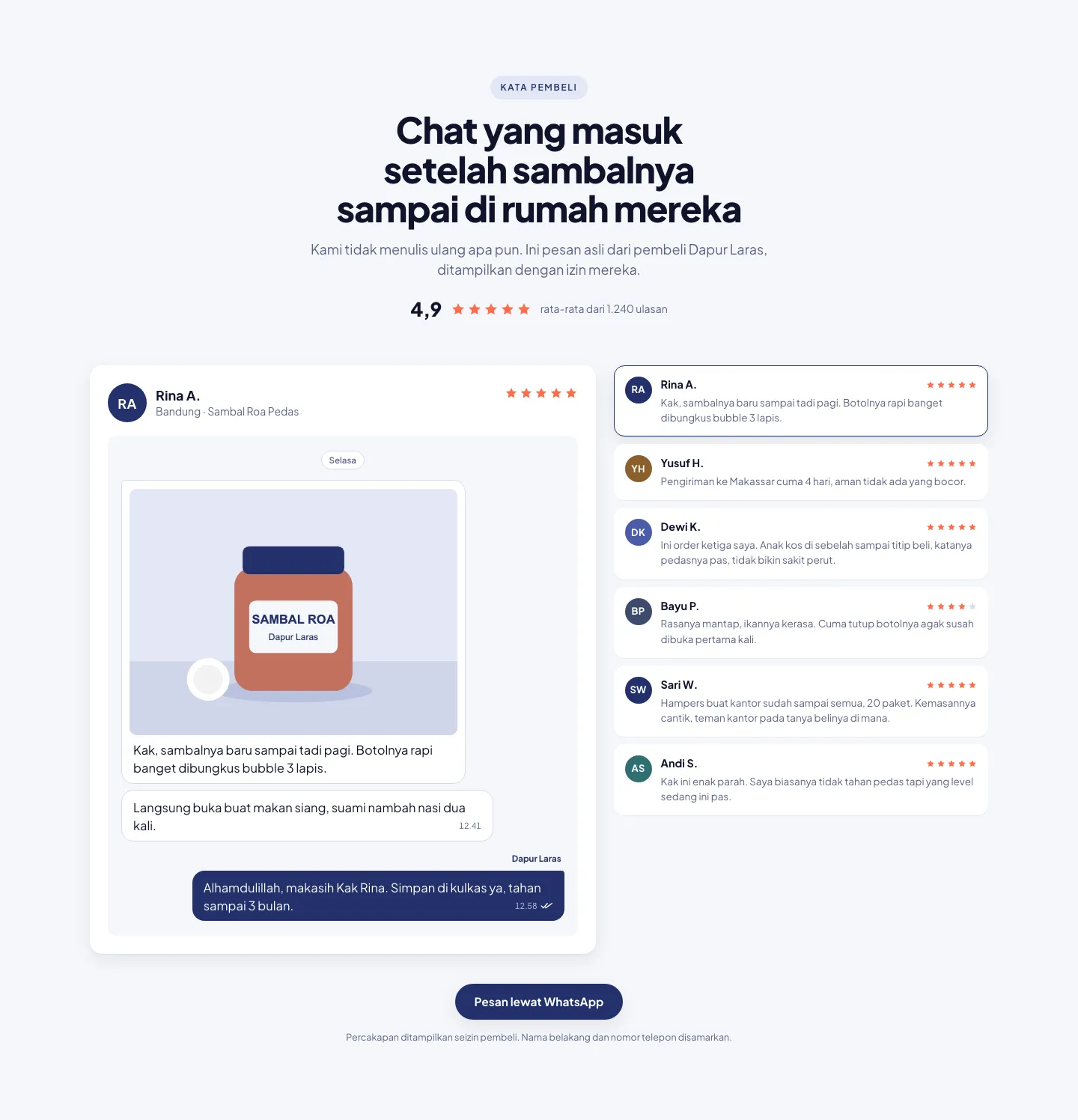
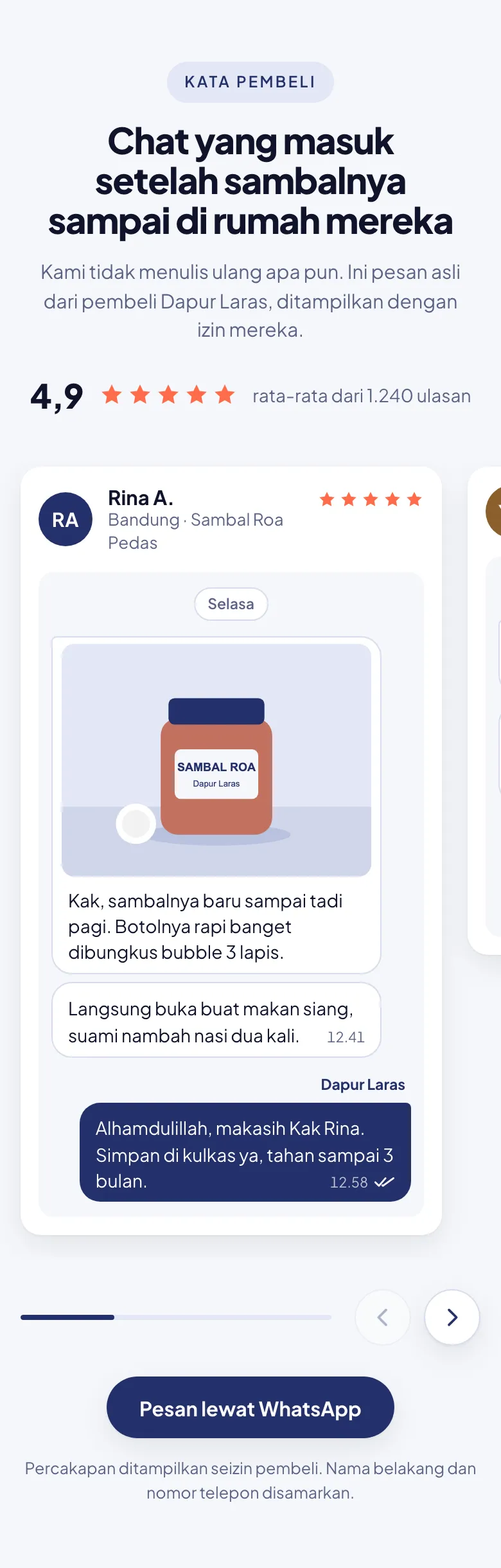
A testimonial section that shows buyer proof as conversations: message bubbles, coloured initial avatars, send times, read ticks, star ratings, and photos sent by buyers. Three layouts from one config object: a column wall, a sideways scroller, or one large chat with a list. A single HTML file you can paste into any landing page without CSS clashes.
Verified by SkillFlow
We checked every file in this skill automatically: no command that downloads and runs a program, no hidden code, no instruction telling your AI to ignore you.
- Loads from outside
- Fonts: Google Fonts
See the 5 files inside
skill.json8 KBSKILL.md7 KBprompt.md5 KBprompt.en.md5 KBfiles/testimoni.html25 KB
Checked 14 Nov 2026
Part of SkillFlow Pro
Pro opens every skill in every category: copy, ZIP, Send to AI, install, save, and request new skills.
Get Pro Already subscribed? Sign inWhat you get
- A one-file HTML testimonial section, scoped CSS so it is safe to paste into other pages
- 3 layouts: wall (stacked columns), slider (scroll-snap), one highlight + list
- Last names and phone numbers in messages masked automatically
- Section header with average rating, WhatsApp CTA, and a buyer consent note
- A guide to turning real buyer chats into honest, readable testimonials
Good fit
- Product, course, service, or affiliate landing pages needing social proof
- Sellers with buyer chat screenshots or reviews who want them shown neatly
- Pages needing a lightweight testimonial section with no library
- Shops happy to show small complaints that were resolved, as trust builders
Not for
- It does not make up testimonials; every message must be real and approved by the buyer
- Not a copy of any chat app; no logos, signature colours, or chat wallpapers
- It does not add claims the buyer never made
- The rating in the header must be a real number from review data
About this skill
/testimoni-gaya-chat Build a chat style testimonial section for our chilli sauce shop from 6 real buyer chats with permission, names and numbers masked, seller replies, a 4.9 rating, wall layout, and a WhatsApp button
Show more
A testimonial section that shows buyer proof as conversations: message bubbles, coloured initial avatars, send times, read ticks, star ratings, and photos sent by buyers. Three layouts from one config object: a column wall, a sideways scroller, or one large chat with a list. A single HTML file you can paste into any landing page without CSS clashes.
User reviews
FAQ
How do I turn chat screenshots into data?
Each conversation gets a name, city and product, rating, day label, 1 to 3 buyer bubbles of up to 30 words, send times, and one optional seller reply. Drop repeated greetings and stickers.
Which layout should I choose?
Wall for 6 or more testimonials, slide for 3 to 6 and to save space on phones, and spotlight for one very strong story plus a list.
What gets masked automatically?
Last names become initials and phone numbers inside messages are masked. You still need to remove full addresses, emails, tracking numbers, and account numbers from the text.
Which AI can I use it with?
Copy the prompt into a chat AI (ChatGPT, Claude, Gemini, DeepSeek); or download the ZIP and install it in an AI agent (Claude Code, Codex, Antigravity, Hermes Agent, Cursor, GitHub Copilot, Gemini CLI, OpenCode, Kimi Code, Trae), which then builds the files for you.
What is in the ZIP?
One folder named testimoni-gaya-chat with SKILL.md (the instructions an AI agent reads) and the prompt, 5 files in all. Extract it into your agent's skills folder, or install it with npx skillflow-ai add testimoni-gaya-chat. Pro only.
Is there a per-use fee or credits?
Not from SkillFlow. The skill runs on the AI you already use, so any cost follows that plan.
Which plan includes it?
SkillFlow Pro. It opens every skill in every category.
Can I use my own colours and brand?
Yes. Pick a colour theme on this page, or fill in your brand profile once; both go into the prompt you copy and into the ZIP.
Can I share what I made?
Pro members can upload the result and get a page at share.skillflow.ai.id to send to anyone. The page carries a small "Made with SkillFlow AI" mark.
Is there a download limit?
Yes, per day: 50 skills on Pro, 10 on other plans. Downloading a skill again on the same day does not count.



