

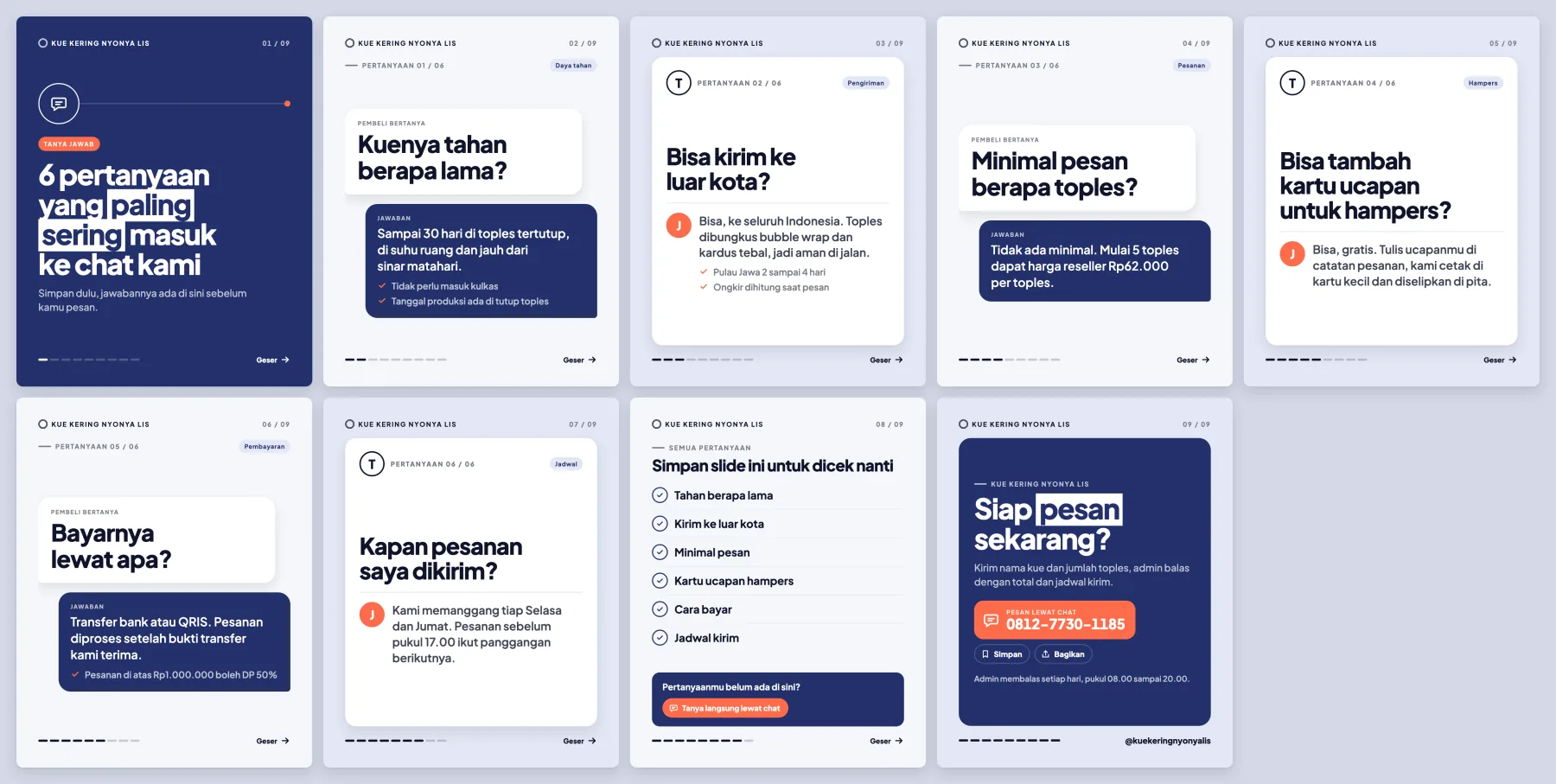
Nine slides: a cover, six questions, a list of every question, and the closing slide
SKILL.md contents
Premium subscribers can read, copy, and install this skill.
Unlock with Premium Sign inSwipe FAQ
Description
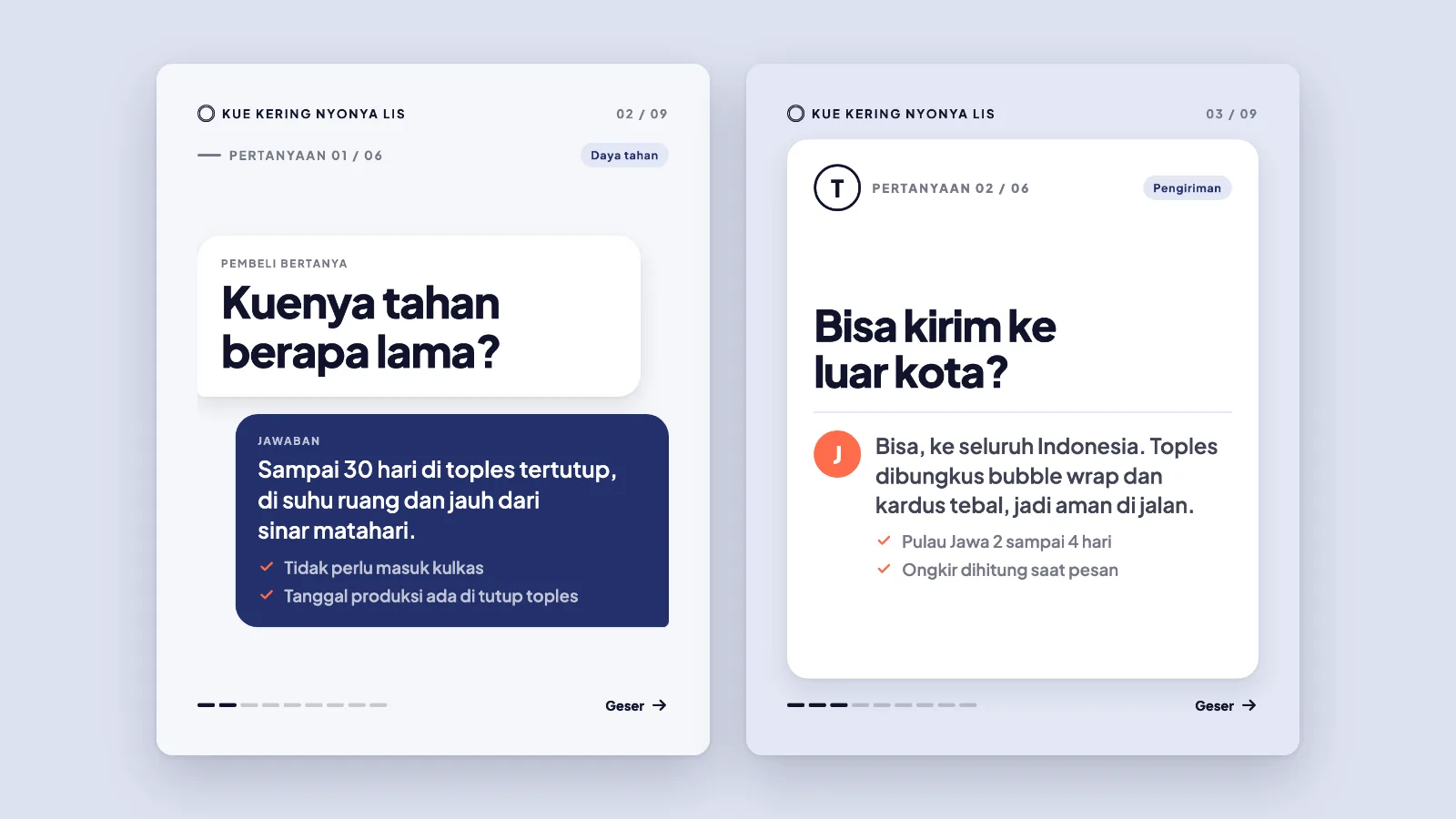
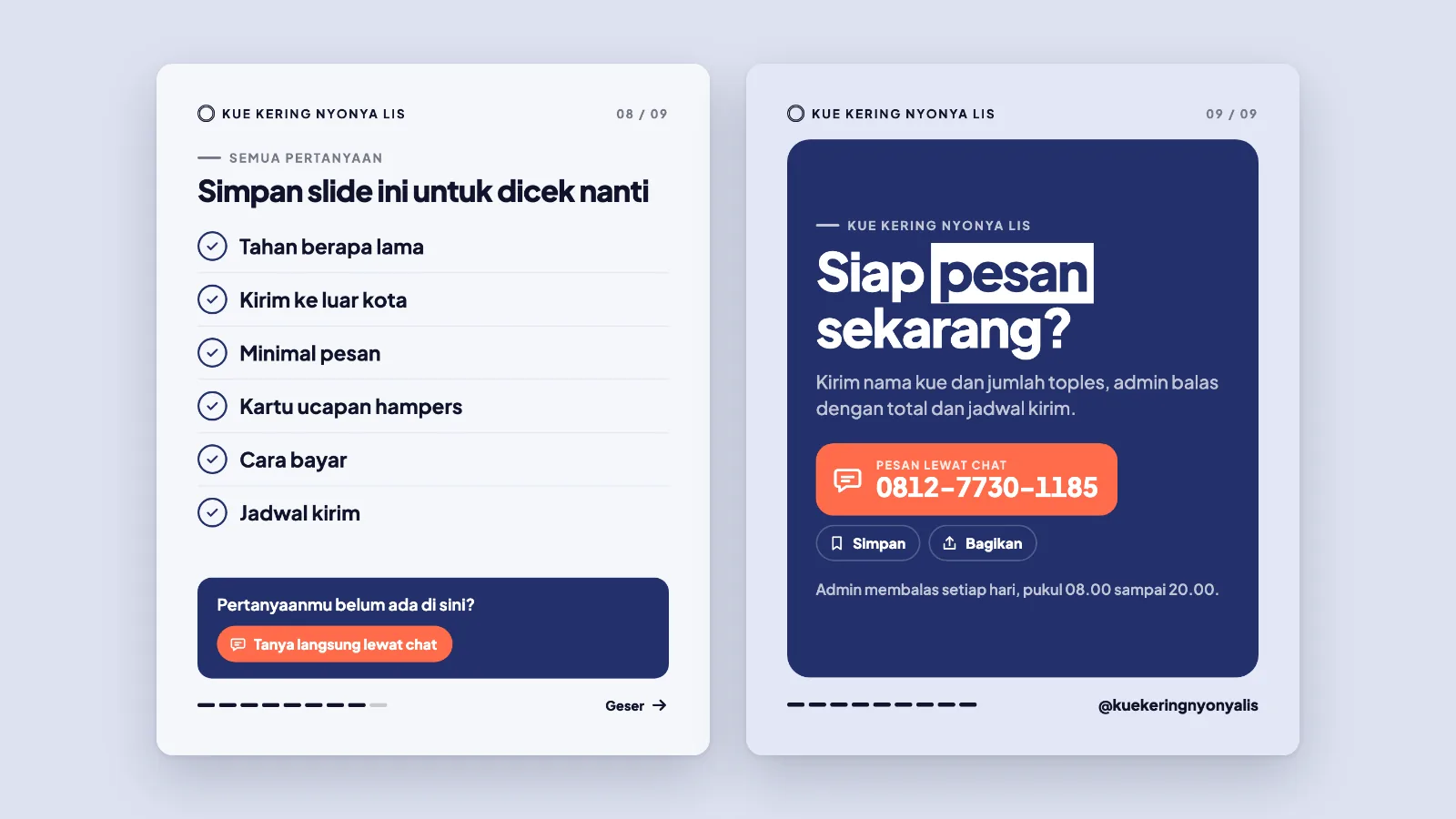
A Q&A carousel for shops and services tired of answering the same questions in chat: one question per slide with a short 1-2 sentence answer and up to 3 extra points, two alternating layouts (chat bubbles for question and answer, or a card marked Q and A), a topic chip such as shipping or payment, an automatic list of every question to save, and a closing slide with a chat button. 4 to 8 questions, 1080x1350 or 1080x1080, exported as PNG.
Verified by SkillFlow
We checked every file in this skill automatically: no command that downloads and runs a program, no hidden code, no instruction telling your AI to ignore you.
- Loads from outside
- Fonts: Google Fonts
See the 5 files inside
skill.json8 KBSKILL.md6 KBprompt.md3 KBprompt.en.md3 KBfiles/carousel.html382 KB
Checked 14 Nov 2026
Part of SkillFlow Pro
Pro opens every skill in every category: copy, ZIP, Send to AI, install, save, and request new skills.
Get Pro Already subscribed? Sign inWhat you get
- A list of 4-8 questions that come in most often, ordered from most frequent
- A short answer for each question plus up to 3 extra points
- A one-config HTML template with two alternating question layouts
- An automatic slide listing every question
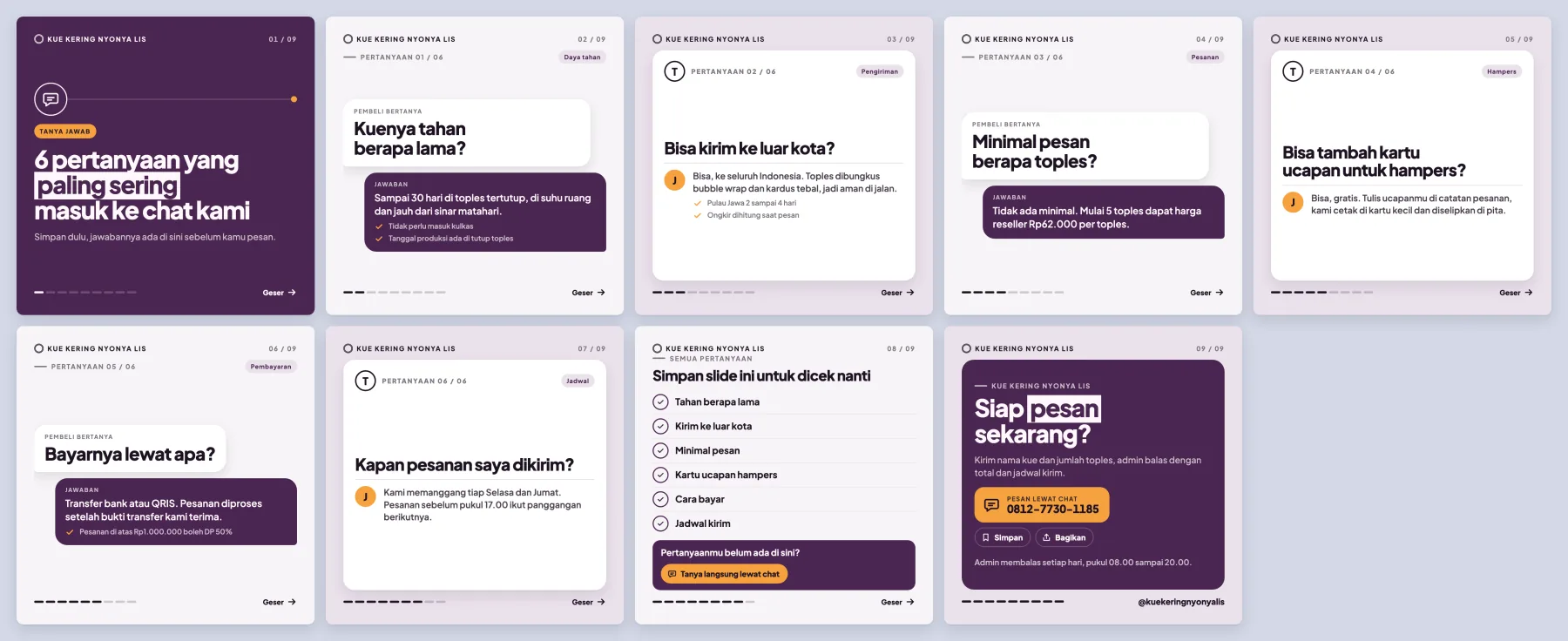
- One PNG per slide at 1080x1350 (4:5) or 1080x1080 (1:1), plus a combined sheet, 4 palettes
- A caption and a quick-reply message that points to the carousel
Good fit
- Online shops, caterers, laundries, and services answering the same chat questions every day
- Admins who want to send one link instead of typing the same answers
- Businesses that want a profile highlight answering shipping and payment questions
Not for
- It does not reply to chats automatically; you get carousel images and quick reply text to paste
- Not a step-by-step ordering tutorial or a glossary
- Answers are only as accurate as the shop policies you provide
About this skill
/carousel-faq-geser Make a 6-question FAQ carousel for Bening Express Laundry: pickup fees, turnaround time, delicate fabrics, payment methods, and opening hours
Show more
A Q&A carousel for shops and services tired of answering the same questions in chat: one question per slide with a short 1-2 sentence answer and up to 3 extra points, two alternating layouts (chat bubbles for question and answer, or a card marked Q and A), a topic chip such as shipping or payment, an automatic list of every question to save, and a closing slide with a chat button. 4 to 8 questions, 1080x1350 or 1080x1080, exported as PNG.
User reviews
FAQ
Which questions should go in?
Four to eight of the most frequent ones, ordered from most to least common. Write each question in the buyer's words, not your shop's.
My answer is long, what now?
Trim it to 1 or 2 core sentences, then add up to 3 short points. Detailed answers are better handled directly in chat.
What are the topic chips on each slide?
Small labels such as Shipping or Payment that help buyers spot the relevant question while swiping.
Which AI can I use it with?
Copy the prompt into a chat AI (ChatGPT, Claude, Gemini, DeepSeek); or download the ZIP and install it in an AI agent (Claude Code, Codex, Antigravity, Hermes Agent, Cursor, GitHub Copilot, Gemini CLI, OpenCode, Kimi Code, Trae), which then builds the files for you.
What is in the ZIP?
One folder named carousel-faq-geser with SKILL.md (the instructions an AI agent reads) and the prompt, 5 files in all. Extract it into your agent's skills folder, or install it with npx skillflow-ai add carousel-faq-geser. Pro only.
Is there a per-use fee or credits?
Not from SkillFlow. The skill runs on the AI you already use, so any cost follows that plan.
Which plan includes it?
SkillFlow Pro. It opens every skill in every category.
Can I use my own colours and brand?
Yes. Pick a colour theme on this page, or fill in your brand profile once; both go into the prompt you copy and into the ZIP.
Can I share what I made?
Pro members can upload the result and get a page at share.skillflow.ai.id to send to anyone. The page carries a small "Made with SkillFlow AI" mark.
Is there a download limit?
Yes, per day: 50 skills on Pro, 10 on other plans. Downloading a skill again on the same day does not count.



