

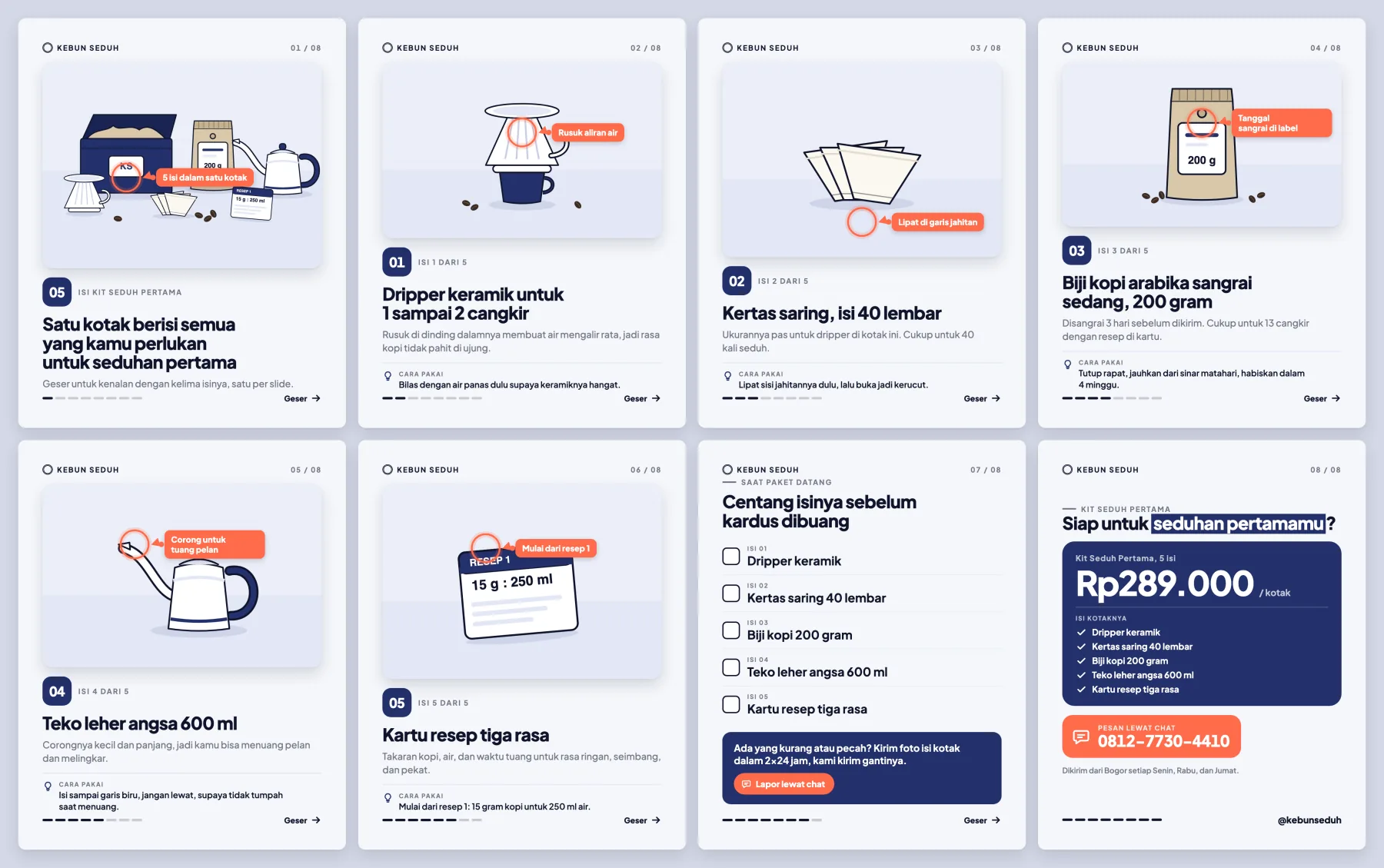
Eight slides: the full package photo, five items one per slide, an arrival checklist, and the price
SKILL.md contents
Premium subscribers can read, copy, and install this skill.
Unlock with Premium Sign inWhat's Inside, One Item per Slide
Description
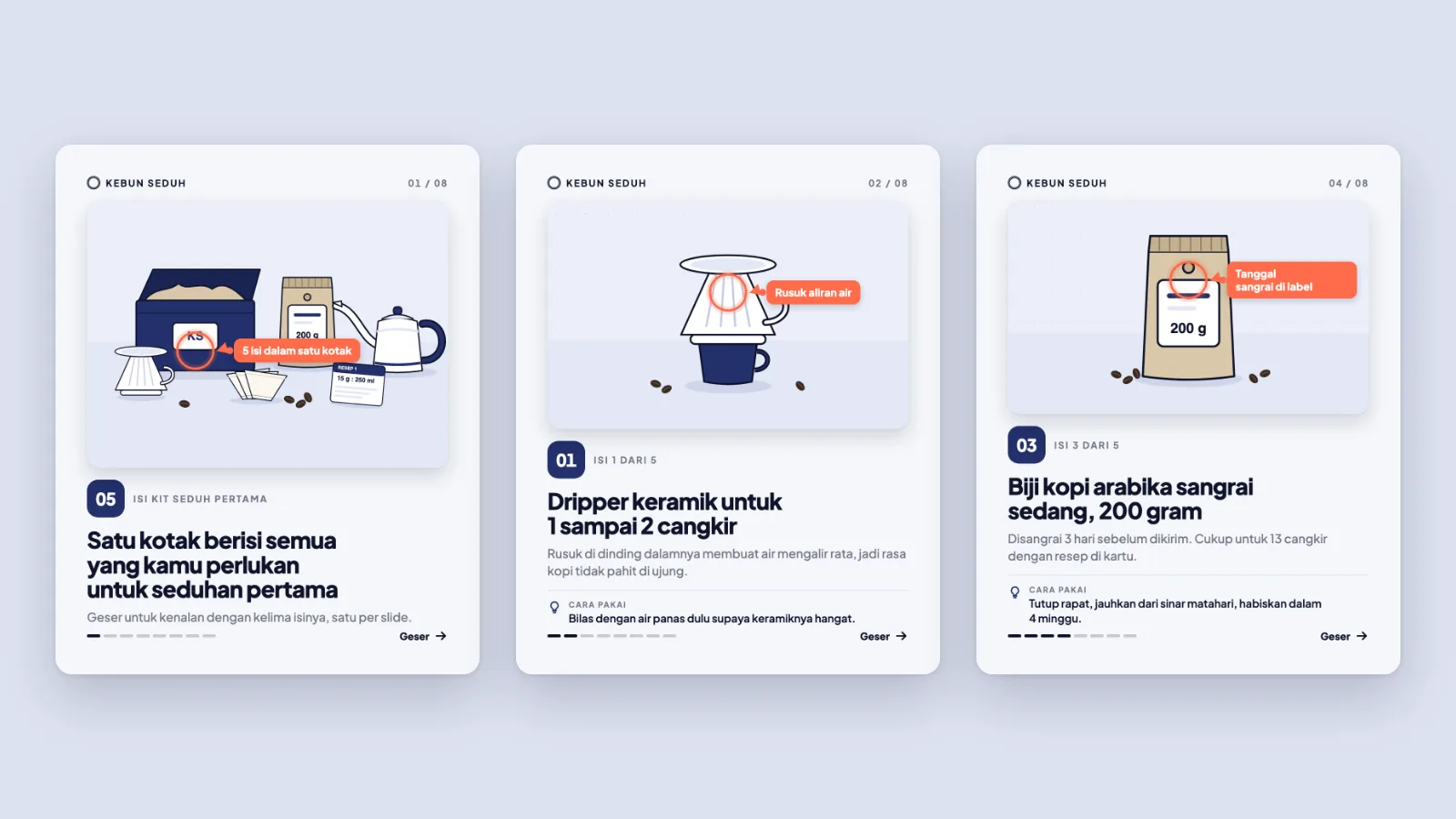
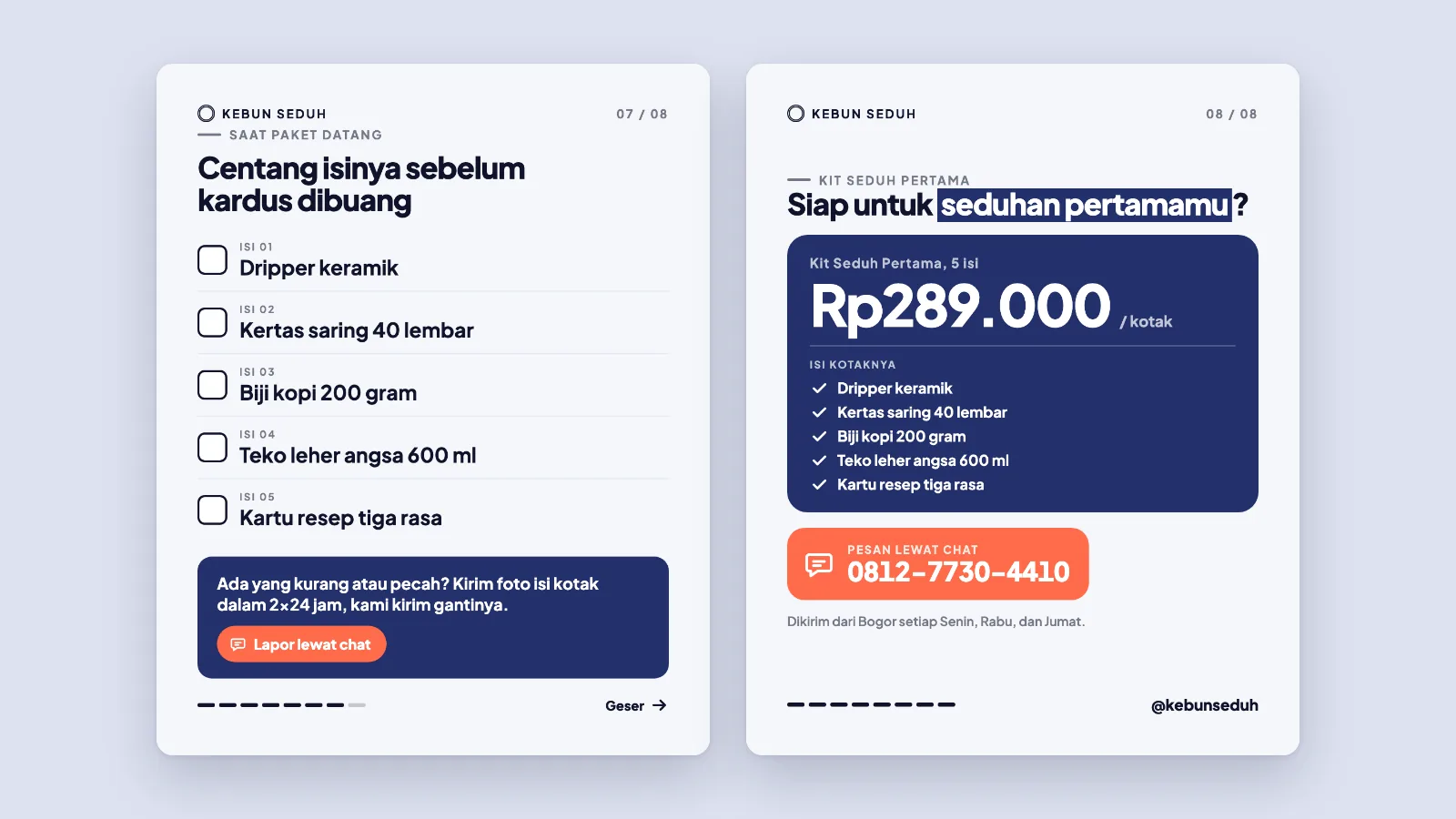
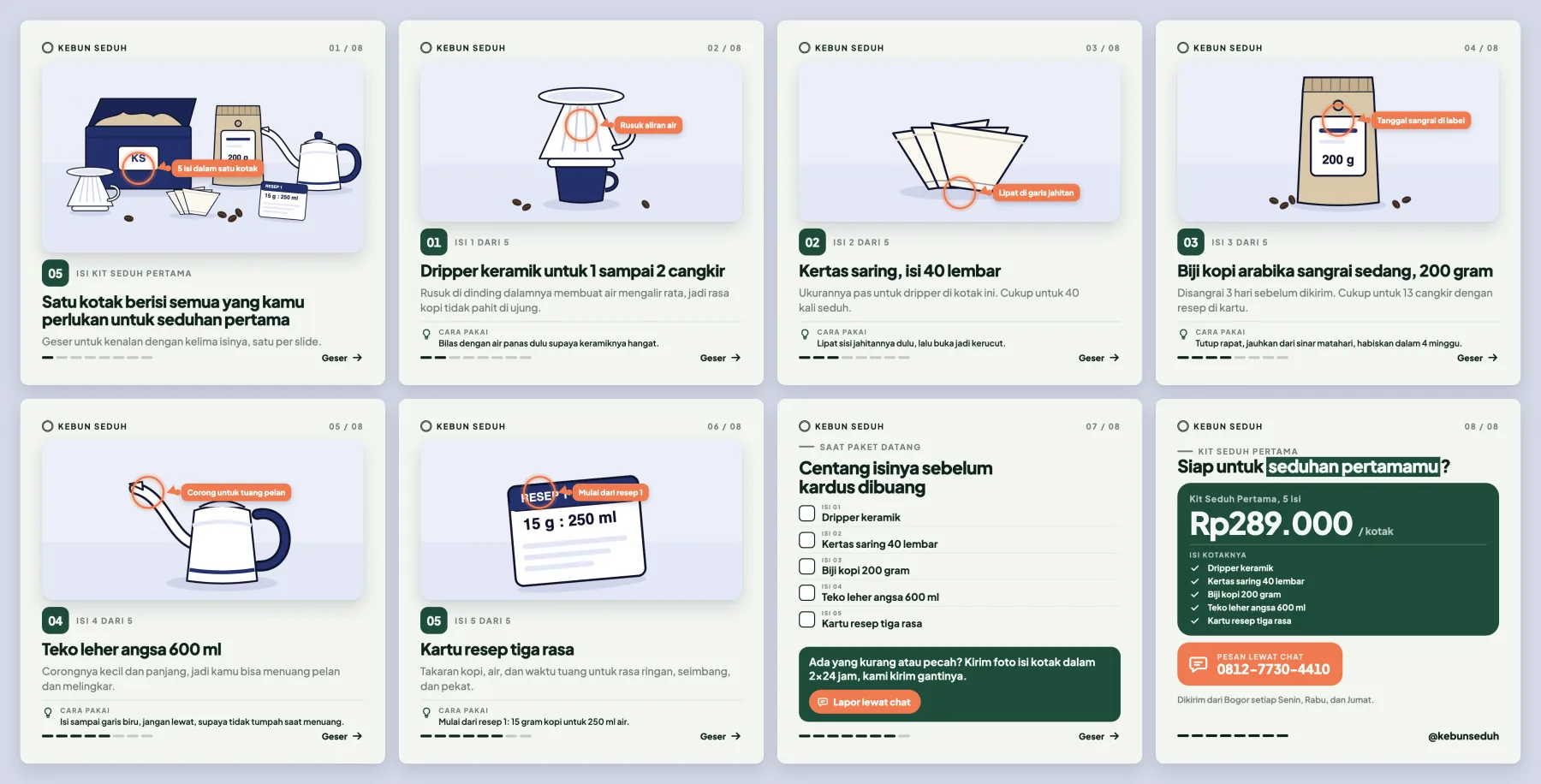
A sales carousel that introduces what is inside a package: the first slide shows the whole box in one large picture with a pointer, then each item gets its own slide with a picture, number, what it is for, one detail marked by an arrow, and a short how-to. It closes with an empty checklist buyers tick when the package arrives, how to report a missing item, and a package price card with a chat button. For starter kits, hampers, course kits, or subscription boxes. 3 to 7 items, 1080x1350 or 1080x1080.
Verified by SkillFlow
We checked every file in this skill automatically: no command that downloads and runs a program, no hidden code, no instruction telling your AI to ignore you.
- Loads from outside
- Fonts: Google Fonts
See the 11 files inside
skill.json9 KBSKILL.md8 KBprompt.md3 KBprompt.en.md3 KBfiles/carousel.html383 KBfiles/gambar/isi-biji-kopi.svg3 KBfiles/gambar/isi-dripper.svg3 KBfiles/gambar/isi-kartu-resep.svg2 KBfiles/gambar/isi-kertas-saring.svg2 KBfiles/gambar/isi-teko.svg2 KBfiles/gambar/paket-lengkap.svg9 KB
Checked 14 Nov 2026
Part of SkillFlow Pro
Pro opens every skill in every category: copy, ZIP, Send to AI, install, save, and request new skills.
Get Pro Already subscribed? Sign inWhat you get
- A script: full package slide, 3-7 item slides (name, use, pointed-out detail, how to use), a checklist, the price
- A one-config HTML template with a large picture frame and an arrow pointer on each slide
- Original flat sample pictures you can swap for your own product photos
- An empty checklist for buyers to tick when the package arrives, with how to report a missing item
- One PNG per slide at 1080x1350 (4:5) or 1080x1080 (1:1), plus a combined sheet of all slides
- 4 ready palettes (indigo, charcoal, forest, plum) and a caption asking people to save
Good fit
- Sellers of starter kits, hampers, or subscription boxes with several items
- Classes or courses that ship a materials kit to participants
- Shops often asked "what's in it?" before people order
- Sellers who want fewer missing-item complaints through an arrival checklist
Not for
- It does not calculate bundle savings against single prices; for bundle price promos use a bundling carousel
- Not a catalogue of many separate products each with its own code and price
- The sample pictures are illustrations; for real selling swap in photos of your own items
- Up to 7 items per carousel
About this skill
/carousel-isi-paket Make a what's inside carousel for our First Brew Kit, 5 items: a dripper, filter papers, 200 g of beans, a gooseneck kettle, and a recipe card, priced at 289,000
Show more
A sales carousel that introduces what is inside a package: the first slide shows the whole box in one large picture with a pointer, then each item gets its own slide with a picture, number, what it is for, one detail marked by an arrow, and a short how-to. It closes with an empty checklist buyers tick when the package arrives, how to report a missing item, and a package price card with a chat button. For starter kits, hampers, course kits, or subscription boxes. 3 to 7 items, 1080x1350 or 1080x1080.
User reviews
FAQ
Do I need a photo of every item?
Ideally yes, one photo of the full package and one per item on a plain background. Until you have them, the template uses sample pictures or a placeholder box, so you can check the script first.
How do I set the arrow pointer?
Each slide points at one spot, written as a percentage from the top left of the picture, for example 50 and 40. Pick a detail buyers often miss, like the roast date on the label or the fill line.
Which AI can I use it with?
Copy the prompt into a chat AI (ChatGPT, Claude, Gemini, DeepSeek); or download the ZIP and install it in an AI agent (Claude Code, Codex, Antigravity, Hermes Agent, Cursor, GitHub Copilot, Gemini CLI, OpenCode, Kimi Code, Trae), which then builds the files for you.
What is in the ZIP?
One folder named carousel-isi-paket with SKILL.md (the instructions an AI agent reads) and the prompt, 11 files in all. Extract it into your agent's skills folder, or install it with npx skillflow-ai add carousel-isi-paket. Pro only.
Is there a per-use fee or credits?
Not from SkillFlow. The skill runs on the AI you already use, so any cost follows that plan.
Which plan includes it?
SkillFlow Pro. It opens every skill in every category.
Can I use my own colours and brand?
Yes. Pick a colour theme on this page, or fill in your brand profile once; both go into the prompt you copy and into the ZIP.
Can I share what I made?
Pro members can upload the result and get a page at share.skillflow.ai.id to send to anyone. The page carries a small "Made with SkillFlow AI" mark.
Is there a download limit?
Yes, per day: 50 skills on Pro, 10 on other plans. Downloading a skill again on the same day does not count.



