

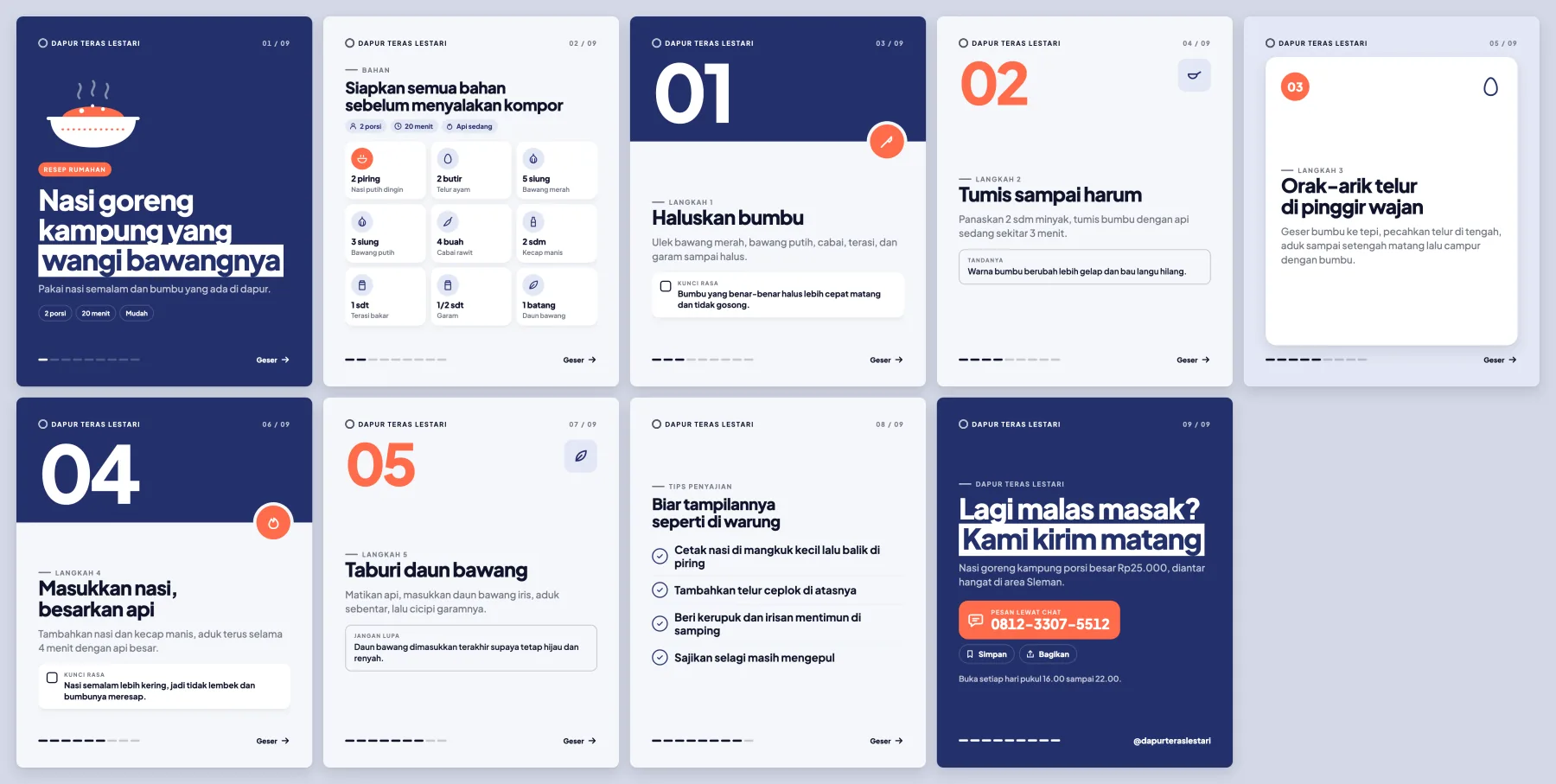
Nine slides: an illustrated cover, an ingredient card, 5 numbered steps, serving tips, and the closing slide
SKILL.md contents
Premium subscribers can read, copy, and install this skill.
Unlock with Premium Sign inIllustrated Recipe
Description
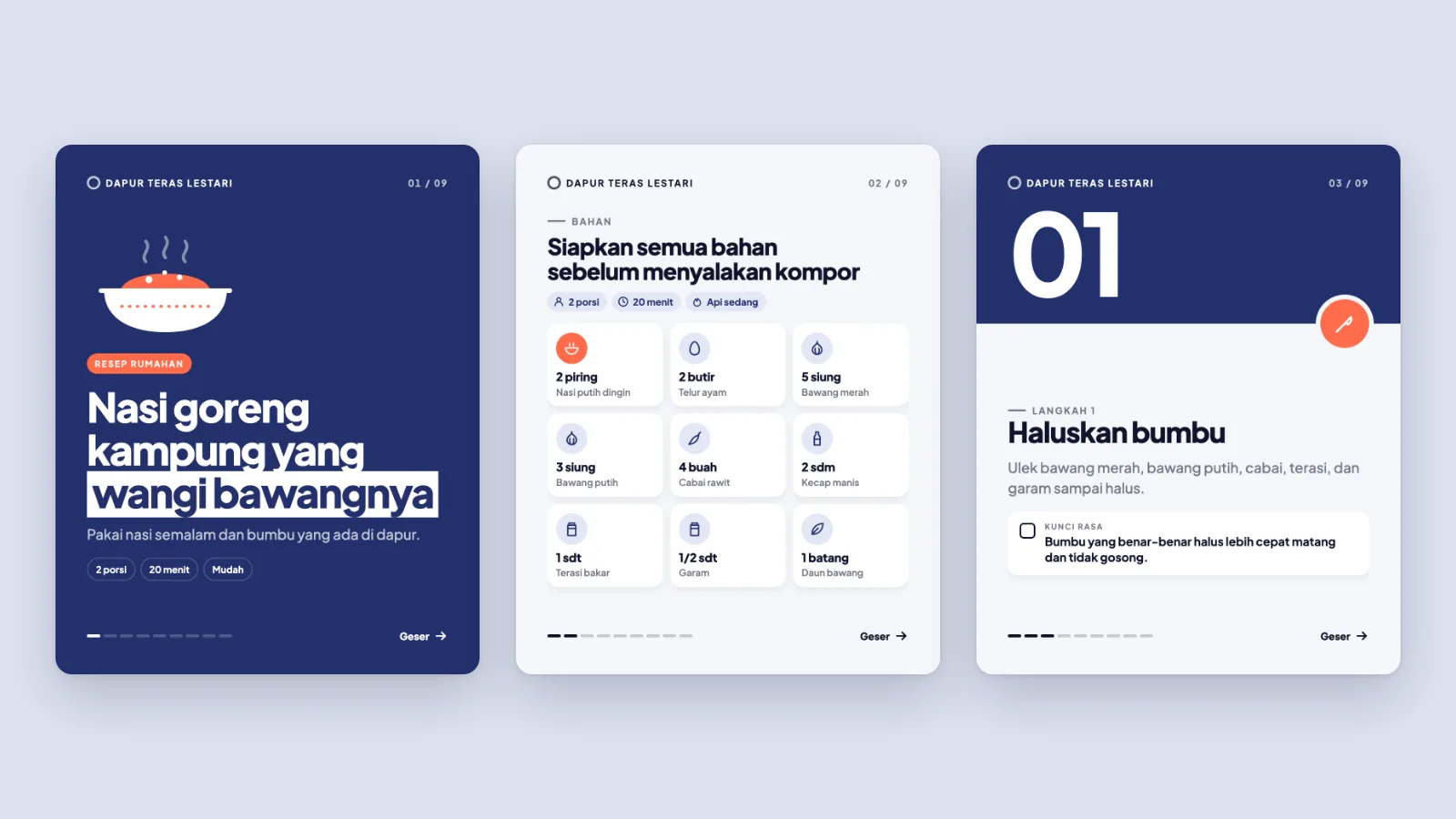
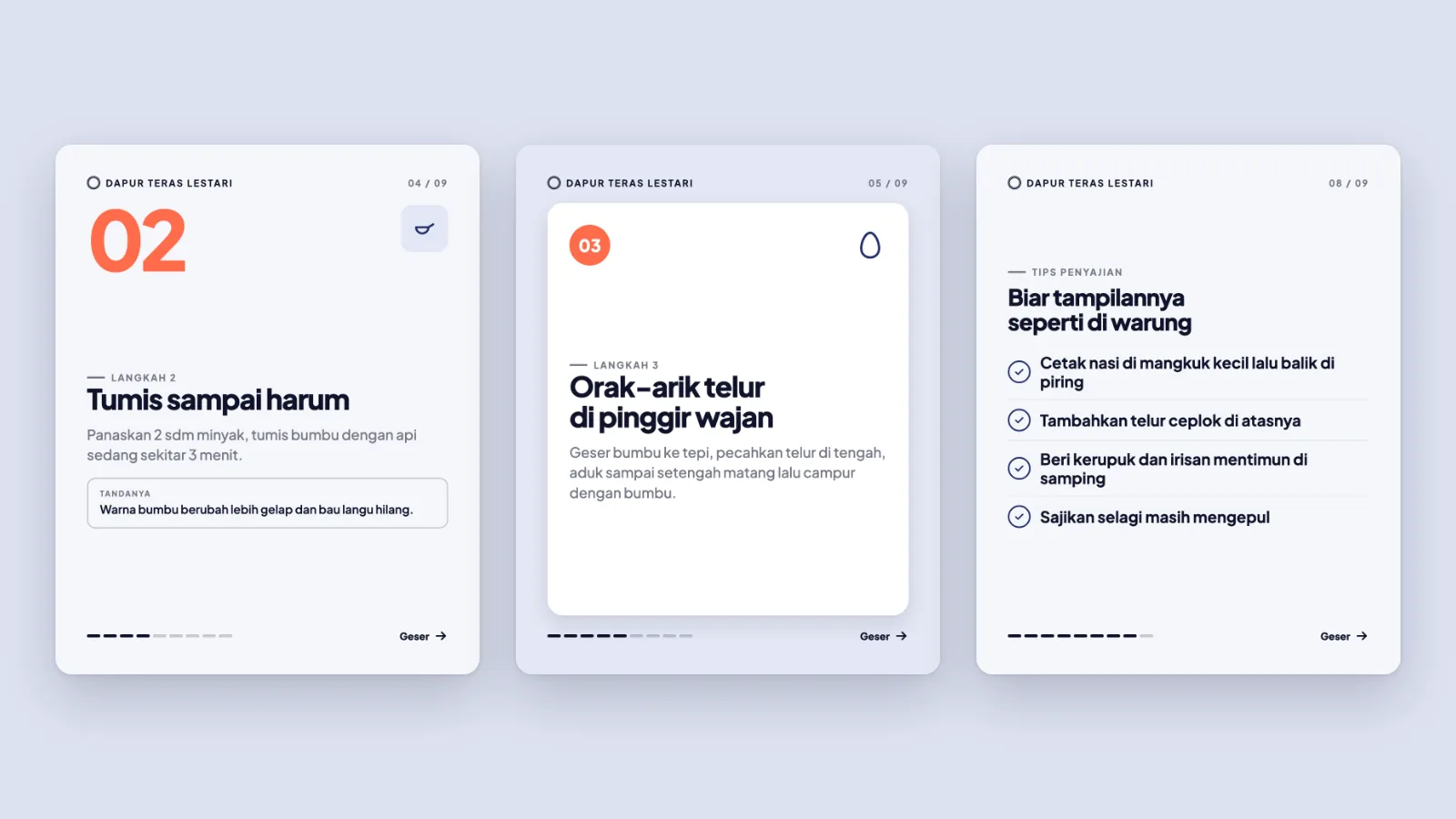
A recipe carousel for food businesses, caterers, and cooking creators: a steaming bowl illustration cover with serving, time, and difficulty chips, an illustrated ingredient card with the amount and name of each ingredient (the main one in the accent colour), one slide per numbered step with a kitchen tool icon and a flavour tip, a serving tips list, then a closing slide to order the ready-made dish in chat. Icons and the illustration are drawn as built-in SVG, so no photos are needed. 3 to 7 steps, 1080x1350 or 1080x1080.
Verified by SkillFlow
We checked every file in this skill automatically: no command that downloads and runs a program, no hidden code, no instruction telling your AI to ignore you.
- Loads from outside
- Fonts: Google Fonts
See the 5 files inside
skill.json8 KBSKILL.md7 KBprompt.md5 KBprompt.en.md5 KBfiles/carousel.html383 KB
Checked 14 Nov 2026
Part of SkillFlow Pro
Pro opens every skill in every category: copy, ZIP, Send to AI, install, save, and request new skills.
Get Pro Already subscribed? Sign inWhat you get
- A script: cover, ingredient list with amounts, 3-7 numbered steps with flavour tips, serving tips, closing
- A one-config HTML template with an ingredient slide (illustrated cards or a dotted list) and 15 kitchen tool and ingredient icons
- A steaming bowl cover illustration that follows the palette
- One PNG per slide at 1080x1350 (4:5) or 1080x1080 (1:1), plus a combined sheet of all slides
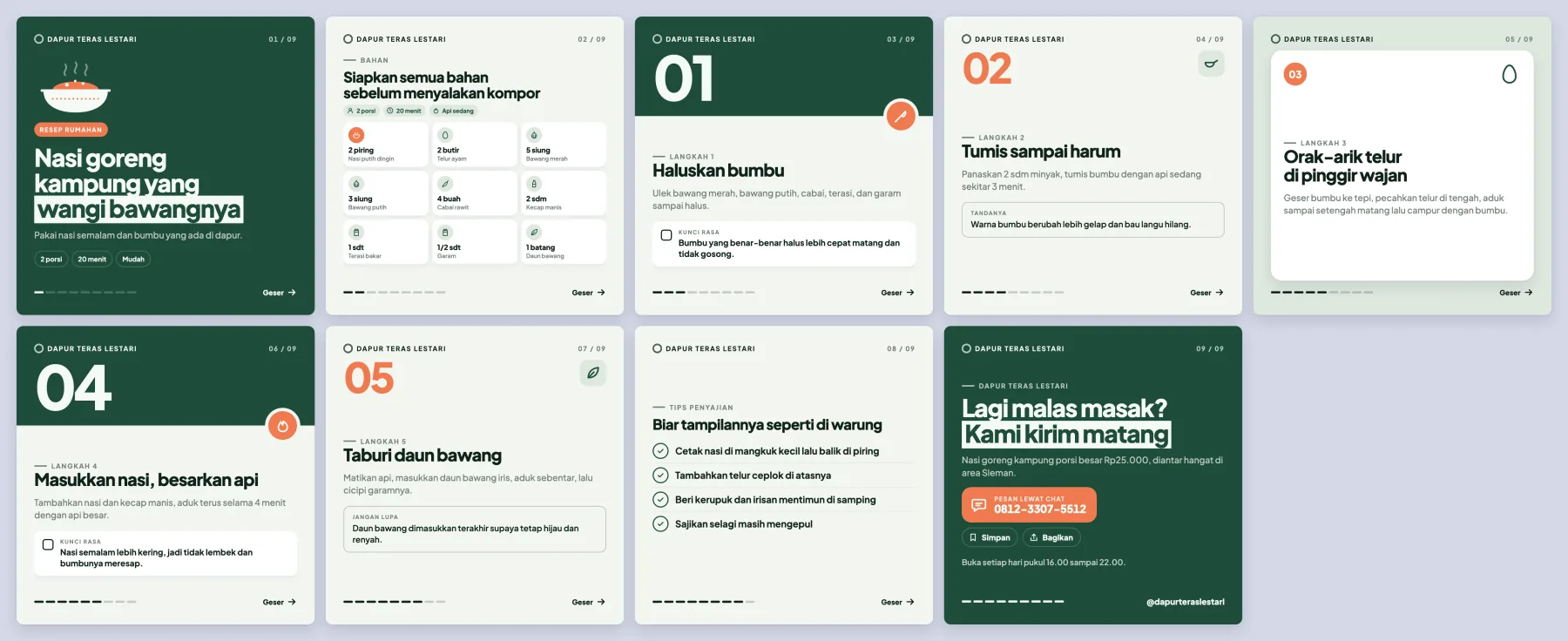
- 4 ready palettes (indigo, charcoal, forest, plum)
- A caption asking people to save the recipe and order the ready-made dish
Good fit
- Food businesses and caterers sharing a recipe while offering the ready-made version
- Cooking creators who want recipes people can follow on their phone
- Ingredient or spice sellers showing how to use their product
Not for
- It does not use food photos; visuals are icons and SVG illustrations
- The recipe, measurements, and cooking times come from you; this skill does not test them
- Up to 7 steps and 10 ingredients
About this skill
/carousel-resep-bergambar Make a recipe carousel for smashed fried chicken with raw shallot sambal from Laksmi Geprek Stall, 4 servings, 5 steps, closing with an invite to order it ready-made over WhatsApp
Show more
A recipe carousel for food businesses, caterers, and cooking creators: a steaming bowl illustration cover with serving, time, and difficulty chips, an illustrated ingredient card with the amount and name of each ingredient (the main one in the accent colour), one slide per numbered step with a kitchen tool icon and a flavour tip, a serving tips list, then a closing slide to order the ready-made dish in chat. Icons and the illustration are drawn as built-in SVG, so no photos are needed. 3 to 7 steps, 1080x1350 or 1080x1080.
User reviews
FAQ
How are key ingredients marked?
Mark the key ingredient in the config and its card turns the accent colour. A "Can be swapped" box is available for substitutes.
What is the flavour tip on each step?
One sentence that makes the step work, such as how to tell the oil is hot enough. The label can be changed to Sign or Don't forget.
Which AI can I use it with?
Copy the prompt into a chat AI (ChatGPT, Claude, Gemini, DeepSeek); or download the ZIP and install it in an AI agent (Claude Code, Codex, Antigravity, Hermes Agent, Cursor, GitHub Copilot, Gemini CLI, OpenCode, Kimi Code, Trae), which then builds the files for you.
What is in the ZIP?
One folder named carousel-resep-bergambar with SKILL.md (the instructions an AI agent reads) and the prompt, 5 files in all. Extract it into your agent's skills folder, or install it with npx skillflow-ai add carousel-resep-bergambar. Pro only.
Is there a per-use fee or credits?
Not from SkillFlow. The skill runs on the AI you already use, so any cost follows that plan.
Which plan includes it?
SkillFlow Pro. It opens every skill in every category.
Can I use my own colours and brand?
Yes. Pick a colour theme on this page, or fill in your brand profile once; both go into the prompt you copy and into the ZIP.
Can I share what I made?
Pro members can upload the result and get a page at share.skillflow.ai.id to send to anyone. The page carries a small "Made with SkillFlow AI" mark.
Is there a download limit?
Yes, per day: 50 skills on Pro, 10 on other plans. Downloading a skill again on the same day does not count.



