

Rendered sample video
SKILL.md contents
Premium subscribers can read, copy, and install this skill.
Unlock with Premium Sign inOnline Class Checklist
Description
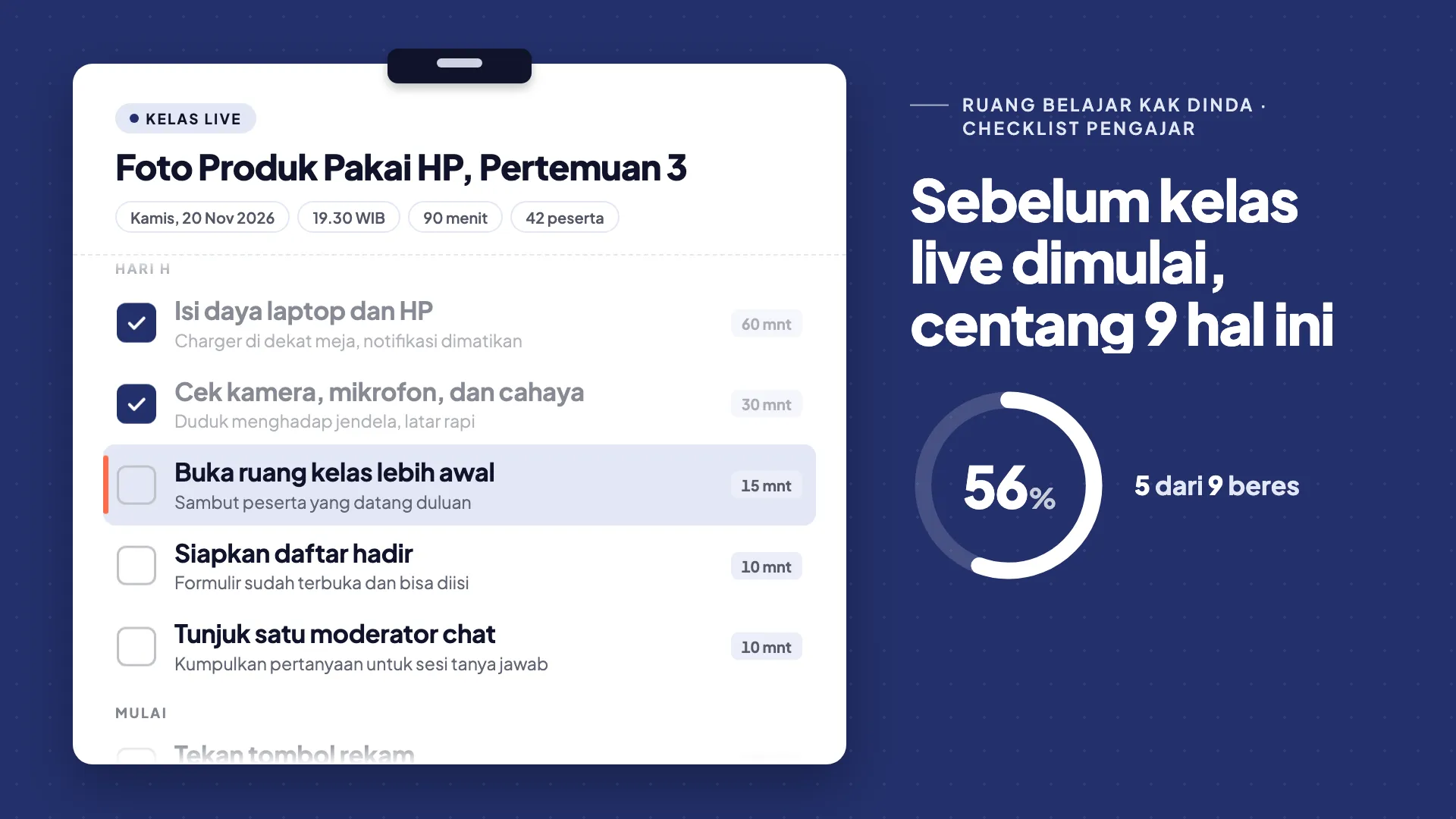
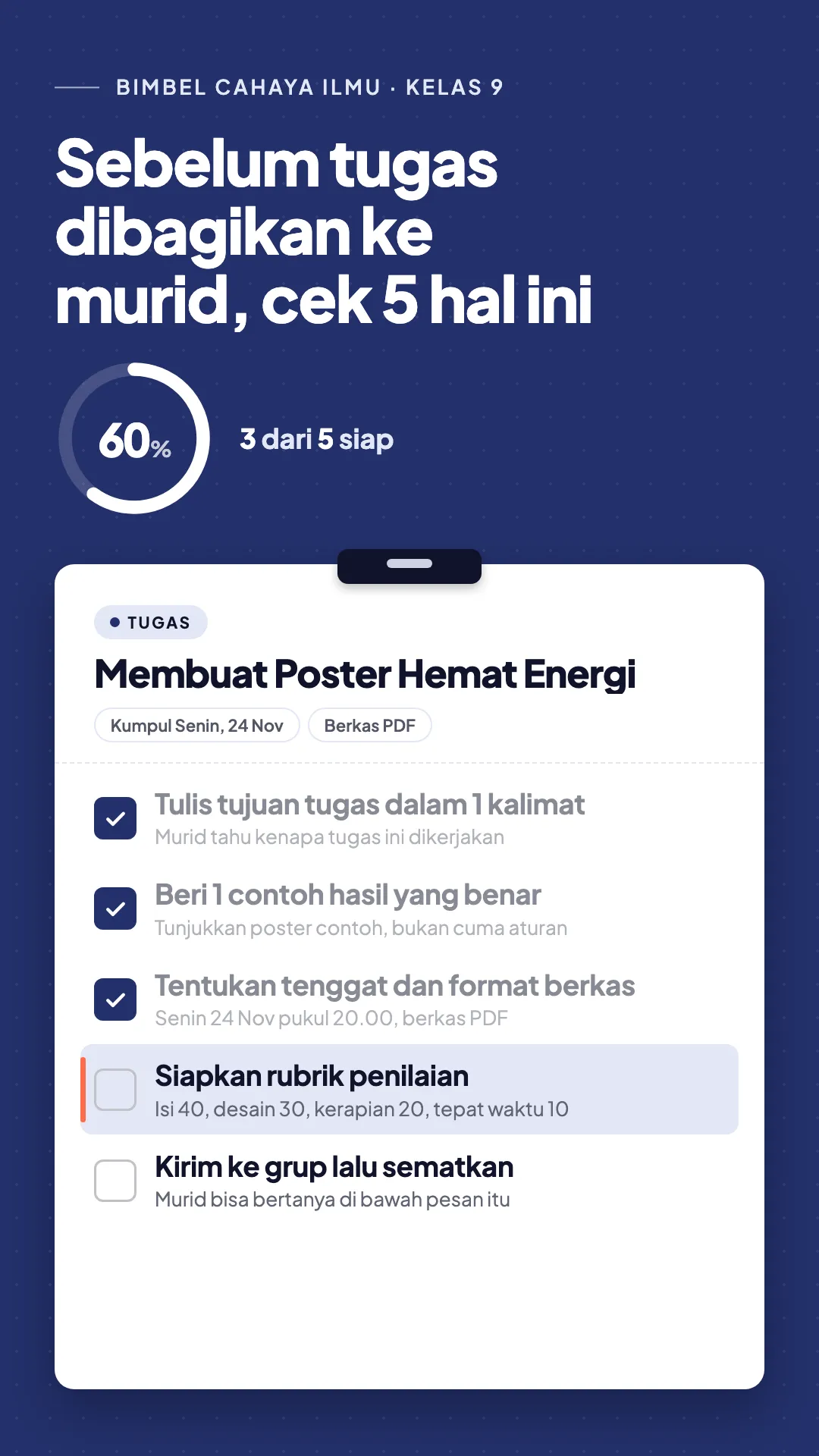
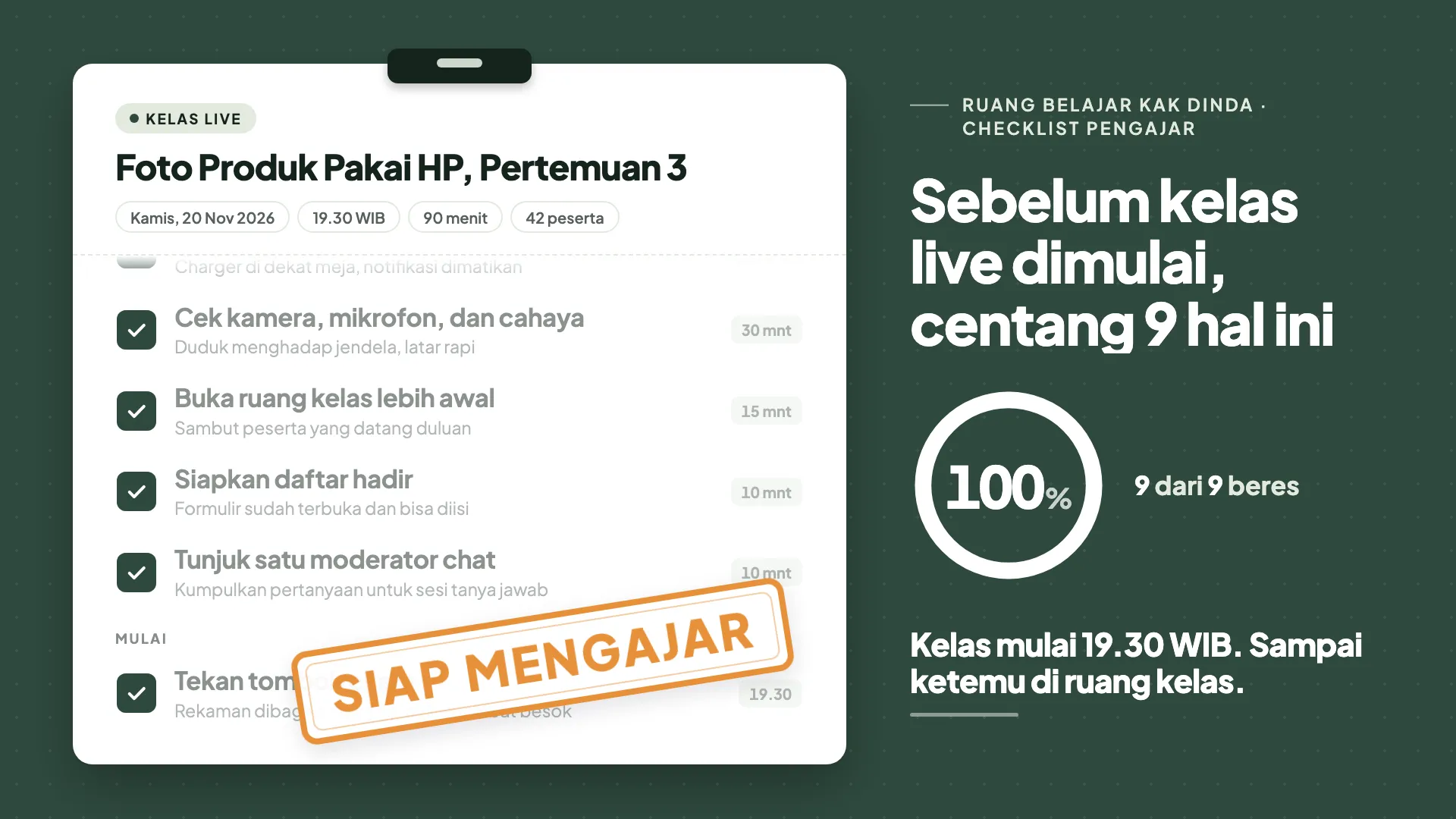
A prep checklist clip for teachers: a sheet on a clipboard with the class or assignment name, the schedule, and 4 to 10 items that tick themselves off one by one. The current item is highlighted, a long list scrolls itself to follow the item being checked, a percent ring and a "5 of 9 done" count climb, then a "Ready to teach" stamp lands and one closing line appears. Built for live class prep, handing out assignments, or exam SOPs. 16:9 and 9:16, 10 to 17 seconds, rendered to MP4 with one command.
Verified by SkillFlow
We checked every file in this skill automatically: no command that downloads and runs a program, no hidden code, no instruction telling your AI to ignore you.
- Loads from outside
- Fonts: Google Fonts
See the 5 files inside
skill.json9 KBSKILL.md8 KBprompt.md6 KBprompt.en.md6 KBfiles/checklist.html27 KB
Checked 14 Nov 2026
Part of SkillFlow Pro
Pro opens every skill in every category: copy, ZIP, Send to AI, install, save, and request new skills.
Get Pro Already subscribed? Sign inWhat you get
- A checklist script: title, 4-10 ordered items with notes and timing, stamp, closing
- An animated HTML scene driven by one config object
- Items grouped by timing (day before, on the day), long lists scroll themselves
- A percent ring and a done count that climb with every tick
- MP4 1920x1080 (16:9) or 1080x1920 (9:16), 30 fps, 10-17 seconds
- 3 ready palettes, plus your own brand colors
Good fit
- Online teachers who want to share their live class prep routine as behind the scenes content
- Teachers and tutoring centres reminding colleagues before an assignment, quiz, or online exam goes out
- Webinar hosts who need a day before and on the day checklist for the team or attendees
- Mentors who want a short SOP for an assistant in video form
Not for
- Not an interactive checklist viewers can tick; the result is a video, not a web page
- At most 10 items per video; longer lists need to be split into two videos
- Not for teaching steps that each need a lot of screen space
- Rendering the MP4 needs the SkillFlow render tool on a computer (Node, a browser, ffmpeg), or an AI agent that can run it
About this skill
/checklist-kelas-online Make a prep checklist video for my live spreadsheet class, Thursday 7.30 PM, 8 items from sending the classroom link to a mic test, a Ready to teach stamp, in 9:16
Show more
A prep checklist clip for teachers: a sheet on a clipboard with the class or assignment name, the schedule, and 4 to 10 items that tick themselves off one by one. The current item is highlighted, a long list scrolls itself to follow the item being checked, a percent ring and a "5 of 9 done" count climb, then a "Ready to teach" stamp lands and one closing line appears. Built for live class prep, handing out assignments, or exam SOPs. 16:9 and 9:16, 10 to 17 seconds, rendered to MP4 with one command.
User reviews
FAQ
I have 14 items, what now?
Split them into two videos, for example the day before and the day itself. More than 10 items makes the ticks too fast to read. Inside one video you can also add small group headings by timing so the list is easier to follow.
Can I change the stamp text and the count under the percent ring?
Yes. The stamp takes 1 to 4 words, such as Exam ready or Assignment ready. The count text uses {done} and {total}, which are replaced with numbers automatically, so you can write "{done} of {total} done" or any other phrasing.
Why should each item be a single action?
Each item gets one tick. If an item holds two tasks, viewers cannot tell when it is really done. Start with a verb, keep it to 3 to 7 words, and put a concrete example in the note.
Which AI can I use it with?
Copy the prompt into a chat AI (ChatGPT, Claude, Gemini, DeepSeek): you get an HTML file; open it in Chrome and press Download MP4 (silent video, a minute or two to render); or download the ZIP and install it in an AI agent (Claude Code, Codex, Antigravity, Hermes Agent, Cursor, GitHub Copilot, Gemini CLI, OpenCode, Kimi Code, Trae), which then builds the files for you.
What is in the ZIP?
One folder named checklist-kelas-online with SKILL.md (the instructions an AI agent reads) and the prompt, 5 files in all. Extract it into your agent's skills folder, or install it with npx skillflow-ai add checklist-kelas-online. Pro only.
Is there a per-use fee or credits?
Not from SkillFlow. The skill runs on the AI you already use, so any cost follows that plan.
Which plan includes it?
SkillFlow Pro. It opens every skill in every category.
Can I use my own colours and brand?
Yes. Pick a colour theme on this page, or fill in your brand profile once; both go into the prompt you copy and into the ZIP.
Can I share what I made?
Pro members can upload the result and get a page at share.skillflow.ai.id to send to anyone. The page carries a small "Made with SkillFlow AI" mark.
Is there a download limit?
Yes, per day: 50 skills on Pro, 10 on other plans. Downloading a skill again on the same day does not count.



