

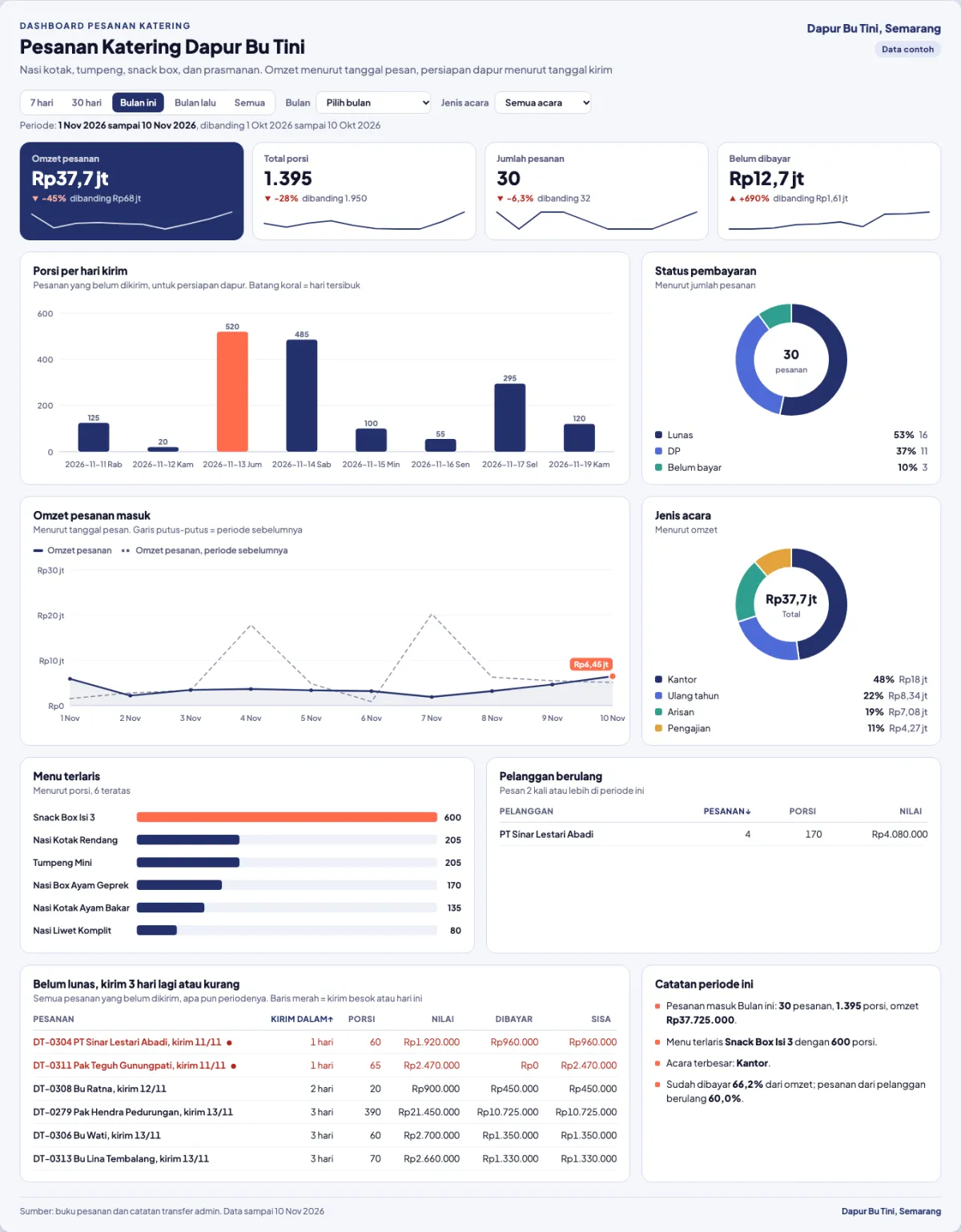
This month: KPIs, portions per delivery day, payment status, top menus, and 3-day payment chase
SKILL.md contents
Premium subscribers can read, copy, and install this skill.
Unlock with Premium Sign inCatering Orders Dashboard
Description
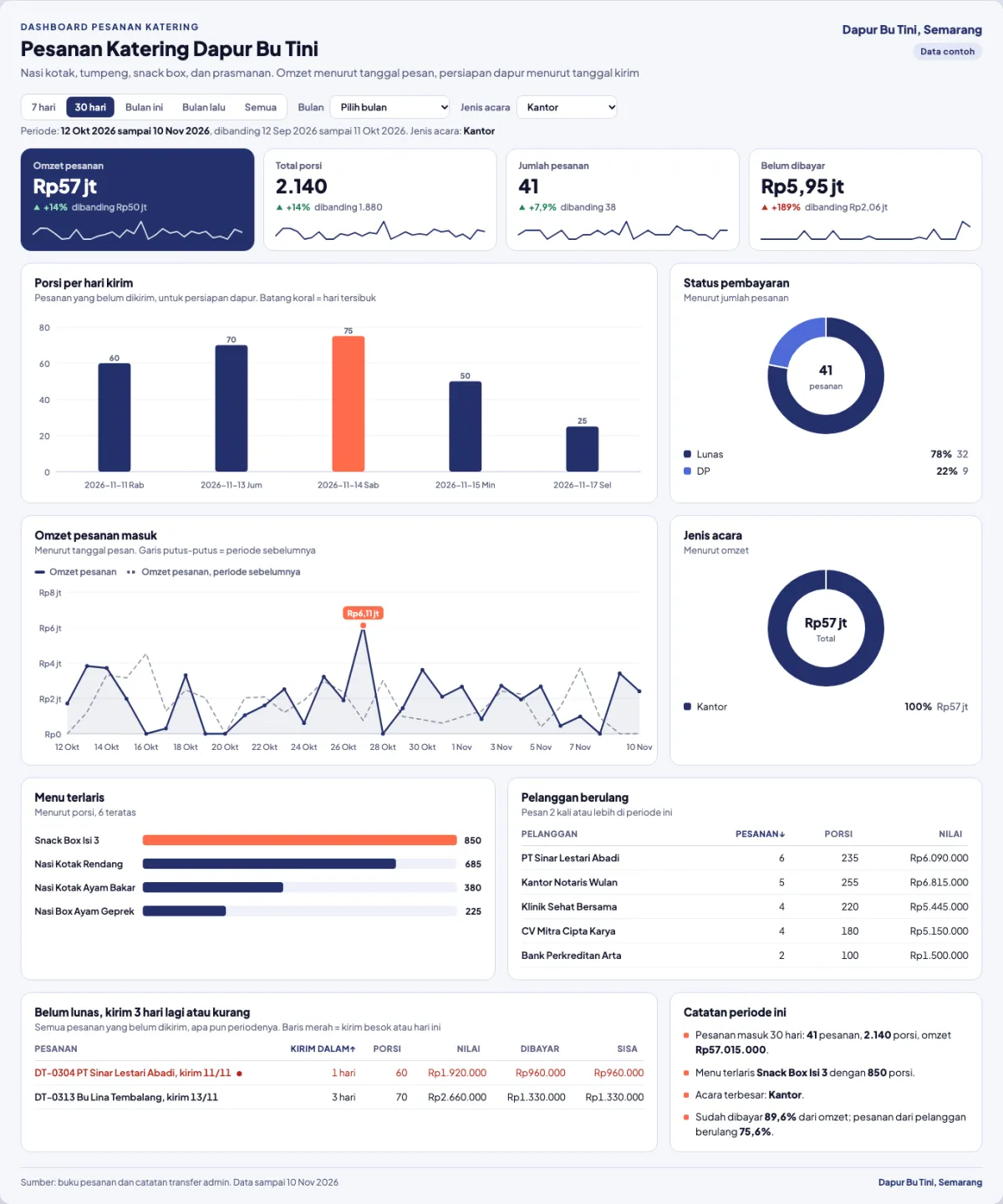
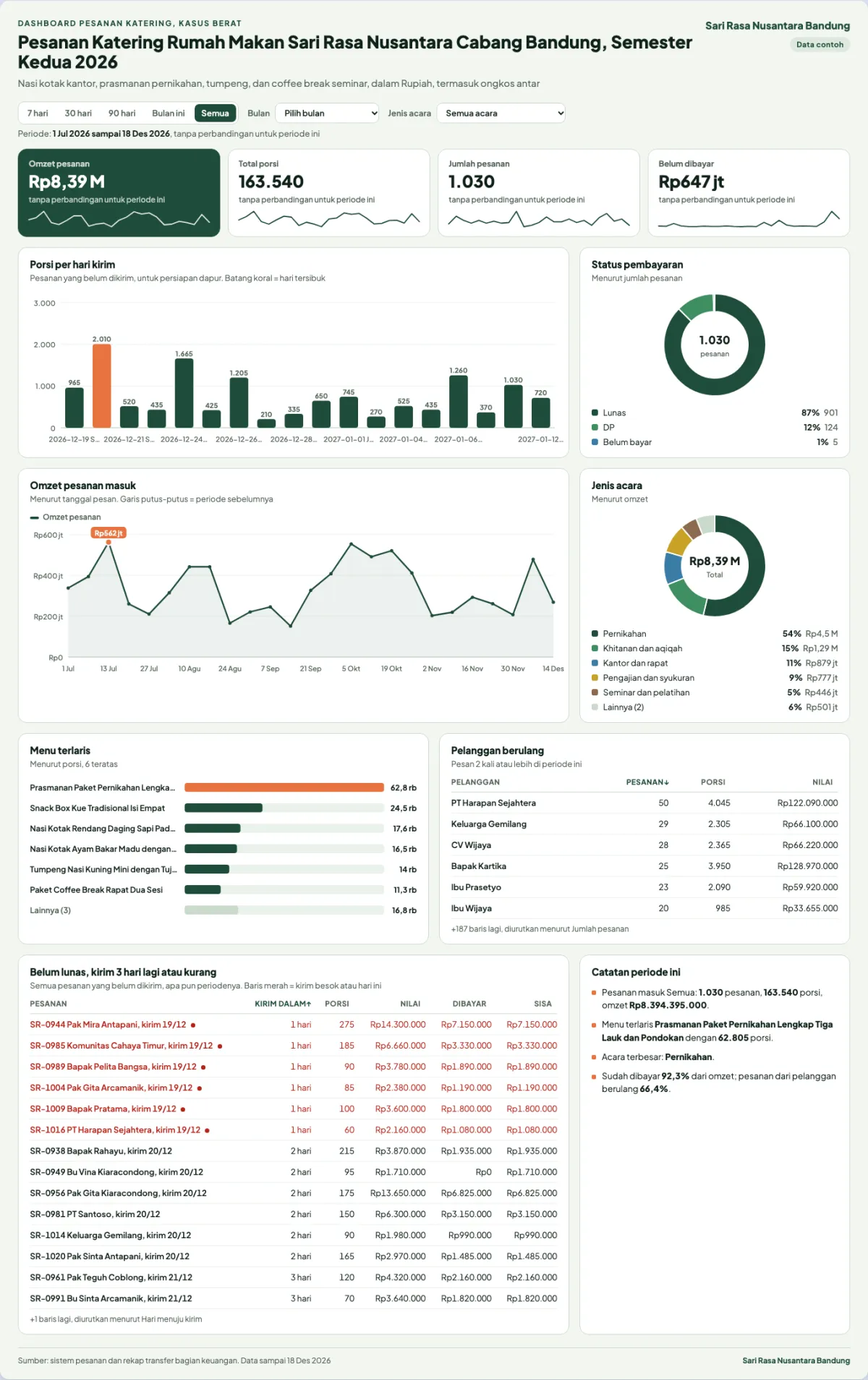
A one-screen catering orders dashboard for boxed meals, festive rice cones, snack boxes, and buffets: revenue, portions, order count, unpaid amount, portions per delivery day for kitchen prep, Paid, Deposit, and Unpaid status, incoming order trend, event types, best-selling menus, returning customers, and a table of orders not fully paid that deliver within 3 days. Period and event type filters recalculate every number in the browser, with Download PDF, Excel, and PNG buttons.
Verified by SkillFlow
We checked every file in this skill automatically: no command that downloads and runs a program, no hidden code, no instruction telling your AI to ignore you.
- Loads from outside
- Fonts: Google Fonts SkillFlow: directory.skillflow.ai.id
See the 6 files inside
skill.json9 KBSKILL.md11 KBprompt.md7 KBprompt.en.md7 KBfiles/contoh/katering-besar-6-bulan.html305 KBfiles/dashboard.html126 KB
Checked 14 Nov 2026
Part of SkillFlow Pro
Pro opens every skill in every category: copy, ZIP, Send to AI, install, save, and request new skills.
Get Pro Already subscribed? Sign inWhat you get
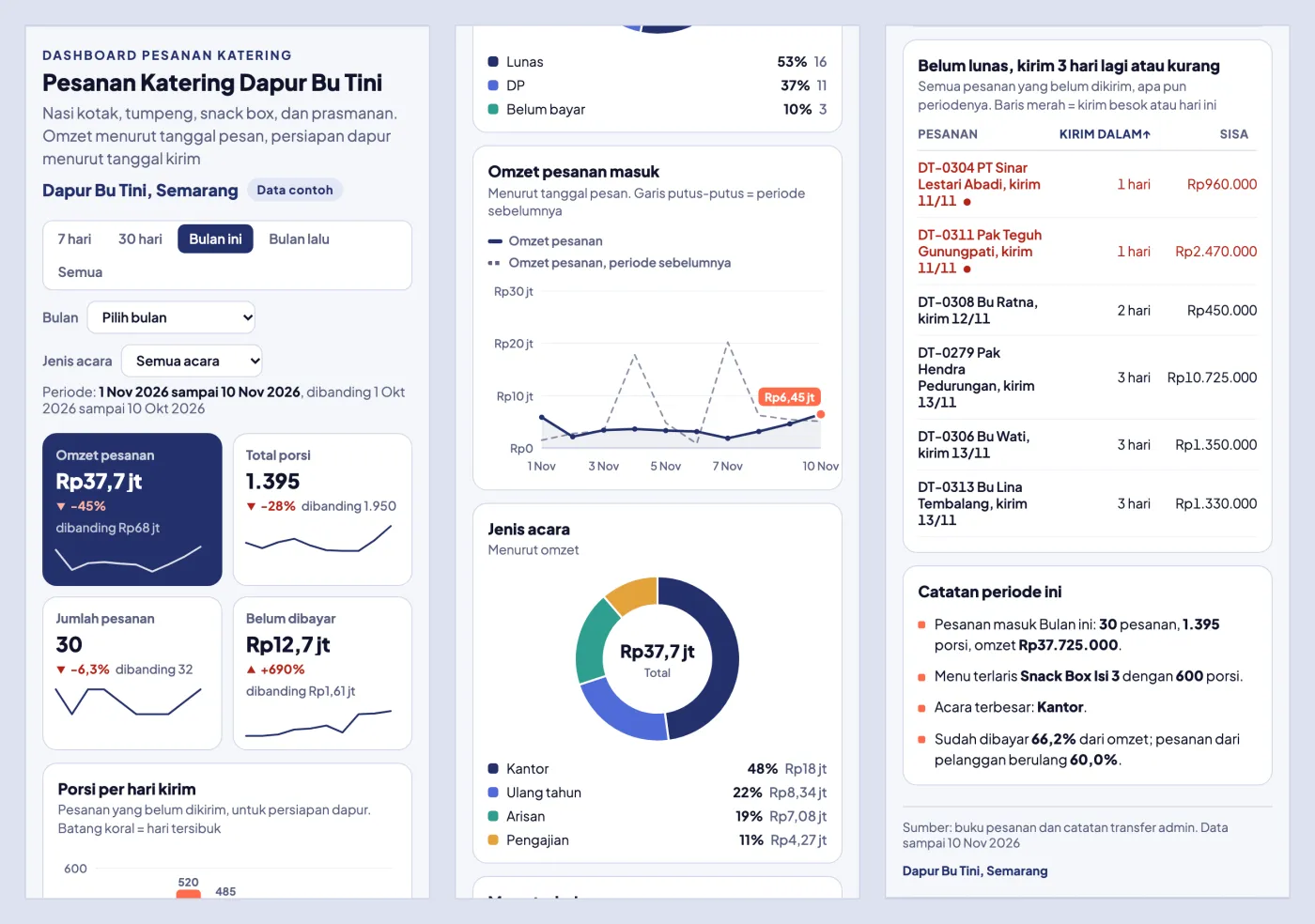
- A one-screen HTML dashboard, responsive on desktop and phone, no libraries
- Revenue, portions, orders, and unpaid KPIs compared with the previous period
- Portions per delivery day from every order not yet delivered, busiest day marked
- A table of unpaid orders delivering within 3 days, red rows for tomorrow
- Payment status, event types, best-selling menus, returning customers, and an automatic notes card
- Download PDF, Excel (filtered data), and PNG of the current view
Good fit
- Boxed meal and buffet caterers that plan the kitchen from orders per delivery day
- Owners who want to know which deposits are still unpaid before delivery
- Restaurants that also take orders for office events, weddings, and gatherings
Not for
- It does not calculate ingredients or shopping per menu
- It does not send invoices or reminders; the dashboard only shows who needs chasing
- Daily per-person meal subscriptions need a different data structure
About this skill
/dashboard-pesanan-katering Build a dashboard from my catering order book: revenue, portions, deposits and full payments, portions per delivery day for the kitchen, best-selling menus, and orders not fully paid that deliver in 3 days
Show more
A one-screen catering orders dashboard for boxed meals, festive rice cones, snack boxes, and buffets: revenue, portions, order count, unpaid amount, portions per delivery day for kitchen prep, Paid, Deposit, and Unpaid status, incoming order trend, event types, best-selling menus, returning customers, and a table of orders not fully paid that deliver within 3 days. Period and event type filters recalculate every number in the browser, with Download PDF, Excel, and PNG buttons.
User reviews
FAQ
Why don't portions per delivery day follow the period choice?
The period follows the order date, while the kitchen works by delivery date. An order placed last month can deliver this week, so the kitchen chart and the payment table always use every order not yet delivered.
Can the 3-day chase window be changed?
Yes. Change the 3 in the payment table condition and its title, for example to 5 days for large wedding orders.
Which AI can I use it with?
Copy the prompt into a chat AI (ChatGPT, Claude, Gemini, DeepSeek); or download the ZIP and install it in an AI agent (Claude Code, Codex, Antigravity, Hermes Agent, Cursor, GitHub Copilot, Gemini CLI, OpenCode, Kimi Code, Trae), which then builds the files for you.
What is in the ZIP?
One folder named dashboard-pesanan-katering with SKILL.md (the instructions an AI agent reads) and the prompt, 6 files in all. Extract it into your agent's skills folder, or install it with npx skillflow-ai add dashboard-pesanan-katering. Pro only.
Is there a per-use fee or credits?
Not from SkillFlow. The skill runs on the AI you already use, so any cost follows that plan.
Which plan includes it?
SkillFlow Pro. It opens every skill in every category.
Can I use my own colours and brand?
Yes. Pick a colour theme on this page, or fill in your brand profile once; both go into the prompt you copy and into the ZIP.
Can I share what I made?
Pro members can upload the result and get a page at share.skillflow.ai.id to send to anyone. The page carries a small "Made with SkillFlow AI" mark.
Is there a download limit?
Yes, per day: 50 skills on Pro, 10 on other plans. Downloading a skill again on the same day does not count.



