

Rendered sample video
SKILL.md contents
Premium subscribers can read, copy, and install this skill.
Unlock with Premium Sign inPhone App Walkthrough
Description
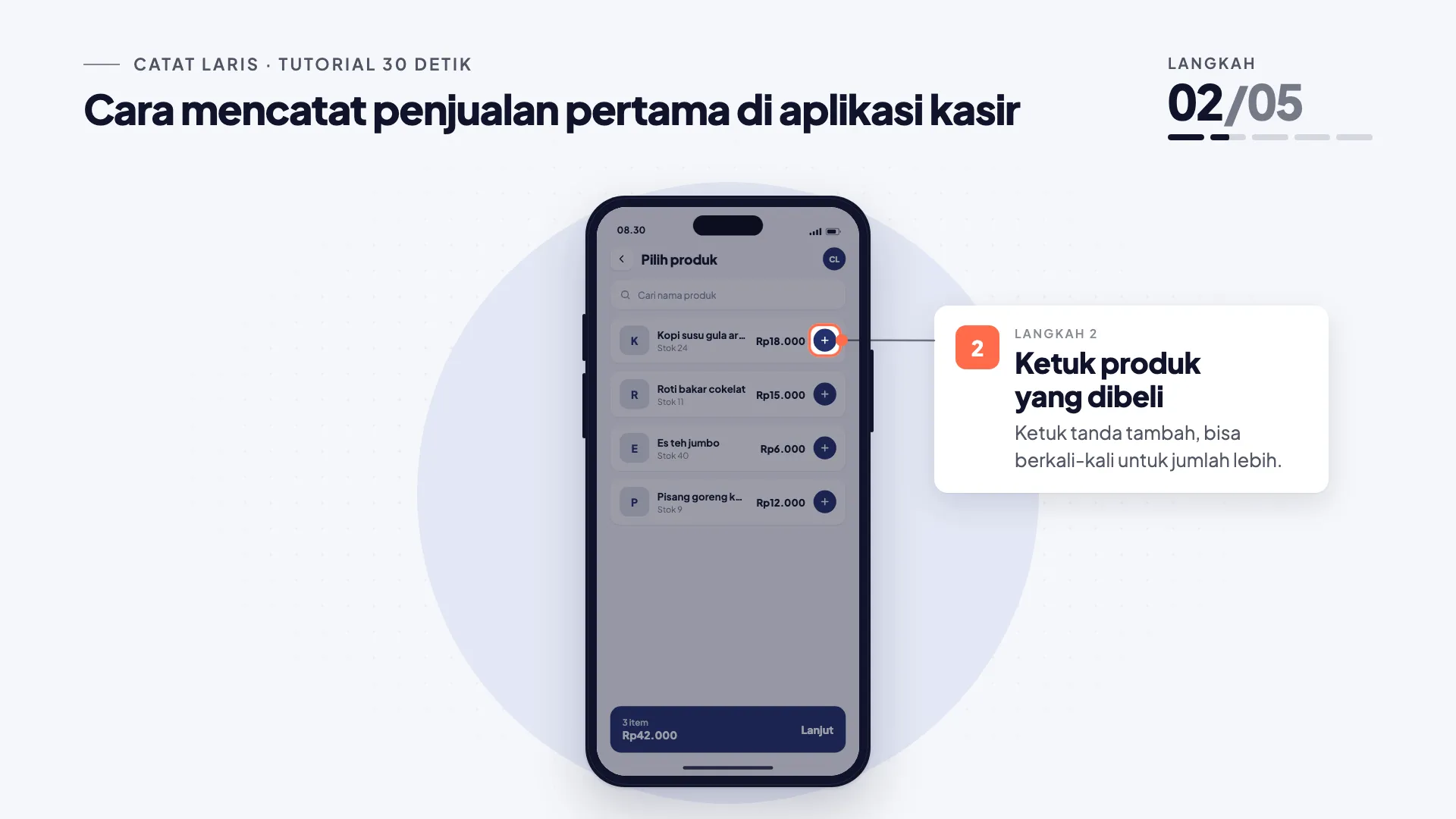
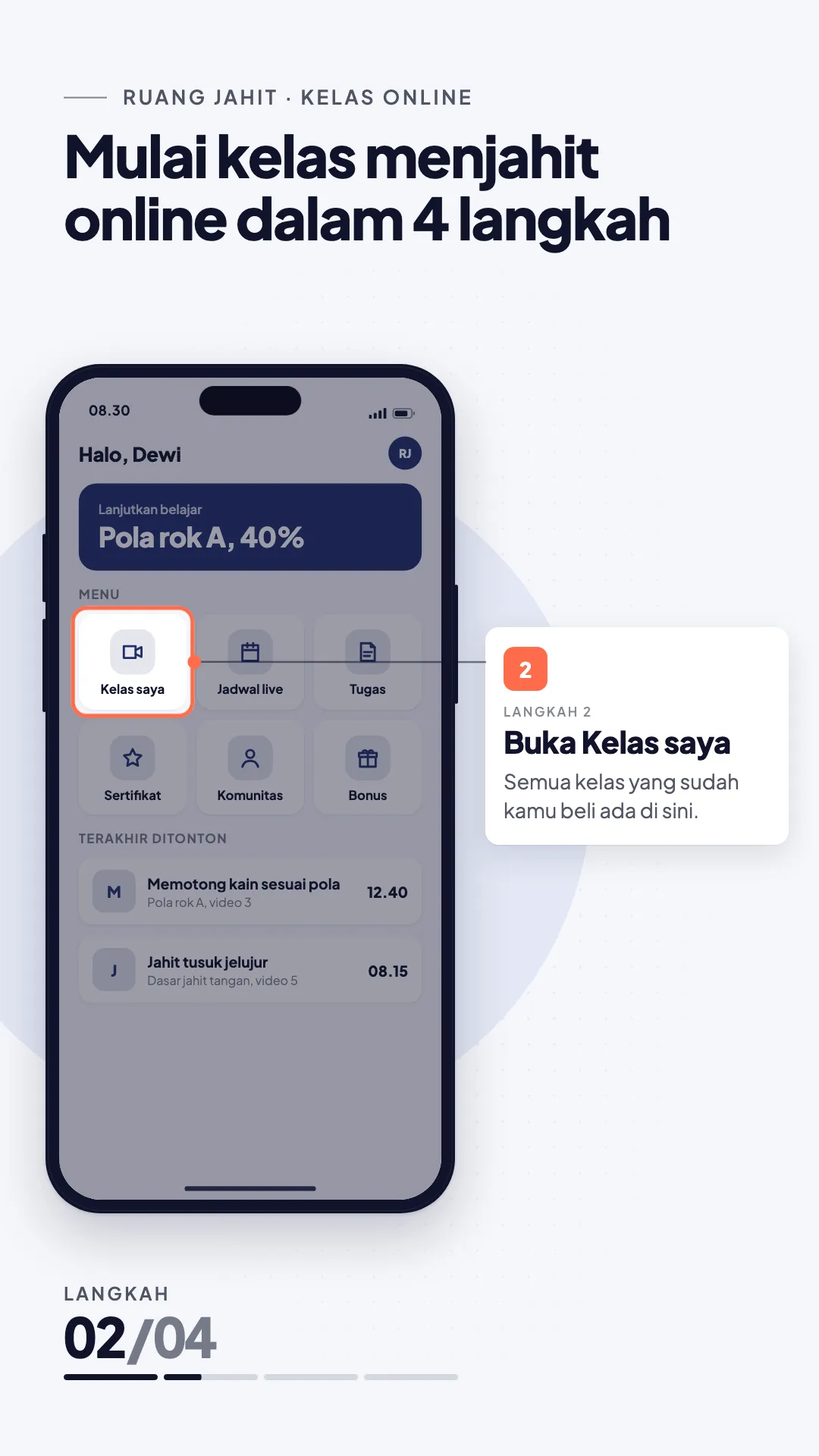
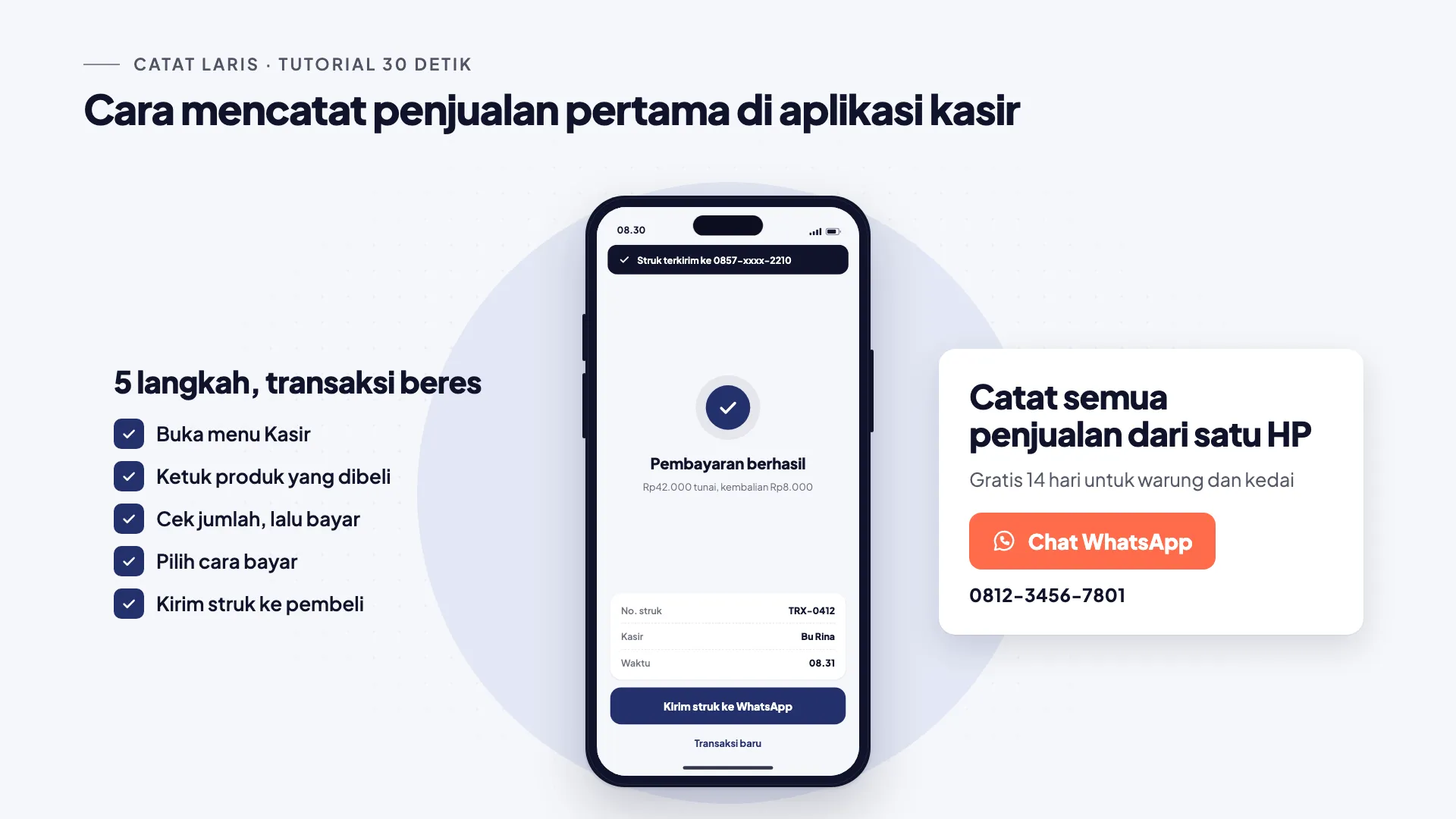
A roughly 30-second tutorial clip for an app or digital product: a large phone in the middle shows screens that change step by step, the part to tap is spotlighted with a tap effect, and a numbered callout card appears beside it with a pointer line. Sample screens are built in HTML (menu home, list, cart, choice, form, success screen) or filled with screenshots of your own app. It ends with a ticked recap and a WhatsApp button. 3 to 6 steps, in 16:9 and 9:16.
Verified by SkillFlow
We checked every file in this skill automatically: no command that downloads and runs a program, no hidden code, no instruction telling your AI to ignore you.
- Loads from outside
- Fonts: Google Fonts
See the 6 files inside
skill.json8 KBSKILL.md8 KBprompt.md6 KBprompt.en.md6 KBfiles/contoh-kelas-online-9x16.html40 KBfiles/scene.html42 KB
Checked 14 Nov 2026
Part of SkillFlow Pro
Pro opens every skill in every category: copy, ZIP, Send to AI, install, save, and request new skills.
Get Pro Already subscribed? Sign inWhat you get
- A tutorial script: title, 3-6 steps (title + note), closing offer
- An animated HTML phone + screen + callout scene driven by one config object
- 6 kinds of sample app screens built in HTML, or a mode for your own screenshots
- MP4 1920x1080 (16:9) or 1080x1920 (9:16), 30 fps, 18-34 seconds
- 3 ready palettes, app color can match your brand
Good fit
- App and web app makers who need a how to video for new customers
- Digital product sellers explaining how to access a class, download an ebook, or log in to a member area
- Support teams that need short clips for a help page
- Creators making "how to ... in 30 seconds" clips for Reels and TikTok
Not for
- At most 6 steps per video; longer tutorials need splitting by task
- Not a real screen recording: screens are your screenshots or HTML sample screens
- Not a cinematic launch trailer
- You must hide customer personal data in your screenshots yourself before using them
About this skill
/demo-aplikasi-di-layar-hp Make a 5 step tutorial video on recording a first sale in our point of sale app, using real screenshots, ending with a 14 day free trial offer and a WhatsApp number
Show more
A roughly 30-second tutorial clip for an app or digital product: a large phone in the middle shows screens that change step by step, the part to tap is spotlighted with a tap effect, and a numbered callout card appears beside it with a pointer line. Sample screens are built in HTML (menu home, list, cart, choice, form, success screen) or filled with screenshots of your own app. It ends with a ticked recap and a WhatsApp button. 3 to 6 steps, in 16:9 and 9:16.
User reviews
FAQ
Should I use real screenshots or sample screens?
Real screenshots are the most honest for customers who actually use your app. HTML sample screens suit apps that are not finished yet, mockups, or general education content. Screenshots work best taken in normal portrait mode on a phone; other ratios get cropped at the bottom.
How do I set which part of the screen gets highlighted?
On sample screens, pick a target key such as button or item-0. In screenshot mode, give x, y, width, and height as percentages of the screen, measured from the top left corner. Preview it in the browser to make sure the highlight lands right.
Can I add a voice-over?
The video renders without voice, but your own royalty free music can be added at render time. For narration, record the voice separately using the step script handed over as reading text, then combine them in a video editor.
Which AI can I use it with?
Copy the prompt into a chat AI (ChatGPT, Claude, Gemini, DeepSeek): you get an HTML file; open it in Chrome and press Download MP4 (silent video, a minute or two to render); or download the ZIP and install it in an AI agent (Claude Code, Codex, Antigravity, Hermes Agent, Cursor, GitHub Copilot, Gemini CLI, OpenCode, Kimi Code, Trae), which then builds the files for you.
What is in the ZIP?
One folder named demo-aplikasi-di-layar-hp with SKILL.md (the instructions an AI agent reads) and the prompt, 6 files in all. Extract it into your agent's skills folder, or install it with npx skillflow-ai add demo-aplikasi-di-layar-hp. Pro only.
Is there a per-use fee or credits?
Not from SkillFlow. The skill runs on the AI you already use, so any cost follows that plan.
Which plan includes it?
SkillFlow Pro. It opens every skill in every category.
Can I use my own colours and brand?
Yes. Pick a colour theme on this page, or fill in your brand profile once; both go into the prompt you copy and into the ZIP.
Can I share what I made?
Pro members can upload the result and get a page at share.skillflow.ai.id to send to anyone. The page carries a small "Made with SkillFlow AI" mark.
Is there a download limit?
Yes, per day: 50 skills on Pro, 10 on other plans. Downloading a skill again on the same day does not count.



