

Rendered sample video
SKILL.md contents
Premium subscribers can read, copy, and install this skill.
Unlock with Premium Sign inApp Feature Demo for Launch Videos
Description
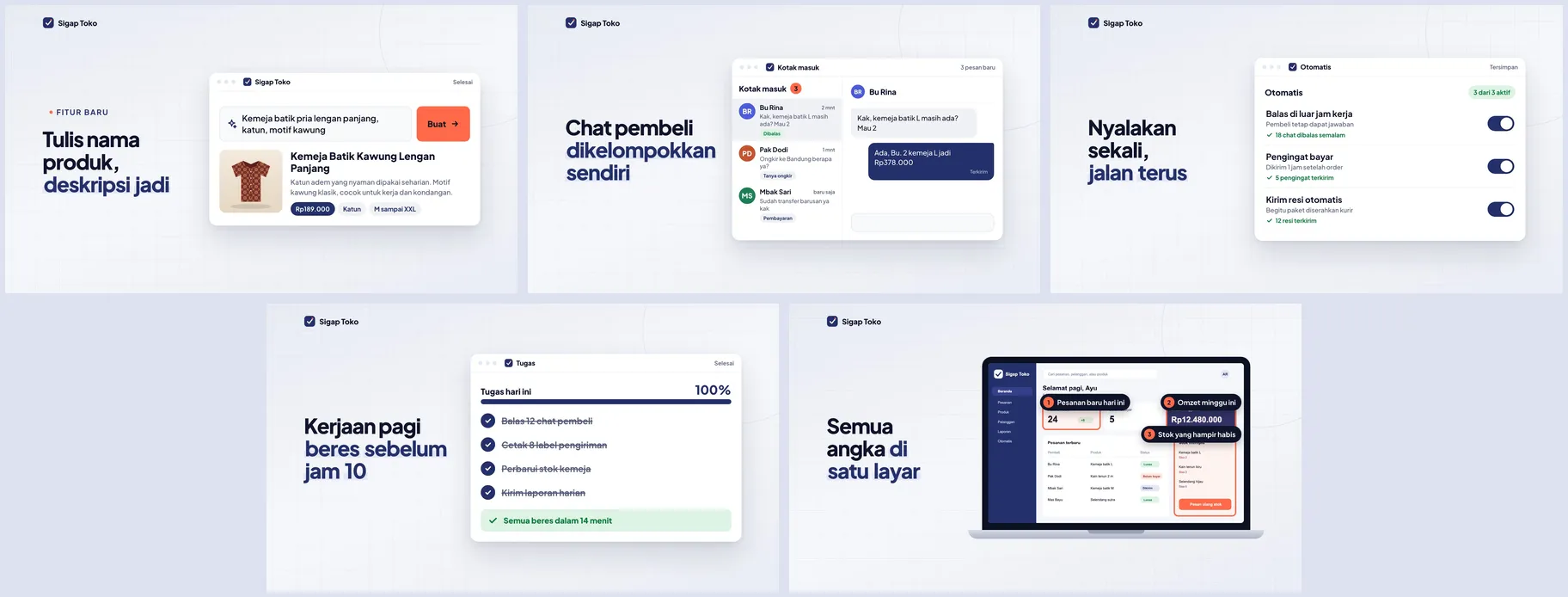
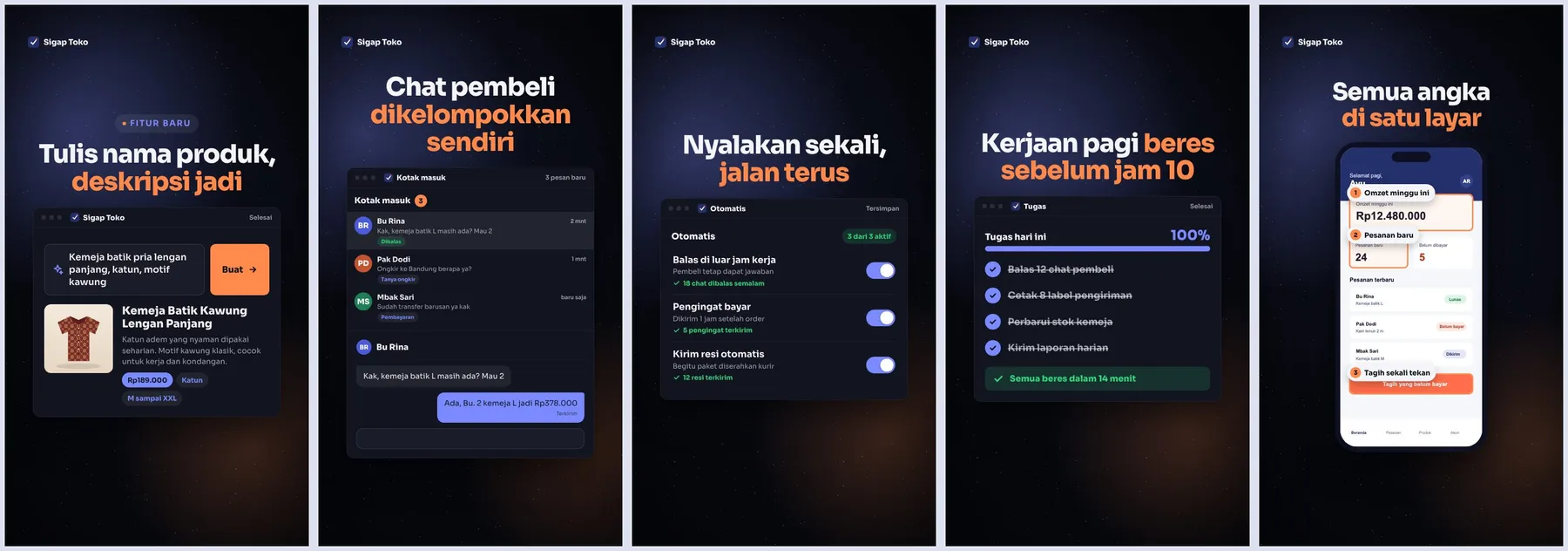
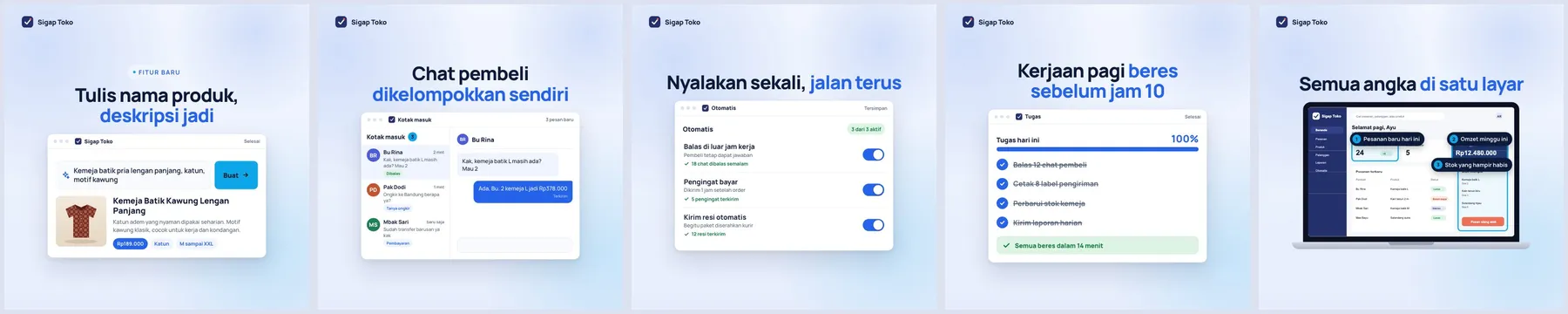
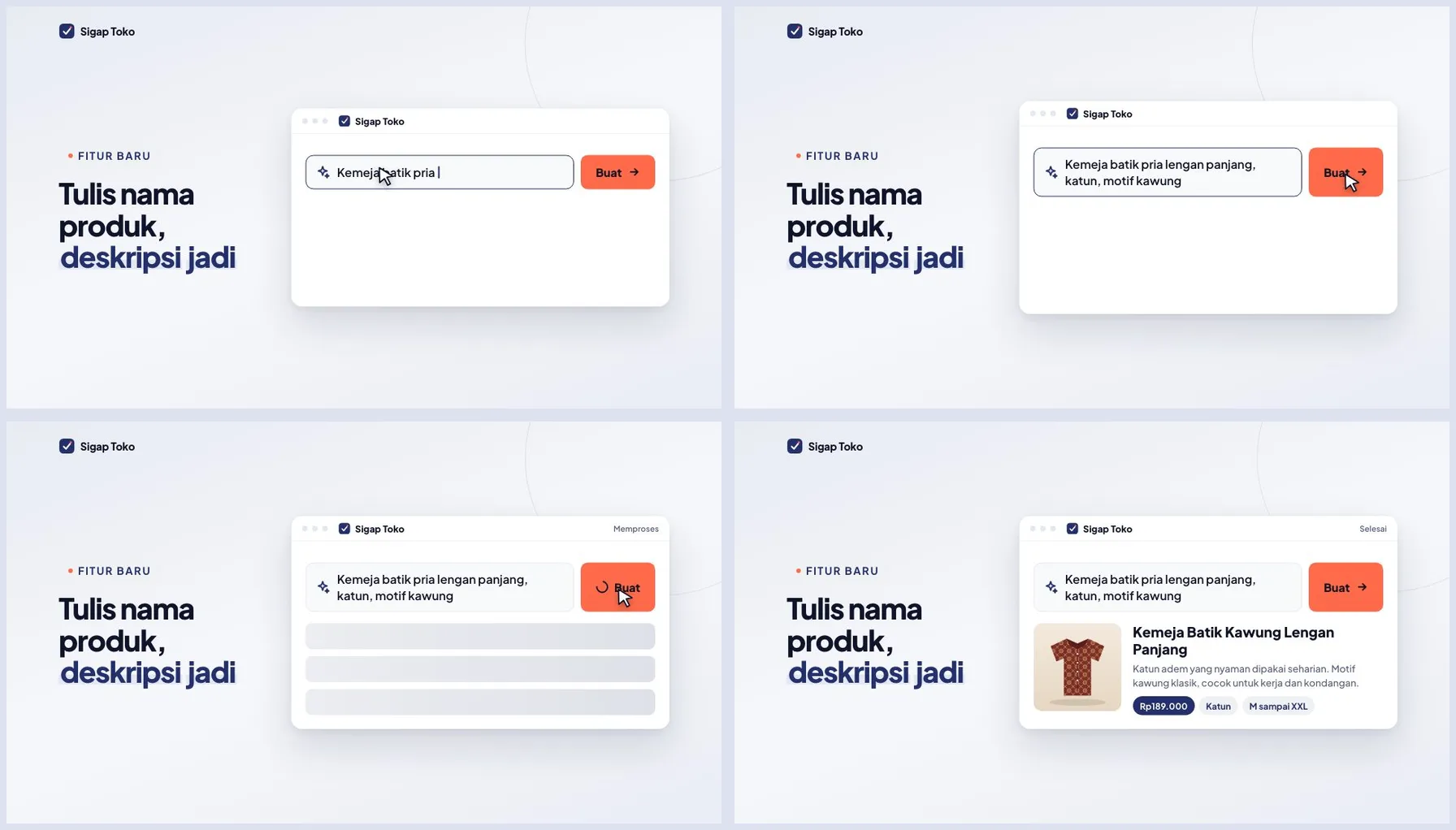
8-10 second feature demo clips for launch ads of an app, online shop, or digital product: one feature per clip, a moving interface beside or below the headline. Five scene types: a request is typed, the button clicked, the result builds up; buyer messages arrive and get a reply; automation switches turn on with their results; a task list is ticked to 100%; your app screenshot assembles, then gets highlight boxes and labels. The interface comes from your text, and features chain into a 30-45 second video. 16:9, 9:16, 1:1 MP4, three themes, your own logo and colours.
Verified by SkillFlow
We checked every file in this skill automatically: no command that downloads and runs a program, no hidden code, no instruction telling your AI to ignore you.
Good to know: Starts programs on the computer (files/alat/motion-mix.mjs), Starts programs on the computer (files/alat/motion-render.mjs), Starts programs on the computer (files/alat/motion-sfx.mjs) . These are tools that run on your own computer when you ask your agent to use them.
- Loads from outside
- Fonts: Google Fonts
See the 15 files inside
skill.json10 KBSKILL.md8 KBprompt.md3 KBprompt.en.md3 KBfiles/alat/kit-lib.mjs7 KBfiles/alat/launch-check.mjs8 KBfiles/alat/motion-mix.mjs8 KBfiles/alat/motion-render.mjs9 KBfiles/alat/motion-sfx.mjs2 KBfiles/alat/package.json1 KBfiles/contoh/layar-dasbor-hp.svg3 KBfiles/contoh/layar-dasbor.svg4 KBfiles/contoh/logo-sigap.svg1 KBfiles/contoh/produk-kemeja.svg1 KBfiles/video.html175 KB
Checked 14 Nov 2026
Part of SkillFlow Pro
Pro opens every skill in every category: copy, ZIP, Send to AI, install, save, and request new skills.
Get Pro Already subscribed? Sign inWhat you get
- A scene plan per feature (type, headline, interface content, seconds), shown before rendering
- 16:9 1920x1080, 9:16 1080x1920, and/or 1:1 1080x1080 MP4, 30 fps
- A single 8-10 second clip per feature or a 30-45 second chain
- Your app screenshot with numbered highlight boxes and labels, laptop and phone versions
- Automatic warnings when there is too much content for the scene length or text shrinks too far
- Home-made sound effects (typing, clicks, incoming messages, done), an HTML template for the next feature
Good fit
- Founders of small apps or SaaS launching a new feature
- Digital product sellers (templates, systems, courses) who want to show how it works
- Online shops showing off automated services like chat replies or tracking numbers
- Marketing teams who need many short feature clips from one template
Not for
- Not a screen recording: the interface is drawn from your text, so it will not look exactly like your app except in the screenshot scene
- Not a step-by-step tutorial on using the app (use the laptop screen tutorial skill)
- It does not invent features, numbers, or testimonials: you supply the content
- It does not run in an ordinary web chat: it needs an agent that can run programs on your computer
About this skill
/demo-aplikasi-launch Make a 9:16 video showing 3 features of my point-of-sale app: logging orders from chat, automatic payment reminders, and the revenue report, using this screenshot
Show more
8-10 second feature demo clips for launch ads of an app, online shop, or digital product: one feature per clip, a moving interface beside or below the headline. Five scene types: a request is typed, the button clicked, the result builds up; buyer messages arrive and get a reply; automation switches turn on with their results; a task list is ticked to 100%; your app screenshot assembles, then gets highlight boxes and labels. The interface comes from your text, and features chain into a 30-45 second video. 16:9, 9:16, 1:1 MP4, three themes, your own logo and colours.
User reviews
FAQ
How is this different from the phone app demo and laptop screen tutorial skills?
Those skills walk viewers through using an app step by step (changing screens, taps, zooms, callouts). This one is an ad clip: one feature per 8-10 seconds with a headline, showing the outcome, such as a typed request whose result builds up, incoming messages, or automation switches turning on.
Can I use my own app screenshots?
Yes, in the screen scene: a wide screenshot appears in a laptop frame, a portrait phone screenshot in a phone frame, and you set the highlighted parts as percentages of the image. The other scenes draw a simple interface from text so it reads clearly on a viewer's phone.
How long does rendering take?
A five-feature 46-second chain takes about 20-28 seconds per format on a fast computer, including sound effects; an ordinary laptop can take 3-5 times longer. It needs Node, Chrome, and ffmpeg, plus internet while rendering for the fonts.
Which AI can I use it with?
Download the ZIP and install it in an AI agent (Claude Code, Codex, Antigravity, Hermes Agent, Cursor, GitHub Copilot, Gemini CLI, OpenCode, Kimi Code, Trae), which then builds the files for you.
What is in the ZIP?
One folder named demo-aplikasi-launch with SKILL.md (the instructions an AI agent reads) and the prompt, 15 files in all. Extract it into your agent's skills folder, or install it with npx skillflow-ai add demo-aplikasi-launch. Pro only.
Is there a per-use fee or credits?
Not from SkillFlow. The skill runs on the AI you already use (and, if you use an AI voice instead of your own recording, the voice service you pick), so any cost follows that plan.
Which plan includes it?
SkillFlow Pro. It opens every skill in every category.
Can I use my own colours and brand?
Yes. Pick a colour theme on this page, or fill in your brand profile once; both go into the prompt you copy and into the ZIP.
Can I share what I made?
Pro members can upload the result and get a page at share.skillflow.ai.id to send to anyone. The page carries a small "Made with SkillFlow AI" mark.
Is there a download limit?
Yes, per day: 50 skills on Pro, 10 on other plans. Downloading a skill again on the same day does not count.



