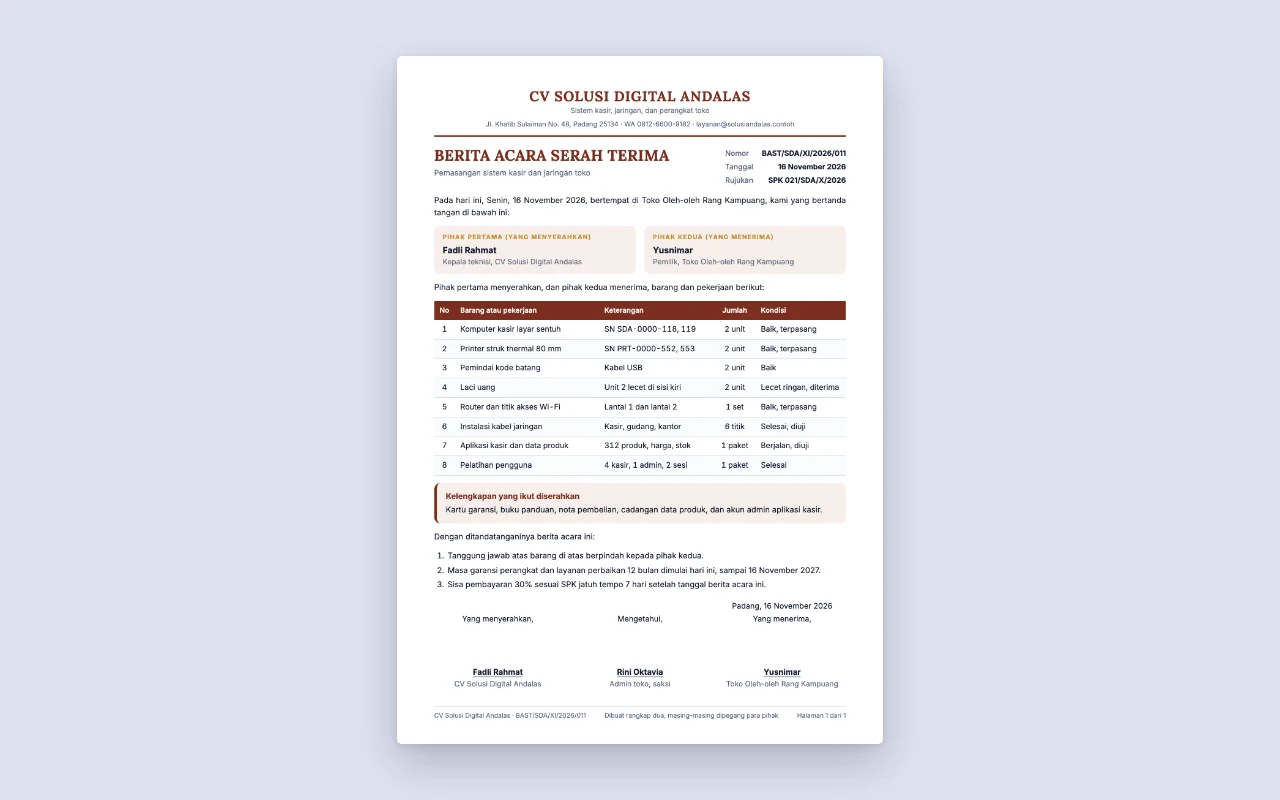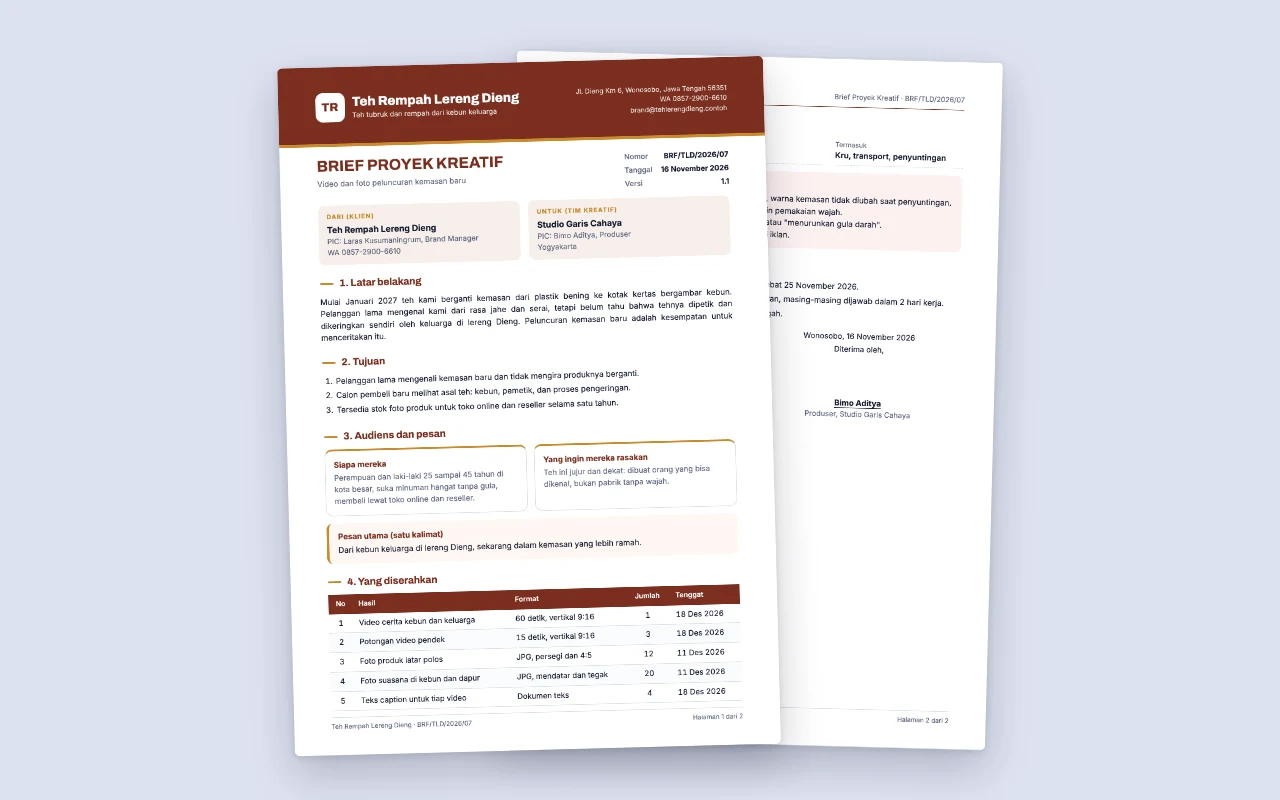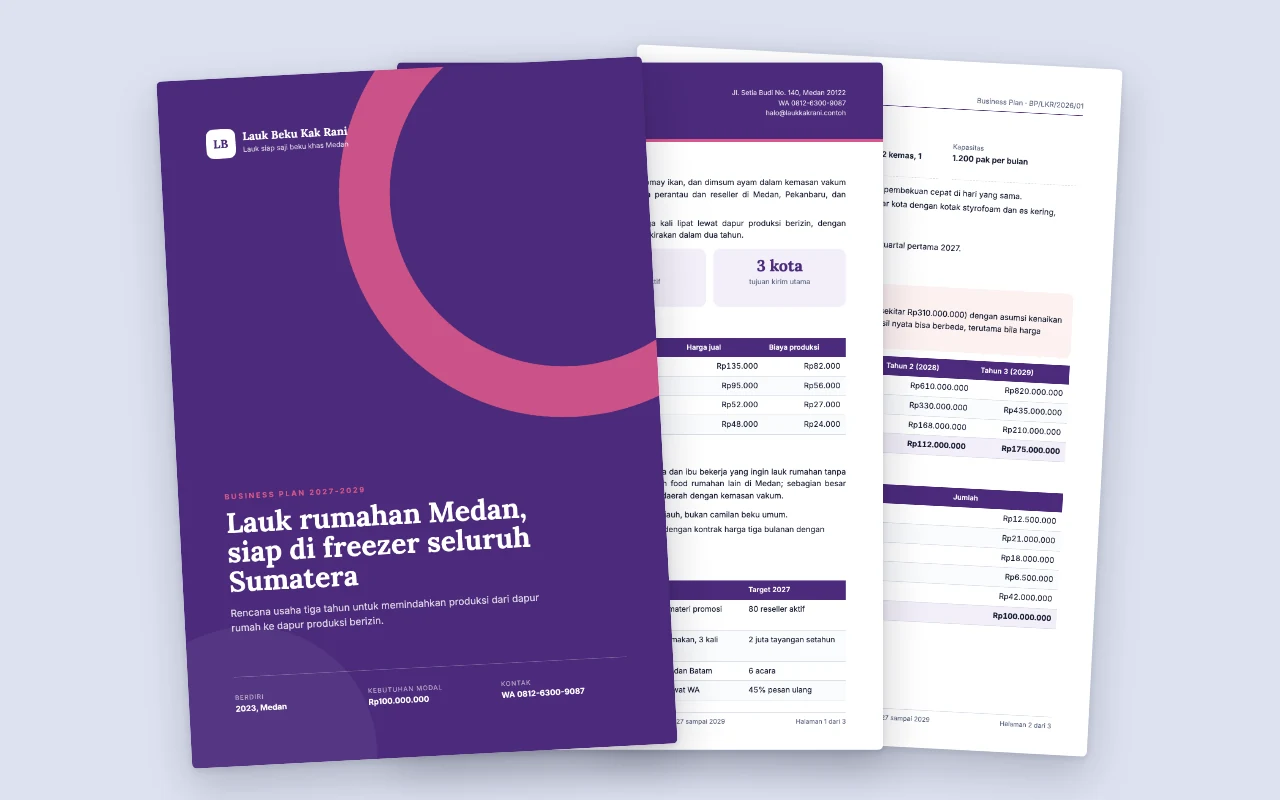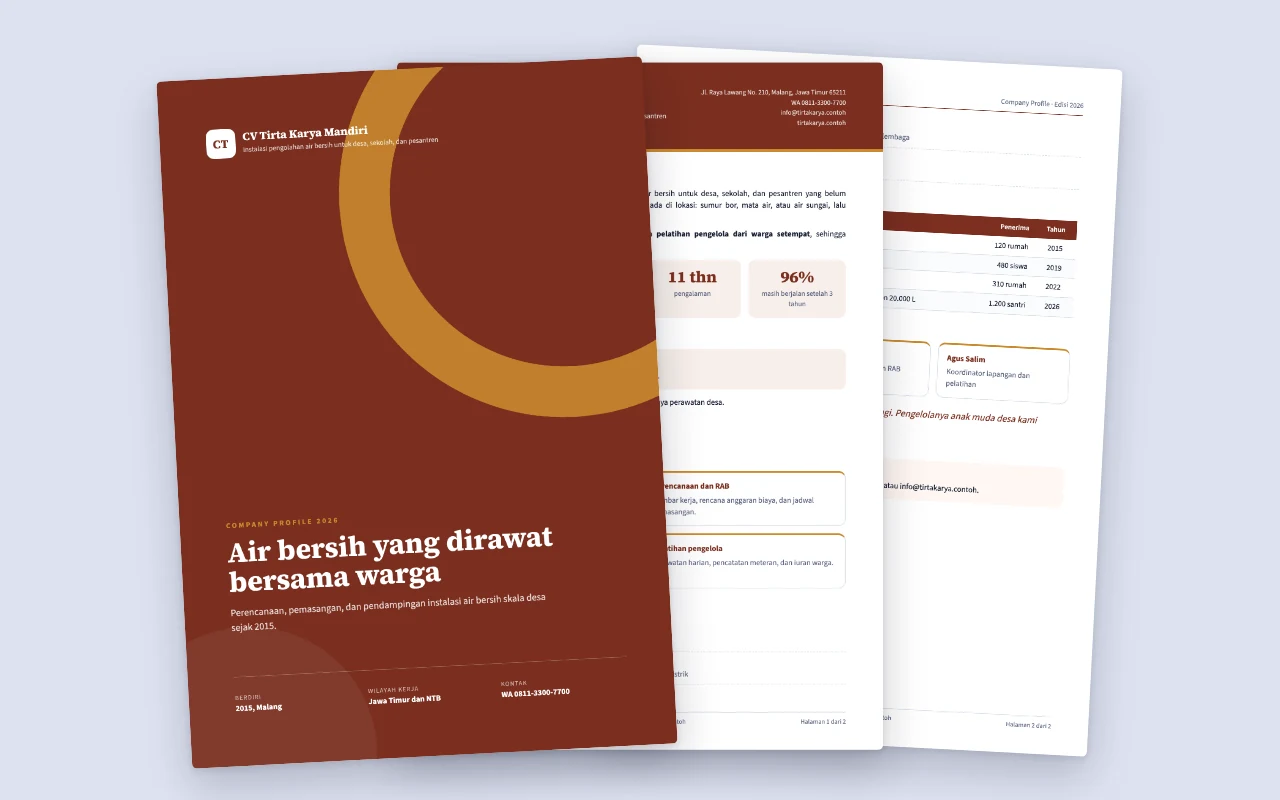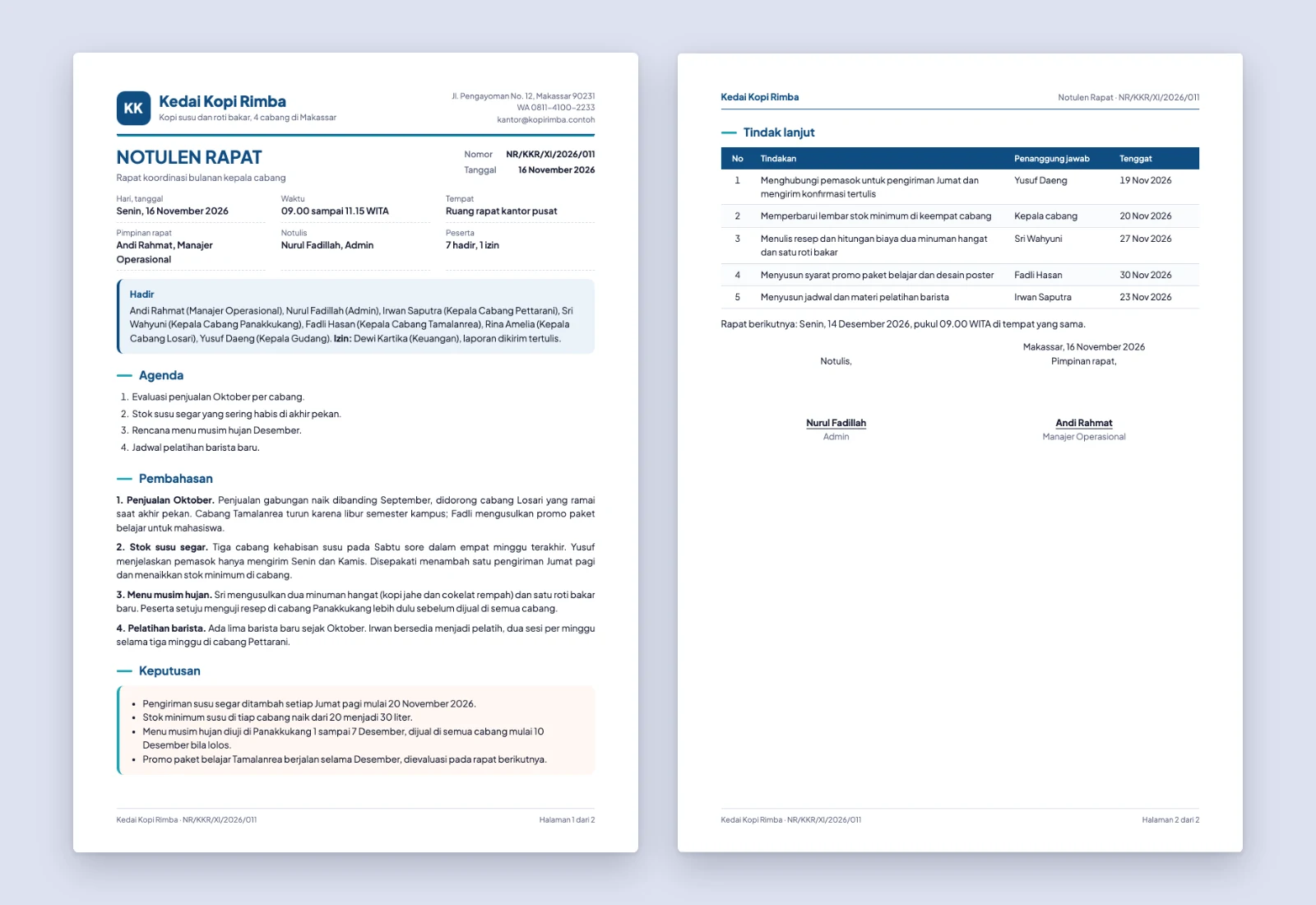
Minutes of a branch managers meeting: time, place, attendees, agenda, discussion per item and decisions
SKILL.md contents
Premium subscribers can read, copy, and install this skill.
Unlock with Premium Sign inMeeting Minutes
Description
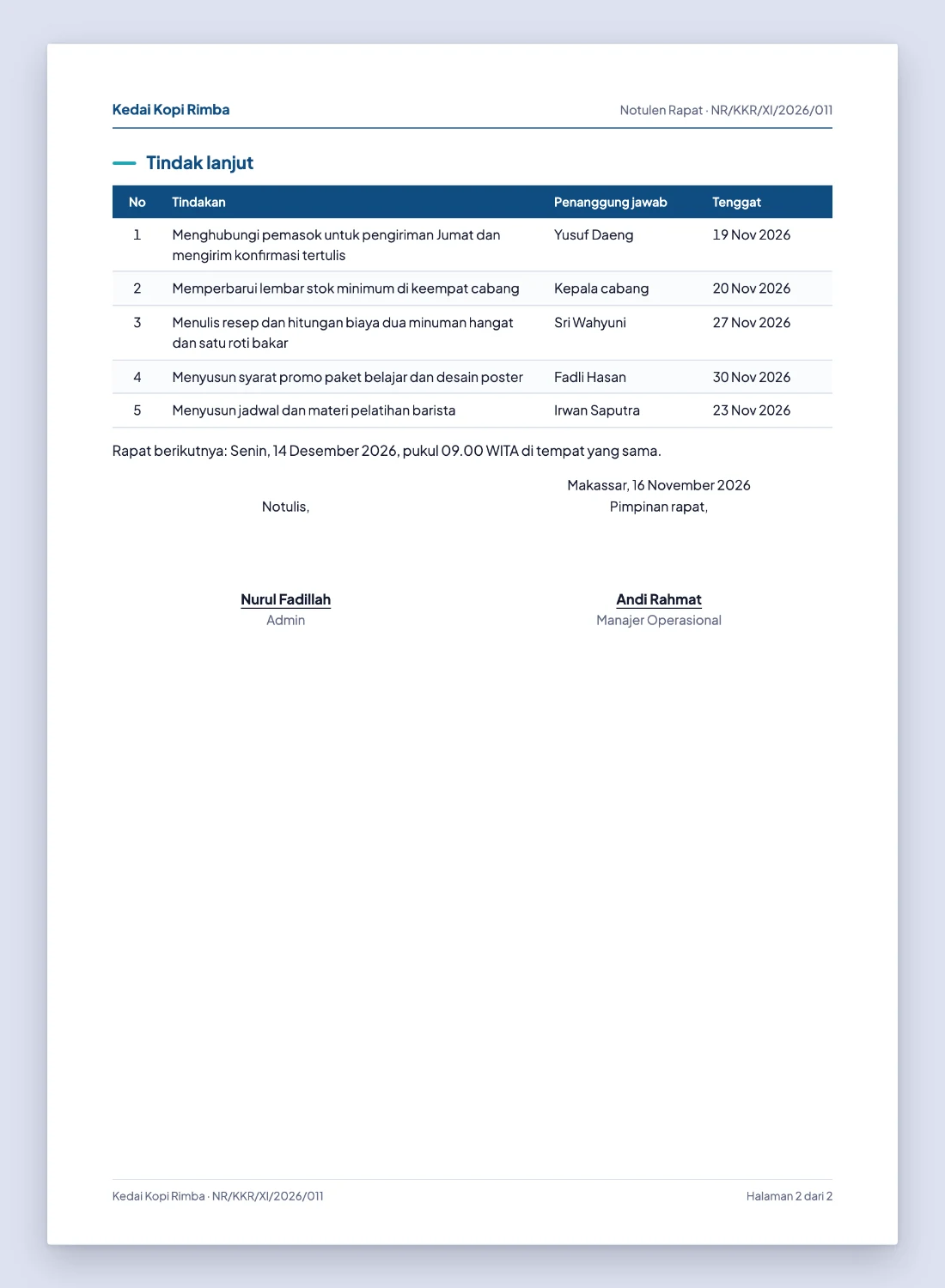
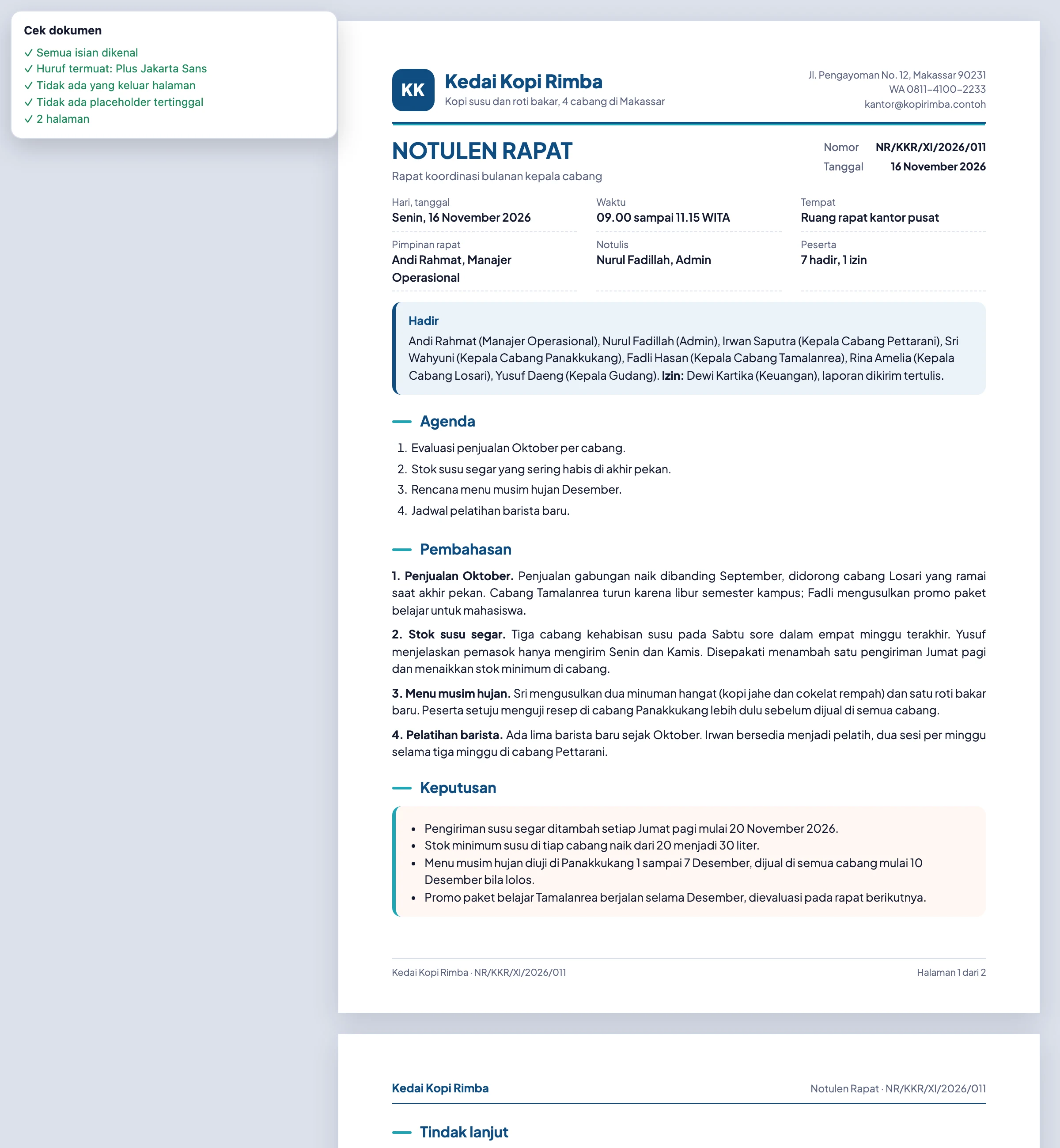
Print-ready A4 meeting minutes from messy notes: letterhead, number, day and date, time, place, chair, minute taker, attendance, a numbered agenda, discussion per item, a decisions box, an action table of who does what by when, the next meeting date, and signatures of the minute taker and the chair. The PDF holds real, copyable text.
Verified by SkillFlow
We checked every file in this skill automatically: no command that downloads and runs a program, no hidden code, no instruction telling your AI to ignore you.
- Loads from outside
- SkillFlow: directory.skillflow.ai.id
See the 5 files inside
skill.json6 KBSKILL.md6 KBprompt.md6 KBprompt.en.md6 KBfiles/dokumen.html64 KB
Checked 16 Nov 2026
Part of SkillFlow Pro
Pro opens every skill in every category: copy, ZIP, Send to AI, install, save, and request new skills.
Get Pro Already subscribed? Sign inWhat you get
- A4 minutes with letterhead, number, time, place, chair and minute taker
- Attendance, a numbered agenda and discussion per item
- A decisions box and an action table (action, owner, deadline)
- Signatures of the minute taker and the chair
- A PDF from the Print / Save as PDF button (sharp, copyable text) and a PNG of every page
Good fit
- Business owners and managers who meet regularly with their team or branch heads
- Agencies and consultants who confirm meeting outcomes with clients in writing
- Committees of cooperatives, foundations or communities that need formal minutes
Not for
- It does not record or transcribe the meeting; it works from your notes or summary
- Not for shareholder meeting minutes that follow their own legal format
About this skill
/dokumen-notulen-rapat Turn today's branch managers meeting notes for Kedai Kopi Rimba into minutes: 7 attendees, October sales, milk stock and the rainy season menu, with an action table
Show more
Print-ready A4 meeting minutes from messy notes: letterhead, number, day and date, time, place, chair, minute taker, attendance, a numbered agenda, discussion per item, a decisions box, an action table of who does what by when, the next meeting date, and signatures of the minute taker and the chair. The PDF holds real, copyable text.
User reviews
FAQ
My meeting notes are messy, will that work?
Yes. Paste the notes as they are; they are split into discussion, decisions and actions. Anything unclear (such as a task without a deadline) is flagged for you to check.
If the meeting is long, how many pages do the minutes run to?
Usually one to two pages. The discussion is condensed per item, and the action table moves to the next page by itself with the header repeated when needed.
Is the PDF sharp when printed?
Yes. The Print / Save as PDF button uses the browser's print dialog, so the text stays text (sharp and copyable), not a picture.
Which AI can I use it with?
Copy the prompt into a chat AI (ChatGPT, Claude, Gemini, DeepSeek); or download the ZIP and install it in an AI agent (Claude Code, Codex, Antigravity, Hermes Agent, Cursor, GitHub Copilot, Gemini CLI, OpenCode, Kimi Code, Trae), which then builds the files for you.
What is in the ZIP?
One folder named dokumen-notulen-rapat with SKILL.md (the instructions an AI agent reads) and the prompt, 5 files in all. Extract it into your agent's skills folder, or install it with npx skillflow-ai add dokumen-notulen-rapat. Pro only.
Is there a per-use fee or credits?
Not from SkillFlow. The skill runs on the AI you already use, so any cost follows that plan.
Which plan includes it?
SkillFlow Pro. It opens every skill in every category.
Can I use my own colours and brand?
Yes. Pick a colour theme on this page, or fill in your brand profile once; both go into the prompt you copy and into the ZIP.
Can I share what I made?
Pro members can upload the result and get a page at share.skillflow.ai.id to send to anyone. The page carries a small "Made with SkillFlow AI" mark.
Is there a download limit?
Yes, per day: 50 skills on Pro, 10 on other plans. Downloading a skill again on the same day does not count.