

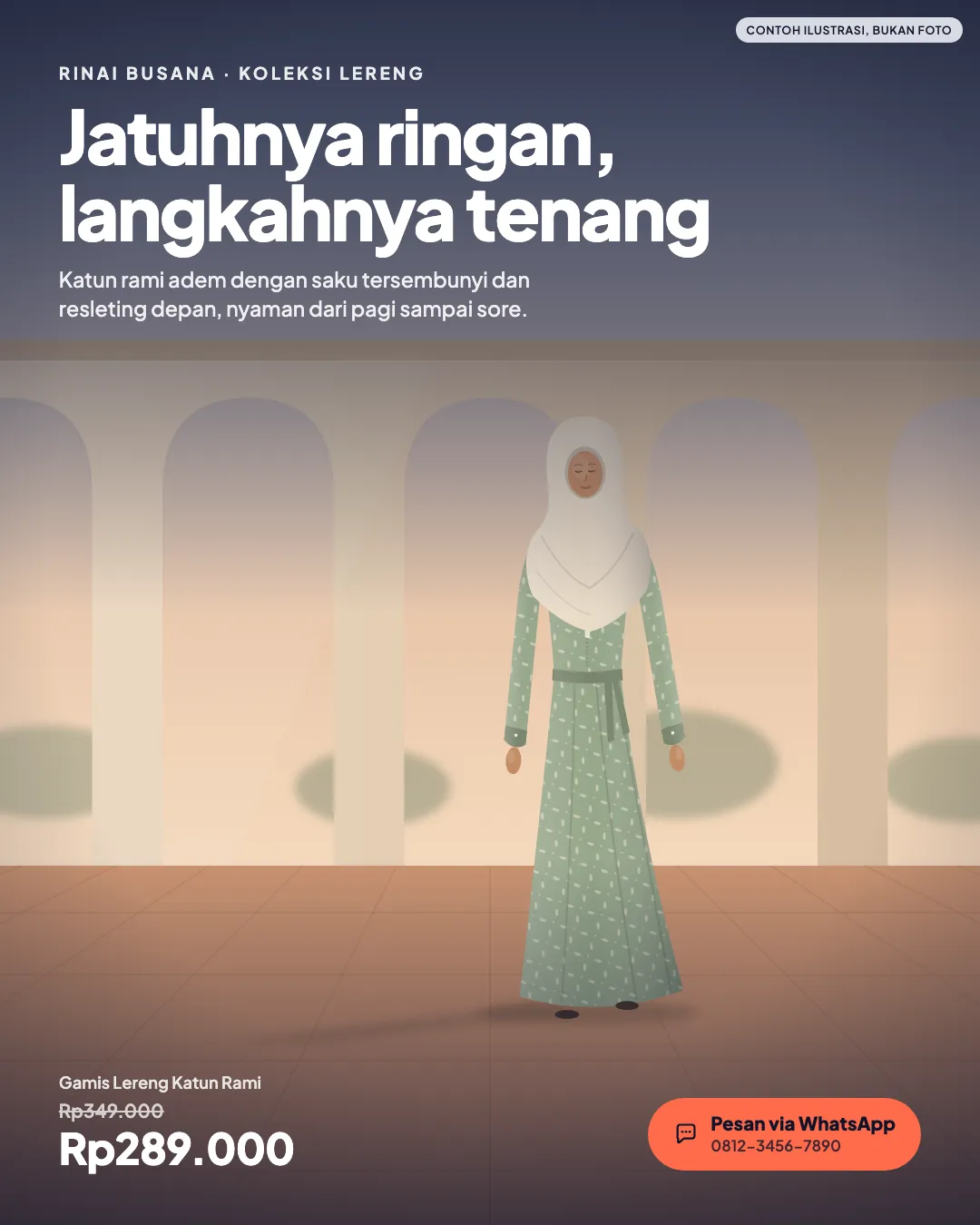
4:5 feed key visual with one big headline; the figure is a sample illustration, not a photo
SKILL.md contents
Premium subscribers can read, copy, and install this skill.
Unlock with Premium Sign inModest Fashion Model Shot
Description
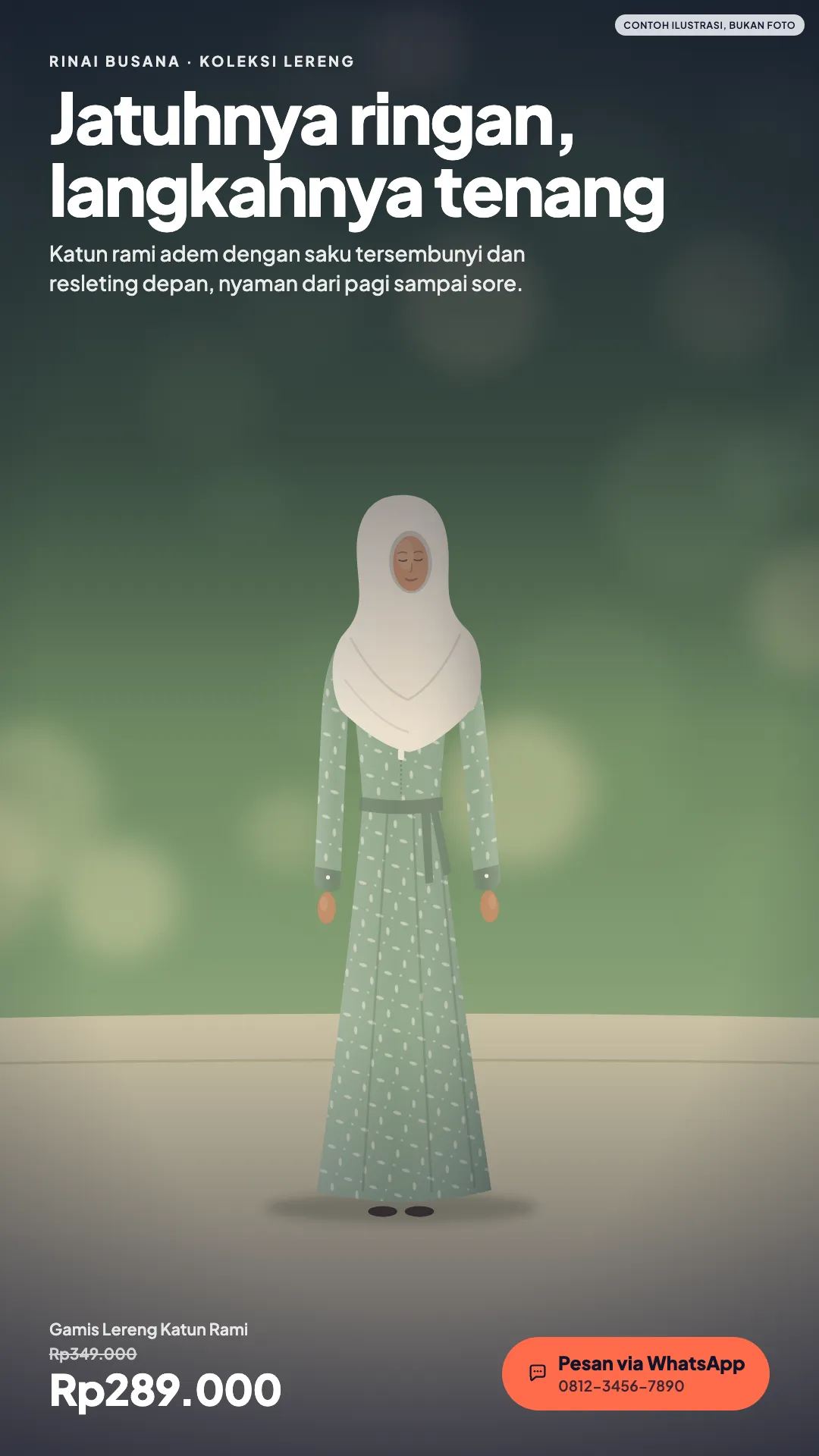
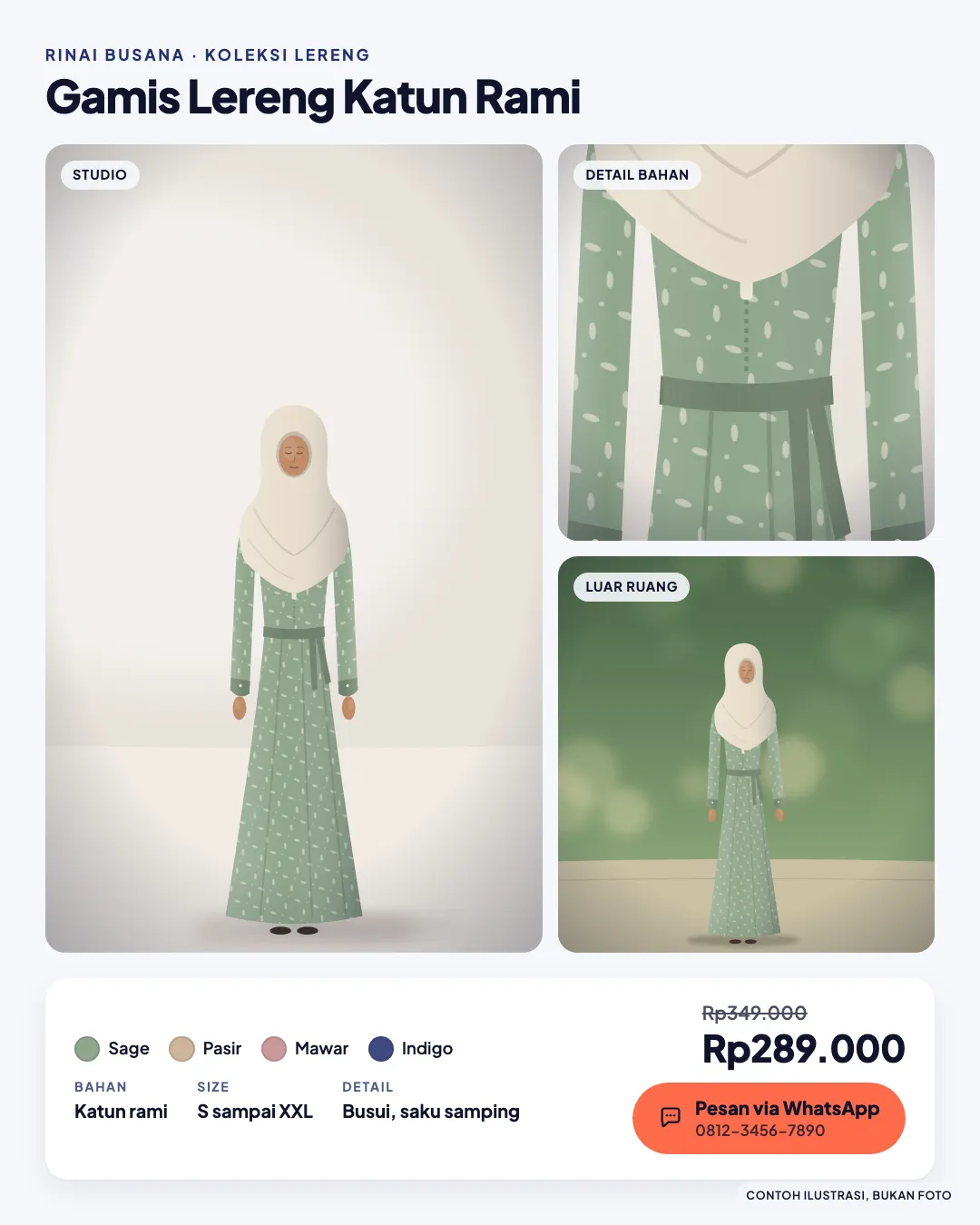
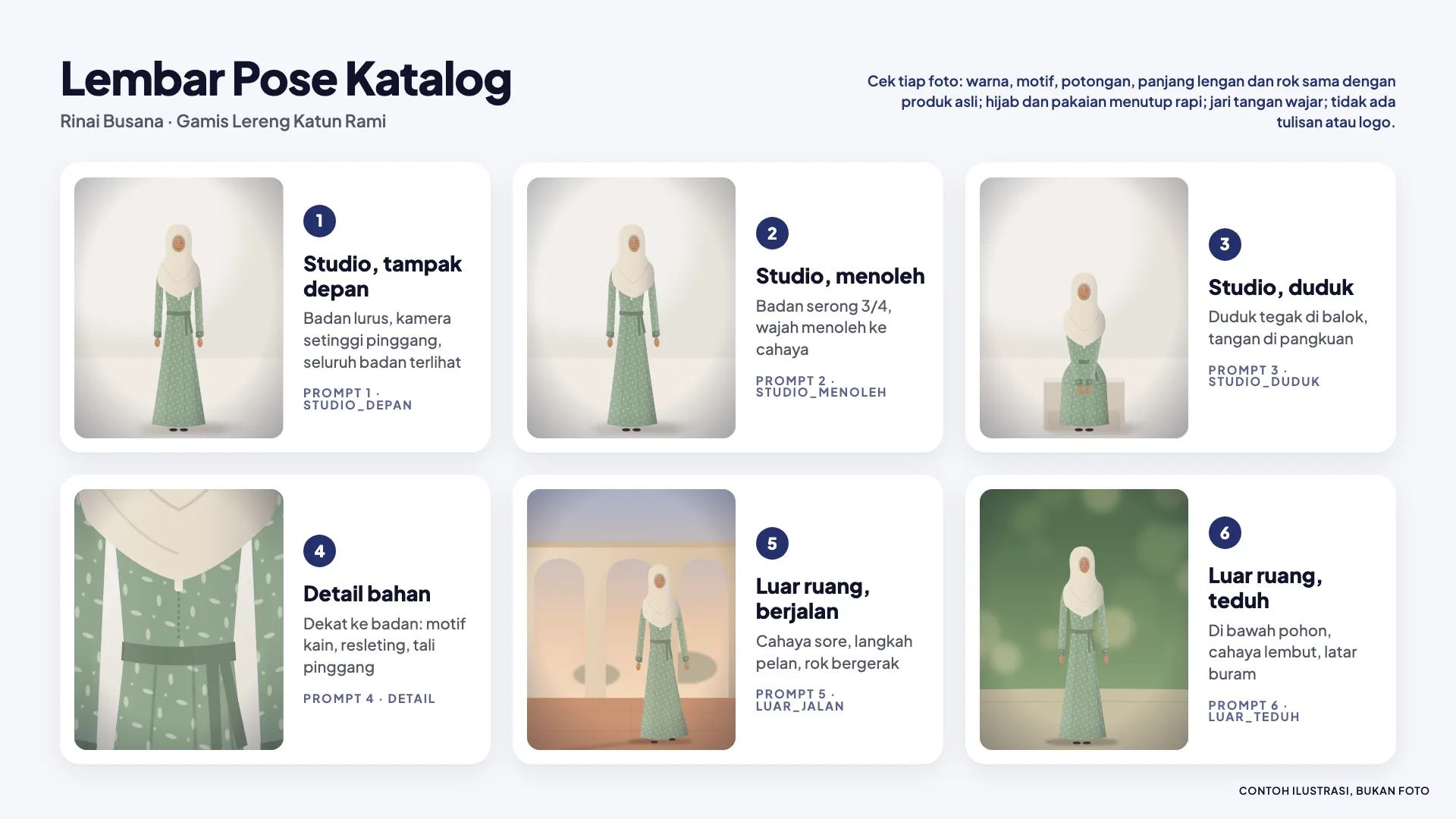
AI image prompts for model photos wearing your modest fashion product: a product lock built from your reference photo so the colour, print, and cut stay the same, a fictional adult model lock that does not resemble any real person, and 6 catalogue poses in the studio and outdoors (front, turned, seated, fabric detail, walking, shade). The outfit always stays modest and true to the product. An HTML template turns the photos into a cinematic key visual with one big headline (feed, story, square), a lookbook with colour options, and a pose sheet for checking consistency.
Verified by SkillFlow
We checked every file in this skill automatically: no command that downloads and runs a program, no hidden code, no instruction telling your AI to ignore you.
- Loads from outside
- Fonts: Google Fonts
See the 5 files inside
skill.json8 KBSKILL.md12 KBprompt.md5 KBprompt.en.md5 KBfiles/kampanye-busana.html34 KB
Checked 14 Nov 2026
Included in Basic and Pro
Basic copies the prompt. Pro also downloads the ZIP, sends to AI, installs into agents, and opens every category.
Get Pro Get Basic Already subscribed? Sign inWhat you get
- A product lock from your reference photo: colour, print, cut, sleeve and hem length, details
- A fictional adult model lock + session style repeated word for word in every prompt
- 6 catalogue pose prompts: studio front, turned, seated, fabric detail, outdoor walking, shade
- Rules for modesty, product accuracy, and no halal or certification claims
- A cinematic key visual in 4:5 feed, 9:16 story, and 1:1 square with headline, price, and chat button
- A 1080x1350 lookbook and a 1920x1080 pose sheet from one config object
Good fit
- Modest fashion brands without a budget for a model photoshoot
- Sellers wanting consistent catalogue photos with the same model and style
- Shops needing a key visual and lookbook from one photo set
Not for
- Prompts have not been tested in a real image generator; results vary by AI tool
- The model is always a fictional adult who doesn't resemble a real person
- It never writes halal or any other certification claims
About this skill
/foto-model-busana-muslim Write model photo prompts for Aisyah Boutique's sage linen dress, 6 catalogue poses in studio and outdoors, then a key visual with title and price Rp289,000
Show more
AI image prompts for model photos wearing your modest fashion product: a product lock built from your reference photo so the colour, print, and cut stay the same, a fictional adult model lock that does not resemble any real person, and 6 catalogue poses in the studio and outdoors (front, turned, seated, fabric detail, walking, shade). The outfit always stays modest and true to the product. An HTML template turns the photos into a cinematic key visual with one big headline (feed, story, square), a lookbook with colour options, and a pose sheet for checking consistency.
User reviews
FAQ
How do I keep the product from changing?
The product lock is built from your reference photo: colour, pattern, cut, sleeve and skirt length, and details. The pose sheet helps catch photos that drift.
Which poses are included?
Studio front view, turning, seated, fabric detail, walking outdoors, and a calm pose. Styling always stays modest to match the product.
Which AI can I use it with?
Copy the prompt into a chat AI (ChatGPT, Claude, Gemini, DeepSeek); or download the ZIP and install it in an AI agent (Claude Code, Codex, Antigravity, Hermes Agent, Cursor, GitHub Copilot, Gemini CLI, OpenCode, Kimi Code, Trae), which then builds the files for you.
What is in the ZIP?
One folder named foto-model-busana-muslim with SKILL.md (the instructions an AI agent reads) and the prompt, 5 files in all. Extract it into your agent's skills folder, or install it with npx skillflow-ai add foto-model-busana-muslim. Pro only.
Is there a per-use fee or credits?
Not from SkillFlow. The skill runs on the AI you already use (and, for image prompts, the image AI you pick), so any cost follows that plan.
Which plan includes it?
Basic and Pro. Basic copies the prompt; Pro also downloads the ZIP, sends to AI, installs into agents and shares results by link.
Can I use my own colours and brand?
Yes. Pick a colour theme on this page, or fill in your brand profile once; both go into the prompt you copy and into the ZIP.
Can I share what I made?
Pro members can upload the result and get a page at share.skillflow.ai.id to send to anyone. The page carries a small "Made with SkillFlow AI" mark.
Is there a download limit?
Yes, per day: 50 skills on Pro, 10 on other plans. Downloading a skill again on the same day does not count.



