

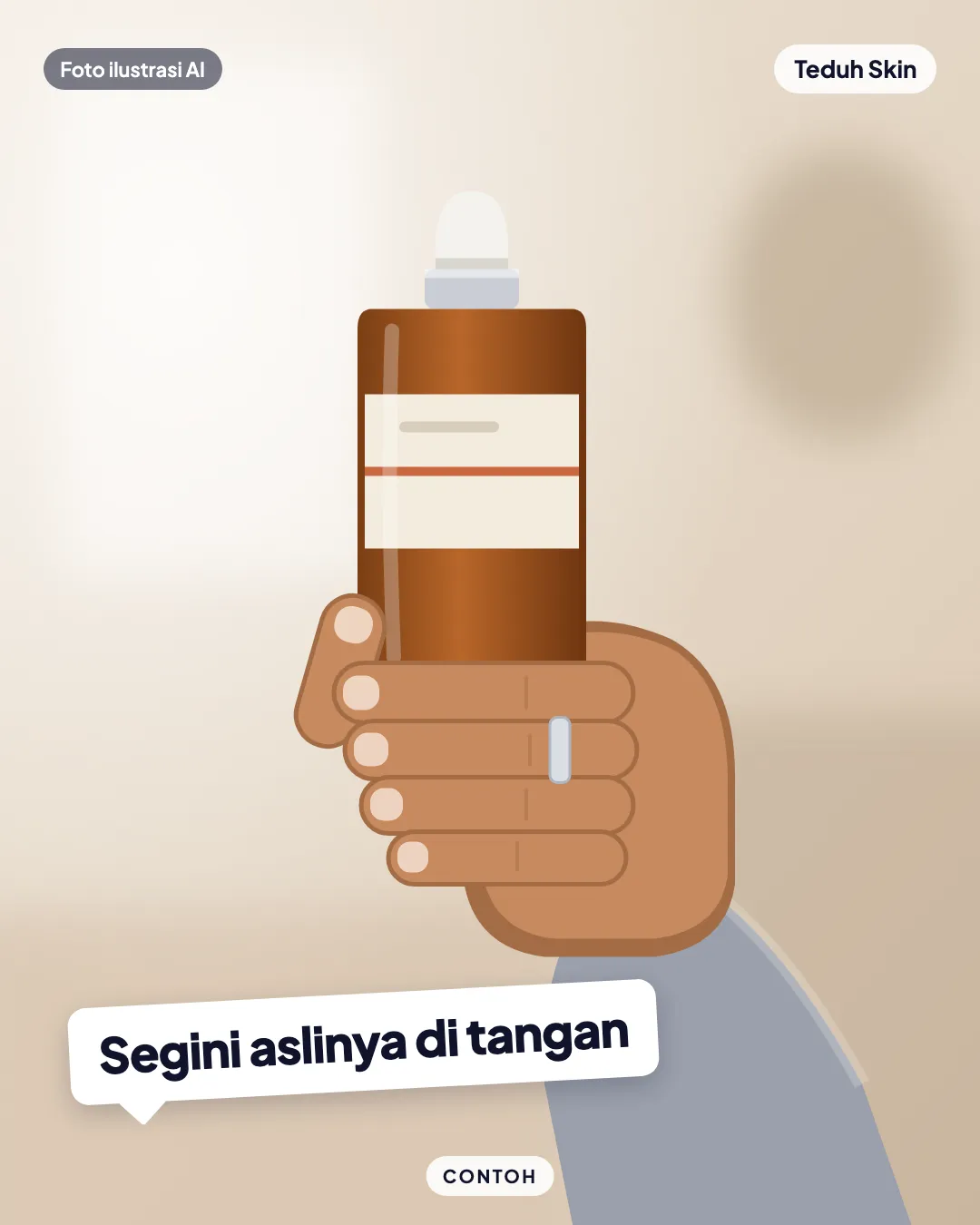
4:5 tile held up to the camera with a 'this is the real size' sticker
SKILL.md contents
Premium subscribers can read, copy, and install this skill.
Unlock with Premium Sign inProduct in Hand Shot
Description
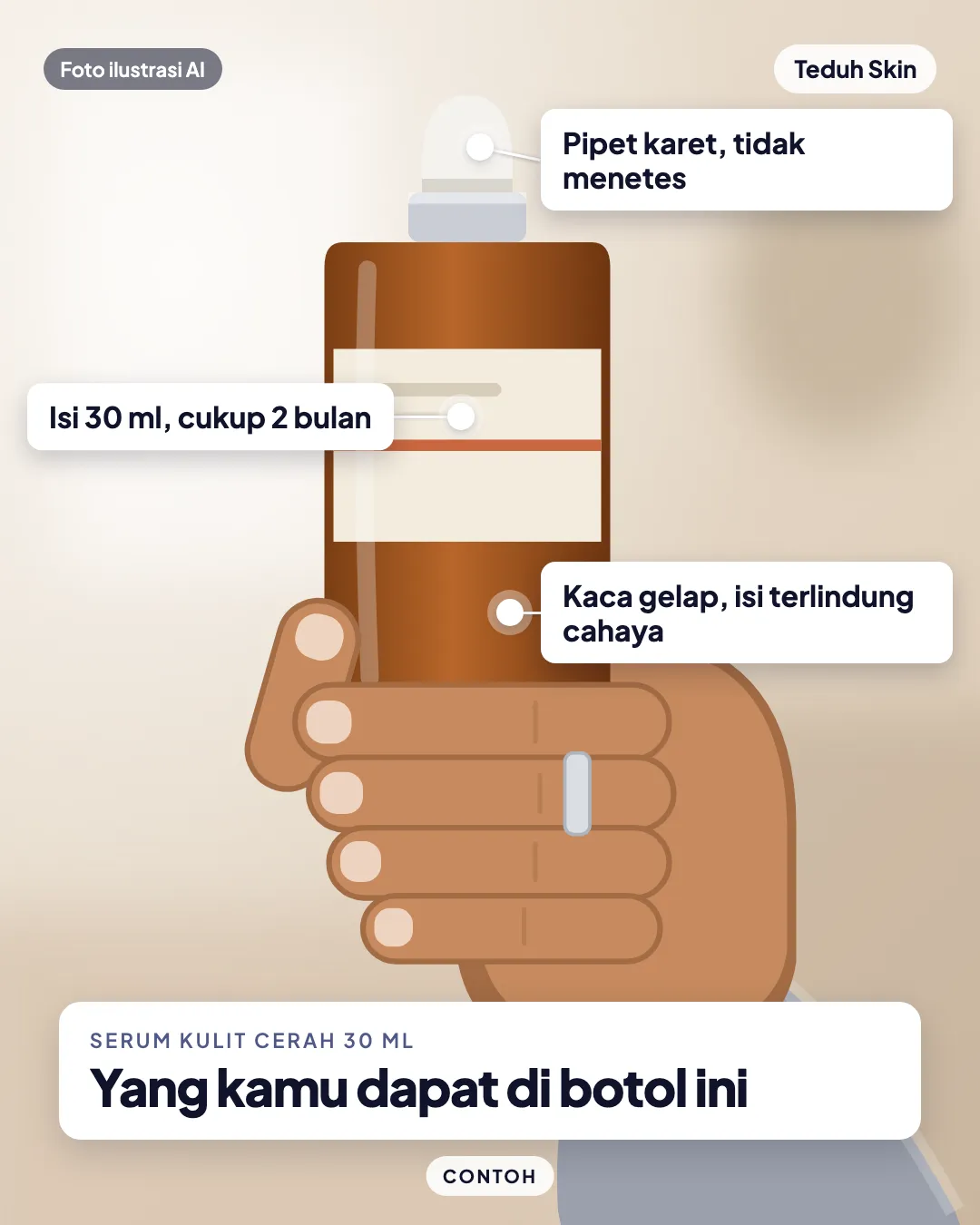
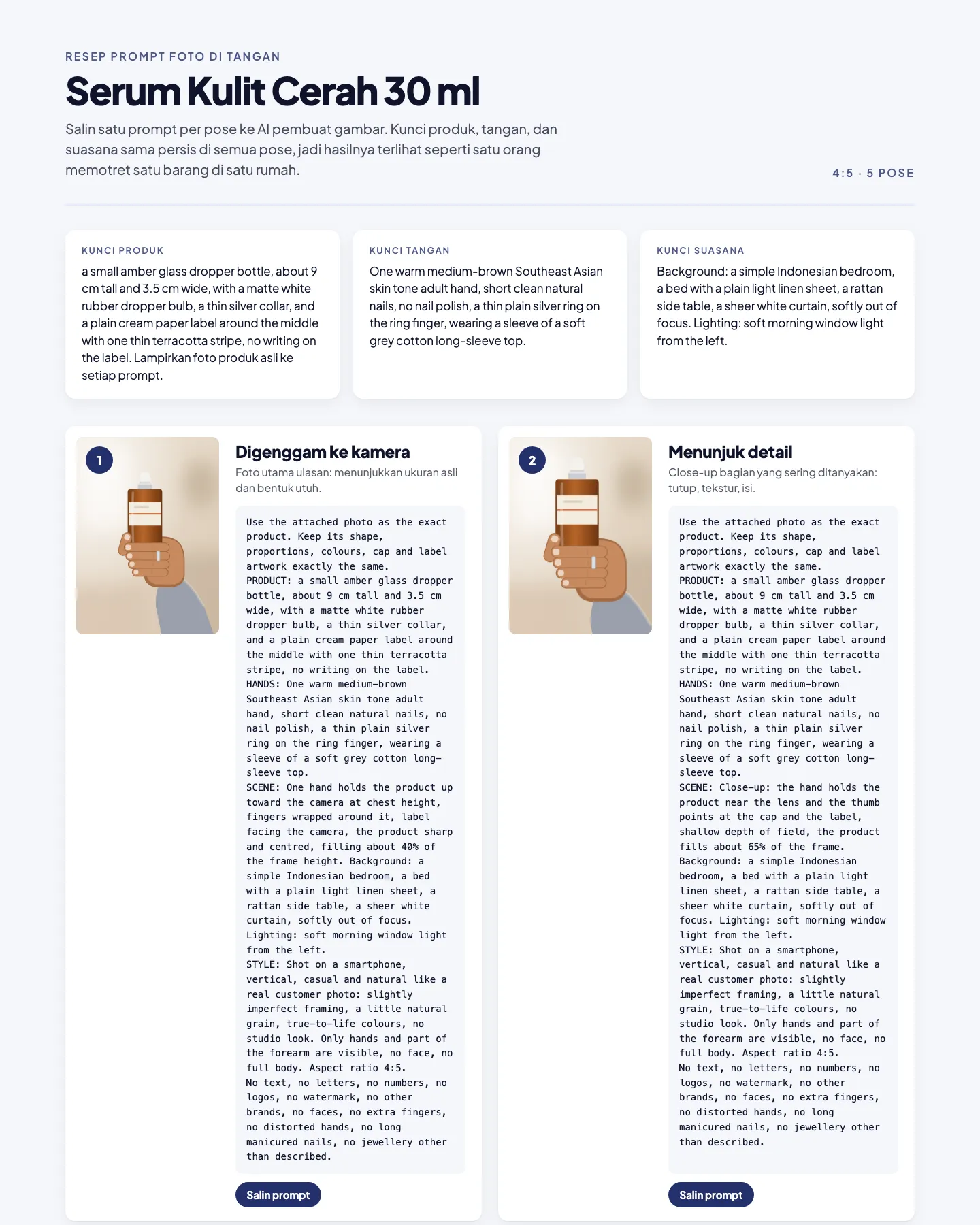
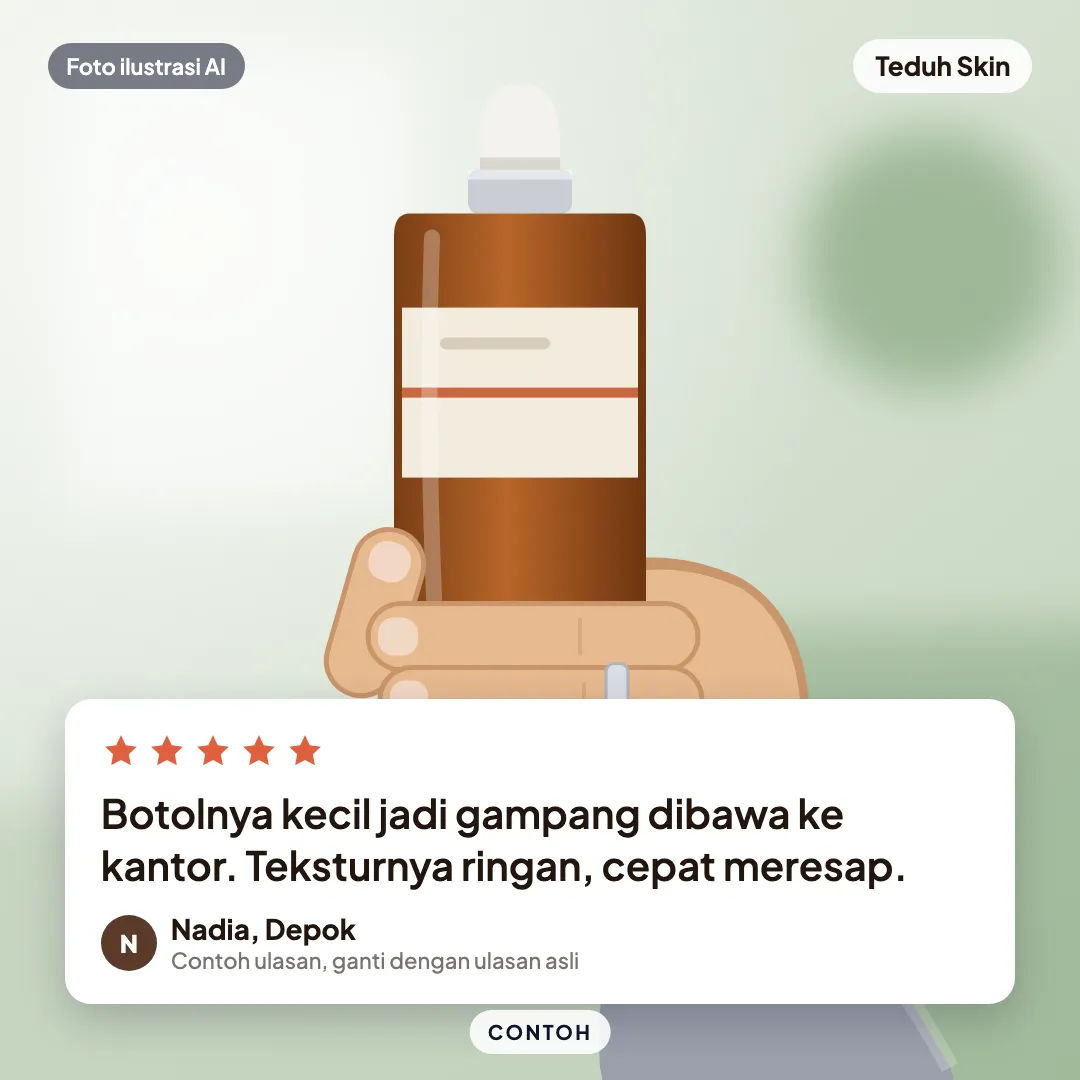
AI image prompt recipes for product shots held in a hand at home that feel like a buyer's phone photo: a product lock, a hand lock (skin tone, nails, accessories, sleeve), and a setting lock repeated in every pose, so the hands and home look like one person's. Six copy-ready poses (held up, pointing at a detail, in use, set on a table, unboxing, next to an everyday object) plus negatives for odd fingers and invented text. The photos then go into an HTML template as 4:5, 1:1, or 9:16 tiles with a text sticker, measuring line, detail callouts, or a review card.
Verified by SkillFlow
We checked every file in this skill automatically: no command that downloads and runs a program, no hidden code, no instruction telling your AI to ignore you.
- Loads from outside
- Fonts: Google Fonts
See the 5 files inside
skill.json8 KBSKILL.md8 KBprompt.md4 KBprompt.en.md4 KBfiles/foto-tangan.html31 KB
Checked 14 Nov 2026
Included in Basic and Pro
Basic copies the prompt. Pro also downloads the ZIP, sends to AI, installs into agents, and opens every category.
Get Pro Get Basic Already subscribed? Sign inWhat you get
- A product lock, a hand lock, and a setting lock repeated word for word in every prompt
- 6 copy-ready pose prompts, assembled from one data object (a recipe sheet with Copy buttons)
- A prompt variant that uses the real product photo as reference, plus built-in negatives
- 4:5, 1:1, 9:16 tiles: text sticker, measuring line, detail callouts, or a review card
- An AI illustration label and a marker for real versus sample reviews
- A checklist for AI results: product shape, finger count, size against the hand, colour
- 3 overlay palettes: city, cream, night
Good fit
- Sellers of small products often asked "how big is it?"
- Shops wanting photos that feel like a buyer's phone shot, not a studio catalogue
- Sellers needing tiles with a size guide or product detail callouts
Not for
- It does not generate images itself; prompts run in your AI image tool and results need checking
- AI photos carry an illustration label; sample reviews are marked differently from real ones
- The product's size in AI photos must be checked against the real size
About this skill
/foto-produk-di-tangan Write in-hand product photo prompts for Kana Soft Lips lip balm in a bedroom setting, 6 poses, then 4:5 tiles with a size guide and a review card
Show more
AI image prompt recipes for product shots held in a hand at home that feel like a buyer's phone photo: a product lock, a hand lock (skin tone, nails, accessories, sleeve), and a setting lock repeated in every pose, so the hands and home look like one person's. Six copy-ready poses (held up, pointing at a detail, in use, set on a table, unboxing, next to an everyday object) plus negatives for odd fingers and invented text. The photos then go into an HTML template as 4:5, 1:1, or 9:16 tiles with a text sticker, measuring line, detail callouts, or a review card.
User reviews
FAQ
Why is there a hand lock?
Skin, nails, accessories, and sleeve are repeated identically in every pose. A hand that changes between photos instantly makes the gallery look fake.
What should I check in the AI results?
Product shape, finger count, product size relative to the hand, and colour. The built-in checklist helps filter out photos that missed before use.
Which AI can I use it with?
Copy the prompt into a chat AI (ChatGPT, Claude, Gemini, DeepSeek); or download the ZIP and install it in an AI agent (Claude Code, Codex, Antigravity, Hermes Agent, Cursor, GitHub Copilot, Gemini CLI, OpenCode, Kimi Code, Trae), which then builds the files for you.
What is in the ZIP?
One folder named foto-produk-di-tangan with SKILL.md (the instructions an AI agent reads) and the prompt, 5 files in all. Extract it into your agent's skills folder, or install it with npx skillflow-ai add foto-produk-di-tangan. Pro only.
Is there a per-use fee or credits?
Not from SkillFlow. The skill runs on the AI you already use (and, for image prompts, the image AI you pick), so any cost follows that plan.
Which plan includes it?
Basic and Pro. Basic copies the prompt; Pro also downloads the ZIP, sends to AI, installs into agents and shares results by link.
Can I use my own colours and brand?
Yes. Pick a colour theme on this page, or fill in your brand profile once; both go into the prompt you copy and into the ZIP.
Can I share what I made?
Pro members can upload the result and get a page at share.skillflow.ai.id to send to anyone. The page carries a small "Made with SkillFlow AI" mark.
Is there a download limit?
Yes, per day: 50 skills on Pro, 10 on other plans. Downloading a skill again on the same day does not count.



