

Rendered sample video
SKILL.md contents
Premium subscribers can read, copy, and install this skill.
Unlock with Premium Sign inCoaching Cycle Framework
Description
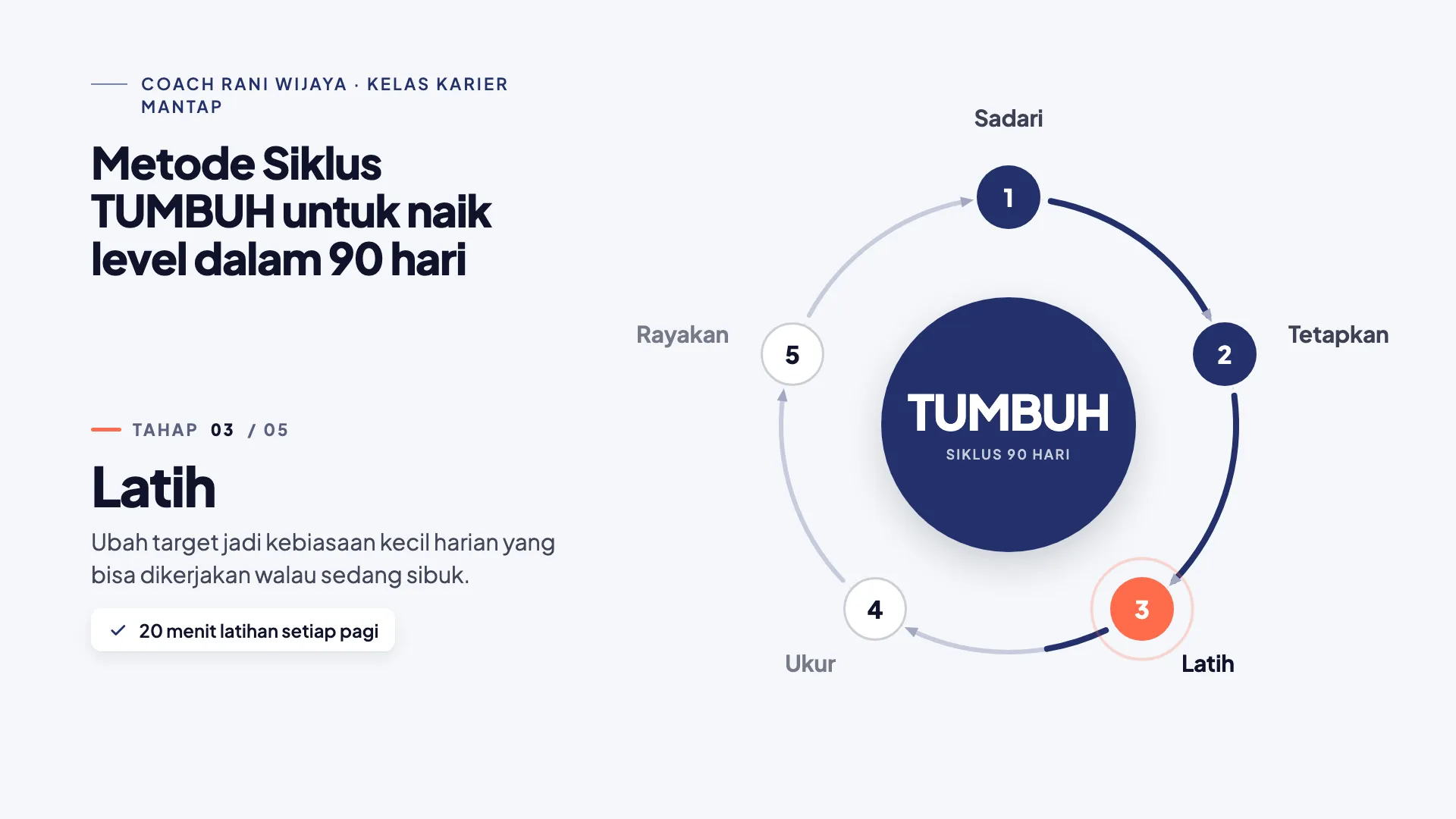
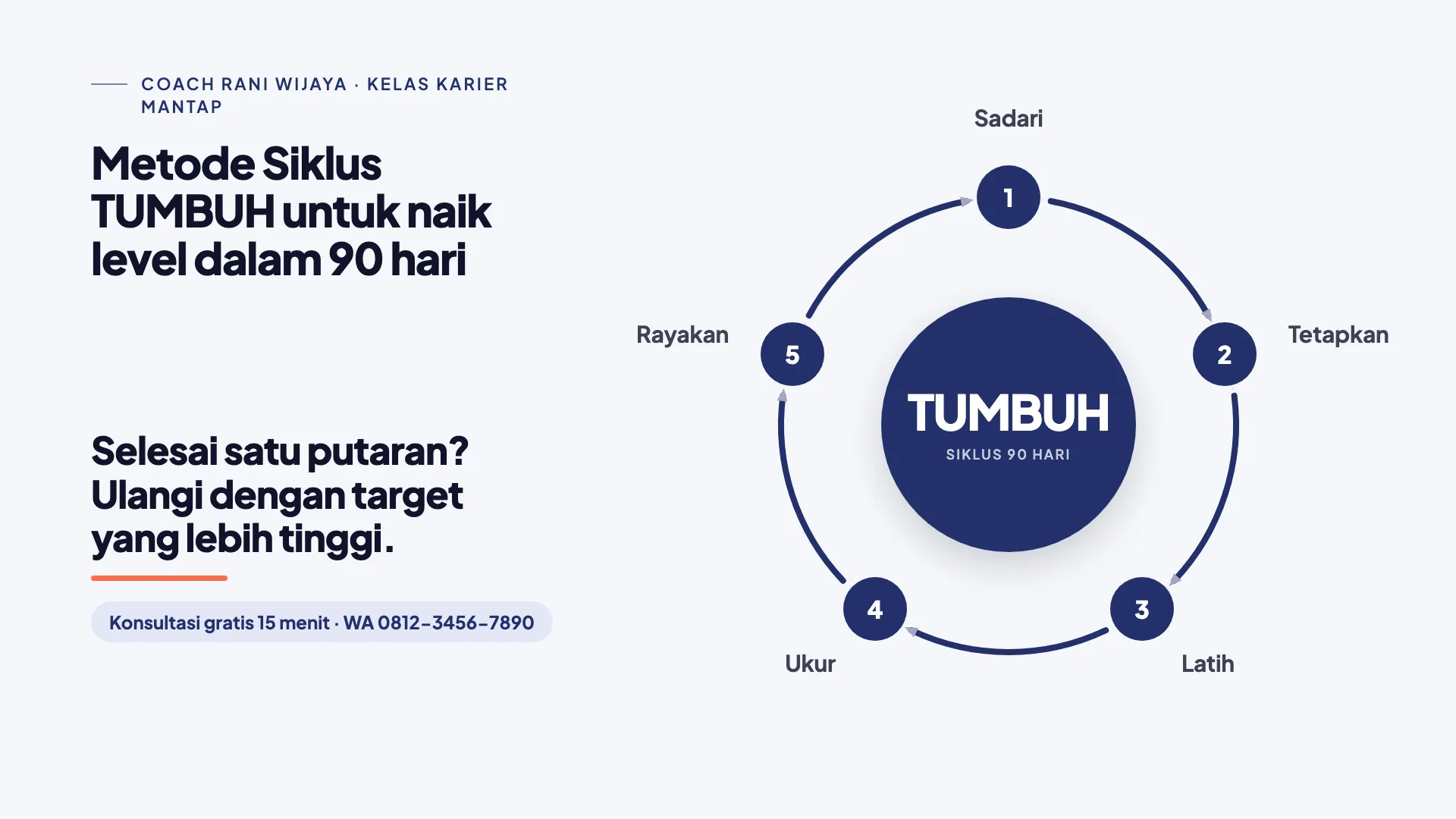
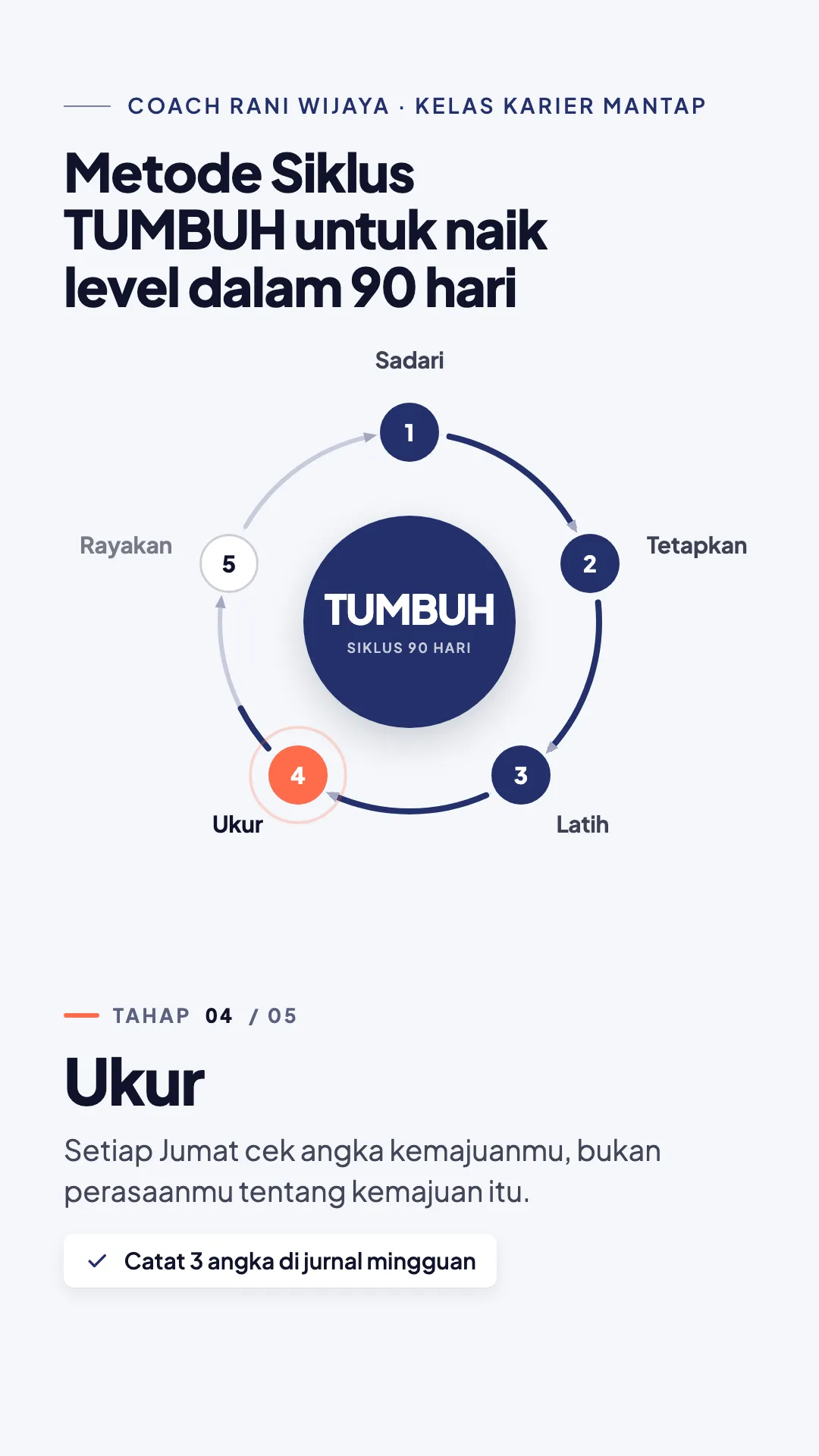
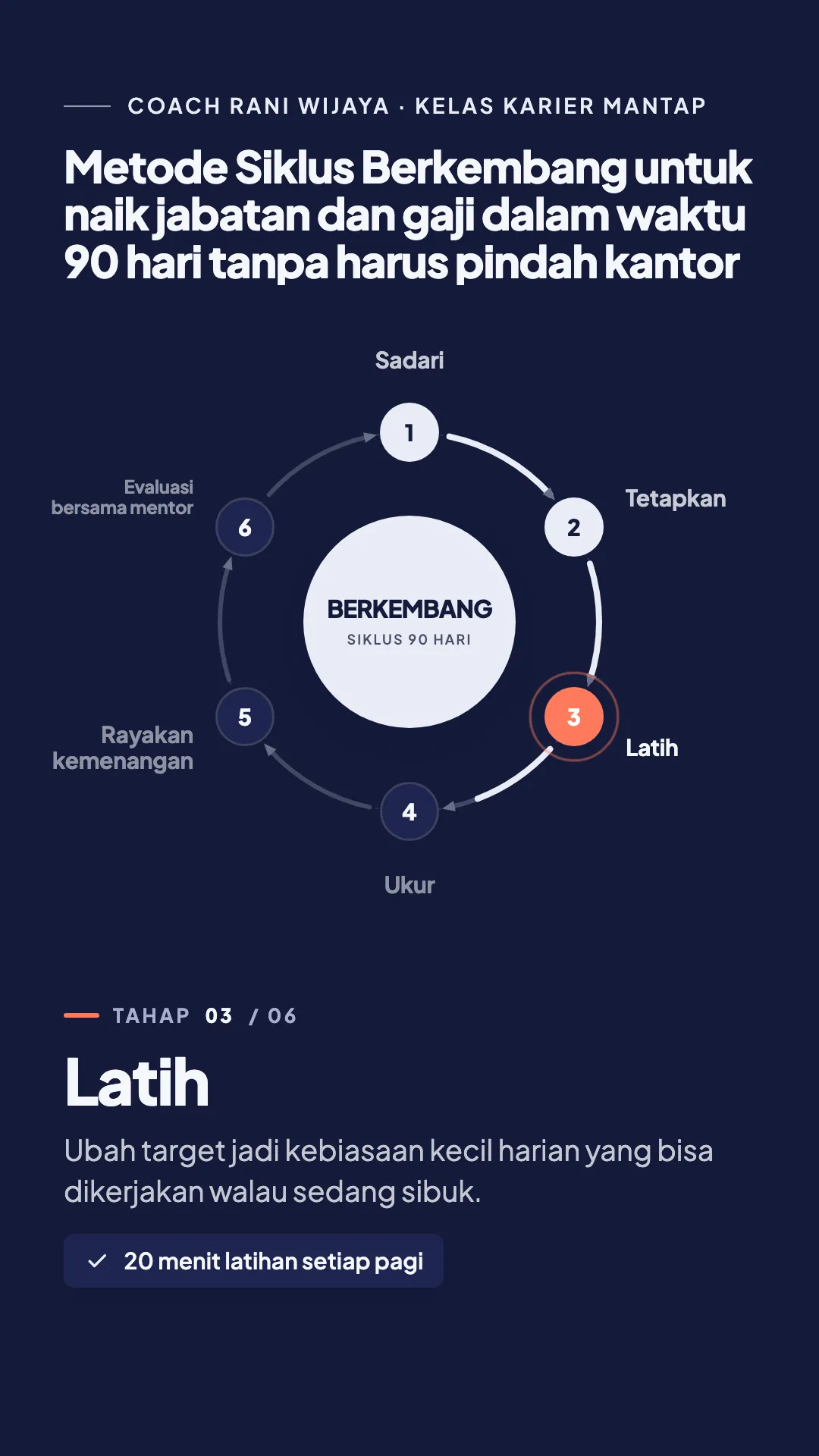
An explainer clip for a coaching method shaped as a cycle: 3 to 6 stages arranged in a ring around the method's name, the links between them draw themselves with direction arrows, then each stage lights up in turn while a line runs on to the next stage and a side card explains the stage plus one practice task. It closes on a full loop, one line inviting viewers to repeat the cycle, and a consultation line. 16:9 and 9:16, 12 to 24 seconds, rendered to MP4 with one command.
Verified by SkillFlow
We checked every file in this skill automatically: no command that downloads and runs a program, no hidden code, no instruction telling your AI to ignore you.
- Loads from outside
- Fonts: Google Fonts
See the 5 files inside
skill.json8 KBSKILL.md6 KBprompt.md5 KBprompt.en.md5 KBfiles/scene.html20 KB
Checked 14 Nov 2026
Part of SkillFlow Pro
Pro opens every skill in every category: copy, ZIP, Send to AI, install, save, and request new skills.
Get Pro Already subscribed? Sign inWhat you get
- A method script: cycle name, 3-6 stages (name, explanation, practice task), closing line
- An animated HTML scene driven by one config object, stage positions worked out automatically
- MP4 1920x1080 (16:9) or 1080x1920 (9:16), 30 fps, 12-24 seconds
- Stage labels, title, and cards shrink automatically so long text still fits
- 3 ready palettes (city indigo, night, tea green), plus your own brand colours
Good fit
- Coaches, mentors, and consultants explaining their own method in one diagram
- Teachers covering repeating processes such as habit cycles or 90 day review cycles
- Course creators who need a module opener showing a framework
- Webinar speakers who want a moving diagram slide
Not for
- Not for linear flows that end at the last stage; if the stages do not loop back, do not use it
- At most 6 stages per cycle
- It does not write promises of results that cannot be guaranteed
- No coach photo; it is a diagram and text
About this skill
/framework-siklus-coach Make a cycle video of my coaching method, 5 stages from Notice to Review with a practice task per stage, closing with an invitation to book a consultation on WhatsApp, in 16:9
Show more
An explainer clip for a coaching method shaped as a cycle: 3 to 6 stages arranged in a ring around the method's name, the links between them draw themselves with direction arrows, then each stage lights up in turn while a line runs on to the next stage and a side card explains the stage plus one practice task. It closes on a full loop, one line inviting viewers to repeat the cycle, and a consultation line. 16:9 and 9:16, 12 to 24 seconds, rendered to MP4 with one command.
User reviews
FAQ
What goes in the middle of the circle?
One word or acronym for your method, about 10 letters at most, plus 2 to 3 small words below it. The first stage always sits at the top, and the rest follow clockwise.
My stage names are long, will they fit?
Long names wrap to two lines and shrink automatically. If the letters still end up tiny, shorten them to 1 to 3 words; verbs like Notice, Set, or Practise read best.
Is the practice task required?
It is best to fill it in, since each stage card shows the name, an explanation, and one concrete action. Use numbers where you can, like 20 minutes of practice every morning, rather than a second paragraph.
Which AI can I use it with?
Copy the prompt into a chat AI (ChatGPT, Claude, Gemini, DeepSeek): you get an HTML file; open it in Chrome and press Download MP4 (silent video, a minute or two to render); or download the ZIP and install it in an AI agent (Claude Code, Codex, Antigravity, Hermes Agent, Cursor, GitHub Copilot, Gemini CLI, OpenCode, Kimi Code, Trae), which then builds the files for you.
What is in the ZIP?
One folder named framework-siklus-coach with SKILL.md (the instructions an AI agent reads) and the prompt, 5 files in all. Extract it into your agent's skills folder, or install it with npx skillflow-ai add framework-siklus-coach. Pro only.
Is there a per-use fee or credits?
Not from SkillFlow. The skill runs on the AI you already use, so any cost follows that plan.
Which plan includes it?
SkillFlow Pro. It opens every skill in every category.
Can I use my own colours and brand?
Yes. Pick a colour theme on this page, or fill in your brand profile once; both go into the prompt you copy and into the ZIP.
Can I share what I made?
Pro members can upload the result and get a page at share.skillflow.ai.id to send to anyone. The page carries a small "Made with SkillFlow AI" mark.
Is there a download limit?
Yes, per day: 50 skills on Pro, 10 on other plans. Downloading a skill again on the same day does not count.



