

Rendered sample video
SKILL.md contents
Premium subscribers can read, copy, and install this skill.
Unlock with Premium Sign inHistory Timeline
Description
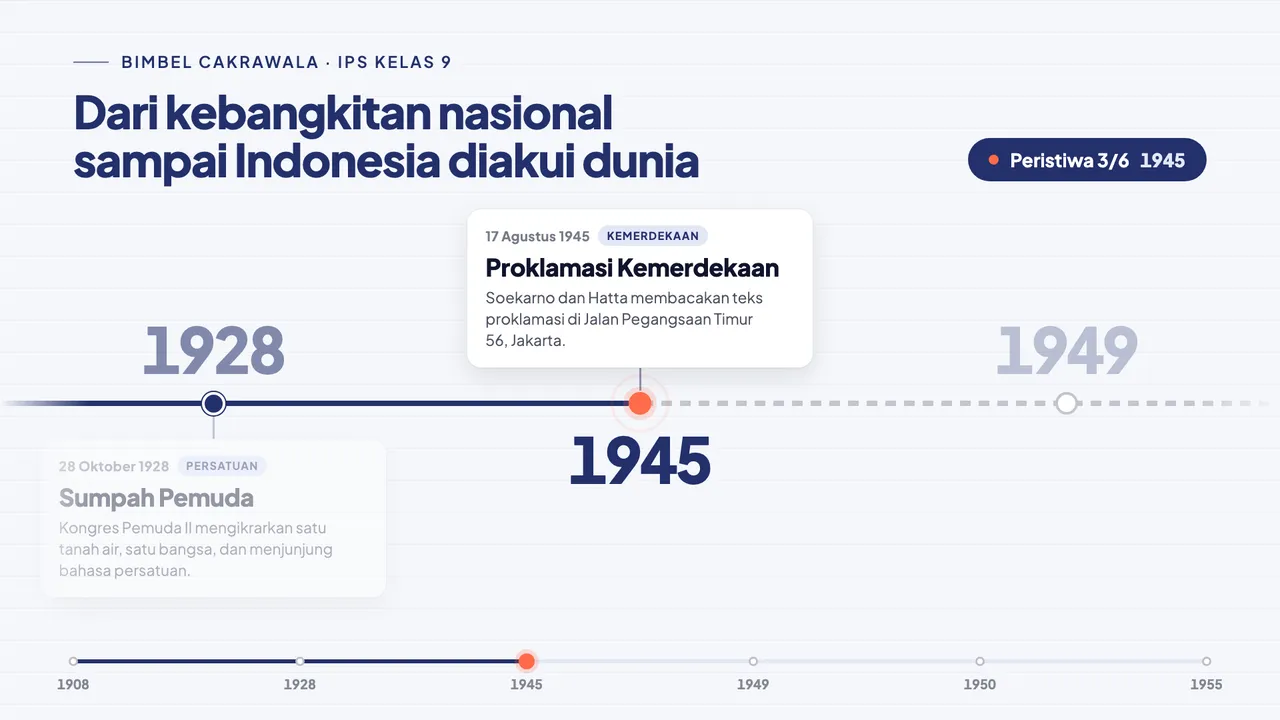
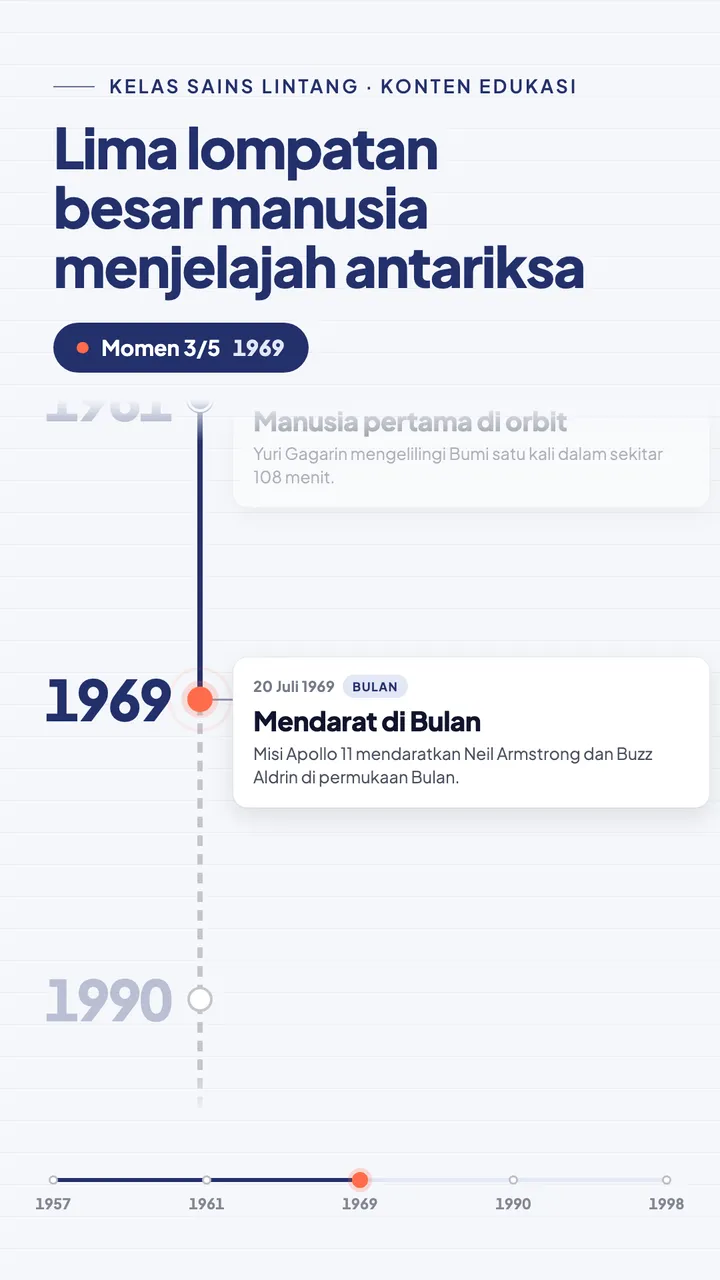
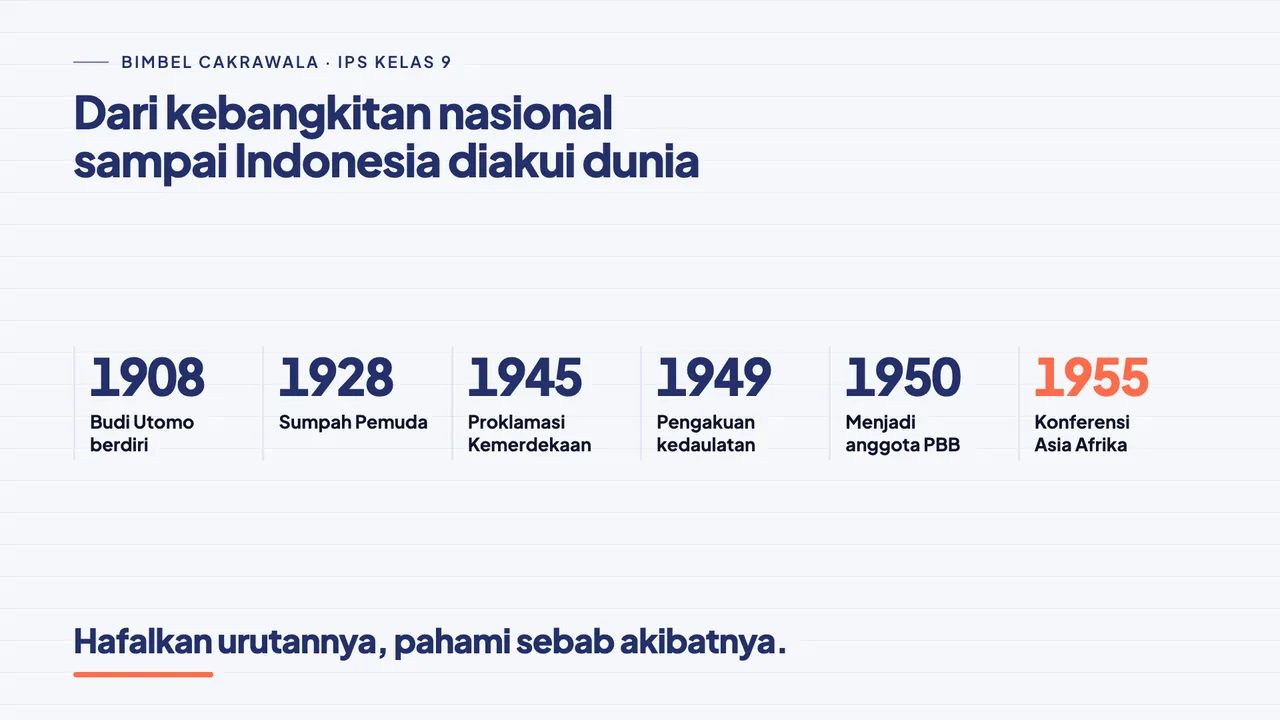
A timeline video for lessons: 4 to 7 events on one line that is longer than the screen. The camera pans to each year while the solid line grows with it, and each year dot lights up and opens an event card (date, label, title, one sentence), alternating above and below the line. A mini map shows where you are across the range of years, and the ending lines up every year. For teachers, tutoring centres, and education creators. Horizontal 16:9 and vertical 9:16, rendered to MP4 with one command.
Verified by SkillFlow
We checked every file in this skill automatically: no command that downloads and runs a program, no hidden code, no instruction telling your AI to ignore you.
- Loads from outside
- Fonts: Google Fonts
See the 6 files inside
skill.json8 KBSKILL.md7 KBprompt.md6 KBprompt.en.md6 KBfiles/contoh-antariksa-9x16.html26 KBfiles/scene.html26 KB
Checked 14 Nov 2026
Part of SkillFlow Pro
Pro opens every skill in every category: copy, ZIP, Send to AI, install, save, and request new skills.
Get Pro Already subscribed? Sign inWhat you get
- A timeline script: title, 4-7 events (year, date, label, title, explanation), closing line
- A fact-check list: every date marked as certain or needing a check before it is used in class
- An animated HTML scene driven by one config object, with the camera panning to each event
- MP4 1920x1080 (16:9, horizontal line) or 1080x1920 (9:16, vertical line), 30 fps, 10-20 seconds
- An ending recap with every year in a row, and 3 palettes (city indigo, ink, archive paper)
Good fit
- Teachers and tutoring centres who want history lessons that stick
- Online course creators explaining how a field developed over time
- Educational creators making short history clips for Reels or TikTok
- Organisations telling their own story year by year
Not for
- It does not guarantee dates; each event is marked certain or needs checking, and you still match it against your textbook
- Not for repeating processes or SOPs
- At most 7 events per video
- No political opinion and no invented figures such as casualty counts
About this skill
/garis-waktu-sejarah Make a timeline video for a grade 8 history lesson on the road to independence, 6 events from 1908 to 1950, for a 16:9 classroom screen
Show more
A timeline video for lessons: 4 to 7 events on one line that is longer than the screen. The camera pans to each year while the solid line grows with it, and each year dot lights up and opens an event card (date, label, title, one sentence), alternating above and below the line. A mini map shows where you are across the range of years, and the ending lines up every year. For teachers, tutoring centres, and education creators. Horizontal 16:9 and vertical 9:16, rendered to MP4 with one command.
User reviews
FAQ
The exact date is unknown, how do I write it?
Write it as it is: month and year, the year only, or an estimate like 7th century, 1500s, or Around 1293. Years before the common era are written like 300 BC. Order them from oldest.
What is the fact check list?
Before the scene is built, each event is marked certain or needs checking, with the reason. Use it to match against your textbook or materials before the video is used in class.
Which palette suits a history lesson?
The archive paper palette uses dark brown and paper tones that feel classic. City indigo and ink look more modern. Your school's colours can be added as a new palette.
Which AI can I use it with?
Copy the prompt into a chat AI (ChatGPT, Claude, Gemini, DeepSeek): you get an HTML file; open it in Chrome and press Download MP4 (silent video, a minute or two to render); or download the ZIP and install it in an AI agent (Claude Code, Codex, Antigravity, Hermes Agent, Cursor, GitHub Copilot, Gemini CLI, OpenCode, Kimi Code, Trae), which then builds the files for you.
What is in the ZIP?
One folder named garis-waktu-sejarah with SKILL.md (the instructions an AI agent reads) and the prompt, 6 files in all. Extract it into your agent's skills folder, or install it with npx skillflow-ai add garis-waktu-sejarah. Pro only.
Is there a per-use fee or credits?
Not from SkillFlow. The skill runs on the AI you already use, so any cost follows that plan.
Which plan includes it?
SkillFlow Pro. It opens every skill in every category.
Can I use my own colours and brand?
Yes. Pick a colour theme on this page, or fill in your brand profile once; both go into the prompt you copy and into the ZIP.
Can I share what I made?
Pro members can upload the result and get a page at share.skillflow.ai.id to send to anyone. The page carries a small "Made with SkillFlow AI" mark.
Is there a download limit?
Yes, per day: 50 skills on Pro, 10 on other plans. Downloading a skill again on the same day does not count.



