

Rendered sample video
SKILL.md contents
Premium subscribers can read, copy, and install this skill.
Unlock with Premium Sign inDonut Chart Percentage Breakdown
Description
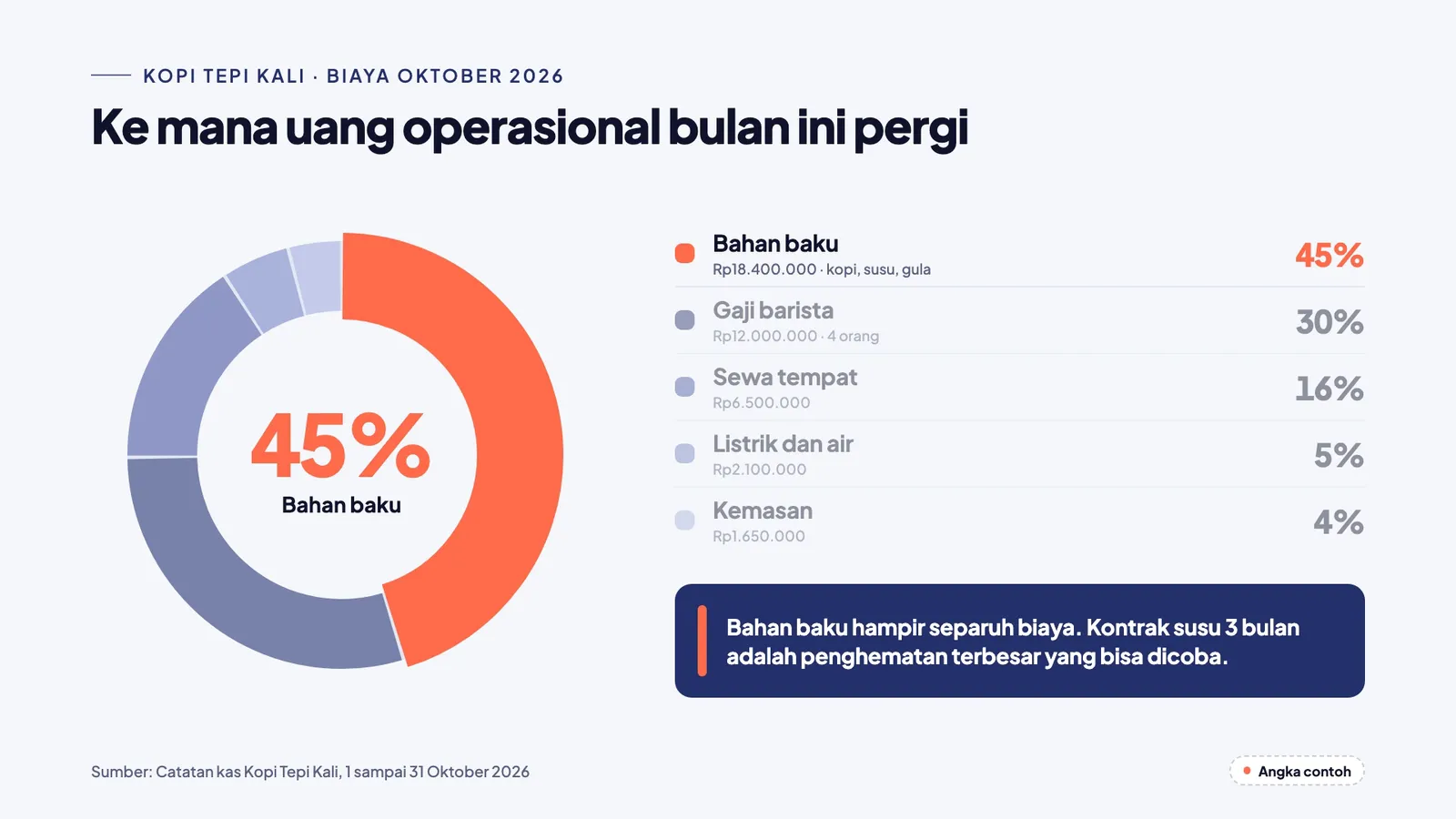
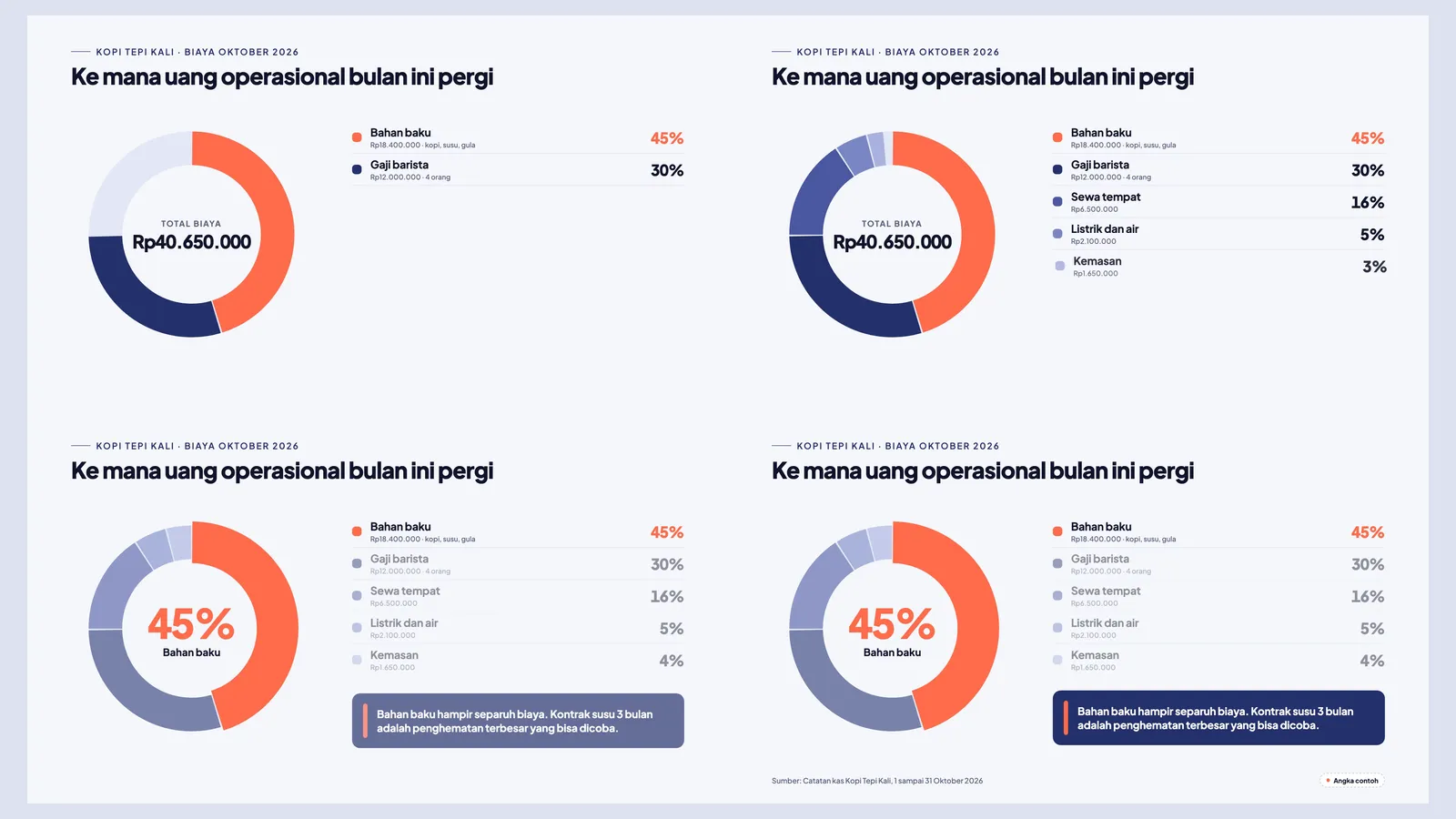
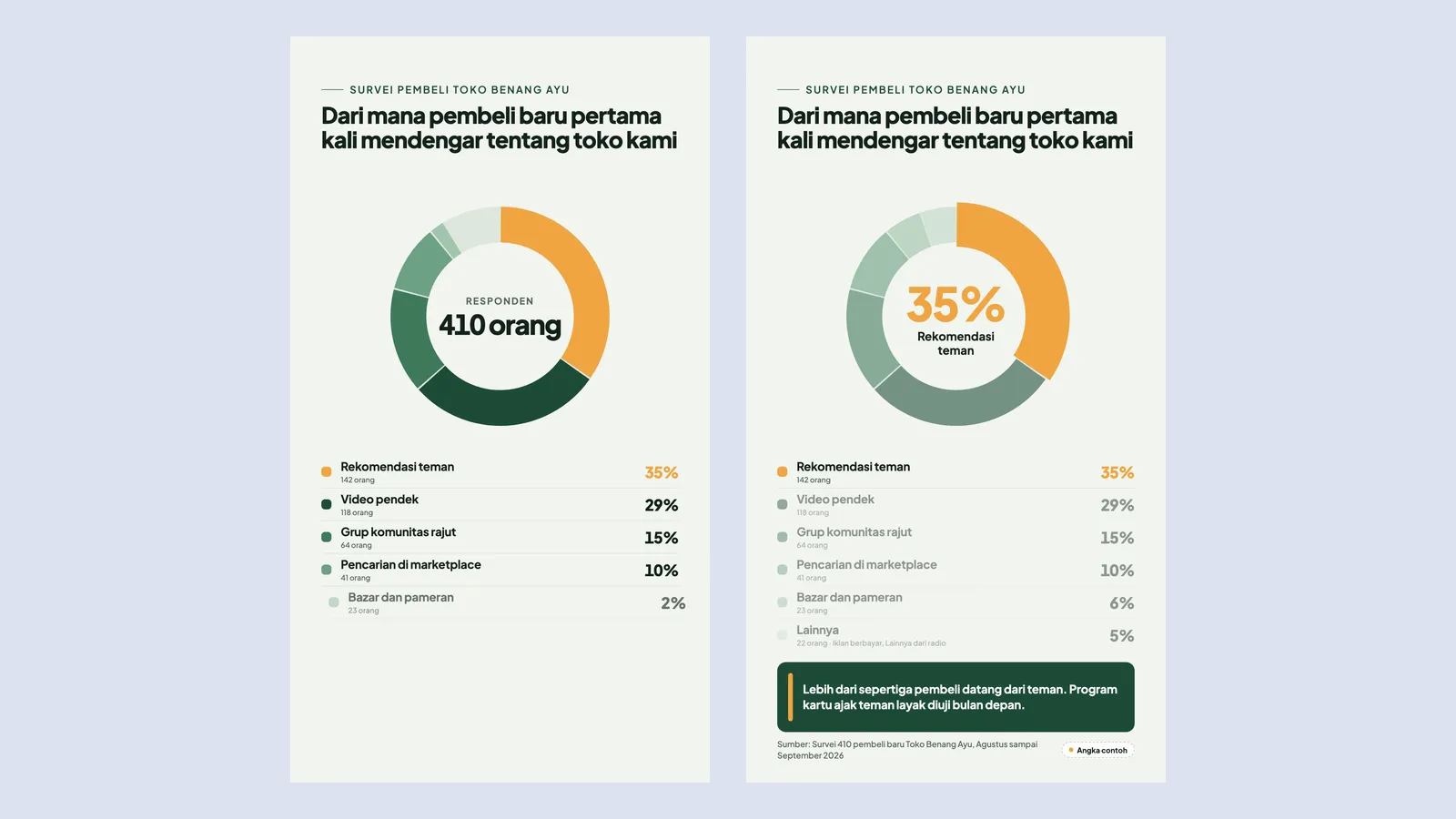
An 8 to 14 second data video for cost breakdowns, survey results, or sales sources: a donut fills category by category clockwise while legend rows slide in and their percentages count up, with the total in the centre, then one category is highlighted in the accent colour with its percentage enlarged in the middle and a conclusion box. Just enter raw values; the template works out the percentages with largest remainder rounding so they add up to exactly 100. More than 6 categories merge into Other. Source line and a Sample figure tag, 16:9 and 9:16, rendered to MP4.
Verified by SkillFlow
We checked every file in this skill automatically: no command that downloads and runs a program, no hidden code, no instruction telling your AI to ignore you.
- Loads from outside
- Fonts: Google Fonts
See the 5 files inside
skill.json8 KBSKILL.md7 KBprompt.md5 KBprompt.en.md5 KBfiles/donat.html19 KB
Checked 14 Nov 2026
Part of SkillFlow Pro
Pro opens every skill in every category: copy, ZIP, Send to AI, install, save, and request new skills.
Get Pro Already subscribed? Sign inWhat you get
- A table of category, value, raw percentage, and final percentage that adds up to exactly 100
- An animated HTML scene driven by one data object of raw values
- MP4 1920x1080 (16:9) or 1080x1920 (9:16), 30 fps, 8-14 seconds
- One highlighted category, a conclusion box, a source line, and 3 ready palettes
Good fit
- Business owners showing their team where monthly costs go
- Consultants and agencies sharing a one-question survey result
- Creators breaking a budget, time, or income into shares
- Sellers showing which channels their buyers come from
Not for
- Not a trend over time; a donut is one period only
- Not for multi-answer questions, because the percentages go past 100
- At most 6 slices; the remaining categories merge into Other
- It does not pull data from a spreadsheet or dashboard automatically
About this skill
/grafik-donat-persentase Make a donut video of our cafe's October costs from these cash figures, highlight ingredients and end with one saving idea, in 16:9
Show more
An 8 to 14 second data video for cost breakdowns, survey results, or sales sources: a donut fills category by category clockwise while legend rows slide in and their percentages count up, with the total in the centre, then one category is highlighted in the accent colour with its percentage enlarged in the middle and a conclusion box. Just enter raw values; the template works out the percentages with largest remainder rounding so they add up to exactly 100. More than 6 categories merge into Other. Source line and a Sample figure tag, 16:9 and 9:16, rendered to MP4.
User reviews
FAQ
Why do some percentages differ from normal rounding?
Normal rounding often adds up to 99 or 101. The template rounds everything down, then gives the leftover units to the categories with the largest fractions, so the total is always exactly 100. Each category moves by one unit at most.
I only have percentages, not raw values. Is that fine?
Yes. Enter the percentages as the raw values. If they do not add up to 100 because of rounding at the source, the template adjusts them the same way.
Which category gets highlighted?
The largest by default. Set hi to the category's position (starting at 0, after sorting) to highlight another, such as a small category that is the easiest to cut.
Which AI can I use it with?
Copy the prompt into a chat AI (ChatGPT, Claude, Gemini, DeepSeek): you get an HTML file; open it in Chrome and press Download MP4 (silent video, a minute or two to render); or download the ZIP and install it in an AI agent (Claude Code, Codex, Antigravity, Hermes Agent, Cursor, GitHub Copilot, Gemini CLI, OpenCode, Kimi Code, Trae), which then builds the files for you.
What is in the ZIP?
One folder named grafik-donat-persentase with SKILL.md (the instructions an AI agent reads) and the prompt, 5 files in all. Extract it into your agent's skills folder, or install it with npx skillflow-ai add grafik-donat-persentase. Pro only.
Is there a per-use fee or credits?
Not from SkillFlow. The skill runs on the AI you already use, so any cost follows that plan.
Which plan includes it?
SkillFlow Pro. It opens every skill in every category.
Can I use my own colours and brand?
Yes. Pick a colour theme on this page, or fill in your brand profile once; both go into the prompt you copy and into the ZIP.
Can I share what I made?
Pro members can upload the result and get a page at share.skillflow.ai.id to send to anyone. The page carries a small "Made with SkillFlow AI" mark.
Is there a download limit?
Yes, per day: 50 skills on Pro, 10 on other plans. Downloading a skill again on the same day does not count.



