

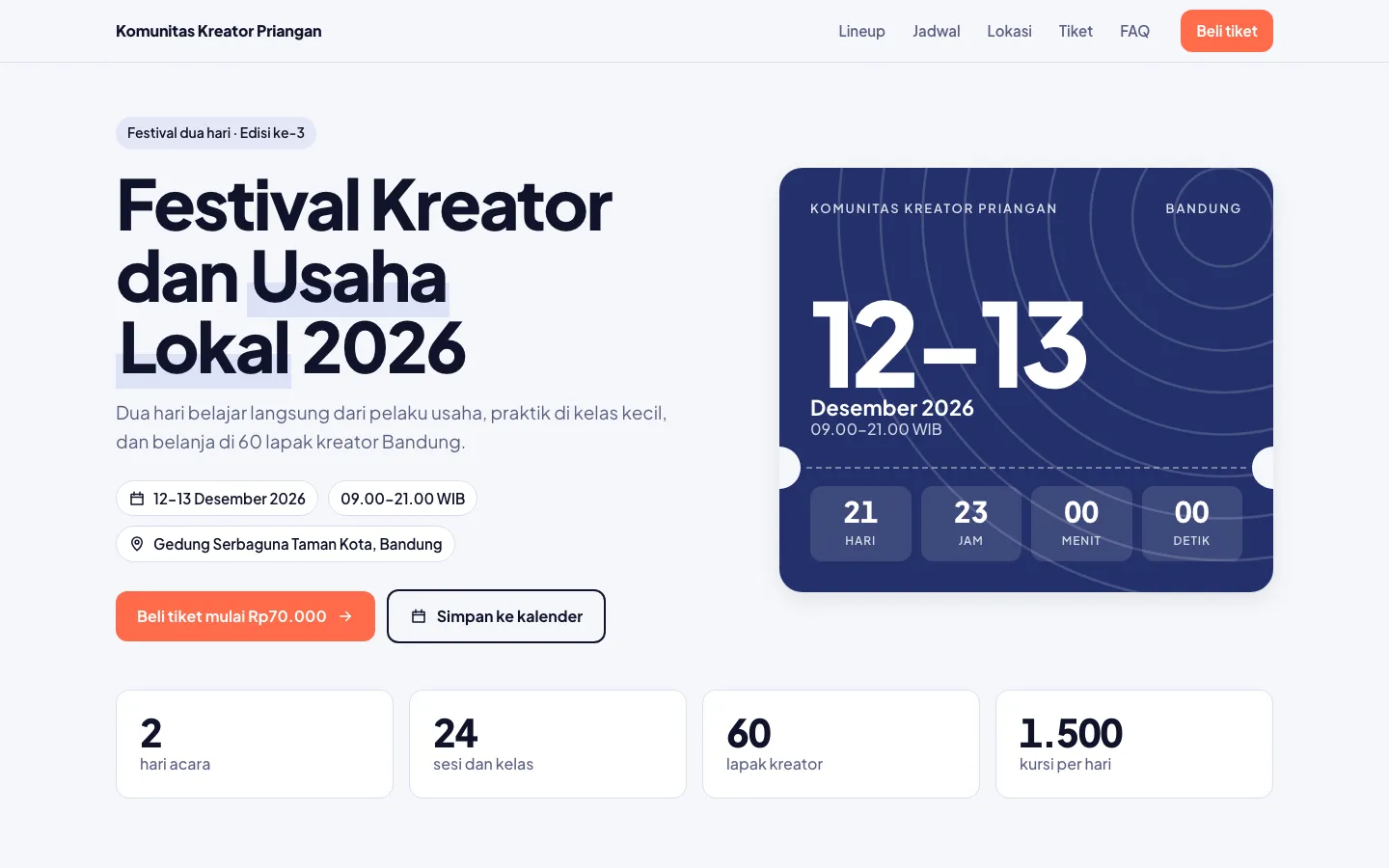
Two-day festival hero: a ticket card with a giant date, a countdown, and quick event numbers
SKILL.md contents
Premium subscribers can read, copy, and install this skill.
Unlock with Premium Sign inEvent and Ticket Page
Description
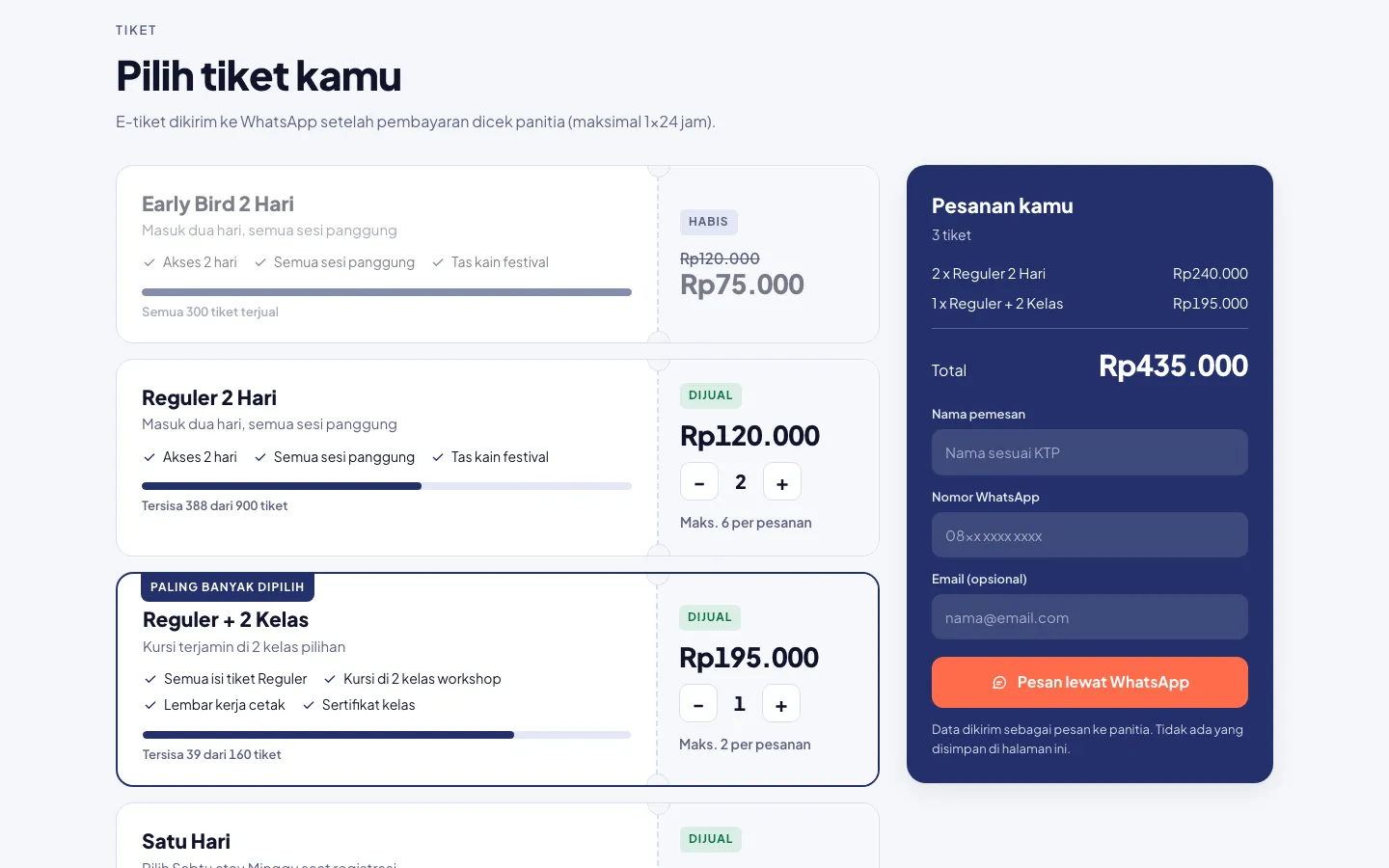
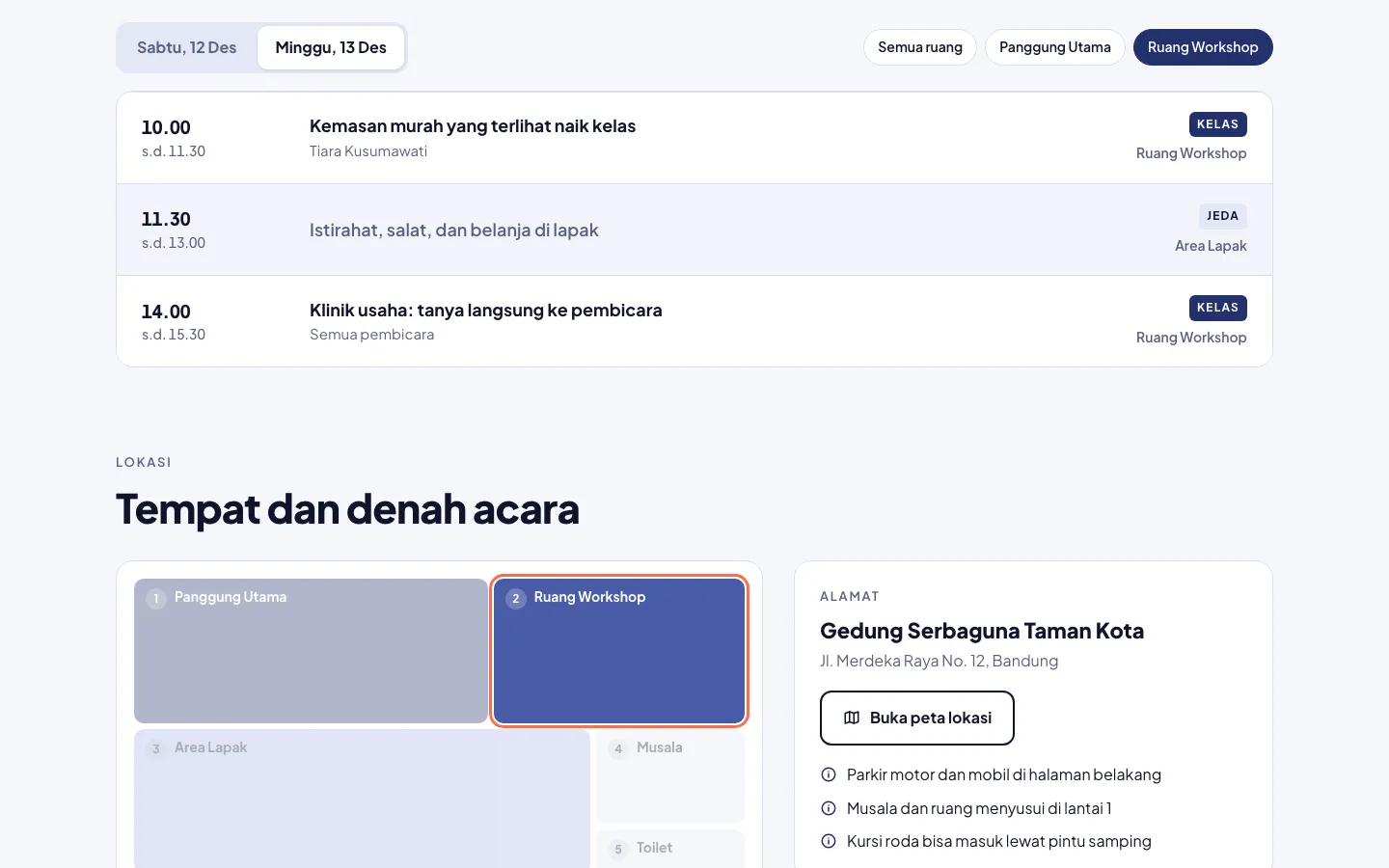
A one-file page for an in-person event such as a festival, seminar, workshop, bazaar, or community concert: a hero with a ticket card showing a giant date and a countdown, quick event numbers, a speaker or performer lineup, a per-day schedule you can filter by room, a venue map drawn from simple blocks that highlights the chosen room, then tiered tickets with automatic status (opening soon, on sale, closed, sold out), real remaining quota, and a cart that sends the order to the organiser on WhatsApp. Includes an add-to-calendar button and three palettes.
Verified by SkillFlow
We checked every file in this skill automatically: no command that downloads and runs a program, no hidden code, no instruction telling your AI to ignore you.
- Loads from outside
- Fonts: Google Fonts
See the 5 files inside
skill.json12 KBSKILL.md9 KBprompt.md6 KBprompt.en.md6 KBfiles/event.html55 KB
Checked 14 Nov 2026
Part of SkillFlow Pro
Pro opens every skill in every category: copy, ZIP, Send to AI, install, save, and request new skills.
Get Pro Already subscribed? Sign inWhat you get
- A one-file HTML event page driven by a single EVENT object, no build step
- A ticket-card hero: giant date, time with time zone, countdown, add to calendar (.ics)
- A lineup (1-3 headliners on large cards) and a per-day schedule with a room filter
- A venue map built from blocks on a 12x8 grid, the filtered room is highlighted
- Tiered tickets: automatic status from sale dates, a real remaining-quota bar, a per-order limit
- A cart + buyer form that sends the ticket breakdown and total to the organiser on WhatsApp, or a checkout link per ticket
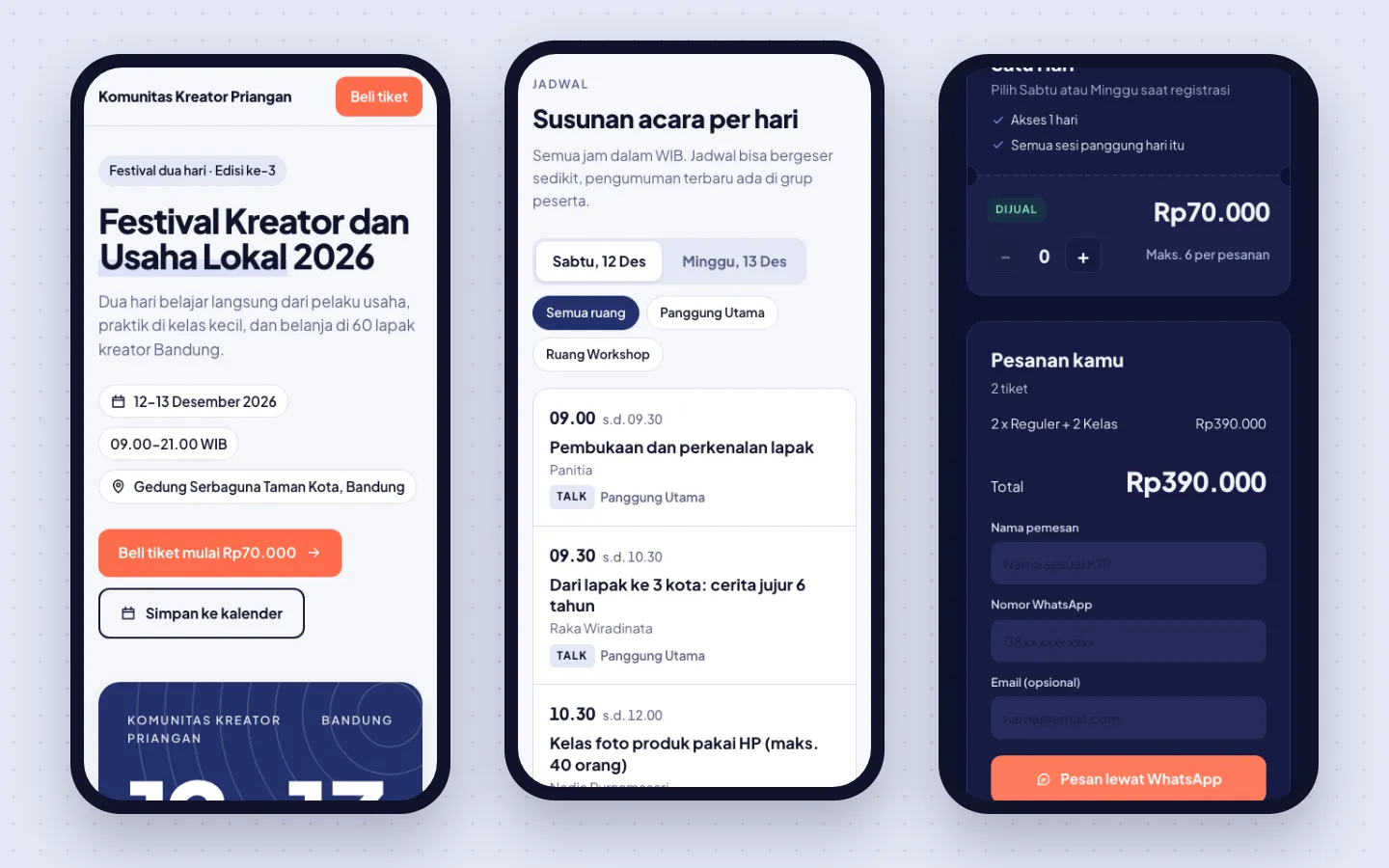
- FAQ, supporting partners, a phone buy bar, 3 palettes (indigo, night, sand), holds up down to 320 px
Good fit
- Organisers of festivals, small business bazaars, exhibitions, paid seminars, or in person workshops
- Community concerts or gatherings, reunions, competitions, and large ticketed talks
- Small committees without a ticketing system taking orders on WhatsApp
- Organisers with per ticket checkout links who need the information page
Not for
- Not an online webinar or a wedding invitation
- It does not issue e-tickets; the committee sends them by hand
- Not a numbered seating system for thousands of tickets
- Quota and sold counts are updated by hand and must be real numbers
About this skill
/halaman-event-dan-tiket Build an event page for a two day local creators festival, 12 to 13 December, 3 headliners, a daily schedule across 3 rooms, a venue map, 3 ticket tiers with real quotas, and orders to the organiser's WhatsApp
Show more
A one-file page for an in-person event such as a festival, seminar, workshop, bazaar, or community concert: a hero with a ticket card showing a giant date and a countdown, quick event numbers, a speaker or performer lineup, a per-day schedule you can filter by room, a venue map drawn from simple blocks that highlights the chosen room, then tiered tickets with automatic status (opening soon, on sale, closed, sold out), real remaining quota, and a cart that sends the order to the organiser on WhatsApp. Includes an add-to-calendar button and three palettes.
User reviews
FAQ
How is ticket status decided?
Automatically from the sale start and end dates, so a passed early bird shows as it is. The quota bar uses the real quota and sold count; set the quota to 0 if you do not want to reveal numbers.
How is the venue map made?
From boxes on a 12 column by 8 row grid, each named after a room. Room names in the schedule must match the map exactly so the room filter highlights the right box.
My event is in WITA, how do I write the time?
Write the start and end in ISO format with the zone, such as +08:00 for WITA or +09:00 for WIT. The card date, day range, and countdown come from that, and there is a save to calendar button.
Which AI can I use it with?
Copy the prompt into a chat AI (ChatGPT, Claude, Gemini, DeepSeek); or download the ZIP and install it in an AI agent (Claude Code, Codex, Antigravity, Hermes Agent, Cursor, GitHub Copilot, Gemini CLI, OpenCode, Kimi Code, Trae), which then builds the files for you.
What is in the ZIP?
One folder named halaman-event-dan-tiket with SKILL.md (the instructions an AI agent reads) and the prompt, 5 files in all. Extract it into your agent's skills folder, or install it with npx skillflow-ai add halaman-event-dan-tiket. Pro only.
Is there a per-use fee or credits?
Not from SkillFlow. The skill runs on the AI you already use, so any cost follows that plan.
Which plan includes it?
SkillFlow Pro. It opens every skill in every category.
Can I use my own colours and brand?
Yes. Pick a colour theme on this page, or fill in your brand profile once; both go into the prompt you copy and into the ZIP.
Can I share what I made?
Pro members can upload the result and get a page at share.skillflow.ai.id to send to anyone. The page carries a small "Made with SkillFlow AI" mark.
Is there a download limit?
Yes, per day: 50 skills on Pro, 10 on other plans. Downloading a skill again on the same day does not count.



