

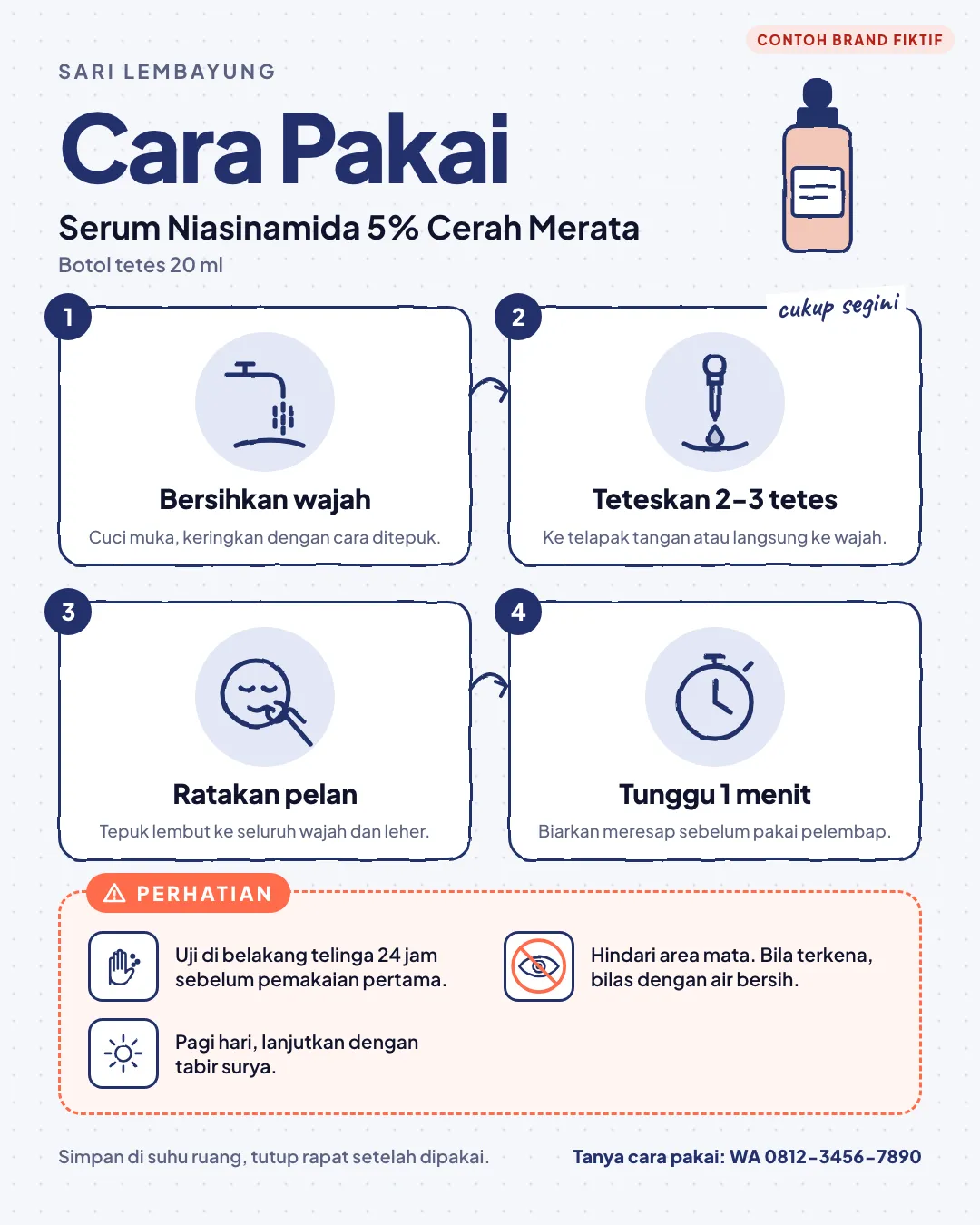
4:5 feed, serum: 4 illustrated steps, a handwritten note, a Caution box
SKILL.md contents
Premium subscribers can read, copy, and install this skill.
Unlock with Premium Sign inHow-to-Use Infographic
Description
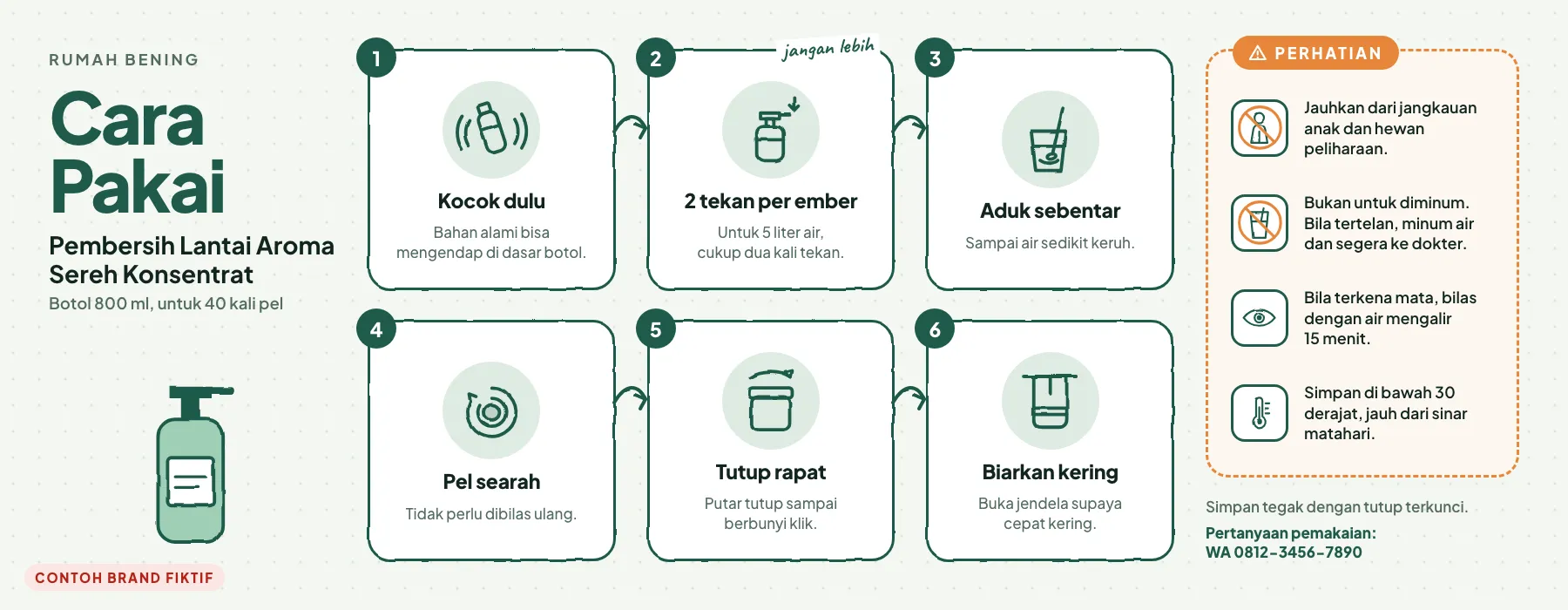
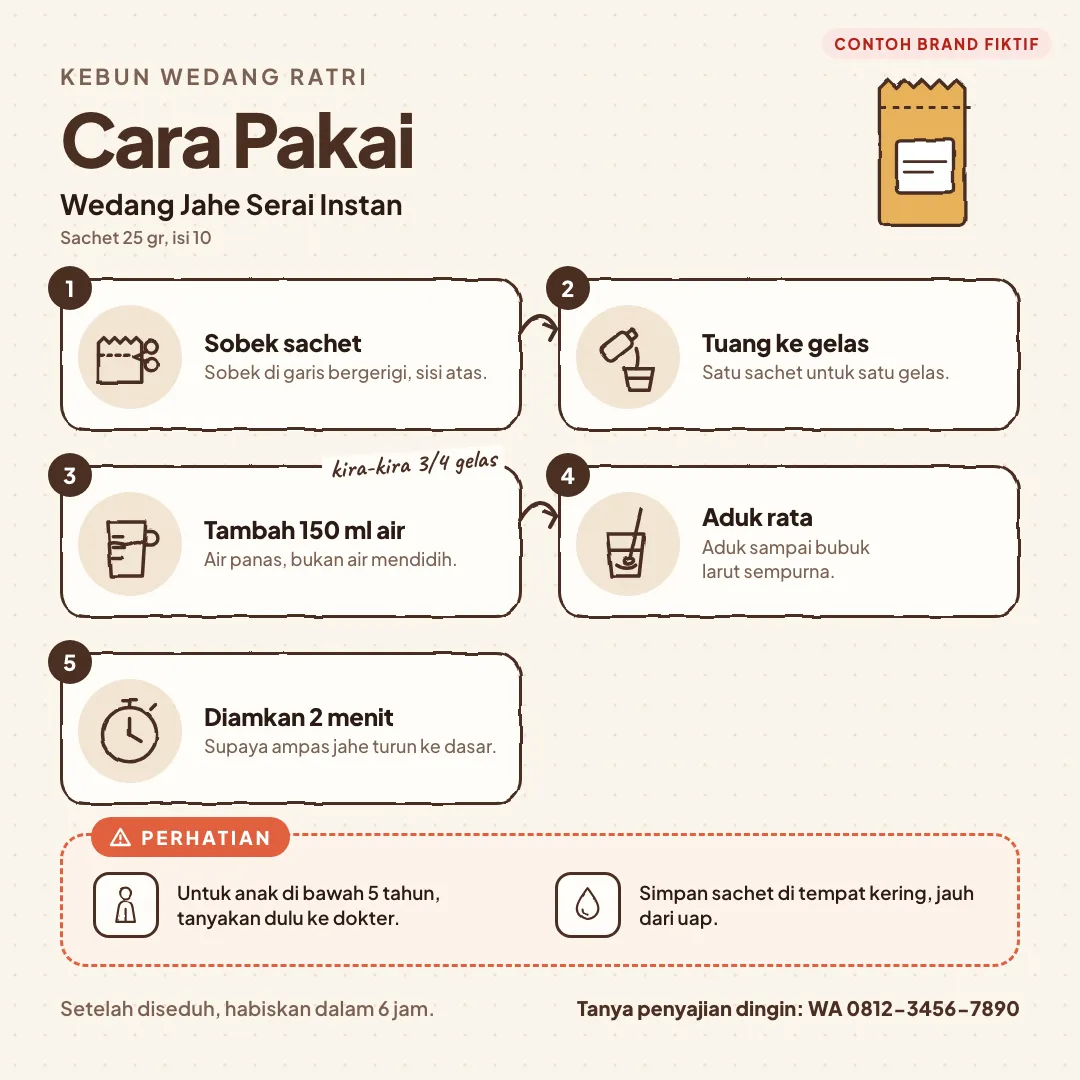
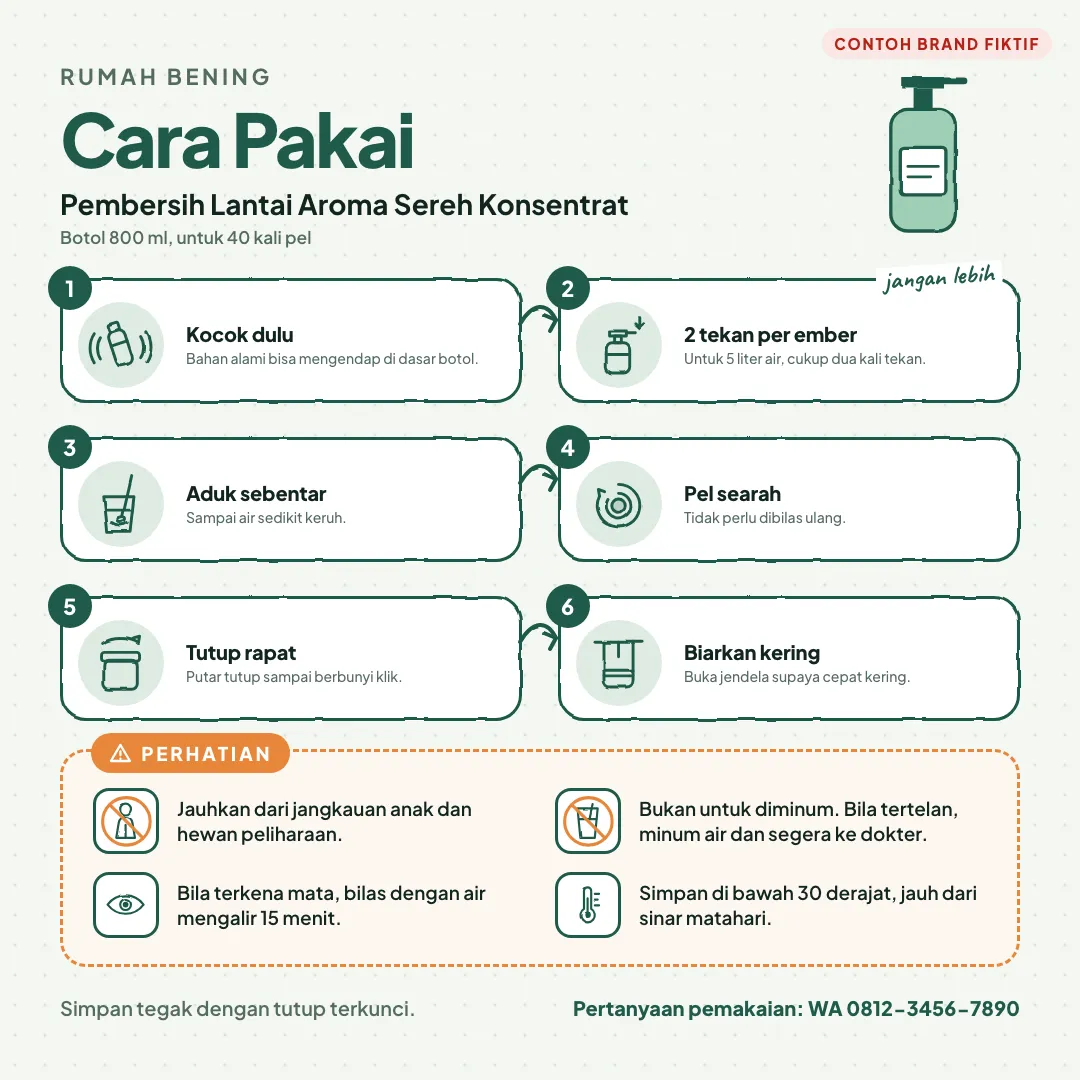
A hand-drawn how-to-use infographic for packaging and product pages: 3 to 6 numbered steps, each with a line pictogram (drops, pump, shake, apply, pour, stir, measure, tear, wait, rinse, and more), curved arrows between steps, a small handwritten note, a Caution box of warnings with icons that can be crossed out, a small pack drawing, storage advice, and a contact line. One data object produces a 4:5 feed image, a 1:1 square, and a wide strip for the back of the pack or an insert card.
Verified by SkillFlow
We checked every file in this skill automatically: no command that downloads and runs a program, no hidden code, no instruction telling your AI to ignore you.
- Loads from outside
- Fonts: Google Fonts
See the 5 files inside
skill.json7 KBSKILL.md7 KBprompt.md3 KBprompt.en.md3 KBfiles/cara-pakai.html31 KB
Checked 14 Nov 2026
Included in Basic and Pro
Basic copies the prompt. Pro also downloads the ZIP, sends to AI, installs into agents, and opens every category.
Get Pro Get Basic Already subscribed? Sign inWhat you get
- Tidied usage steps: 3-6 steps, short verb-first titles, one sentence per step
- 18 action pictograms and 9 warning icons in a hand-drawn line style, warning icons can be crossed out
- A Caution box with 1-4 warnings, a small pack drawing (7 shapes) or a product photo
- PNG feed 1080x1350, square 1080x1080, and strip 1800x700 from one data object
- 3 palettes (city, cream, leaf) and text that shrinks automatically, with a caraReport() check
- An AI image prompt for a companion illustration without text
Good fit
- Sellers of skincare, powdered drinks, instant food, and home cleaners
- Shops getting complaints because products are used the wrong way
- Producers needing a usage strip for packaging or insert cards
Not for
- Doses and warnings must come from your product's official usage rules; this skill doesn't decide them
- Not medical instructions or drug dosing
- Up to 6 steps; products with long procedures need a separate manual
About this skill
/infografis-cara-pakai Make a how-to-use infographic for Glowa Skin serum: 4 steps from cleansing to waiting 1 minute, a warning not to use on broken skin, and storage tips
Show more
A hand-drawn how-to-use infographic for packaging and product pages: 3 to 6 numbered steps, each with a line pictogram (drops, pump, shake, apply, pour, stir, measure, tear, wait, rinse, and more), curved arrows between steps, a small handwritten note, a Caution box of warnings with icons that can be crossed out, a small pack drawing, storage advice, and a contact line. One data object produces a 4:5 feed image, a 1:1 square, and a wide strip for the back of the pack or an insert card.
User reviews
FAQ
Which pictograms are available?
Eighteen actions such as drop, pump, shake, apply, pour, stir, measure, tear, wait, and rinse, plus 9 warning icons that can be struck through.
Which sizes are produced?
Feed 1080x1350, square 1080x1080, and a wide 1800x700 strip for the back of packaging or insert cards, all from one data object.
Which AI can I use it with?
Copy the prompt into a chat AI (ChatGPT, Claude, Gemini, DeepSeek); or download the ZIP and install it in an AI agent (Claude Code, Codex, Antigravity, Hermes Agent, Cursor, GitHub Copilot, Gemini CLI, OpenCode, Kimi Code, Trae), which then builds the files for you.
What is in the ZIP?
One folder named infografis-cara-pakai with SKILL.md (the instructions an AI agent reads) and the prompt, 5 files in all. Extract it into your agent's skills folder, or install it with npx skillflow-ai add infografis-cara-pakai. Pro only.
Is there a per-use fee or credits?
Not from SkillFlow. The skill runs on the AI you already use (and, for image prompts, the image AI you pick), so any cost follows that plan.
Which plan includes it?
Basic and Pro. Basic copies the prompt; Pro also downloads the ZIP, sends to AI, installs into agents and shares results by link.
Can I use my own colours and brand?
Yes. Pick a colour theme on this page, or fill in your brand profile once; both go into the prompt you copy and into the ZIP.
Can I share what I made?
Pro members can upload the result and get a page at share.skillflow.ai.id to send to anyone. The page carries a small "Made with SkillFlow AI" mark.
Is there a download limit?
Yes, per day: 50 skills on Pro, 10 on other plans. Downloading a skill again on the same day does not count.



