

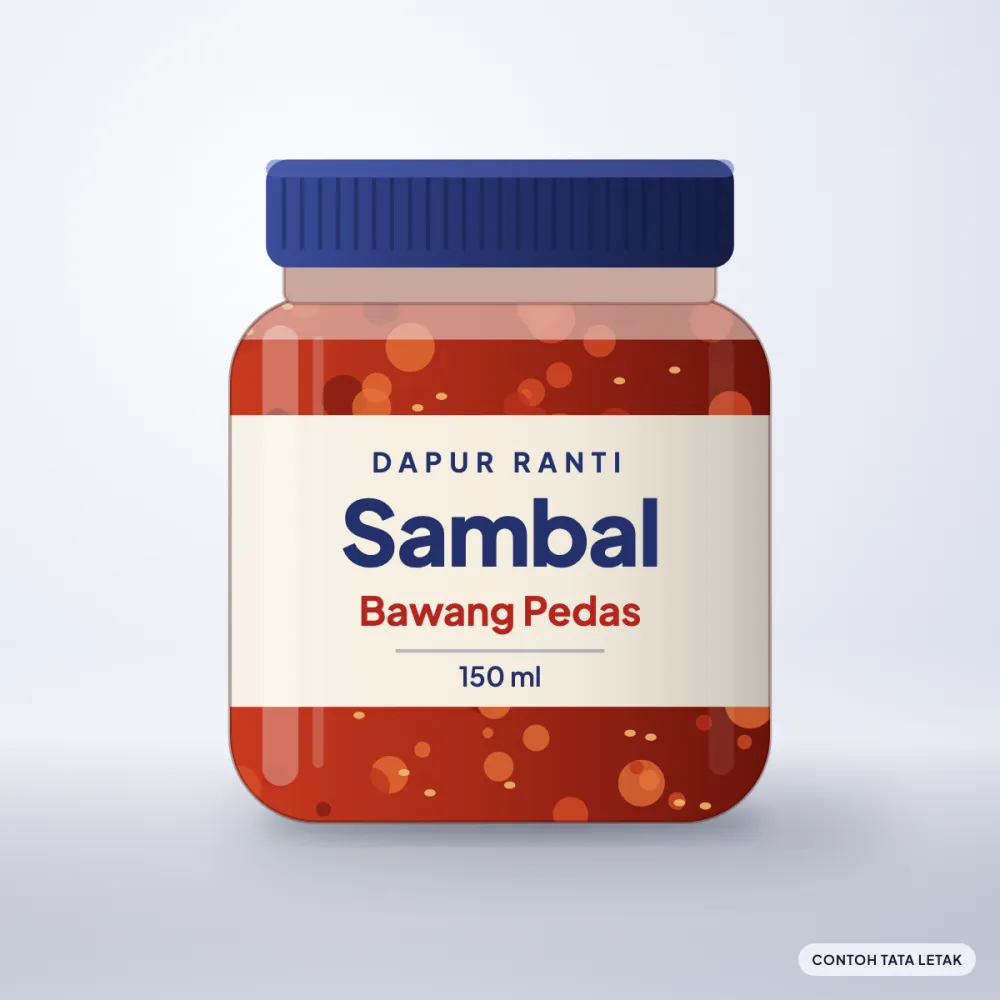
Tile 1: studio hero shot, plain background, no text
SKILL.md contents
Premium subscribers can read, copy, and install this skill.
Unlock with Premium Sign inMarketplace Product Photos in 3 Settings
Description
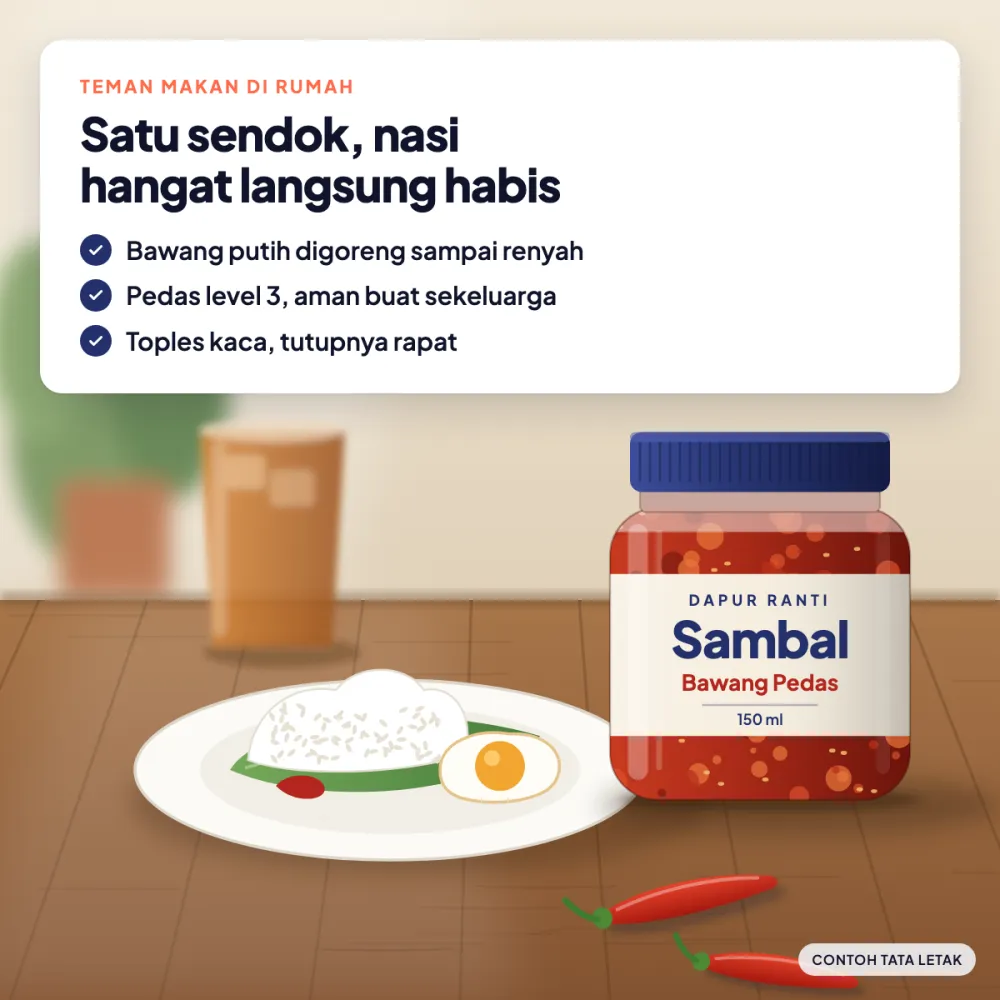
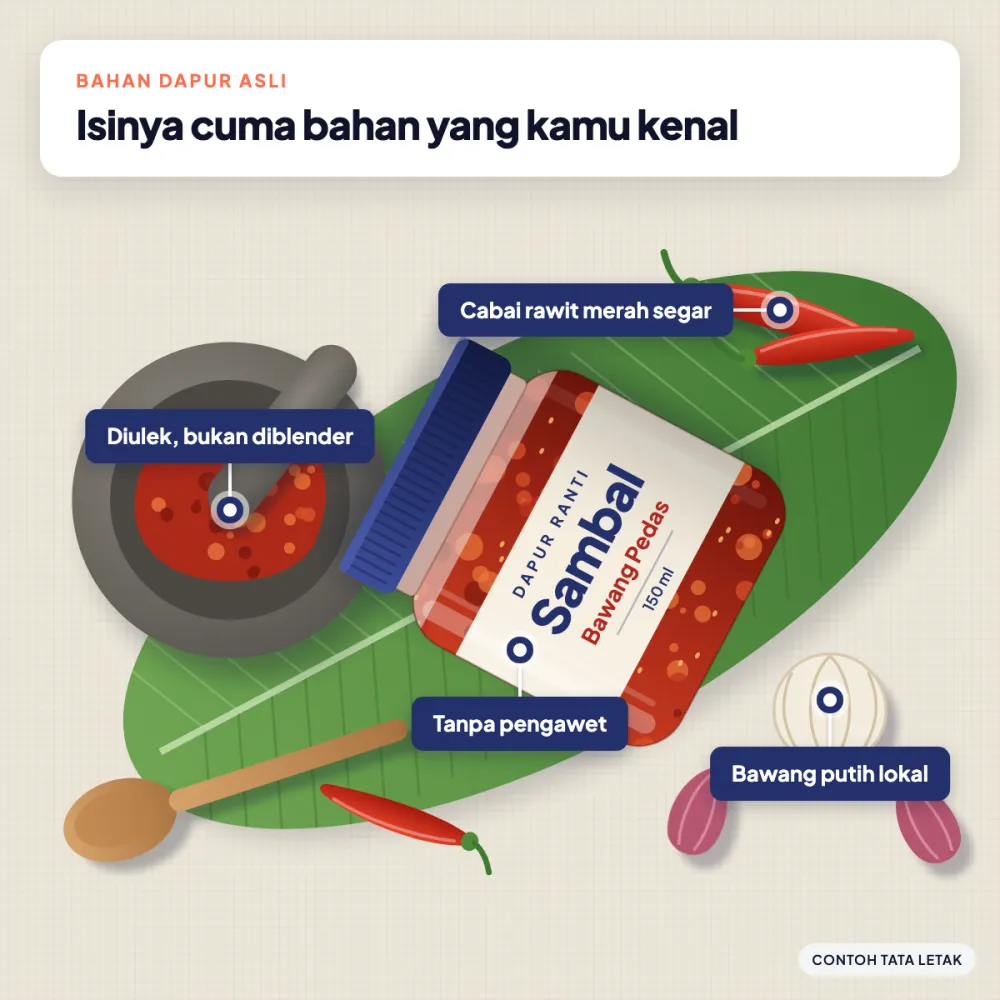
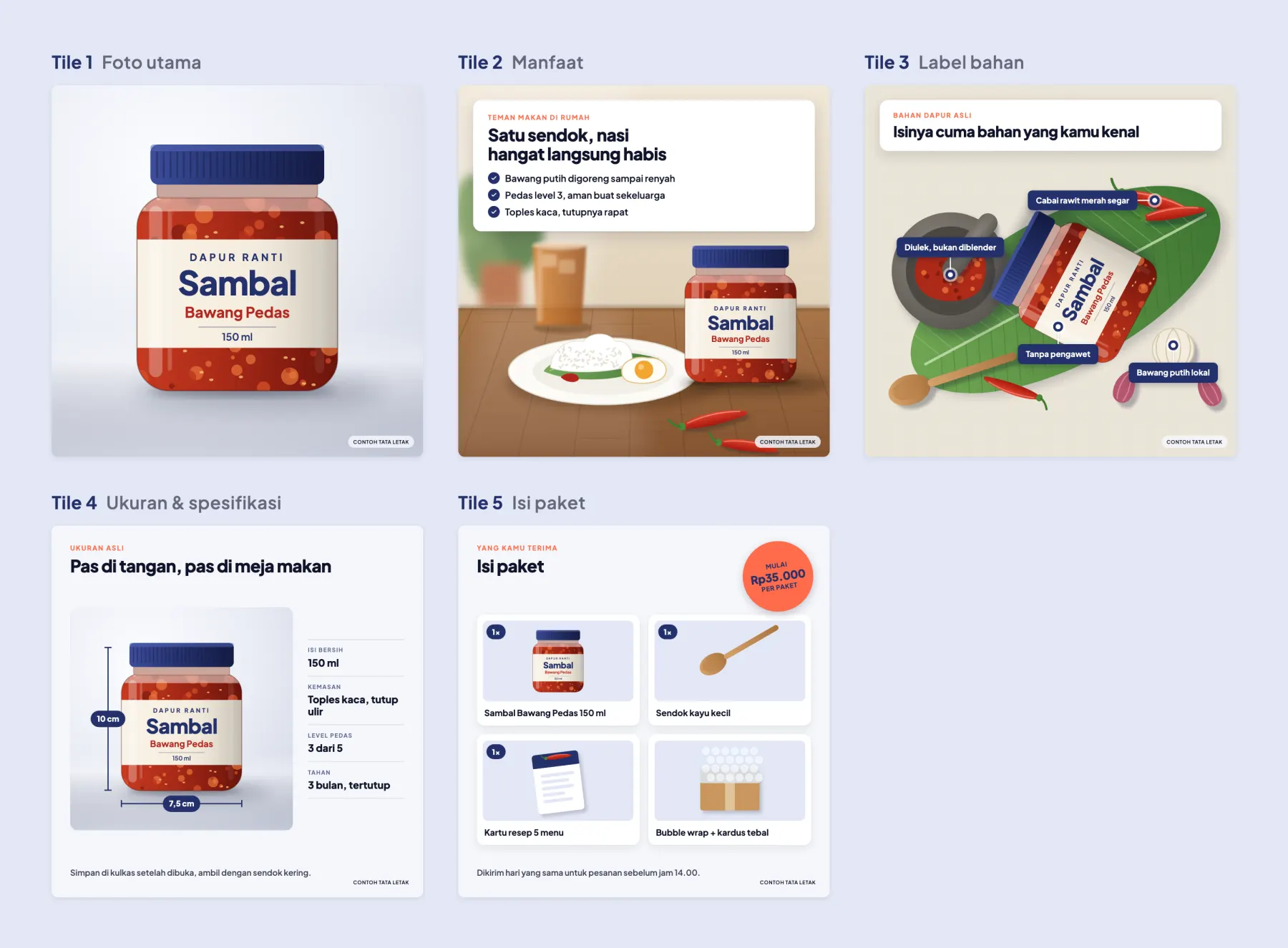
One product photographed by AI in three matching settings: a clean studio shot, an at-home lifestyle shot, and a top-down flat-lay, with the same shape, colour, and label in every frame. Those photos are then laid out as a 1:1 marketplace gallery: a plain main photo, a benefits tile, an ingredients tile with pointers, a size and specs tile, a package contents tile, and an optional price badge. Text is added by the template, not by the image model, so spelling is always right.
Verified by SkillFlow
We checked every file in this skill automatically: no command that downloads and runs a program, no hidden code, no instruction telling your AI to ignore you.
- Loads from outside
- Fonts: Google Fonts
See the 5 files inside
skill.json8 KBSKILL.md11 KBprompt.md4 KBprompt.en.md4 KBfiles/galeri.html38 KB
Checked 14 Nov 2026
Included in Basic and Pro
Basic copies the prompt. Pro also downloads the ZIP, sends to AI, installs into agents, and opens every category.
Get Pro Get Basic Already subscribed? Sign inWhat you get
- A locked product description repeated word for word in every prompt
- 3 matching image prompts: studio, home lifestyle, flat-lay (1:1)
- A prompt variant that uses your real product photo as reference
- A 1:1 marketplace gallery (1000 or 1200 px) from one config object
- Tiles for hero photo, benefits, ingredient labels, size, box contents, price badge
- PNG per tile via tools/render.mjs or Chrome, plus a contact sheet
Good fit
- Sellers launching a product online who need 5 to 8 gallery images
- Shops with dark or cluttered product photos wanting a tidy version without hiring a studio
- Affiliates needing a consistent gallery for products they promote
Not for
- It does not generate images itself; prompts run in your AI image tool
- Check that the product in AI photos still matches the real one, especially labels and colours
- The AI image writes no text; benefits, sizes, and prices are added in the template
About this skill
/foto-produk-marketplace-3-suasana Make 3 AI photos of the green Lestari Tumbler: plain studio, on a home desk, and flat lay, then a marketplace gallery with benefit and box contents tiles
Show more
One product photographed by AI in three matching settings: a clean studio shot, an at-home lifestyle shot, and a top-down flat-lay, with the same shape, colour, and label in every frame. Those photos are then laid out as a 1:1 marketplace gallery: a plain main photo, a benefits tile, an ingredients tile with pointers, a size and specs tile, a package contents tile, and an optional price badge. Text is added by the template, not by the image model, so spelling is always right.
User reviews
FAQ
Can I use a real product photo as a reference?
Yes. There is a prompt version for AI image tools that accept a reference photo, so the product's shape, colour, and label stay truer to the original.
Which tiles are in the gallery?
A plain main photo, a benefits tile, a materials label, size and specs, box contents, and an optional price badge, all 1:1.
Which AI can I use it with?
Copy the prompt into a chat AI (ChatGPT, Claude, Gemini, DeepSeek); or download the ZIP and install it in an AI agent (Claude Code, Codex, Antigravity, Hermes Agent, Cursor, GitHub Copilot, Gemini CLI, OpenCode, Kimi Code, Trae), which then builds the files for you.
What is in the ZIP?
One folder named foto-produk-marketplace-3-suasana with SKILL.md (the instructions an AI agent reads) and the prompt, 5 files in all. Extract it into your agent's skills folder, or install it with npx skillflow-ai add foto-produk-marketplace-3-suasana. Pro only.
Is there a per-use fee or credits?
Not from SkillFlow. The skill runs on the AI you already use (and, for image prompts, the image AI you pick), so any cost follows that plan.
Which plan includes it?
Basic and Pro. Basic copies the prompt; Pro also downloads the ZIP, sends to AI, installs into agents and shares results by link.
Can I use my own colours and brand?
Yes. Pick a colour theme on this page, or fill in your brand profile once; both go into the prompt you copy and into the ZIP.
Can I share what I made?
Pro members can upload the result and get a page at share.skillflow.ai.id to send to anyone. The page carries a small "Made with SkillFlow AI" mark.
Is there a download limit?
Yes, per day: 50 skills on Pro, 10 on other plans. Downloading a skill again on the same day does not count.



