

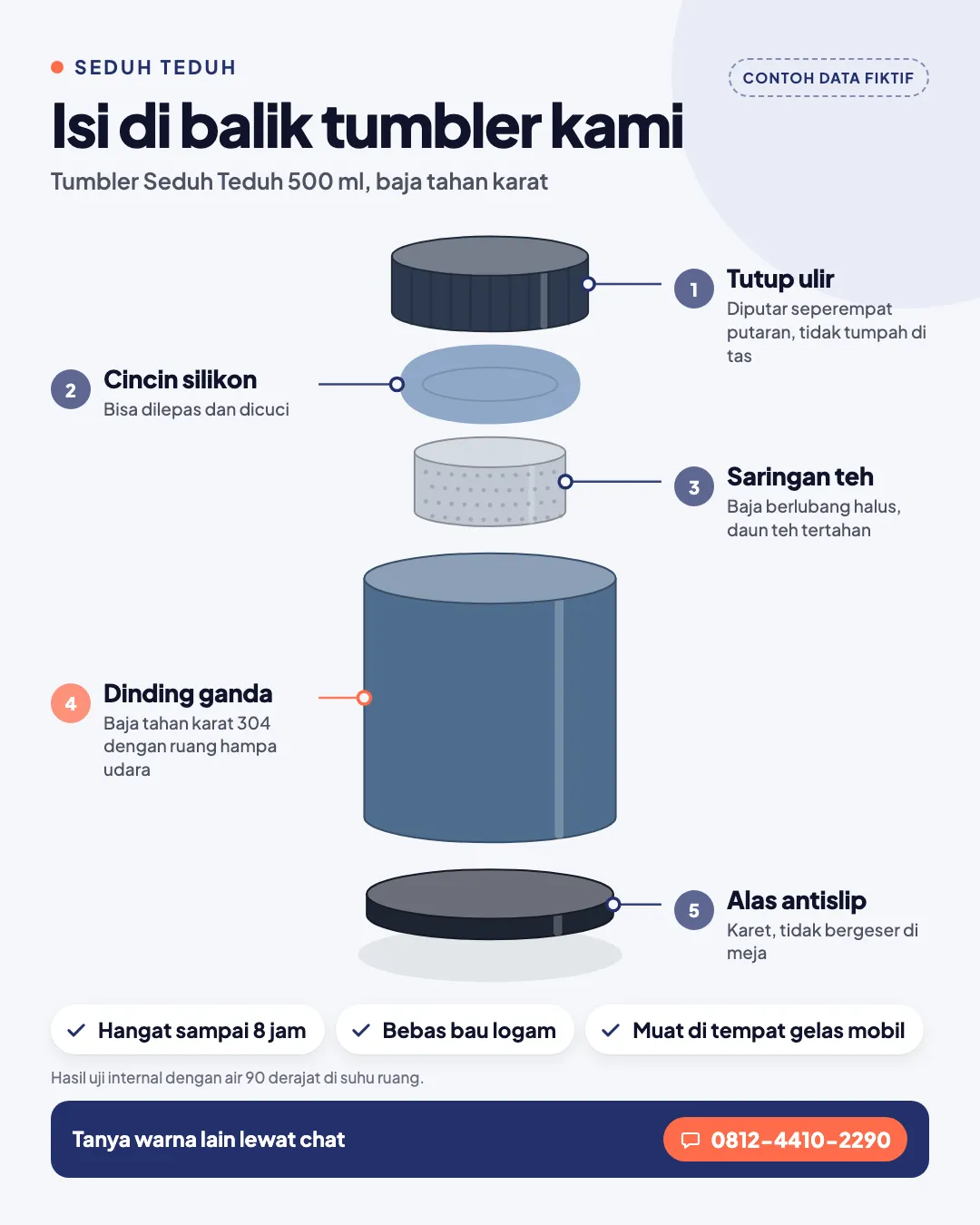
4:5 feed tumbler: five parts pulled apart, the double wall highlighted, three points and a chat button
SKILL.md contents
Premium subscribers can read, copy, and install this skill.
Unlock with Premium Sign inExploded Product Infographic
Description
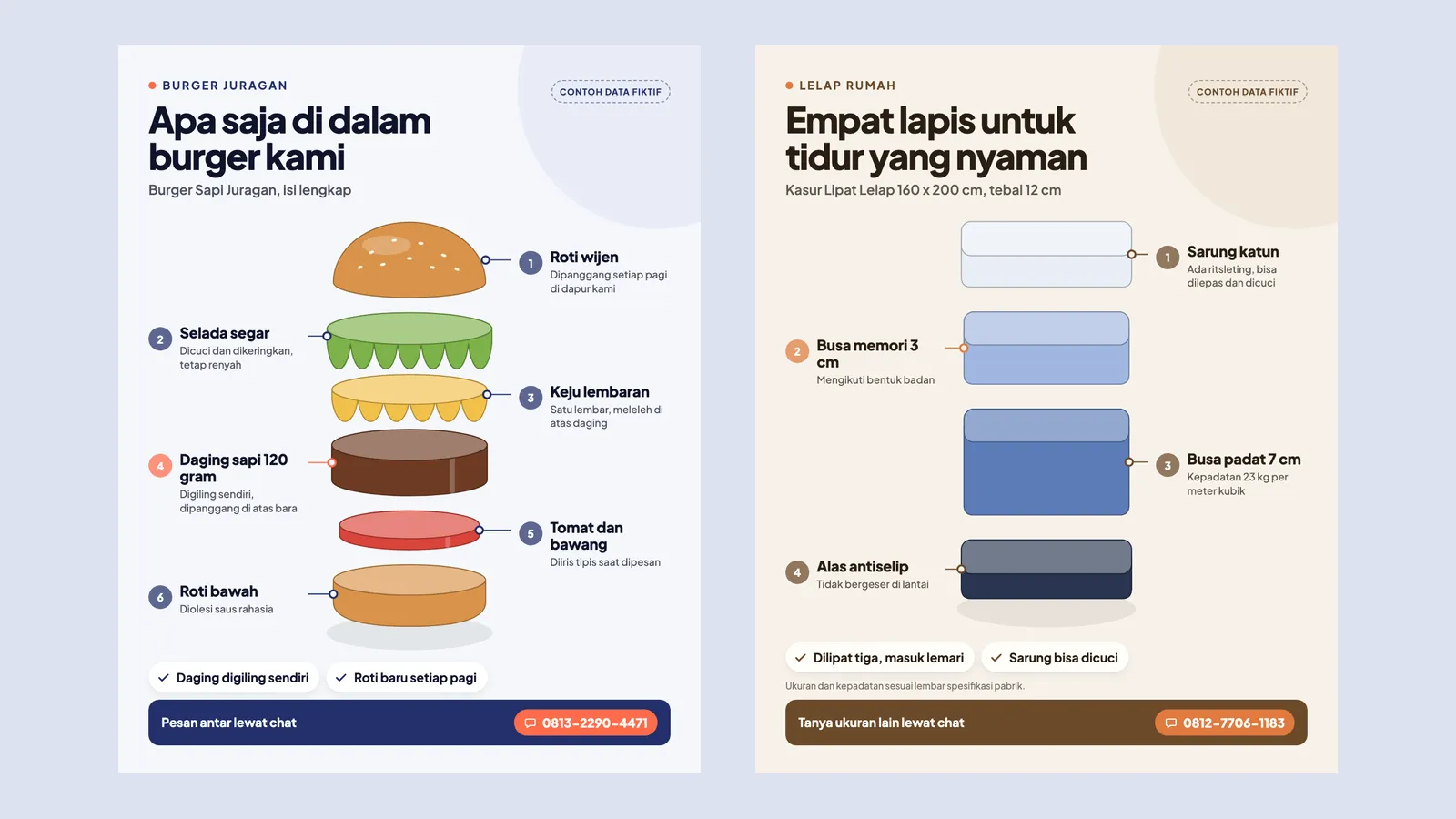
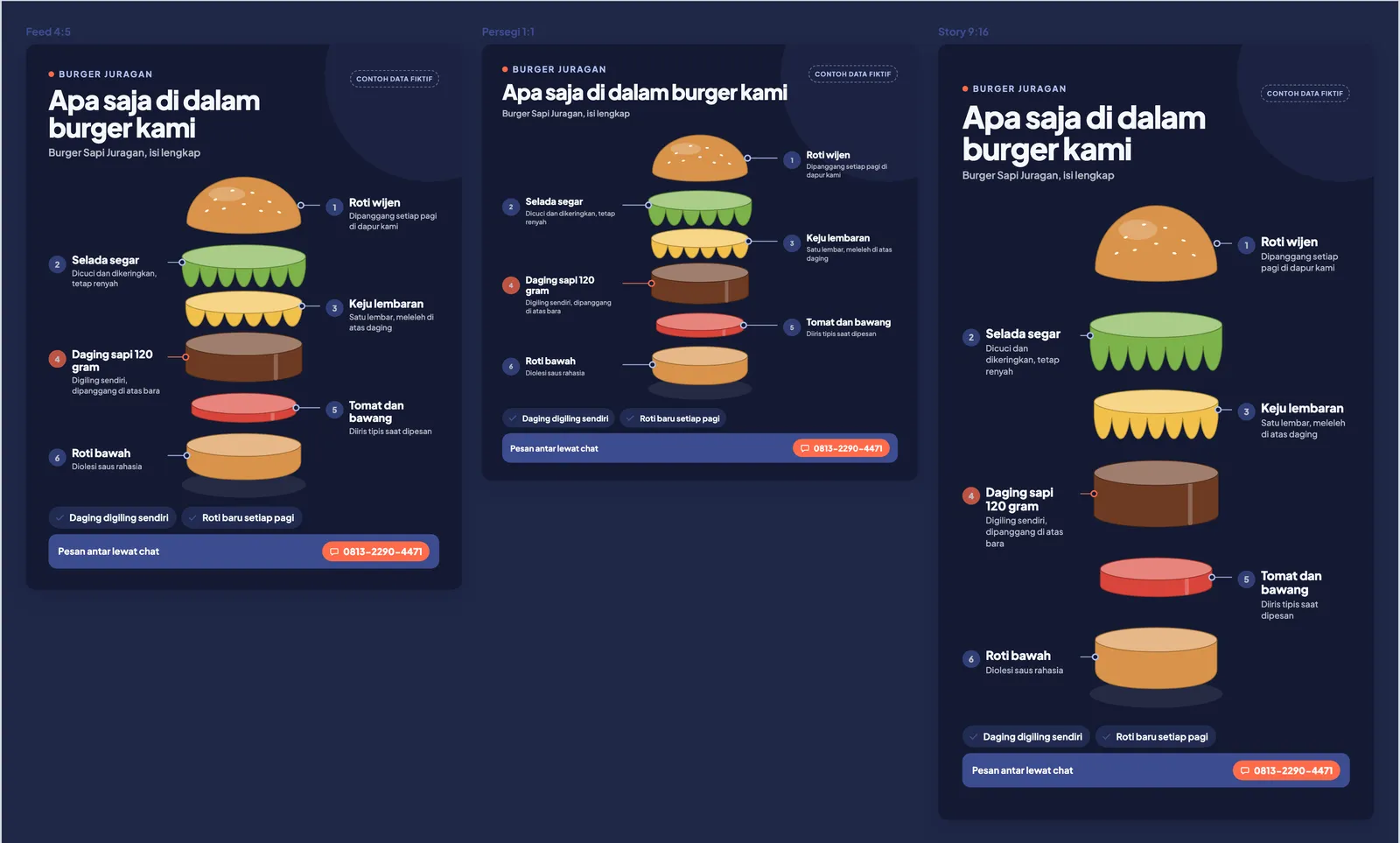
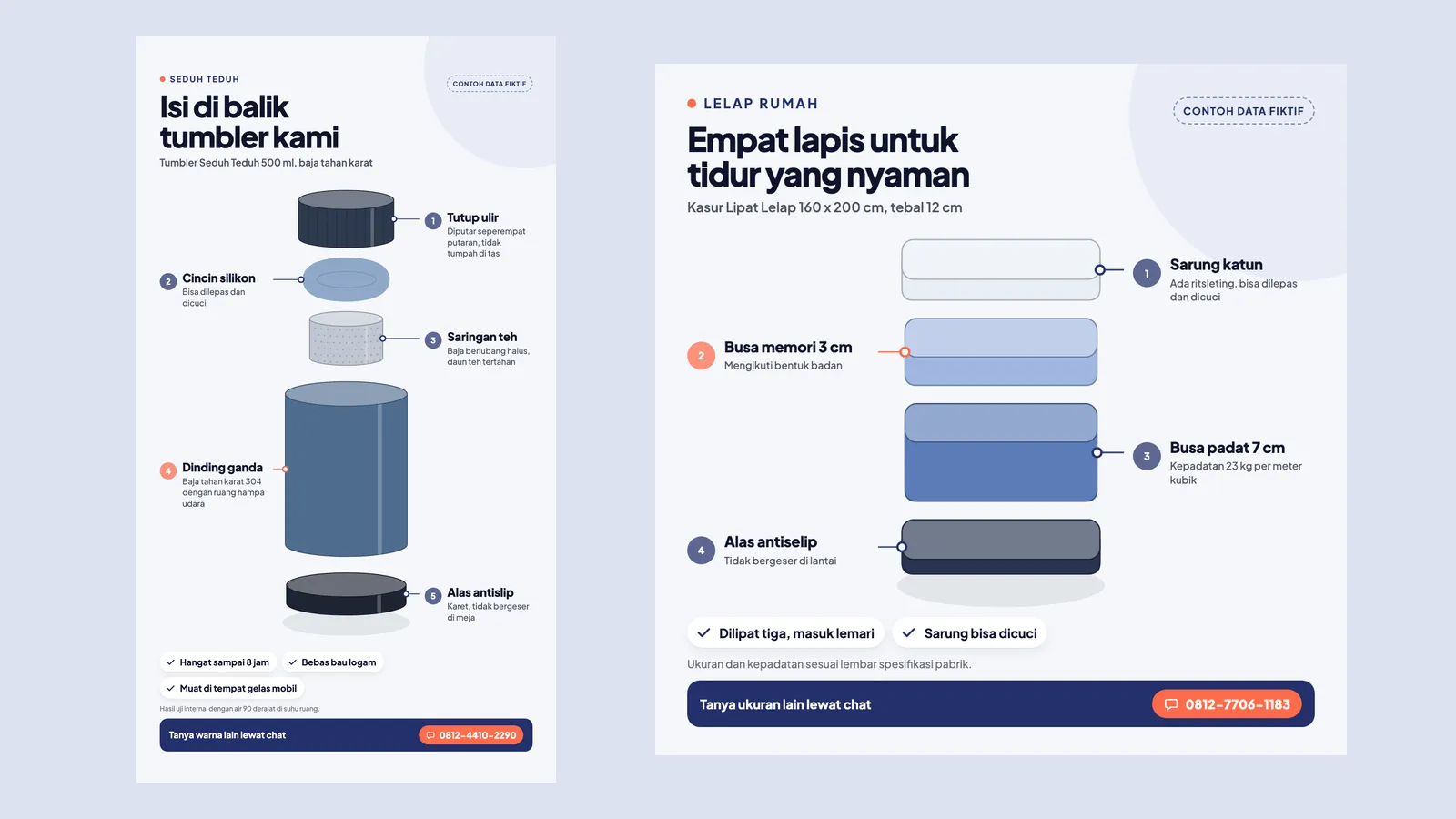
A product infographic opened layer by layer: each part is drawn stacked and then pulled apart, with a number and a leader line carrying its name and one line on what it does, so buyers see the quality inside without a long description. It suits tumblers, layered food like burgers, mattresses and pillows, cosmetic packaging, or any product made of several parts. The drawing is built from a list of parts (shape, width, thickness, material colour), one hero part is highlighted, and it exports to a 4:5 feed, a 1:1 square, and a 9:16 story.
Verified by SkillFlow
We checked every file in this skill automatically: no command that downloads and runs a program, no hidden code, no instruction telling your AI to ignore you.
- Loads from outside
- Fonts: Google Fonts
See the 5 files inside
skill.json9 KBSKILL.md7 KBprompt.md3 KBprompt.en.md3 KBfiles/infografis-terurai.html21 KB
Checked 14 Nov 2026
Included in Basic and Pro
Basic copies the prompt. Pro also downloads the ZIP, sends to AI, installs into agents, and opens every category.
Get Pro Get Basic Already subscribed? Sign inWhat you get
- A list of product parts from top to bottom with a name and one line on what each does
- A one-object HTML template that draws the exploded product from 9 basic shapes and their material colours
- Automatic numbers and leader lines that never overlap, with one hero part highlighted
- PNG feed 1080x1350, square 1080x1080, story 1080x1920
- 3 ready samples (tumbler, burger, mattress) and 3 palettes (city, cream, night)
- An optional AI image prompt for a photographic exploded product version
Good fit
- Sellers of products whose quality is inside, such as tumblers, mattresses, pillows, or cosmetic packaging
- Food businesses with layered items like burgers or sandwiches
- Shops wanting buyers to see materials without reading long descriptions
Not for
- Parts are drawn from 9 basic shapes, not a precise technical drawing or 3D model
- Each part's material and function must come from your data; it does not invent specs
- Not a real product photo; a photo version is available through an optional AI image prompt
About this skill
/infografis-isi-produk-terurai Make an exploded layers infographic for the Lelap Kapas pillow: cotton cover, dacron layer, 3 cm memory foam, and fibre core, with the memory foam highlighted
Show more
A product infographic opened layer by layer: each part is drawn stacked and then pulled apart, with a number and a leader line carrying its name and one line on what it does, so buyers see the quality inside without a long description. It suits tumblers, layered food like burgers, mattresses and pillows, cosmetic packaging, or any product made of several parts. The drawing is built from a list of parts (shape, width, thickness, material colour), one hero part is highlighted, and it exports to a 4:5 feed, a 1:1 square, and a 9:16 story.
User reviews
FAQ
What if labels overlap?
Numbers and label lines are placed and shifted automatically so they don't collide. If there are many parts, shorten each part's function line.
Are there samples to try?
Three: tumbler, burger, and mattress. Open the template with ?sampel=tumbler, ?sampel=burger, or ?sampel=kasur to see the pattern.
Which AI can I use it with?
Copy the prompt into a chat AI (ChatGPT, Claude, Gemini, DeepSeek); or download the ZIP and install it in an AI agent (Claude Code, Codex, Antigravity, Hermes Agent, Cursor, GitHub Copilot, Gemini CLI, OpenCode, Kimi Code, Trae), which then builds the files for you.
What is in the ZIP?
One folder named infografis-isi-produk-terurai with SKILL.md (the instructions an AI agent reads) and the prompt, 5 files in all. Extract it into your agent's skills folder, or install it with npx skillflow-ai add infografis-isi-produk-terurai. Pro only.
Is there a per-use fee or credits?
Not from SkillFlow. The skill runs on the AI you already use (and, for image prompts, the image AI you pick), so any cost follows that plan.
Which plan includes it?
Basic and Pro. Basic copies the prompt; Pro also downloads the ZIP, sends to AI, installs into agents and shares results by link.
Can I use my own colours and brand?
Yes. Pick a colour theme on this page, or fill in your brand profile once; both go into the prompt you copy and into the ZIP.
Can I share what I made?
Pro members can upload the result and get a page at share.skillflow.ai.id to send to anyone. The page carries a small "Made with SkillFlow AI" mark.
Is there a download limit?
Yes, per day: 50 skills on Pro, 10 on other plans. Downloading a skill again on the same day does not count.



