

Rendered sample video
SKILL.md contents
Premium subscribers can read, copy, and install this skill.
Unlock with Premium Sign inWhat's in the Box
Description
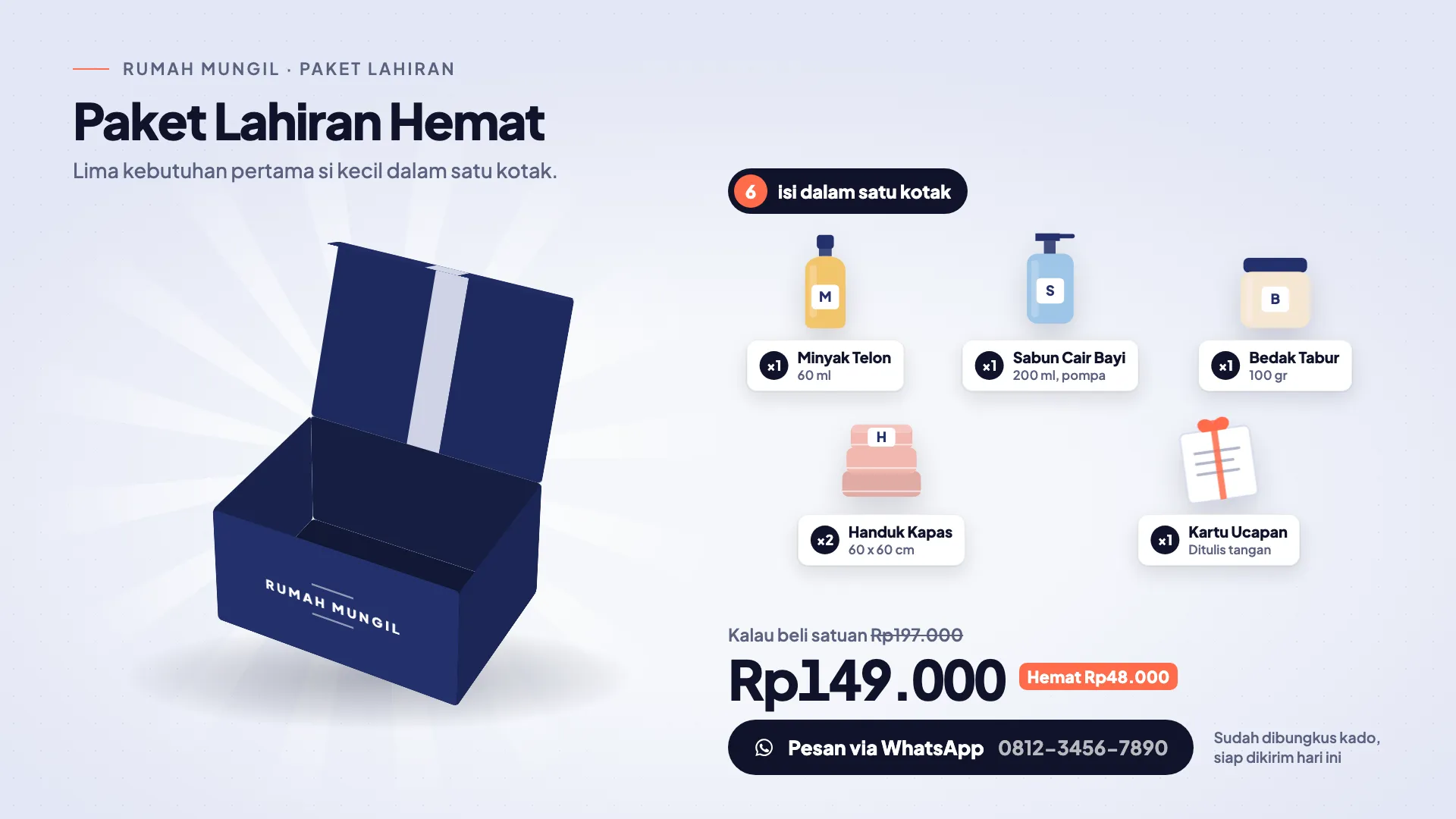
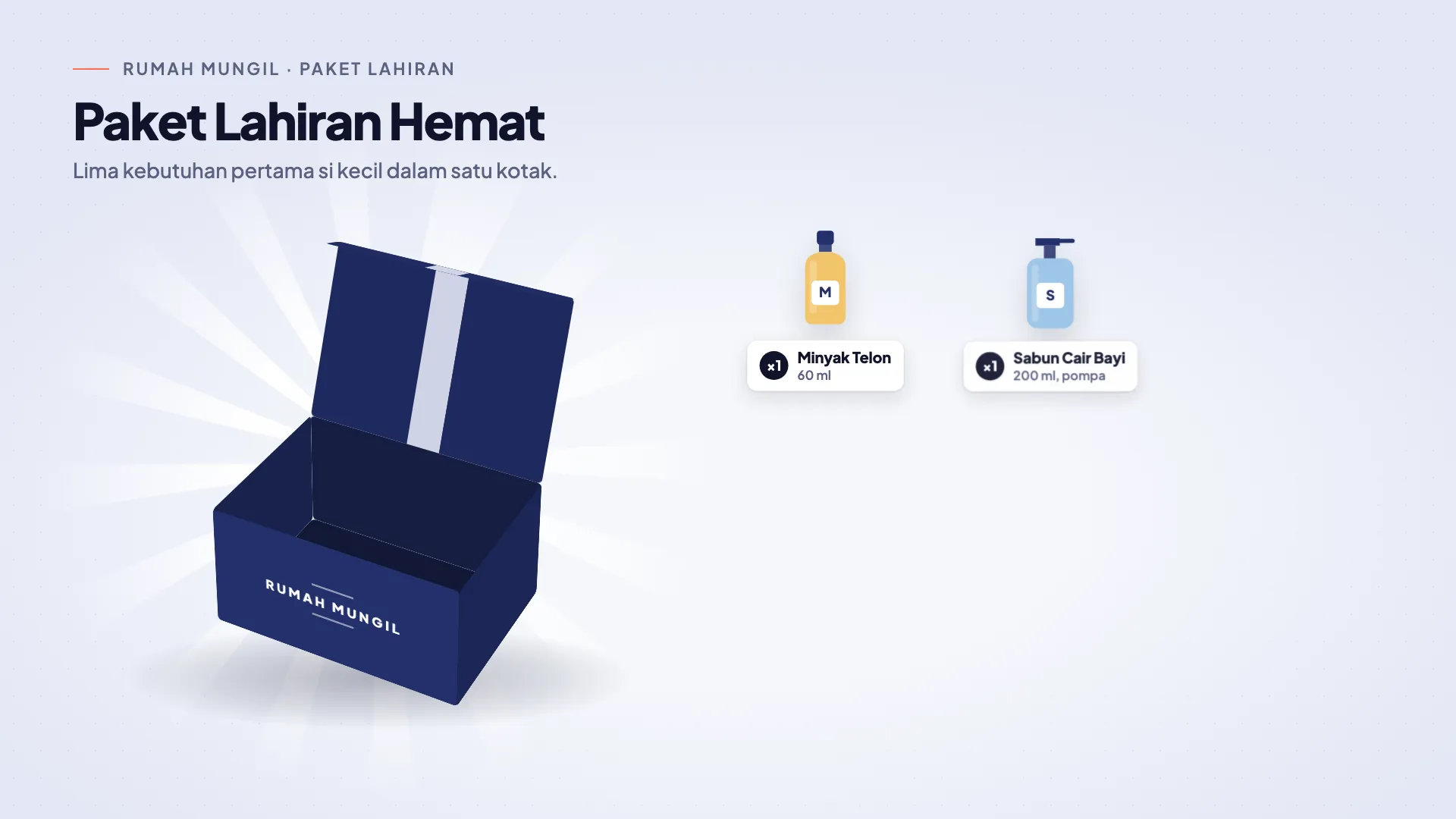
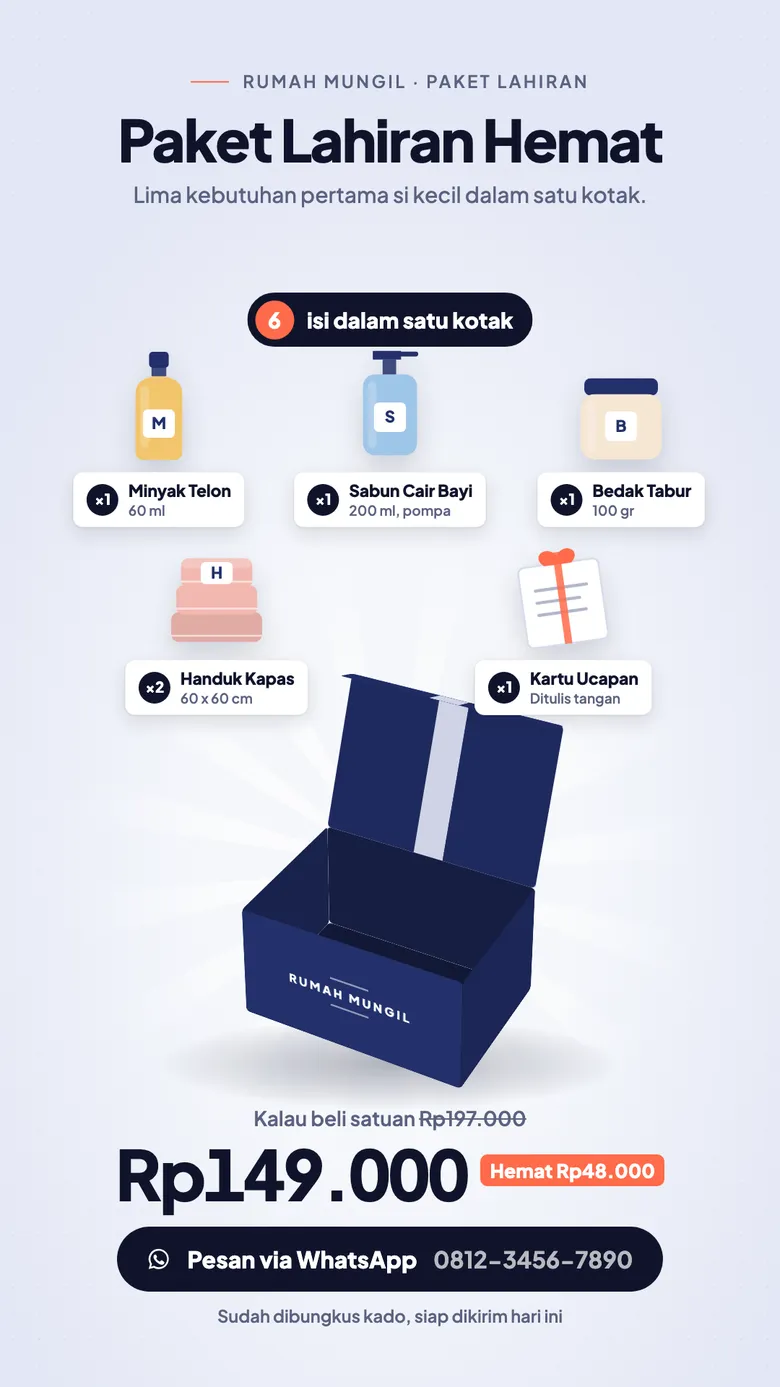
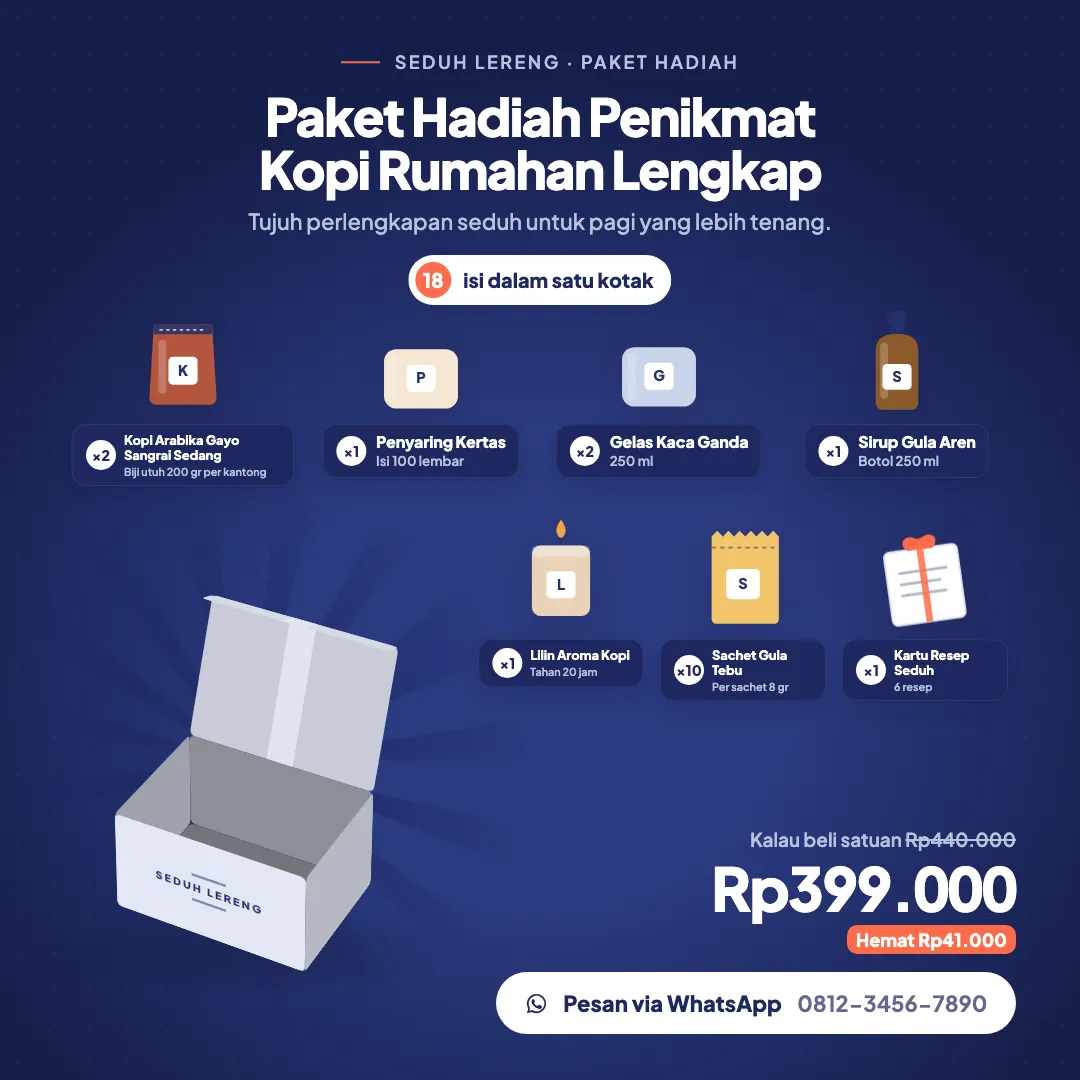
A 10 to 15 second video for bundles and gift sets: a 3D box drops and bounces, its lid opens with light rays behind it, then the contents float out one by one into a tidy layout, each labelled with name, quantity, and detail. It ends with an item count, the bundle price, the crossed-out total of single prices, and the savings calculated automatically, plus a WhatsApp button. 3 to 7 items are drawn by the template or replaced with your own PNG photos. 16:9, 9:16, and 1:1, rendered to MP4 with one command.
Verified by SkillFlow
We checked every file in this skill automatically: no command that downloads and runs a program, no hidden code, no instruction telling your AI to ignore you.
- Loads from outside
- Fonts: Google Fonts
See the 5 files inside
skill.json8 KBSKILL.md7 KBprompt.md4 KBprompt.en.md4 KBfiles/scene.html28 KB
Checked 14 Nov 2026
Part of SkillFlow Pro
Pro opens every skill in every category: copy, ZIP, Send to AI, install, save, and request new skills.
Get Pro Already subscribed? Sign inWhat you get
- A contents script: bundle name, tagline, 3-7 items with quantity and detail, price, call to action
- An animated HTML scene with a 3D box that opens and contents that come out one by one
- 9 ready item shapes or your own PNG photos, your own box colour and front label
- The bundle price with the crossed-out single-price total and savings calculated from each item's price
- MP4 1920x1080, 1080x1920, or 1080x1080, 30 fps, automatic 10-15 second length
- 3 palettes: light city, night indigo (light box automatically), cream
Good fit
- Sellers of bundles, hampers, starter kits, or gift sets
- Shops launching a seasonal or new bundle
- Subscription box owners showing this month's contents
- Ads that must answer why buy the bundle with honest savings
Not for
- Not a real unboxing filmed with hands and a camera; it is an animation
- Not a single product spec video or a catalogue of separate products
- Items are drawn as simple shapes unless you supply background free PNG photos
- At most 7 items per bundle
About this skill
/isi-paket-unboxing Make a what's in the box video for our newborn gift bundle, 6 items with quantities and unit prices, bundle price 249,000, savings calculated automatically, in 9:16
Show more
A 10 to 15 second video for bundles and gift sets: a 3D box drops and bounces, its lid opens with light rays behind it, then the contents float out one by one into a tidy layout, each labelled with name, quantity, and detail. It ends with an item count, the bundle price, the crossed-out total of single prices, and the savings calculated automatically, plus a WhatsApp button. 3 to 7 items are drawn by the template or replaced with your own PNG photos. 16:9, 9:16, and 1:1, rendered to MP4 with one command.
User reviews
FAQ
How are the savings calculated?
Each item's unit price times its quantity is added up and shown as a crossed out buy separately price with the savings. If that sum does not match reality, enter the normal price yourself or hide the crossed out price.
Which shapes can be drawn without photos?
There are 9 shapes: bottle, pump, jar, tube, sachet, folded cloth, ribboned card, stand up pouch, and candle, each in your chosen colour. A square transparent PNG can replace any shape.
Can I change the box colour and the text on its front?
Yes. Set the box colour as a hex code and the front label up to about 14 letters. The text turns dark on a light box and white on a dark box automatically.
Which AI can I use it with?
Copy the prompt into a chat AI (ChatGPT, Claude, Gemini, DeepSeek): you get an HTML file; open it in Chrome and press Download MP4 (silent video, a minute or two to render); or download the ZIP and install it in an AI agent (Claude Code, Codex, Antigravity, Hermes Agent, Cursor, GitHub Copilot, Gemini CLI, OpenCode, Kimi Code, Trae), which then builds the files for you.
What is in the ZIP?
One folder named isi-paket-unboxing with SKILL.md (the instructions an AI agent reads) and the prompt, 5 files in all. Extract it into your agent's skills folder, or install it with npx skillflow-ai add isi-paket-unboxing. Pro only.
Is there a per-use fee or credits?
Not from SkillFlow. The skill runs on the AI you already use, so any cost follows that plan.
Which plan includes it?
SkillFlow Pro. It opens every skill in every category.
Can I use my own colours and brand?
Yes. Pick a colour theme on this page, or fill in your brand profile once; both go into the prompt you copy and into the ZIP.
Can I share what I made?
Pro members can upload the result and get a page at share.skillflow.ai.id to send to anyone. The page carries a small "Made with SkillFlow AI" mark.
Is there a download limit?
Yes, per day: 50 skills on Pro, 10 on other plans. Downloading a skill again on the same day does not count.



