

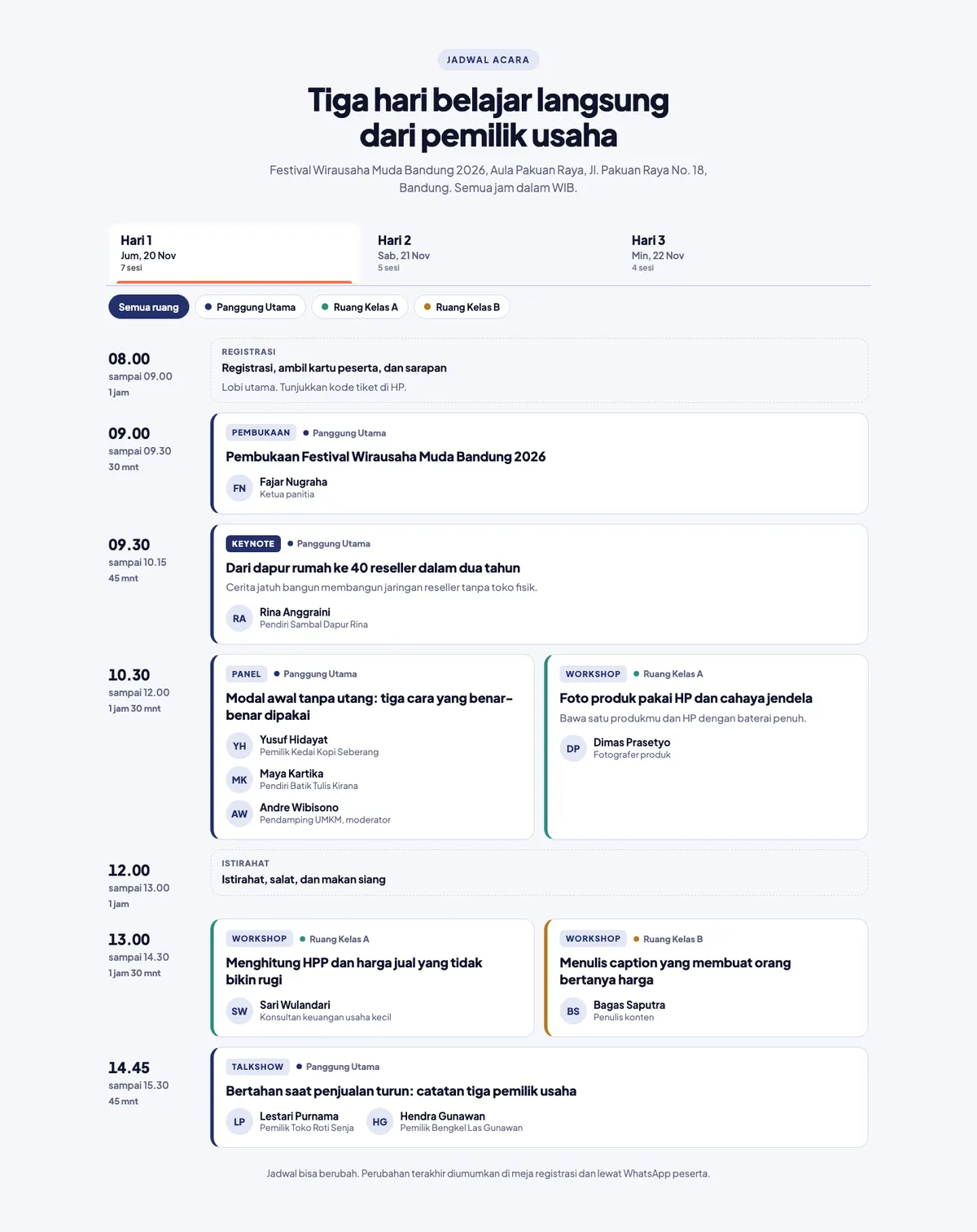
Day 1 on desktop: day tabs, room filter, parallel sessions, dashed breaks
SKILL.md contents
Premium subscribers can read, copy, and install this skill.
Unlock with Premium Sign inTabbed Event Schedule (Section)
Description
A day-by-day event schedule section in Day 1, Day 2, Day 3 tabs for seminars, festivals, workshops, and conferences: times, session titles, session type labels, colour-coded rooms or tracks, speakers with name, role, and photo or initials, parallel sessions side by side, automatic durations, a room filter, and a happening-now mark on event days. Keyboard-friendly tabs, the full schedule still shows without JavaScript, one paste-safe file that stays tidy down to 320 px.
Verified by SkillFlow
We checked every file in this skill automatically: no command that downloads and runs a program, no hidden code, no instruction telling your AI to ignore you.
- Loads from outside
- Fonts: Google Fonts
See the 5 files inside
skill.json10 KBSKILL.md6 KBprompt.md4 KBprompt.en.md4 KBfiles/jadwal.html30 KB
Checked 14 Nov 2026
Part of SkillFlow Pro
Pro opens every skill in every category: copy, ZIP, Send to AI, install, save, and request new skills.
Get Pro Already subscribed? Sign inWhat you get
- A tidy schedule table per day with a report of time clashes in the same room
- A single-file HTML section, scoped CSS, schedule content written as HTML that reads without JavaScript
- One tab per day with date and session count: role tablist, aria-selected, arrow keys, Home, End
- Session cards: type, colour-coded room, title, description, speakers with photo or initials
- Parallel sessions side by side, breaks as thin rows, durations worked out automatically
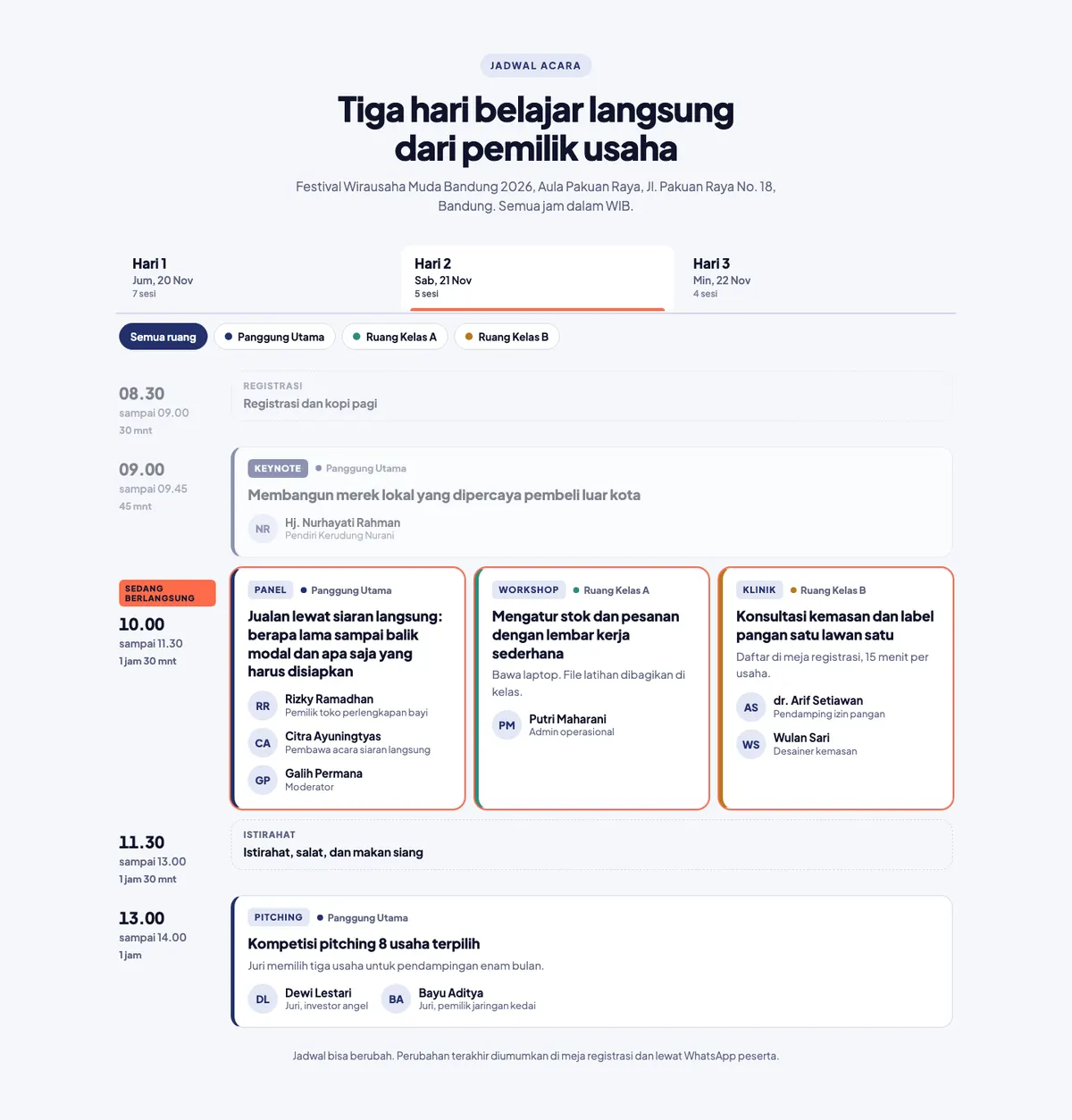
- A room filter and a happening-now mark in the event's time zone
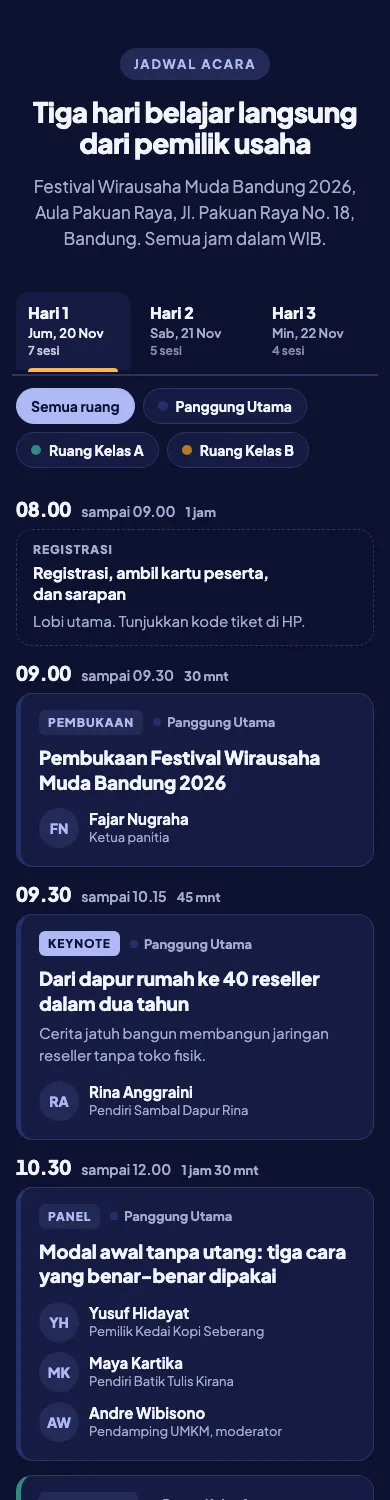
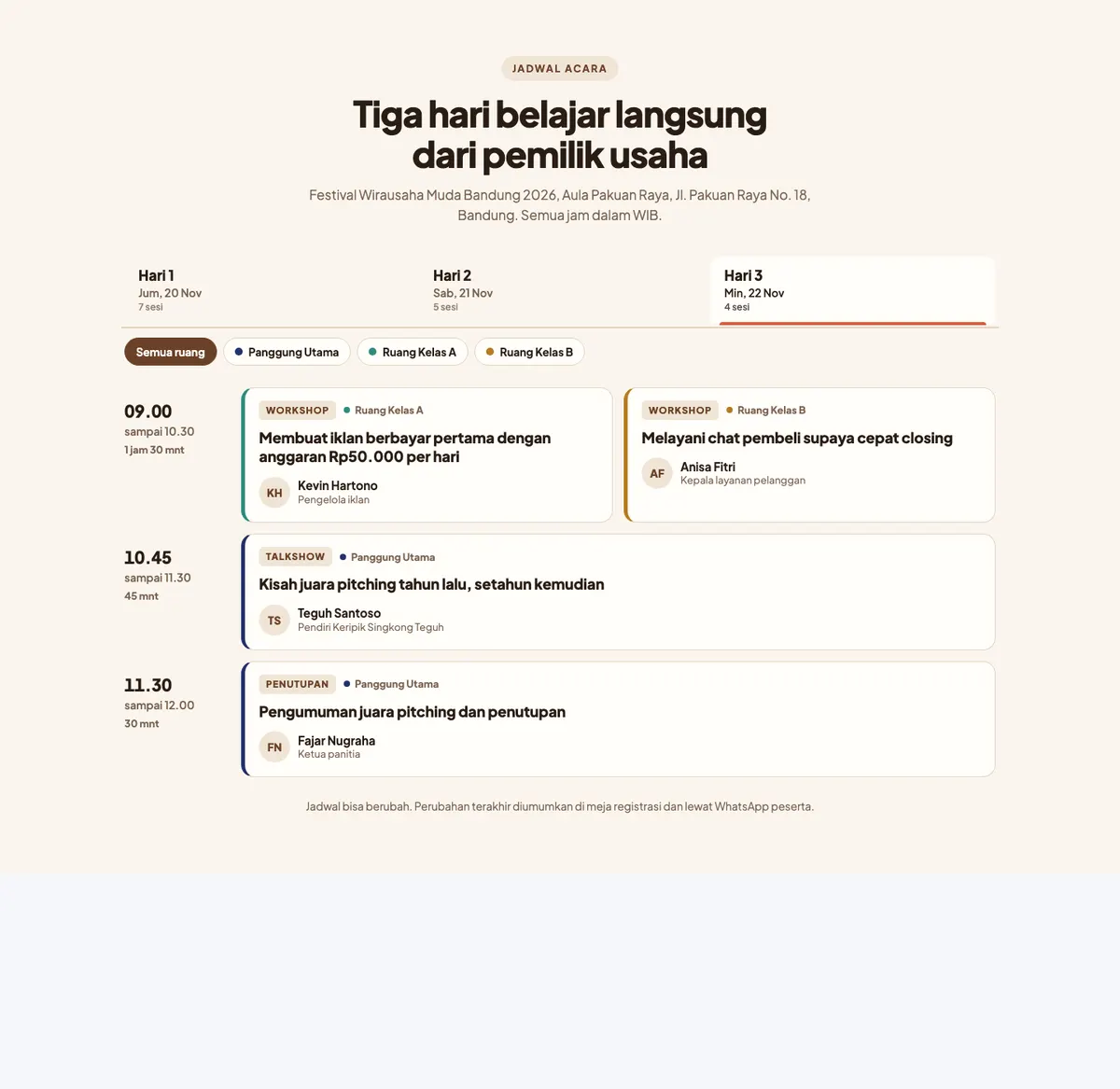
- 3 palettes (indigo, night, sand), tidy at 320 px, direct links per day, every day printed
Good fit
- Organisers of seminars, festivals, conferences, and study gatherings running 2 to 5 days
- Events with several rooms and parallel sessions that attendees check on their phones
- Event page owners who need a schedule section without replacing the page they already have
Not for
- Not a full event page; tickets, lineup, venue map, and registration are not included
- It does not save or register the sessions attendees pick
- The schedule is changed by editing its HTML; there is no admin panel
- The happening-now mark relies on the visitor's device clock
About this skill
/jadwal-acara-bertab Make a tabbed schedule section for our three-day entrepreneurs festival, 20 to 22 November 2026, with three rooms, parallel sessions, and speaker initials, to paste into my event page
Show more
A day-by-day event schedule section in Day 1, Day 2, Day 3 tabs for seminars, festivals, workshops, and conferences: times, session titles, session type labels, colour-coded rooms or tracks, speakers with name, role, and photo or initials, parallel sessions side by side, automatic durations, a room filter, and a happening-now mark on event days. Keyboard-friendly tabs, the full schedule still shows without JavaScript, one paste-safe file that stays tidy down to 320 px.
User reviews
FAQ
Why is the schedule written as HTML instead of JavaScript data?
So the schedule still reads when JavaScript is off, blocked, or fails to load, and search engines can read it. Without JavaScript every day shows in order; JavaScript only adds the tabs, durations, room filter, and happening-now mark.
What if two sessions run at the same time?
Write both in the same time slot with different rooms. They sit side by side on desktop and stack on phones, and the room filter lets attendees see only their room's schedule.
Which AI can I use it with?
Copy the prompt into a chat AI (ChatGPT, Claude, Gemini, DeepSeek); or download the ZIP and install it in an AI agent (Claude Code, Codex, Antigravity, Hermes Agent, Cursor, GitHub Copilot, Gemini CLI, OpenCode, Kimi Code, Trae), which then builds the files for you.
What is in the ZIP?
One folder named jadwal-acara-bertab with SKILL.md (the instructions an AI agent reads) and the prompt, 5 files in all. Extract it into your agent's skills folder, or install it with npx skillflow-ai add jadwal-acara-bertab. Pro only.
Is there a per-use fee or credits?
Not from SkillFlow. The skill runs on the AI you already use, so any cost follows that plan.
Which plan includes it?
SkillFlow Pro. It opens every skill in every category.
Can I use my own colours and brand?
Yes. Pick a colour theme on this page, or fill in your brand profile once; both go into the prompt you copy and into the ZIP.
Can I share what I made?
Pro members can upload the result and get a page at share.skillflow.ai.id to send to anyone. The page carries a small "Made with SkillFlow AI" mark.
Is there a download limit?
Yes, per day: 50 skills on Pro, 10 on other plans. Downloading a skill again on the same day does not count.



