

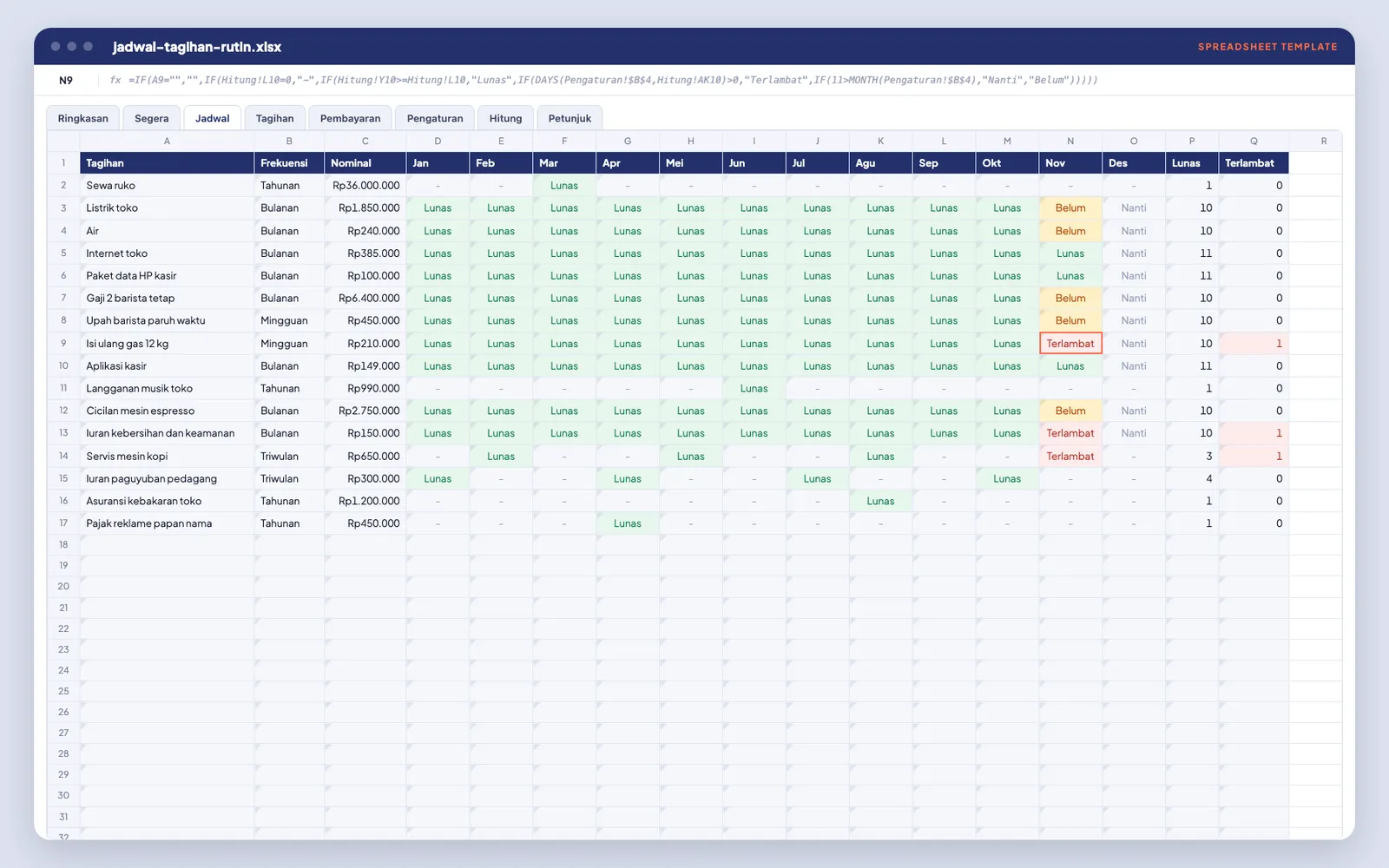
Schedule sheet: 16 coffee shop bills across 12 months, three overdue in November
SKILL.md contents
Premium subscribers can read, copy, and install this skill.
Unlock with Premium Sign inRecurring Bills Schedule
Description
An Excel file for the recurring bills of a small business or household: rent, electricity, water, internet, fixed salaries, weekly wages, app subscriptions, instalments, dues, and yearly taxes, weekly to yearly, fixed or estimated, with a payment method, automatic or manual, and an optional late fee. From the payment log, formulas work out a 12-month status grid (Paid, Unpaid, Overdue), the next due date and days left, a pay-this-week list with the money to set aside, and plan against paid per month and per category.
Verified by SkillFlow
We checked every file in this skill automatically: no command that downloads and runs a program, no hidden code, no instruction telling your AI to ignore you.
- Loads from outside
- Fonts: Google Fonts SkillFlow: directory.skillflow.ai.id
See the 6 files inside
skill.json12 KBSKILL.md11 KBprompt.md10 KBprompt.en.md10 KBfiles/contoh/rumah-tangga-dan-katering-40-tagihan.html1017 KBfiles/template.html1015 KB
Checked 14 Nov 2026
Part of SkillFlow Pro
Pro opens every skill in every category: copy, ZIP, Send to AI, install, save, and request new skills.
Get Pro Already subscribed? Sign inWhat you get
- An .xlsx file with Summary, Due Soon, Schedule, Bills, Payments, Settings, Calc, and Guide sheets
- A 12-month grid per bill: Paid, Unpaid, Overdue, Later, or no bill that month, worked out from the payment log
- The next unpaid due date, days until it is due, and an Overdue, This week, or Later status per bill
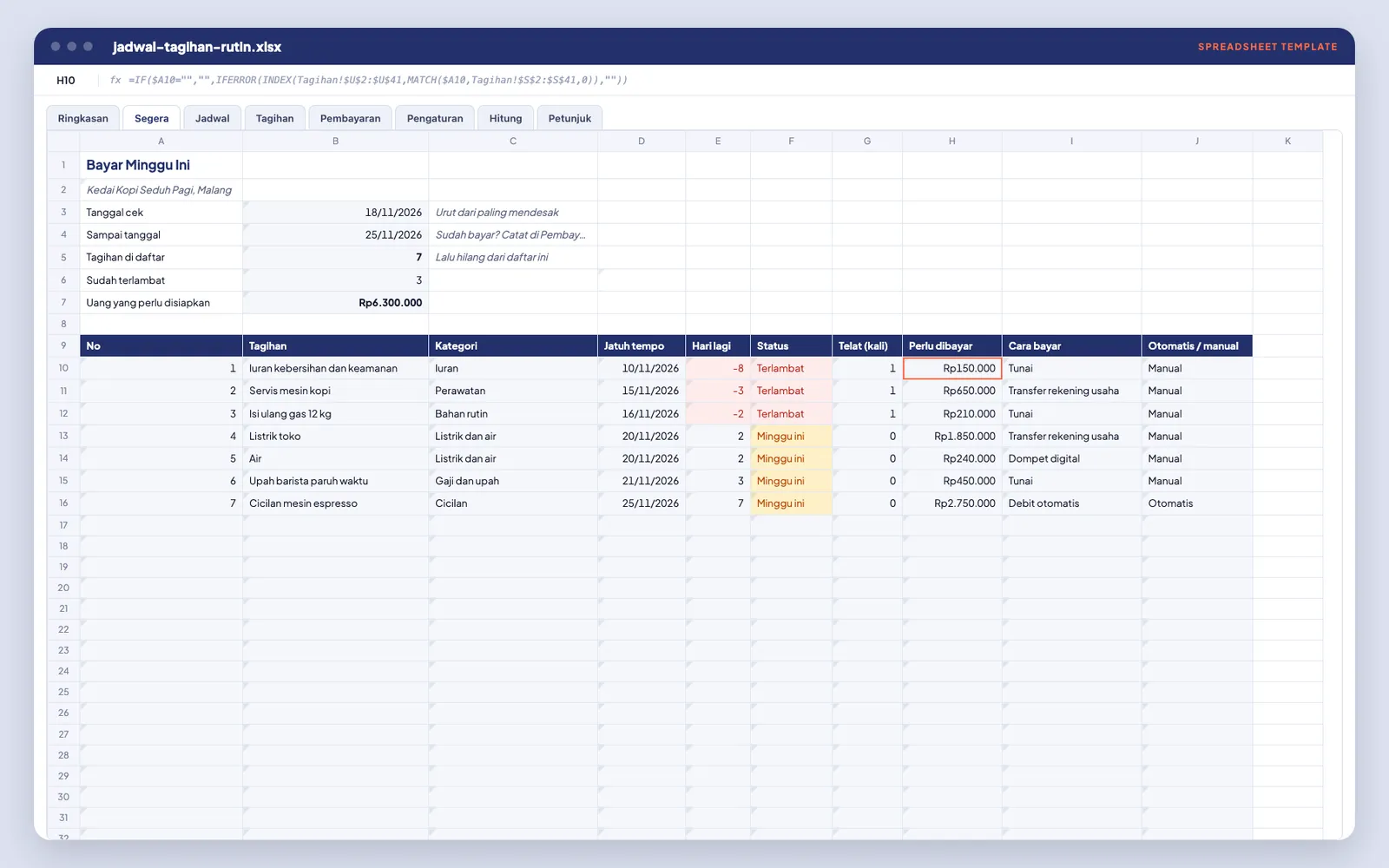
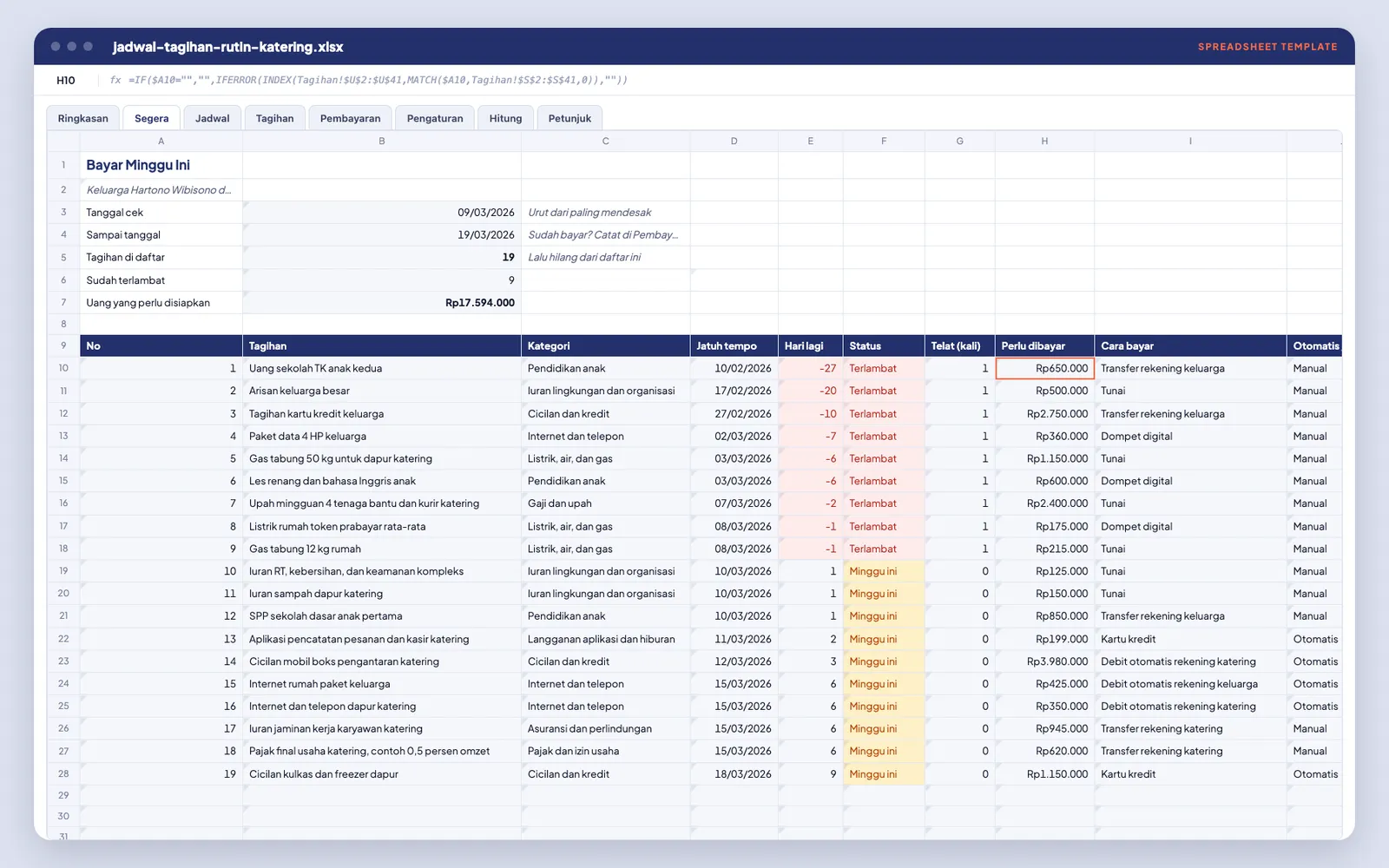
- A pay-this-week list ordered from the longest overdue, with the money to set aside including late fees
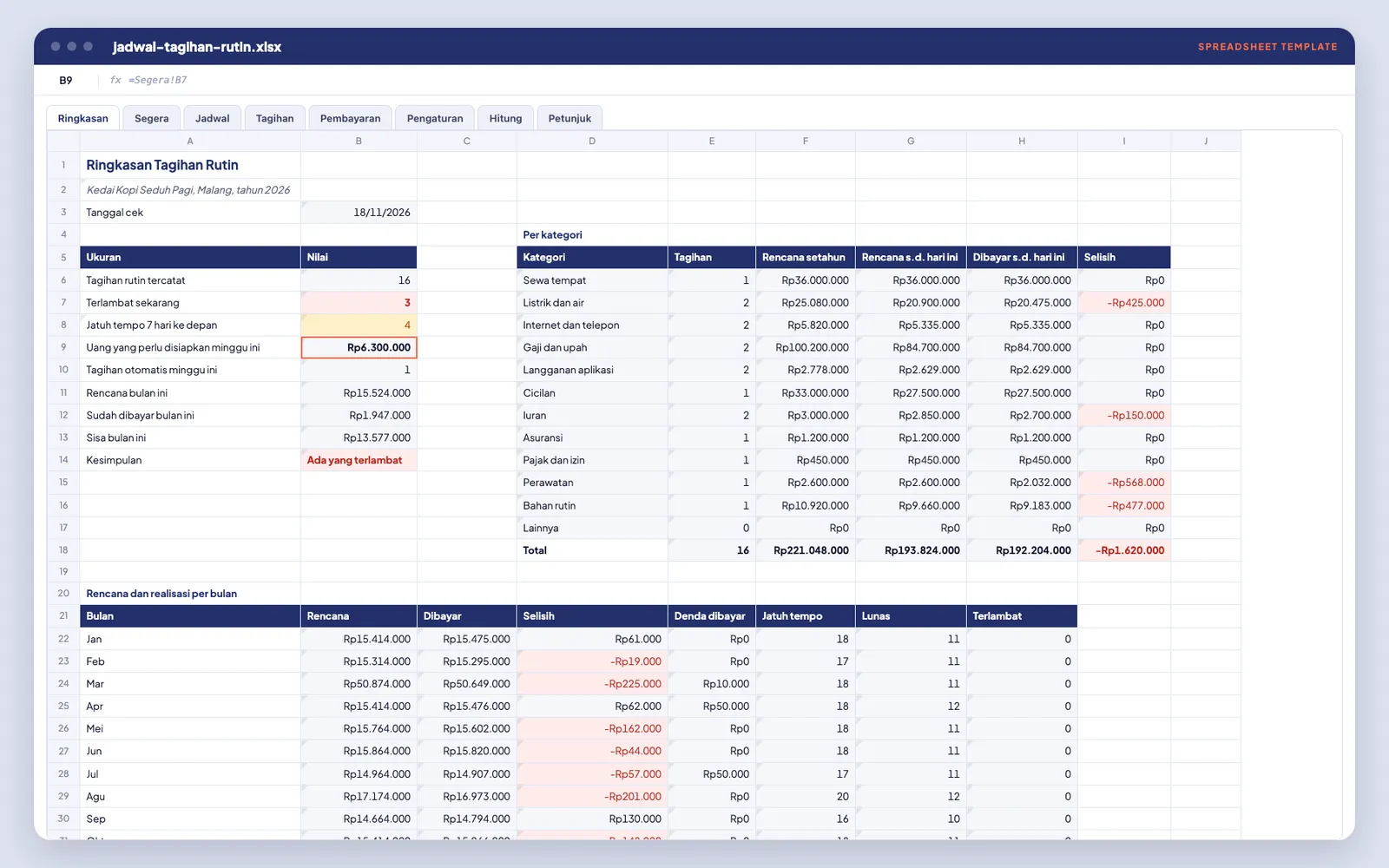
- The plan against what was paid per month and per category, plus late fees already paid
- An HTML template with a sheet preview and a Download Excel button
Good fit
- Small business owners who keep forgetting when rent, electricity, instalments, or dues are due
- Households with many fixed bills and subscriptions due on different dates
- Admins who set money aside for next week's bills and check balances before direct debits
- Families handling home bills and a side business in one file
Not for
- It does not pay or debit bills, and is not connected to a bank account or app
- It sends no automatic reminders; the status is read when you open the file and change the check date
- Not a ledger for supplier invoices per transaction or a daily spending budget
- It does not calculate instalment interest or compounding penalties; a late fee is a fixed amount
About this skill
/jadwal-tagihan-rutin Make a recurring bills schedule for my coffee shop: yearly rent, electricity, water, internet, barista salaries, weekly part-time wages, a machine instalment, and dues, with a list of what to pay this week.
Show more
An Excel file for the recurring bills of a small business or household: rent, electricity, water, internet, fixed salaries, weekly wages, app subscriptions, instalments, dues, and yearly taxes, weekly to yearly, fixed or estimated, with a payment method, automatic or manual, and an optional late fee. From the payment log, formulas work out a 12-month status grid (Paid, Unpaid, Overdue), the next due date and days left, a pay-this-week list with the money to set aside, and plan against paid per month and per category.
User reviews
FAQ
How does the Paid status know which month a payment is for?
From the For month column in the Payments sheet, not the payment date. Paying on 2 December for the November electricity bill is logged as Nov, so November turns Paid and the delay is counted from the November due date.
Does it work for weekly bills such as wages or a gas refill?
Yes. A weekly bill falls due every 7 days from its first date, and each week gets one row in Payments. The month turns Paid once every week in it has been logged.
Do bills paid by direct debit need logging too?
Yes, once the debit has gone through, so the status turns Paid. The Summary also counts the automatic bills due this week, so you remember to check the balance first.
Which AI can I use it with?
Copy the prompt into a chat AI (ChatGPT, Claude, Gemini, DeepSeek); or download the ZIP and install it in an AI agent (Claude Code, Codex, Antigravity, Hermes Agent, Cursor, GitHub Copilot, Gemini CLI, OpenCode, Kimi Code, Trae), which then builds the files for you.
What is in the ZIP?
One folder named jadwal-tagihan-rutin with SKILL.md (the instructions an AI agent reads) and the prompt, 6 files in all. Extract it into your agent's skills folder, or install it with npx skillflow-ai add jadwal-tagihan-rutin. Pro only.
Is there a per-use fee or credits?
Not from SkillFlow. The skill runs on the AI you already use, so any cost follows that plan.
Which plan includes it?
SkillFlow Pro. It opens every skill in every category.
Can I use my own colours and brand?
Yes. Pick a colour theme on this page, or fill in your brand profile once; both go into the prompt you copy and into the ZIP.
Can I share what I made?
Pro members can upload the result and get a page at share.skillflow.ai.id to send to anyone. The page carries a small "Made with SkillFlow AI" mark.
Is there a download limit?
Yes, per day: 50 skills on Pro, 10 on other plans. Downloading a skill again on the same day does not count.



