

Rendered sample video
SKILL.md contents
Premium subscribers can read, copy, and install this skill.
Unlock with Premium Sign inProduct Catalog for Status
Description
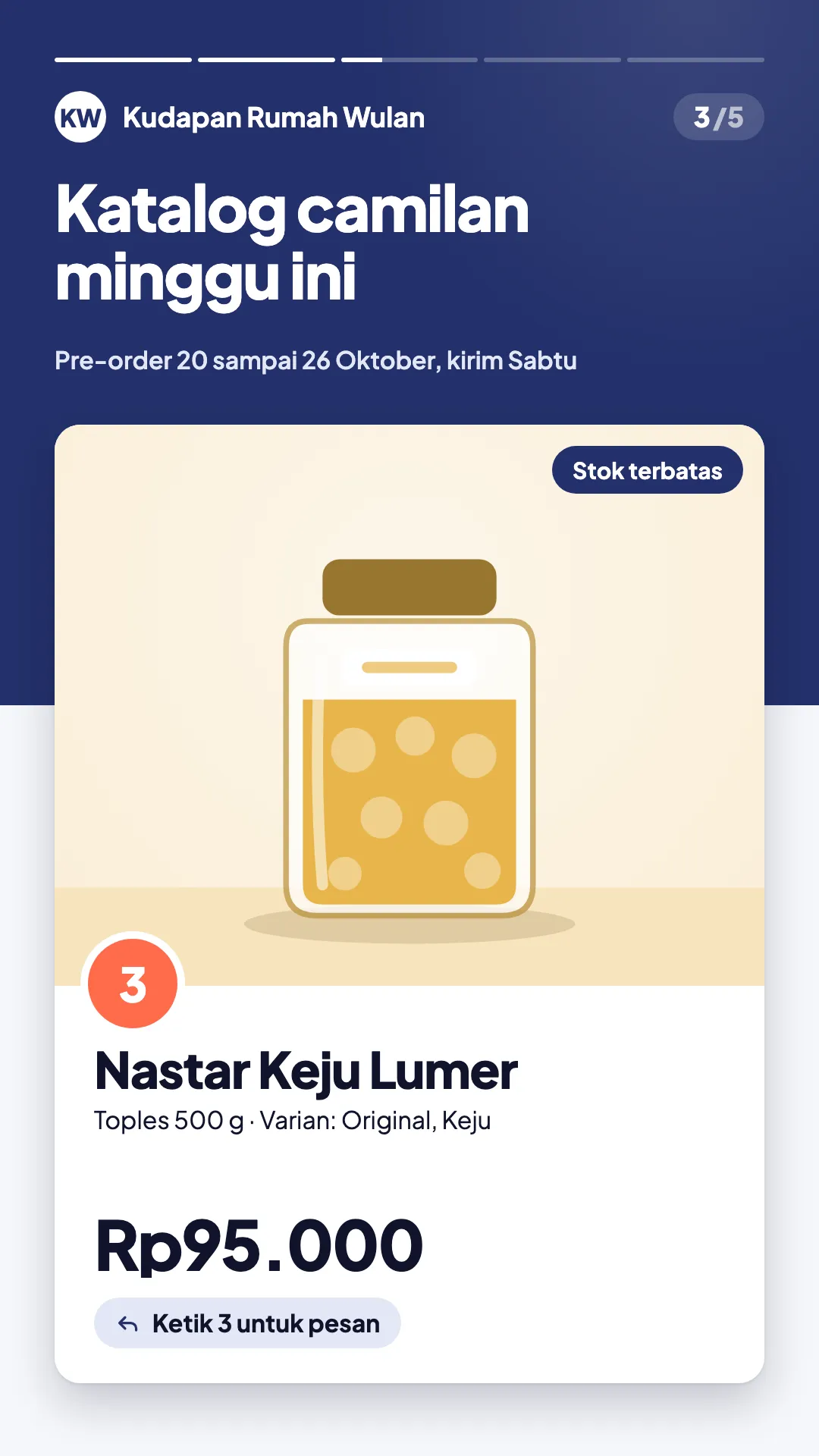
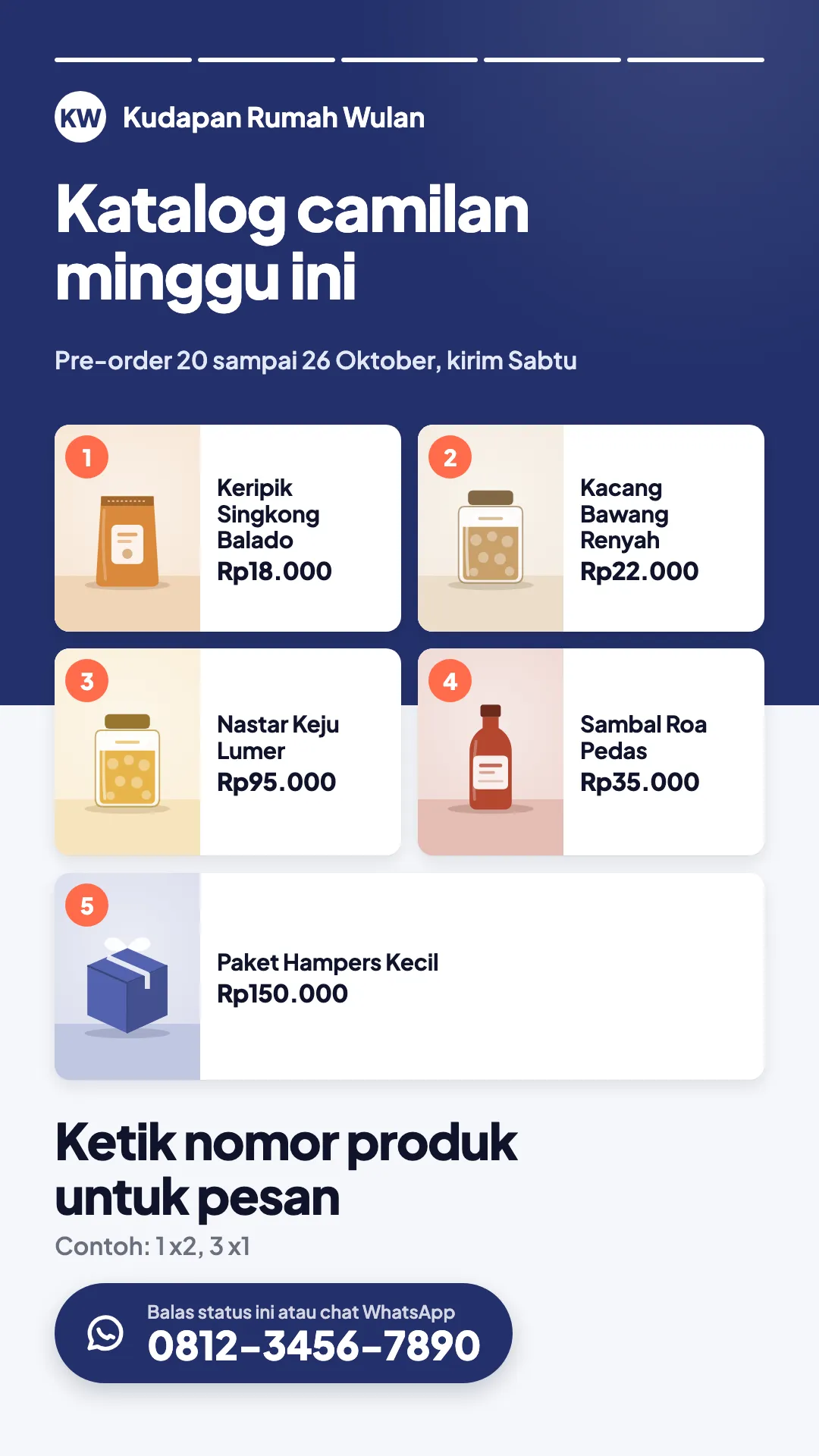
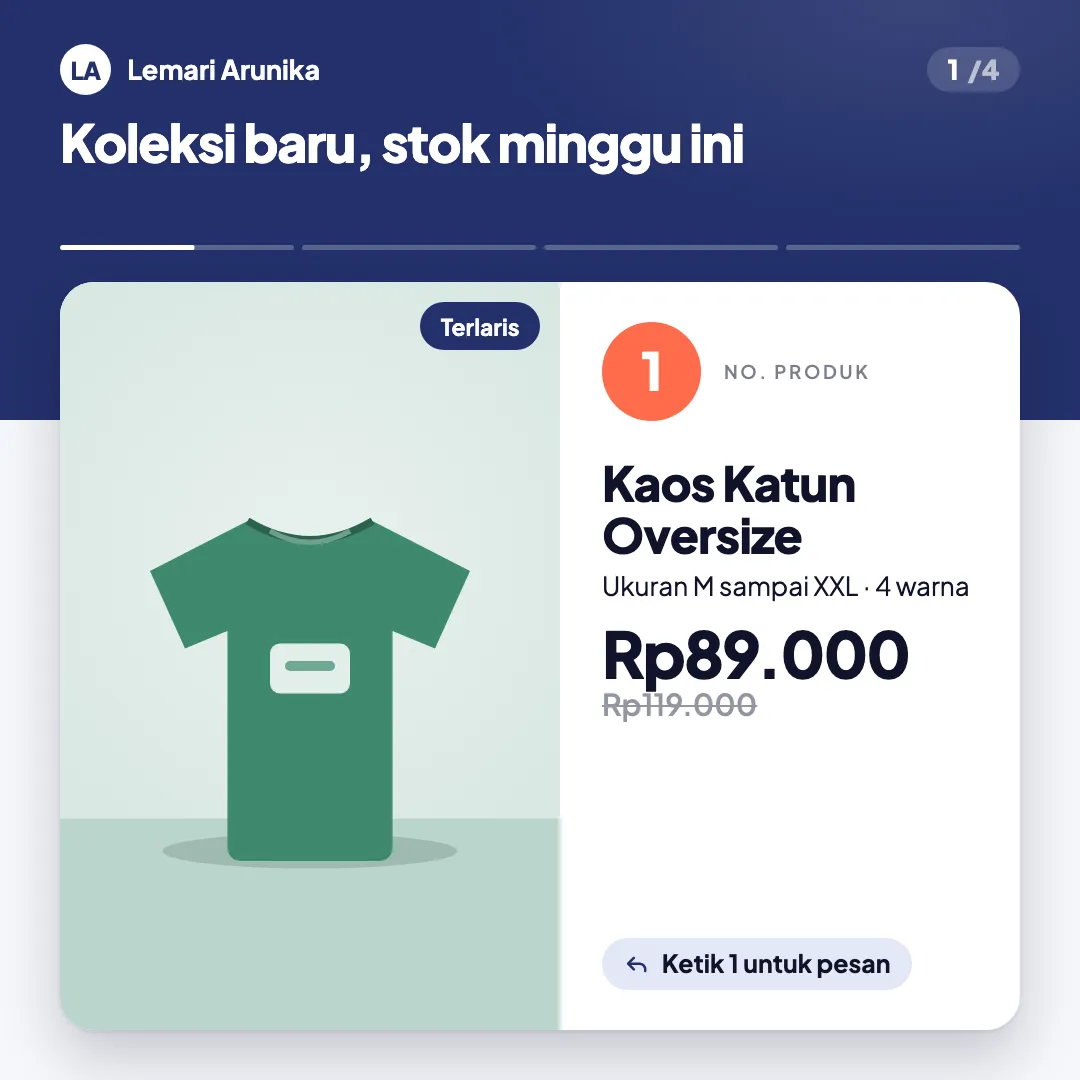
A vertical catalog clip for WhatsApp status and Stories: 3 to 8 products take turns as large sliding cards, each with a photo, name, variant or size, price (optionally with a crossed-out price), a label such as Best seller or Limited stock, and a product number. A page counter and status-style progress lines run along the top. At the end every product is recapped in one numbered grid, followed by the "type the product number" ordering instructions and a WhatsApp number. Length is worked out automatically and never goes past 30 seconds, so one clip stays one status. Available in 9:16 and 1:1.
Verified by SkillFlow
We checked every file in this skill automatically: no command that downloads and runs a program, no hidden code, no instruction telling your AI to ignore you.
- Loads from outside
- Fonts: Google Fonts
See the 6 files inside
skill.json9 KBSKILL.md9 KBprompt.md6 KBprompt.en.md7 KBfiles/contoh-fashion-1x1.html28 KBfiles/scene.html28 KB
Checked 14 Nov 2026
Part of SkillFlow Pro
Pro opens every skill in every category: copy, ZIP, Send to AI, install, save, and request new skills.
Get Pro Already subscribed? Sign inWhat you get
- Catalog copy: title, pre-order or delivery window, each product (name, variant info, price, label), how to order
- An animated HTML scene of sliding product cards plus a recap grid, driven by one config object
- Use your own product photos, or 6 built-in sample shapes (pouch, jar, bottle, box, t-shirt, bag) to try it
- MP4 1080x1920 (9:16) for status/Stories or 1080x1080 (1:1) for the feed, 30 fps, 30 seconds max
- 3 ready palettes, plus your own brand colors
Good fit
- Snack, frozen food, cake, sauce, and catering sellers posting a weekly Status catalogue
- Clothing, bag, accessory, or skincare shops announcing new stock
- Pre-order sellers who need to show the period and shipping day
- Admins who want buyers to reply with just a product number
Not for
- At most 8 products per video; more products are split into two videos
- Built-in sample images are for trying it out; customer catalogues must use real product photos
- It does not take or record orders; buyers reply by chat
- Not for a single product or a service price list without photos
About this skill
/katalog-produk-status-wa Make a catalogue video of 5 snacks for our WhatsApp Status, pre-order until Thursday and shipping Saturday, one product with a crossed out price, and our order number
Show more
A vertical catalog clip for WhatsApp status and Stories: 3 to 8 products take turns as large sliding cards, each with a photo, name, variant or size, price (optionally with a crossed-out price), a label such as Best seller or Limited stock, and a product number. A page counter and status-style progress lines run along the top. At the end every product is recapped in one numbered grid, followed by the "type the product number" ordering instructions and a WhatsApp number. Length is worked out automatically and never goes past 30 seconds, so one clip stays one status. Available in 9:16 and 1:1.
User reviews
FAQ
What product photos work best?
One product per photo on a plain light background, centred with space around it. Photo edges get cropped, so square or portrait photos are safest. Avoid photos that already have price text or a big watermark.
Why does each product get a number?
So buyers can reply to the Status with a number and quantity, like 3 x2, and the admin never has to guess which product they mean. The reply example and the word before the number can be changed.
How long is the video?
Up to about 30 seconds to fit the Status limit. Time per product is calculated from the product count, and at the end everything is summarised in a numbered grid.
Which AI can I use it with?
Copy the prompt into a chat AI (ChatGPT, Claude, Gemini, DeepSeek): you get an HTML file; open it in Chrome and press Download MP4 (silent video, a minute or two to render); or download the ZIP and install it in an AI agent (Claude Code, Codex, Antigravity, Hermes Agent, Cursor, GitHub Copilot, Gemini CLI, OpenCode, Kimi Code, Trae), which then builds the files for you.
What is in the ZIP?
One folder named katalog-produk-status-wa with SKILL.md (the instructions an AI agent reads) and the prompt, 6 files in all. Extract it into your agent's skills folder, or install it with npx skillflow-ai add katalog-produk-status-wa. Pro only.
Is there a per-use fee or credits?
Not from SkillFlow. The skill runs on the AI you already use, so any cost follows that plan.
Which plan includes it?
SkillFlow Pro. It opens every skill in every category.
Can I use my own colours and brand?
Yes. Pick a colour theme on this page, or fill in your brand profile once; both go into the prompt you copy and into the ZIP.
Can I share what I made?
Pro members can upload the result and get a page at share.skillflow.ai.id to send to anyone. The page carries a small "Made with SkillFlow AI" mark.
Is there a download limit?
Yes, per day: 50 skills on Pro, 10 on other plans. Downloading a skill again on the same day does not count.



