


Cover: a night city, a large serif title, the speaker's name with an accent line
SKILL.md contents
Premium subscribers can read, copy, and install this skill.
Unlock with Premium Sign inCinematic Keynote
Description
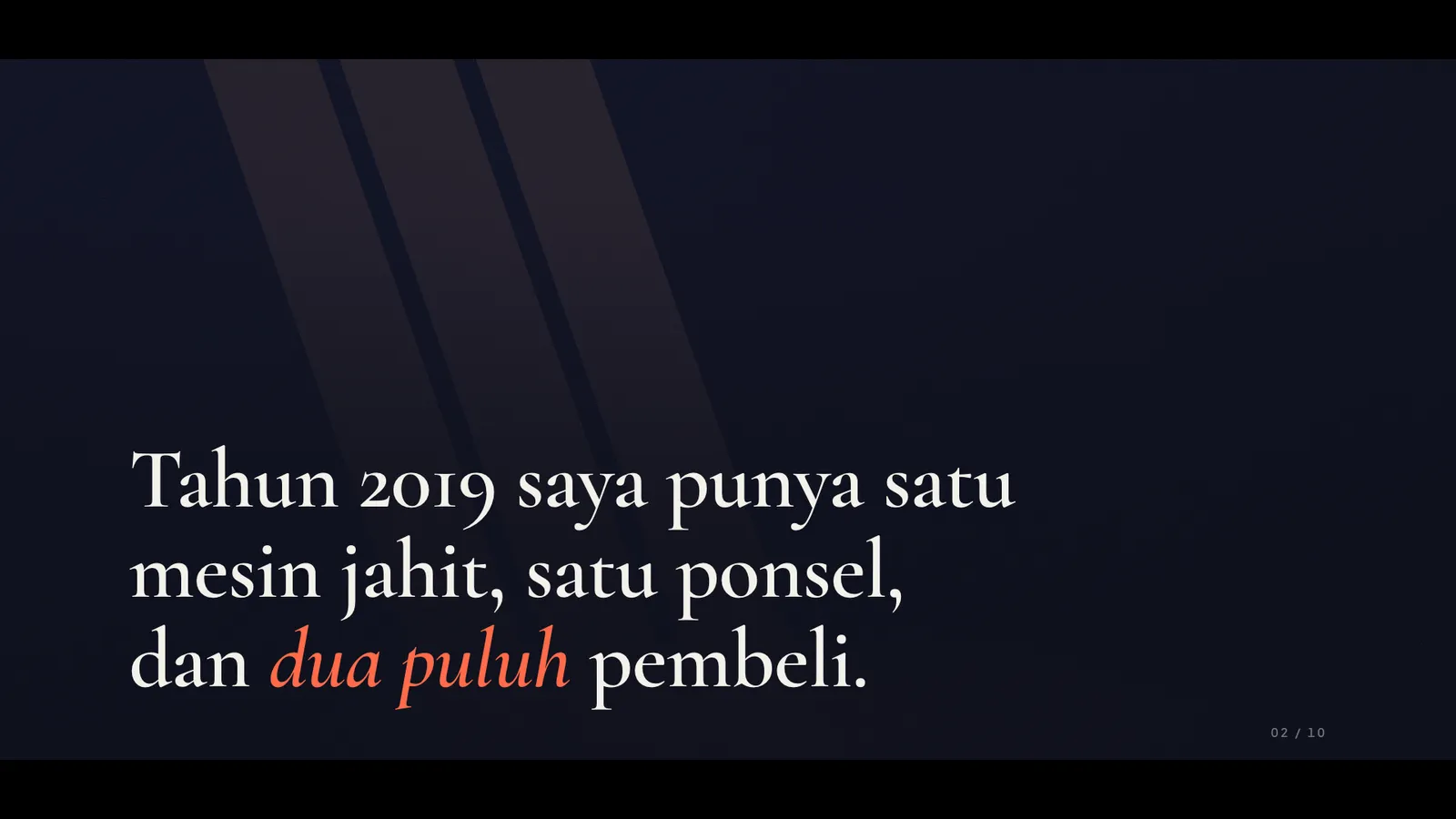
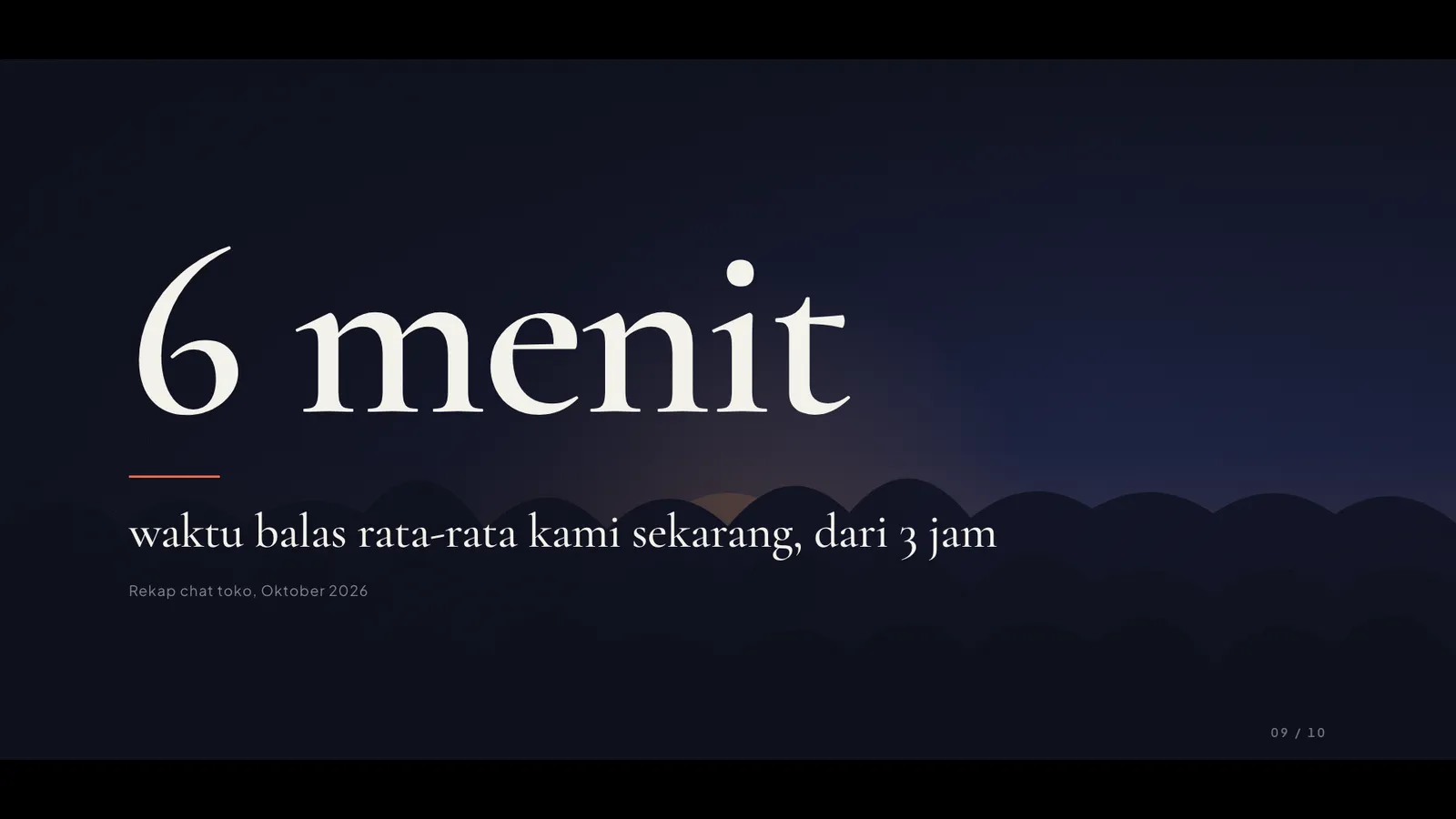
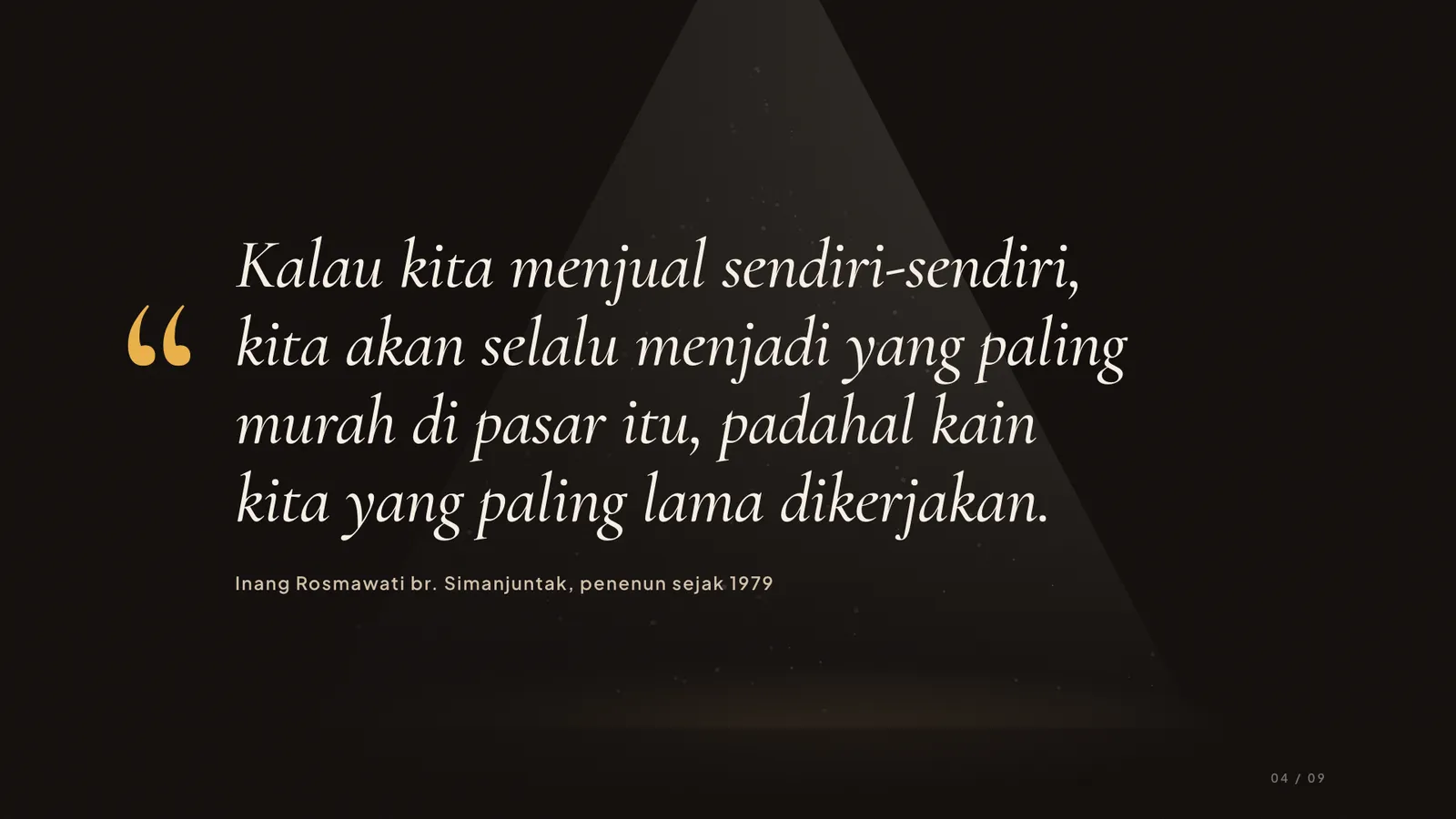
A keynote deck for a speaker on stage: a dark full-screen background from your own photo or a drawn scene (night city, mist, spotlight, sea, road, window light, dawn), large serif sentences, and one idea per slide. Nine slide types from acts, giant numbers, and quotes to questions, with word limits that warn you. Every slide has speaker notes: press N for a presenter panel with a clock and time estimates, or print the script. Download PDF, PPTX, or images.
Verified by SkillFlow
We checked every file in this skill automatically: no command that downloads and runs a program, no hidden code, no instruction telling your AI to ignore you.
- Loads from outside
- Fonts: Google Fonts SkillFlow: directory.skillflow.ai.id
See the 6 files inside
skill.json11 KBSKILL.md6 KBprompt.md6 KBprompt.en.md6 KBfiles/contoh/kasus-berat-senja.html31 KBfiles/deck.html33 KB
Checked 14 Nov 2026
Included in Basic and Pro
Basic copies the prompt. Pro also downloads the ZIP, sends to AI, installs into agents, and opens every category.
Get Pro Get Basic Already subscribed? Sign inWhat you get
- A 16:9 1920x1080 deck, 9 slide types: cover, act, sentence, number, quote, question, three, picture, closing
- 7 dark self-drawn SVG backgrounds or your own darkened photo, film grain and widescreen bars
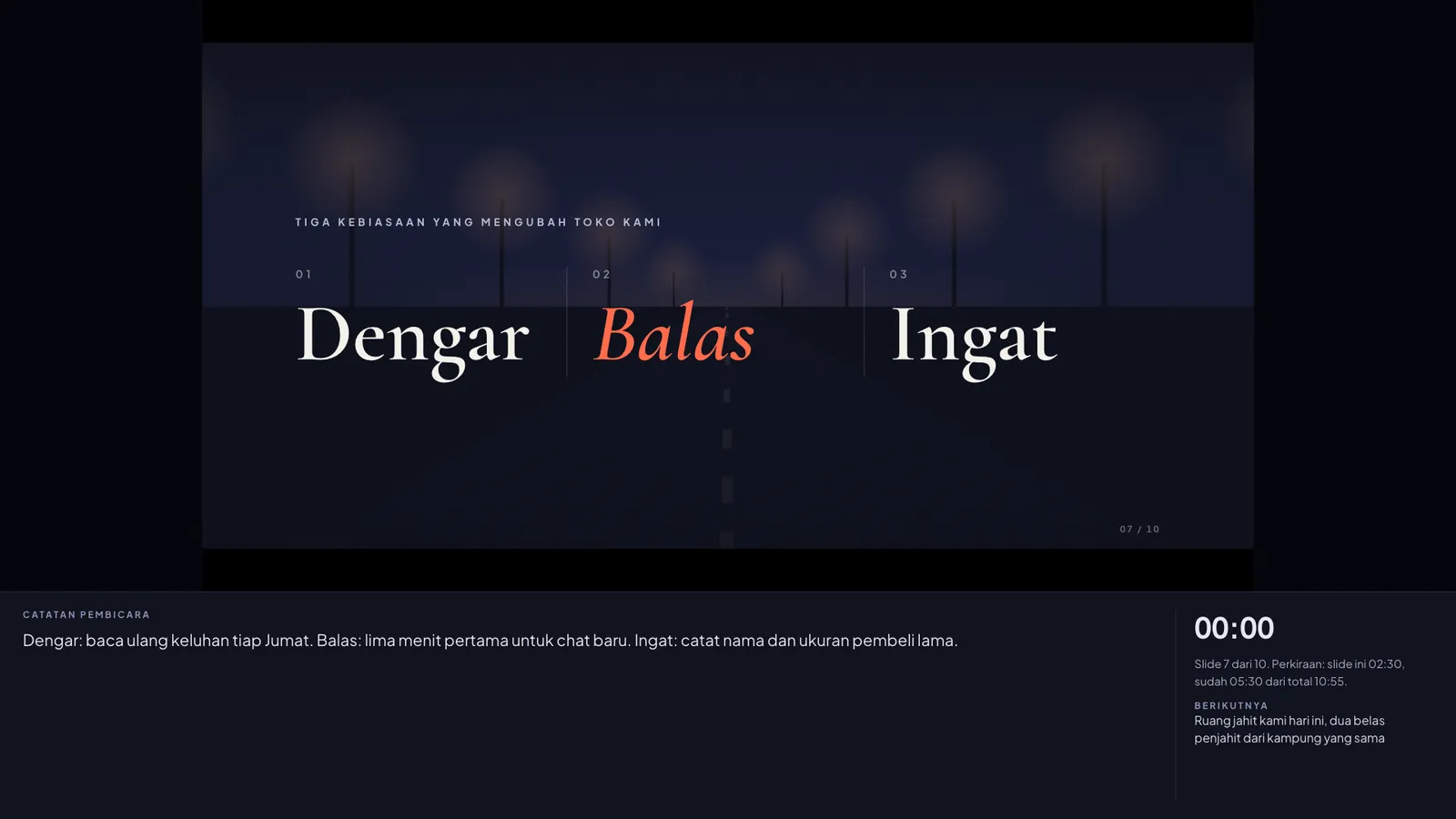
- Speaker notes per slide in a presenter panel (press N) with a clock and time estimates
- A printable speaker script (?naskah=1): screen text, notes, and seconds per slide
- Word limits per slide type with warnings, large text that shrinks automatically without cutting
- 3 palettes (night, dusk, charcoal), PDF, PPTX, image downloads, a heavy-case example
Good fit
- Keynote speakers at seminars, conferences, community meetups, or graduations
- Founders and owners telling their journey on stage
- Speakers who want minimal slide text and a full script to rehearse with
Not for
- Not a deck to be read without the speaker; without the person it is almost empty
- Not suited to reports full of tables, charts, or many points
- It does not supply photos; the background scenes are drawn mood only, you add real photos
- The PPTX from the download button holds one picture per slide; editable text and notes need a separate build
About this skill
/keynote-sinematik Make a 15 minute keynote deck for my talk at a regional small business meetup: the story of our fabric shop from slow chat replies to replying within 6 minutes, dark cinematic style with speaker notes
Show more
A keynote deck for a speaker on stage: a dark full-screen background from your own photo or a drawn scene (night city, mist, spotlight, sea, road, window light, dawn), large serif sentences, and one idea per slide. Nine slide types from acts, giant numbers, and quotes to questions, with word limits that warn you. Every slide has speaker notes: press N for a presenter panel with a clock and time estimates, or print the script. Download PDF, PPTX, or images.
User reviews
FAQ
Where are the speaker notes?
Each slide has a notes field in the KEYNOTE object. While presenting, press N to show a panel under the slide with the notes, a running clock, time estimates, and the next slide. Open it with ?naskah=1 for the full printable script. The panel and script never go into the downloaded slides.
Where do the background photos come from?
They are not photos. Until you add a photo, the background is a dark scene drawn in SVG and gradients, such as a night city or dawn behind hills. Add your own photo and the template darkens it so the text stays readable.
Why is there so little text?
Because an audience reads faster than a speaker talks. One large sentence sends their attention back to you. The template warns when a slide goes over its word limit, so the rest moves into the notes.
Which AI can I use it with?
Copy the prompt into a chat AI (ChatGPT, Claude, Gemini, DeepSeek); or download the ZIP and install it in an AI agent (Claude Code, Codex, Antigravity, Hermes Agent, Cursor, GitHub Copilot, Gemini CLI, OpenCode, Kimi Code, Trae), which then builds the files for you.
What is in the ZIP?
One folder named keynote-sinematik with SKILL.md (the instructions an AI agent reads) and the prompt, 6 files in all. Extract it into your agent's skills folder, or install it with npx skillflow-ai add keynote-sinematik. Pro only.
Is there a per-use fee or credits?
Not from SkillFlow. The skill runs on the AI you already use, so any cost follows that plan.
Which plan includes it?
Basic and Pro. Basic copies the prompt; Pro also downloads the ZIP, sends to AI, installs into agents and shares results by link.
Can I use my own colours and brand?
Yes. Pick a colour theme on this page, or fill in your brand profile once; both go into the prompt you copy and into the ZIP.
Can I share what I made?
Pro members can upload the result and get a page at share.skillflow.ai.id to send to anyone. The page carries a small "Made with SkillFlow AI" mark.
Is there a download limit?
Yes, per day: 50 skills on Pro, 10 on other plans. Downloading a skill again on the same day does not count.



