

Rendered sample video
SKILL.md contents
Premium subscribers can read, copy, and install this skill.
Unlock with Premium Sign inClassroom Multiple Choice Quiz
Description
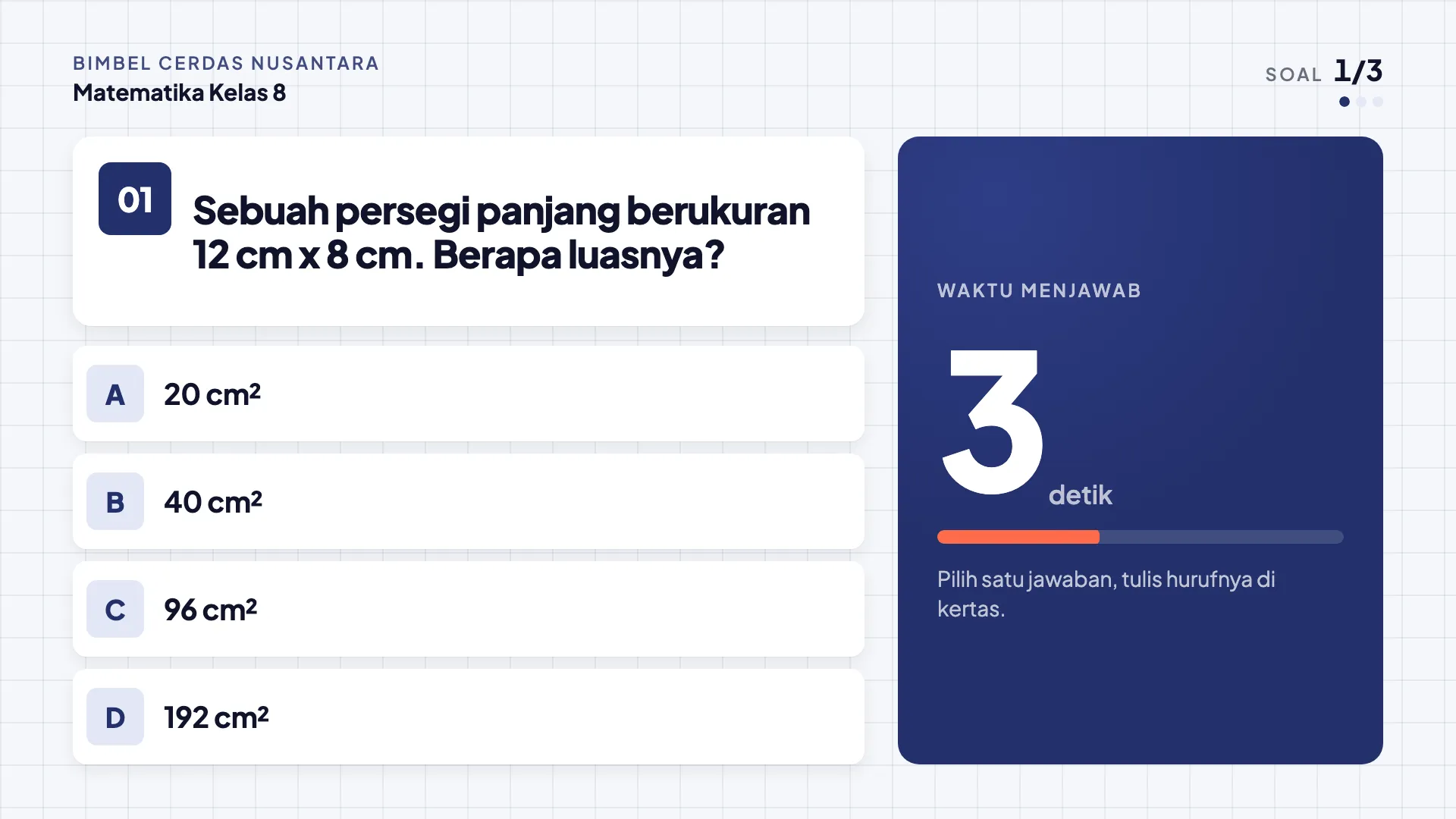
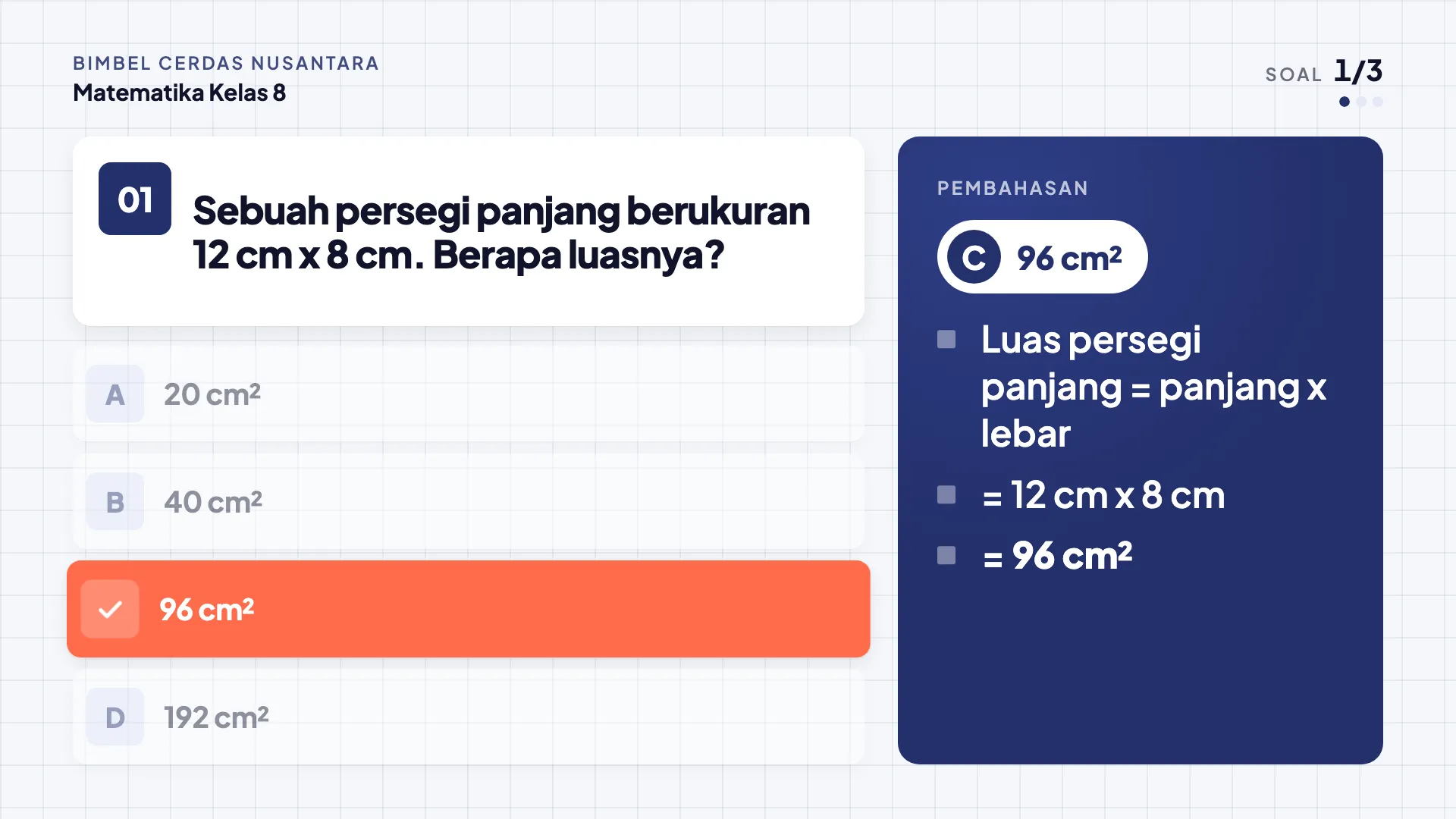
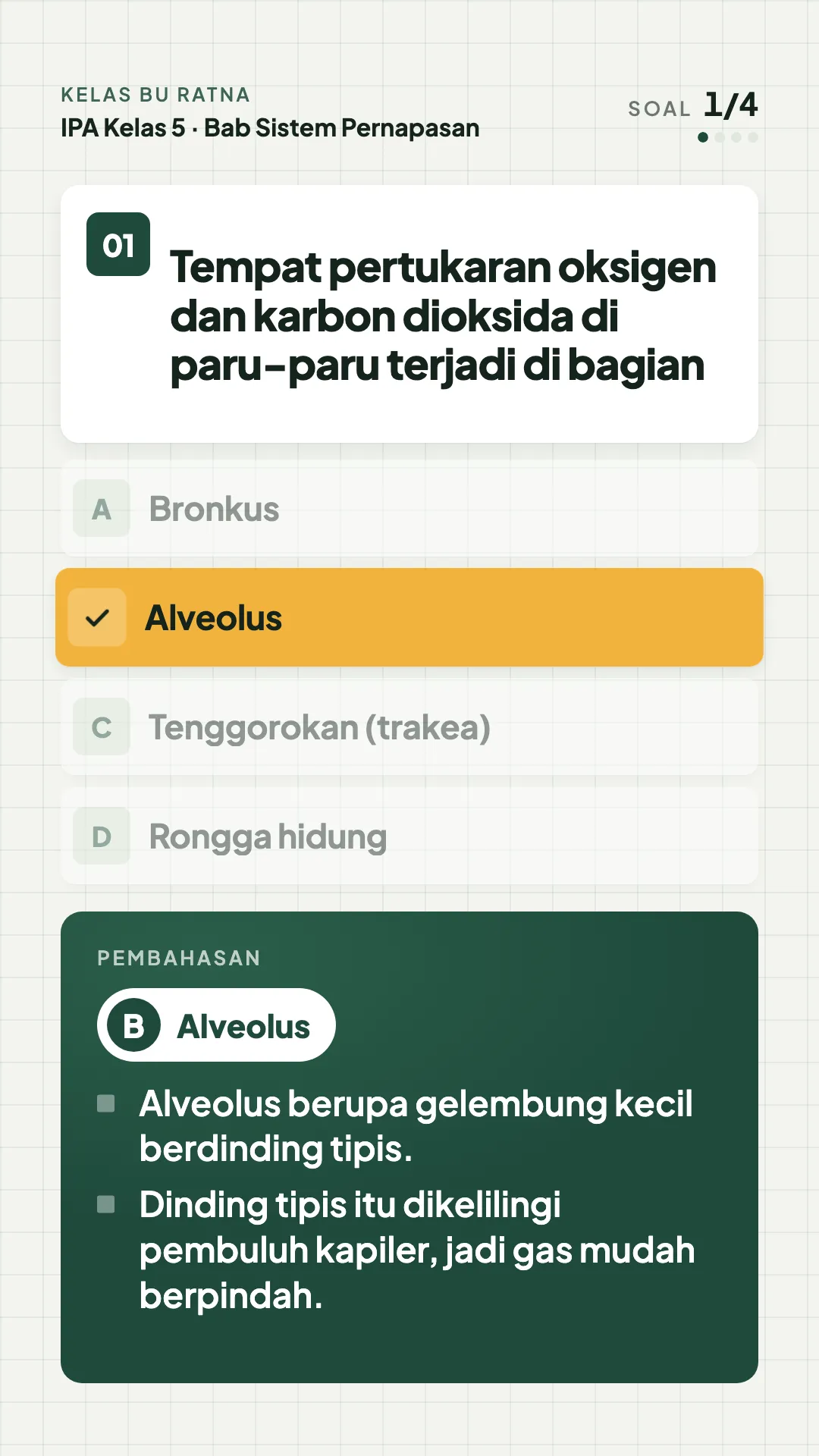
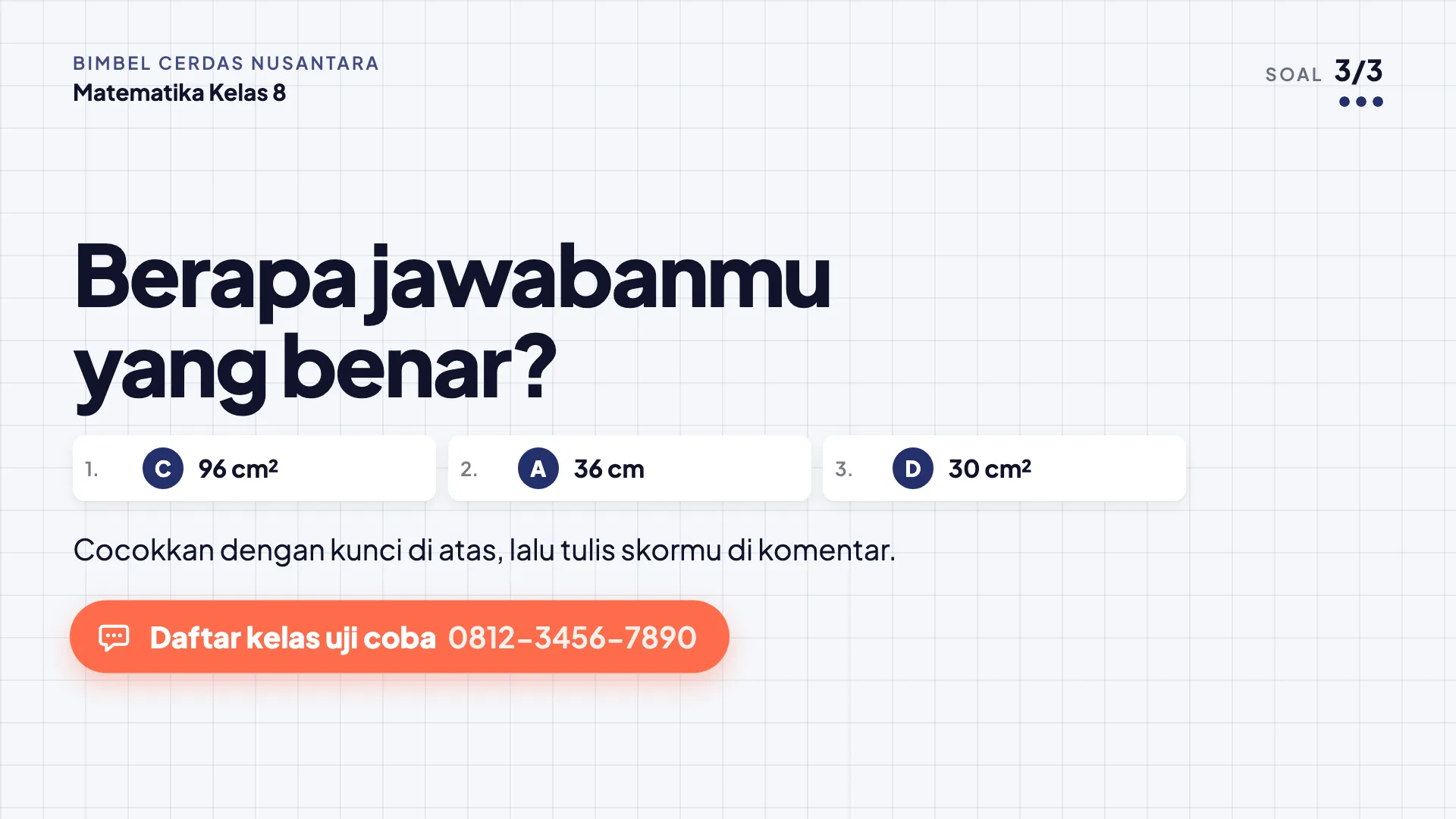
A multiple choice quiz video for teachers and tutoring centres: the question lands on a white card, four options A to D line up, a timer board counts down with a shrinking bar, then the right answer lights up with a check, the others dim, and the board turns into a step by step explanation. One to six questions per video, closing on the answer key, a prompt to check your score, and an optional chat button to sign up for a class. 16:9 for the classroom projector and YouTube, 9:16 for Reels and TikTok, rendered to MP4 with one command.
Verified by SkillFlow
We checked every file in this skill automatically: no command that downloads and runs a program, no hidden code, no instruction telling your AI to ignore you.
- Loads from outside
- Fonts: Google Fonts
See the 6 files inside
skill.json9 KBSKILL.md7 KBprompt.md6 KBprompt.en.md6 KBfiles/contoh/kuis-ipa-9x16.html28 KBfiles/scene.html28 KB
Checked 14 Nov 2026
Part of SkillFlow Pro
Pro opens every skill in every category: copy, ZIP, Send to AI, install, save, and request new skills.
Get Pro Already subscribed? Sign inWhat you get
- A quiz script: title, rules line, 1-6 questions (question, 4 options, key, 1-4 explanation steps), closing
- An animated HTML scene driven by one config object
- A timer board with a countdown number and a shrinking bar, the answer revealed automatically
- A step by step explanation per question, the result line in bold
- The answer key for every question at the close, optional chat button
- MP4 1920x1080 (16:9) or 1080x1920 (9:16), 30 fps, 3 palettes including chalkboard green
Good fit
- Teachers who need a lesson opener or closer to play on the projector
- Tutoring centres that post practice questions on social media regularly
- Private tutors who want students to answer before seeing the explanation
- In-house trainers checking understanding at the end of a session
Not for
- It does not record student answers or grade them; students answer on paper or in the comments
- Not a clickable quiz; the result is a video, not a web page
- At most 6 questions and 4 options each; picture questions need your own images
- Not an official exam; double check the keys and explanations before playing
About this skill
/kuis-pilihan-ganda-kelas Make a 3 question grade 8 maths quiz video on the area and perimeter of flat shapes for our tutoring centre, 6 seconds to answer and a short explanation per question, in 16:9 to play in class
Show more
A multiple choice quiz video for teachers and tutoring centres: the question lands on a white card, four options A to D line up, a timer board counts down with a shrinking bar, then the right answer lights up with a check, the others dim, and the board turns into a step by step explanation. One to six questions per video, closing on the answer key, a prompt to check your score, and an optional chat button to sign up for a class. 16:9 for the classroom projector and YouTube, 9:16 for Reels and TikTok, rendered to MP4 with one command.
User reviews
FAQ
Can the answer time be longer for calculation questions?
Yes, 3 to 20 seconds, and 3 to 12 seconds for the explanation. If the video passes 150 seconds the answer time is shortened automatically. For questions that need working out, pause the video while the timer runs.
How do I write good wrong options?
Take them from mistakes students often make, such as mixing up perimeter and area or forgetting to halve. One explanation line can name that option so students see why it is wrong.
Is the chat button at the end required?
No. Leave the button text and number empty and the close shows only the answer key and the prompt, which suits a school classroom.
Which AI can I use it with?
Copy the prompt into a chat AI (ChatGPT, Claude, Gemini, DeepSeek): you get an HTML file; open it in Chrome and press Download MP4 (silent video, a minute or two to render); or download the ZIP and install it in an AI agent (Claude Code, Codex, Antigravity, Hermes Agent, Cursor, GitHub Copilot, Gemini CLI, OpenCode, Kimi Code, Trae), which then builds the files for you.
What is in the ZIP?
One folder named kuis-pilihan-ganda-kelas with SKILL.md (the instructions an AI agent reads) and the prompt, 6 files in all. Extract it into your agent's skills folder, or install it with npx skillflow-ai add kuis-pilihan-ganda-kelas. Pro only.
Is there a per-use fee or credits?
Not from SkillFlow. The skill runs on the AI you already use, so any cost follows that plan.
Which plan includes it?
SkillFlow Pro. It opens every skill in every category.
Can I use my own colours and brand?
Yes. Pick a colour theme on this page, or fill in your brand profile once; both go into the prompt you copy and into the ZIP.
Can I share what I made?
Pro members can upload the result and get a page at share.skillflow.ai.id to send to anyone. The page carries a small "Made with SkillFlow AI" mark.
Is there a download limit?
Yes, per day: 50 skills on Pro, 10 on other plans. Downloading a skill again on the same day does not count.



