

Rendered sample video
SKILL.md contents
Premium subscribers can read, copy, and install this skill.
Unlock with Premium Sign inDigital Product Launch
Description
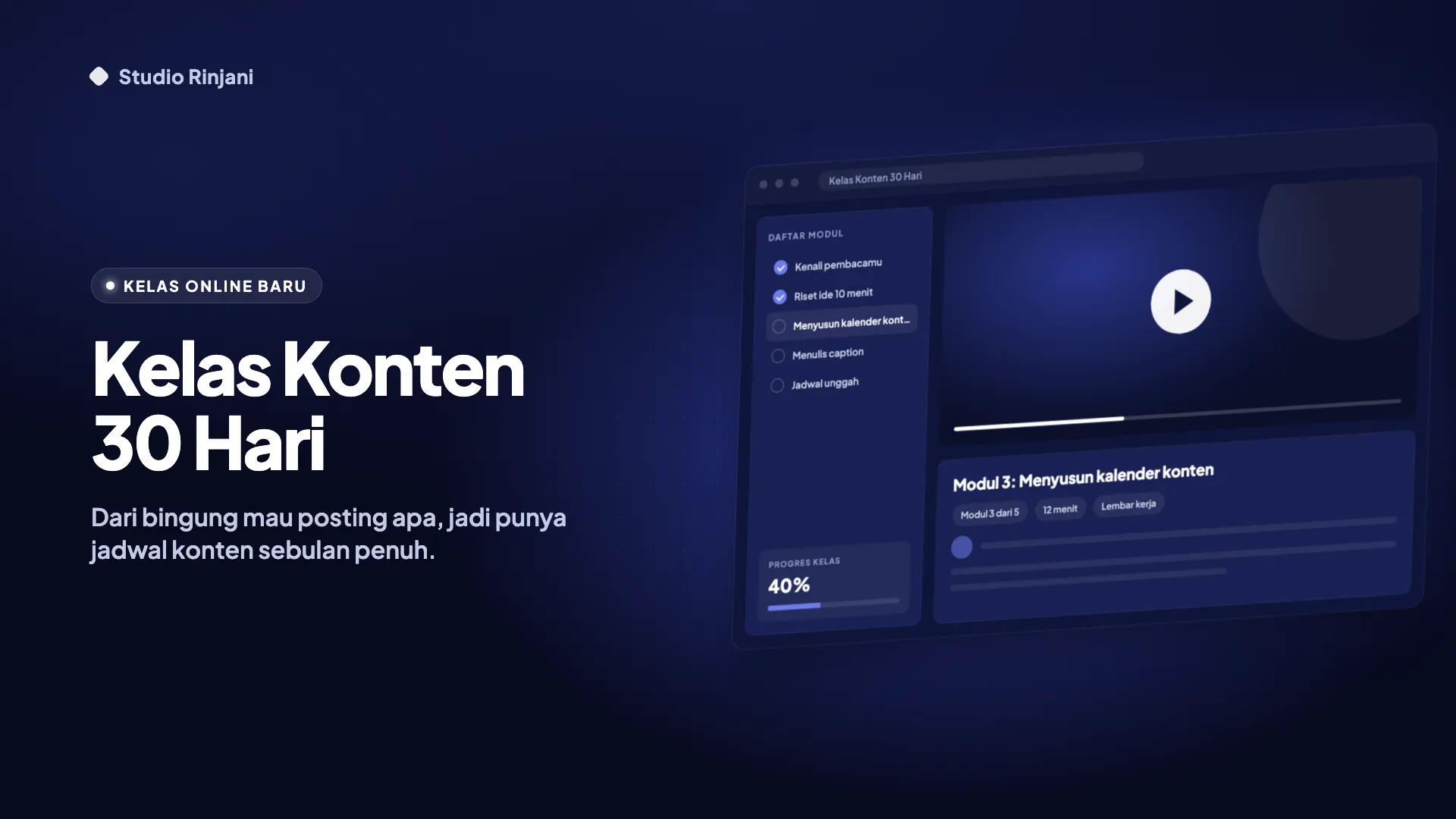
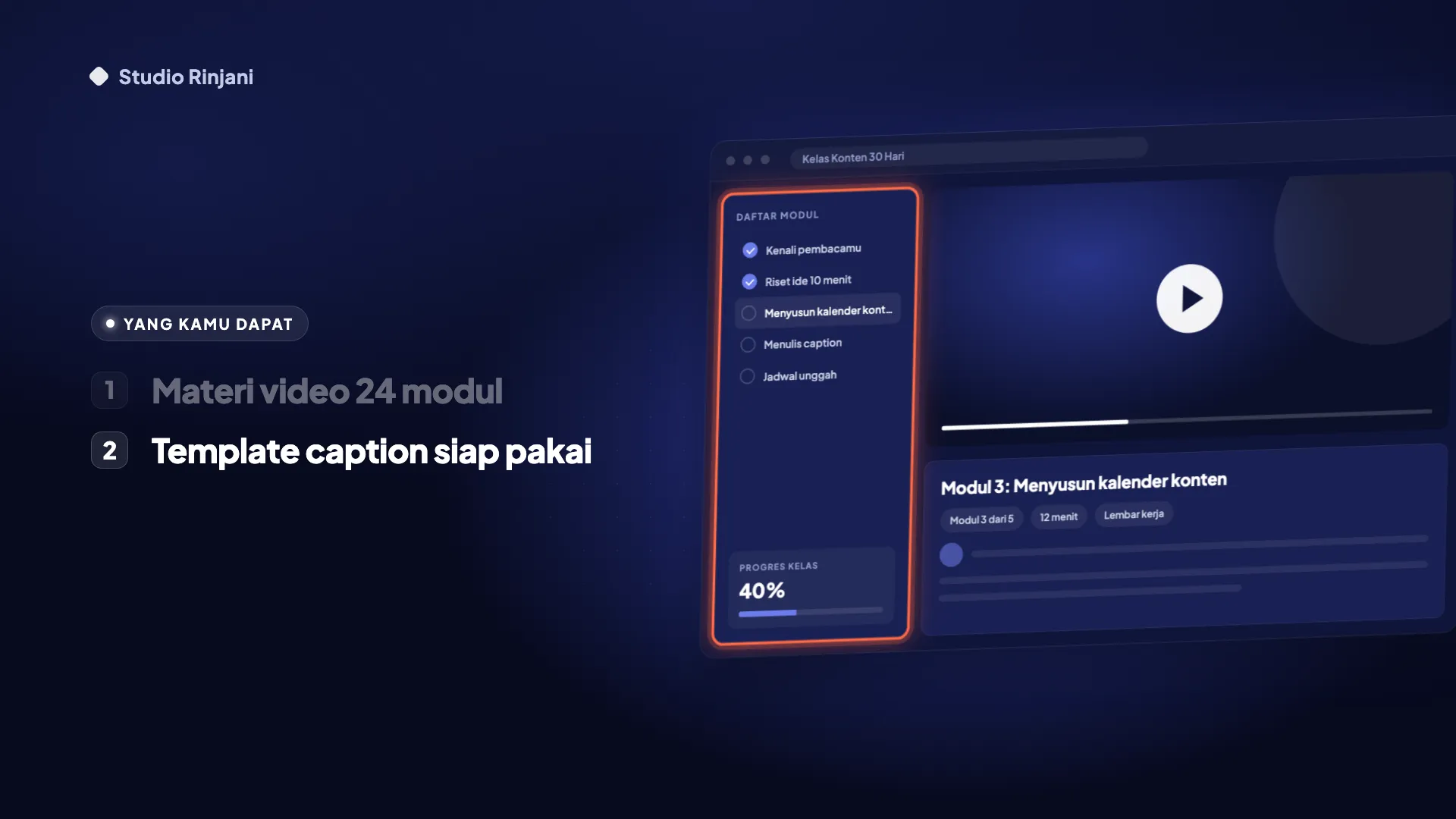
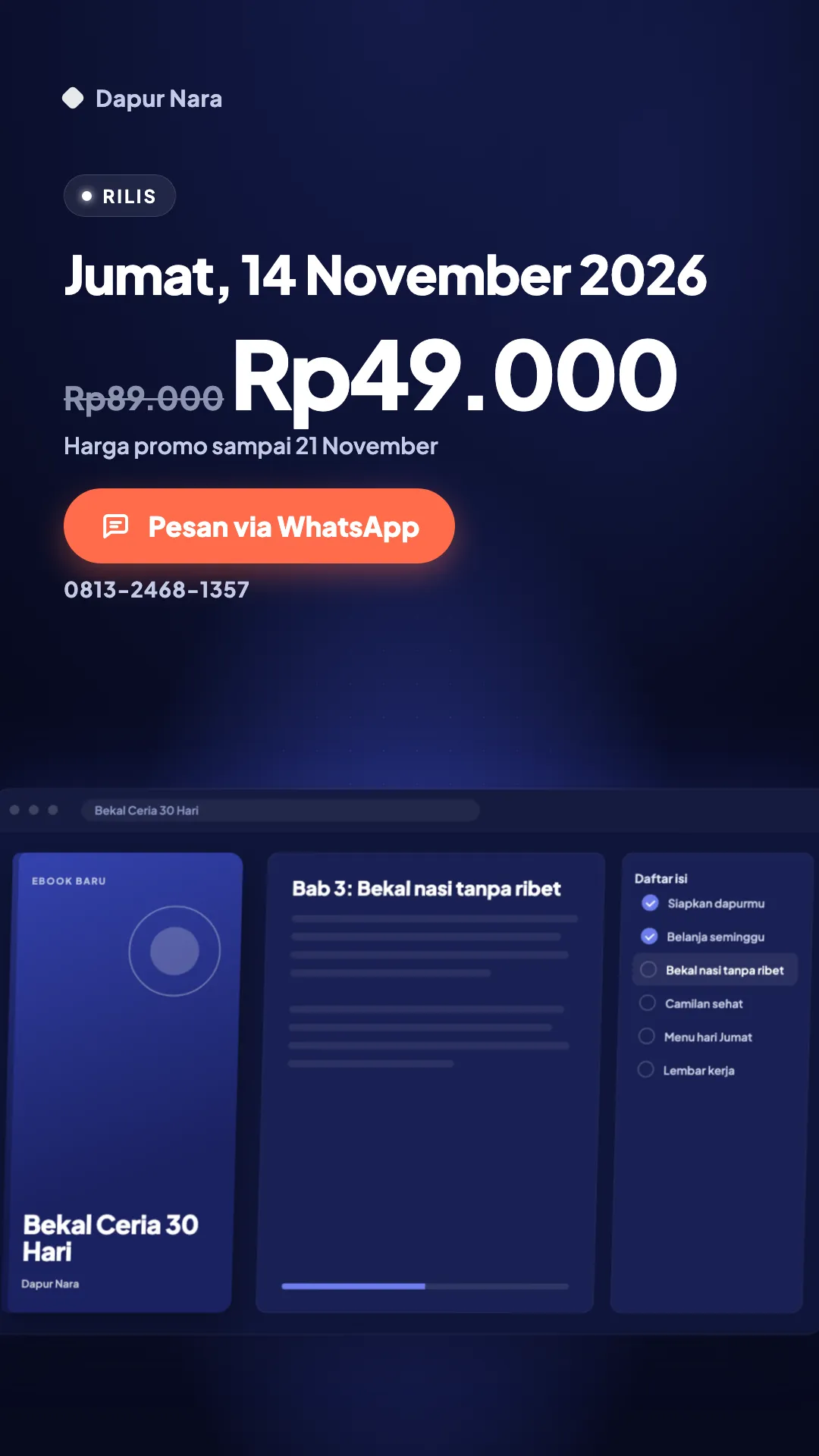
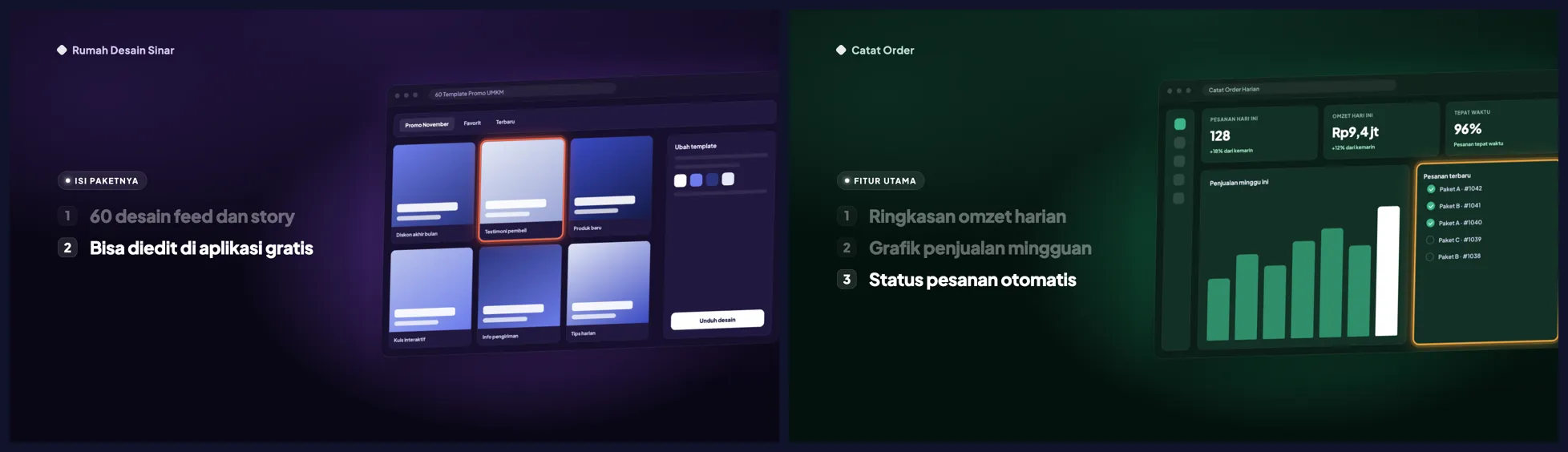
A 12 to 20 second cinematic launch video for an ebook, online course, template pack, or app: a dark glowing background, a 3D-tilted product window that slowly pushes in, and copy that changes beat by beat (the problem, the product name, 3 features highlighted on the window, the launch date, the promo price, and a WhatsApp button). The window is built in HTML (4 ready mockups) or filled with a screenshot of your product page. 16:9 and 9:16, driven by one config object, rendered to MP4 with one command.
Verified by SkillFlow
We checked every file in this skill automatically: no command that downloads and runs a program, no hidden code, no instruction telling your AI to ignore you.
- Loads from outside
- Fonts: Google Fonts
See the 6 files inside
skill.json9 KBSKILL.md8 KBprompt.md6 KBprompt.en.md6 KBfiles/contoh-ebook-9x16.html35 KBfiles/scene.html35 KB
Checked 14 Nov 2026
Part of SkillFlow Pro
Pro opens every skill in every category: copy, ZIP, Send to AI, install, save, and request new skills.
Get Pro Already subscribed? Sign inWhat you get
- A 4-beat script: problem, product, 3 features, launch + promo price + CTA
- A dark cinematic animated HTML scene driven by one config object
- 4 HTML window mockups (course, ebook, template, app) or your own screenshot
- An accent highlight on the window that moves with the feature being shown
- MP4 1920x1080 (16:9) or 1080x1920 (9:16), 30 fps, 12-20 seconds
- 3 ready dark palettes, plus your own brand colors
Good fit
- Ebook, online course, template pack, app, or membership makers announcing a release
- Creators who need a teaser a few days before launch
- Sellers wanting a trailer style launch ad for Reels or YouTube
- Webinar speakers closing a session with a product offer
Not for
- Not for physical products with product photos
- Not a long narrated feature demo or a comparison video
- One video covers one product
- It does not write limited without a clear number or date
About this skill
/launching-produk-digital Make a launch video for my 30 day content class, 3 key features, released Monday 3 November, 149,000 down from 299,000 for the first 100 buyers, WhatsApp call to action
Show more
A 12 to 20 second cinematic launch video for an ebook, online course, template pack, or app: a dark glowing background, a 3D-tilted product window that slowly pushes in, and copy that changes beat by beat (the problem, the product name, 3 features highlighted on the window, the launch date, the promo price, and a WhatsApp button). The window is built in HTML (4 ready mockups) or filled with a screenshot of your product page. 16:9 and 9:16, driven by one config object, rendered to MP4 with one command.
User reviews
FAQ
I have no product screens yet, what fills the window?
Pick one of 4 HTML mockups, course, ebook, template, or app, and fill in its title and chapter or module list. If you have a screenshot of your product page, it can replace the mockup.
How does the feature highlight know where to land?
On built-in mockups the highlight is already mapped to features 1, 2, and 3, so order your features to match the window parts. In screenshot mode, give a highlight box per feature as percentages of the image.
Is the opening problem beat required?
No. Leave it empty for a teaser that goes straight to the product. If you use it, describe a concrete situation buyers feel, not an accusation aimed at viewers.
Which AI can I use it with?
Copy the prompt into a chat AI (ChatGPT, Claude, Gemini, DeepSeek): you get an HTML file; open it in Chrome and press Download MP4 (silent video, a minute or two to render); or download the ZIP and install it in an AI agent (Claude Code, Codex, Antigravity, Hermes Agent, Cursor, GitHub Copilot, Gemini CLI, OpenCode, Kimi Code, Trae), which then builds the files for you.
What is in the ZIP?
One folder named launching-produk-digital with SKILL.md (the instructions an AI agent reads) and the prompt, 6 files in all. Extract it into your agent's skills folder, or install it with npx skillflow-ai add launching-produk-digital. Pro only.
Is there a per-use fee or credits?
Not from SkillFlow. The skill runs on the AI you already use, so any cost follows that plan.
Which plan includes it?
SkillFlow Pro. It opens every skill in every category.
Can I use my own colours and brand?
Yes. Pick a colour theme on this page, or fill in your brand profile once; both go into the prompt you copy and into the ZIP.
Can I share what I made?
Pro members can upload the result and get a page at share.skillflow.ai.id to send to anyone. The page carries a small "Made with SkillFlow AI" mark.
Is there a download limit?
Yes, per day: 50 skills on Pro, 10 on other plans. Downloading a skill again on the same day does not count.



