

Rendered sample video
SKILL.md contents
Premium subscribers can read, copy, and install this skill.
Unlock with Premium Sign inBreak Timer Screen
Description
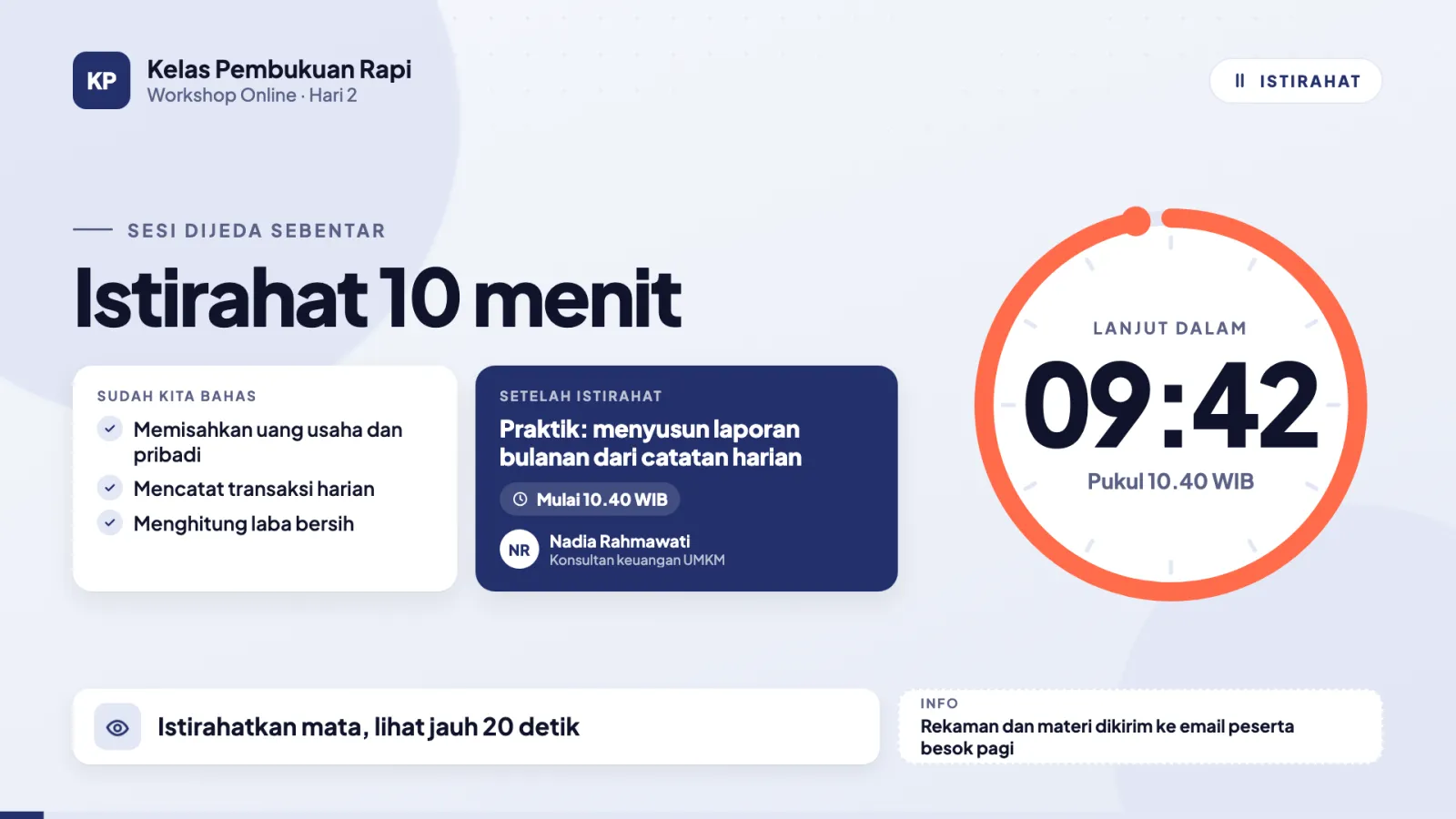
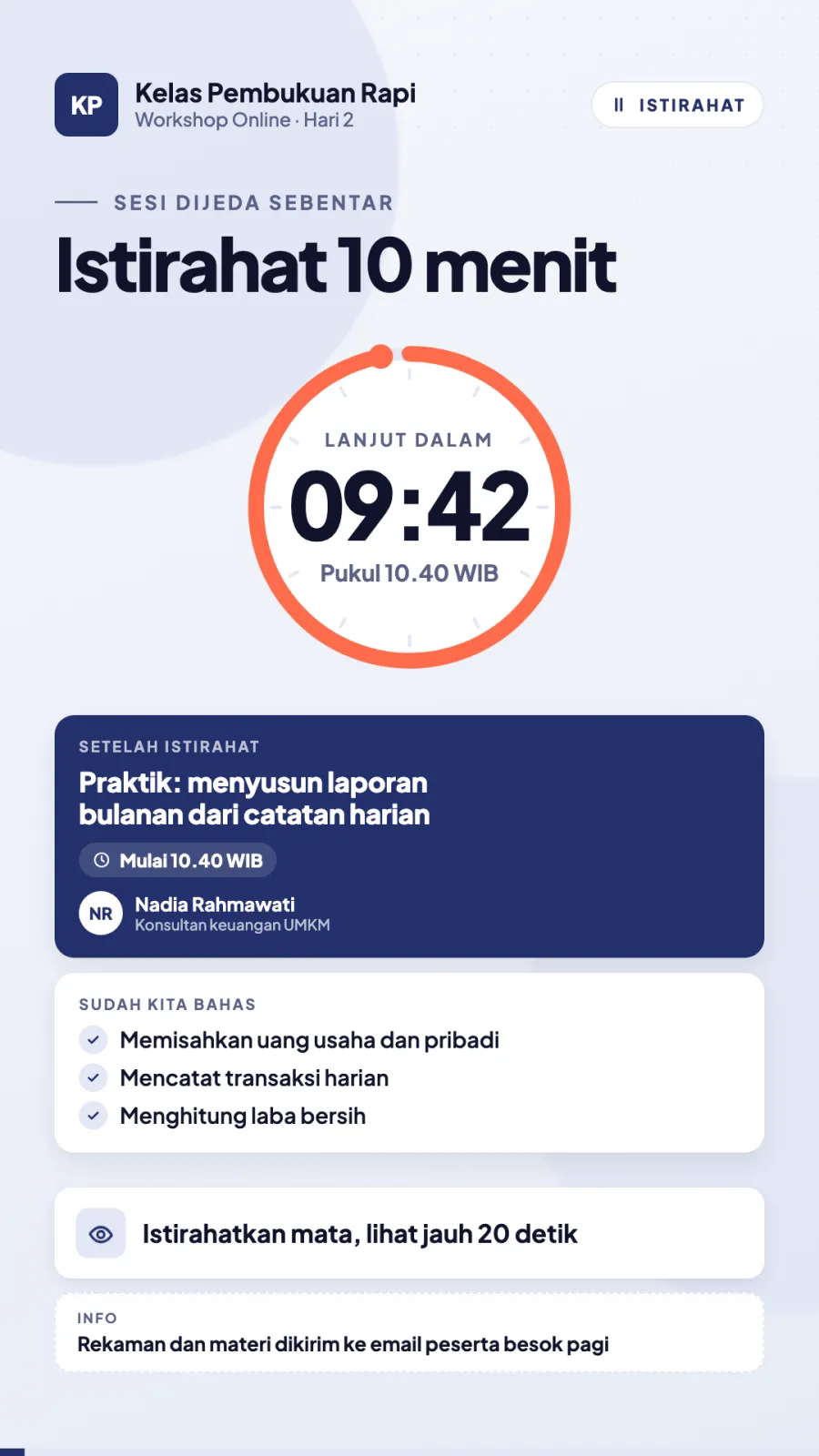
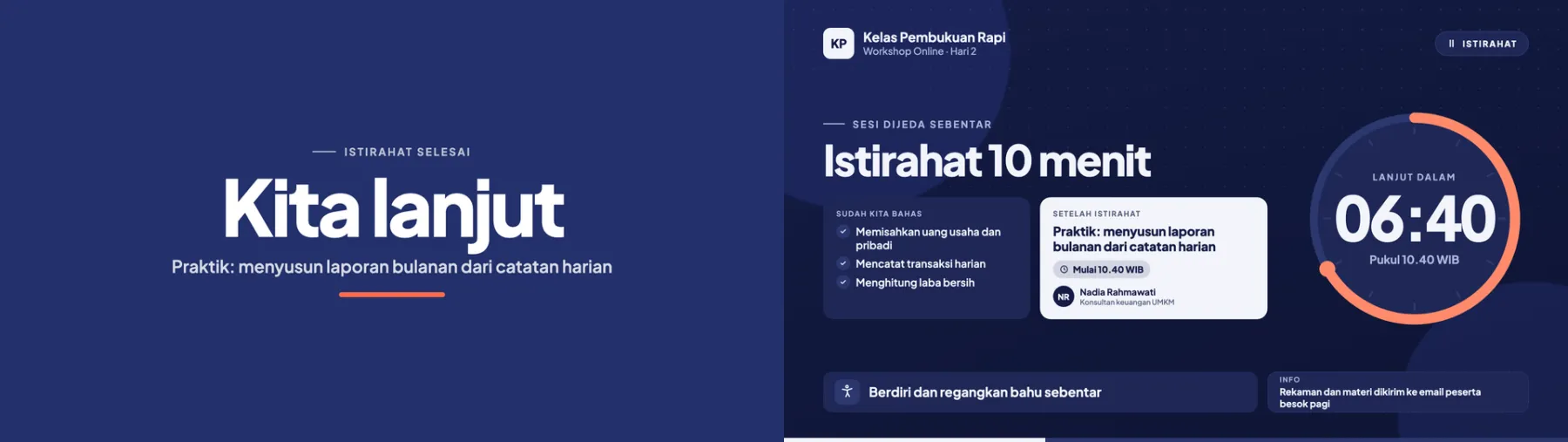
A screen that runs when a webinar, workshop, or live class pauses mid-event: a "10-minute break" heading, an mm:ss countdown inside a ring with a shrinking arc, the resume time, a card of what was covered so far, a next-session card with the speaker, rotating reminders (drink water, stretch, rest your eyes, post your question), an info or sponsor box, and a progress line along the bottom. When the time runs out, the screen switches to "We're back" with the next session's title. A countdown MP4 or live mode for a browser source. 16:9 and 9:16.
Verified by SkillFlow
We checked every file in this skill automatically: no command that downloads and runs a program, no hidden code, no instruction telling your AI to ignore you.
- Loads from outside
- Fonts: Google Fonts
See the 5 files inside
skill.json8 KBSKILL.md8 KBprompt.md6 KBprompt.en.md5 KBfiles/layar-jeda.html27 KB
Checked 14 Nov 2026
Part of SkillFlow Pro
Pro opens every skill in every category: copy, ZIP, Send to AI, install, save, and request new skills.
Get Pro Already subscribed? Sign inWhat you get
- Screen copy: break heading, resume time, 0-4 points covered, next session + speaker, 1-4 reminders, info
- An HTML template driven by one config object, 3 palettes
- A countdown MP4 for the length of the break, 1920x1080 or 1080x1920, 30 fps, ending on a We're back screen
- Live mode for a browser source: a real countdown to the resume time
- A break announcement for the participants' chat
Good fit
- Hosts of webinars, workshops, trainings, and live classes longer than 90 minutes
- Hybrid events showing a coffee break screen on a hall projector
- Online seminar hosts who want attendees back on time
- Stream operators using a browser source in streaming software
Not for
- Not a pre-show screen or a chat reminder
- Not a chapter divider for recorded course videos
- Long breaks take a while to render; over 15 minutes, live mode is better
- It does not broadcast anything itself; you show it through streaming software or screen sharing
About this skill
/layar-jeda-istirahat Make a 10 minute break screen for session 1 of our small business bookkeeping workshop, resuming at 10.40, 3 recap points, and the next session's speaker, in 16:9
Show more
A screen that runs when a webinar, workshop, or live class pauses mid-event: a "10-minute break" heading, an mm:ss countdown inside a ring with a shrinking arc, the resume time, a card of what was covered so far, a next-session card with the speaker, rotating reminders (drink water, stretch, rest your eyes, post your question), an info or sponsor box, and a progress line along the bottom. When the time runs out, the screen switches to "We're back" with the next session's title. A countdown MP4 or live mode for a browser source. 16:9 and 9:16.
User reviews
FAQ
What is the difference between countdown and live mode?
Countdown makes an MP4 as long as the break, played once. Live is not rendered; the file opens as a browser source and counts down to the resume time using the computer clock, so it stays right even if the break starts late.
Can I get a video of just the last minute?
Yes. Set the tail to, say, 60 seconds so the video holds only the final minute of the countdown. Use a still image for the rest of the break and play that clip at the end.
Which reminders can be shown?
1 to 4 single action reminders, such as drink water, stand up, rest your eyes, or prepare a question, each with an icon. Each one shows for 8 seconds in turn.
Which AI can I use it with?
Copy the prompt into a chat AI (ChatGPT, Claude, Gemini, DeepSeek): you get an HTML file; open it in Chrome and press Download MP4 (silent video, a minute or two to render); or download the ZIP and install it in an AI agent (Claude Code, Codex, Antigravity, Hermes Agent, Cursor, GitHub Copilot, Gemini CLI, OpenCode, Kimi Code, Trae), which then builds the files for you.
What is in the ZIP?
One folder named layar-jeda-istirahat with SKILL.md (the instructions an AI agent reads) and the prompt, 5 files in all. Extract it into your agent's skills folder, or install it with npx skillflow-ai add layar-jeda-istirahat. Pro only.
Is there a per-use fee or credits?
Not from SkillFlow. The skill runs on the AI you already use, so any cost follows that plan.
Which plan includes it?
SkillFlow Pro. It opens every skill in every category.
Can I use my own colours and brand?
Yes. Pick a colour theme on this page, or fill in your brand profile once; both go into the prompt you copy and into the ZIP.
Can I share what I made?
Pro members can upload the result and get a page at share.skillflow.ai.id to send to anyone. The page carries a small "Made with SkillFlow AI" mark.
Is there a download limit?
Yes, per day: 50 skills on Pro, 10 on other plans. Downloading a skill again on the same day does not count.



