

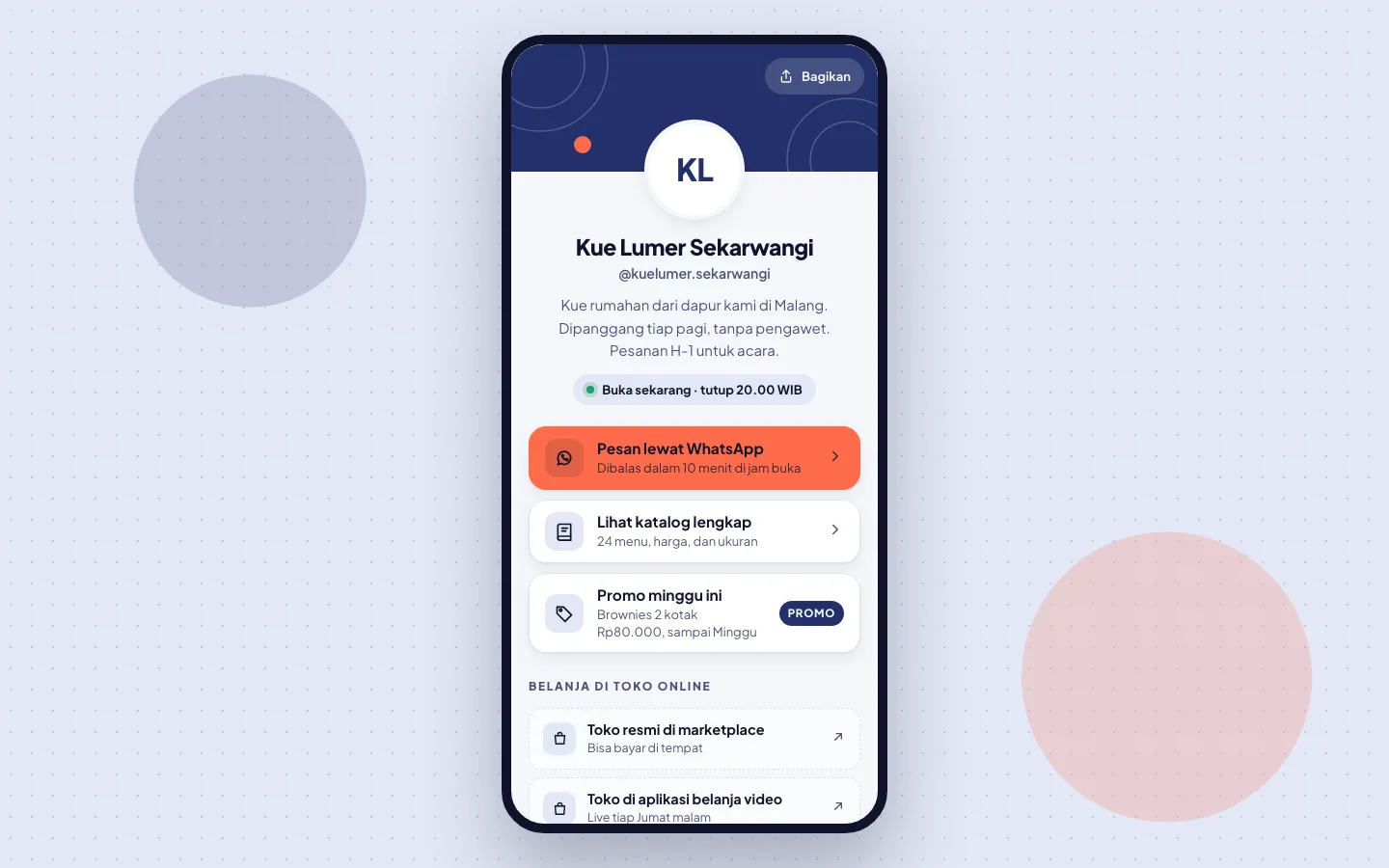
Wide screen: the page shows as a phone card in the middle
SKILL.md contents
Premium subscribers can read, copy, and install this skill.
Unlock with Premium Sign inShop Link in Bio
Description
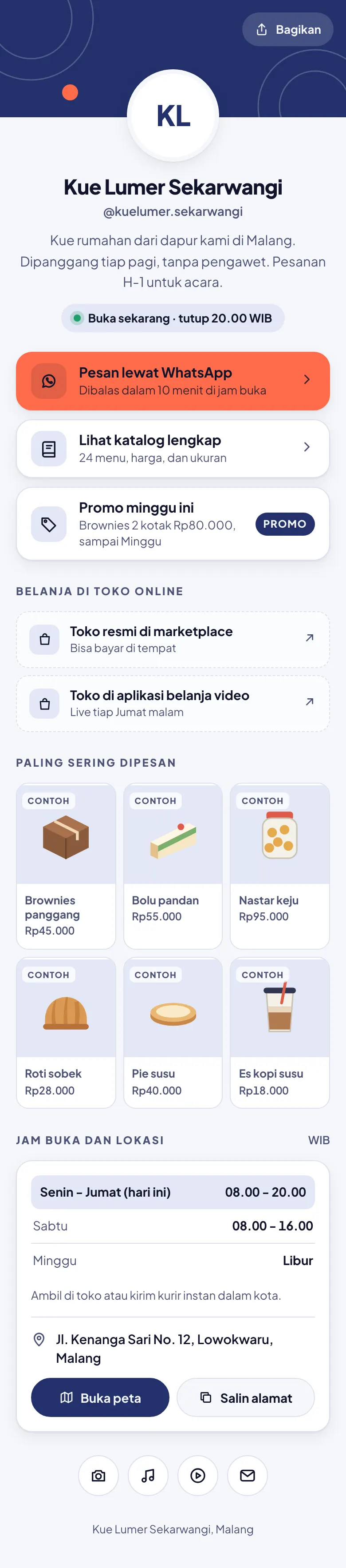
A mobile-first link page for a shop's social bio: logo or monogram, name, short bio, an open or closed status worked out from opening hours, main buttons for WhatsApp orders, the catalogue, and this week's promo, online shop buttons with free labels and no brand logos, a mini product gallery that orders over WhatsApp, opening hours, the address with a map button, and line-style social icons. One lightweight file with 3 themes; on wide screens it shows as a phone card in the middle.
Verified by SkillFlow
We checked every file in this skill automatically: no command that downloads and runs a program, no hidden code, no instruction telling your AI to ignore you.
- Loads from outside
- Fonts: Google Fonts
See the 5 files inside
skill.json10 KBSKILL.md7 KBprompt.md5 KBprompt.en.md5 KBfiles/link-in-bio.html28 KB
Checked 14 Nov 2026
Part of SkillFlow Pro
Pro opens every skill in every category: copy, ZIP, Send to AI, install, save, and request new skills.
Get Pro Already subscribed? Sign inWhat you get
- A one-file HTML link-in-bio page, lightweight, no build step and no library
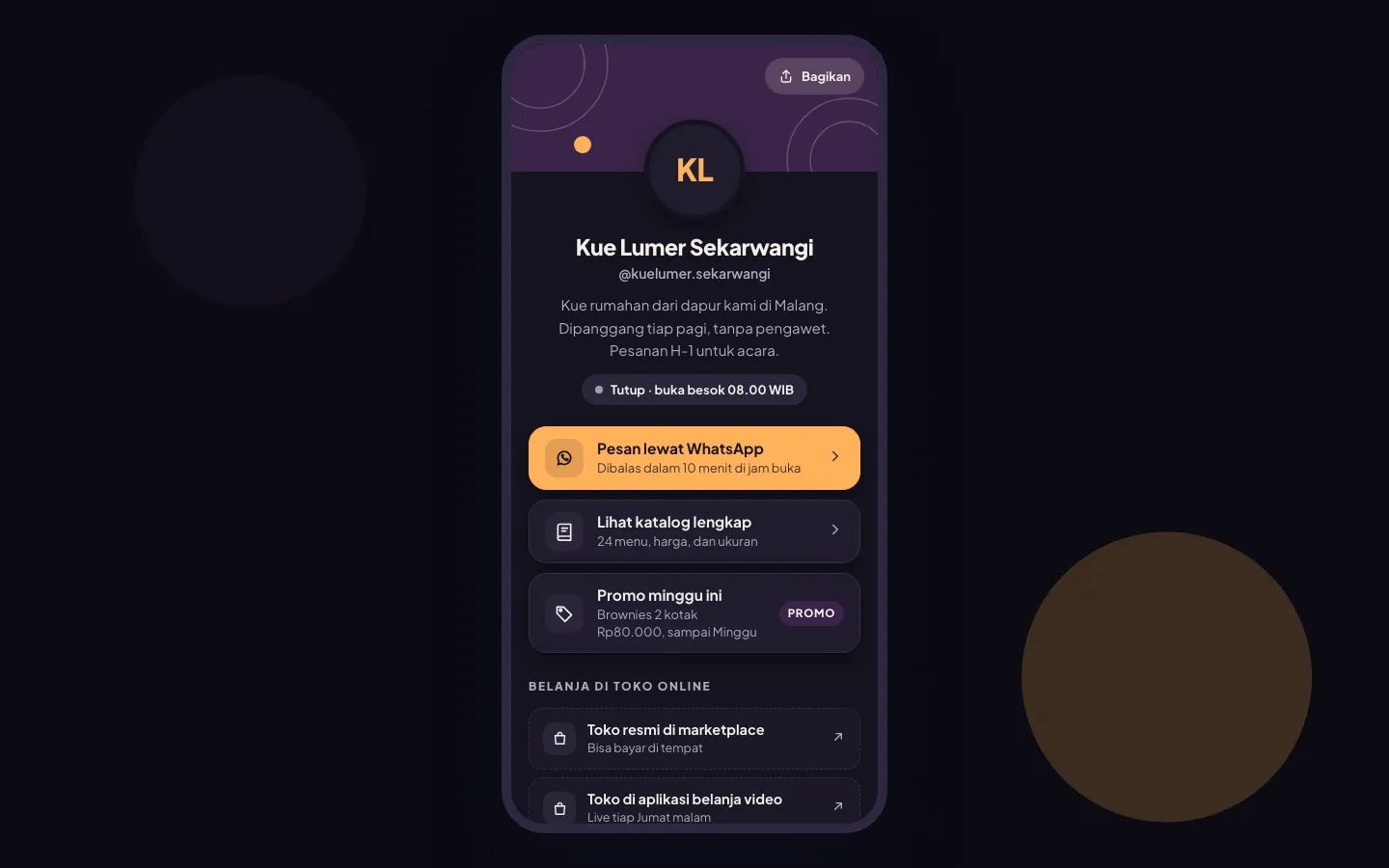
- Open now or Closed, opens tomorrow status worked out from opening hours and time zone
- 1-4 main buttons (prefilled WhatsApp or link) + online shop buttons with free labels
- A mini product gallery of 3-9 items with prices, tap to order over WhatsApp
- Opening hours (today highlighted), address, open-map button, copy address, and share link
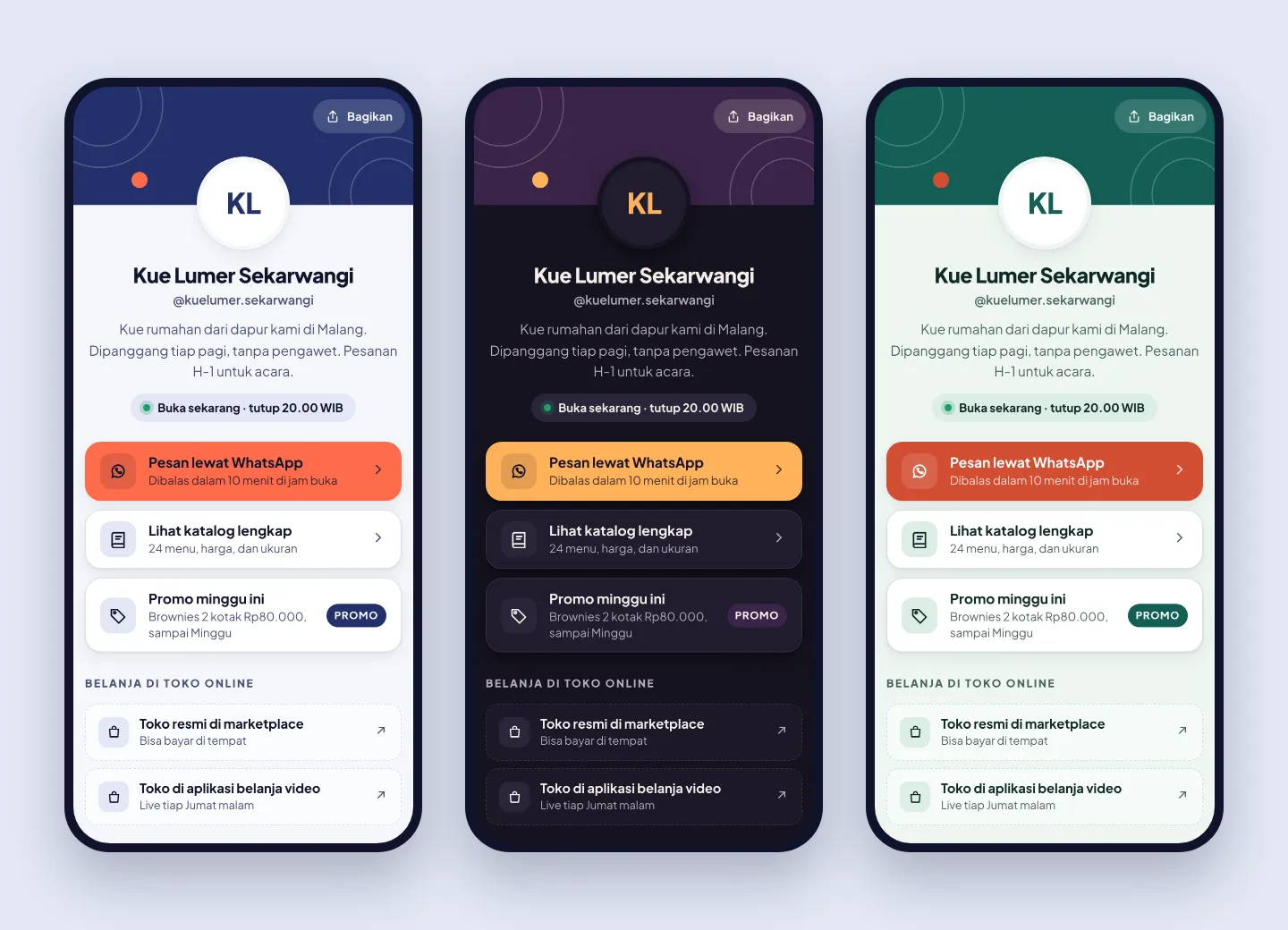
- 3 themes: city (indigo + coral), dusk (warm dark), mint; a centred phone card on wide screens
Good fit
- Cake shops, coffee stalls, home caterers, laundries, florists, souvenir shops, or barbershops
- Online sellers with several marketplace shops who want one link for all of them
- Affiliates or resellers wanting one page of product buttons and contacts
- Shops opened mostly from phones via the bio link
Not for
- Not a shop with a full catalogue and cart
- Not a single product sales page or a personal brand service profile
- No marketplace or platform logos; social icons are generic line icons
- Built-in product images marked Sample must be replaced with real photos
About this skill
/link-in-bio-toko Build a link in bio page for our cake shop, a WhatsApp order button, a catalogue link, 6 best sellers with prices, opening hours, address, and an open in maps button, city theme
Show more
A mobile-first link page for a shop's social bio: logo or monogram, name, short bio, an open or closed status worked out from opening hours, main buttons for WhatsApp orders, the catalogue, and this week's promo, online shop buttons with free labels and no brand logos, a mini product gallery that orders over WhatsApp, opening hours, the address with a map button, and line-style social icons. One lightweight file with 3 themes; on wide screens it shows as a phone card in the middle.
User reviews
FAQ
How is the open or closed status worked out?
From opening hours per group of days and the shop's time zone, such as WIB. The status updates itself, such as open now until 8 PM, or closed and opening tomorrow at 8 AM.
What happens when a gallery product is tapped?
If the product link is empty, the tap opens WhatsApp with the product name in the message. The gallery holds 3 to 9 products, neatest in multiples of 3, and a price of 0 shows as Free.
Which main button should go first?
The action that brings the most orders, usually order via WhatsApp, because the first button stands out most. Add a small fact under it too, such as replies within 10 minutes during opening hours.
Which AI can I use it with?
Copy the prompt into a chat AI (ChatGPT, Claude, Gemini, DeepSeek); or download the ZIP and install it in an AI agent (Claude Code, Codex, Antigravity, Hermes Agent, Cursor, GitHub Copilot, Gemini CLI, OpenCode, Kimi Code, Trae), which then builds the files for you.
What is in the ZIP?
One folder named link-in-bio-toko with SKILL.md (the instructions an AI agent reads) and the prompt, 5 files in all. Extract it into your agent's skills folder, or install it with npx skillflow-ai add link-in-bio-toko. Pro only.
Is there a per-use fee or credits?
Not from SkillFlow. The skill runs on the AI you already use, so any cost follows that plan.
Which plan includes it?
SkillFlow Pro. It opens every skill in every category.
Can I use my own colours and brand?
Yes. Pick a colour theme on this page, or fill in your brand profile once; both go into the prompt you copy and into the ZIP.
Can I share what I made?
Pro members can upload the result and get a page at share.skillflow.ai.id to send to anyone. The page carries a small "Made with SkillFlow AI" mark.
Is there a download limit?
Yes, per day: 50 skills on Pro, 10 on other plans. Downloading a skill again on the same day does not count.



