

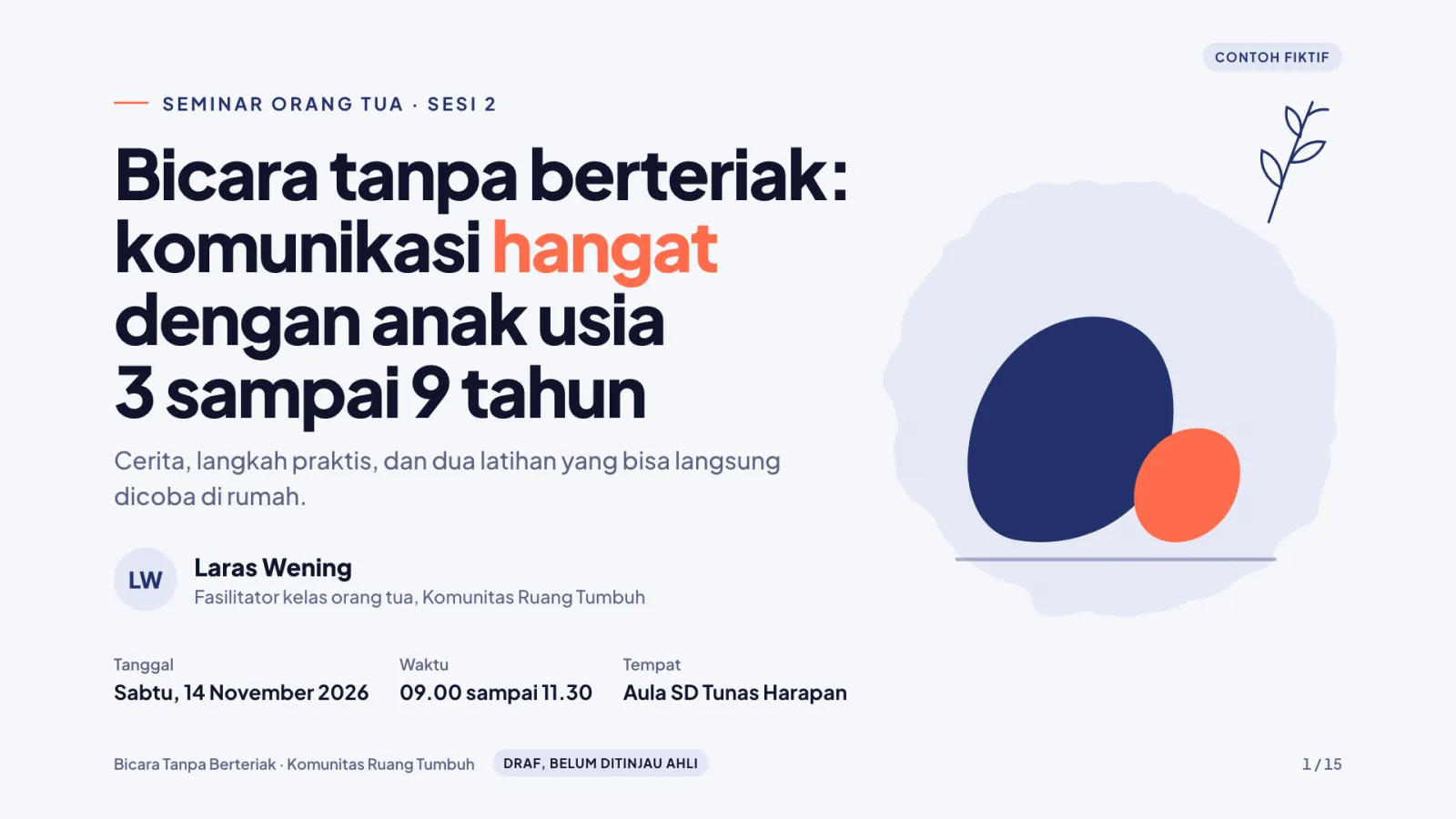
Cover: a title with an accented phrase, the speaker, the schedule, and the two-pebble motif
SKILL.md contents
Premium subscribers can read, copy, and install this skill.
Unlock with Premium Sign inParenting Seminar Deck
Description
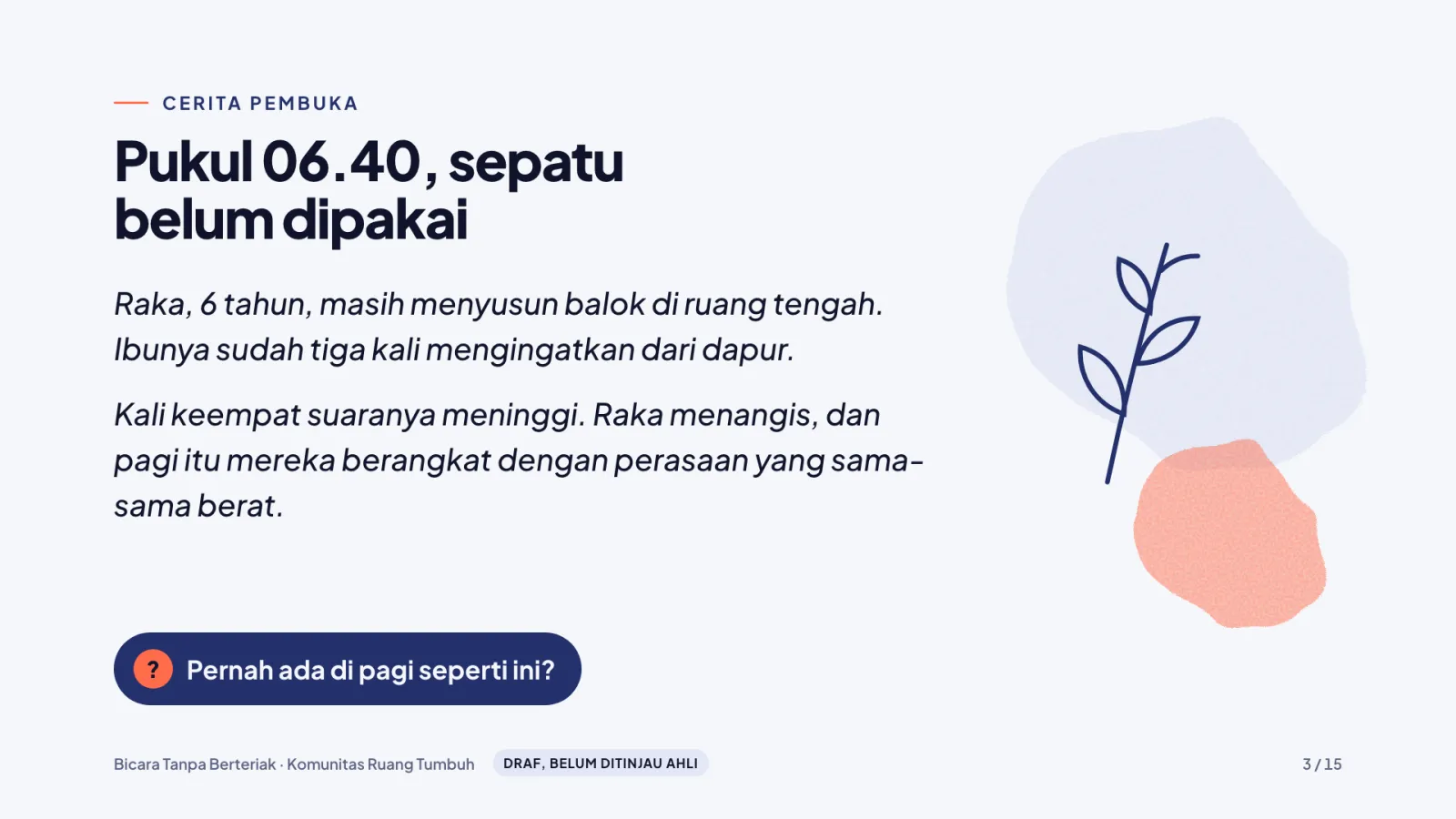
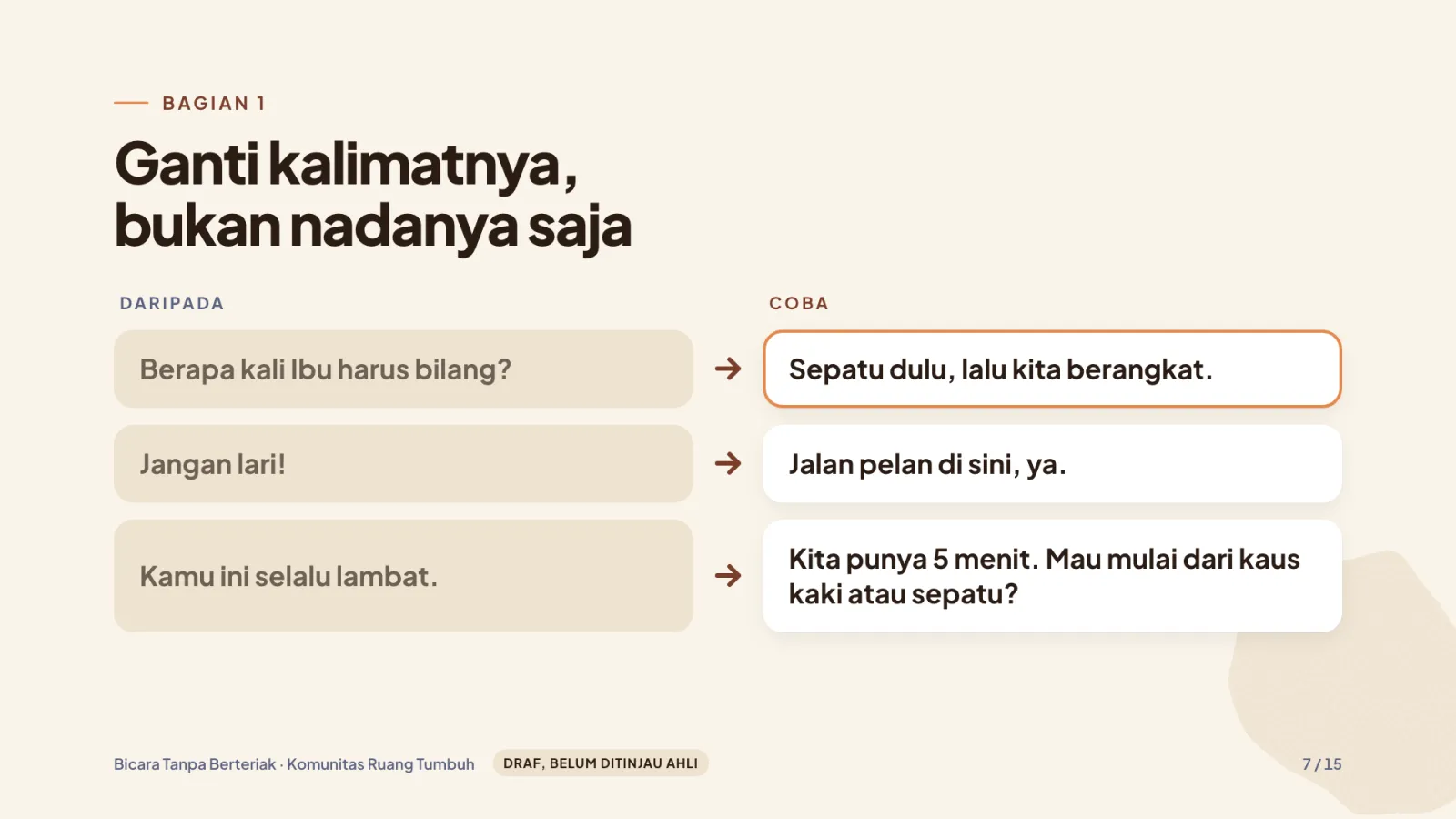
A warm, never preachy 16:9 deck for parenting seminars in a calm style with watercolour washes, line-drawn sprigs, and two leaning pebbles big and small on the cover: safe-space agreements, an opening story that ends in a question, a show-of-hands reflection, two parts of material with practical steps, sample phrases, and an instead-of, try table, timed exercises with fill-in sheets, a summary, a commitment card, a when-to-see-a-professional slide, and a closing. One data object, speaker notes, a draft flag until a professional reviews it, 3 palettes, PDF.
Verified by SkillFlow
We checked every file in this skill automatically: no command that downloads and runs a program, no hidden code, no instruction telling your AI to ignore you.
- Loads from outside
- Fonts: Google Fonts
See the 5 files inside
skill.json10 KBSKILL.md8 KBprompt.md4 KBprompt.en.md4 KBfiles/deck.html34 KB
Checked 14 Nov 2026
Included in Basic and Pro
Basic copies the prompt. Pro also downloads the ZIP, sends to AI, installs into agents, and opens every category.
Get Pro Get Basic Already subscribed? Sign inWhat you get
- A single-file 16:9 HTML deck, about 15 slides from cover to closing, arrow navigation
- 12 slide types, from agreements, story, and reflection to exercises, commitment, and when to see a professional
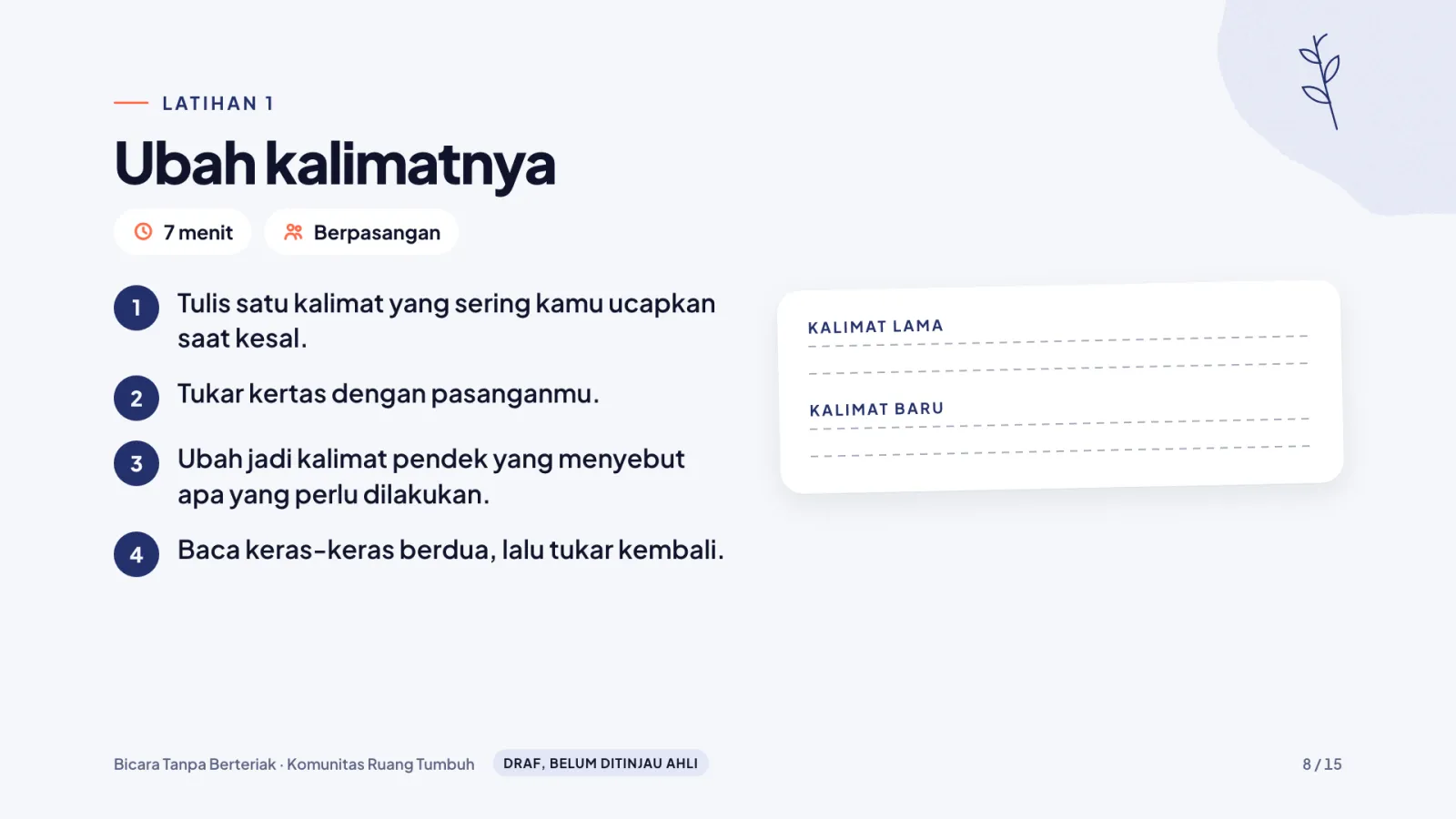
- Timed exercises with steps and a printable fill-in sheet
- A when-to-see-a-professional slide and a draft flag in every footer until the content is reviewed
- Speaker notes per slide (N key) and text that shrinks itself when it runs long
- 3 palettes (indigo, cream, sage), PDF with one slide per page through Chrome's Print
Good fit
- Parenting class facilitators at schools, health posts, or community groups
- Teachers and committees running parent meetings who need ready material
- Parenting speakers who want sessions with exercises, not just a talk
- Parent communities running a class series
Not for
- Not medical or psychological advice; the content is general and sensitive topics need professional review
- It does not write diagnoses, research figures, or expert quotes for you
- Not material for one-to-one family consultations or therapy
- It does not place photos of children or participants on the slides
About this skill
/materi-seminar-parenting Make a 2.5-hour parenting seminar deck for primary school parents about talking to children without shouting, with an opening story and two exercises
Show more
A warm, never preachy 16:9 deck for parenting seminars in a calm style with watercolour washes, line-drawn sprigs, and two leaning pebbles big and small on the cover: safe-space agreements, an opening story that ends in a question, a show-of-hands reflection, two parts of material with practical steps, sample phrases, and an instead-of, try table, timed exercises with fill-in sheets, a summary, a commitment card, a when-to-see-a-professional slide, and a closing. One data object, speaker notes, a draft flag until a professional reviews it, 3 palettes, PDF.
User reviews
FAQ
Why does every slide say "Draft, not yet reviewed by a professional"?
So the deck does not reach the event before its content has been checked. The label disappears when you change one setting, which is best done only after a paediatrician, psychologist, or counsellor has read the parts about children's health and emotions.
Can it cover topics other than communication?
Yes. The story, steps, instead-of-try, and exercise structure suits bedtime routines, screens, sibling fights, or mealtimes. You choose the topic, and the sensitive parts still need professional review.
What about worksheets for participants?
The exercise slides include fill-in boxes that print from the same PDF. For separate handouts, print only the exercise pages and the commitment card.
Which AI can I use it with?
Copy the prompt into a chat AI (ChatGPT, Claude, Gemini, DeepSeek); or download the ZIP and install it in an AI agent (Claude Code, Codex, Antigravity, Hermes Agent, Cursor, GitHub Copilot, Gemini CLI, OpenCode, Kimi Code, Trae), which then builds the files for you.
What is in the ZIP?
One folder named materi-seminar-parenting with SKILL.md (the instructions an AI agent reads) and the prompt, 5 files in all. Extract it into your agent's skills folder, or install it with npx skillflow-ai add materi-seminar-parenting. Pro only.
Is there a per-use fee or credits?
Not from SkillFlow. The skill runs on the AI you already use, so any cost follows that plan.
Which plan includes it?
Basic and Pro. Basic copies the prompt; Pro also downloads the ZIP, sends to AI, installs into agents and shares results by link.
Can I use my own colours and brand?
Yes. Pick a colour theme on this page, or fill in your brand profile once; both go into the prompt you copy and into the ZIP.
Can I share what I made?
Pro members can upload the result and get a page at share.skillflow.ai.id to send to anyone. The page carries a small "Made with SkillFlow AI" mark.
Is there a download limit?
Yes, per day: 50 skills on Pro, 10 on other plans. Downloading a skill again on the same day does not count.



