

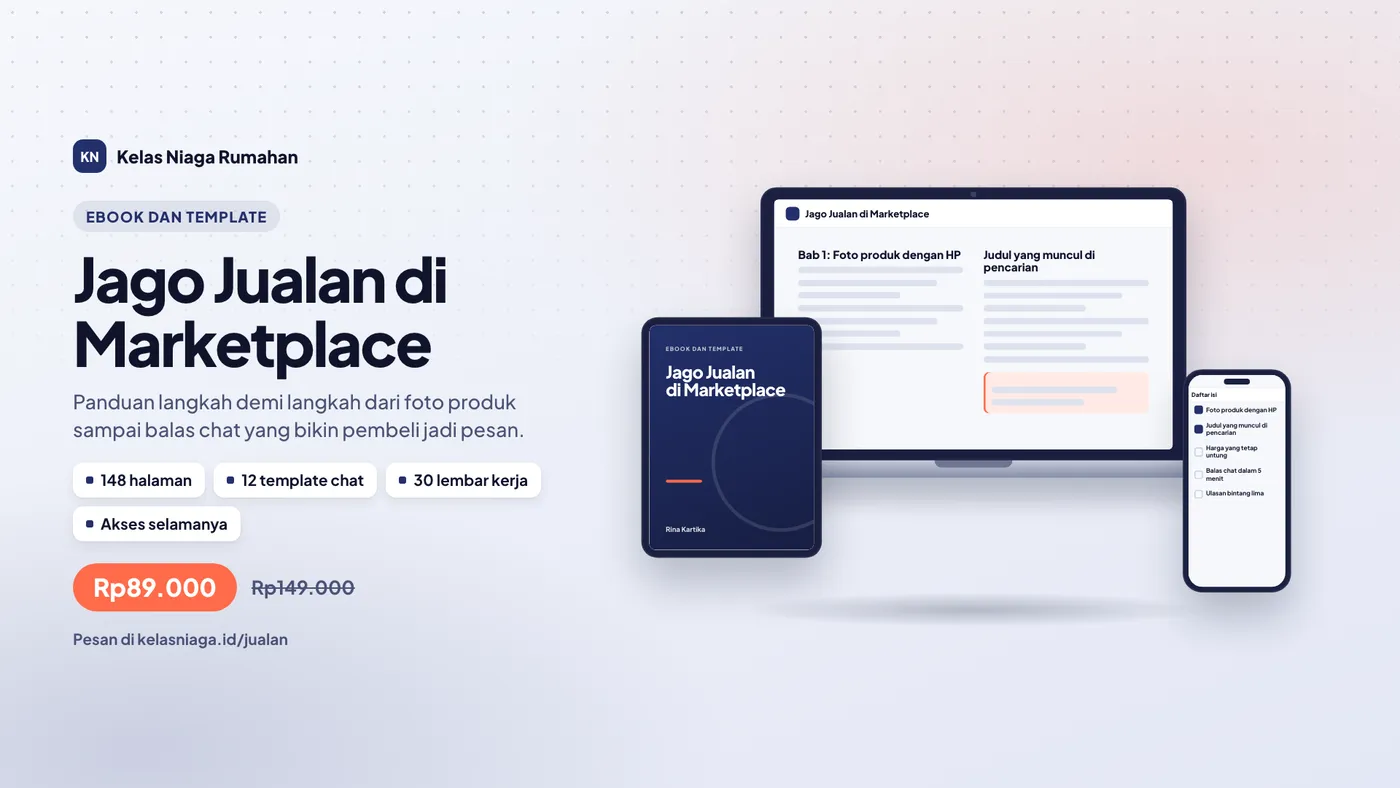
16:9 ebook banner: cover on the tablet, a content page on the laptop, contents on the phone
SKILL.md contents
Premium subscribers can read, copy, and install this skill.
Unlock with Premium Sign inDigital Product Mockup
Description
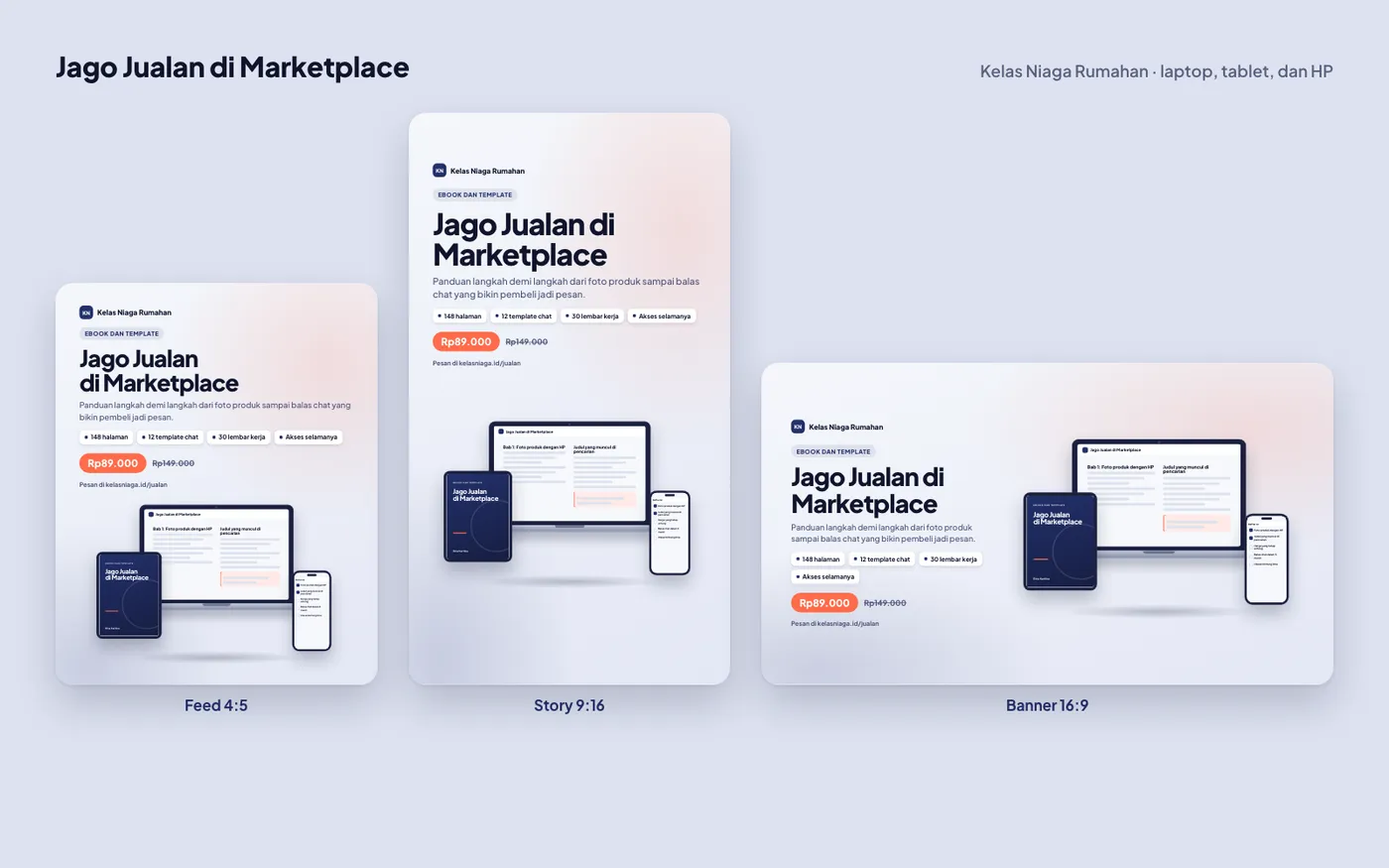
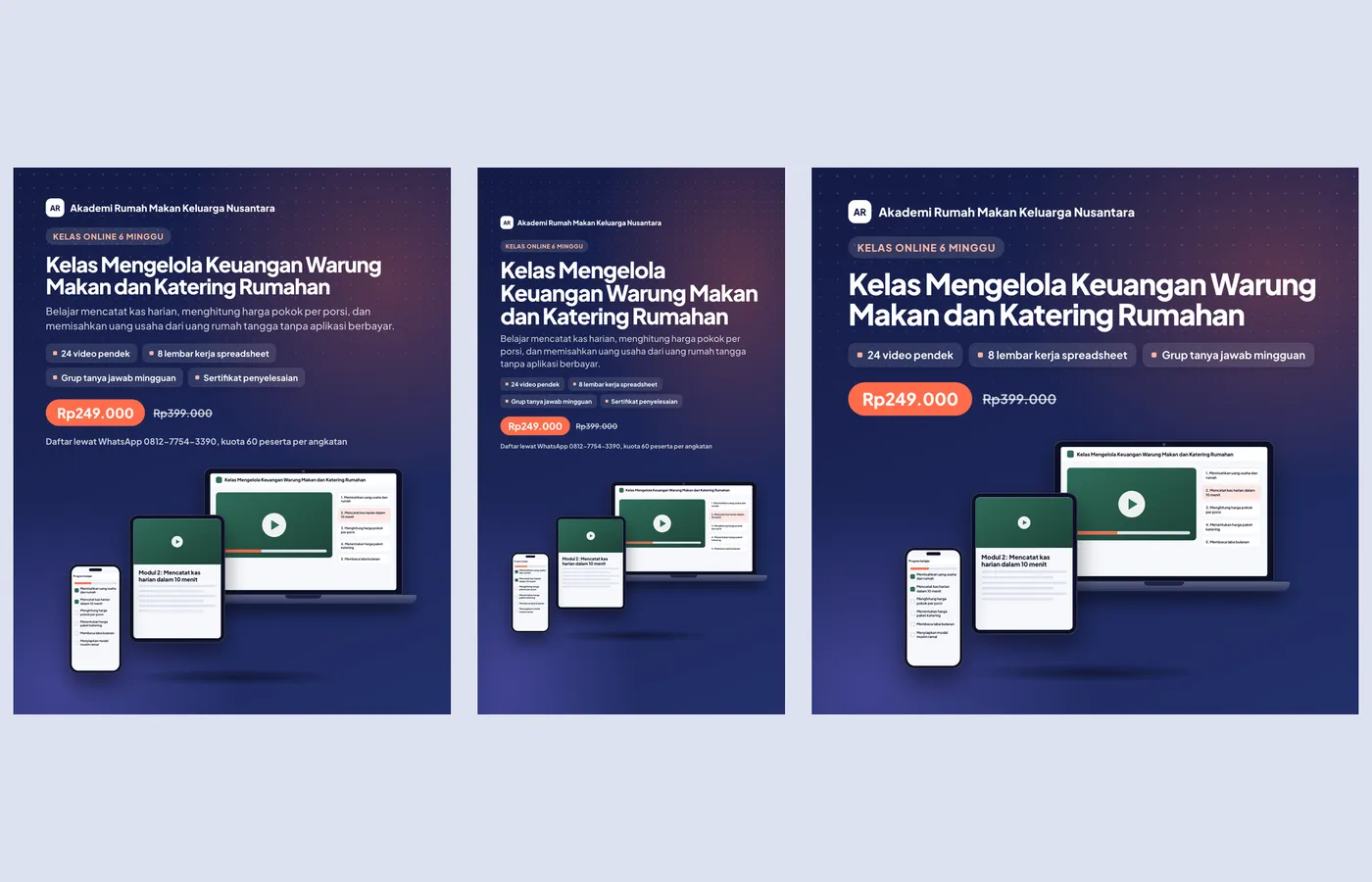
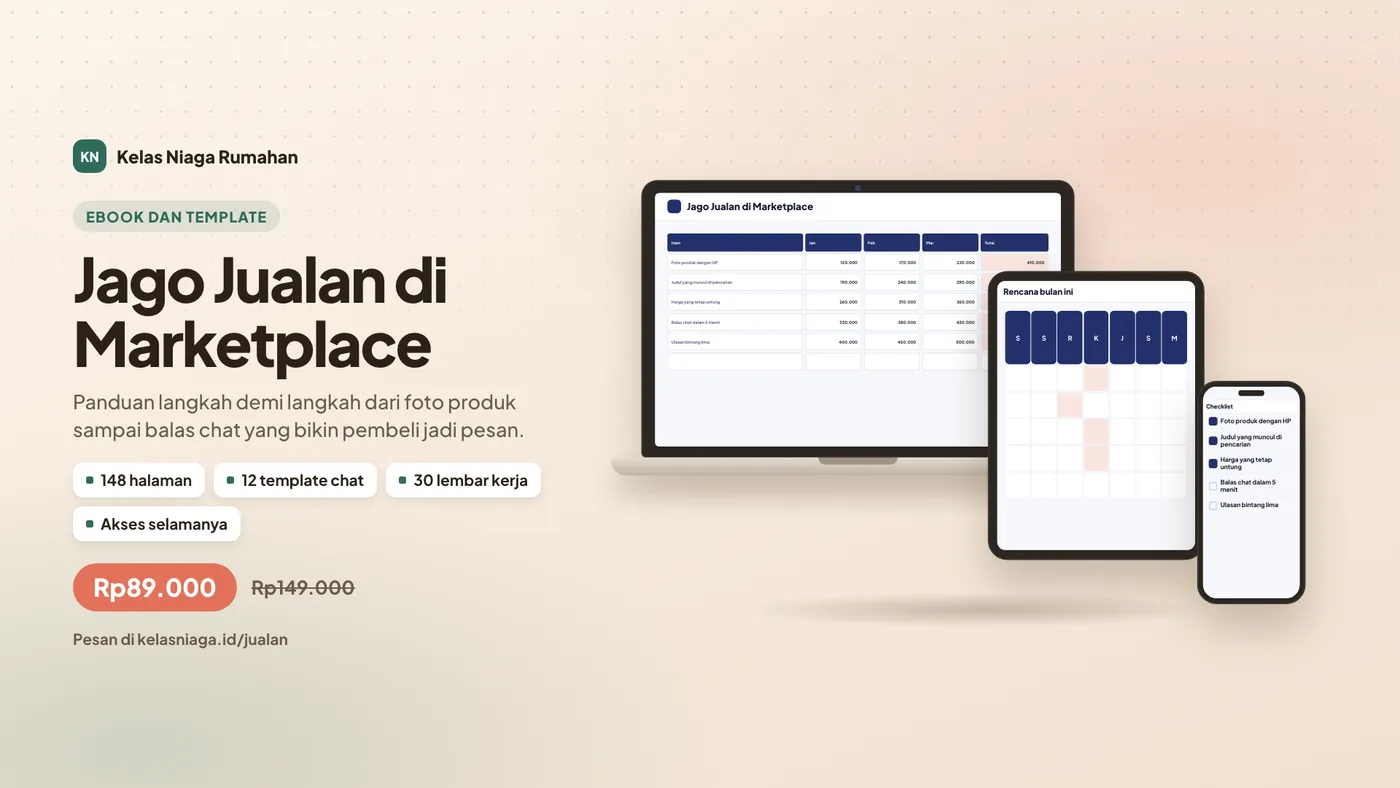
A digital product mockup (ebook, template, or online course) shown on a laptop, a tablet, and a phone in one composition: devices drawn in CSS, screens filled with your images or automatic sample screens per product type (ebook cover, contents, spreadsheet, calendar, checklist, video player, learning progress), three layouts, product text with inclusion chips and price, or devices only. Feed, story, 16:9 banner, and square sizes, downloaded as PNG or ZIP.
Verified by SkillFlow
We checked every file in this skill automatically: no command that downloads and runs a program, no hidden code, no instruction telling your AI to ignore you.
- Loads from outside
- Fonts: Google Fonts SkillFlow: directory.skillflow.ai.id
See the 6 files inside
skill.json9 KBSKILL.md6 KBprompt.md5 KBprompt.en.md5 KBfiles/contoh/kelas-online-malam-kaskade.html28 KBfiles/mockup.html28 KB
Checked 14 Nov 2026
Included in Basic and Pro
Basic copies the prompt. Pro also downloads the ZIP, sends to AI, installs into agents, and opens every category.
Get Pro Get Basic Already subscribed? Sign inWhat you get
- Laptop, tablet, and phone drawn in CSS in three layouts: trio, stacked, cascade
- Screens from your images or automatic sample screens for ebooks, templates, and online courses
- Product text: brand, label, name, benefit sentence, inclusion chips, struck-out price, call to action
- A devices-only mode without text for placing on a sales page
- Feed 1080x1350, story 1080x1920, banner 1920x1080, and square sizes from one set of content
- PNG per size or ZIP downloads, 3 palettes, long text shrinks automatically
Good fit
- Sellers of ebooks, templates, and online courses who need a main product image
- Creators preparing sales page banners and promo content
- Marketplace sellers who want a digital product to look tangible
Not for
- Not for physical products
- Not an app release banner with dates and platform badges
- The devices are simple CSS drawings, not realistic photos
About this skill
/mockup-produk-digital Make a mockup of my ebook on a laptop, tablet, and phone, with 148 pages and 12 chat templates, its price, in feed, story, and banner sizes
Show more
A digital product mockup (ebook, template, or online course) shown on a laptop, a tablet, and a phone in one composition: devices drawn in CSS, screens filled with your images or automatic sample screens per product type (ebook cover, contents, spreadsheet, calendar, checklist, video player, learning progress), three layouts, product text with inclusion chips and price, or devices only. Feed, story, 16:9 banner, and square sizes, downloaded as PNG or ZIP.
User reviews
FAQ
I have no product screenshots yet, will it work?
Yes. Sample screens are generated from your product name, cover colour, and chapter or module list. For the final sales image, swap in real screenshots so buyers see the actual content.
What screen image sizes fit best?
Laptop 16:10 such as 1440 x 900, tablet 3:4 such as 1200 x 1600, and phone 9:19.5 such as 1080 x 2340. Other ratios are cropped to fit the screen.
Which AI can I use it with?
Copy the prompt into a chat AI (ChatGPT, Claude, Gemini, DeepSeek); or download the ZIP and install it in an AI agent (Claude Code, Codex, Antigravity, Hermes Agent, Cursor, GitHub Copilot, Gemini CLI, OpenCode, Kimi Code, Trae), which then builds the files for you.
What is in the ZIP?
One folder named mockup-produk-digital with SKILL.md (the instructions an AI agent reads) and the prompt, 6 files in all. Extract it into your agent's skills folder, or install it with npx skillflow-ai add mockup-produk-digital. Pro only.
Is there a per-use fee or credits?
Not from SkillFlow. The skill runs on the AI you already use (and, for image prompts, the image AI you pick), so any cost follows that plan.
Which plan includes it?
Basic and Pro. Basic copies the prompt; Pro also downloads the ZIP, sends to AI, installs into agents and shares results by link.
Can I use my own colours and brand?
Yes. Pick a colour theme on this page, or fill in your brand profile once; both go into the prompt you copy and into the ZIP.
Can I share what I made?
Pro members can upload the result and get a page at share.skillflow.ai.id to send to anyone. The page carries a small "Made with SkillFlow AI" mark.
Is there a download limit?
Yes, per day: 50 skills on Pro, 10 on other plans. Downloading a skill again on the same day does not count.



