

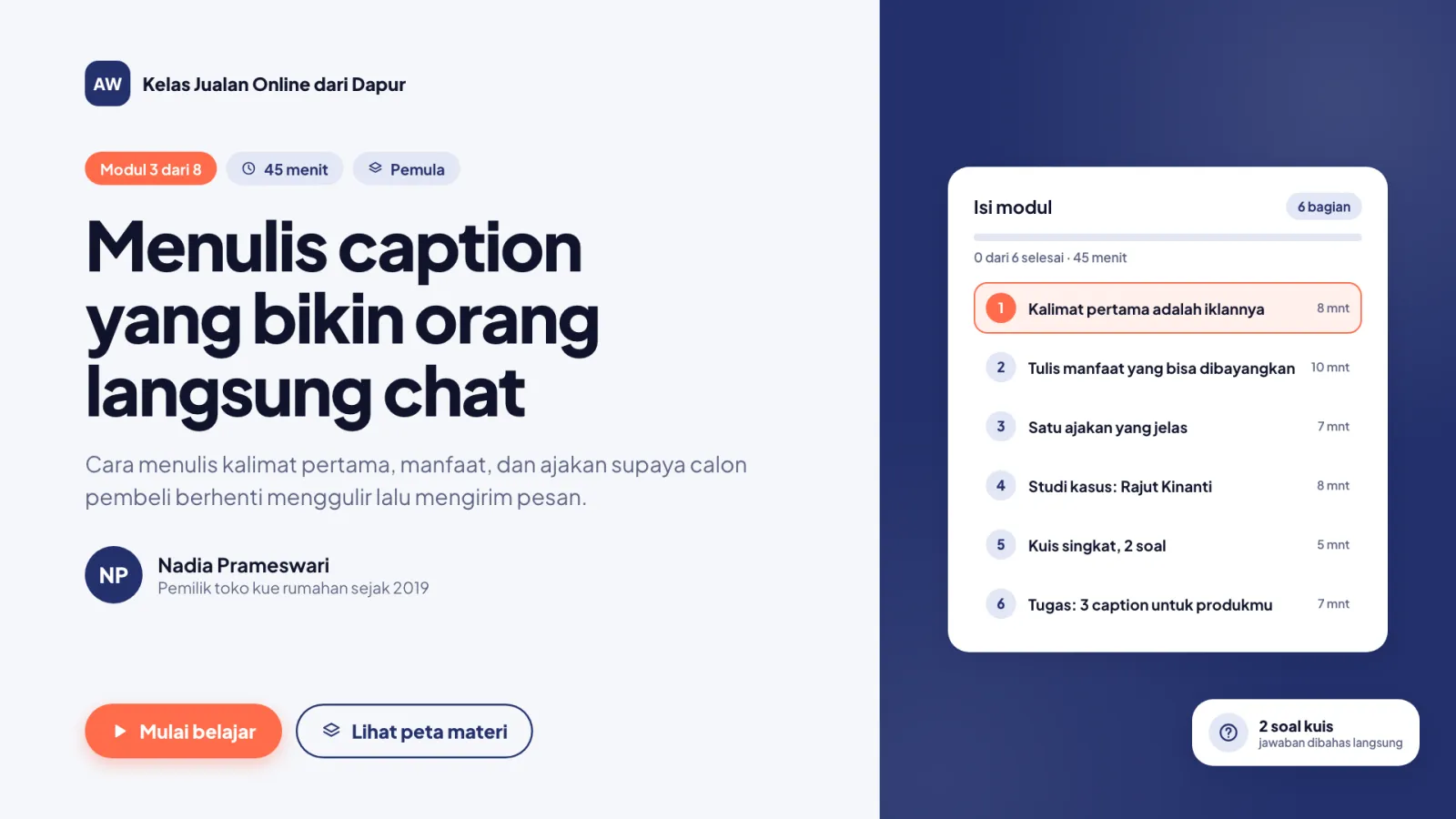
Cover: module title, duration and level chips, app-style module contents
SKILL.md contents
Register for free, then open this skill. Already registered? Sign in.
Get free access Sign inOnline Course Module
Description
A single online course module deck in an app interface style: rounded cards, chips, buttons, numbered lists, and a progress bar on every slide. It follows how people learn: goals, a module map, one slide per lesson (concept + a before-and-after post example), a case study, multiple-choice quiz with answer slides, a recap, an assignment, and the next module. 10 to 14 16:9 slides from one config object, exports straight to PDF.
Verified by SkillFlow
We checked every file in this skill automatically: no command that downloads and runs a program, no hidden code, no instruction telling your AI to ignore you.
- Loads from outside
- Fonts: Google Fonts
See the 5 files inside
skill.json8 KBSKILL.md8 KBprompt.md9 KBprompt.en.md9 KBfiles/deck.html42 KB
Checked 14 Nov 2026
Get this skill for free
A free account opens every free skill. Premium unlocks everything.
Get free access I already have an accountWhat you get
- One-file 16:9 HTML deck, 10 to 14 slides, left/right arrow navigation
- A top bar on every slide: position in the module + per-slide progress
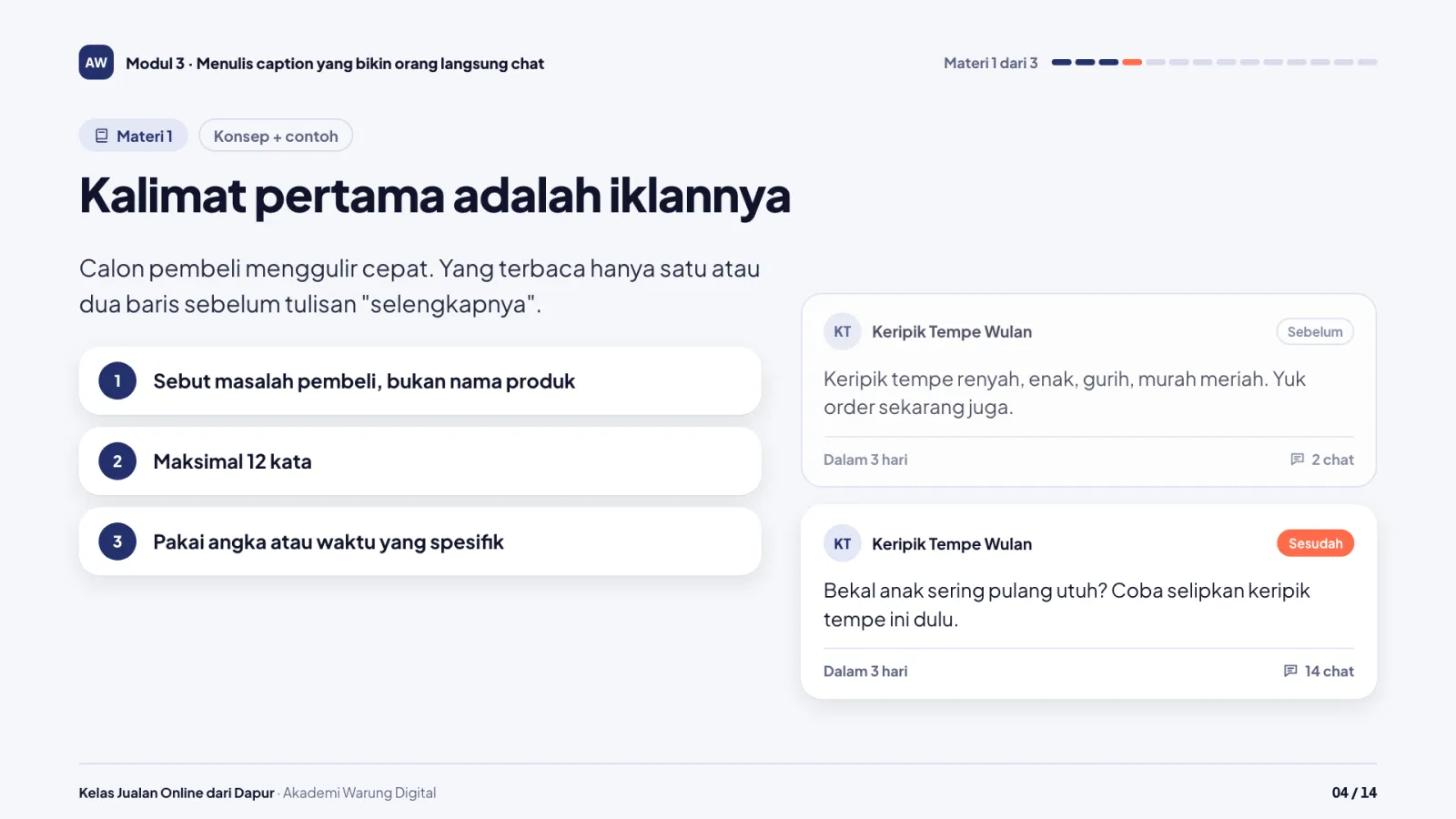
- One slide per lesson: concept, numbered points, a before vs after post example
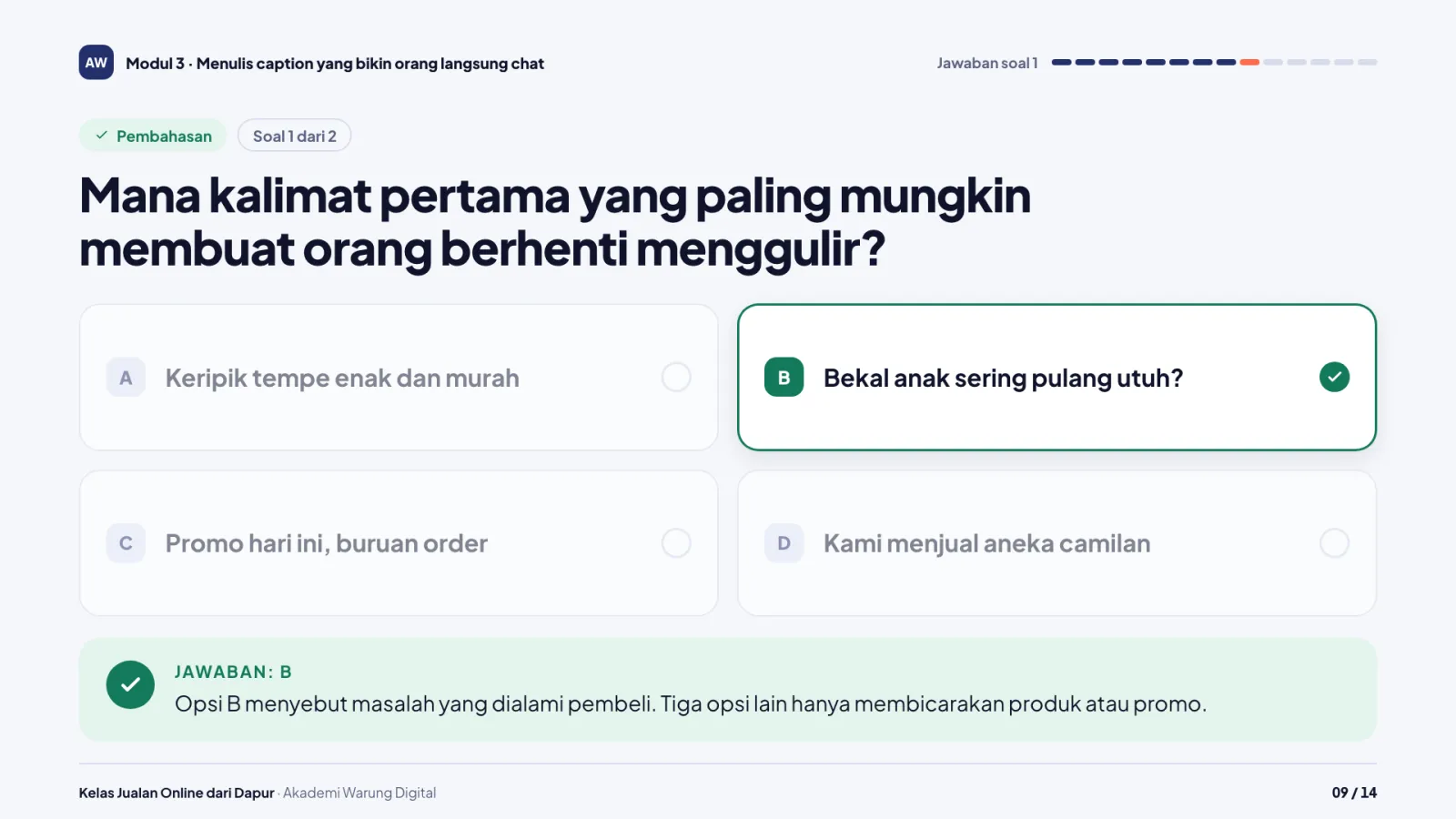
- A-to-D multiple-choice quiz, answer + explanation on the next slide (can be turned off)
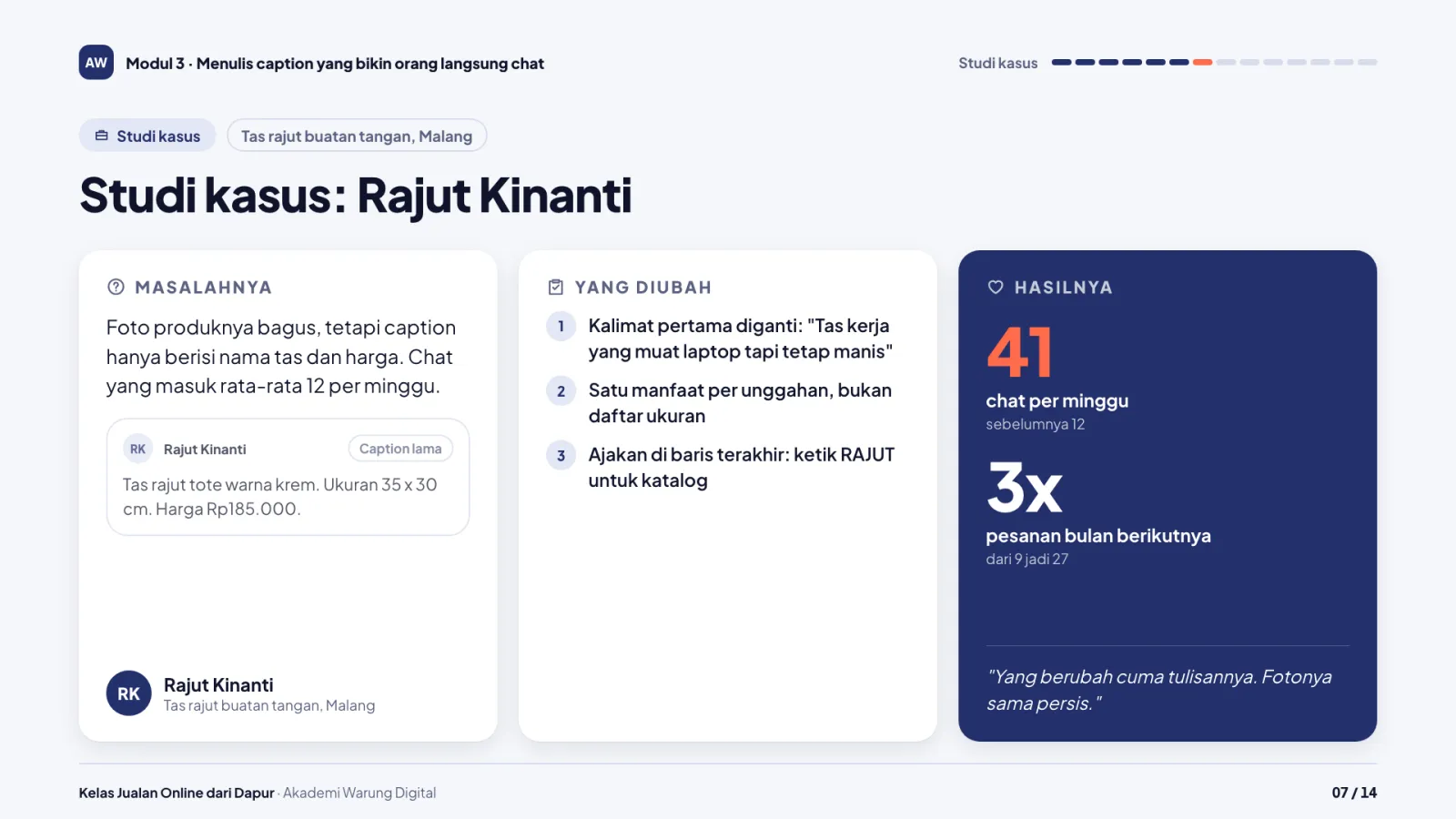
- A case study: the problem, what changed, and results in numbers
- An assignment slide with steps, deadline, how to submit, and grading criteria
- 3 palettes (indigo, teal, plum) and a 1920x1080 PDF via Print in Chrome
Good fit
- Online course creators teaching over video calls or sharing PDF materials
- Adult course teachers wanting real examples, not just explanations
- Course hosts needing assignments with deadlines and grading criteria
Not for
- One module per deck, not a whole course
- Not a course platform; it does not store grades or participant progress
- Not a school lesson with opening, core, and closing phases
About this skill
/modul-kelas-online Make a deck for module 2 of the Sales Content for Beginners online course by Akademi Kreator Laras: 3 lessons with before and after post examples, a case study, a 4-question quiz, and an assignment
Show more
A single online course module deck in an app interface style: rounded cards, chips, buttons, numbered lists, and a progress bar on every slide. It follows how people learn: goals, a module map, one slide per lesson (concept + a before-and-after post example), a case study, multiple-choice quiz with answer slides, a recap, an assignment, and the next module. 10 to 14 16:9 slides from one config object, exports straight to PDF.
User reviews
FAQ
How many slides are produced?
Ten to fourteen, depending on content. Each lesson is one slide, and each quiz question has a question slide plus an explanation slide.
Can quiz explanation slides be turned off?
Yes, if you want participants to answer first without seeing the answer right away.
Which AI can I use it with?
Copy the prompt into a chat AI (ChatGPT, Claude, Gemini, DeepSeek); or download the ZIP and install it in an AI agent (Claude Code, Codex, Antigravity, Hermes Agent, Cursor, GitHub Copilot, Gemini CLI, OpenCode, Kimi Code, Trae), which then builds the files for you.
What is in the ZIP?
One folder named modul-kelas-online with SKILL.md (the instructions an AI agent reads) and the prompt, 5 files in all. Extract it into your agent's skills folder, or install it with npx skillflow-ai add modul-kelas-online.
Is there a per-use fee or credits?
Not from SkillFlow. The skill runs on the AI you already use, so any cost follows that plan.
Is this skill free?
Yes. Create a free account, then press Open access.
Can I use my own colours and brand?
Yes. Pick a colour theme on this page, or fill in your brand profile once; both go into the prompt you copy and into the ZIP.
Can I share what I made?
Pro members can upload the result and get a page at share.skillflow.ai.id to send to anyone. The page carries a small "Made with SkillFlow AI" mark.
Is there a download limit?
Yes, per day: 50 skills on Pro, 10 on other plans. Downloading a skill again on the same day does not count.



