

Rendered sample video
SKILL.md contents
Premium subscribers can read, copy, and install this skill.
Unlock with Premium Sign inTemplate Pack Launch
Description
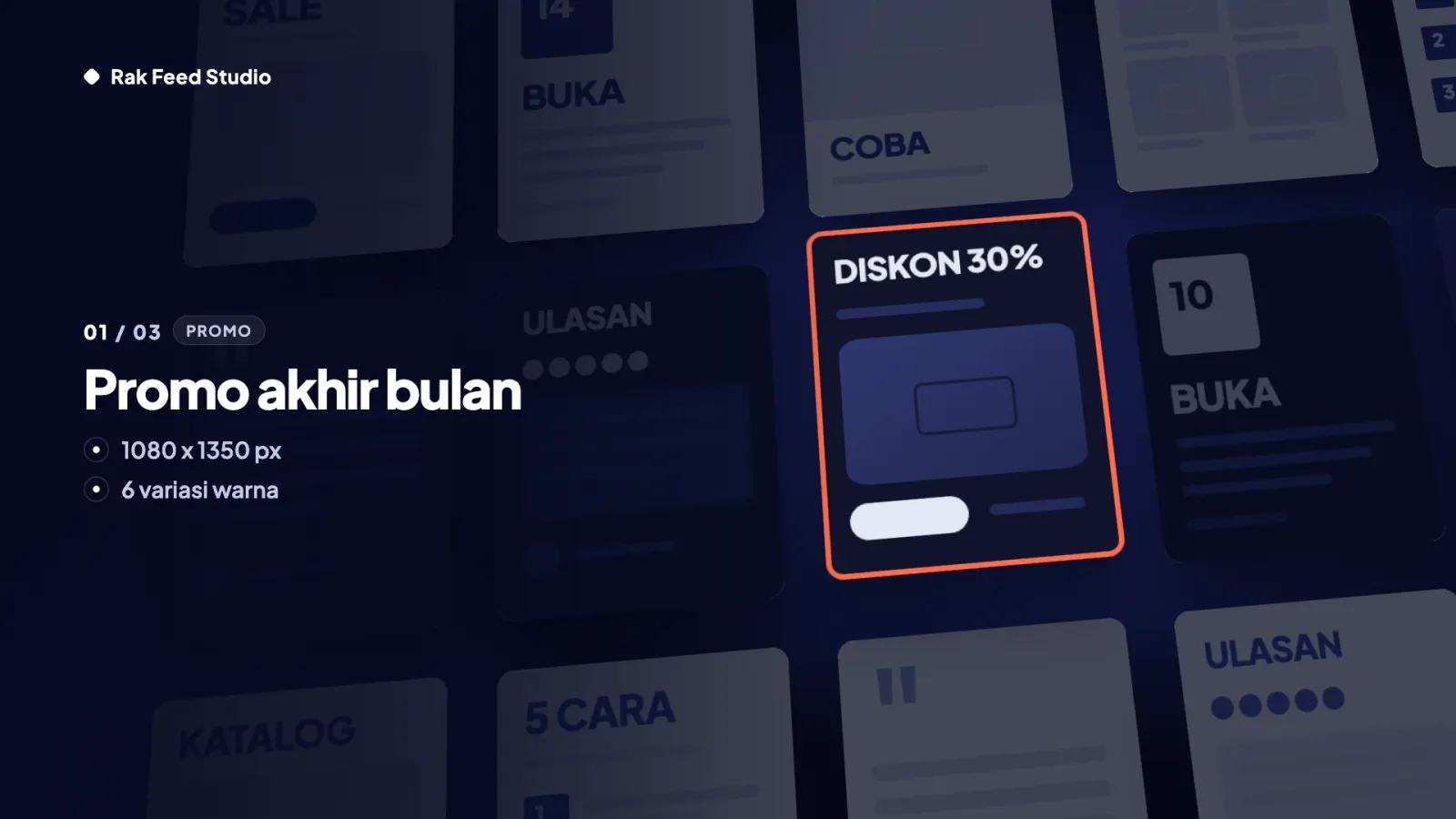
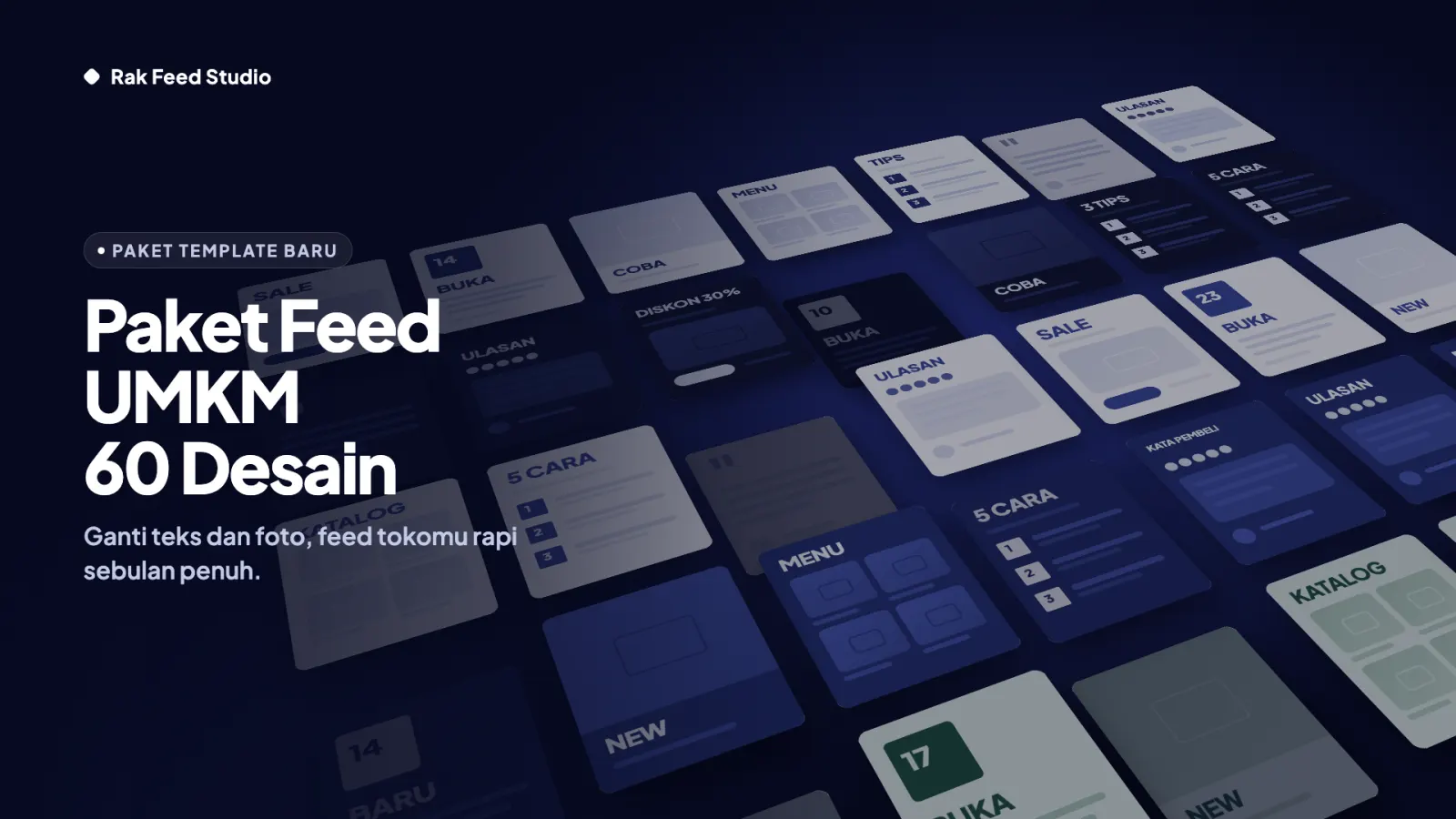
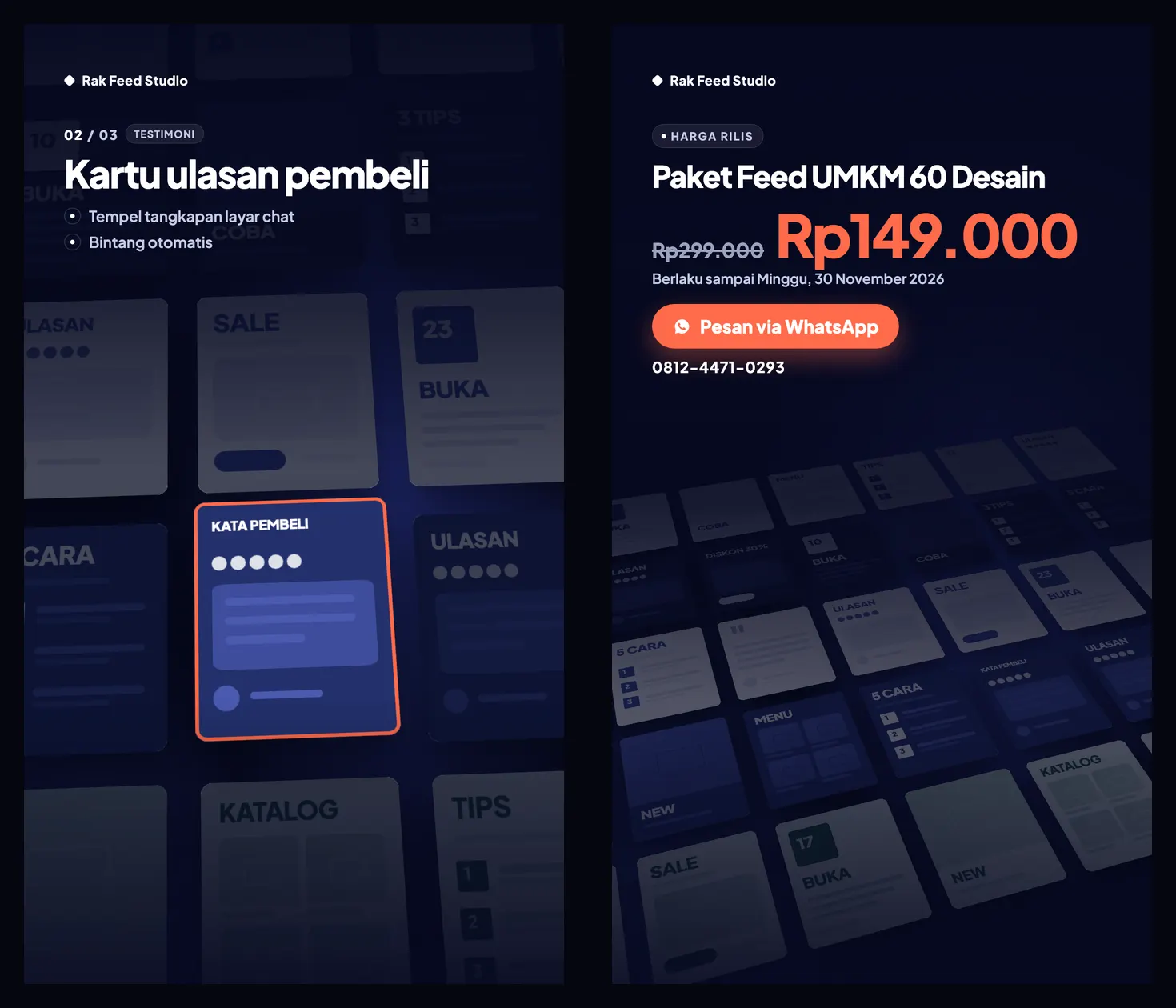
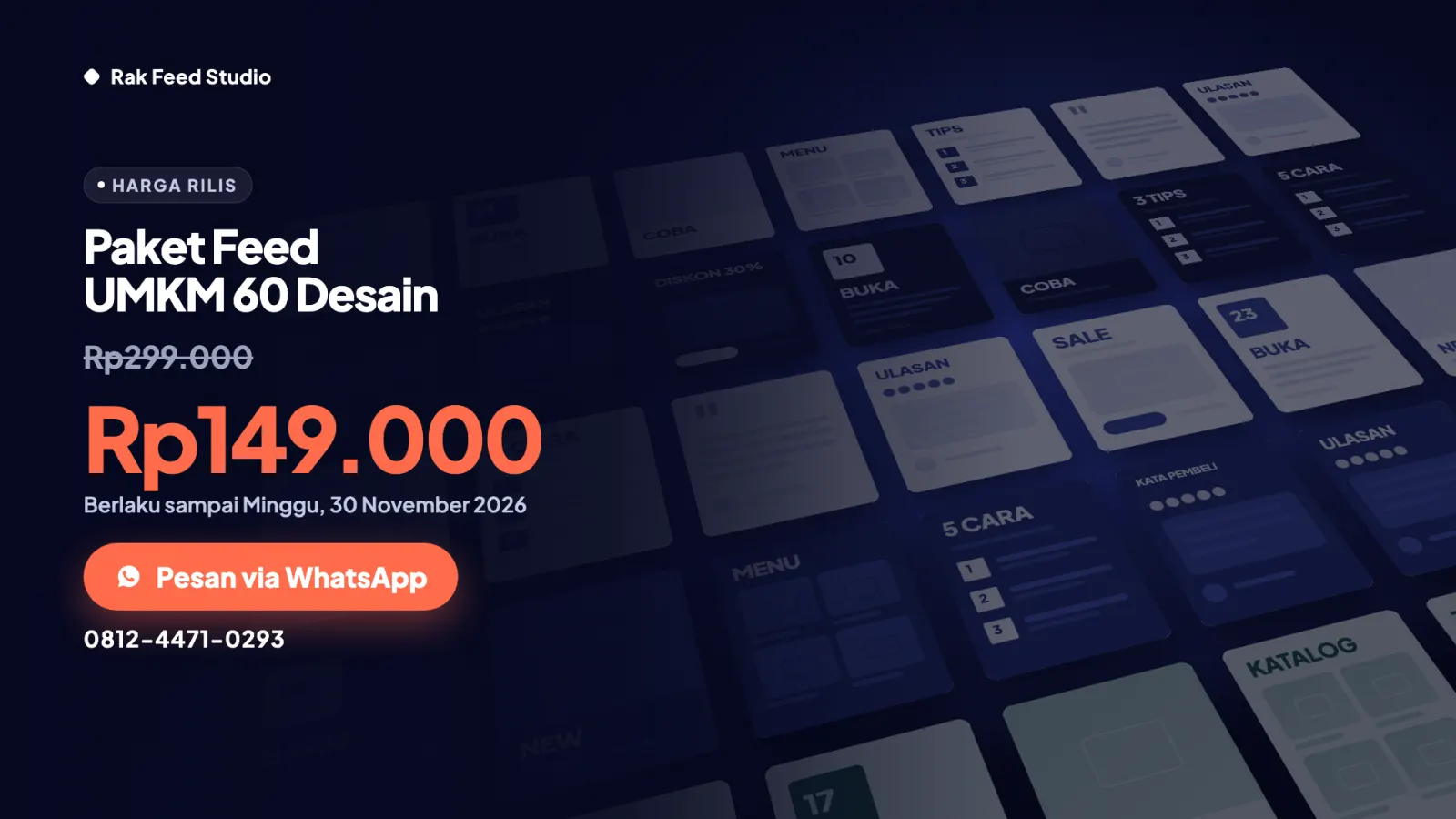
A 15 second launch video for digital template sellers (social feeds, invitations, catalogues, presentations): dozens of template cards float on a dark, glowing tilted plane, then the camera moves in and highlights three samples one by one with an accent ring, a name, a category, and format notes. Next the camera pulls back, the template count ticks up alongside the category list, and it closes on the launch price and a WhatsApp button. Sample cards are drawn automatically in 7 styles or replaced with your own template previews. 16:9 and 9:16, rendered to MP4 with one command.
Verified by SkillFlow
We checked every file in this skill automatically: no command that downloads and runs a program, no hidden code, no instruction telling your AI to ignore you.
- Loads from outside
- Fonts: Google Fonts
See the 5 files inside
skill.json9 KBSKILL.md6 KBprompt.md5 KBprompt.en.md5 KBfiles/scene.html24 KB
Checked 14 Nov 2026
Part of SkillFlow Pro
Pro opens every skill in every category: copy, ZIP, Send to AI, install, save, and request new skills.
Get Pro Already subscribed? Sign inWhat you get
- A 15 second animated HTML scene driven by one config object
- MP4 1920x1080 (16:9) or 1080x1920 (9:16), 30 fps
- A grid of sample template cards in 7 styles, or your own template preview images
- The camera highlights 3 samples with a name, category, and 2-3 format notes
- A template count, category list, launch price, and WhatsApp button
- 3 ready dark palettes and 4 card shapes (4:5, 1:1, 9:16, A4)
Good fit
- Sellers of social feed, invitation, CV, menu, catalogue, or presentation templates
- Designers releasing a new pack who need a short promo video
- Digital product shops that want to show how much is in a pack in one clip
- Creators selling design asset bundles to small businesses
Not for
- Not a step-by-step tutorial on editing a template
- Exactly 3 highlighted samples; for one product with many features use the Digital Product Launch video
- No voice-over or presenter; music is added yourself at render time
- The built-in sample cards only suggest a style; for a real ad use your own template previews
About this skill
/peluncuran-paket-template Make a launch video for my pack of 60 social feed templates, highlight the promo, testimonial, and tips templates, launch price 149 from 299, in 9:16 for Reels
Show more
A 15 second launch video for digital template sellers (social feeds, invitations, catalogues, presentations): dozens of template cards float on a dark, glowing tilted plane, then the camera moves in and highlights three samples one by one with an accent ring, a name, a category, and format notes. Next the camera pulls back, the template count ticks up alongside the category list, and it closes on the launch price and a WhatsApp button. Sample cards are drawn automatically in 7 styles or replaced with your own template previews. 16:9 and 9:16, rendered to MP4 with one command.
User reviews
FAQ
Can I use my own template images?
Yes, and that is recommended. Put your template preview image (PNG or JPG, same shape as the card ratio) in src for each highlighted sample. The other cards in the grid are still drawn automatically as the background.
How long should the pack and sample names be?
A pack name of 3 to 7 words, each sample name 2 to 5 words, and 2 to 3 short format notes. Longer text shrinks automatically, but short text reads better.
Where do the price and promo date come from?
From you. The skill never invents a struck-through price or a deadline; if there is no regular price, leave that line empty.
Which AI can I use it with?
Copy the prompt into a chat AI (ChatGPT, Claude, Gemini, DeepSeek): you get an HTML file; open it in Chrome and press Download MP4 (silent video, a minute or two to render); or download the ZIP and install it in an AI agent (Claude Code, Codex, Antigravity, Hermes Agent, Cursor, GitHub Copilot, Gemini CLI, OpenCode, Kimi Code, Trae), which then builds the files for you.
What is in the ZIP?
One folder named peluncuran-paket-template with SKILL.md (the instructions an AI agent reads) and the prompt, 5 files in all. Extract it into your agent's skills folder, or install it with npx skillflow-ai add peluncuran-paket-template. Pro only.
Is there a per-use fee or credits?
Not from SkillFlow. The skill runs on the AI you already use, so any cost follows that plan.
Which plan includes it?
SkillFlow Pro. It opens every skill in every category.
Can I use my own colours and brand?
Yes. Pick a colour theme on this page, or fill in your brand profile once; both go into the prompt you copy and into the ZIP.
Can I share what I made?
Pro members can upload the result and get a page at share.skillflow.ai.id to send to anyone. The page carries a small "Made with SkillFlow AI" mark.
Is there a download limit?
Yes, per day: 50 skills on Pro, 10 on other plans. Downloading a skill again on the same day does not count.



