

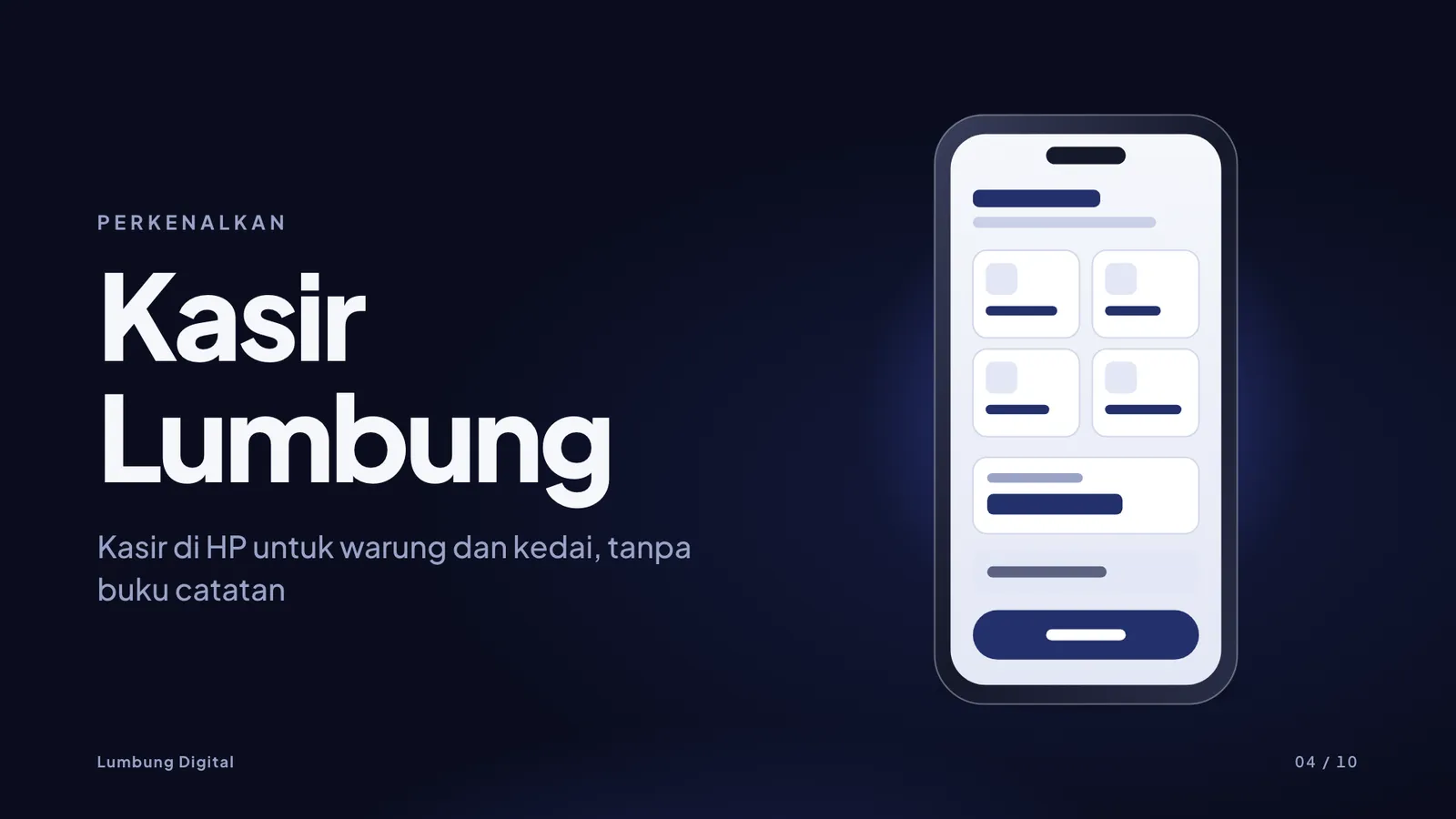
The reveal: the product name very large, the tagline, and a glowing phone object
SKILL.md contents
Premium subscribers can read, copy, and install this skill.
Unlock with Premium Sign inNight Product Launch
Description
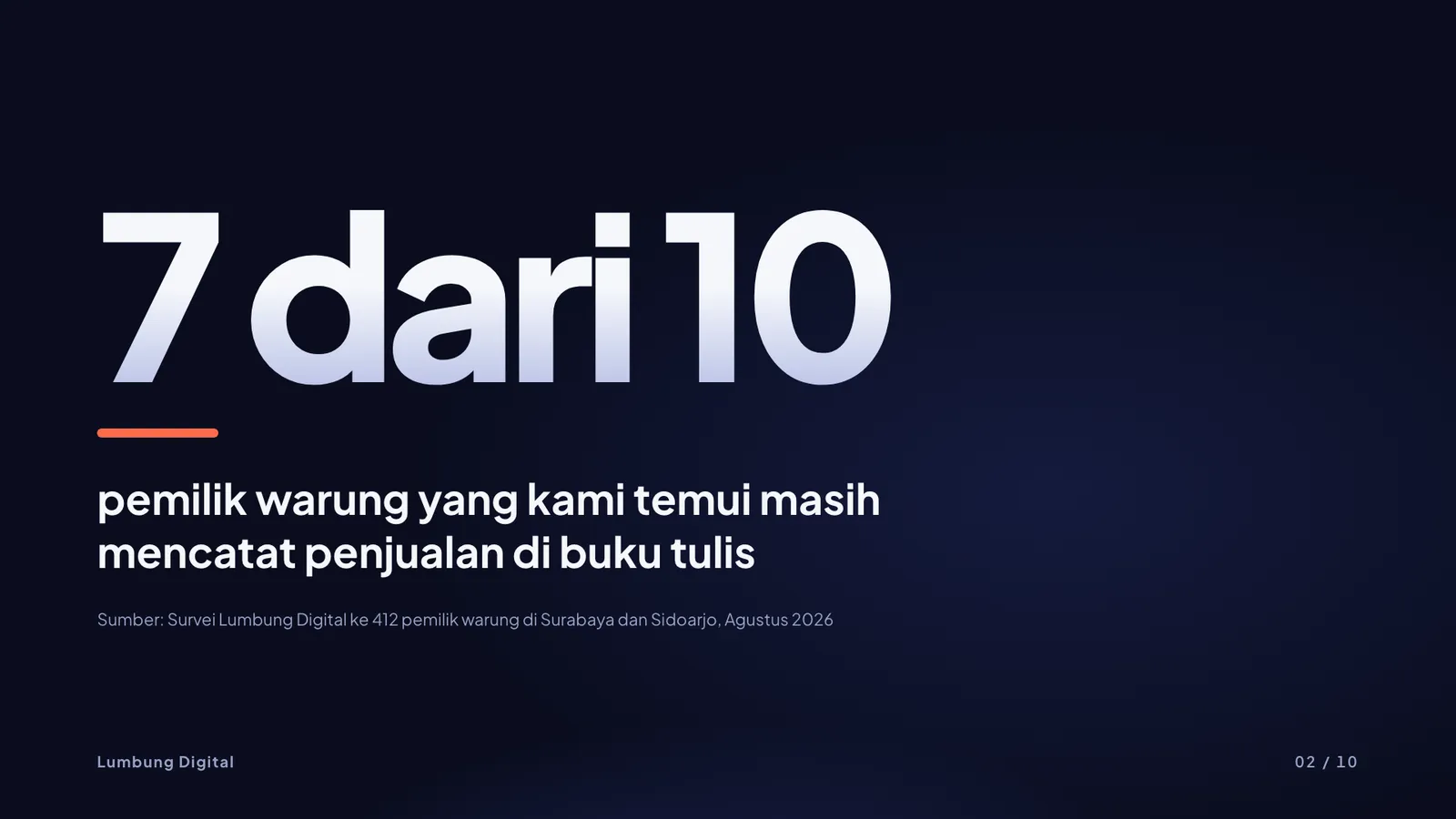
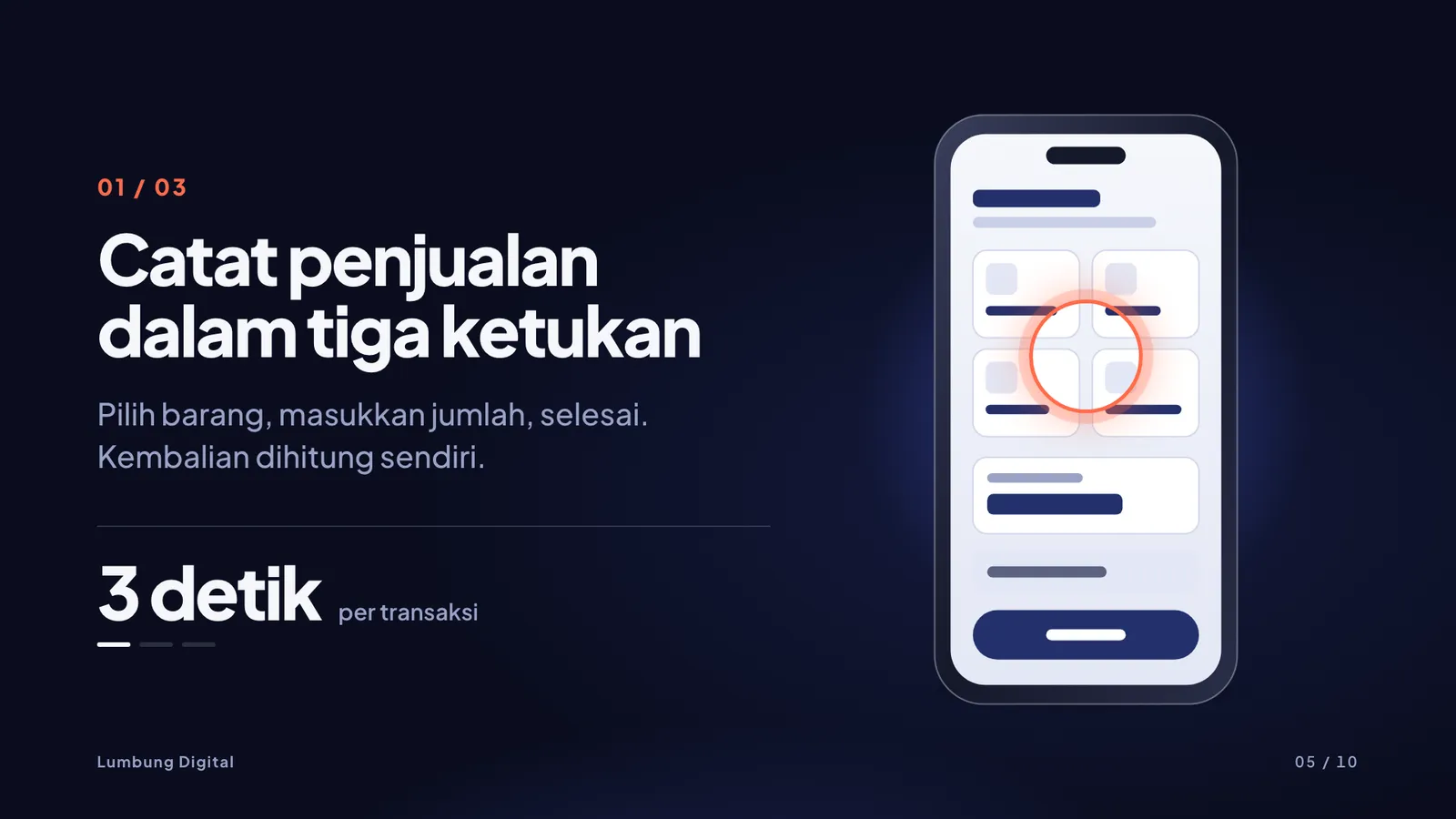
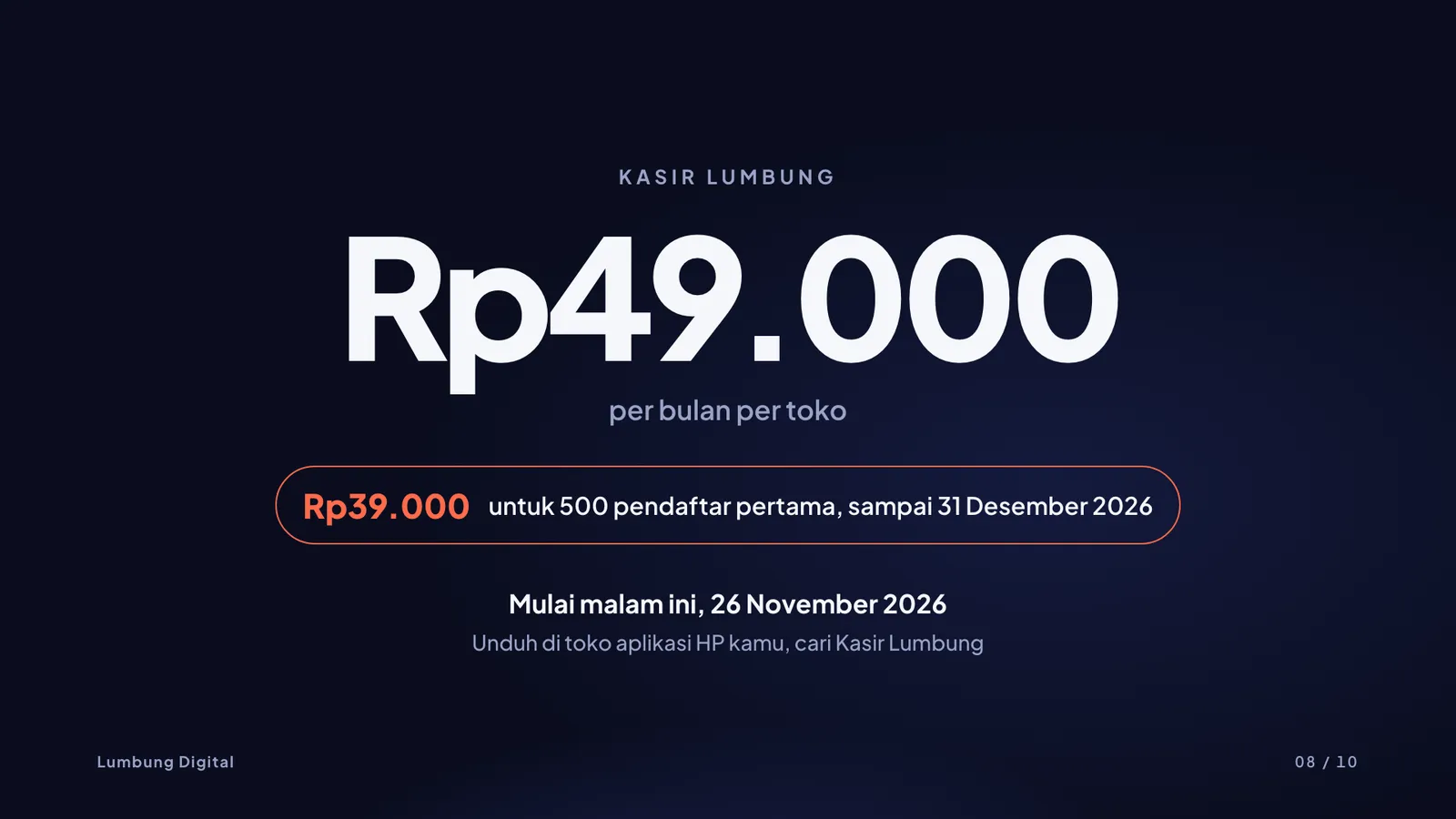
A dark stage deck for product launches, built to be projected at events: one message per slide and type you can read from the back row. A teaser opening, one giant headline number with its source, the problem in three facts, the product reveal with a glowing object, three features one per slide with a highlight ring, price and availability date, a call to action with a QR code, plus a stage mode and speaker notes.
Verified by SkillFlow
We checked every file in this skill automatically: no command that downloads and runs a program, no hidden code, no instruction telling your AI to ignore you.
- Loads from outside
- Fonts: Google Fonts SkillFlow: directory.skillflow.ai.id
See the 5 files inside
skill.json10 KBSKILL.md7 KBprompt.md6 KBprompt.en.md7 KBfiles/deck.html27 KB
Checked 14 Nov 2026
Included in Basic and Pro
Basic copies the prompt. Pro also downloads the ZIP, sends to AI, installs into agents, and opens every category.
Get Pro Get Basic Already subscribed? Sign inWhat you get
- A launch script: teaser, headline number, problem, tagline, 3 features, price, call to action, speaker notes
- A dark 1920x1080 HTML deck of about 10 slides, one message per slide
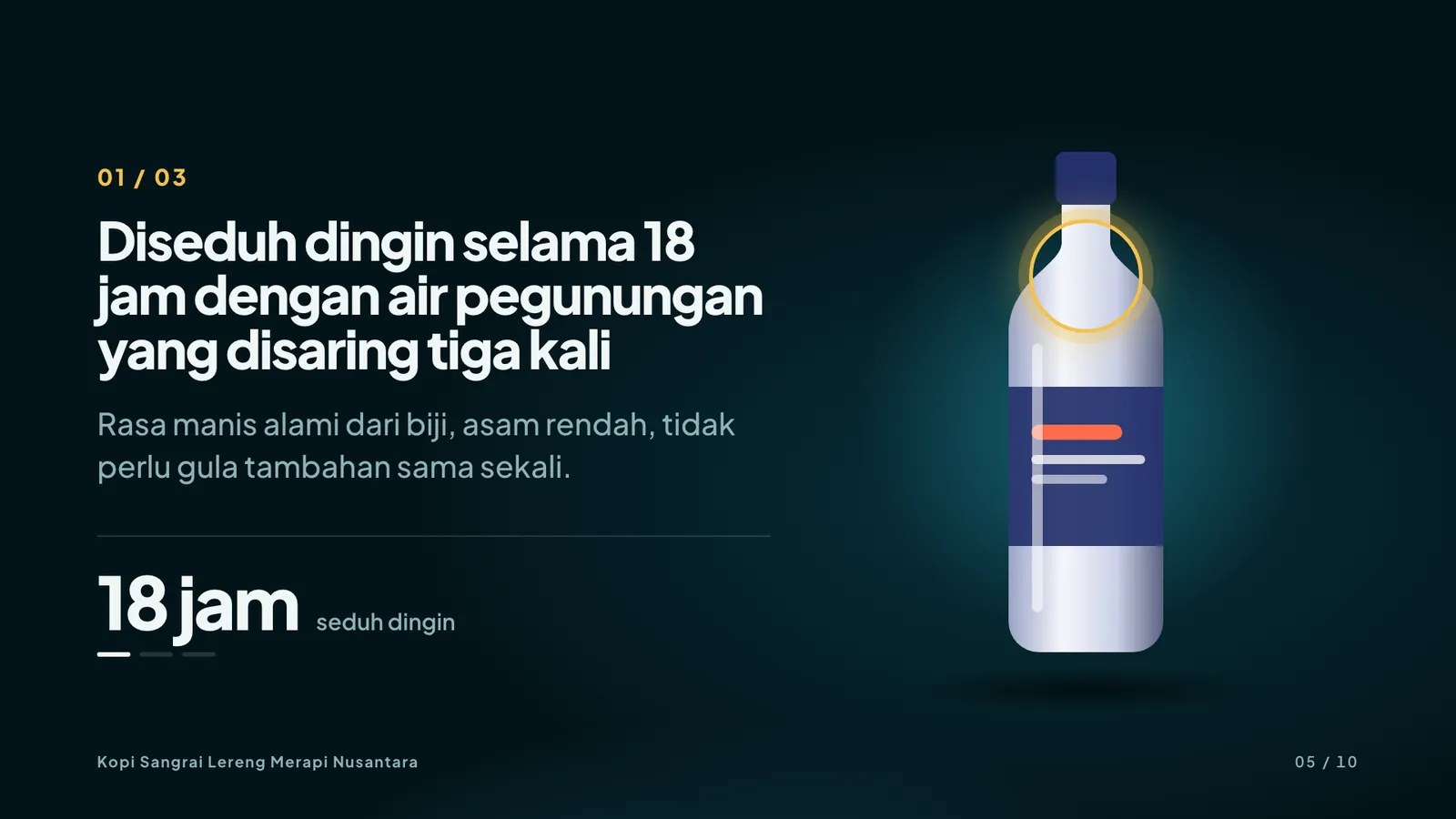
- A glowing product object (phone app, box, bottle, or your own PNG) with a highlight ring per feature
- A price slide with a time-limited promo pill and a call-to-action slide with link, WhatsApp, and QR
- Stage mode: full screen, black screen, speaker notes, progress line
- 3 dark palettes, text that shrinks to fit, PDF, PPTX, and image downloads
Good fit
- Startups, small businesses, and brands launching a product in front of guests, press, or a community
- Speakers who need high-contrast dark slides for a projector in a dim room
- Demo days, exhibitions, and the opening of a launch webinar
Not for
- Not a deck to send out and read alone; the text is deliberately minimal
- Not an investor pitch: no market, business model, traction, or funding ask
- The built-in product objects are three simple shapes; other products need your own transparent PNG
- It does not generate a QR code; the real QR for your link must be added by you
About this skill
/peluncuran-produk-malam Make a launch night deck for our point-of-sale app event on 26 November: our survey number, three features, a monthly price with an offer for the first 500 sign-ups, and a QR code at the end
Show more
A dark stage deck for product launches, built to be projected at events: one message per slide and type you can read from the back row. A teaser opening, one giant headline number with its source, the problem in three facts, the product reveal with a glowing object, three features one per slide with a highlight ring, price and availability date, a call to action with a QR code, plus a stage mode and speaker notes.
User reviews
FAQ
Why does the product name only appear on the fourth slide?
So the audience feels the problem first through the headline number and facts. When the product name appears alone on screen, the room is ready for it. You can change the order in the slides list if your event needs something else.
What is stage mode?
Keys for presenting: F for full screen, B for a black screen while you talk without slides, and N to show speaker notes at the bottom of the screen. The notes are not printed or downloaded.
Which AI can I use it with?
Copy the prompt into a chat AI (ChatGPT, Claude, Gemini, DeepSeek); or download the ZIP and install it in an AI agent (Claude Code, Codex, Antigravity, Hermes Agent, Cursor, GitHub Copilot, Gemini CLI, OpenCode, Kimi Code, Trae), which then builds the files for you.
What is in the ZIP?
One folder named peluncuran-produk-malam with SKILL.md (the instructions an AI agent reads) and the prompt, 5 files in all. Extract it into your agent's skills folder, or install it with npx skillflow-ai add peluncuran-produk-malam. Pro only.
Is there a per-use fee or credits?
Not from SkillFlow. The skill runs on the AI you already use, so any cost follows that plan.
Which plan includes it?
Basic and Pro. Basic copies the prompt; Pro also downloads the ZIP, sends to AI, installs into agents and shares results by link.
Can I use my own colours and brand?
Yes. Pick a colour theme on this page, or fill in your brand profile once; both go into the prompt you copy and into the ZIP.
Can I share what I made?
Pro members can upload the result and get a page at share.skillflow.ai.id to send to anyone. The page carries a small "Made with SkillFlow AI" mark.
Is there a download limit?
Yes, per day: 50 skills on Pro, 10 on other plans. Downloading a skill again on the same day does not count.



