

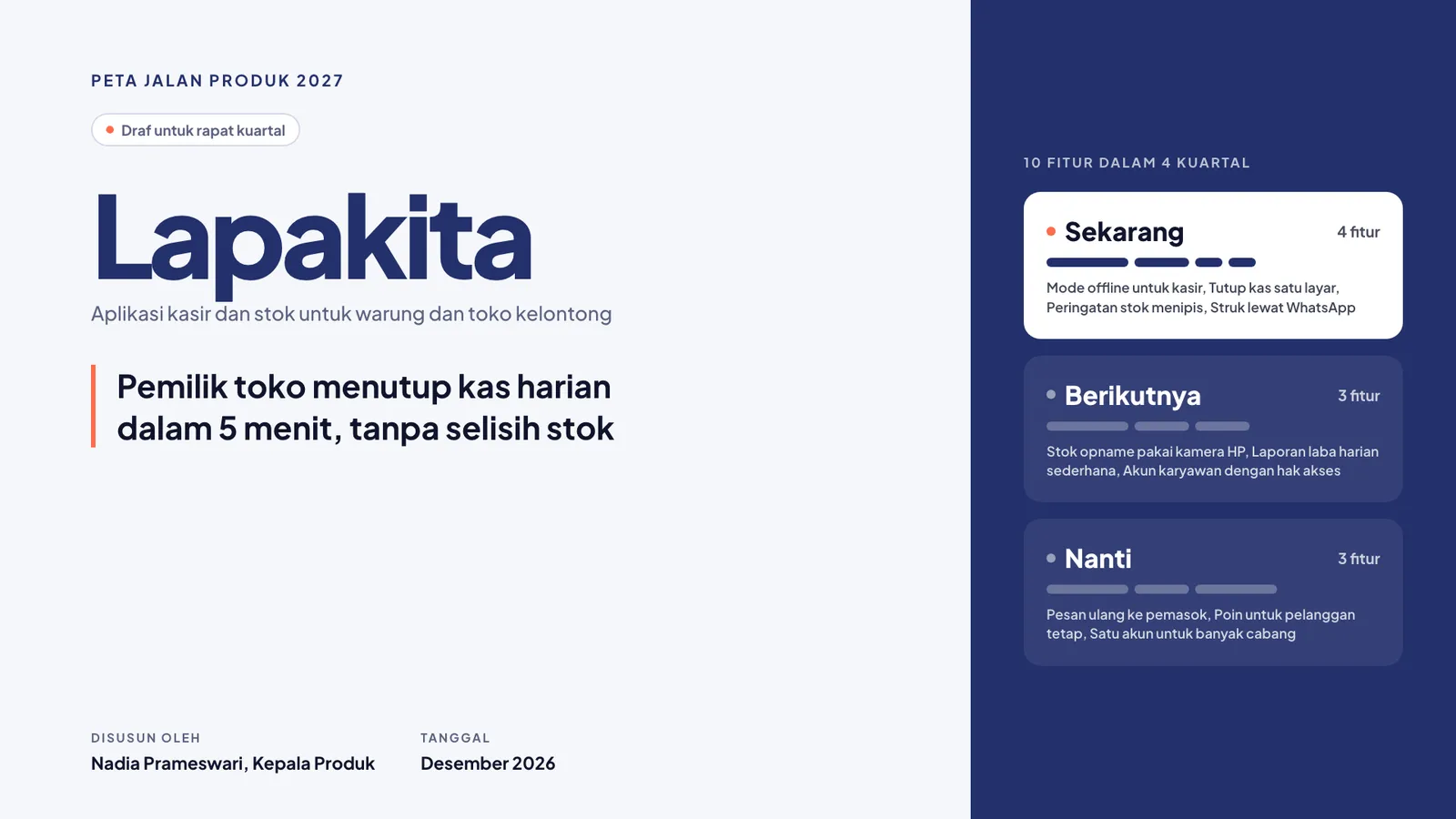
Cover for the Lapakita till app: the big direction and a Now, Next, Later panel
SKILL.md contents
Premium subscribers can read, copy, and install this skill.
Unlock with Premium Sign inProduct Roadmap
Description
A 16:9 product roadmap deck in a UI card style for founders and product teams: the big direction and success metrics with progress, a Now, Next, Later feature board like a kanban app with S/M/L effort meters, status, and owners, a quarterly view with themes, feature cards with the user problem and a success signal, an impact against effort matrix, what is deliberately not being built, risks and dependencies, and the decision being asked for. One HTML file that becomes a PDF, PPTX, or images.
Verified by SkillFlow
We checked every file in this skill automatically: no command that downloads and runs a program, no hidden code, no instruction telling your AI to ignore you.
- Loads from outside
- Fonts: Google Fonts SkillFlow: directory.skillflow.ai.id
See the 6 files inside
skill.json14 KBSKILL.md6 KBprompt.md7 KBprompt.en.md7 KBfiles/contoh/aplikasi-klinik-13-fitur-hutan.html43 KBfiles/deck.html42 KB
Checked 14 Nov 2026
Included in Basic and Pro
Basic copies the prompt. Pro also downloads the ZIP, sends to AI, installs into agents, and opens every category.
Get Pro Get Basic Already subscribed? Sign inWhat you get
- A roadmap script: the big direction, user problem and success signal per feature, effort load per column
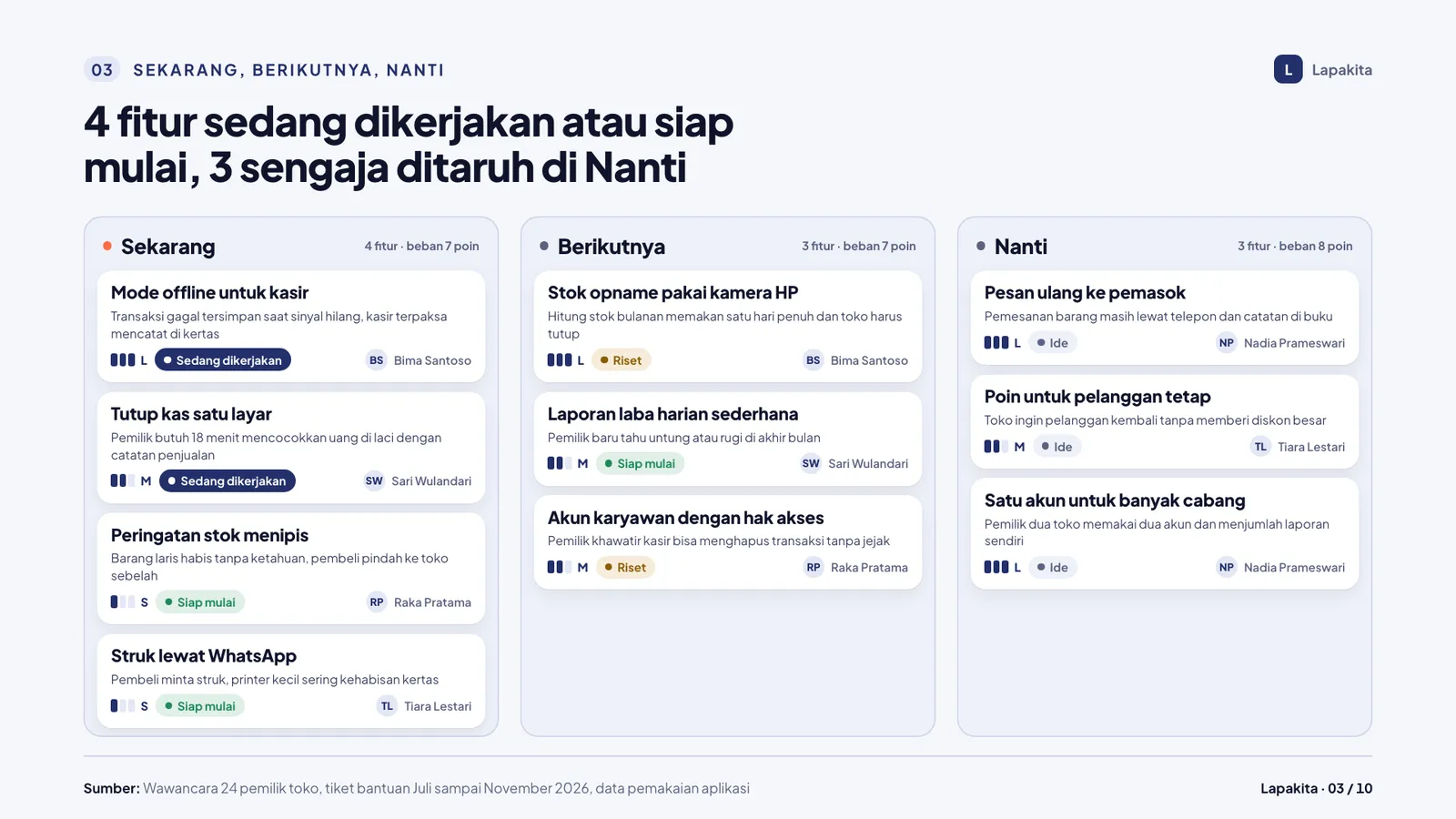
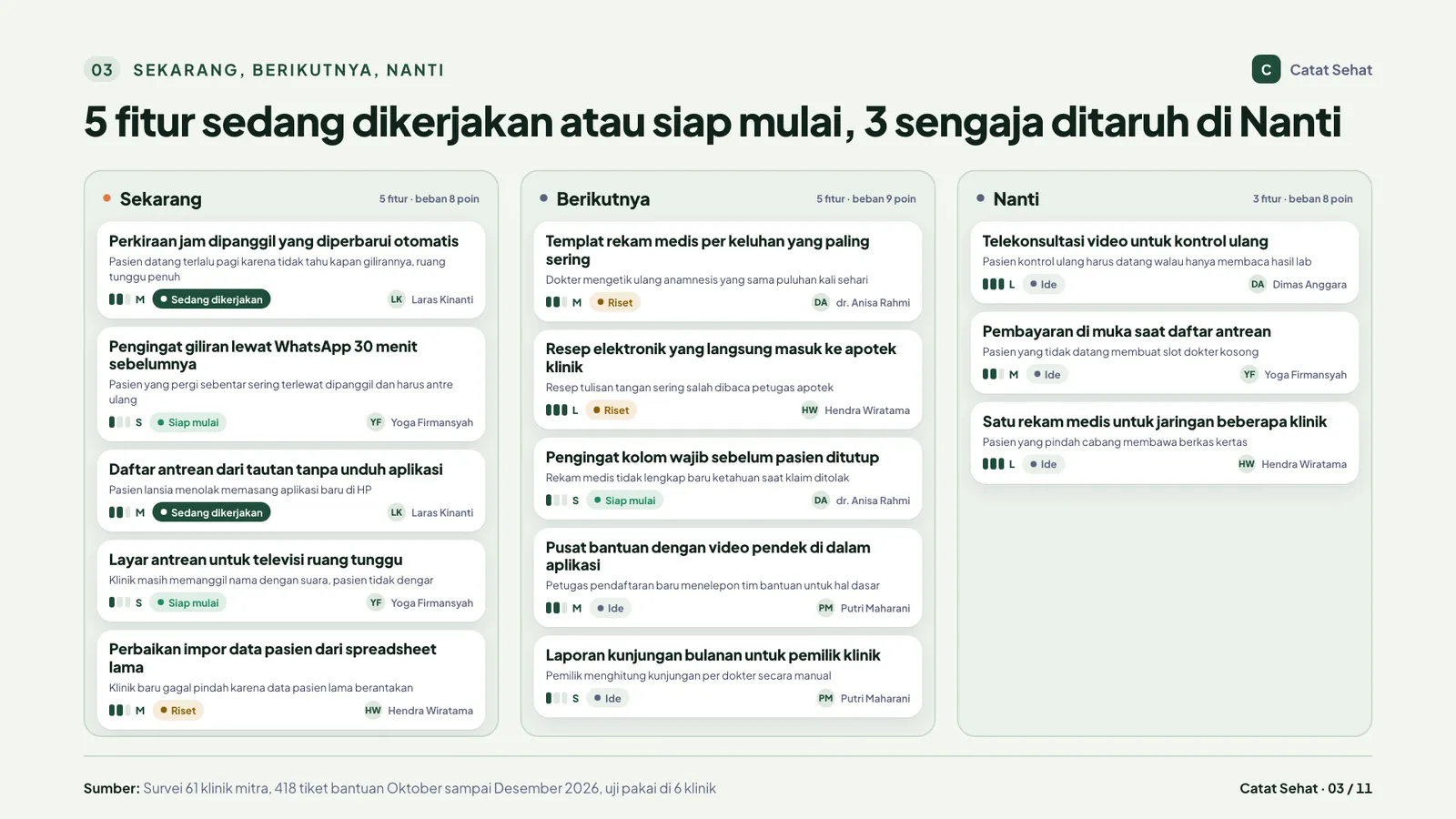
- A Now, Next, Later board with feature counts, S/M/L point load, status chips, and owner avatars
- A quarterly view with a theme for each quarter and a strip of unscheduled features
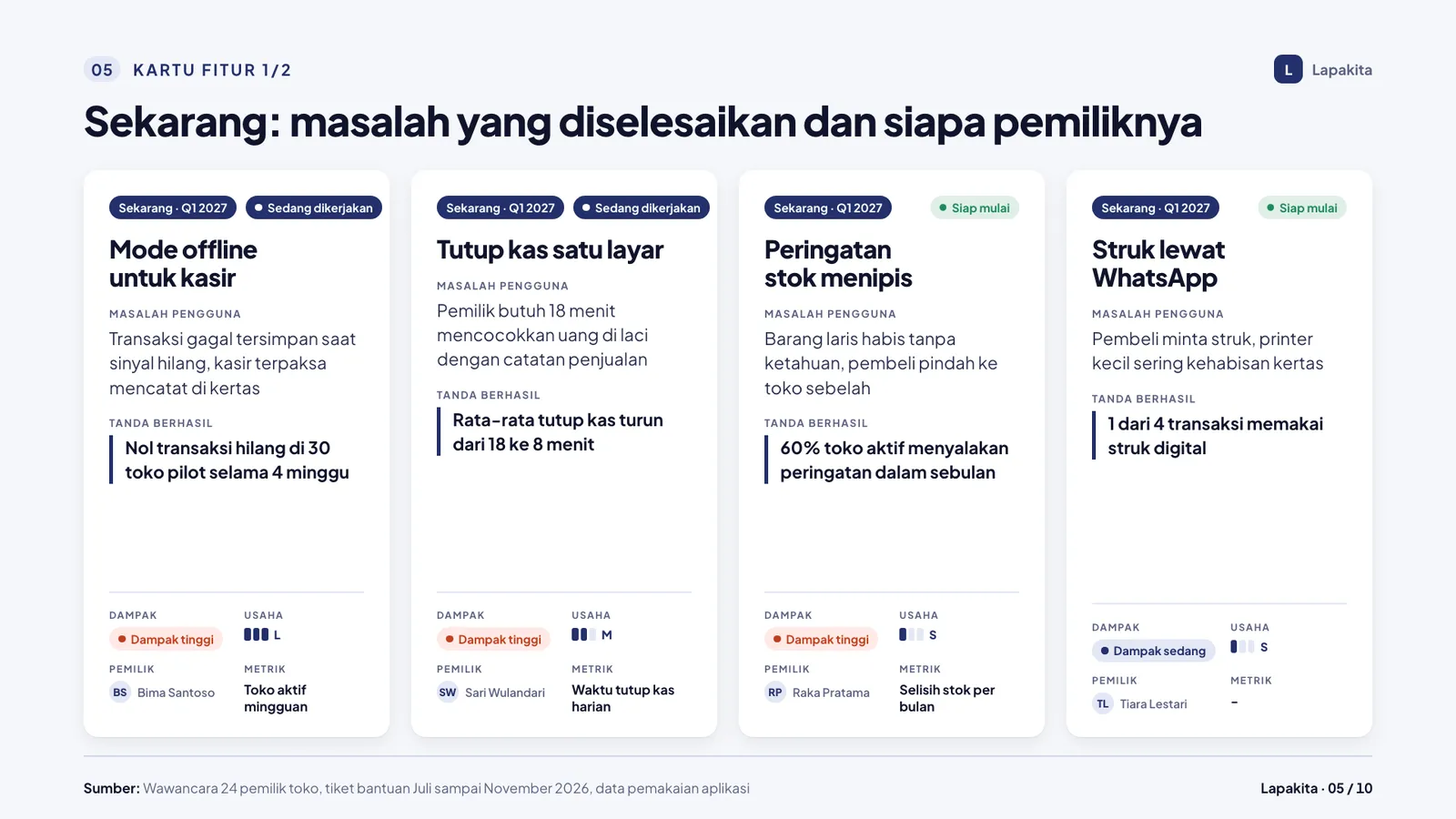
- Feature cards spread evenly at up to 4 per slide, and a 3x3 impact against effort matrix
- Success metrics with progress, a list of what is deliberately not being built, risks and dependencies
- A single-file 1920x1080 HTML deck with PDF, PPTX, and image download buttons, 3 palettes
Good fit
- Founders explaining the product plan to the team, the board, or investors
- Product teams planning a quarter that need written reasons for turning down feature requests
- Software agencies handing a client an app development plan
Not for
- Not a project schedule with dated tasks; use a Gantt skill for that
- It does not decide priorities for you: you set impact, effort, and horizon
- It does not connect to a task tool; the content lives in one data object
- Not a technical specification or a sprint report
About this skill
/peta-jalan-produk Make a 2027 product roadmap deck for my small-shop till app: 10 features split into Now, Next, Later, a theme per quarter, three success metrics, and what we are deliberately not building this year
Show more
A 16:9 product roadmap deck in a UI card style for founders and product teams: the big direction and success metrics with progress, a Now, Next, Later feature board like a kanban app with S/M/L effort meters, status, and owners, a quarterly view with themes, feature cards with the user problem and a success signal, an impact against effort matrix, what is deliberately not being built, risks and dependencies, and the decision being asked for. One HTML file that becomes a PDF, PPTX, or images.
User reviews
FAQ
Why Now, Next, Later instead of dates?
Because dates for features that are not designed yet almost always slip, and a deck with slipped dates loses trust. The horizon columns show order and confidence; quarters still exist for Now and Next, while Later may stay unscheduled.
What if there are a lot of features?
Content that does not fit shrinks automatically, and feature cards are spread evenly across slides at up to four per slide. The heavy example in the pack has 13 long-named features. Above about 15 features, merge small ones into a theme so the board stays readable.
Can I edit it in a presentation app?
Yes. Pick the editable PPTX format if your AI can create files, or press the Download PPTX button on the HTML page. The HTML version stays the neatest because the automatic text fitting runs there.
Which AI can I use it with?
Copy the prompt into a chat AI (ChatGPT, Claude, Gemini, DeepSeek); or download the ZIP and install it in an AI agent (Claude Code, Codex, Antigravity, Hermes Agent, Cursor, GitHub Copilot, Gemini CLI, OpenCode, Kimi Code, Trae), which then builds the files for you.
What is in the ZIP?
One folder named peta-jalan-produk with SKILL.md (the instructions an AI agent reads) and the prompt, 6 files in all. Extract it into your agent's skills folder, or install it with npx skillflow-ai add peta-jalan-produk. Pro only.
Is there a per-use fee or credits?
Not from SkillFlow. The skill runs on the AI you already use, so any cost follows that plan.
Which plan includes it?
Basic and Pro. Basic copies the prompt; Pro also downloads the ZIP, sends to AI, installs into agents and shares results by link.
Can I use my own colours and brand?
Yes. Pick a colour theme on this page, or fill in your brand profile once; both go into the prompt you copy and into the ZIP.
Can I share what I made?
Pro members can upload the result and get a page at share.skillflow.ai.id to send to anyone. The page carries a small "Made with SkillFlow AI" mark.
Is there a download limit?
Yes, per day: 50 skills on Pro, 10 on other plans. Downloading a skill again on the same day does not count.



