

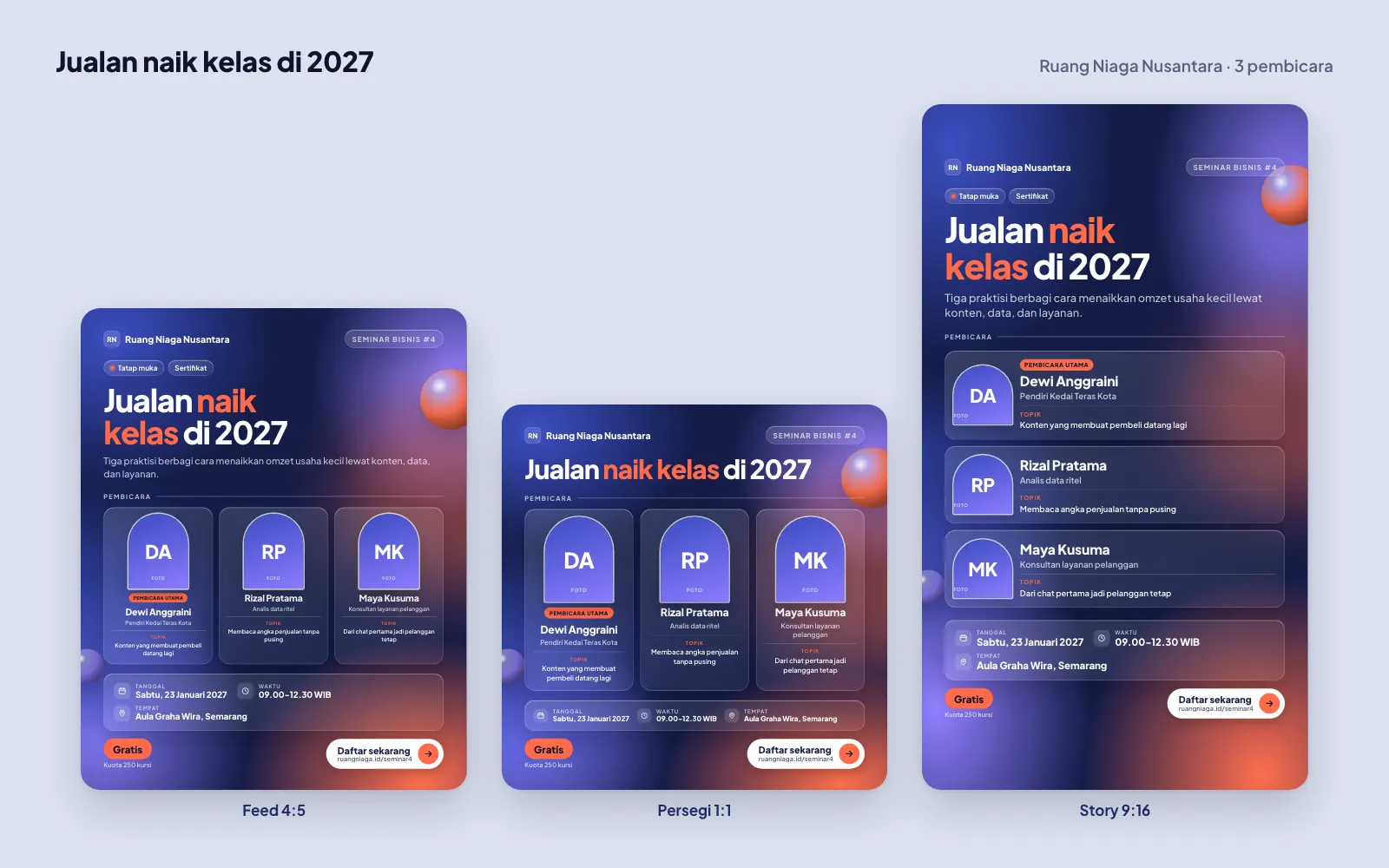
A business seminar with 3 speakers in feed, square, and story sizes from one set of content
SKILL.md contents
Premium subscribers can read, copy, and install this skill.
Unlock with Premium Sign inSpeaker Lineup Poster
Description
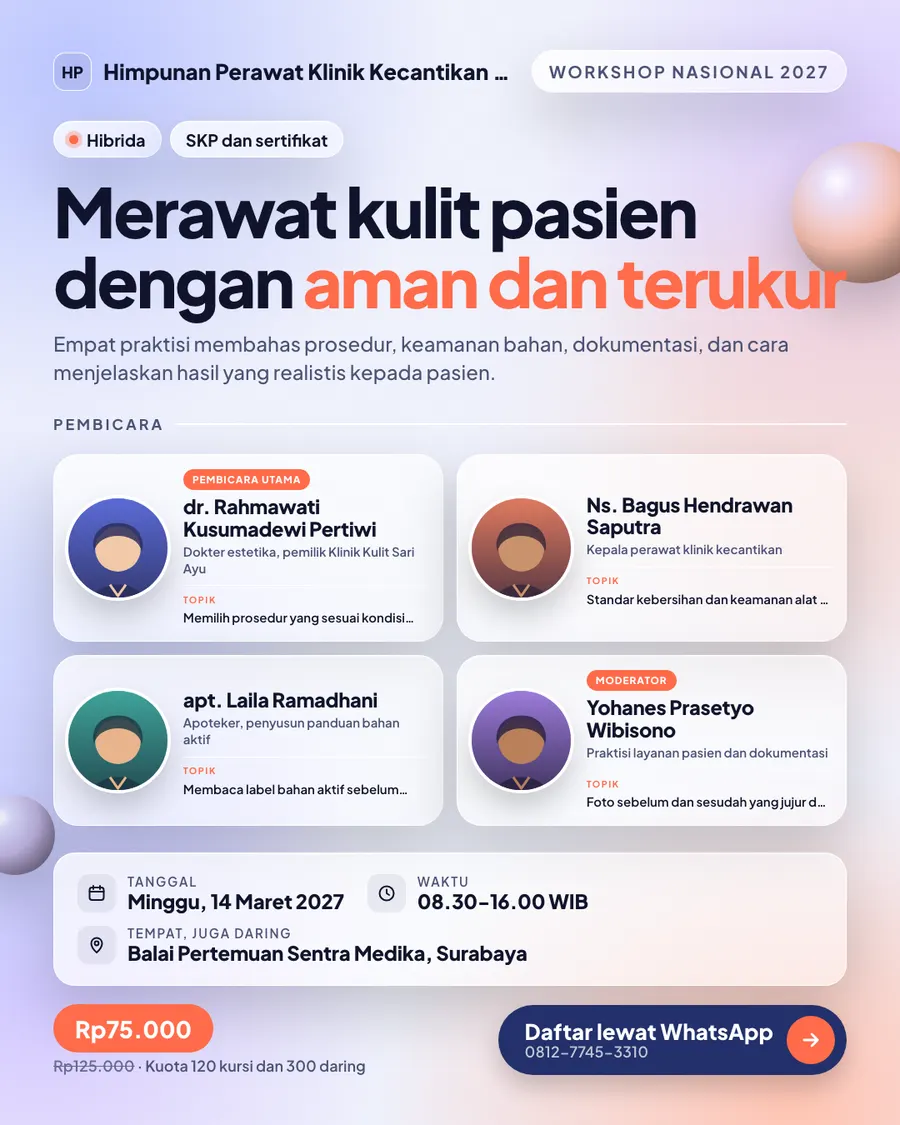
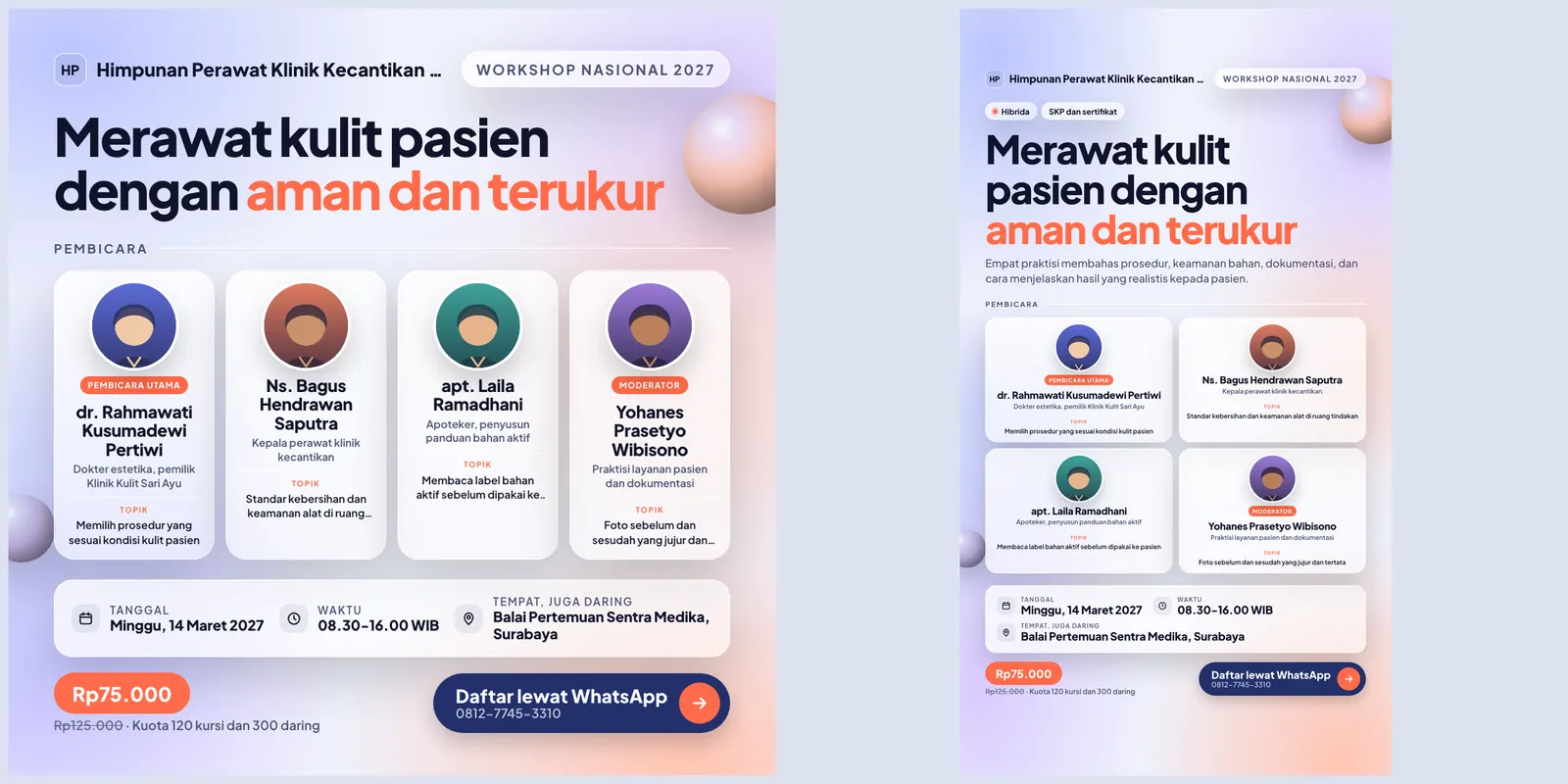
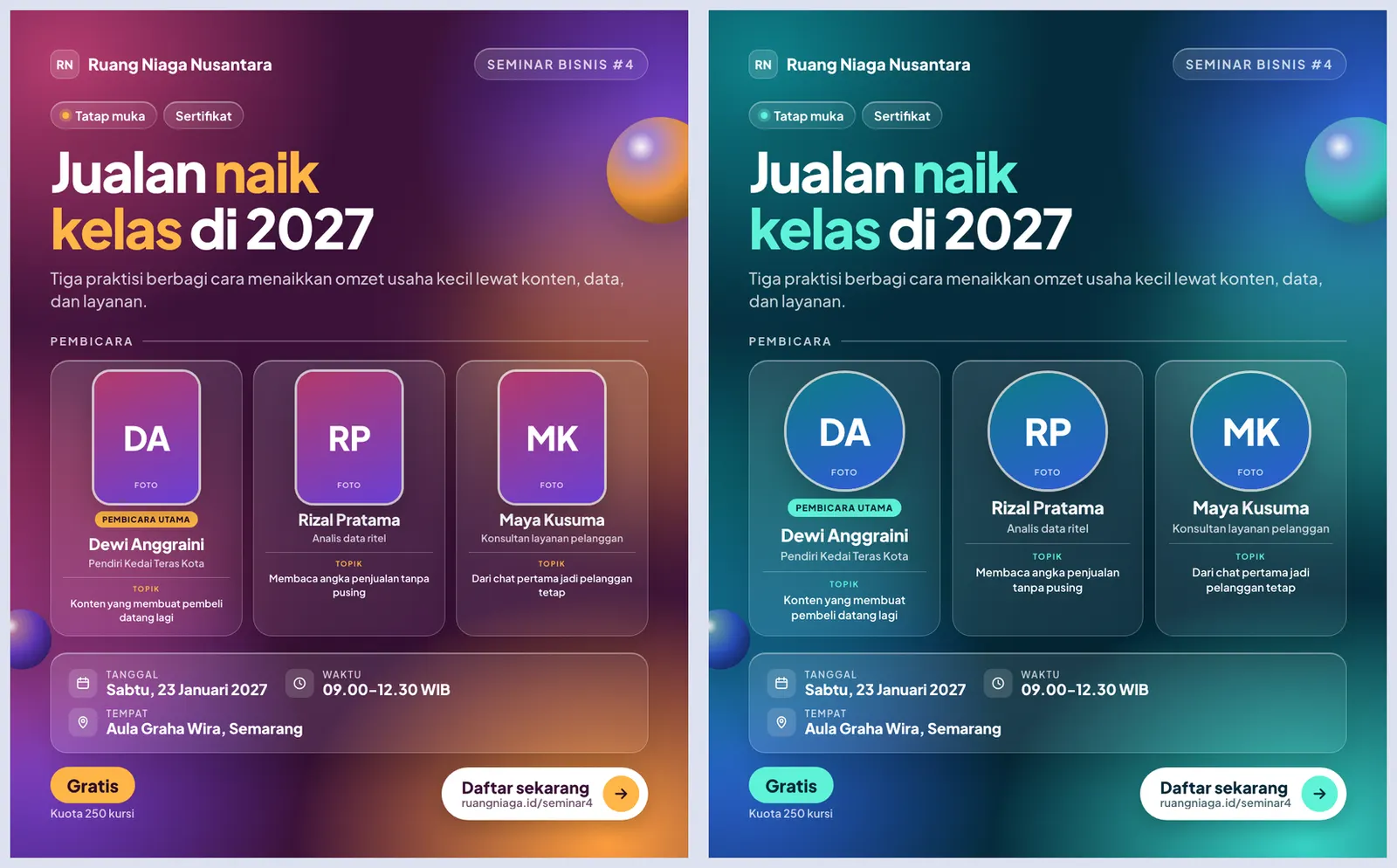
A lineup poster for 2 to 4 speakers in a glowing gradient and glass style for seminars, webinars, and workshops: photos in matching frames (or initials when there is no photo yet) with name, job title, role, and a short topic, the event title with one accent part, date, time, venue or online broadcast, price, quota, and a register button. One set of content becomes feed 4:5, square, and story sizes whose layout adapts to the number of speakers, then downloads as one PNG per poster or a ZIP.
Verified by SkillFlow
We checked every file in this skill automatically: no command that downloads and runs a program, no hidden code, no instruction telling your AI to ignore you.
- Loads from outside
- Fonts: Google Fonts SkillFlow: directory.skillflow.ai.id
See the 10 files inside
skill.json11 KBSKILL.md6 KBprompt.md6 KBprompt.en.md6 KBfiles/contoh/foto/pembicara-1.svg1 KBfiles/contoh/foto/pembicara-2.svg1 KBfiles/contoh/foto/pembicara-3.svg1 KBfiles/contoh/foto/pembicara-4.svg1 KBfiles/contoh/workshop-4-pembicara-fajar.html26 KBfiles/poster.html27 KB
Checked 14 Nov 2026
Included in Basic and Pro
Basic copies the prompt. Pro also downloads the ZIP, sends to AI, installs into agents, and opens every category.
Get Pro Get Basic Already subscribed? Sign inWhat you get
- Feed 1080x1350, square 1080x1080, and story 1080x1920 PNG posters from one set of content, downloaded singly or as a ZIP
- 2 to 4 speakers in matching photo frames: arched top, round, or rounded square, with initials when there is no photo yet
- Automatic layout per speaker count: upright cards side by side, stacked horizontal cards, or 2x2
- Each speaker's name, job title, role chip, and topic, plus date, time, venue or online broadcast info
- A price badge with a struck-out price and quota, and a register button with an address or chat number
- 4 palettes (3 glowing dark, 1 light), optional uniform photo tint, long text shrinks automatically
Good fit
- Organisers of seminars, webinars, and workshops with several speakers
- Communities, campuses, and professional associations with recurring events and changing speakers
- Social media admins who need matching feed, square, and story versions in one go
Not for
- More than 4 speakers on one poster; make two posters
- It does not create speaker photos; they come from you, or initials stand in
- Not a per-session schedule or event rundown
- It does not use a cinematic background photo; the background is a CSS gradient
About this skill
/poster-lineup-pembicara Make a lineup poster for our Business Seminar #4: three speakers with their own topics, Saturday 23 January 2027 from 9:00 to 12:30, free, 250 seats, in feed, square, and story sizes
Show more
A lineup poster for 2 to 4 speakers in a glowing gradient and glass style for seminars, webinars, and workshops: photos in matching frames (or initials when there is no photo yet) with name, job title, role, and a short topic, the event title with one accent part, date, time, venue or online broadcast, price, quota, and a register button. One set of content becomes feed 4:5, square, and story sizes whose layout adapts to the number of speakers, then downloads as one PNG per poster or a ZIP.
User reviews
FAQ
My speaker photos all have different backgrounds and lighting, will it still look tidy?
Every photo goes into the same frame with the same ring and shadow. If they still clash, turn on the uniform photo option: photos become black and white with a palette tint, so pictures from any camera look like one set.
Why don't the glass cards blur what is behind them?
A backdrop blur is not captured when the poster downloads as a PNG, so the file would differ from the screen. The glass in the template is made from transparent white gradients and a thin border, which look the same on screen and in the PNG.
My speakers have long names and job titles, will they be cut off?
The title shrinks first to fit two lines (three on the story), then the speaker card content shrinks together so the cards stay uniform. The heavy example in the pack has four titled speakers with long names and job titles. If it still does not fit, the console names the part to shorten.
Which AI can I use it with?
Copy the prompt into a chat AI (ChatGPT, Claude, Gemini, DeepSeek); or download the ZIP and install it in an AI agent (Claude Code, Codex, Antigravity, Hermes Agent, Cursor, GitHub Copilot, Gemini CLI, OpenCode, Kimi Code, Trae), which then builds the files for you.
What is in the ZIP?
One folder named poster-lineup-pembicara with SKILL.md (the instructions an AI agent reads) and the prompt, 10 files in all. Extract it into your agent's skills folder, or install it with npx skillflow-ai add poster-lineup-pembicara. Pro only.
Is there a per-use fee or credits?
Not from SkillFlow. The skill runs on the AI you already use (and, for image prompts, the image AI you pick), so any cost follows that plan.
Which plan includes it?
Basic and Pro. Basic copies the prompt; Pro also downloads the ZIP, sends to AI, installs into agents and shares results by link.
Can I use my own colours and brand?
Yes. Pick a colour theme on this page, or fill in your brand profile once; both go into the prompt you copy and into the ZIP.
Can I share what I made?
Pro members can upload the result and get a page at share.skillflow.ai.id to send to anyone. The page carries a small "Made with SkillFlow AI" mark.
Is there a download limit?
Yes, per day: 50 skills on Pro, 10 on other plans. Downloading a skill again on the same day does not count.



