

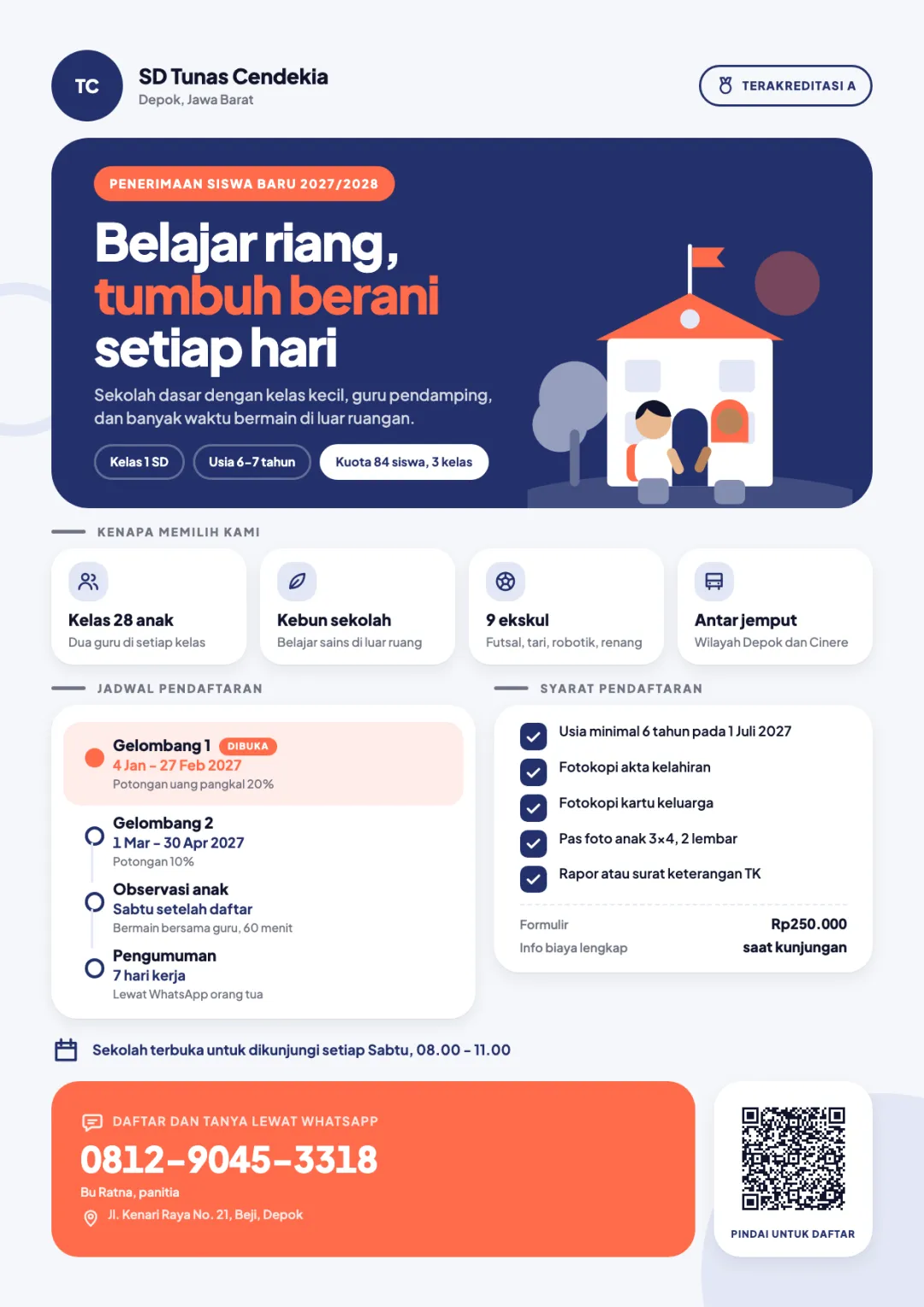
A4 print, indigo palette: school illustration, strengths, schedule, requirements, and a sign-up QR
SKILL.md contents
Premium subscribers can read, copy, and install this skill.
Unlock with Premium Sign inSchool Admission Poster
Description
A cheerful school admission poster for kindergartens, primary and secondary schools, boarding schools, and tutoring centres: school identity and accreditation, a headline panel illustrated with a school building and two children, level and quota chips, 3-4 strengths with icons, an intake schedule with the open round highlighted, a ticked requirements list, the form fee, visiting hours, then a large WhatsApp number with a QR code that opens the registration chat. Real A4 and A3 print sizes (Ctrl+P, paper set automatically) plus feed and story.
Verified by SkillFlow
We checked every file in this skill automatically: no command that downloads and runs a program, no hidden code, no instruction telling your AI to ignore you.
- Loads from outside
- Fonts: Google Fonts
See the 5 files inside
skill.json10 KBSKILL.md7 KBprompt.md4 KBprompt.en.md5 KBfiles/poster.html36 KB
Checked 14 Nov 2026
Included in Basic and Pro
Basic copies the prompt. Pro also downloads the ZIP, sends to AI, installs into agents, and opens every category.
Get Pro Get Basic Already subscribed? Sign inWhat you get
- Tidy poster copy: headline, levels, quota, 3-4 strengths, 2-5 schedule stages, 3-6 requirements, fees, contact
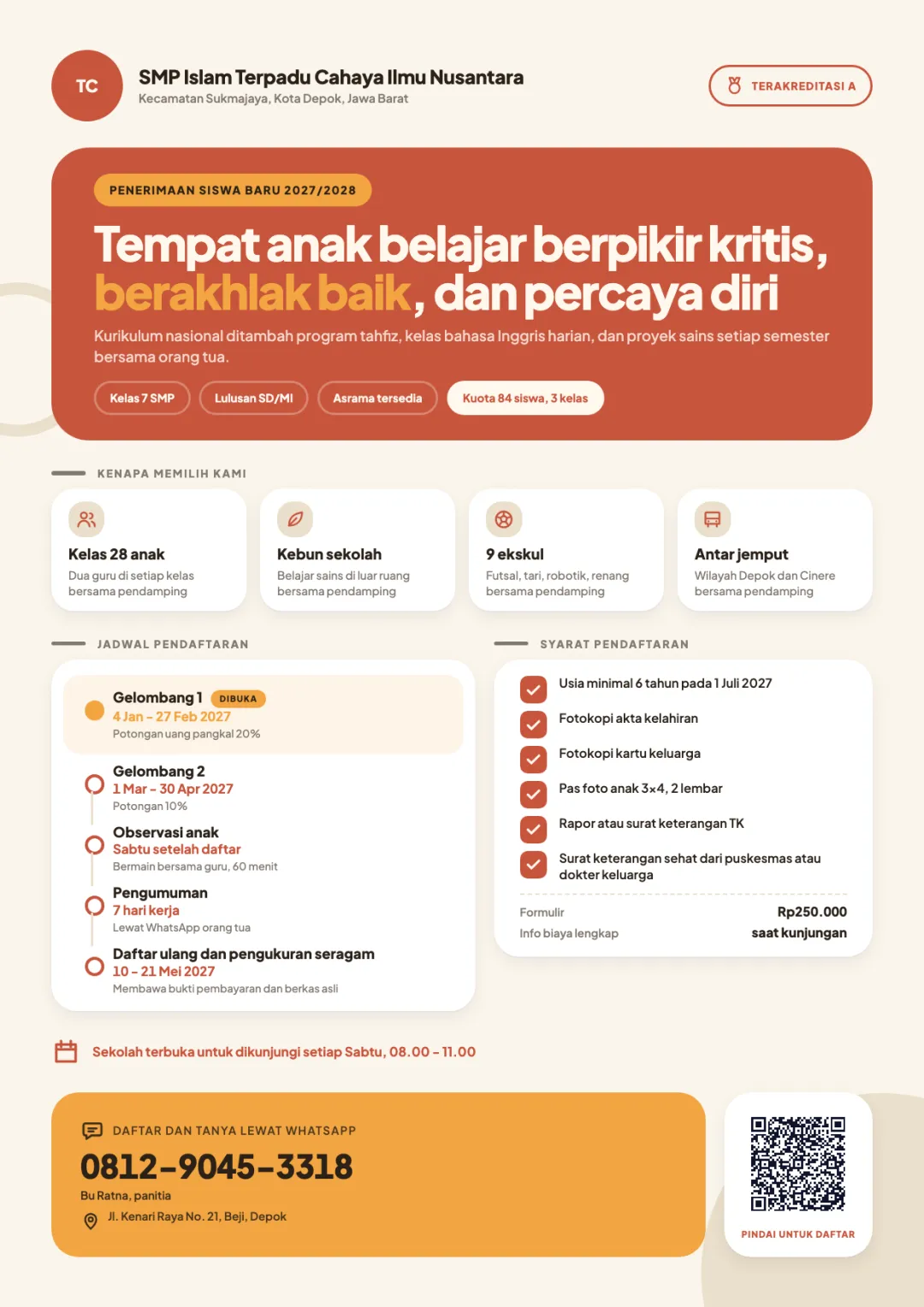
- A4 (210x297 mm) and A3 (297x420 mm) print posters via Print in Chrome, paper size set automatically
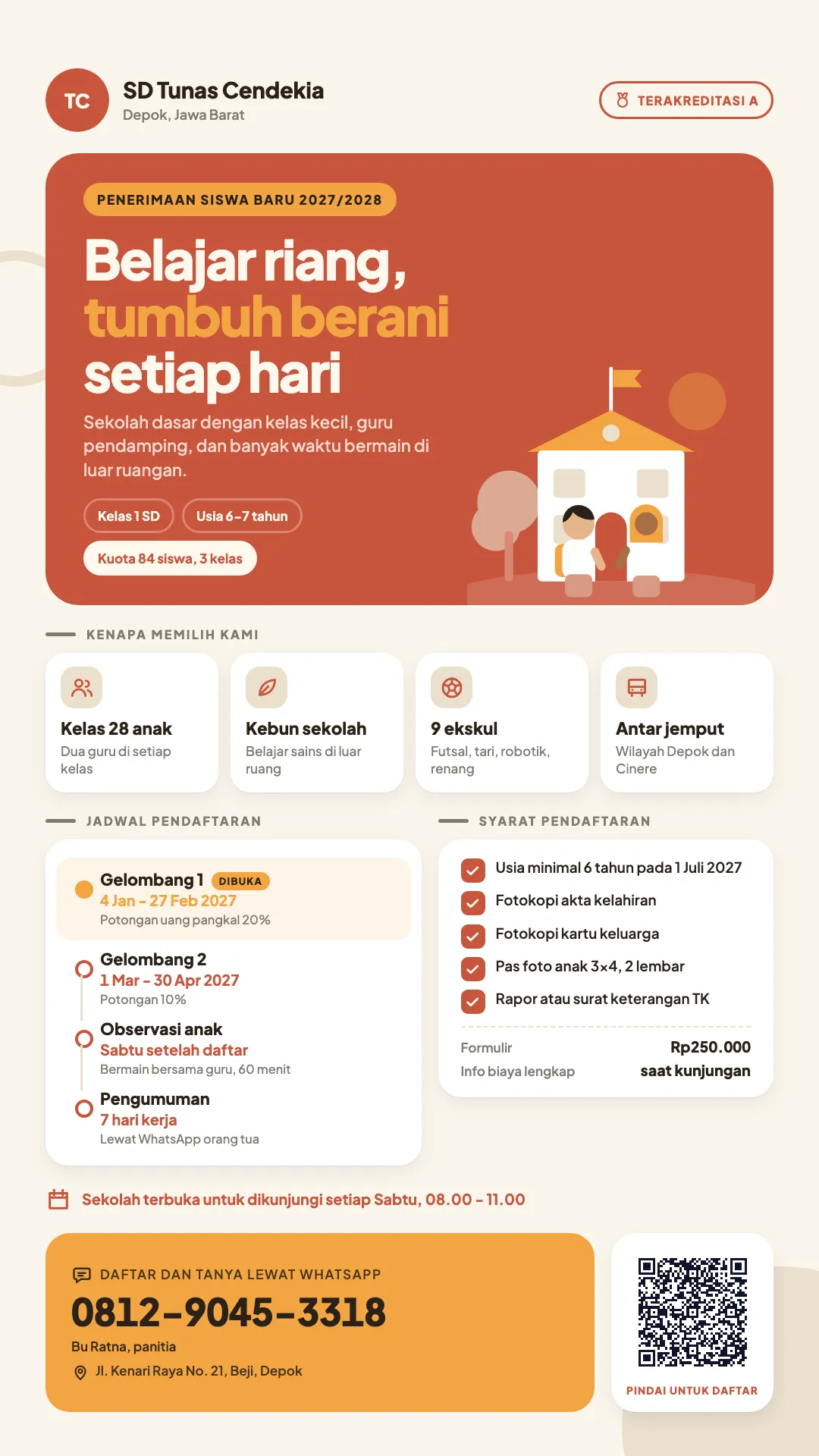
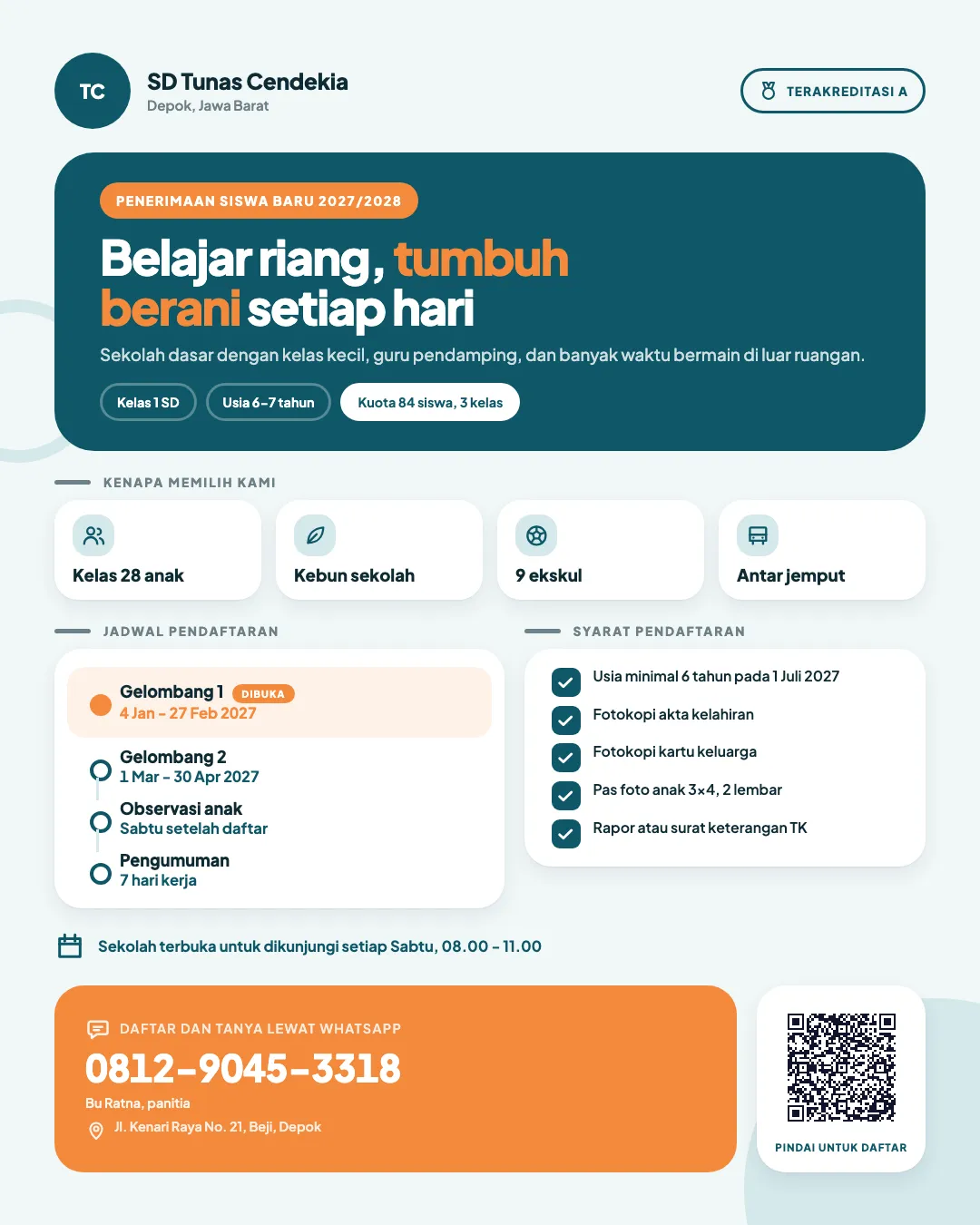
- Feed 1080x1350 and story 1080x1920 versions from the same entry
- A self-made QR code with no outside service: opens a WhatsApp chat with a registration message, or a form
- Flat illustration of a school building and children (or a book stack), 3 palettes: indigo, cheerful, sea
- Type size fits the content; when full the illustration drops out automatically, with a warning if it still does not fit
Good fit
- Kindergartens, primary and secondary schools, and boarding schools with intake rounds
- Committees needing one design to print at the school gate and share in parent groups
- Tutoring centres and courses opening a new intake with clear requirements and dates
Not for
- Not an online registration page; the QR only opens your chat or your form
- Does not work out total fees or round status from dates; you mark the open stage yourself
- The illustration is simple flat art, not a real school photo (your logo and photos can be added)
- Too small for a full fee breakdown; show the main fees and point to the chat
About this skill
/poster-penerimaan-siswa Make an admission poster for our primary school: round 1 from January to February with 20% off, age 6 and birth certificate as requirements, 84 places, printed on A3 for the school gate plus a story version for parent groups
Show more
A cheerful school admission poster for kindergartens, primary and secondary schools, boarding schools, and tutoring centres: school identity and accreditation, a headline panel illustrated with a school building and two children, level and quota chips, 3-4 strengths with icons, an intake schedule with the open round highlighted, a ticked requirements list, the form fee, visiting hours, then a large WhatsApp number with a QR code that opens the registration chat. Real A4 and A3 print sizes (Ctrl+P, paper set automatically) plus feed and story.
User reviews
FAQ
Do the A4 and A3 sizes really fit when printed?
Yes. Choose a4 or a3, open the file in Chrome, press Ctrl+P, set Margins to None and tick Background graphics. The paper size in the print dialog is already set and the poster fills the sheet.
Where does the QR code go?
By default it opens the committee WhatsApp chat with a registration message already typed. If the school has an online form, enter its address and the QR points there. The QR is made in the page itself with no outside service.
What if there is a lot of content?
Type shrinks on its own. If it is still full, the illustration drops out to give the headline room. If it still does not fit, a red warning strip appears: shorten the headline or trim requirements, or use A3.
Which AI can I use it with?
Copy the prompt into a chat AI (ChatGPT, Claude, Gemini, DeepSeek); or download the ZIP and install it in an AI agent (Claude Code, Codex, Antigravity, Hermes Agent, Cursor, GitHub Copilot, Gemini CLI, OpenCode, Kimi Code, Trae), which then builds the files for you.
What is in the ZIP?
One folder named poster-penerimaan-siswa with SKILL.md (the instructions an AI agent reads) and the prompt, 5 files in all. Extract it into your agent's skills folder, or install it with npx skillflow-ai add poster-penerimaan-siswa. Pro only.
Is there a per-use fee or credits?
Not from SkillFlow. The skill runs on the AI you already use (and, for image prompts, the image AI you pick), so any cost follows that plan.
Which plan includes it?
Basic and Pro. Basic copies the prompt; Pro also downloads the ZIP, sends to AI, installs into agents and shares results by link.
Can I use my own colours and brand?
Yes. Pick a colour theme on this page, or fill in your brand profile once; both go into the prompt you copy and into the ZIP.
Can I share what I made?
Pro members can upload the result and get a page at share.skillflow.ai.id to send to anyone. The page carries a small "Made with SkillFlow AI" mark.
Is there a download limit?
Yes, per day: 50 skills on Pro, 10 on other plans. Downloading a skill again on the same day does not count.



