

Rendered sample video
SKILL.md contents
Premium subscribers can read, copy, and install this skill.
Unlock with Premium Sign inMentor Profile Collage
Description
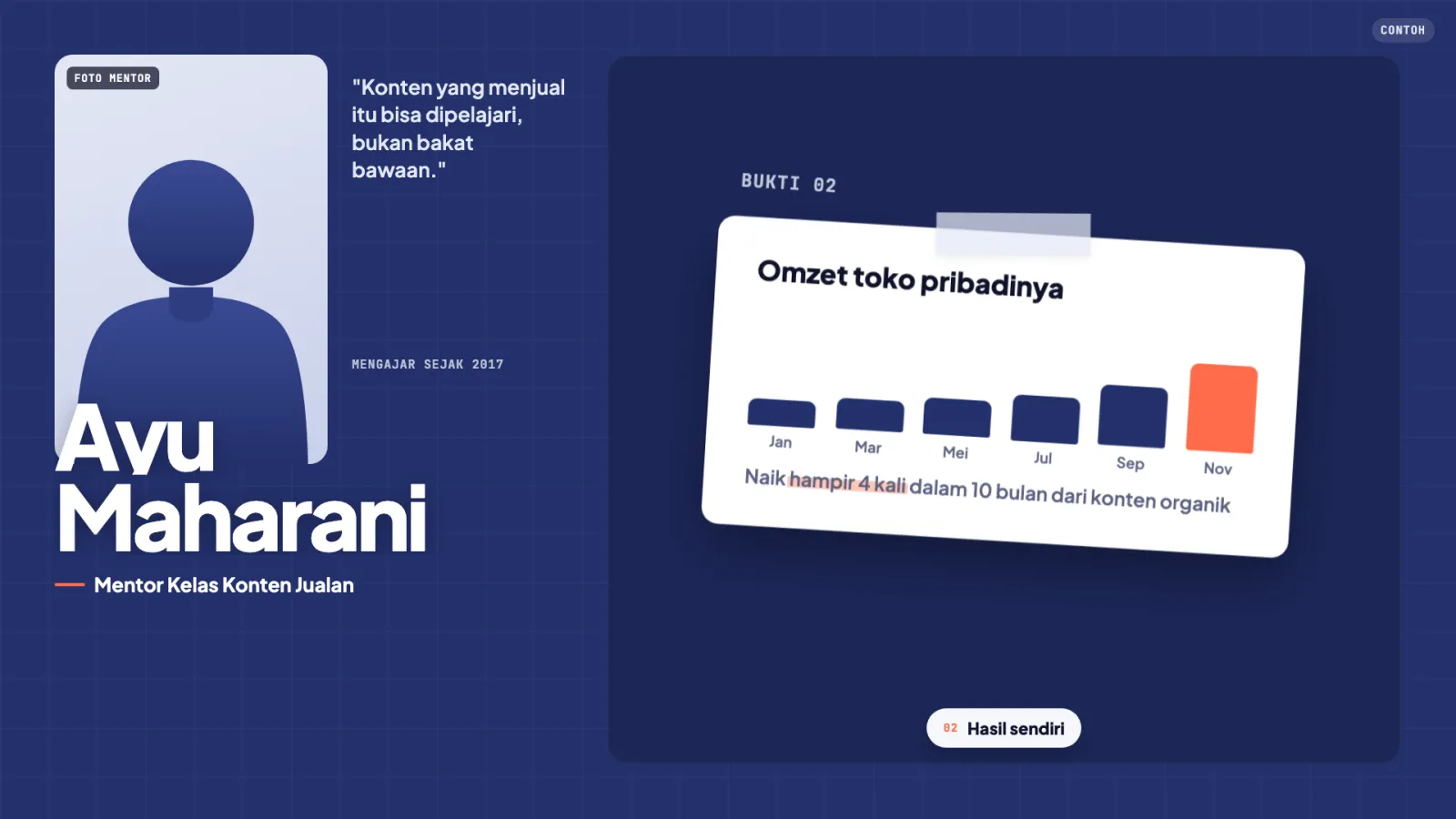
A class mentor introduction video in an editorial proof-collage style: the mentor's portrait wipes up, the name rises word by word, then the role and a quote, and the camera visits each piece of proof as it drops in at an angle and sticks with tape (an alumni number sticker, a results chart, an alumni chat, a certificate, a press clipping, an event photo), with one key phrase in each highlighted. At the end the camera pulls back to the whole collage and a WhatsApp sign-up call to action. 3 to 6 proofs from one config object, 16:9 and 9:16, 30 seconds max.
Verified by SkillFlow
We checked every file in this skill automatically: no command that downloads and runs a program, no hidden code, no instruction telling your AI to ignore you.
- Loads from outside
- Fonts: Google Fonts
See the 5 files inside
skill.json10 KBSKILL.md7 KBprompt.md6 KBprompt.en.md6 KBfiles/scene.html27 KB
Checked 14 Nov 2026
Part of SkillFlow Pro
Pro opens every skill in every category: copy, ZIP, Send to AI, install, save, and request new skills.
Get Pro Already subscribed? Sign inWhat you get
- Profile copy: name, role, quote, 3 to 6 proofs each with a highlighted key phrase, and a sign-up call to action
- An HTML collage scene with automatic camera moves to each proof, driven by one config object
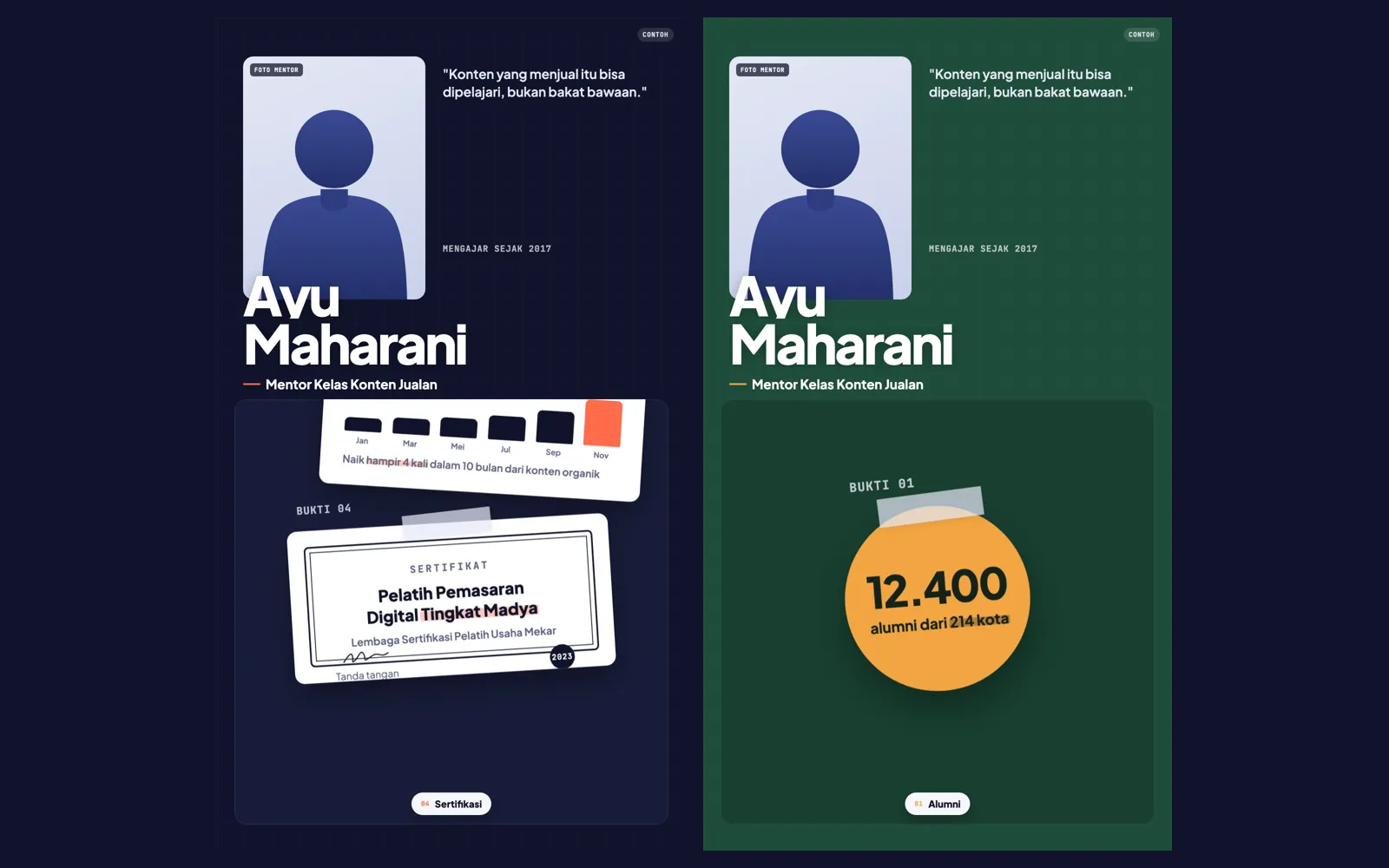
- 6 proof types: number sticker, chart, alumni chat, certificate, press clipping, event photo
- Use your own portrait photo (turned into an editorial black and white automatically) or the built-in sample silhouette
- MP4 1920x1080 (16:9) for a course page or YouTube and 1080x1920 (9:16) for Reels and Stories, 30 fps
- 3 palettes: city indigo, night, deep green
Good fit
- Online course, bootcamp, mentoring, or paid webinar makers wanting a meet the mentor video
- Coaches, consultants, or trainers needing a profile for sales pages and Reels
- Organisers introducing a guest mentor or co-host for a new cohort
- Mentors with real proof who want it presented neatly
Not for
- It does not invent proof; alumni counts, certificates, and press must be real
- Not a wall of many buyer testimonials or a talking presenter video
- One video covers one mentor
- Alumni chats only with permission and shortened names
About this skill
/profil-mentor-kolase Make a mentor profile video for our online selling coach teaching since 2019, 5 proofs including alumni count, a results chart, an alumni chat, a certificate, and an event photo, with a cohort 7 sign up call, in 9:16
Show more
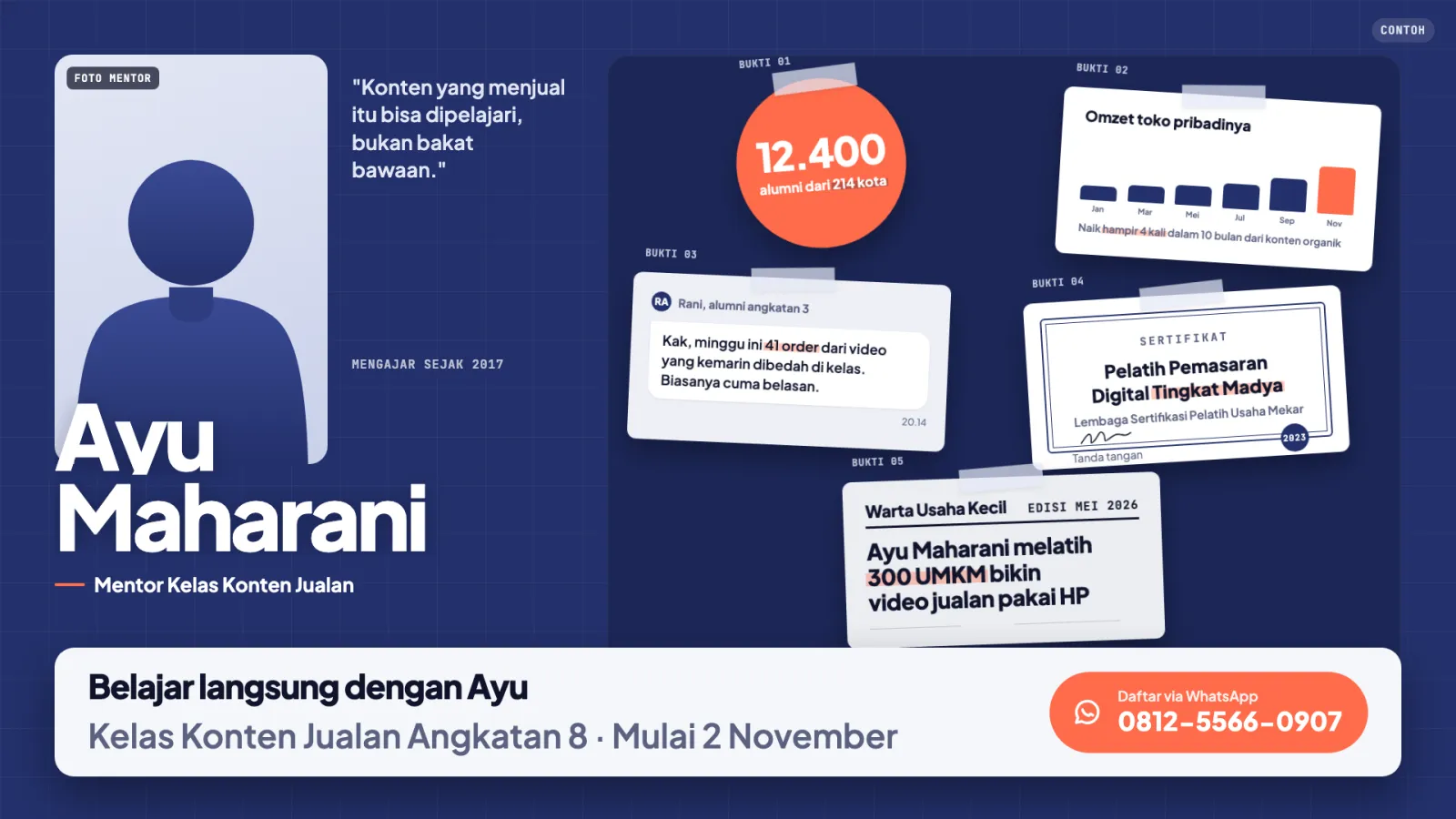
A class mentor introduction video in an editorial proof-collage style: the mentor's portrait wipes up, the name rises word by word, then the role and a quote, and the camera visits each piece of proof as it drops in at an angle and sticks with tape (an alumni number sticker, a results chart, an alumni chat, a certificate, a press clipping, an event photo), with one key phrase in each highlighted. At the end the camera pulls back to the whole collage and a WhatsApp sign-up call to action. 3 to 6 proofs from one config object, 16:9 and 9:16, 30 seconds max.
User reviews
FAQ
Which kinds of proof can be used?
Six: number sticker, chart, alumni chat, certificate, press clipping, and event photo. Use 3 to 6, strongest first. If you only have 1 or 2, add an event photo rather than inventing anything.
Why does my highlighted word not show?
The highlight must be an exact piece of text from that proof, such as the key number or result. If it does not match exactly, nothing is highlighted.
My portrait is in colour, will it work?
Yes. The portrait is turned black and white in an editorial style to match the collage. A half body shot on a plain background works best.
Which AI can I use it with?
Copy the prompt into a chat AI (ChatGPT, Claude, Gemini, DeepSeek): you get an HTML file; open it in Chrome and press Download MP4 (silent video, a minute or two to render); or download the ZIP and install it in an AI agent (Claude Code, Codex, Antigravity, Hermes Agent, Cursor, GitHub Copilot, Gemini CLI, OpenCode, Kimi Code, Trae), which then builds the files for you.
What is in the ZIP?
One folder named profil-mentor-kolase with SKILL.md (the instructions an AI agent reads) and the prompt, 5 files in all. Extract it into your agent's skills folder, or install it with npx skillflow-ai add profil-mentor-kolase. Pro only.
Is there a per-use fee or credits?
Not from SkillFlow. The skill runs on the AI you already use, so any cost follows that plan.
Which plan includes it?
SkillFlow Pro. It opens every skill in every category.
Can I use my own colours and brand?
Yes. Pick a colour theme on this page, or fill in your brand profile once; both go into the prompt you copy and into the ZIP.
Can I share what I made?
Pro members can upload the result and get a page at share.skillflow.ai.id to send to anyone. The page carries a small "Made with SkillFlow AI" mark.
Is there a download limit?
Yes, per day: 50 skills on Pro, 10 on other plans. Downloading a skill again on the same day does not count.



