

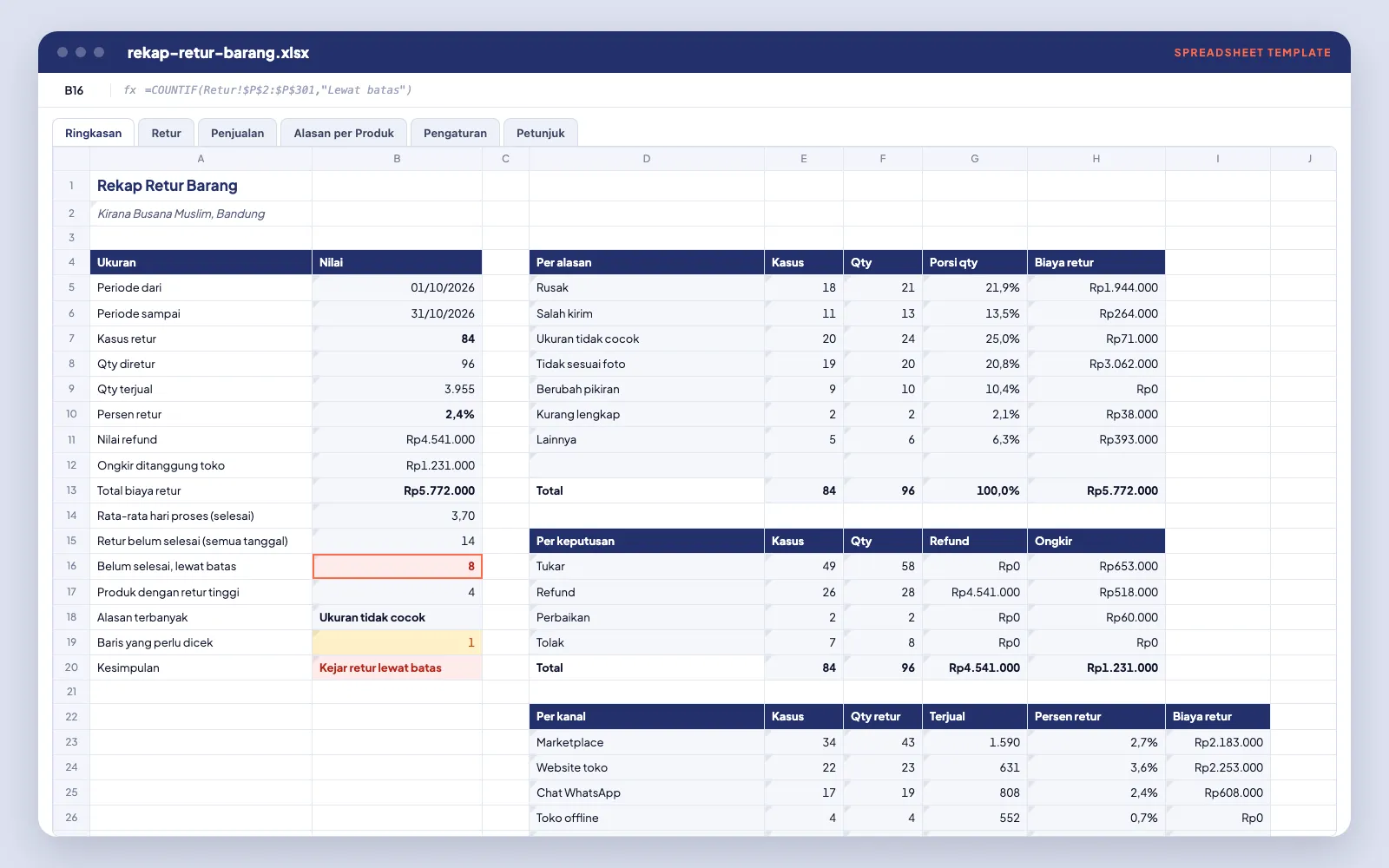
October summary: return rate, cost, and totals per reason, per decision, and per channel
SKILL.md contents
Premium subscribers can read, copy, and install this skill.
Unlock with Premium Sign inProduct Returns Log
Description
An Excel file for online and offline shops that logs every return: channel, product, qty, a reason from a dropdown (damaged, wrong item sent, wrong size, not as pictured, changed mind), a decision to exchange, refund, repair, or reject, refund amount and shipping paid by the shop, status and processing days. Summaries per reason, per product, and per channel, the return rate against units sold, a reason-by-product matrix, and the 10 products returned most. Opens in Excel, Numbers, or Google Sheets.
Verified by SkillFlow
We checked every file in this skill automatically: no command that downloads and runs a program, no hidden code, no instruction telling your AI to ignore you.
- Loads from outside
- Fonts: Google Fonts SkillFlow: directory.skillflow.ai.id
See the 6 files inside
skill.json12 KBSKILL.md8 KBprompt.md9 KBprompt.en.md10 KBfiles/contoh/toko-80-sku-300-retur.html573 KBfiles/template.html555 KB
Checked 14 Nov 2026
Part of SkillFlow Pro
Pro opens every skill in every category: copy, ZIP, Send to AI, install, save, and request new skills.
Get Pro Already subscribed? Sign inWhat you get
- An .xlsx file with Summary, Returns, Sales, Reasons by Product, Settings, and Guide sheets
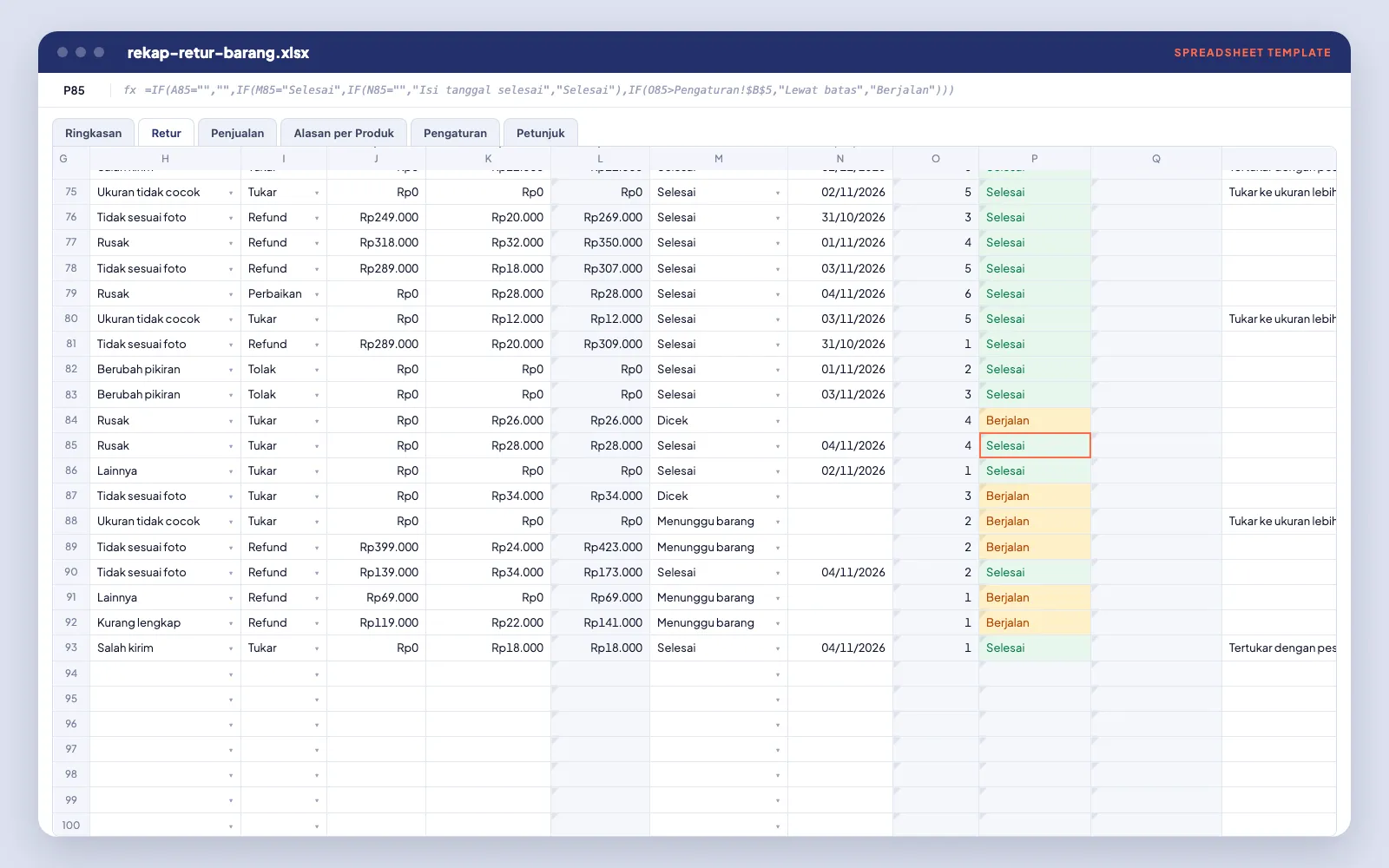
- A returns log with channel, SKU, reason, decision, and status dropdowns, plus processing days and an over-limit flag
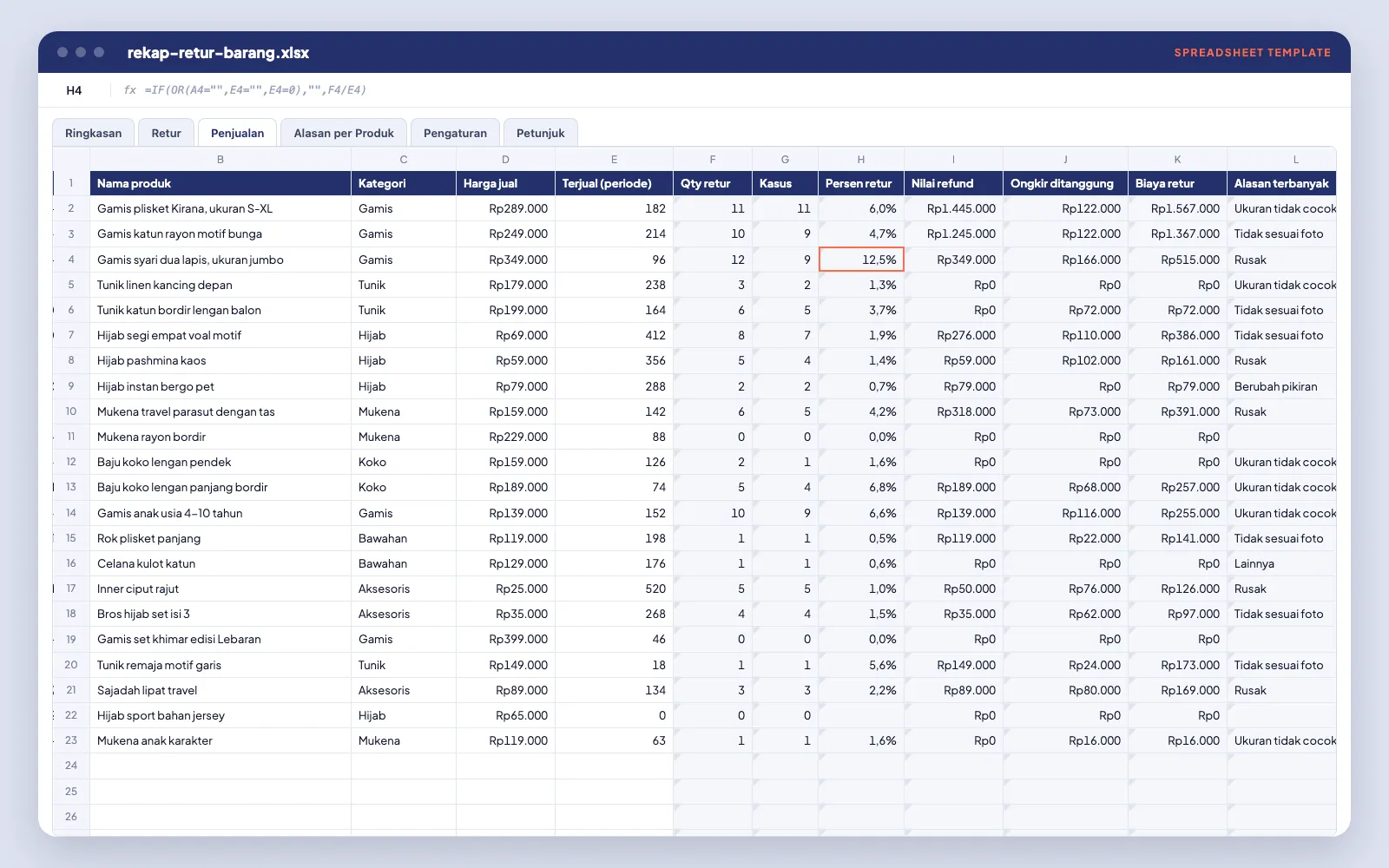
- Return rate per product and per channel against units sold in the same period
- Summaries per reason, per decision, and per channel with refund and shipping cost
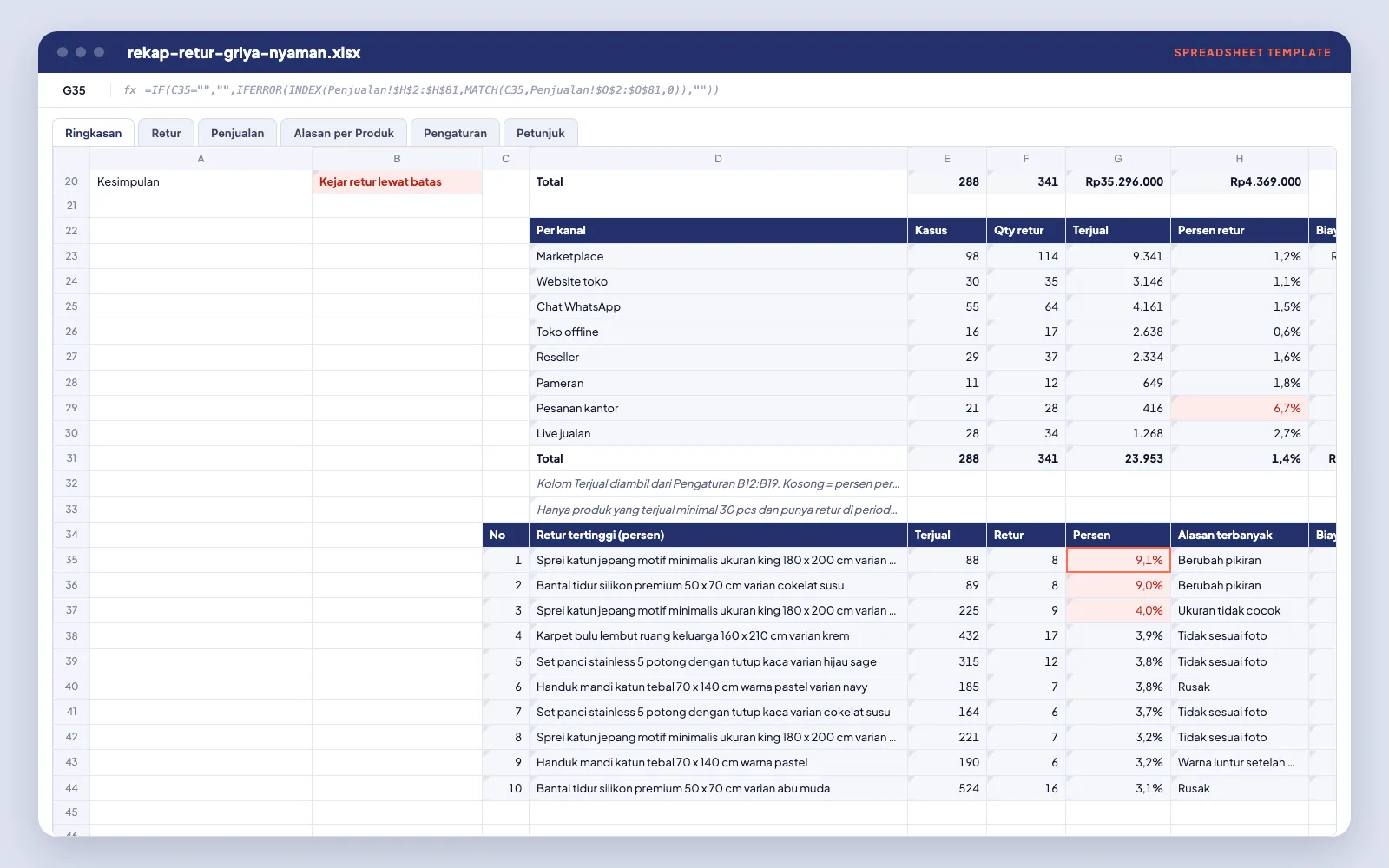
- A reason-by-product matrix and the 10 products with the highest return rate
- An HTML template with a sheet preview and a Download Excel button
Good fit
- Fashion, homeware, or small electronics shops whose returns are piling up without a proper record
- Owners who want to know which products need better photos, size charts, or packaging
- Shop admins who have to close every return within a set number of days
- Shops selling on several channels that want to compare the return rate per channel
Not for
- It does not track stock in and out; returned items that go back on sale still belong in your stock file
- It does not pull data from marketplaces or point-of-sale apps; you type units sold yourself
- Return cost is only refunds and shipping; the loss on damaged items that cannot be resold is not counted
- Not a return request system for buyers
About this skill
/rekap-retur-barang Make an October returns log for my clothing shop: return reasons, the products sent back most, the return rate per product, and how much went out on refunds and shipping.
Show more
An Excel file for online and offline shops that logs every return: channel, product, qty, a reason from a dropdown (damaged, wrong item sent, wrong size, not as pictured, changed mind), a decision to exchange, refund, repair, or reject, refund amount and shipping paid by the shop, status and processing days. Summaries per reason, per product, and per channel, the return rate against units sold, a reason-by-product matrix, and the 10 products returned most. Opens in Excel, Numbers, or Google Sheets.
User reviews
FAQ
Why is my return rate blank or showing Add units sold?
The return rate is units returned divided by units sold in the same period. Fill the Units sold column in the Sales sheet for the period in Settings B6 to B7; without it the rate is not worked out, but the reason, cost, and progress summaries still run.
A product with 1 return out of 2 sold shows 50 percent. Is it ranked?
No. A product only joins the highest-return list and can be marked High once it has sold at least the number in Settings B9 (20 by default), so small sales do not mislead.
Where does a return from last month that only closed now go?
It stays on the same row in the Returns sheet; change the status to Closed and fill in the closing date. Summaries use the return date, so it still counts in the month it was requested, while its processing days update.
Which AI can I use it with?
Copy the prompt into a chat AI (ChatGPT, Claude, Gemini, DeepSeek); or download the ZIP and install it in an AI agent (Claude Code, Codex, Antigravity, Hermes Agent, Cursor, GitHub Copilot, Gemini CLI, OpenCode, Kimi Code, Trae), which then builds the files for you.
What is in the ZIP?
One folder named rekap-retur-barang with SKILL.md (the instructions an AI agent reads) and the prompt, 6 files in all. Extract it into your agent's skills folder, or install it with npx skillflow-ai add rekap-retur-barang. Pro only.
Is there a per-use fee or credits?
Not from SkillFlow. The skill runs on the AI you already use, so any cost follows that plan.
Which plan includes it?
SkillFlow Pro. It opens every skill in every category.
Can I use my own colours and brand?
Yes. Pick a colour theme on this page, or fill in your brand profile once; both go into the prompt you copy and into the ZIP.
Can I share what I made?
Pro members can upload the result and get a page at share.skillflow.ai.id to send to anyone. The page carries a small "Made with SkillFlow AI" mark.
Is there a download limit?
Yes, per day: 50 skills on Pro, 10 on other plans. Downloading a skill again on the same day does not count.



