

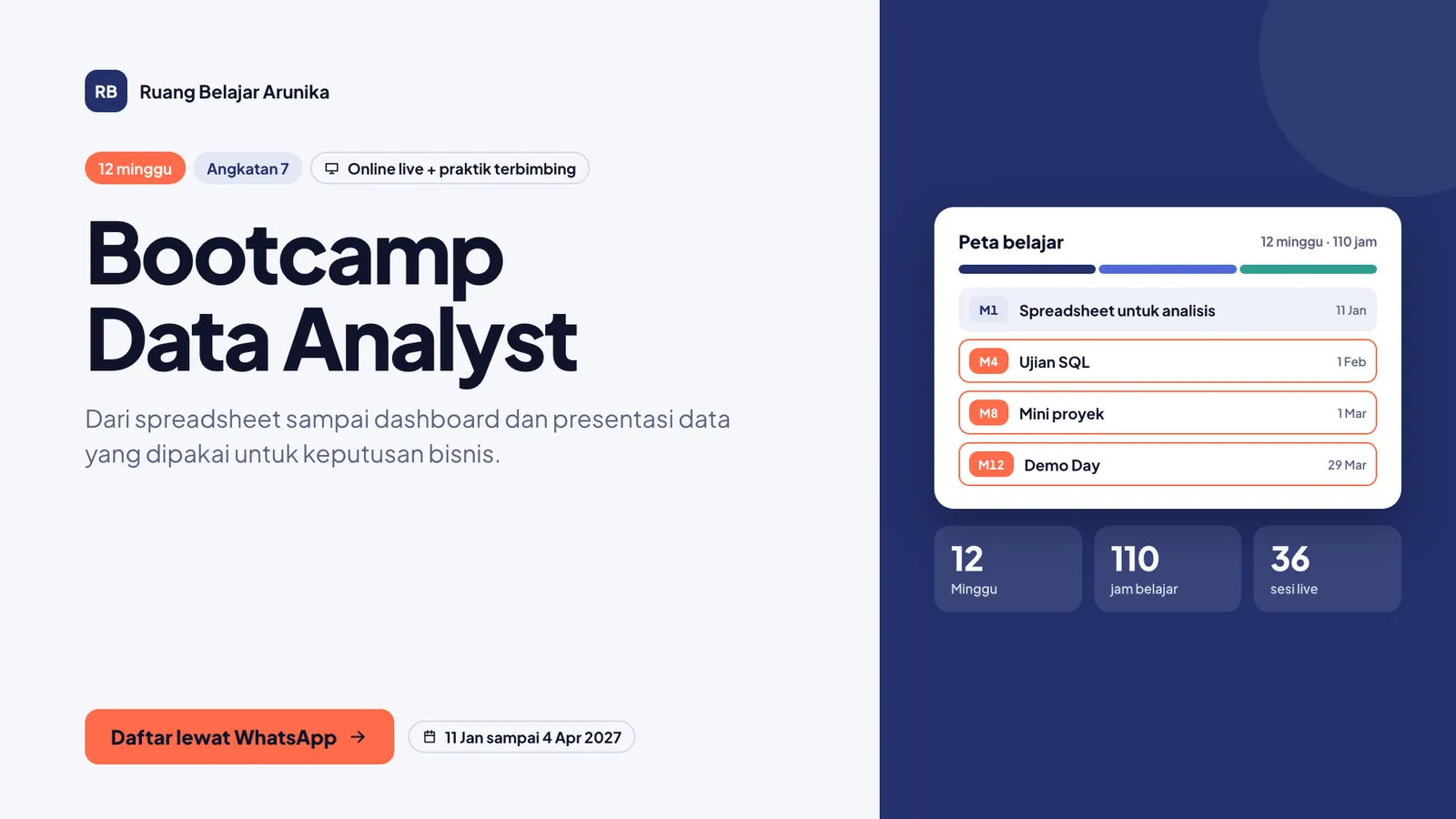
Cover: a learning map card segmented by phase, 12 weeks, 110 hours, 36 live sessions
SKILL.md contents
Premium subscribers can read, copy, and install this skill.
Unlock with Premium Sign inBootcamp Syllabus
Description
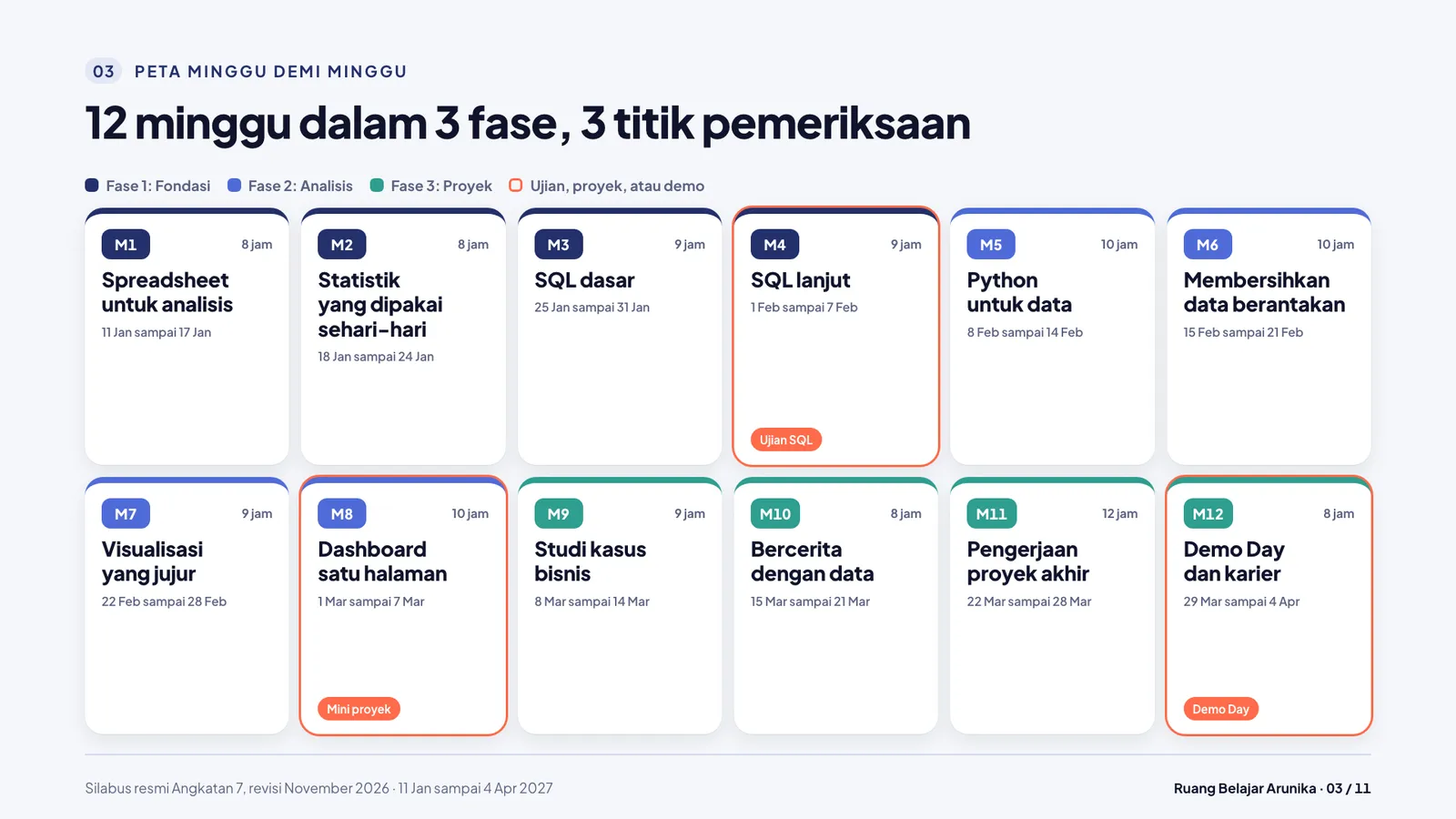
A syllabus deck for intensive courses in an app-interface card style, for prospective students and orientation sessions: a week-by-week map by phase with dates worked out from the start date, one detail slide per phase, a final project with a weighted rubric, the weekly schedule and key dates, graduation requirements with an attendance threshold worked out automatically, mentor profiles, and a closing slide with price and seats. One HTML file from one content object, downloadable as PDF, PPTX, or images.
Verified by SkillFlow
We checked every file in this skill automatically: no command that downloads and runs a program, no hidden code, no instruction telling your AI to ignore you.
- Loads from outside
- Fonts: Google Fonts SkillFlow: directory.skillflow.ai.id
See the 5 files inside
skill.json13 KBSKILL.md7 KBprompt.md6 KBprompt.en.md6 KBfiles/deck.html44 KB
Checked 14 Nov 2026
Included in Basic and Pro
Basic copies the prompt. Pro also downloads the ZIP, sends to AI, installs into agents, and opens every category.
Get Pro Get Basic Already subscribed? Sign inWhat you get
- A cover with a learning map card, total weeks, study hours, and live sessions worked out automatically
- A week-by-week map (4-16 weeks) by phase, each week's dates from the start date
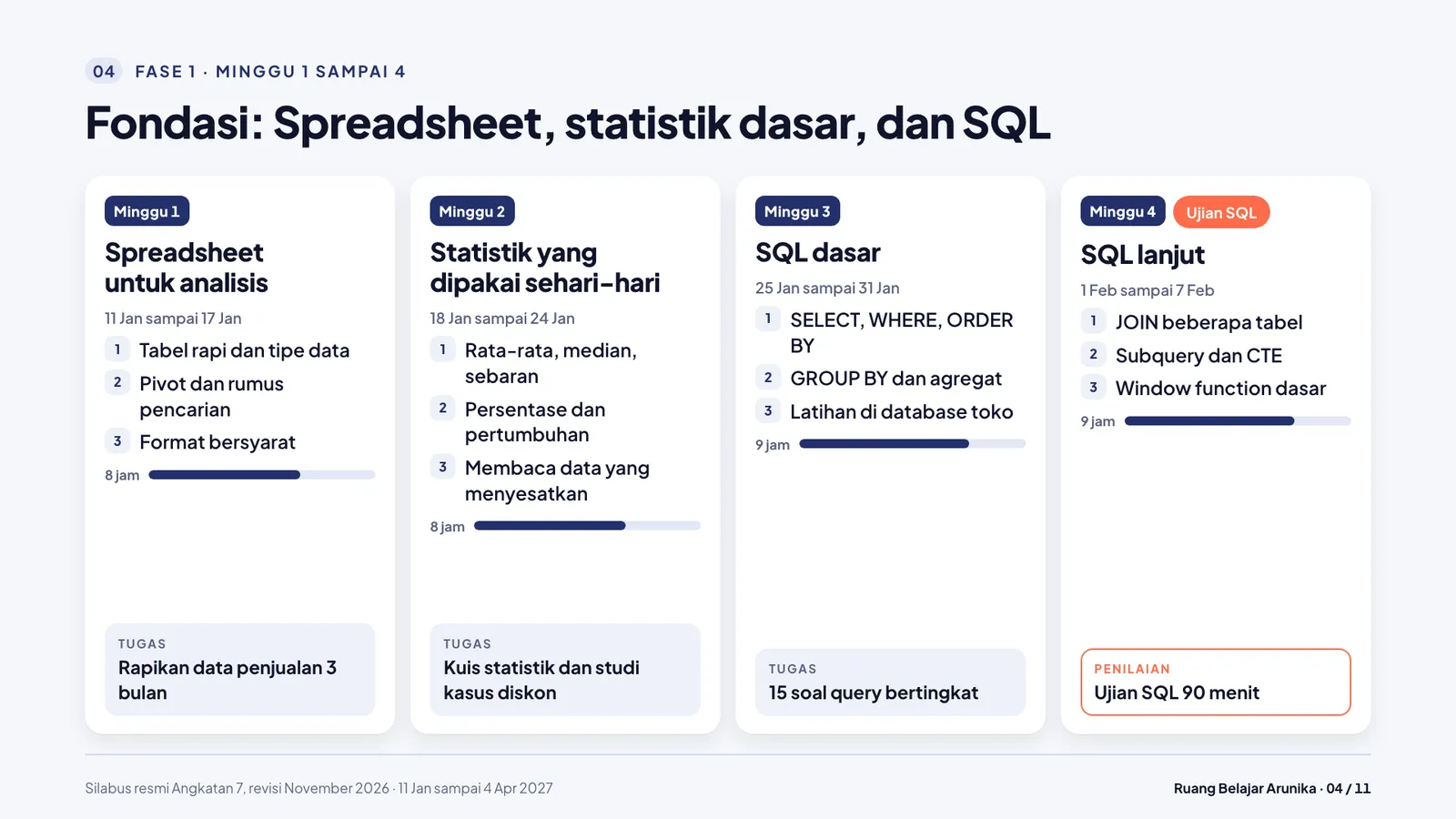
- One detail slide per phase: numbered topics, an hours bar, assignments, and exam or demo weeks
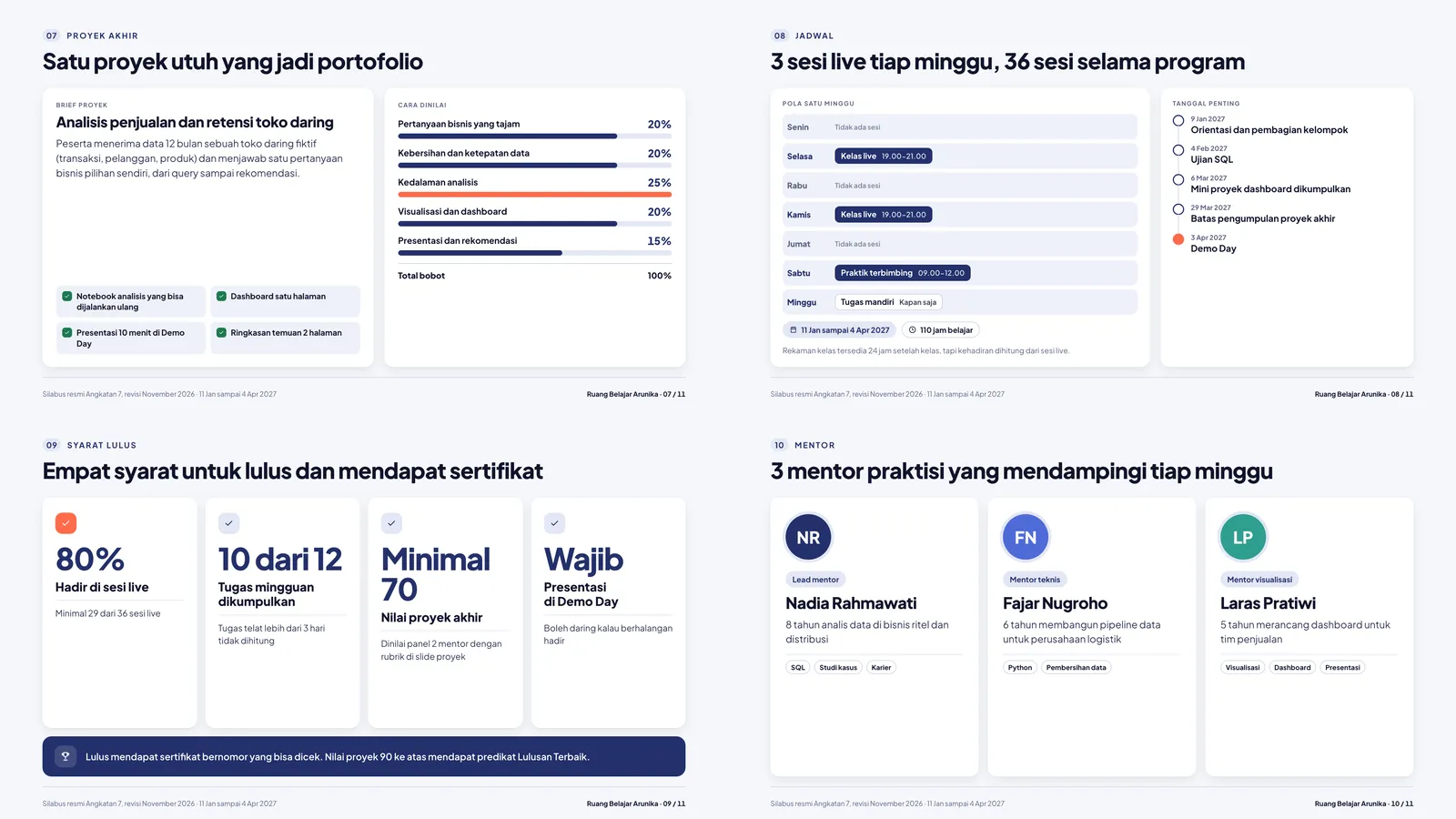
- A final project with deliverables and a weighted rubric checked to total 100%
- A Monday to Sunday schedule, key dates, and graduation requirements with an attendance threshold in sessions
- Mentor cards, and a closing slide with struck-through price, early-bird price, seats, and a WhatsApp button
- Download PDF, PPTX, and per-slide images, 3 palettes, long text shrinks automatically
Good fit
- Course providers opening a new cohort of an intensive programme
- Mentors or creators selling a multi-week class who need to explain how it runs
- Organisers of job training or incubation programmes preparing participant orientation
Not for
- It does not write the lesson content for each session; that belongs in a class module
- It does not invent mentors, pass rates, or job guarantees; everything comes from your details
- Not an enrolment or payment page; the enrol button leads to WhatsApp
About this skill
/silabus-bootcamp Make a 10-week UI/UX bootcamp syllabus for our new cohort, with a final project, Tuesday and Thursday evening classes, graduation requirements, and three mentor profiles.
Show more
A syllabus deck for intensive courses in an app-interface card style, for prospective students and orientation sessions: a week-by-week map by phase with dates worked out from the start date, one detail slide per phase, a final project with a weighted rubric, the weekly schedule and key dates, graduation requirements with an attendance threshold worked out automatically, mentor profiles, and a closing slide with price and seats. One HTML file from one content object, downloadable as PDF, PPTX, or images.
User reviews
FAQ
What is worked out automatically?
Week numbers across phases, each week's dates from the start date, total study hours, the number of live sessions, the attendance threshold in sessions, and the rubric total. If the weights do not reach 100%, the total row turns red with a warning.
How many weeks fit?
4 to 16 weeks, grouped into phases of at most 4 weeks. Each phase gets one detail slide, so a 16-week bootcamp produces 4 detail slides.
Does it work for in-person classes?
Yes. Fill in the format and schedule as they really are; mark the sessions that count for attendance as live, and self-paced sessions are left out of the count.
Which AI can I use it with?
Copy the prompt into a chat AI (ChatGPT, Claude, Gemini, DeepSeek); or download the ZIP and install it in an AI agent (Claude Code, Codex, Antigravity, Hermes Agent, Cursor, GitHub Copilot, Gemini CLI, OpenCode, Kimi Code, Trae), which then builds the files for you.
What is in the ZIP?
One folder named silabus-bootcamp with SKILL.md (the instructions an AI agent reads) and the prompt, 5 files in all. Extract it into your agent's skills folder, or install it with npx skillflow-ai add silabus-bootcamp. Pro only.
Is there a per-use fee or credits?
Not from SkillFlow. The skill runs on the AI you already use, so any cost follows that plan.
Which plan includes it?
Basic and Pro. Basic copies the prompt; Pro also downloads the ZIP, sends to AI, installs into agents and shares results by link.
Can I use my own colours and brand?
Yes. Pick a colour theme on this page, or fill in your brand profile once; both go into the prompt you copy and into the ZIP.
Can I share what I made?
Pro members can upload the result and get a page at share.skillflow.ai.id to send to anyone. The page carries a small "Made with SkillFlow AI" mark.
Is there a download limit?
Yes, per day: 50 skills on Pro, 10 on other plans. Downloading a skill again on the same day does not count.



