

Rendered sample video
SKILL.md contents
Premium subscribers can read, copy, and install this skill.
Unlock with Premium Sign inStep-by-Step Math Solution
Description
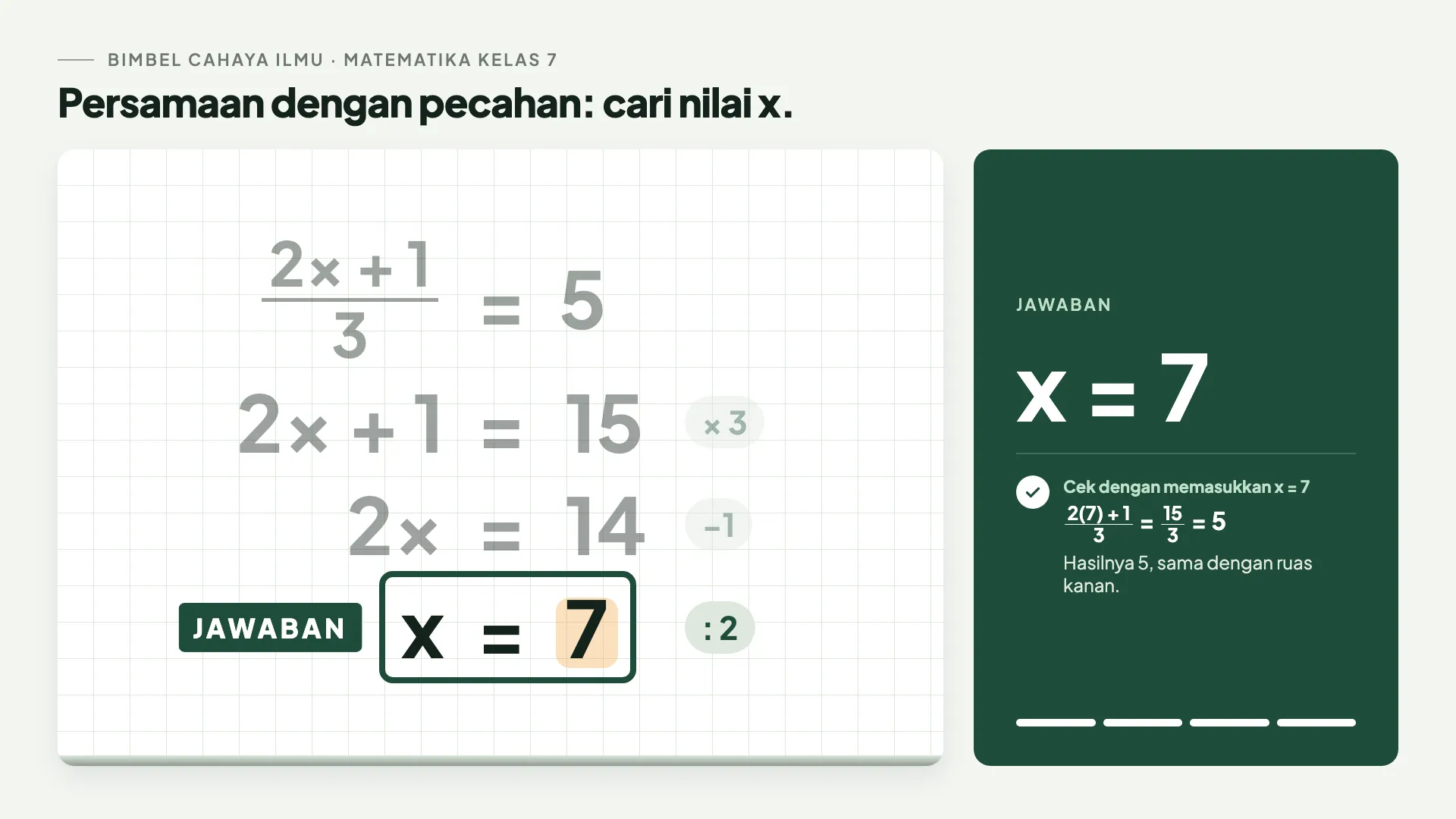
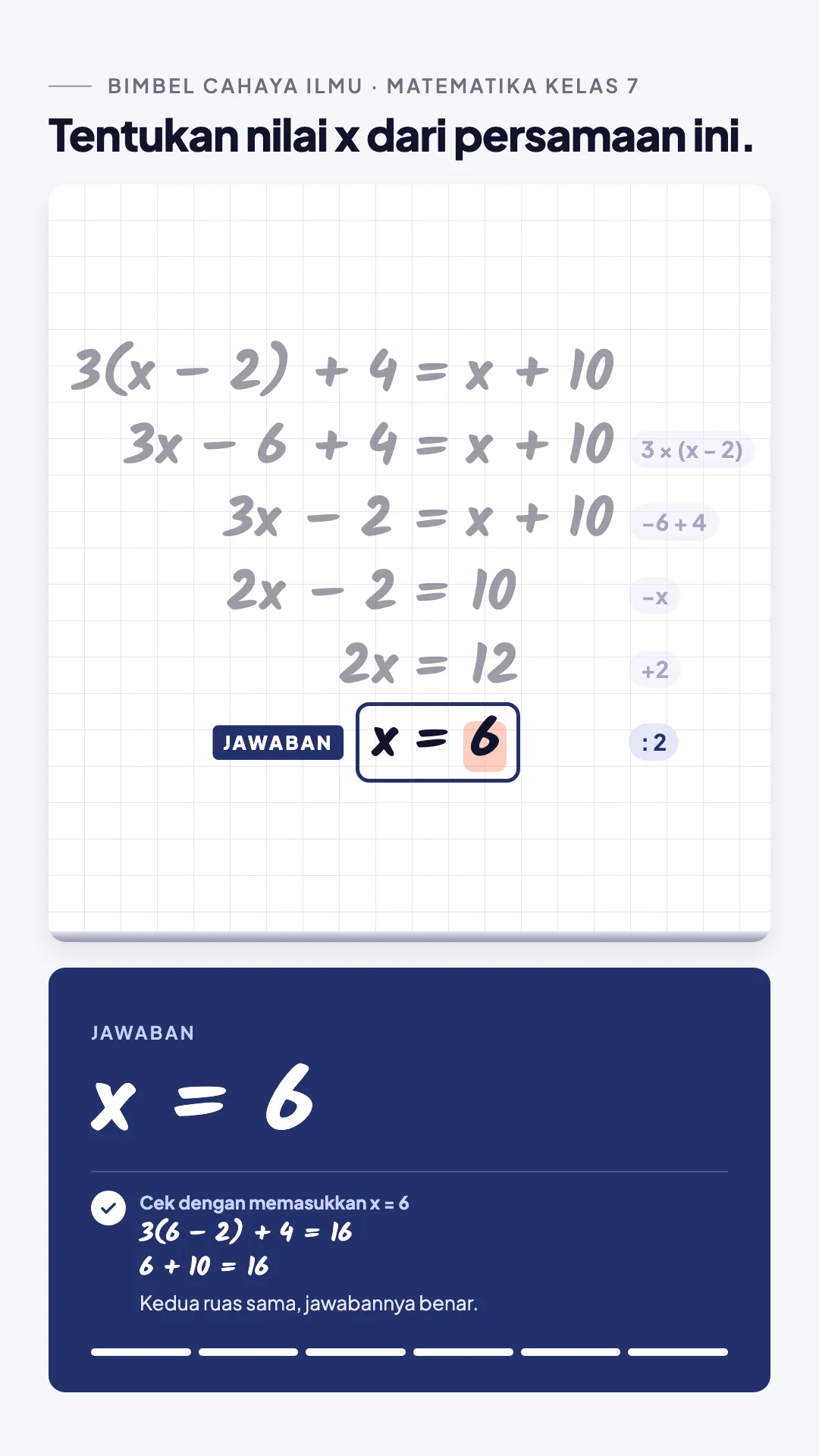
A whiteboard explainer clip for teachers and tutors: an equation is solved line by line as if written in marker, the equals signs always line up, the part that just changed gets a highlighter swipe, the operation applied appears beside the line, and older lines fade. A side card explains each step with a step number and progress, then the answer is boxed and checked by substituting it back. Fractions, powers, and multiplication and division signs are supported. Length (14 to 24 seconds) is worked out automatically, in 16:9 and 9:16, rendered to MP4 with one command.
Verified by SkillFlow
We checked every file in this skill automatically: no command that downloads and runs a program, no hidden code, no instruction telling your AI to ignore you.
- Loads from outside
- Fonts: Google Fonts
See the 5 files inside
skill.json7 KBSKILL.md6 KBprompt.md4 KBprompt.en.md4 KBfiles/scene.html21 KB
Checked 14 Nov 2026
Part of SkillFlow Pro
Pro opens every skill in every category: copy, ZIP, Send to AI, install, save, and request new skills.
Get Pro Already subscribed? Sign inWhat you get
- A worked-solution script: 3-8 formula lines, a title and explanation per step, the operation, a check line
- An animated whiteboard HTML scene driven by one SCENE object
- A small formula syntax: [[highlight]], {numerator|denominator}, ^power, automatic minus/times/divide signs
- MP4 1920x1080 (16:9) or 1080x1920 (9:16), 30 fps, 14-24 seconds
- Marker or clean lettering, 3 palettes
Good fit
- Teachers and tutors walking through one problem for an online class or study group
- Maths education creators on Reels or YouTube Shorts
- Teachers showing the correct steps for a common mistake
- Linear equations, fractions, and multi step arithmetic
Not for
- Not function graphs, illustrated geometry, or long word problems without formulas
- The answer must be checked by substituting it into the problem before making the video
- At most 8 formula lines per video
- It does not replace a teacher's explanation; one video for one problem
About this skill
/soal-matematika-bertahap Make a step by step solution video for the linear equation 3(x - 2) = x + 4 for grade 7 students, 6 working lines with an explanation per step and a check line, marker font, in 9:16
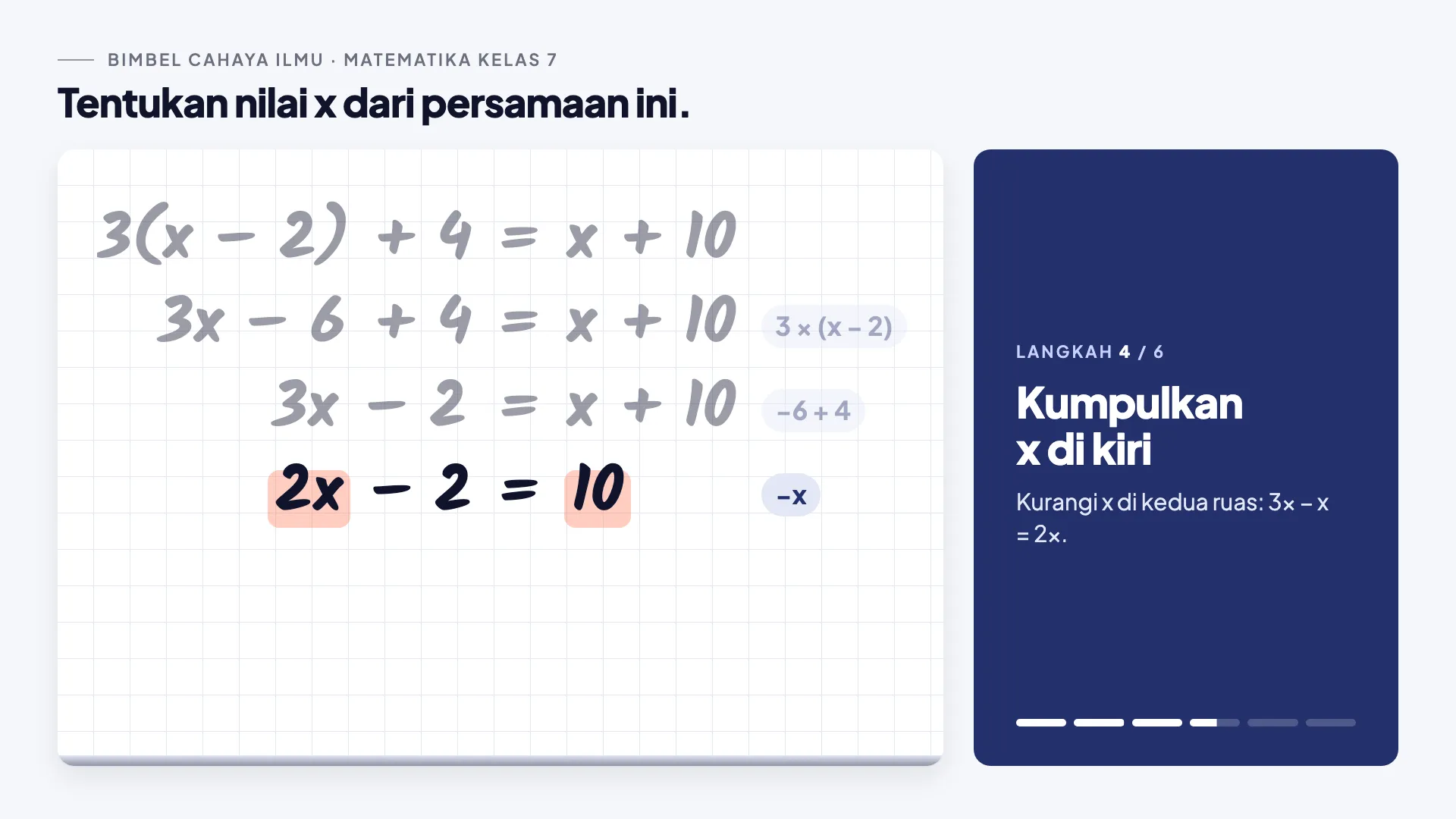
Show more
A whiteboard explainer clip for teachers and tutors: an equation is solved line by line as if written in marker, the equals signs always line up, the part that just changed gets a highlighter swipe, the operation applied appears beside the line, and older lines fade. A side card explains each step with a step number and progress, then the answer is boxed and checked by substituting it back. Fractions, powers, and multiplication and division signs are supported. Length (14 to 24 seconds) is worked out automatically, in 16:9 and 9:16, rendered to MP4 with one command.
User reviews
FAQ
How do I write fractions and powers?
Use the short syntax: braces with a vertical bar for fractions, such as {2x + 1|3}, a caret for powers like x^2, and double square brackets for the highlighted part. Minus, times, and divide signs are converted automatically.
Marker or neat font?
The marker font feels like a whiteboard. The neat font is clearer for stacked fractions. Both keep the equals signs aligned on every line.
The text gets small in 9:16, why?
All formulas shrink together until the widest line fits. Shorten the operation notes beside each line, or split a long problem into two videos.
Which AI can I use it with?
Copy the prompt into a chat AI (ChatGPT, Claude, Gemini, DeepSeek): you get an HTML file; open it in Chrome and press Download MP4 (silent video, a minute or two to render); or download the ZIP and install it in an AI agent (Claude Code, Codex, Antigravity, Hermes Agent, Cursor, GitHub Copilot, Gemini CLI, OpenCode, Kimi Code, Trae), which then builds the files for you.
What is in the ZIP?
One folder named soal-matematika-bertahap with SKILL.md (the instructions an AI agent reads) and the prompt, 5 files in all. Extract it into your agent's skills folder, or install it with npx skillflow-ai add soal-matematika-bertahap. Pro only.
Is there a per-use fee or credits?
Not from SkillFlow. The skill runs on the AI you already use, so any cost follows that plan.
Which plan includes it?
SkillFlow Pro. It opens every skill in every category.
Can I use my own colours and brand?
Yes. Pick a colour theme on this page, or fill in your brand profile once; both go into the prompt you copy and into the ZIP.
Can I share what I made?
Pro members can upload the result and get a page at share.skillflow.ai.id to send to anyone. The page carries a small "Made with SkillFlow AI" mark.
Is there a download limit?
Yes, per day: 50 skills on Pro, 10 on other plans. Downloading a skill again on the same day does not count.



