

Rendered sample video
SKILL.md contents
Premium subscribers can read, copy, and install this skill.
Unlock with Premium Sign inNew Feature Spotlight
Description
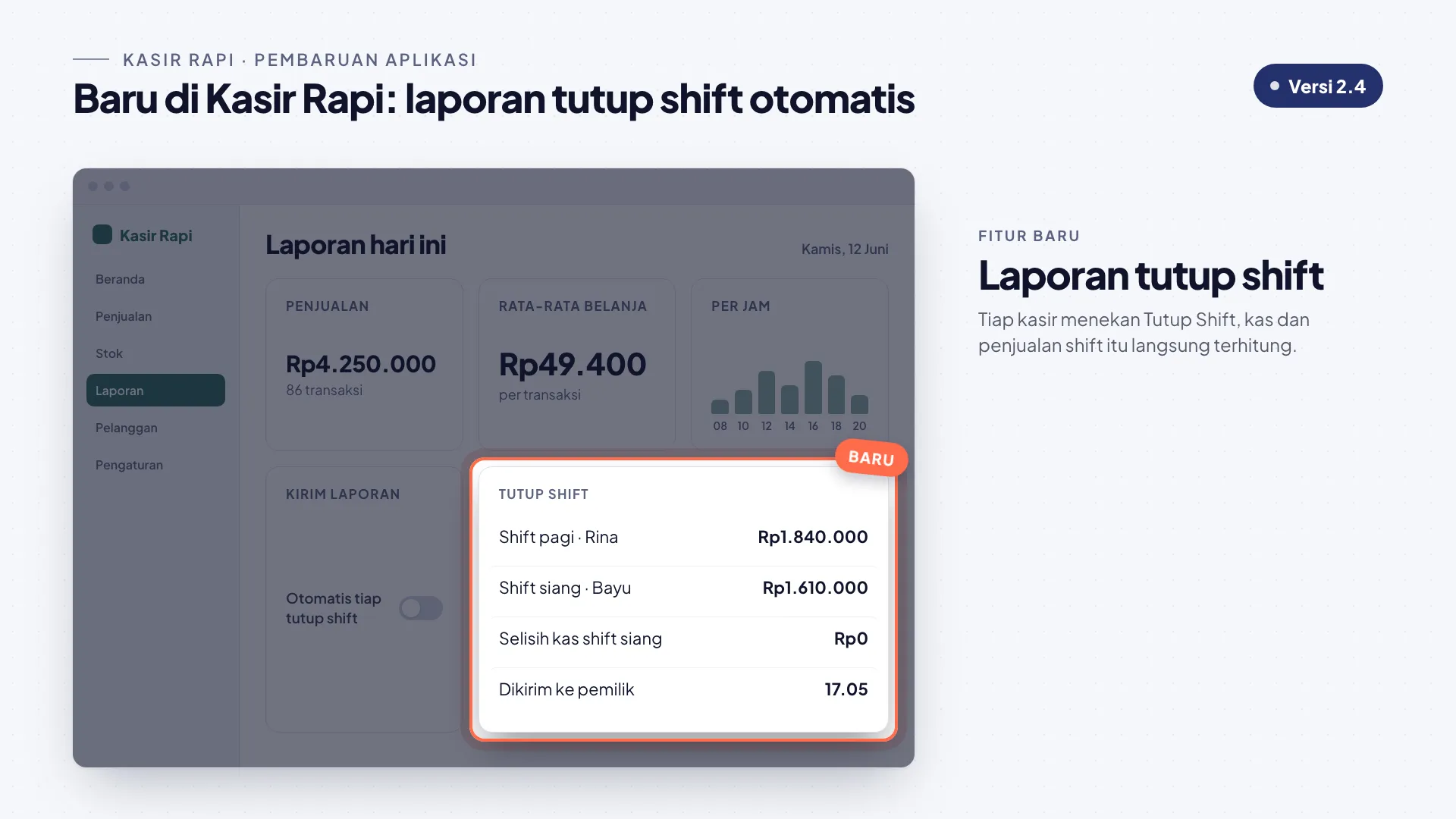
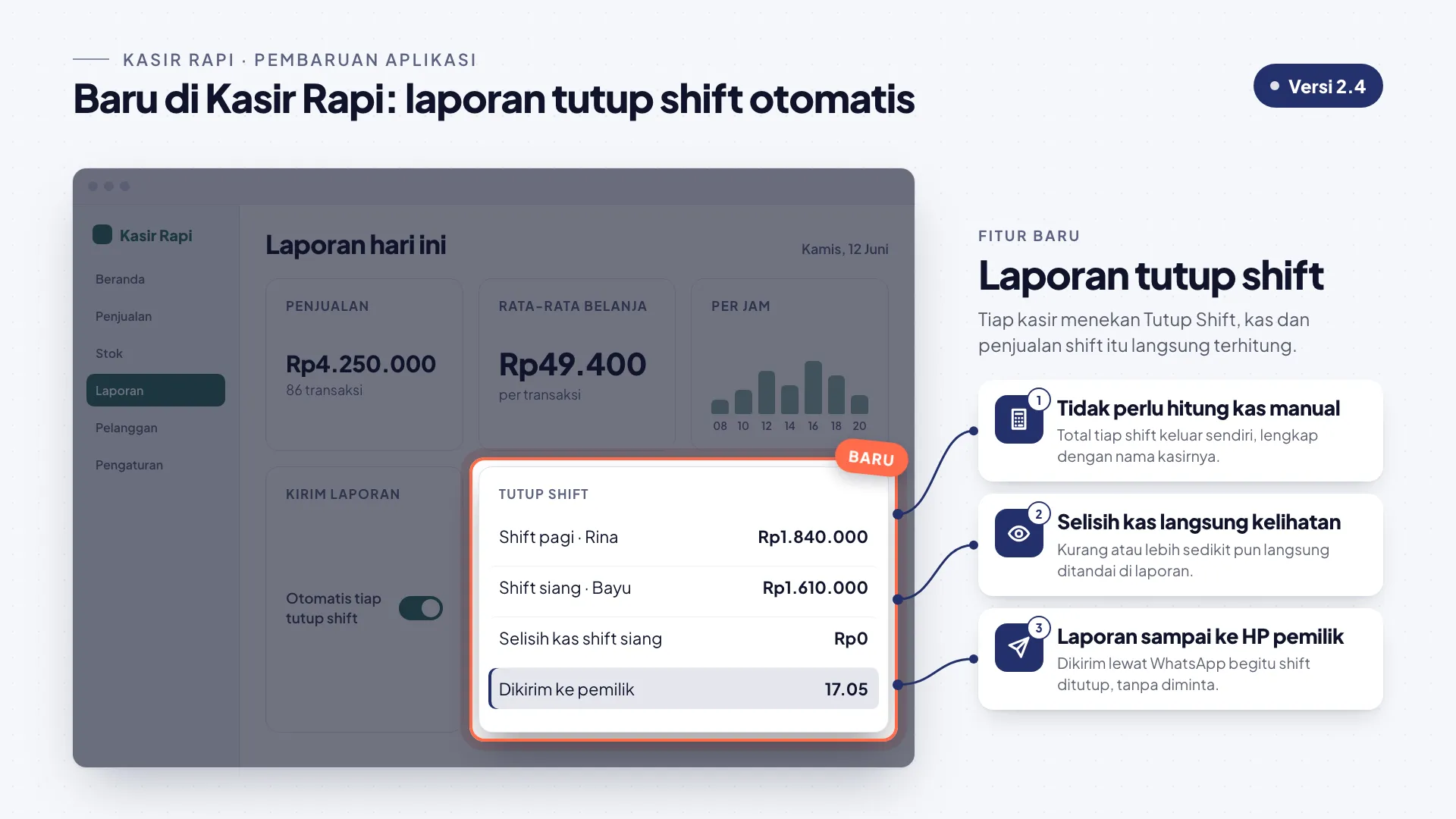
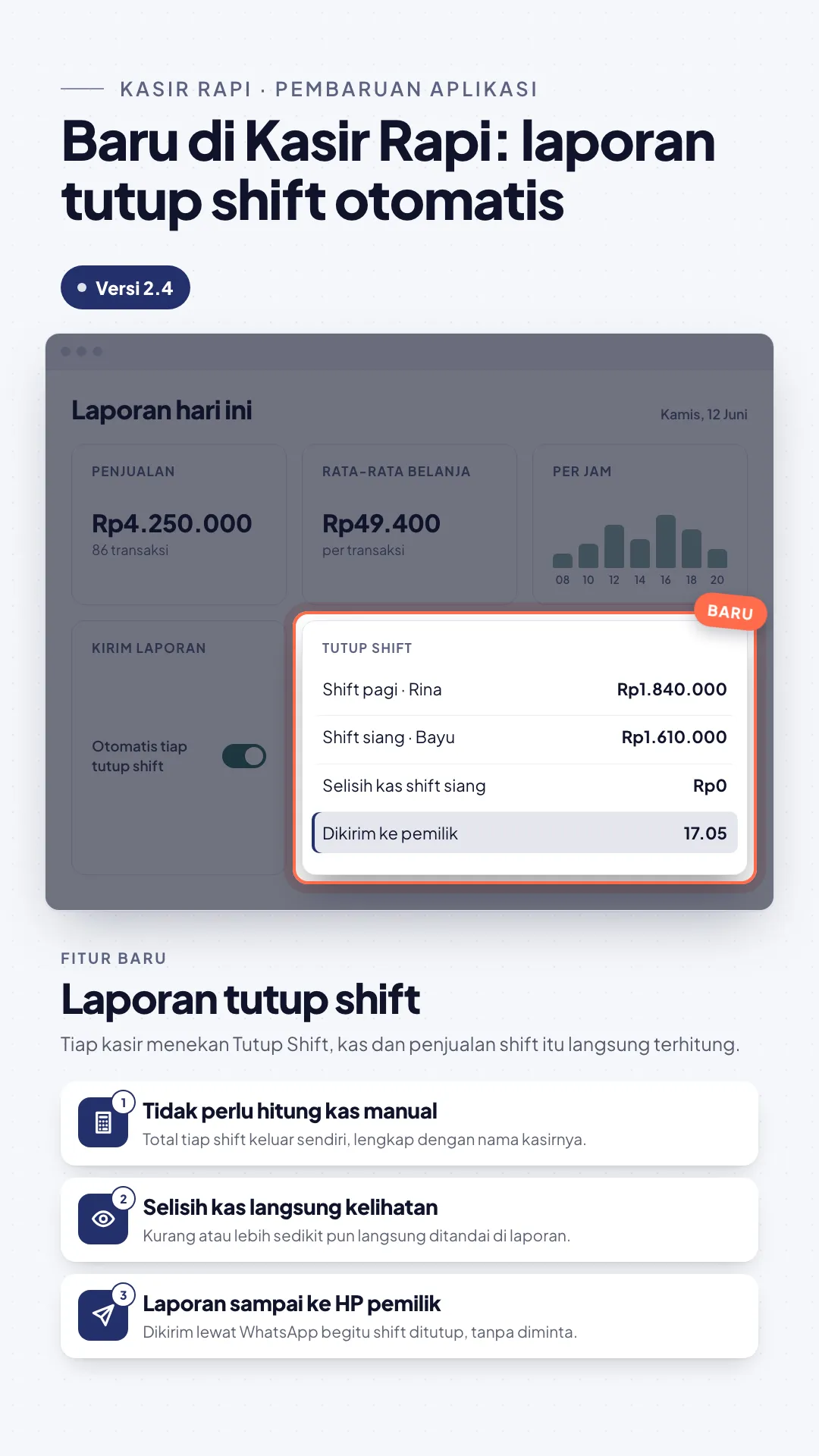
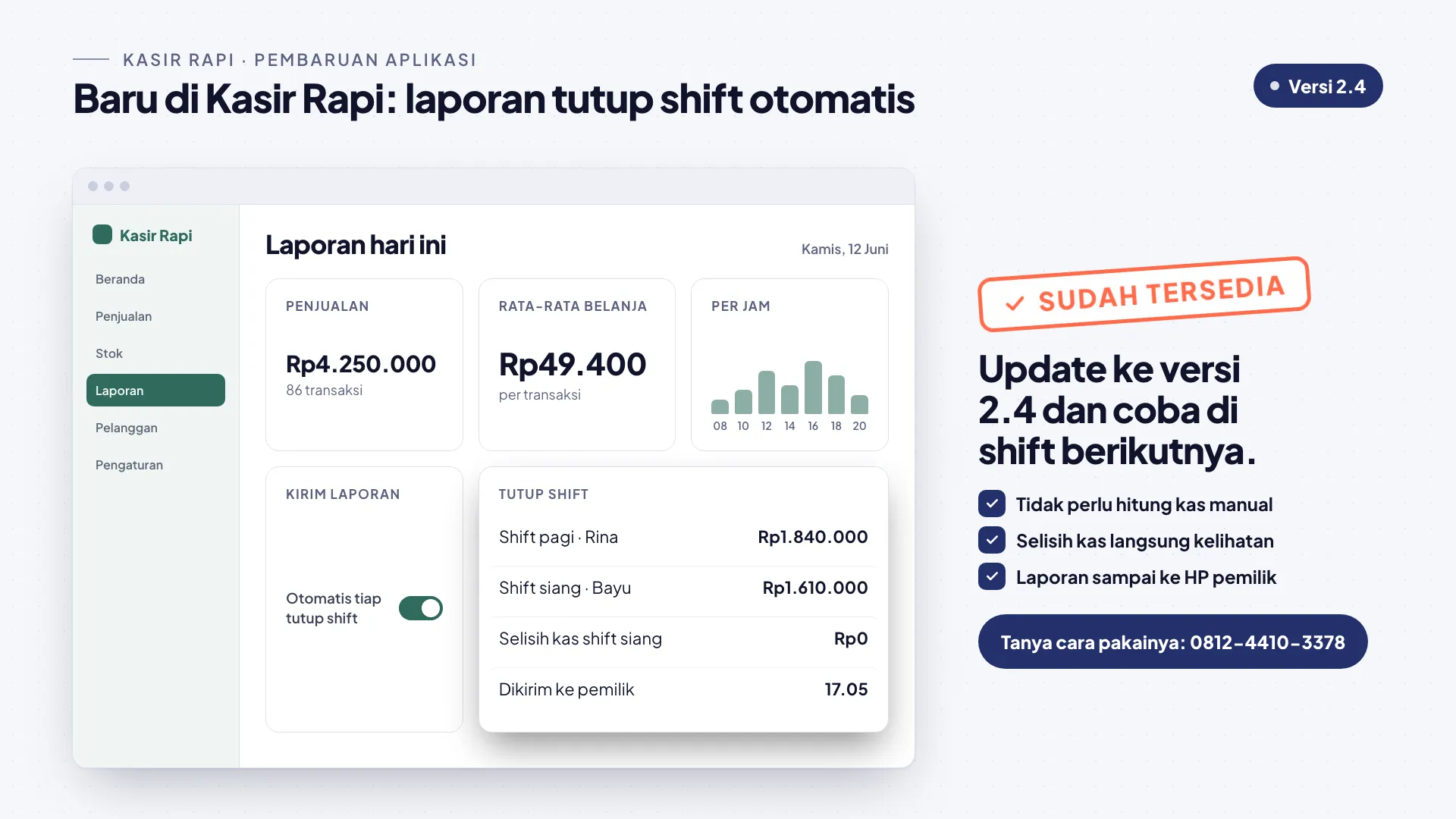
An app or digital product update announcement: a sample app screen sits in a window, then the whole screen dims and only the new feature panel lights up with a frame and a New sticker. The feature name and a one-line explanation appear beside it, followed by two to four benefits one at a time, each linked to the panel by a line, while the row being discussed is marked and a switch can turn itself on. It ends with an Available now stamp, a benefit recap, and a call to action. 16:9 and 9:16, 12 to 17 seconds.
Verified by SkillFlow
We checked every file in this skill automatically: no command that downloads and runs a program, no hidden code, no instruction telling your AI to ignore you.
- Loads from outside
- Fonts: Google Fonts
See the 5 files inside
skill.json8 KBSKILL.md7 KBprompt.md5 KBprompt.en.md5 KBfiles/scene.html29 KB
Checked 14 Nov 2026
Part of SkillFlow Pro
Pro opens every skill in every category: copy, ZIP, Send to AI, install, save, and request new skills.
Get Pro Already subscribed? Sign inWhat you get
- An announcement script: feature name, one explaining line, 2-4 benefits, a closing line and call to action
- An animated HTML sample app (menu, number, chart, list, switch, chat panels) from one config object
- A spotlight that dims everything except the feature panel, a New sticker, and connector lines to each benefit
- Panel rows marked and a switch turning on to match the benefit being shown
- MP4 1920x1080 (16:9) or 1080x1920 (9:16), 30 fps, 12-17 seconds
- 3 ready video palettes, with the app's brand colour set separately
Good fit
- App makers, small SaaS teams, or digital template sellers who ship updates regularly
- Product teams that need a short clip for release notes, email, and social media
- Digital product sellers who want to show existing buyers what a new version adds
- Agencies making update content for client apps
Not for
- It does not record your real app; the screen is an HTML mock you fill with your own panels and text
- One feature per video, not a full changelog; for many changes use Terminal-Style Feature Release
- Not a step-by-step tutorial on how to use the feature
- Panels outside the spotlight stay dimmed, so changes there are hard to see until the closing
About this skill
/sorot-fitur-baru Make an announcement video for a new feature in my POS app, the shift closing report, three benefits, 16:9 and Reels
Show more
An app or digital product update announcement: a sample app screen sits in a window, then the whole screen dims and only the new feature panel lights up with a frame and a New sticker. The feature name and a one-line explanation appear beside it, followed by two to four benefits one at a time, each linked to the panel by a line, while the row being discussed is marked and a switch can turn itself on. It ends with an Available now stamp, a benefit recap, and a call to action. 16:9 and 9:16, 12 to 17 seconds.
User reviews
FAQ
Does the app screen need to look like my app?
Only in broad strokes: use your menu names, brand colour, and panel text. The available panel types are number, chart, list, switch, and chat. What matters is that the feature panel uses the same terms users see in the app.
What if the feature is not released yet?
Change the closing stamp to Coming soon and the call to action to a waiting list. Do not write a release date that is not confirmed.
Which AI can I use it with?
Copy the prompt into a chat AI (ChatGPT, Claude, Gemini, DeepSeek): you get an HTML file; open it in Chrome and press Download MP4 (silent video, a minute or two to render); or download the ZIP and install it in an AI agent (Claude Code, Codex, Antigravity, Hermes Agent, Cursor, GitHub Copilot, Gemini CLI, OpenCode, Kimi Code, Trae), which then builds the files for you.
What is in the ZIP?
One folder named sorot-fitur-baru with SKILL.md (the instructions an AI agent reads) and the prompt, 5 files in all. Extract it into your agent's skills folder, or install it with npx skillflow-ai add sorot-fitur-baru. Pro only.
Is there a per-use fee or credits?
Not from SkillFlow. The skill runs on the AI you already use, so any cost follows that plan.
Which plan includes it?
SkillFlow Pro. It opens every skill in every category.
Can I use my own colours and brand?
Yes. Pick a colour theme on this page, or fill in your brand profile once; both go into the prompt you copy and into the ZIP.
Can I share what I made?
Pro members can upload the result and get a page at share.skillflow.ai.id to send to anyone. The page carries a small "Made with SkillFlow AI" mark.
Is there a download limit?
Yes, per day: 50 skills on Pro, 10 on other plans. Downloading a skill again on the same day does not count.



