

Rendered sample video
SKILL.md contents
Premium subscribers can read, copy, and install this skill.
Unlock with Premium Sign inClient Case Study
Description
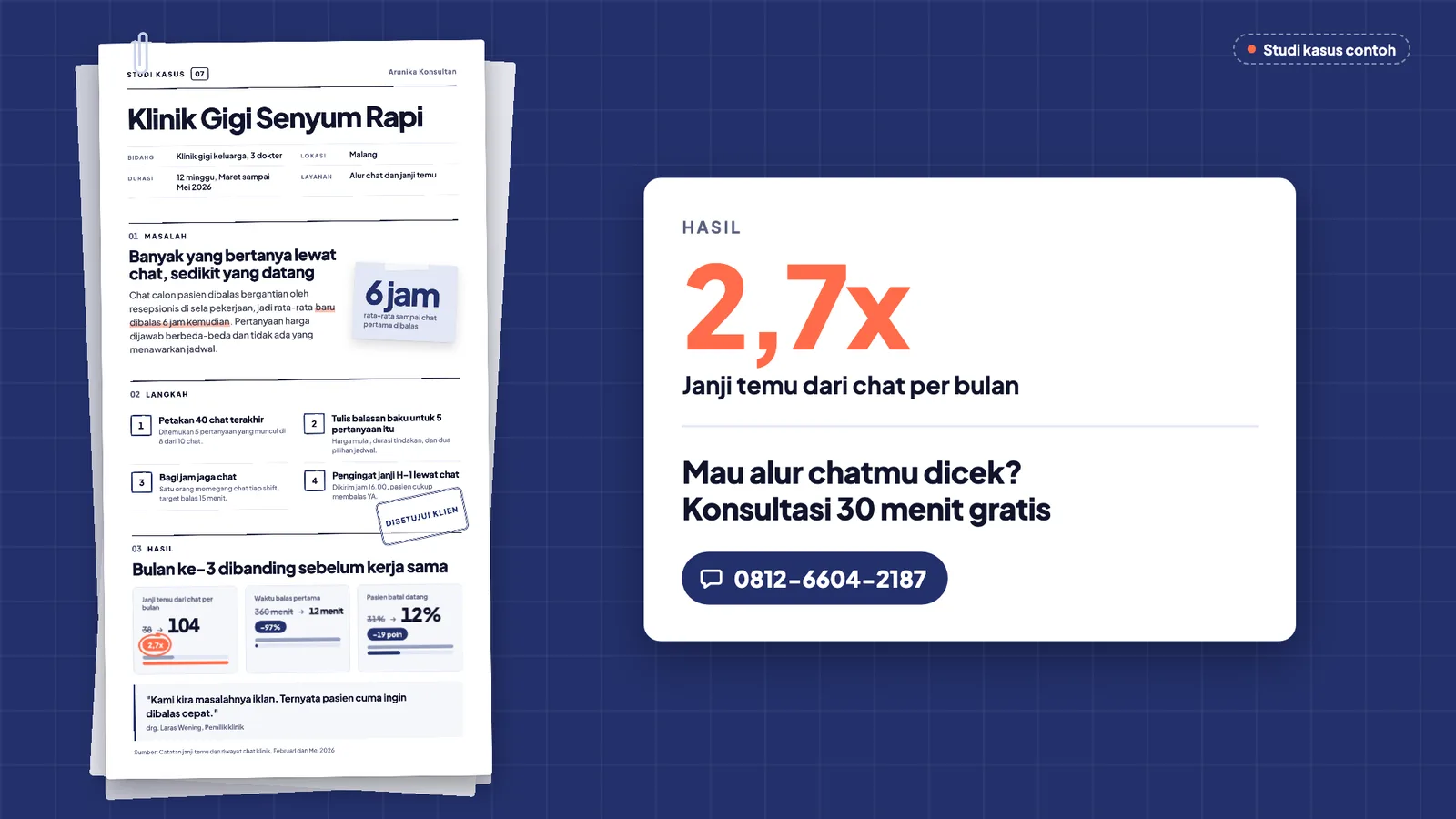
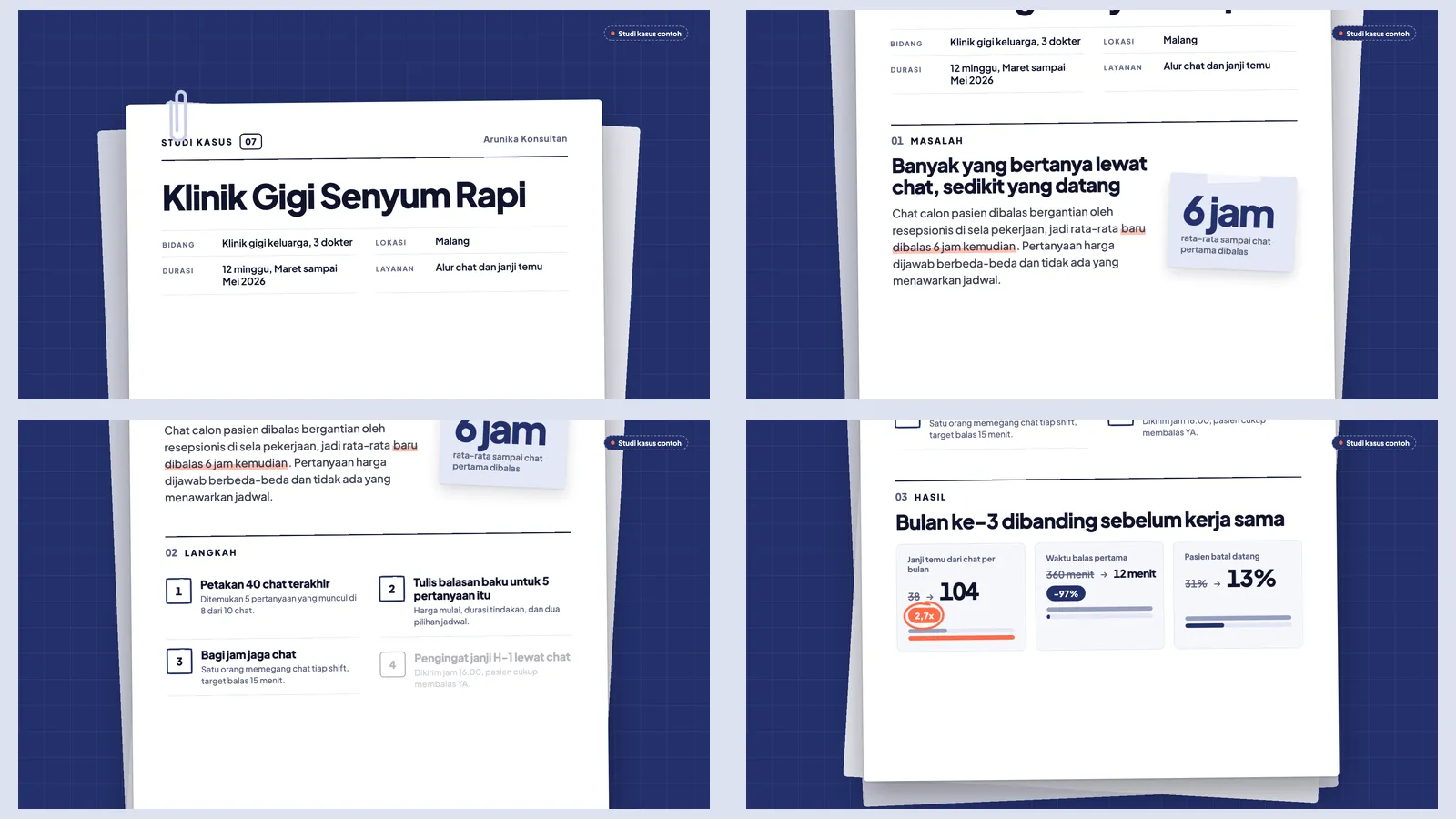
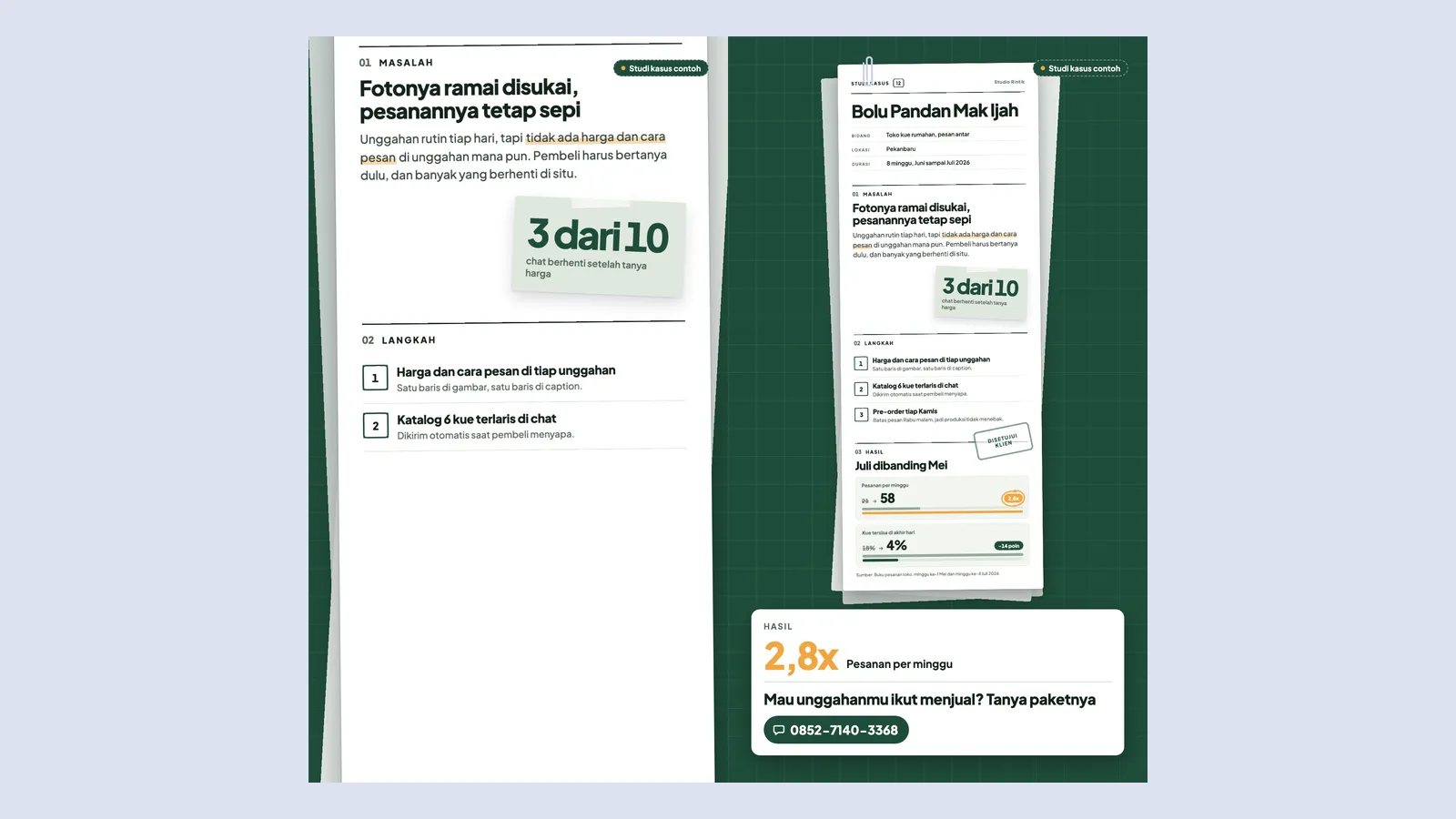
A 16 to 26 second case study for consultants, agencies, and freelancers, laid out like a working document on a desk: a document header with the client details, a Problem section with the key phrase highlighted and a sticky note holding the proof figure, Steps that tick off one by one, then Results as before to after figures that count up, with the change worked out by the template and one figure circled by hand. The camera visits each section, then pulls back to show the whole document stamped with the client's approval beside a result box and a WhatsApp call to action. 16:9 and 9:16.
Verified by SkillFlow
We checked every file in this skill automatically: no command that downloads and runs a program, no hidden code, no instruction telling your AI to ignore you.
- Loads from outside
- Fonts: Google Fonts
See the 6 files inside
skill.json11 KBSKILL.md8 KBprompt.md7 KBprompt.en.md7 KBfiles/contoh-toko-kue-9x16.html31 KBfiles/studi-kasus.html32 KB
Checked 14 Nov 2026
Part of SkillFlow Pro
Pro opens every skill in every category: copy, ZIP, Send to AI, install, save, and request new skills.
Get Pro Already subscribed? Sign inWhat you get
- A case study script: client details, the problem with one proof figure, 3-5 steps, 2-4 result figures and their change
- An animated HTML scene driven by one config object, with the camera worked out from the document content
- MP4 1920x1080 (16:9) or 1080x1920 (9:16), 30 fps, 16-26 seconds
- A client approval stamp, an optional client quote, a result box, a WhatsApp call to action, and 3 palettes
Good fit
- Consultants who want proof of work beyond a list of services
- Agencies and freelancers preparing a short video portfolio
- Business coaches telling one client's story from problem to result
- B2B service sales teams who need material for proposals and LinkedIn
Not for
- One client per video; several clients become several videos
- It does not invent results; without real data and client permission the Sample case study tag stays on
- Not a full case study deck or a carousel; this is a short video
- No client photos or logos in the document; it is text and figures
About this skill
/studi-kasus-klien Make a client case study video for the dental clinic we worked with: chats answered after 6 hours, we fixed their chat flow over 12 weeks, appointments rose from 38 to 104 a month, in 16:9 for our agency profile
Show more
A 16 to 26 second case study for consultants, agencies, and freelancers, laid out like a working document on a desk: a document header with the client details, a Problem section with the key phrase highlighted and a sticky note holding the proof figure, Steps that tick off one by one, then Results as before to after figures that count up, with the change worked out by the template and one figure circled by hand. The camera visits each section, then pulls back to show the whole document stamped with the client's approval beside a result box and a WhatsApp call to action. 16:9 and 9:16.
User reviews
FAQ
Do I need the client's permission to use their name?
Ideally yes, especially when the figures are shown. Without permission, replace the client name with their field and city, for example a dental clinic in Malang, and leave the Approved by client stamp empty.
How is the change in the results worked out?
The template works it out from the before and after figures: percentages are written in points, rises of double or more as a multiple, the rest as a percentage. Figures where lower is better, such as response time, are marked good down.
How many steps is ideal?
Four. Each step is one action that can be copied, starting with a verb, with one sentence of detail holding a number or an example. More than 5 steps makes the video too long and the results lose attention.
Which AI can I use it with?
Copy the prompt into a chat AI (ChatGPT, Claude, Gemini, DeepSeek): you get an HTML file; open it in Chrome and press Download MP4 (silent video, a minute or two to render); or download the ZIP and install it in an AI agent (Claude Code, Codex, Antigravity, Hermes Agent, Cursor, GitHub Copilot, Gemini CLI, OpenCode, Kimi Code, Trae), which then builds the files for you.
What is in the ZIP?
One folder named studi-kasus-klien with SKILL.md (the instructions an AI agent reads) and the prompt, 6 files in all. Extract it into your agent's skills folder, or install it with npx skillflow-ai add studi-kasus-klien. Pro only.
Is there a per-use fee or credits?
Not from SkillFlow. The skill runs on the AI you already use, so any cost follows that plan.
Which plan includes it?
SkillFlow Pro. It opens every skill in every category.
Can I use my own colours and brand?
Yes. Pick a colour theme on this page, or fill in your brand profile once; both go into the prompt you copy and into the ZIP.
Can I share what I made?
Pro members can upload the result and get a page at share.skillflow.ai.id to send to anyone. The page carries a small "Made with SkillFlow AI" mark.
Is there a download limit?
Yes, per day: 50 skills on Pro, 10 on other plans. Downloading a skill again on the same day does not count.



