

Rendered sample video
SKILL.md contents
Premium subscribers can read, copy, and install this skill.
Unlock with Premium Sign inCaptions with Keyword Highlight
Description
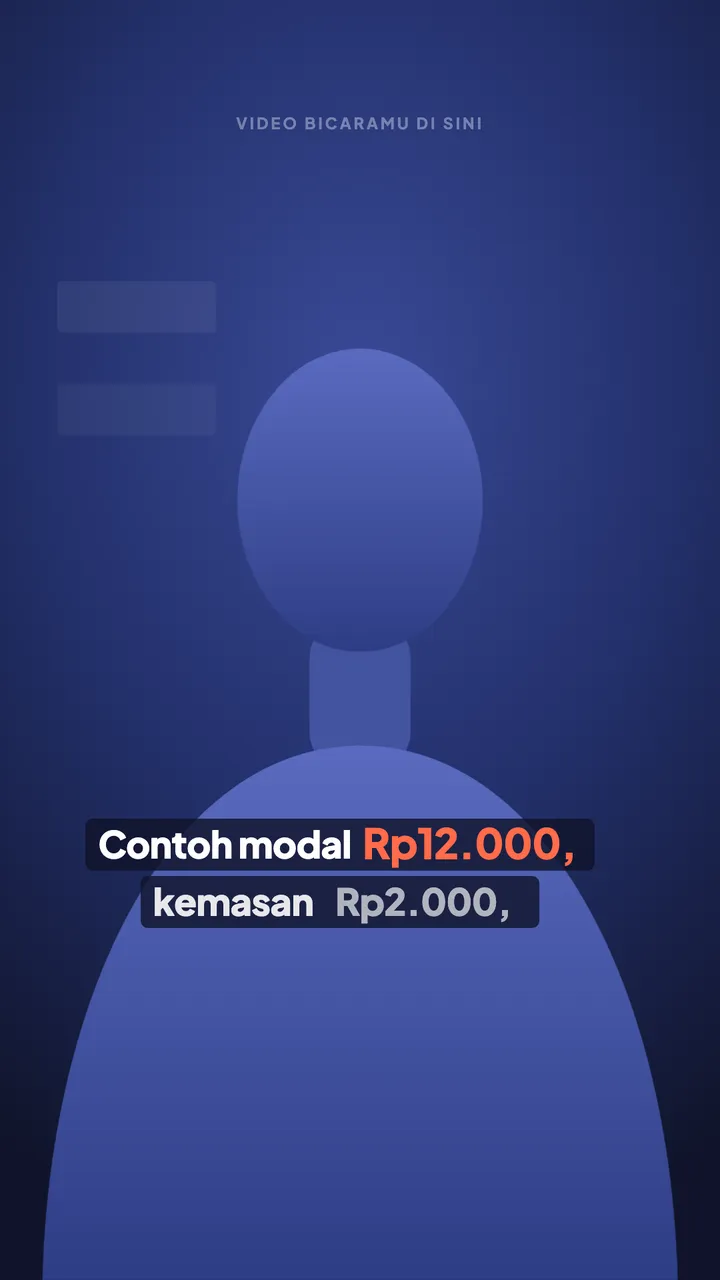
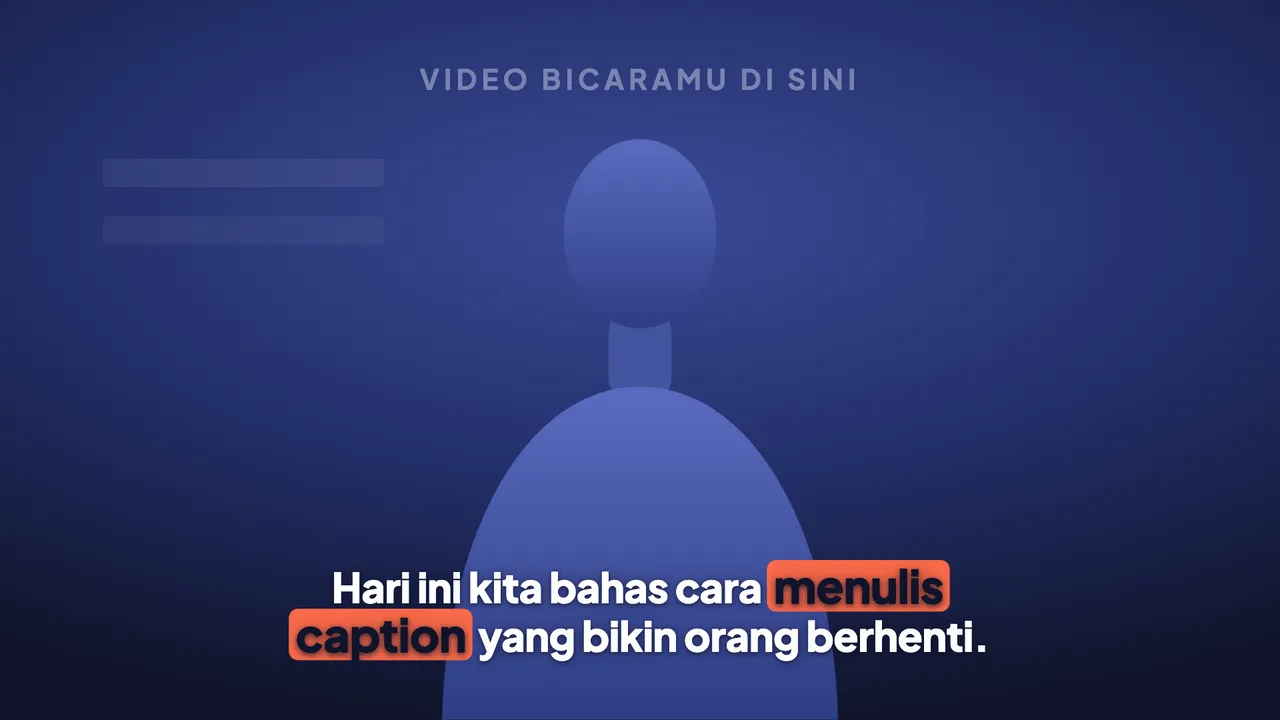
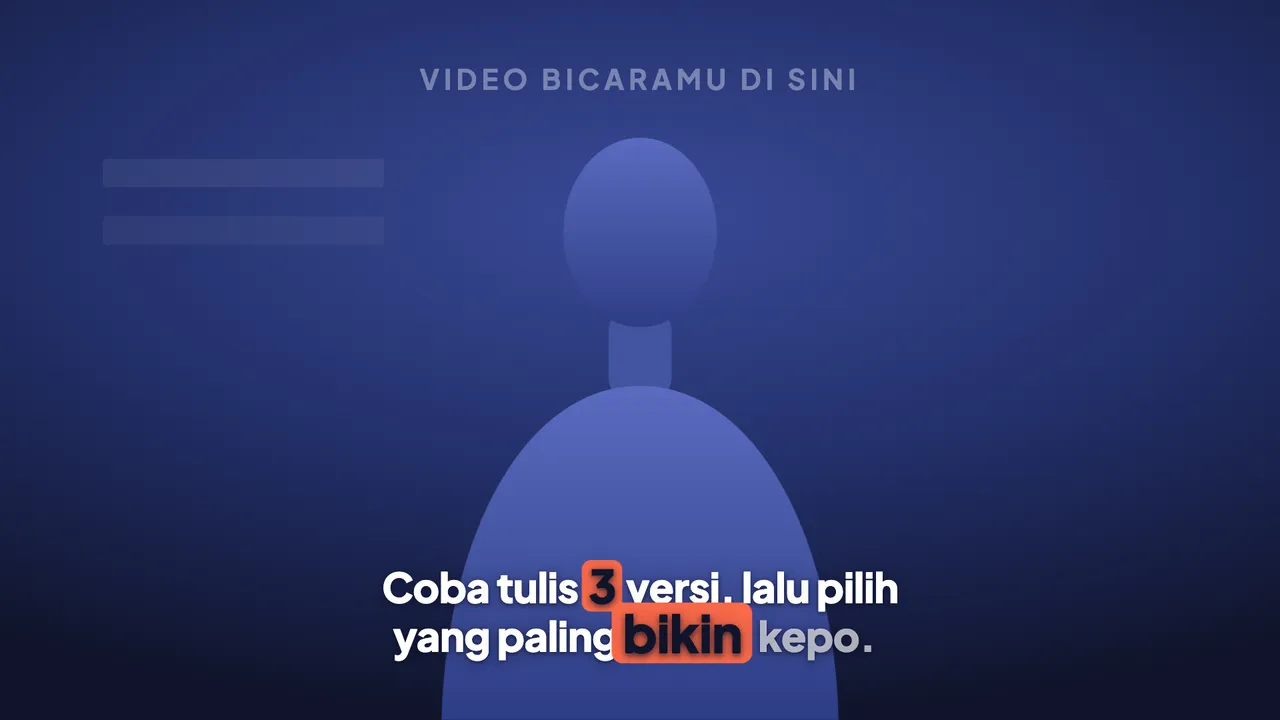
Styled captions for your whole talking video, not just the opening. Paste an .srt file from your editing or transcription tool, and the template tidies it into balanced two-line chunks, lights words up one by one with the speech, and makes keywords (marked with asterisks, plus numbers and prices automatically) grow in the accent colour. Three styles: dark band, clean text with a pill, or outlined capitals. 9:16 for Reels and 16:9 for YouTube, clear of app buttons, rendered to MP4 and re-exported as .srt and .vtt.
Verified by SkillFlow
We checked every file in this skill automatically: no command that downloads and runs a program, no hidden code, no instruction telling your AI to ignore you.
- Loads from outside
- Fonts: Google Fonts
See the 5 files inside
skill.json8 KBSKILL.md6 KBprompt.md4 KBprompt.en.md4 KBfiles/subtitle.html21 KB
Checked 14 Nov 2026
Part of SkillFlow Pro
Pro opens every skill in every category: copy, ZIP, Send to AI, install, save, and request new skills.
Get Pro Already subscribed? Sign inWhat you get
- Captions from a pasted .srt, split automatically into balanced chunks of 2 lines at most
- Words light up one by one and keywords grow in the accent colour, numbers and prices highlighted automatically
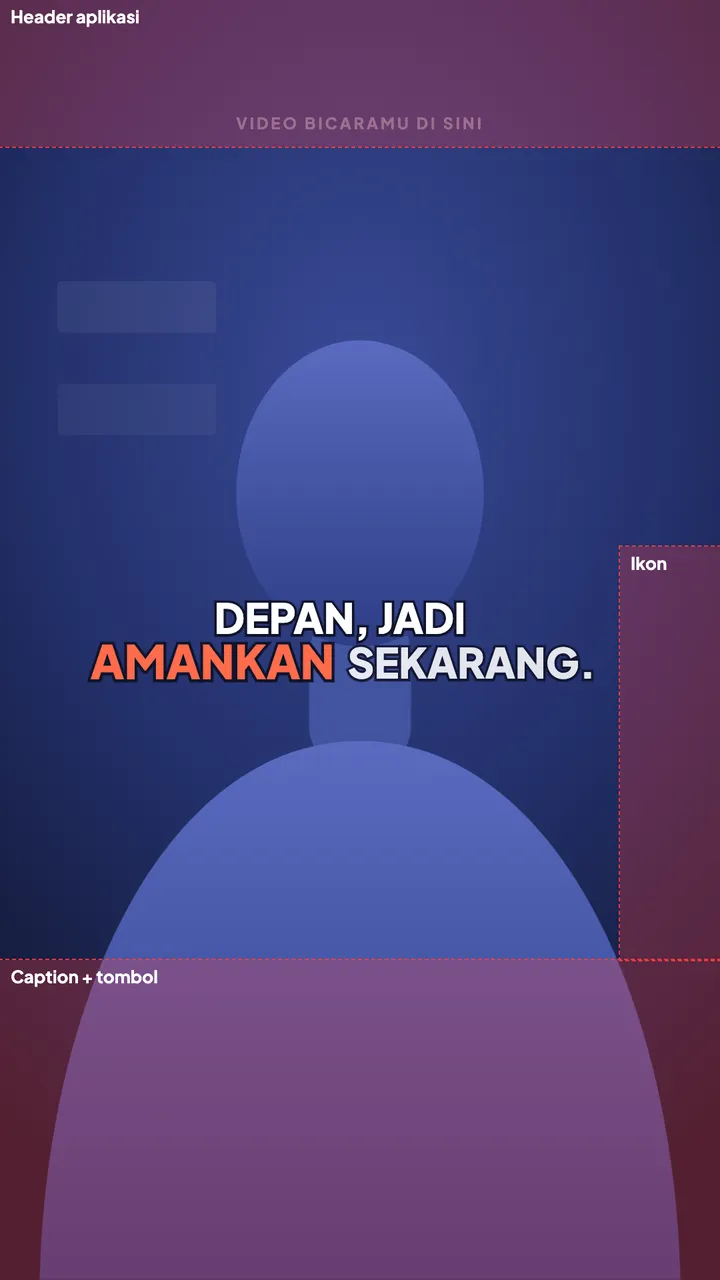
- 3 styles (band, clean, capitals) x 2 positions, an app button safe-zone overlay for checking
- MP4 1080x1920 or 1920x1080 over your video, or a green screen for chroma keying
- Re-exported .srt and .vtt tidied to 2 lines for YouTube or your editing app
Good fit
- Creators and sellers who want captions across a 30 second to several minute talking video
- Teachers sharing recorded lessons on Reels, TikTok, or YouTube
- Content makers who want keywords and numbers to stand out
- Editors who need a tidy two line .srt or .vtt
Not for
- It does not transcribe automatically; you bring your own .srt or script
- Per word timing is estimated from word length, not exact
- Text cannot appear behind the speaker's body
- It does not cut, zoom, or add music to your video
About this skill
/subtitle-kata-disorot Add highlighted word captions to my talking video tips-jualan.mp4 from the .srt I paste, ribbon style at the bottom, auto highlight prices, in 9:16, plus a tidied .srt
Show more
Styled captions for your whole talking video, not just the opening. Paste an .srt file from your editing or transcription tool, and the template tidies it into balanced two-line chunks, lights words up one by one with the speech, and makes keywords (marked with asterisks, plus numbers and prices automatically) grow in the accent colour. Three styles: dark band, clean text with a pill, or outlined capitals. 9:16 for Reels and 16:9 for YouTube, clear of app buttons, rendered to MP4 and re-exported as .srt and .vtt.
User reviews
FAQ
How many words should I mark?
One or two per sentence at most, choosing words that carry meaning such as results, key verbs, or words that flip the meaning. Numbers, percents, and prices are highlighted automatically and can be turned off if it gets busy.
Why are the letters too small?
Adjust the characters per line limit: about 22 to 28 for 9:16 and 36 to 42 for 16:9. A lower limit gives bigger letters.
How do I keep captions clear of app buttons?
Turn on the safe zone view in the browser to see the header, caption, and app icon areas. Captions must stay out of the red zone, then switch the guides off before rendering.
Which AI can I use it with?
Copy the prompt into a chat AI (ChatGPT, Claude, Gemini, DeepSeek): you get an HTML file; open it in Chrome and press Download MP4 (silent video, a minute or two to render); or download the ZIP and install it in an AI agent (Claude Code, Codex, Antigravity, Hermes Agent, Cursor, GitHub Copilot, Gemini CLI, OpenCode, Kimi Code, Trae), which then builds the files for you.
What is in the ZIP?
One folder named subtitle-kata-disorot with SKILL.md (the instructions an AI agent reads) and the prompt, 5 files in all. Extract it into your agent's skills folder, or install it with npx skillflow-ai add subtitle-kata-disorot. Pro only.
Is there a per-use fee or credits?
Not from SkillFlow. The skill runs on the AI you already use, so any cost follows that plan.
Which plan includes it?
SkillFlow Pro. It opens every skill in every category.
Can I use my own colours and brand?
Yes. Pick a colour theme on this page, or fill in your brand profile once; both go into the prompt you copy and into the ZIP.
Can I share what I made?
Pro members can upload the result and get a page at share.skillflow.ai.id to send to anyone. The page carries a small "Made with SkillFlow AI" mark.
Is there a download limit?
Yes, per day: 50 skills on Pro, 10 on other plans. Downloading a skill again on the same day does not count.



