

Rendered sample video
SKILL.md contents
Premium subscribers can read, copy, and install this skill.
Unlock with Premium Sign inStacking Point Tags
Description
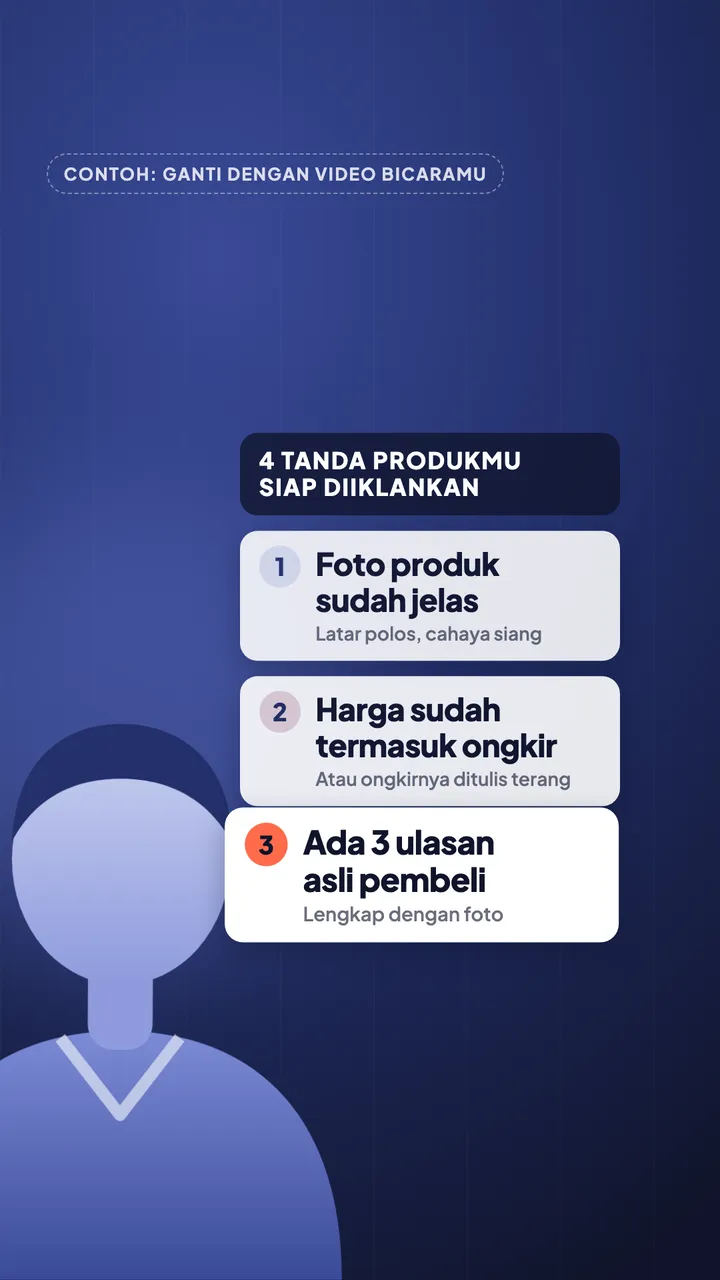
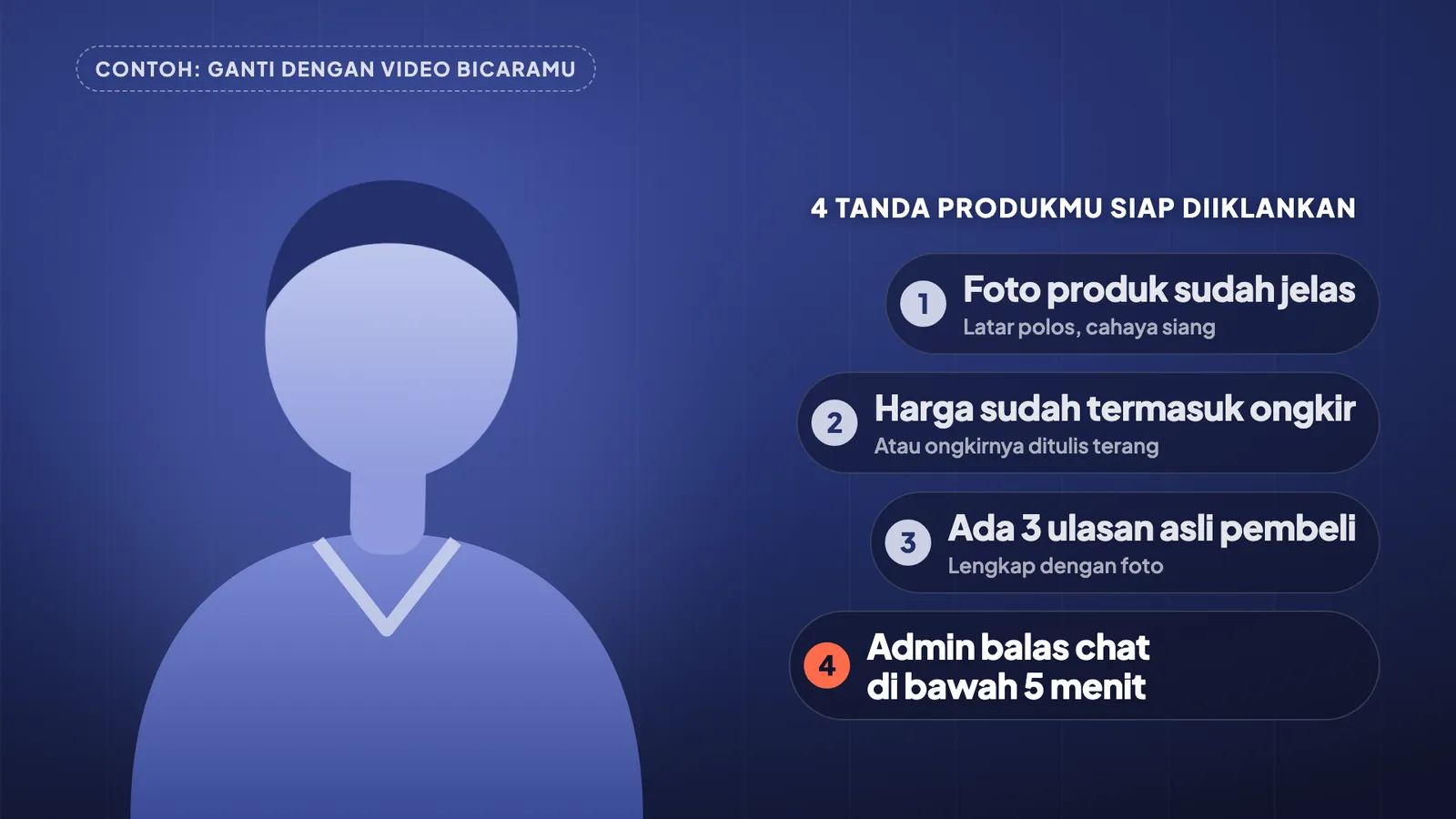
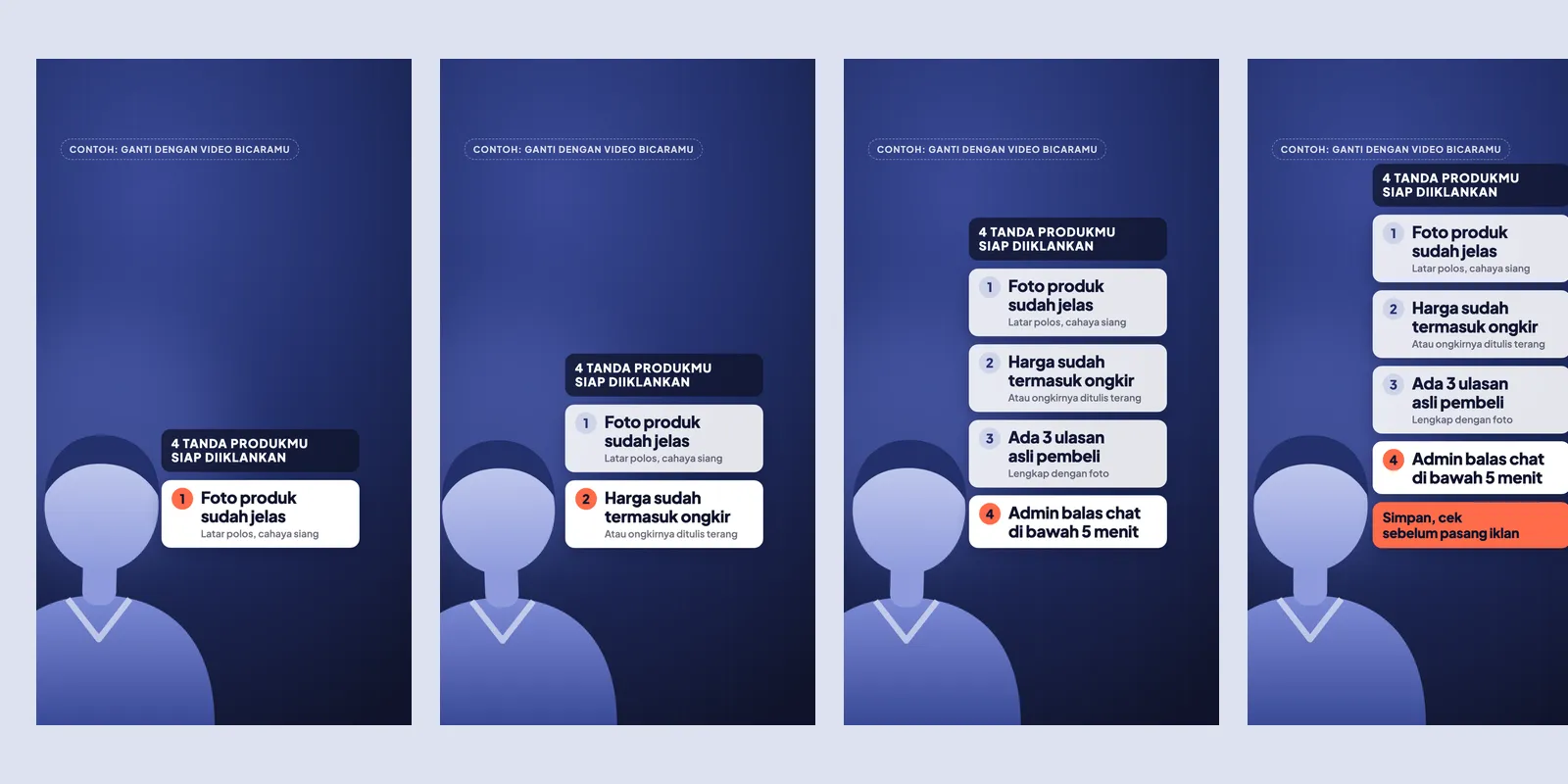
A tag overlay for list-style talking videos: the list title appears first, then each point slides in as a numbered tag beside you exactly when you say it, stacking one by one until the list is complete. The point being discussed lights up in the accent colour, earlier ones dim, and the stack can rise (old tags pushed up) or grow downward. Three styles (card, dark pill, outlined text), left or right side, 9:16 for Reels and TikTok or 16:9 for YouTube, rendered to MP4 with one command.
Verified by SkillFlow
We checked every file in this skill automatically: no command that downloads and runs a program, no hidden code, no instruction telling your AI to ignore you.
- Loads from outside
- Fonts: Google Fonts
See the 5 files inside
skill.json8 KBSKILL.md7 KBprompt.md4 KBprompt.en.md4 KBfiles/tag.html22 KB
Checked 14 Nov 2026
Part of SkillFlow Pro
Pro opens every skill in every category: copy, ZIP, Send to AI, install, save, and request new skills.
Get Pro Already subscribed? Sign inWhat you get
- A point list from your script: list title, 2-6 points (short text plus an optional small line), a closing line
- Each tag's entry time matched to the second you say that point
- A 9:16 1080x1920 or 16:9 1920x1080 MP4: tags stacking over your talking video (original audio kept)
- 3 tag styles (card, pill, outline), left or right side, rising or falling stack, clear of app buttons
- An .srt file from the same tag list, and a green screen option for video editors
- An HTML template with one config object you can edit again for the next video
Good fit
- Educational creators who often make list videos: tips, signs, mistakes, steps
- Coaches and consultants who want viewers to follow the points without rewatching
- Affiliates reviewing a product with several reasons to buy in one video
- Teachers recording short lessons who want the points readable at a glance
Not for
- Not word-by-word captions; use Captions with Keyword Highlight for that
- It does not cut or edit the recording; use Talking-Head Video Editor for that
- It does not transcribe automatically; each point's time comes from a transcript, silence detection, or an estimate
- Tags always sit on top of the video and cannot tuck behind the speaker
About this skill
/tag-poin-menumpuk Add point tags to my talking video about 4 signs a product is ready for ads, each sign appearing on my right as I say it, Reels format, ending with a save prompt
Show more
A tag overlay for list-style talking videos: the list title appears first, then each point slides in as a numbered tag beside you exactly when you say it, stacking one by one until the list is complete. The point being discussed lights up in the accent colour, earlier ones dim, and the stack can rise (old tags pushed up) or grow downward. Three styles (card, dark pill, outlined text), left or right side, 9:16 for Reels and TikTok or 16:9 for YouTube, rendered to MP4 with one command.
User reviews
FAQ
What if I do not have the video yet?
The template shows a simple placeholder figure on a gradient background, so you can check the pacing and text length before recording. Once you have the recording, add its path and adjust each point's timing.
How many points fit?
Two to six. Tags shrink together so the whole stack fits its column; if the text gets too small, shorten the points or move details to the small line.
Which side should I use?
Whichever side is empty in your recording, usually the side not covered by your head and shoulders. In 9:16 the tag column already avoids the app buttons on the right and the caption area at the bottom.
Which AI can I use it with?
Copy the prompt into a chat AI (ChatGPT, Claude, Gemini, DeepSeek): you get an HTML file; open it in Chrome and press Download MP4 (silent video, a minute or two to render); or download the ZIP and install it in an AI agent (Claude Code, Codex, Antigravity, Hermes Agent, Cursor, GitHub Copilot, Gemini CLI, OpenCode, Kimi Code, Trae), which then builds the files for you.
What is in the ZIP?
One folder named tag-poin-menumpuk with SKILL.md (the instructions an AI agent reads) and the prompt, 5 files in all. Extract it into your agent's skills folder, or install it with npx skillflow-ai add tag-poin-menumpuk. Pro only.
Is there a per-use fee or credits?
Not from SkillFlow. The skill runs on the AI you already use, so any cost follows that plan.
Which plan includes it?
SkillFlow Pro. It opens every skill in every category.
Can I use my own colours and brand?
Yes. Pick a colour theme on this page, or fill in your brand profile once; both go into the prompt you copy and into the ZIP.
Can I share what I made?
Pro members can upload the result and get a page at share.skillflow.ai.id to send to anyone. The page carries a small "Made with SkillFlow AI" mark.
Is there a download limit?
Yes, per day: 50 skills on Pro, 10 on other plans. Downloading a skill again on the same day does not count.



